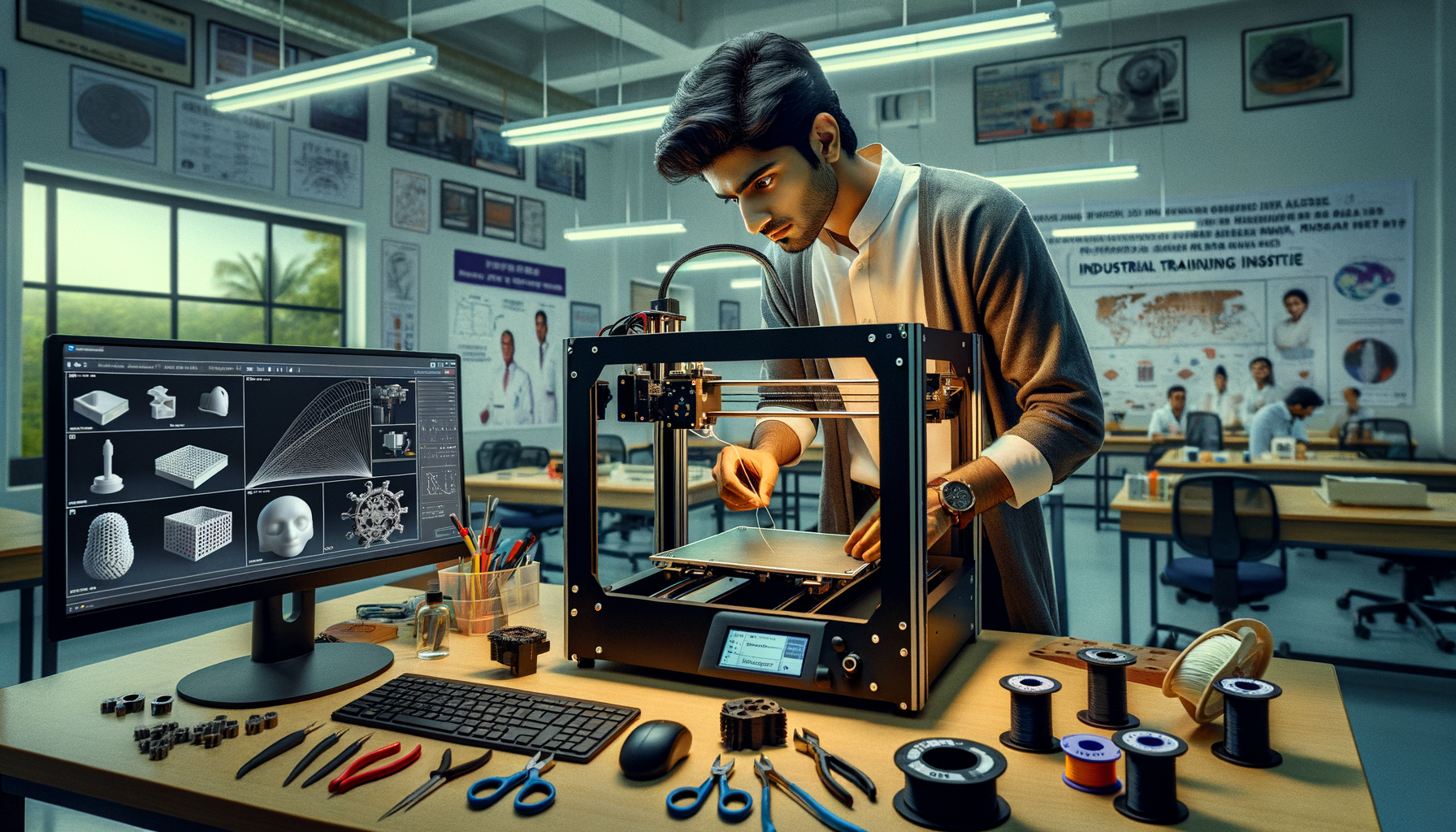
3D printer operating techniques in India are no longer just about switching on the machine, loading filament, and pressing print. If you already know the basics, here's the thing: the real jump in print quality, repeatability, and job readiness comes from how you operate the printer before, during, and after the print. In training labs and production environments across Pune, Chhatrapati Sambhajinagar, and Sangli, advanced printer handling matters just as much as design skills. This guide is for learners who want cleaner parts, fewer failures, and a workflow that actually matches industry expectations in 2026.

What does advanced 3D printer operation actually mean?
Most beginners think operating a 3D printer means basic setup. What most people don't realize is that advanced operation is about process control. That includes machine inspection, filament condition, slicer strategy, thermal behavior, bed surface management, and real-time correction while printing.
If you're working on FDM printers like Creality Ender 3 V3, Bambu Lab P1S, Ultimaker S7, or industrial training setups commonly seen in Indian institutes, the operator's decisions directly affect dimensional accuracy and surface finish. Trust me, two students can use the same STL file and same printer, and still get very different results because their operating method is different.
How should you set up a 3D printer before every serious print job?
Start with a repeatable pre-print checklist. Don't skip this, especially if the machine is shared in a lab.
Inspect the mechanical system
Check belt tension, wheel movement, lead screw cleanliness, gantry alignment, and free movement on all axes. A slightly loose X-axis belt can cause ringing. A dirty Z screw can create layer inconsistency. In many training labs, print quality issues are wrongly blamed on slicer settings when the real issue is mechanical drift.
Confirm nozzle and bed condition
Look for carbonized filament around the nozzle, partial clog signs, and scratches or residue on the build plate. For PLA and PETG work, a clean PEI sheet or glass bed makes a big difference. Use isopropyl alcohol where recommended. Don't use random cleaners that leave residue.
Control filament health
Filament moisture is a major issue in Maharashtra, especially during monsoon in Pune and Sangli. If PLA pops, PETG strings excessively, or nylon prints weak, suspect moisture first. Dry filament before critical jobs. The good news is, even a basic filament dryer can save hours of failed printing and material waste.
Which slicer settings matter most for advanced 3D printer operation?
Once the machine is physically ready, your slicer becomes the control center. Cura, PrusaSlicer, Bambu Studio, and OrcaSlicer are widely used in India in 2026. Basic users touch only layer height and infill. Power users go much deeper.
Line width and wall strategy
Don't always keep line width equal to nozzle diameter. For a 0.4 mm nozzle, a 0.42 to 0.48 mm line width can improve wall bonding and reduce print time. For functional parts, increase wall count before increasing infill. A part with 4 walls and 25% gyroid infill is often stronger than one with 2 walls and 50% infill.
Top and bottom layer tuning
If your top surface has pillowing, increase top layers and improve cooling. For visual models, use more top layers with a lower top skin speed. For engineering components, prioritize dimensional consistency over cosmetic speed gains.
Temperature towers and speed mapping
Don't guess nozzle temperature. Run a temperature tower for each filament brand. Indian users often switch between Numakers, WOL3D, 3Ding, and imported filaments, and each behaves differently. PLA may print well at 200°C on one machine and 215°C on another. Also tune outer wall speed, infill speed, and first-layer speed separately instead of using one flat print speed.
Retraction and travel optimization
Stringing is not solved by retraction alone. You need to balance nozzle temperature, retraction distance, retraction speed, combing or travel strategy, and filament dryness. Direct drive printers usually need lower retraction than Bowden setups. That's a common mistake advanced users stop making.
How do professionals handle bed leveling and first layer control?
The first layer still decides the entire print, even for advanced users. Automatic bed leveling helps, but don't depend on it blindly.
Set the Z offset properly
A perfect first layer should be slightly compressed, not scraped and not rounded. If the line looks too thin and rough, the nozzle is too close. If lines sit loosely and don't merge, it is too high. Save machine-specific Z offsets for each plate type if your printer allows profiles.
Use first-layer settings as a separate strategy
Reduce first-layer speed, widen first-layer line width slightly, and raise bed temperature if adhesion is borderline. For PLA on PEI, many users succeed around 55-60°C bed temperature, but don't copy values blindly. Ambient room temperature and airflow matter.
Manage build plate adhesion intelligently
Use glue stick, brim, raft, or textured plate only when needed. Too much adhesion can damage parts or the build surface. For PETG, direct printing on some surfaces can bond too aggressively, so use a release layer where recommended.
How do you monitor and control a print while it is running?
Experienced operators don't walk away after pressing print. They watch the first few layers, then monitor key risk points.
Listen to the printer. Clicking from the extruder can indicate under-extrusion. Repeated scraping may mean warping or incorrect Z movement. Layer shifts often begin with belt issues or collisions against curled edges. If you're using OctoPrint or built-in monitoring on newer machines, review temperature graphs and progress behavior instead of only checking visually.
For long prints, inspect support interfaces, bridge quality, and corner lift in the early stage. If failure is clearly developing, stop the print early. That's not a loss; it's good machine discipline.
What workflow improves print consistency for batch jobs and prototypes?
If you're printing multiple iterations for product design, student projects, or small-batch parts, create an operator workflow rather than treating every print as a fresh experiment.
Use print profiles by material and nozzle
Create saved presets for PLA 0.4 mm, PETG 0.4 mm, PLA 0.6 mm, and draft mode separately. Include temperature, cooling, line width, and speed values. This saves time and reduces random errors.
Document failures and corrections
Keep a simple log: material brand, nozzle size, layer height, issue, and fix. This is exactly how disciplined labs and companies build repeatability. Teams working in product development environments at Bosch, Siemens, Tata Technologies, and Mahindra Engineering value this mindset because it reduces trial-and-error cost.
Standardize orientation decisions
Part orientation affects strength, support use, surface finish, and print time. Don't orient only for looks. For functional parts, align layers based on load direction. If a clip or bracket takes force across layer lines, it may fail sooner.
What settings do industry-focused learners in Maharashtra usually ignore?
Here's one advanced truth: many students focus on software screenshots but ignore machine behavior. Industry hiring teams care about both. If you're applying for prototyping, CAD, or additive manufacturing roles in Pune, Nashik, Mumbai, or Aurangabad region companies, you'll stand out if you understand extrusion flow, calibration, tolerances, and print validation.
Another overlooked area is dimensional compensation. Holes often print undersized. External dimensions may vary slightly by material and cooling. You should know when to adjust horizontal expansion, elephant foot compensation, and tolerance clearance in the model or slicer.
Salary-wise, freshers with practical additive manufacturing skills in India typically start around ₹2.4 lakh to ₹4.2 lakh per year, while skilled operators, prototyping technicians, and application support professionals can move toward ₹4.8 lakh to ₹7.5 lakh with strong machine handling and documentation skills. In companies connected to automotive, tooling, and product development around Pune, Chakan, and Hinjawadi, real hands-on operating ability matters.
Where can you learn advanced 3D printer operation in Maharashtra?
If you want structured practice instead of random YouTube experimentation, look for training that includes setup, slicing, calibration, supervised printing, and troubleshooting. At ABC Trainings, learners typically benefit most when they move beyond theory and actually operate machines under guided conditions. That's where confidence builds fast.
If you want to understand 3D printer setup, print control, and additive manufacturing workflows in a practical way, you can contact ABC Trainings at 8698270088 or WhatsApp 7774002496. For students from Pune, Chhatrapati Sambhajinagar, and Sangli, this kind of guided lab training can shorten the learning curve a lot.
Final operating mindset for serious 3D printing learners
The good news is that advanced 3D printer operation isn't about expensive machines alone. It's about disciplined setup, controlled slicing, careful first-layer tuning, and smart monitoring. Once you build that habit, your prints become more predictable, your troubleshooting gets faster, and your skills become useful in real engineering environments. That's the difference between someone who has used a printer and someone who can actually run one well.
Which 3D printer is best for advanced learning in Maharashtra in 2026?
For advanced learning, a printer with manual controls plus slicer flexibility is ideal. Machines like the Creality Ender series, Bambu Lab models, and Prusa-based setups are commonly used for skill development because they teach calibration, material behavior, and print tuning. If you're learning for jobs, choose a setup where you can actually adjust parameters instead of using only one-click printing. That gives you stronger industry-ready knowledge.
Do companies in Pune hire students with 3D printer operating skills?
Yes, especially in prototyping, product development, tooling support, and design labs. Companies connected to automotive, manufacturing, and engineering services around Pune look for candidates who can handle machine setup, slicing, print validation, and basic maintenance. If you combine CAD software with practical additive manufacturing knowledge, your chances improve. Strong portfolio parts and documented print trials help a lot.
What is the salary after learning additive manufacturing and 3D printing in India?
Freshers usually start around ₹2.4 lakh to ₹4.2 lakh per year depending on city, company type, and whether they know only theory or actual machine operation. With hands-on printer management, slicing expertise, and prototype handling, salaries can move to ₹4.8 lakh to ₹7.5 lakh in specialized roles. Pune and Mumbai generally offer better growth than smaller cities. Your software plus machine combination affects pay strongly.
Can I learn advanced 3D printer operation without an engineering degree?
Yes, if you can understand machine setup, materials, slicing, and troubleshooting clearly. Many learners from diploma, ITI, BSc, design, and vocational backgrounds do well in additive manufacturing when they build practical skills. Employers often value hands-on competence more than degree title for operator and technician roles. A guided course with lab access makes learning much easier.
Visit Our Centers
Chhatrapati Sambhajinagar
Corporate Office (HQ)
2nd Floor, Kandi Towers, Jalna Road, Amarpreet Chowk, Chhatrapati Sambhajinagar, Maharashtra 431001
Osmanpura Branch
Plot No 14, Shanya Sect, Near Sant Eknath Rang Mandir, Osmanpura, Chhatrapati Sambhajinagar, Maharashtra 431005
CIDCO Branch
Plot No 4, N-3, Cidco, Opp. High Court, Chhatrapati Sambhajinagar, Maharashtra 431003
Pune
Wagholi Branch
1st Floor, ABC Trainings, Laxmi Datta Arcade, Pune - Ahilyanagar Hwy, Wagholi, Pune, Maharashtra 412207
Hadapsar Branch
Bloom Hotel, ABC Trainings 1st Floor, S.no 156/3 Shree Tower Pune - Solapur Rd, Hadapsar, Pune, Maharashtra 411028
Sangli
Sangli Branch
2nd Floor, Vasant Market, Opp. City High School, Sangli, Maharashtra 416416
Start Your Career Journey Today
Join 10,000+ students who transformed their careers with ABC Trainings.
💬 WhatsApp: 7774002496📞 Call: 8698270088