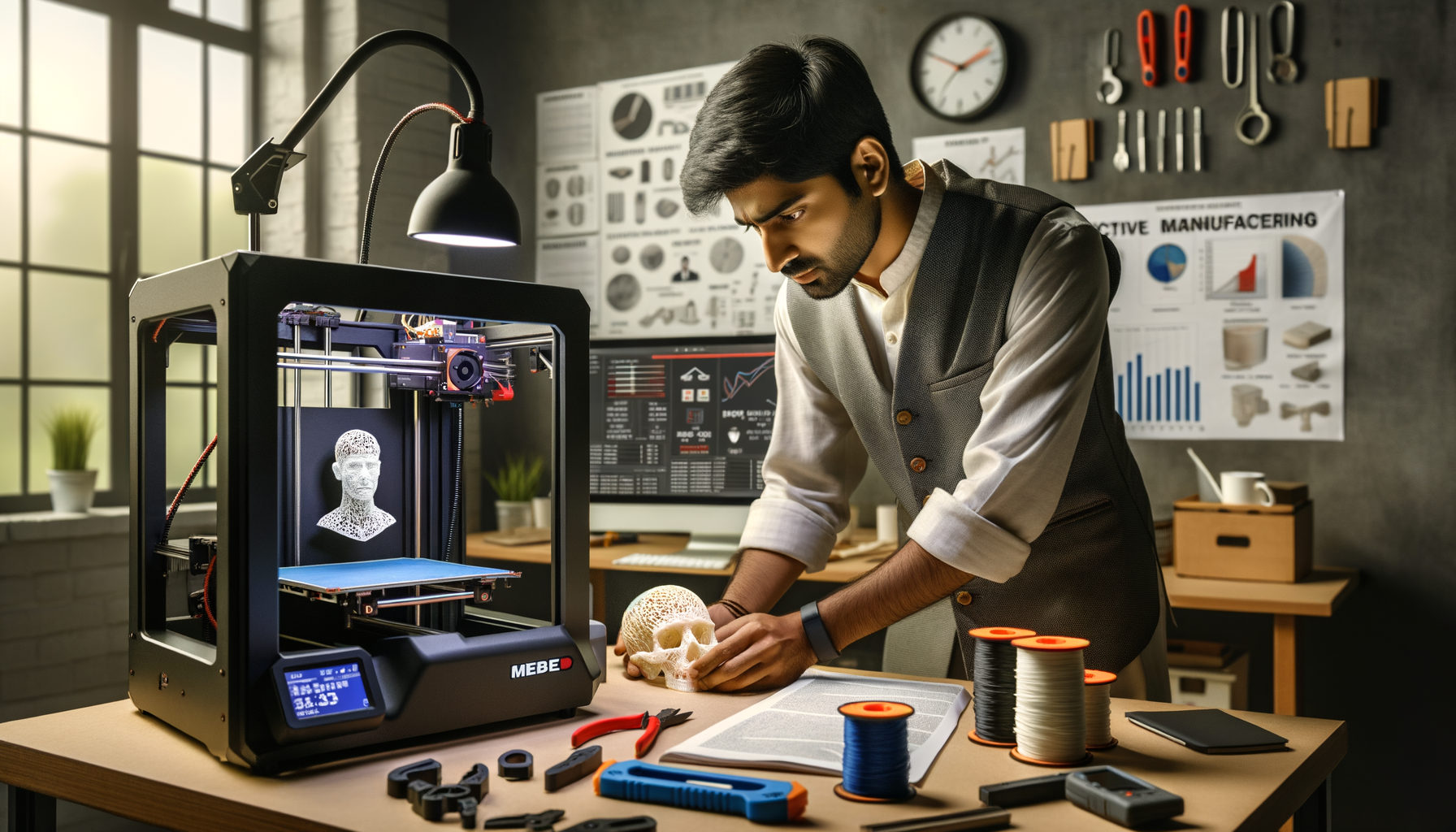
If you already know how to load filament, slice a model, and start a print, this is where the real skill begins. 3D printing failure troubleshooting in India isn't just about spotting defects. It's about reading the machine, understanding material behavior, and fixing the root cause without wasting half a day on trial and error. Here's the thing: most beginners treat every failed print as a random issue. Professionals don't. They use a repeatable diagnosis workflow, and that's exactly what you'll learn here.

In real production environments across Pune, Chhatrapati Sambhajinagar, and Sangli, whether you're prototyping for automotive vendors or working on student projects, print failures cost time, filament, electricity, and client confidence. Trust me, once you move beyond hobby printing, your troubleshooting method matters as much as your CAD model. That's why at places like ABC Trainings, we push students to understand failure patterns, not just memorize settings.
Why do 3D prints fail even when basic settings look correct?
What most people don't realize is that many print failures are not caused by one wrong setting. They're caused by a bad combination of acceptable settings. A nozzle temperature that works for PLA at 50 mm/s may fail at 90 mm/s. A bed level that looks fine on a small calibration square may fail on a large flat part. A cooling setup that works in winter in Pune may not behave the same way in peak summer in Maharashtra.
So your troubleshooting has to start with four variables together: material, motion, heat, and first-layer stability. If you don't isolate these, you'll keep making random slicer changes and the problem will keep coming back.
How do professionals diagnose 3D printing failures faster?
Use a fixed sequence. Don't jump straight into changing ten slicer values.
- Read the defect visually – Is it happening on layer one, mid-print, or top surfaces?
- Check whether it's thermal, mechanical, or material-related.
- Verify one hardware point – nozzle, bed, belts, fans, extruder tension.
- Change only one slicer group at a time – temperature, speed, retraction, flow, cooling.
- Run a short validation print – not the full part.
The good news is, this approach works whether you're using an entry-level FDM printer or a better enclosed setup for ABS and PETG. It's the same mindset used in serious prototyping teams at companies such as Tata Technologies, Mahindra Engineering, Bosch, and Siemens when validating printed fixtures or concept parts.
How do you fix first layer failure and bed adhesion issues?
First layer problems still affect advanced users because the real issue is often not bed leveling alone. It can be nozzle gap, bed contamination, first-layer speed, cooling, or part geometry.
Advanced fixes that actually work
Reduce first-layer speed to 15-20 mm/s for critical parts. If you're printing functional prototypes, don't rush layer one.
Increase first-layer line width to 110%-120% of nozzle diameter. This gives better contact and compensates for tiny leveling errors.
Lower cooling fan for the first 2-3 layers. Too much cooling causes premature solidification and weak adhesion.
Clean the bed properly with isopropyl alcohol. Finger oils are enough to ruin adhesion.
Use the right bed temperature. PLA often works around 50-60°C, PETG around 70-80°C, ABS around 90-110°C depending on your printer and bed sheet.
Add brims for long-edge parts. Large flat geometries are more likely to lift during thermal contraction.
If you're still getting inconsistent first layers, check Z-offset repeatability and gantry alignment. Trust me, many users keep adjusting slicer settings when the printer frame or bed carriage is the actual problem.
How do you troubleshoot warping and corner lifting on larger parts?
Warping is a thermal control problem, not just a bed adhesion problem. That's where many users go wrong. The print sticks in the beginning, then corners lift because shrinkage stress becomes stronger than bed grip.
Pro workflow for warping control
For PLA, reduce sudden cooling and avoid placing the printer near fans or open windows. For PETG, don't overcool the first layers. For ABS, use an enclosure whenever possible. Open-frame ABS printing in Indian summer or monsoon humidity gives unpredictable results.
Also check these:
- Bed temperature stability across the full surface
- Whether the part is too close to the bed edge
- Infill density creating excess internal stress
- Sharp corners that need fillets in the CAD model
Here's the thing: sometimes the best fix is not in the slicer. It's in the design. Adding mouse ears, corner tabs, or small radii often solves lifting faster than increasing bed heat.
How do you fix stringing, blobs, and poor surface finish?
Stringing usually points to a retraction and temperature balance issue, but advanced troubleshooting goes deeper than that. Wet filament, nozzle wear, and travel path planning also matter.
What to check first
Dry the filament. In Indian conditions, especially during monsoon, PLA and PETG absorb moisture faster than many users expect. Wet filament causes stringing, popping sounds, and rough surfaces.
Run a temperature tower. A nozzle at 220°C may be fine for one PETG brand and terrible for another.
Tune retraction by extruder type. Direct drive and Bowden systems need different values. Don't copy settings blindly from YouTube comments.
Enable combing or optimized travel in Cura or PrusaSlicer to reduce unnecessary nozzle crossing.
Inspect the nozzle tip. A partially worn or carbon-coated nozzle causes inconsistent flow and blobs.
For advanced users, pressure advance or linear advance tuning can improve corner sharpness and reduce over-extrusion artifacts during speed changes.
Why do layer shifts and skipped layers happen mid-print?
Layer shifts are usually mechanical, but not always. Yes, belts, pulleys, and motor current matter. But slicer acceleration, jerk settings, cable drag, and collisions with curled-up edges can also trigger shifts.
Advanced diagnosis for motion issues
- Check belt tension on X and Y axes. Too loose causes play; too tight stresses motors.
- Inspect grub screws on motor pulleys. A loose pulley can look like random shifting.
- Reduce acceleration for tall or heavy parts.
- Watch for nozzle collisions caused by warping or support scars.
- Check whether the spool path is creating intermittent drag.
What most people don't realize is that a print can fail mechanically because of a thermal issue. A warped edge rises, the nozzle hits it, and then the axis skips. That's why isolated troubleshooting matters.
How do you handle under-extrusion, clogs, and weak layers?
Under-extrusion is one of the most expensive print problems because it wastes time before the defect becomes obvious. You'll see gaps, weak infill, thin walls, or poor bonding between layers.
Professional checks for extrusion consistency
Calibrate E-steps and flow separately. E-steps correct machine movement; flow corrects material behavior.
Check nozzle clogging from burnt material, dust, or degraded filament. A cold pull can help, but sometimes replacing the nozzle is faster.
Review extruder tension. Too much tension grinds filament; too little causes slipping.
Match speed to hotend capacity. If volumetric flow exceeds the hotend's melt capability, under-extrusion begins even though temperature looks normal.
Use stronger layer bonding settings for functional parts. Slightly higher nozzle temperature and lower cooling can improve interlayer strength.
This matters if you're printing jigs, housings, or fit-check models for manufacturing environments linked to companies like Bajaj Auto, Thermax, Kirloskar, or L&T.
What slicer settings do advanced users tune first in 2026?
If you're using Cura 5.x, PrusaSlicer, or Bambu Studio in 2026, don't start by changing everything. Focus on the settings with the highest impact:
- Nozzle temperature by material brand
- Bed temperature by plate type
- First-layer speed and width
- Retraction distance and speed
- Cooling fan curve, not just fan percentage
- Outer wall speed for finish quality
- Acceleration and travel control
- Support interface density for clean removal
The good news is, once you build tested material profiles, your troubleshooting becomes much faster. Save profiles by filament brand, nozzle size, and print purpose. Don't keep one generic PLA profile for everything.
How can you build an industry-ready troubleshooting workflow in Maharashtra?
If you're serious about additive manufacturing careers, treat every failure as data. Maintain a print log with machine, filament batch, humidity condition, slicer version, and final fix. That's how professionals work. It's also how students stand out in interviews with firms in Pune, Nashik, Aurangabad region, and Mumbai.
At ABC Trainings, we tell students to create a troubleshooting portfolio, not just a model portfolio. Anyone can show a clean final print. A smarter candidate can explain why a print failed, how they diagnosed it, and what settings solved it. Trust me, that sounds far more credible in front of employers.
Freshers with practical additive manufacturing skills in Maharashtra can typically start around ₹2.4 lakh to ₹4.2 lakh per year. With stronger troubleshooting, machine handling, and production support skills, roles can move toward ₹4.5 lakh to ₹7 lakh, especially in prototyping, tooling support, and R&D environments. For course details, call 8698270088 or WhatsApp 7774002496.
Is 3D printing troubleshooting enough to get a job in Pune in 2026?
It's a strong practical skill, but by itself it's usually not enough. Employers in Pune prefer candidates who can also handle slicing, machine setup, basic CAD edits, material selection, and print inspection. If you can explain failures clearly and show corrected outputs, you'll have a much better chance in prototyping and lab support roles.
Which material is hardest to troubleshoot for beginners in India?
ABS is usually harder than PLA because it needs better thermal control, enclosure management, and warp prevention. PETG also confuses many learners because it can string heavily and stick too aggressively to some bed surfaces. For beginners in Maharashtra, PLA is the easiest starting point, but advanced users should learn PETG and ABS behavior as well.
What software should I use for advanced 3D printing troubleshooting?
For most users, Cura 5.x and PrusaSlicer are enough to learn serious troubleshooting because they expose key controls for temperature, retraction, cooling, acceleration, and support tuning. If you're using a specific printer ecosystem, its native slicer may also work well. The important part isn't the brand of software, it's whether you understand what each setting changes physically during the print.
Where can I learn additive manufacturing practically in Maharashtra?
Look for training that includes real machine handling, failure analysis, slicer tuning, and material testing, not just theory. ABC Trainings supports learners who want job-focused practical exposure in Maharashtra and helps bridge the gap between classroom knowledge and actual print-floor problem solving. You can call 8698270088 or WhatsApp 7774002496 to check current batches.
Visit Our Centers
Chhatrapati Sambhajinagar
Corporate Office (HQ)
2nd Floor, Kandi Towers, Jalna Road, Amarpreet Chowk, Chhatrapati Sambhajinagar, Maharashtra 431001
Osmanpura Branch
Plot No 14, Shanya Sect, Near Sant Eknath Rang Mandir, Osmanpura, Chhatrapati Sambhajinagar, Maharashtra 431005
CIDCO Branch
Plot No 4, N-3, Cidco, Opp. High Court, Chhatrapati Sambhajinagar, Maharashtra 431003
Pune
Wagholi Branch
1st Floor, ABC Trainings, Laxmi Datta Arcade, Pune - Ahilyanagar Hwy, Wagholi, Pune, Maharashtra 412207
Hadapsar Branch
Bloom Hotel, ABC Trainings 1st Floor, S.no 156/3 Shree Tower Pune - Solapur Rd, Hadapsar, Pune, Maharashtra 411028
Sangli
Sangli Branch
2nd Floor, Vasant Market, Opp. City High School, Sangli, Maharashtra 416416
Start Your Career Journey Today
Join 10,000+ students who transformed their careers with ABC Trainings.
💬 WhatsApp: 7774002496📞 Call: 8698270088