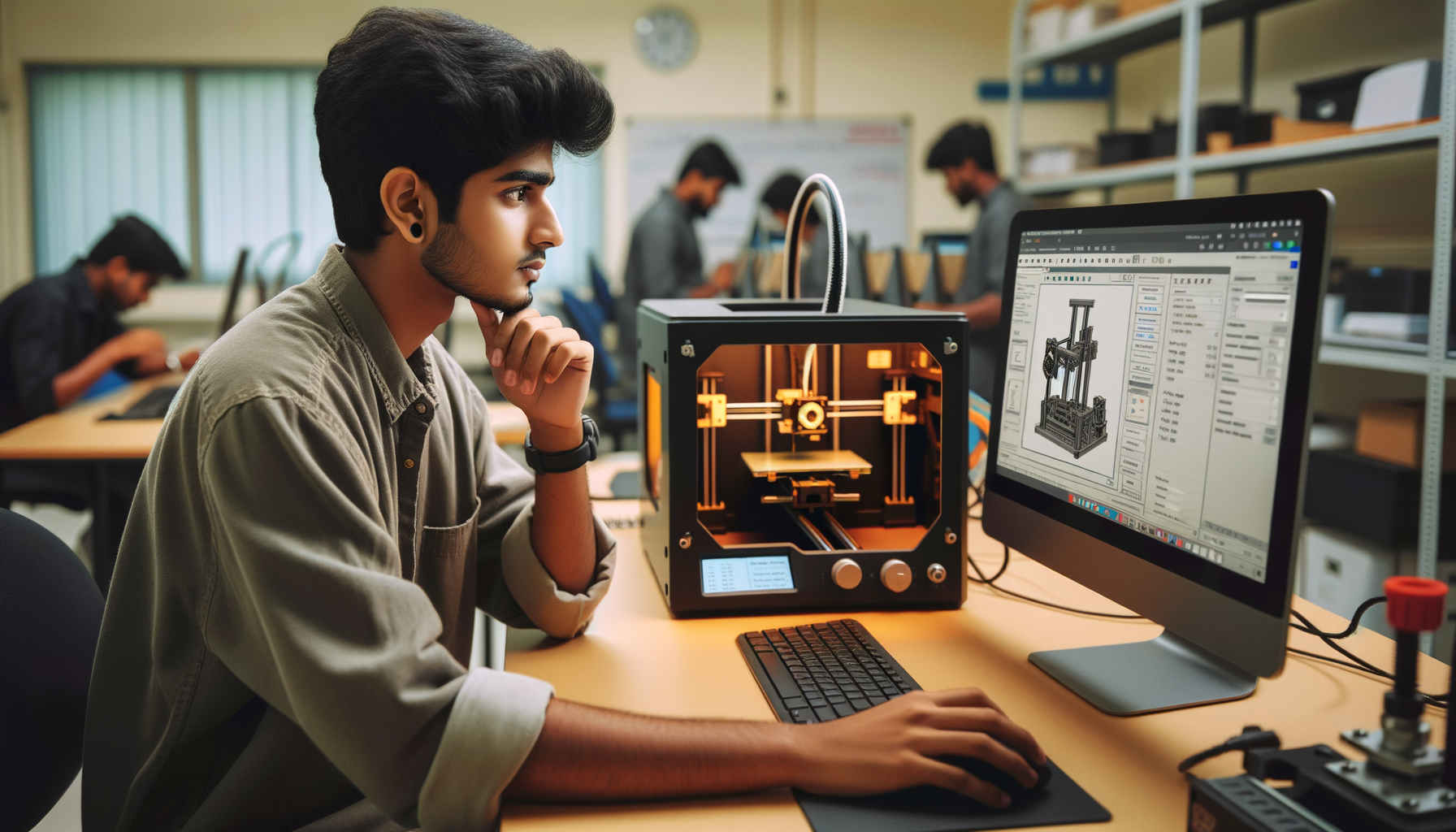
If you already know the basics of additive manufacturing, this is where things start getting interesting. Advanced 3D design and print workflow in India isn't just about making a model and clicking print. It's about designing for printability, controlling tolerances, choosing the right orientation, and setting up your slicer so the final part actually works in the real world. Here's the thing: most beginners focus on shape, but professionals focus on function, repeatability, and print efficiency. That's the gap this guide will help you close.

If you're aiming for work in prototyping, product development, tooling, or model making in Pune, Chhatrapati Sambhajinagar, Sangli, or even with companies connected to automotive and engineering ecosystems like Tata Technologies, Mahindra Engineering, Bajaj Auto, Bosch, Siemens, and L&T, these are the deeper skills that matter. At ABC Trainings, we see many students who know the basics of FDM printing but get stuck when parts warp, holes print undersized, or assemblies don't fit. Trust me, once you understand the advanced workflow, your print success rate changes completely.
What is the advanced 3D design and print workflow?
The advanced workflow starts before the slicer. You begin with design intent: is the part visual, functional, load-bearing, heat-exposed, or part of an assembly? That decides material, tolerances, wall thickness, and print orientation. Then comes CAD preparation, STL export quality, slicer setup, machine calibration, test prints, and post-processing.
What most people don't realize is that bad prints often come from CAD decisions made too early. A sharp internal corner, a paper-thin wall, unsupported overhangs, or badly placed holes can make even a well-calibrated printer struggle. So if you want professional results, stop treating design and printing as separate tasks. They are one workflow.
How should you design a 3D model for accurate printing?
Start with dimensions that match real manufacturing logic. For FDM printing, avoid designing walls thinner than your nozzle can reliably produce. If you're using a 0.4 mm nozzle, practical wall sizes like 0.8 mm, 1.2 mm, or 1.6 mm usually work better because they align with line width multiples. That's a small detail, but the good news is it improves print consistency immediately.
For holes, don't assume a 10 mm CAD hole will print at exactly 10 mm. FDM printers often make internal holes slightly undersized. For fit-critical parts, add compensation or plan a finishing pass like reaming or drilling. For snap-fit parts, test the material's flexibility first. PLA is easy to print, but PETG often handles repeated flexing better.
Add fillets to internal stress areas. Chamfer the base edges slightly if elephant's foot is a recurring issue. Split large parts intelligently if your build volume is limited. And if the model is part of an assembly, design alignment features like pins, slots, or tongue-and-groove joints rather than relying only on glue.
Which slicer settings matter most for advanced users?
If you're past the beginner stage, focus on the settings that affect strength, dimensional control, print time, and surface quality. Layer height is not just about detail. A 0.12 mm layer may look better, but a 0.2 mm or 0.28 mm layer can be smarter for faster prototypes. Nozzle size also changes your whole strategy. A 0.6 mm nozzle is excellent for stronger, faster functional prints.
Wall count matters more than infill in many parts. If you're printing a bracket or enclosure, increasing walls from 2 to 4 can help more than pushing infill from 20% to 60%. Top and bottom layers also need attention, especially on larger flat surfaces where pillowing can show up.
Use adaptive supports where your slicer allows it. Tune support interface layers for cleaner removal. Adjust retraction based on material and extruder type. Fine-tune flow rate if dimensions are consistently off. In Cura, PrusaSlicer, or Bambu Studio, advanced users should save material-specific profiles rather than changing random settings every time.
How do professionals choose print orientation?
Orientation decides strength, support usage, print time, and finish quality. That's why it's one of the most important advanced decisions in additive manufacturing. FDM parts are weaker between layers than within a layer, so place the part based on real loading conditions. If a hook will carry load downward, don't print it in an orientation where layer lines become the failure point.
Also think about visible faces and support scars. If the top face is customer-facing, orient the part so supports don't touch that area. For circular features, a vertical orientation may improve roundness in some cases, but it can also increase print time and wobble risk. There is no universal rule. You balance function, speed, and finish.
Trust me, one of the fastest ways to improve print quality is to stop accepting the default orientation. Rotate the model, inspect overhangs, and think like the printer.
How do you manage tolerances and fit in real projects?
Tolerance is where beginners become professionals. If two printed parts must slide together, rotate together, or press-fit together, you need planned clearance. For many FDM applications, clearances in the range of 0.2 mm to 0.5 mm may be tested depending on printer condition, material, and part size. Don't guess. Print a tolerance test coupon first.
For threaded features, printed threads can work on larger diameters, but for repeated use, threaded inserts are often the better option. For shafts and bearings, consider whether the printed part is only a housing or whether it must handle wear. In production support roles at companies like Kirloskar, Thermax, or Siemens vendors, reliability matters more than a perfect-looking first print.
Use calibration cubes, hole tests, and fit gauges as part of your workflow. What most people don't realize is that advanced printing is often about controlled testing, not just advanced software knowledge.
Which materials should you choose for different applications?
PLA is still useful for concept models, fixtures with light use, and presentation parts. PETG is a strong middle ground for functional prototypes, covers, and utility parts because it has better toughness and heat resistance than PLA. ABS and ASA are useful where higher temperature resistance matters, but they need better enclosure control and ventilation.
If you're printing jigs, mounts, or machine-side accessories, material choice should match the environment. A part near heat, vibration, or oils needs a different approach than a college prototype. That's exactly the kind of thinking employers value. In Maharashtra's manufacturing belt, from Pune to Chakan to Aurangabad region, practical material selection is a real shop-floor skill.
How do you reduce failures, warping, and weak parts?
Use a structured troubleshooting method. If corners lift, check bed temperature, first-layer squish, enclosure conditions, and part geometry. If layers split, look at nozzle temperature, cooling, and material dryness. If surfaces show blobs or stringing, tune retraction, temperature, and travel moves.
Dry filament when needed. PETG, Nylon, and even some PLA spools can absorb moisture and print poorly. Clean the bed surface properly. Recheck Z-offset. Confirm belt tension and extrusion consistency. Advanced users don't just react to defects; they identify the root cause quickly.
The good news is that once your process becomes repeatable, you waste less material and save serious time. That's important whether you're freelancing, building a portfolio, or preparing for interviews.
What skills do Indian employers expect in advanced 3D printing roles?
For entry-level additive manufacturing, prototyping, and CAD-linked print roles in India, employers usually expect more than machine operation. They want people who understand CAD cleanup, STL export, slicer logic, machine setup, print troubleshooting, and basic post-processing. If you can explain why a part was oriented a certain way, why PETG was chosen over PLA, and how you corrected tolerance mismatch, you'll stand out.
In Pune, junior roles linked to prototyping labs or product teams may start around ₹2.4 lakh to ₹3.6 lakh per year. With stronger CAD plus additive manufacturing skills, many professionals move toward ₹4.5 lakh to ₹6.5 lakh packages, especially when they support design validation, tooling prototypes, or manufacturing aids. In firms connected to automotive and engineering services such as Tata Technologies, KPIT Technologies, Mahindra Engineering, or supplier ecosystems around Bosch and Bajaj Auto, practical problem-solving carries real value.
Where can you learn advanced 3D printing workflow in Maharashtra?
If you want structured practice instead of random trial and error, learn in a setup where design and print are taught together. That's the difference. At ABC Trainings, students work on workflow thinking: model planning, slicer strategy, print settings, and troubleshooting logic. If you're based in Pune, Chhatrapati Sambhajinagar, or Sangli and want to go beyond beginner-level printing, call 8698270088 or WhatsApp 7774002496 to check the latest batch details.
Here's the thing: advanced 3D printing isn't about memorizing settings. It's about making smart decisions repeatedly. Once you build that habit, your prints get better, faster, and more job-ready.
Which software should I learn first for advanced 3D printing in India?
Start with one solid CAD tool and one slicer you can control properly. Fusion 360, SolidWorks, or similar CAD platforms are useful for parametric design, while Cura, PrusaSlicer, or Bambu Studio help you understand print strategy. If you're a student in Maharashtra, don't jump between too many tools at once. Learn one workflow deeply, then expand.
Is advanced 3D printing a good career option in Pune in 2026?
Yes, especially if you combine it with CAD, product design, tooling, or manufacturing support. Pune has strong automotive, industrial design, and engineering service demand, so additive manufacturing skills can support prototyping and development roles. On its own, 3D printing is niche, but paired with design and problem-solving, it's much stronger.
How much salary can a 3D printing professional earn in Maharashtra?
Freshers usually start around ₹2.4 lakh to ₹3.6 lakh per year in labs, prototype shops, or support roles. With CAD, slicer expertise, machine troubleshooting, and project experience, salaries often move to ₹4.5 lakh to ₹6.5 lakh per year. Higher packages depend on whether you're handling product development, tooling support, or specialized materials and machines.
Can I learn advanced 3D printing after basic AutoCAD or mechanical design training?
Yes, and that's actually a smart path. If you already understand basic drawing, dimensions, and part logic, you'll pick up design-for-print concepts faster. The key is to shift from only drawing geometry to thinking about orientation, tolerances, material behavior, and real print constraints.
Visit Our Centers
Chhatrapati Sambhajinagar
Corporate Office (HQ)
2nd Floor, Kandi Towers, Jalna Road, Amarpreet Chowk, Chhatrapati Sambhajinagar, Maharashtra 431001
Osmanpura Branch
Plot No 14, Shanya Sect, Near Sant Eknath Rang Mandir, Osmanpura, Chhatrapati Sambhajinagar, Maharashtra 431005
CIDCO Branch
Plot No 4, N-3, Cidco, Opp. High Court, Chhatrapati Sambhajinagar, Maharashtra 431003
Pune
Wagholi Branch
1st Floor, ABC Trainings, Laxmi Datta Arcade, Pune - Ahilyanagar Hwy, Wagholi, Pune, Maharashtra 412207
Hadapsar Branch
Bloom Hotel, ABC Trainings 1st Floor, S.no 156/3 Shree Tower Pune - Solapur Rd, Hadapsar, Pune, Maharashtra 411028
Sangli
Sangli Branch
2nd Floor, Vasant Market, Opp. City High School, Sangli, Maharashtra 416416
Start Your Career Journey Today
Join 10,000+ students who transformed their careers with ABC Trainings.
💬 WhatsApp: 7774002496📞 Call: 8698270088