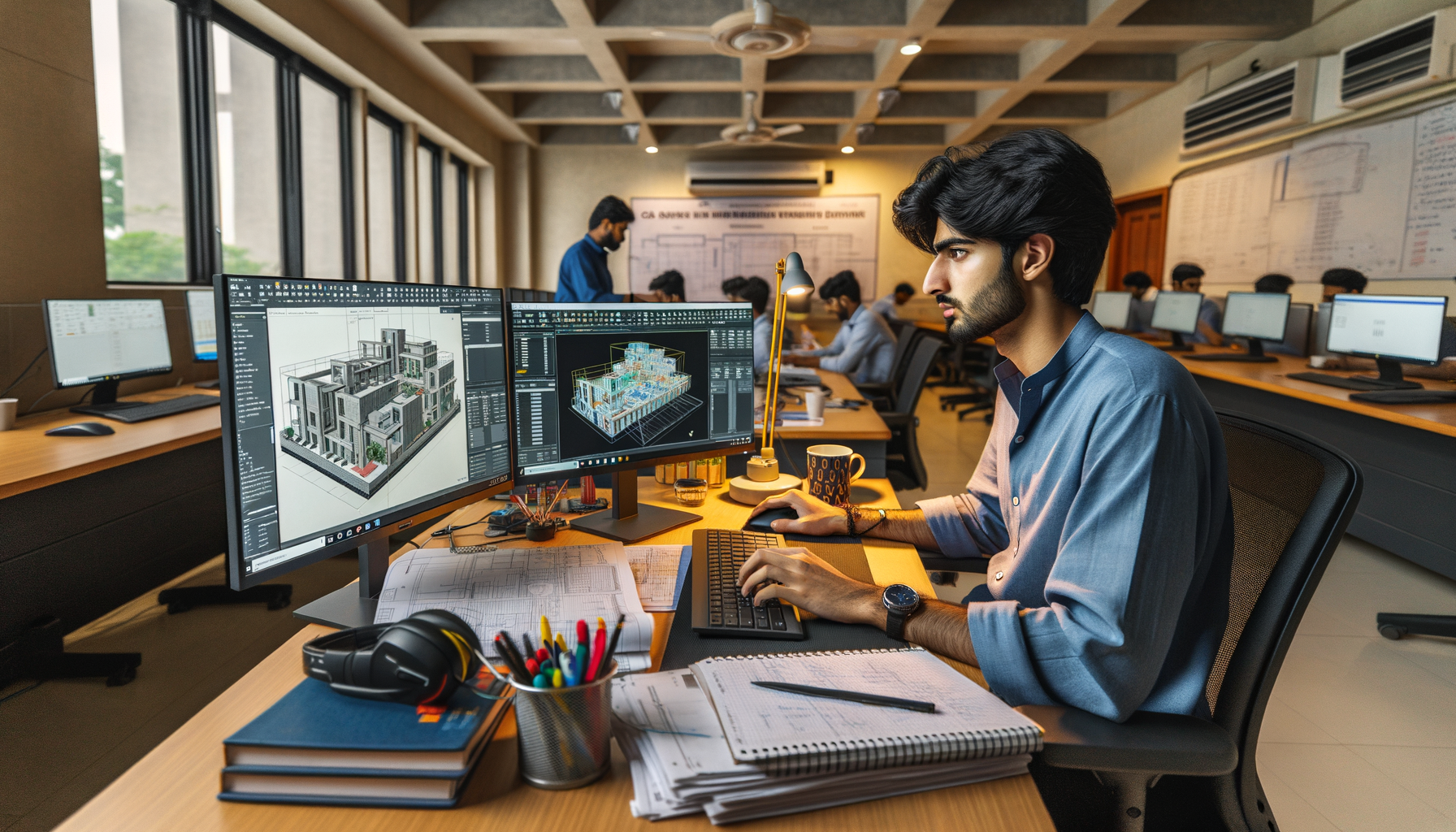
BIM technology is no longer just a nice extra skill on a resume. In India, especially across Maharashtra, companies now expect civil engineers, architects, and MEP professionals to understand BIM workflows, not just 2D drafting. If you already know the basics, this guide goes deeper into advanced BIM technology skills in India for 2026: software connections, coordination methods, model standards, clash detection, quantity workflows, and the job-ready habits that actually matter in offices. Here's the thing: knowing Revit commands is one level. Knowing how BIM works across a real project team is what gets you shortlisted.

What is advanced BIM technology and why does it matter in India?
At the beginner level, most students think BIM means 3D modeling in Revit. That's incomplete. Advanced BIM means managing project information across design, coordination, quantity takeoff, issue tracking, drawing extraction, and revision control. What most people don't realize is that many firms don't hire just for modeling speed. They hire for accuracy, standards, and coordination discipline.
In companies like Tata Technologies, L&T, Siemens, Bosch, and Mahindra Engineering, BIM is used because projects now involve multiple teams working on the same building data. Architects, structural engineers, MEP consultants, quantity teams, and site execution staff all need one coordinated system. That's where BIM becomes valuable.
If you're in Pune, Chhatrapati Sambhajinagar, or Sangli and planning a career in architecture or civil engineering, BIM skills can move you beyond entry-level drafting work. Trust me, firms notice the difference between a student who can model walls and one who understands worksharing, clash reports, and sheet control.
Which BIM software should you master after learning the basics?
Once you've learned core Revit tools, the next step is understanding the BIM software stack. In real projects, one software is never enough. A practical advanced toolkit for 2026 looks like this:
- Autodesk Revit 2024 or 2025 for architectural, structural, and MEP modeling
- Navisworks Manage 2025 for clash detection and model coordination
- AutoCAD 2025 for legacy details, references, and consultant exchange
- Autodesk Construction Cloud or BIM 360 workflows for document and issue tracking
- Microsoft Excel for BOQ checks, schedules, and data cleanup
- Dynamo for repetitive BIM automation
The good news is, you don't need to become an expert in every tool on day one. But you should understand how data moves from one platform to another. That's where advanced users save time and avoid project errors.
How do professionals set up a BIM workflow on real projects?
A professional BIM workflow starts before modeling. First comes project setup: units, levels, grids, naming conventions, view templates, worksets, sheet standards, and family libraries. If these are wrong, the project becomes messy very quickly.
Here's a simple advanced workflow used in many Indian firms:
- Create a clean project template with standard annotation styles and title blocks.
- Set levels and grids based on approved base drawings.
- Link architectural, structural, and MEP models instead of dumping everything into one file.
- Use worksharing correctly so teams can collaborate without corrupting the model.
- Run clash detection in Navisworks at planned milestones, not only at the end.
- Extract sheets, schedules, and quantities from controlled views.
- Track revisions and issues with clear naming and publishing rules.
What most people don't realize is that advanced BIM is about prevention. A well-set model reduces rework, RFIs, and confusion on site.
How does clash detection work in BIM coordination?
Clash detection is one of the biggest reasons companies invest in BIM. In a coordinated model, you can identify where ducts hit beams, pipes cut through columns, or cable trays interfere with false ceiling zones before site work starts.
Using Navisworks Manage, professionals combine architectural, structural, and MEP models and run clash tests by discipline. But advanced coordination isn't just clicking the Clash Detective button. You need proper grouping, tolerance settings, and report filtering. If your tolerance is too tight, you'll get hundreds of useless clashes. If it's too loose, you'll miss real problems.
A smart approach is to classify clashes into critical, moderate, and acceptable conditions. For example, a duct crossing a structural beam is critical. A minor insulation overlap may be acceptable depending on standards. This decision-making ability is exactly what separates freshers from BIM coordinators.
What BIM standards and settings do companies expect in 2026?
Companies expect more than a good-looking model. They want disciplined output. That means:
- Consistent family naming
- Standard parameter usage
- View templates for drawing control
- Sheet naming conventions
- LOD awareness for each project stage
- Clean model audits and purge routines
- Proper linked file management
You'll also hear terms like LOD 100, 200, 300, and 350. Don't memorize them blindly. Understand the practical meaning. LOD 300 means the model is accurate enough for coordinated design documentation. LOD 350 starts showing interfaces between systems in greater detail. If you're aiming for interviews with firms in Pune or Mumbai, you should be able to explain this clearly.
Trust me, interviewers are impressed when you talk about model health, not just 3D views.
How can BIM improve quantity takeoff and project planning?
One major benefit of BIM is data-linked quantity extraction. Walls, slabs, beams, doors, windows, ducts, and fixtures can all feed schedules. But here's the thing: quantities are only reliable when modeling discipline is strong. If families are wrong or parameters are inconsistent, your BOQ will be wrong too.
Advanced users verify quantities in stages. They don't export one schedule and assume it is final. They cross-check with Excel, validate units, review exclusions, and compare against design intent. This matters in contractor environments and consulting roles where estimation support is part of the workflow.
On planning-heavy projects, BIM models are also linked to timelines for 4D simulation. While not every fresher starts there, understanding the concept gives you an edge in infrastructure and large building projects handled by companies like L&T and Thermax.
What BIM jobs can freshers and experienced users target in Maharashtra?
For 2026, the BIM job market in Maharashtra looks strong in Pune, Mumbai, Nashik, Nagpur, and Chhatrapati Sambhajinagar. Common roles include:
- BIM Modeler
- Revit Technician
- BIM Coordinator
- MEP BIM Engineer
- Architectural BIM Specialist
- Structural BIM Engineer
- BIM QA/QC Support
Typical fresher salaries in India range from ₹2.8 lakh to ₹4.8 lakh per year depending on discipline, software confidence, and city. A capable BIM modeler in Pune with strong coordination skills can often reach ₹5.5 lakh to ₹7.5 lakh per year after 2-4 years. BIM coordinators with project experience can move into the ₹8 lakh to ₹12 lakh per year range.
Companies connected to automotive, industrial design, EPC, and building projects such as Bajaj Auto, Kirloskar, Tata Technologies, and Siemens also value BIM-adjacent digital engineering skills when projects demand multi-discipline coordination.
How do you build advanced BIM skills faster?
The fastest growth comes from project-style practice. Don't just model random houses from YouTube. Build a structured workflow: start with shared coordinates, create discipline models, run clashes, extract sheets, and generate schedules. That's how you begin thinking like a professional.
Here are a few efficiency habits I recommend to every serious student:
- Create and reuse view templates instead of formatting views manually every time.
- Use model groups carefully, only where repetition is controlled.
- Clean imported CAD files before linking them into Revit.
- Keep families lightweight and parameter-driven.
- Audit models weekly on large practice files.
- Learn shortcut-driven navigation and browser organization.
- Document every clash and fix in a simple coordination log.
If you want guided practice in Maharashtra, ABC Trainings helps students move from software-only learning to real project workflows. You can call 8698270088 or WhatsApp 7774002496 to understand current BIM training options.
Is BIM technology a long-term career skill or just a trend?
It's a long-term skill. The industry is moving toward coordinated digital delivery, not away from it. Government work, private developers, industrial facilities, and infrastructure projects all benefit from data-driven modeling. The software may evolve, but the workflow mindset will stay valuable.
The good news is, if you start now and go beyond the basics, you'll be ahead of many candidates who only know isolated commands. At ABC Trainings, we've seen students from civil and architecture backgrounds become much more employable once they understand how BIM supports design, coordination, and documentation together.
So if you've already learned basic modeling, your next step is clear: master standards, coordination, software integration, and output control. That's where BIM careers really begin.
Which BIM software should I learn first in Maharashtra if I am from civil engineering?
Start with Autodesk Revit because it is the most widely expected BIM tool for building projects in India. After that, learn Navisworks Manage for clash detection and coordination. If you already know AutoCAD, that helps, but don't stop there. In Pune and Mumbai job markets, Revit plus coordination knowledge gives you a stronger edge than drafting alone.
What salary can a BIM fresher get in Pune or Chhatrapati Sambhajinagar in 2026?
A BIM fresher can usually expect around ₹2.8 lakh to ₹4.8 lakh per year depending on software skills, project understanding, and interview performance. In Pune, salaries can be slightly higher for candidates who know Revit, Navisworks, and documentation standards. If you can explain coordination workflows confidently, your chances improve. Portfolio quality also matters more than many students think.
Is BIM better than only learning AutoCAD for architecture students in India?
For long-term career growth, yes. AutoCAD is still useful for detailing and legacy workflows, but BIM gives you modeling, data, schedules, sheets, and coordination in one process. Many companies now prefer candidates who can work in Revit-based environments. If you know both, you're in a much better position during placements and interviews.
Where can I get BIM training in Maharashtra with job-focused guidance?
Look for an institute that teaches actual project workflow, not just software buttons. You should get training in model setup, standards, clash detection, sheets, schedules, and interview preparation. ABC Trainings offers BIM-focused guidance for students in Maharashtra. You can call 8698270088 or WhatsApp 7774002496 to check the latest batch details.
Visit Our Centers
Chhatrapati Sambhajinagar
Corporate Office (HQ)
2nd Floor, Kandi Towers, Jalna Road, Amarpreet Chowk, Chhatrapati Sambhajinagar, Maharashtra 431001
Osmanpura Branch
Plot No 14, Shanya Sect, Near Sant Eknath Rang Mandir, Osmanpura, Chhatrapati Sambhajinagar, Maharashtra 431005
CIDCO Branch
Plot No 4, N-3, Cidco, Opp. High Court, Chhatrapati Sambhajinagar, Maharashtra 431003
Pune
Wagholi Branch
1st Floor, ABC Trainings, Laxmi Datta Arcade, Pune - Ahilyanagar Hwy, Wagholi, Pune, Maharashtra 412207
Hadapsar Branch
Bloom Hotel, ABC Trainings 1st Floor, S.no 156/3 Shree Tower Pune - Solapur Rd, Hadapsar, Pune, Maharashtra 411028
Sangli
Sangli Branch
2nd Floor, Vasant Market, Opp. City High School, Sangli, Maharashtra 416416
Start Your Career Journey Today
Join 10,000+ students who transformed their careers with ABC Trainings.
💬 WhatsApp: 7774002496📞 Call: 8698270088