
If you're already comfortable with sketches, part modelling, and basic assemblies, this is where things get serious. CATIA, Creo, and SolidWorks training in India isn't just about learning commands anymore—it's about speed, design intent, clean modelling practice, and producing files that actually work inside manufacturing and product development teams. Many mechanical students in Pune, Chhatrapati Sambhajinagar, and Sangli know the basics, but when they face interview tasks or live company assignments, they get stuck on advanced workflows. Here's the thing: companies don't pay for button-clicking. They pay for accuracy, revision control, and problem-solving.
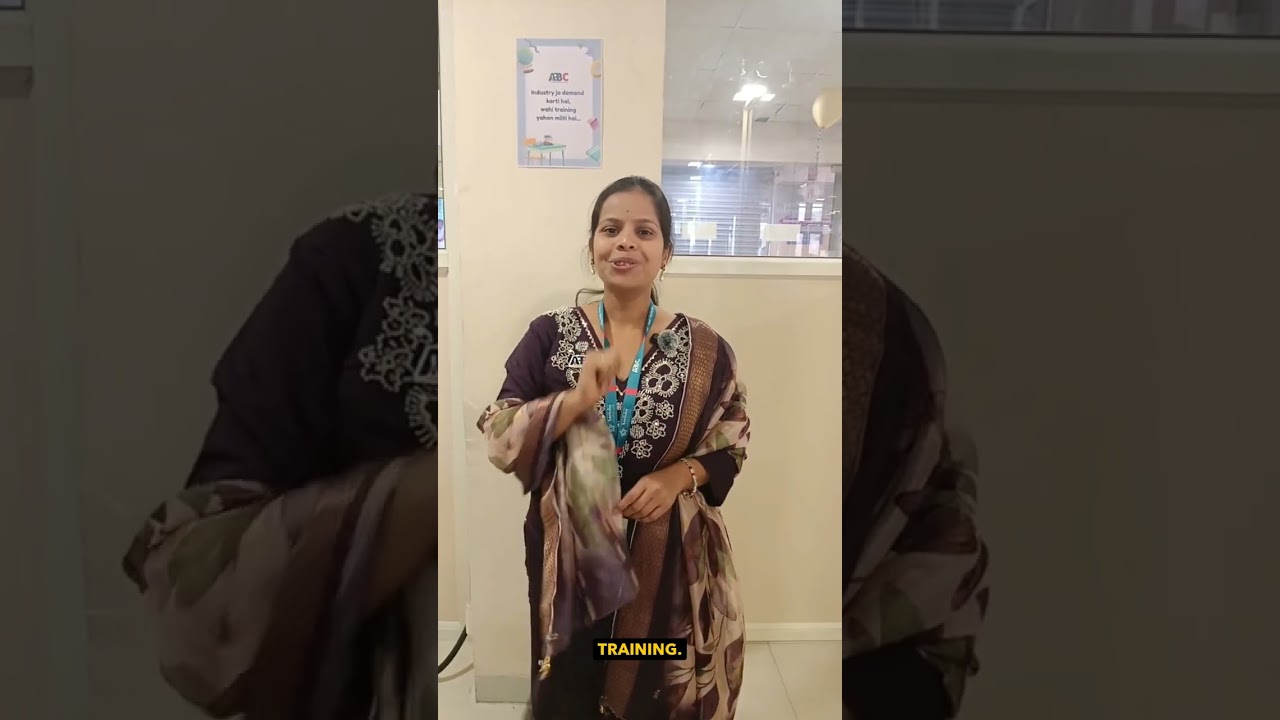
The video highlights a practical point most students ignore: software skill becomes valuable only when you can perform confidently on a live model. That's exactly why advanced hands-on practice matters in tools like CATIA V5, Creo Parametric, and SolidWorks 2024. At ABC Trainings, students are pushed beyond beginner exercises into industry-style modelling, assemblies, drawings, and design change workflows. Trust me, that's what closes the gap between college learning and actual placement readiness.
What advanced CATIA, Creo, and SolidWorks skills do companies expect in 2026?
What most people don't realize is that companies like Tata Technologies, Mahindra Engineering, Bajaj Auto, Bosch, Siemens, KPIT Technologies, Thermax, and Kirloskar rarely care whether you've only made a simple bracket or flange. They want to see whether you can build a model that survives design changes.
By 2026, advanced expectations for mechanical CAD roles in Maharashtra typically include:
- Parametric modelling with clear design intent
- Top-down and bottom-up assembly methods
- Proper feature tree structure and naming discipline
- Sheet metal rules and flat pattern control
- Surface modelling for plastic and consumer product shapes
- GD&T-ready drawings based on ISO standards
- Configuration or family table management
- Interference checks, clearance checks, and motion validation
- Revision-friendly workflows for engineering changes
- Import cleanup for STEP, IGES, and Parasolid files
A fresher with only basic CAD knowledge may see ₹2.4 lakh to ₹3.2 lakh per year offers in smaller firms. But students who can handle advanced modelling, assemblies, and manufacturing drawings often target ₹3.5 lakh to ₹6.5 lakh in Pune, Chakan, Hinjawadi-linked product teams, and industrial clusters around Aurangabad and Sangli. In high-quality design support roles or outsourced engineering teams, it can go higher.
How do you move from basic part modelling to professional parametric design?
The biggest jump happens when you stop modelling for appearance and start modelling for change. The good news is, this can be trained.
In CATIA V5, Creo Parametric 10, and SolidWorks 2024, professional parametric design starts with planning:
- Choose master dimensions first
- Use reference planes smartly instead of stacking random sketches
- Keep sketches fully defined but not overloaded
- Build parent-child relationships carefully
- Avoid fragile external references unless controlled
For example, if you're designing a mounting bracket for an automotive subassembly, don't lock every hole and rib with isolated dimensions. Drive the model with functional references: base width, hole pitch, flange height, material thickness. That way, if Bajaj Auto or Tata Technologies changes a mounting standard, your model updates cleanly instead of collapsing.
Power users also rename critical features, group operations logically, and suppress experimental features before final release. It sounds small, but interviewers notice clean trees immediately.
Which assembly workflows save the most time in CATIA, Creo, and SolidWorks?
If your assembly method is slow, your entire project becomes slow. Here's where advanced users separate themselves.
Use subassemblies with purpose
Don't dump 150 parts into one file and start mating randomly. Build logical subassemblies: fastener group, housing group, shaft group, cover group. This improves performance and makes revisions easier.
Control constraints carefully
In CATIA, over-constraining products creates instability. In Creo, weak constraints can cause placement errors later. In SolidWorks, excessive mates slow rebuilds. Use the minimum required constraints for stable placement.
Run interference checks early
Students usually check clashes at the end. Professionals check during assembly growth. That matters in machinery, fixtures, and packaging equipment design, especially in companies like Siemens, Bosch, and Kirloskar where part fitment affects manufacturing.
Use simplified representations
Large assemblies should use lightweight modes, simplified reps, or speedpak-style strategies depending on software. Trust me, if your system freezes every 5 minutes, your productivity is gone.
How is surfacing used in real mechanical design jobs?
Many students think surfacing is only for industrial design. That's not true. Surfacing is used in plastic housings, ergonomic covers, consumer products, dashboard zones, and smooth transition geometry.
Advanced surfacing work includes:
- Swept and multi-section surfaces
- Boundary and fill surfaces
- Curvature continuity checks
- Trimming and joining with clean edge flow
- Converting surfaces into solid-ready closed volumes
In CATIA V5, Generative Shape Design is still heavily respected. Creo users often work with Style or advanced surface features for controlled geometry. SolidWorks users rely on boundary surfaces, knit, trim, and thickening workflows. What most people don't realize is that even a mechanical design engineer may need surfacing when working on aesthetic covers, cast components, or packaging enclosures.
What drawing and GD&T settings should advanced learners practice?
A model without a production-ready drawing is incomplete. This is where many students lose credibility.
You should practice creating drawings with:
- Correct projection standard
- Section views and detail views
- Tolerance-ready dimensions
- Datums and feature control frames
- BOM and ballooning for assemblies
- Weld symbols where required
- Sheet formats based on company templates
Indian industries commonly expect ISO-based interpretation, though company standards may vary. If you're applying in Pune, Chakan, Pimpri, or industrial belts near Nashik and Aurangabad, you'll often be tested on drawing reading as much as modelling. A student who can explain flatness, perpendicularity, position tolerance, and datum logic has a clear edge.
How do professionals handle imported CAD files and design changes?
This is one of the most practical advanced skills. Real jobs rarely start from a blank file. You'll receive STEP, IGES, Parasolid, or neutral models from vendors, customers, or old projects.
Your workflow should include:
- Geometry healing and gap checks
- Feature recognition where possible
- Reference-based remodelling when imported data is messy
- Change-safe editing instead of direct damage to geometry
- Version naming and revision tracking
Let's say a vendor sends a motor body as STEP and you need to build a mounting frame around it. Don't waste hours trying to force-edit every imported face. Use the imported file as a controlled reference, extract key interfaces, and build your own clean parametric parts around it. That's how experienced users save time.
Which software should mechanical students go deeper into: CATIA, Creo, or SolidWorks?
All three are valuable, but your target industry matters.
- CATIA V5: Strong for automotive, aerospace, complex surfacing, OEM-style workflows
- Creo Parametric: Strong for manufacturing, heavy engineering, configurable product design
- SolidWorks 2024: Strong for machine design, fabrication, SME product companies, fast prototyping
If you're targeting Tata Technologies, automotive vendors, or design teams supporting OEM projects, CATIA is a strong bet. If you're looking at engineering product companies, machinery manufacturers, and industrial component design, Creo is highly useful. If you want broad employability in smaller and mid-sized mechanical firms around Pune, Kolhapur, Sangli, and Nashik, SolidWorks remains practical.
The smartest move? Build strong modelling discipline that transfers across platforms. Software changes. Design logic stays.
How should Maharashtra students practice for placements using advanced CAD tasks?
Don't just collect certificates. Build evidence.
Here's a better advanced practice plan:
- Model one cast component with draft and fillets
- Create one sheet metal enclosure with flat pattern
- Build one 30+ part assembly with BOM
- Prepare one GD&T drawing set
- Reverse engineer one imported STEP model into parametric features
- Make one mini portfolio PDF with screenshots and design notes
At ABC Trainings, this hands-on style matters because employers don't just ask, "Do you know CATIA?" They ask you to prove it. The video's live student demonstration reflects exactly that confidence gap. The more live modelling you do, the better you perform in tests and technical interviews.
If you want structured advanced practice in CATIA, Creo, or SolidWorks, you can contact ABC Trainings at 8698270088 or WhatsApp 7774002496. For students in Pune and nearby areas like Wagholi, practical lab-based training can make a real difference when you're aiming for design roles instead of generic trainee jobs.
Is CATIA better than SolidWorks for jobs in Maharashtra in 2026?
It depends on the company type. CATIA is often preferred in automotive and OEM-linked environments, while SolidWorks is common in machine design, fabrication, and smaller product companies. If you're targeting Pune automotive suppliers or firms connected to Tata Technologies and Mahindra Engineering, CATIA helps. If you're applying broadly across SMEs, SolidWorks is also a strong option.
Can a mechanical student learn Creo after basic SolidWorks knowledge?
Yes, and it's usually easier than starting from zero because the modelling logic carries over. Sketching, constraints, features, assemblies, and drawings follow similar engineering principles even if the interface changes. The key is to focus on design intent, parent-child relationships, and regeneration behavior in Creo. With guided practice, many students adapt within a few weeks.
What salary can I expect after advanced CAD training in Pune?
For freshers, realistic starting salaries usually range from ₹2.8 lakh to ₹4.5 lakh per year depending on project quality, interview performance, and software depth. Students with strong assembly, drawing, and manufacturing understanding may reach ₹5 lakh to ₹6.5 lakh in better design support or product engineering roles. Pune, Chakan, Pimpri, and nearby industrial belts generally offer better opportunities than smaller towns. Your portfolio and practical test performance matter more than just course completion.
Do companies ask for live CAD tests during mechanical design interviews?
Yes, many companies do, especially for fresher and junior design roles. You may be asked to model a component, edit an assembly, create a drawing view, or identify feature failures. That's why advanced practice matters so much. If you can work confidently under time pressure, your selection chances improve a lot.
Visit Our Centers
Pune
Wagholi Branch
1st Floor, ABC Trainings, Laxmi Datta Arcade, Pune - Ahilyanagar Hwy, Wagholi, Pune, Maharashtra 412207
Start Your Career Journey Today
Join 10,000+ students who transformed their careers with ABC Trainings.
💬 WhatsApp: 7774002496📞 Call: 8698270088