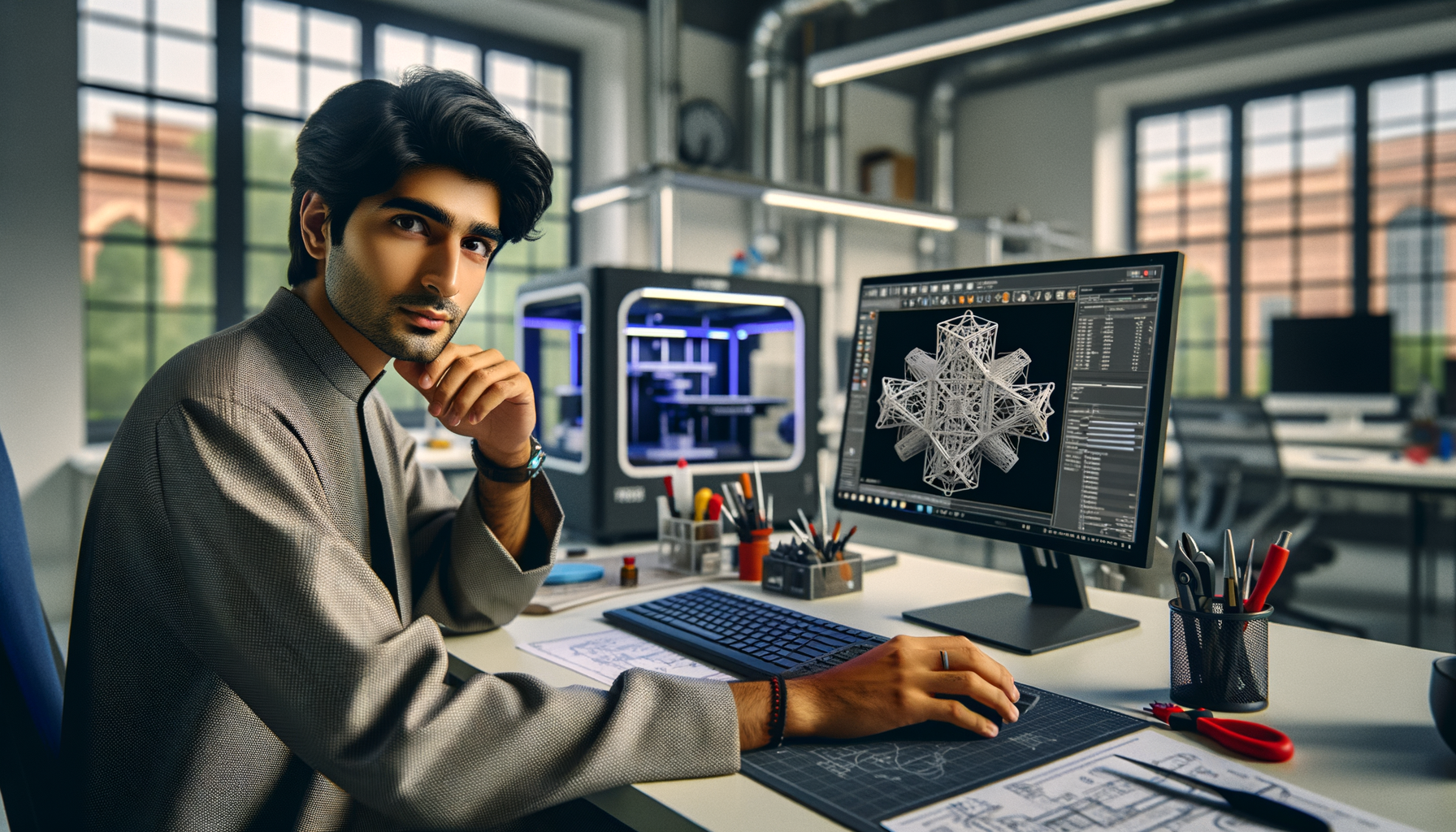
If you've already understood basic 3D printing and you're now trying to design parts the way industry actually expects, advanced DfAM techniques are where the real jump happens. Design for Additive Manufacturing in India is no longer just about making a model printable. It's about reducing weight, combining parts, controlling support strategy, improving strength, and making sure the printed component works in production, not just in a demo. Here's the thing: many learners know CAD and basic print settings, but they still design like they're making parts for machining or molding. That's exactly where DfAM changes the game.

In training sessions, I often tell students that additive manufacturing rewards designers who think differently from the start. Trust me, once you understand advanced DfAM logic, you'll stop asking, “Can this be printed?” and start asking, “How should this be designed because it will be printed?” That shift matters whether you're targeting roles in Pune, Chhatrapati Sambhajinagar, Sangli, or applying to companies like Tata Technologies, Bosch, Siemens, KPIT Technologies, Mahindra Engineering, and L&T.
What is advanced DfAM and why do professionals in India care?
Basic DfAM is about wall thickness, overhangs, orientation, and support awareness. Advanced DfAM goes several levels deeper. You start using additive manufacturing's freedom to create internal channels, variable-density structures, organic geometries, part consolidation strategies, and performance-driven redesigns.
What most people don't realize is that a professionally designed AM part is often not a direct copy of the original component. It's usually re-engineered. A bracket becomes lighter without losing stiffness. A multi-part assembly becomes one print. A cooling path becomes internal and more efficient. That's why DfAM is relevant in automotive, aerospace, tooling, medical devices, and industrial product development across Maharashtra.
In Indian hiring markets, candidates with practical DfAM skills often stand out more than students who only know printer operation. Entry-level additive manufacturing support roles may start around ₹2.8 lakh to ₹4.2 lakh per year. Skilled design-focused AM engineers with good CAD plus DfAM understanding can move toward ₹4.5 lakh to ₹7.5 lakh. In larger firms or specialized product teams, experienced professionals may cross ₹8 lakh to ₹12 lakh depending on software, domain, and project exposure.
How do you redesign a part properly for additive manufacturing?
Start with function, not shape. That's the first advanced rule. Ask what the part actually does: carry load, guide fluid, hold alignment, reduce vibration, transfer heat, or simplify assembly. Once the function is clear, redesign the geometry around AM advantages instead of preserving legacy features.
A strong DfAM workflow usually looks like this:
- Study the original part's load path and constraints
- Remove geometry that only existed because of machining limitations
- Consolidate fasteners, joints, and welded sub-parts where possible
- Rebuild the model for print orientation and support reduction
- Add fillets and smooth transitions to avoid stress concentration
- Check post-processing access before finalizing the design
The good news is, when you do this correctly, you often reduce material use and assembly time together. That's why DfAM matters in fixture design, jigs, lightweight tooling, ducts, manifolds, and custom machine components.
How do experts use lattice structures without making the part weak?
Lattice design is one of the most misunderstood advanced DfAM areas. Many students think lattices are just for making parts look futuristic. They're not. A lattice is useful only when it solves a real performance problem such as weight reduction, energy absorption, heat transfer, or controlled flexibility.
Professionals don't apply lattice everywhere. They use it selectively. Dense solid zones stay in high-stress regions like mounting points and interfaces. Lattice zones are placed in low-load or energy-management areas. Cell type, wall thickness, and transition between solid and lattice zones matter a lot.
If you're working in software such as nTopology, Materialise Magics, Fusion 360, or Siemens NX, don't just generate a pattern and export it. Validate three things first:
- Can your printer resolve the lattice size consistently?
- Can trapped powder or resin be removed?
- Will post-processing damage thin lattice members?
Here's the thing: a beautiful lattice that can't be cleaned or inspected is a bad design. In industry, manufacturability still wins.
How do you reduce supports and improve print orientation in DfAM?
Support reduction is a major advanced skill because support affects material use, print time, surface finish, and post-processing effort. Beginners usually choose orientation based only on “what fits.” Power users choose orientation based on critical surfaces, load direction, support contact zones, and thermal behavior.
A practical workflow is to classify surfaces into three groups:
- Functional surfaces that need accuracy
- Cosmetic surfaces that need good finish
- Non-critical surfaces where supports are acceptable
Then rotate the part to protect the first two groups as much as possible. Self-supporting angles, chamfers instead of flat overhangs, teardrop holes instead of horizontal circles, and split-body strategies can dramatically reduce support volume.
For FDM parts, orientation directly affects anisotropic strength. For metal AM and resin systems, orientation also affects heat buildup, recoater risk, peel forces, and distortion. What most people don't realize is that print orientation is not just a printing decision. It's a design decision made much earlier.
What tolerances and clearances should advanced DfAM users plan for?
This is where many otherwise good designs fail. A part may print, but it won't assemble properly. Advanced DfAM means designing with process capability in mind. Different technologies behave differently. FDM, SLS, SLA, MJF, and metal powder bed fusion all have their own tolerance windows, shrinkage behavior, and surface effects.
Instead of memorizing one number, build a tolerance strategy:
- Use tighter tolerances only where function demands it
- Add clearance to moving joints and snap features based on process
- Plan machining stock for precision holes and mating faces
- Compensate for warpage-prone flat areas
- Test with calibration coupons before final production
Trust me, experienced AM engineers rarely trust nominal CAD dimensions blindly. They prototype critical interfaces, measure actual output, and adjust. That's how real production teams work at companies supporting automotive and industrial design projects in Pune and across India.
How does part consolidation save cost in additive manufacturing?
Part consolidation is one of the biggest financial advantages of DfAM. If five components can become one printed assembly-safe part, you don't just reduce assembly steps. You also reduce inventory, fasteners, fit-up errors, and supplier dependency.
But consolidation should be done carefully. Ask these questions:
- Will the new combined part still be serviceable?
- Can damaged sections be replaced, or does the whole part need reprint?
- Are all consolidated features printable in one orientation?
- Will post-processing still be possible?
For example, a fluid manifold designed traditionally may need multiple drilled passages, plugs, seals, and assembly checks. A DfAM redesign can create smoother internal channels in one body. That can improve flow and reduce leakage points. This is exactly the kind of engineering thinking valued in sectors linked to Bajaj Auto, Thermax, Kirloskar, and Siemens supply chains.
Which software and workflow do advanced DfAM professionals use in 2026?
A practical 2026 workflow usually combines CAD, simulation, and print preparation. Common combinations include SolidWorks 2025 with topology tools, Autodesk Fusion 360, Siemens NX, Materialise Magics, ANSYS for simulation, and nTopology for advanced lattice and field-driven design.
A professional workflow often follows this order:
- Model the functional envelope in CAD
- Run topology or load-based optimization where needed
- Refine geometry for printability and post-processing
- Assign orientation and support logic
- Validate tolerances and assembly interfaces
- Export clean manufacturing data and document revision control
The good news is you don't need every software package on day one. But you do need the mindset. If you're training seriously, focus on one strong CAD platform, one print prep workflow, and one validation method. That's how skills become job-ready.
How can you build job-ready DfAM skills in Maharashtra?
If you're in Pune, Chhatrapati Sambhajinagar, or Sangli, don't stop at making decorative prints or simple student projects. Build DfAM case studies. Redesign a bracket for weight reduction. Convert a multi-part duct into one printable unit. Create a lattice-backed fixture insert. Compare original and redesigned versions for mass, print time, support volume, and assembly steps.
That kind of portfolio gets attention because it shows engineering judgment. At ABC Trainings, we push students to explain why a design was changed, not just how it was modeled. That's what employers notice. A learner who can discuss support strategy, tolerance planning, and consolidation logic is far more valuable than someone who only shows rendered images.
If you want guided advanced training in additive manufacturing and 3D printing workflows, you can connect with ABC Trainings at 8698270088 or WhatsApp 7774002496. Keep your portfolio practical, measurable, and industry-focused. That's the fastest way to move from basic 3D printing knowledge to serious DfAM capability.
What is the difference between basic 3D printing design and advanced DfAM?
Basic 3D printing design focuses on making a model printable by following rules like minimum wall thickness, overhang limits, and support needs. Advanced DfAM goes beyond that and redesigns the part specifically for additive manufacturing benefits such as lightweighting, internal channels, and part consolidation. In India, companies hiring for serious AM work usually prefer candidates who can optimize performance, not just export STL files. That's why advanced DfAM has stronger job value.
Is DfAM useful for mechanical engineers in Pune and Maharashtra?
Yes, especially for mechanical engineers working toward product design, tooling, jigs and fixtures, lightweight components, and prototype development. Pune has strong automotive, industrial, and engineering service demand, so DfAM knowledge can support roles linked to Tata Technologies, Bosch, KPIT Technologies, and supplier ecosystems. It's also useful for startup product teams and manufacturing support companies. If you already know CAD, DfAM is a smart specialization.
Which software should I learn first for advanced DfAM in India?
Start with one strong CAD tool you can use confidently, such as SolidWorks, Fusion 360, or Siemens NX. Then add print preparation and DfAM-specific tools depending on your target industry, like Materialise Magics or nTopology. Don't chase too many tools at once. What most people don't realize is that employers first check whether you understand design logic, manufacturability, and tolerance planning, then they look at software names.
Can DfAM skills help me get a better salary in 2026?
Yes, because DfAM is more specialized than basic printer operation or general CAD modeling. In India, candidates with practical additive design skills can move toward roles in product development, prototype engineering, AM support, and advanced manufacturing teams. Salaries depend on city, software, and project quality, but skilled DfAM learners can position themselves above basic entry-level 3D printing profiles. A strong portfolio with measurable redesign improvements makes a big difference.
Visit Our Centers
Chhatrapati Sambhajinagar
Corporate Office (HQ)
2nd Floor, Kandi Towers, Jalna Road, Amarpreet Chowk, Chhatrapati Sambhajinagar, Maharashtra 431001
Osmanpura Branch
Plot No 14, Shanya Sect, Near Sant Eknath Rang Mandir, Osmanpura, Chhatrapati Sambhajinagar, Maharashtra 431005
CIDCO Branch
Plot No 4, N-3, Cidco, Opp. High Court, Chhatrapati Sambhajinagar, Maharashtra 431003
Pune
Wagholi Branch
1st Floor, ABC Trainings, Laxmi Datta Arcade, Pune - Ahilyanagar Hwy, Wagholi, Pune, Maharashtra 412207
Hadapsar Branch
Bloom Hotel, ABC Trainings 1st Floor, S.no 156/3 Shree Tower Pune - Solapur Rd, Hadapsar, Pune, Maharashtra 411028
Sangli
Sangli Branch
2nd Floor, Vasant Market, Opp. City High School, Sangli, Maharashtra 416416
Start Your Career Journey Today
Join 10,000+ students who transformed their careers with ABC Trainings.
💬 WhatsApp: 7774002496📞 Call: 8698270088