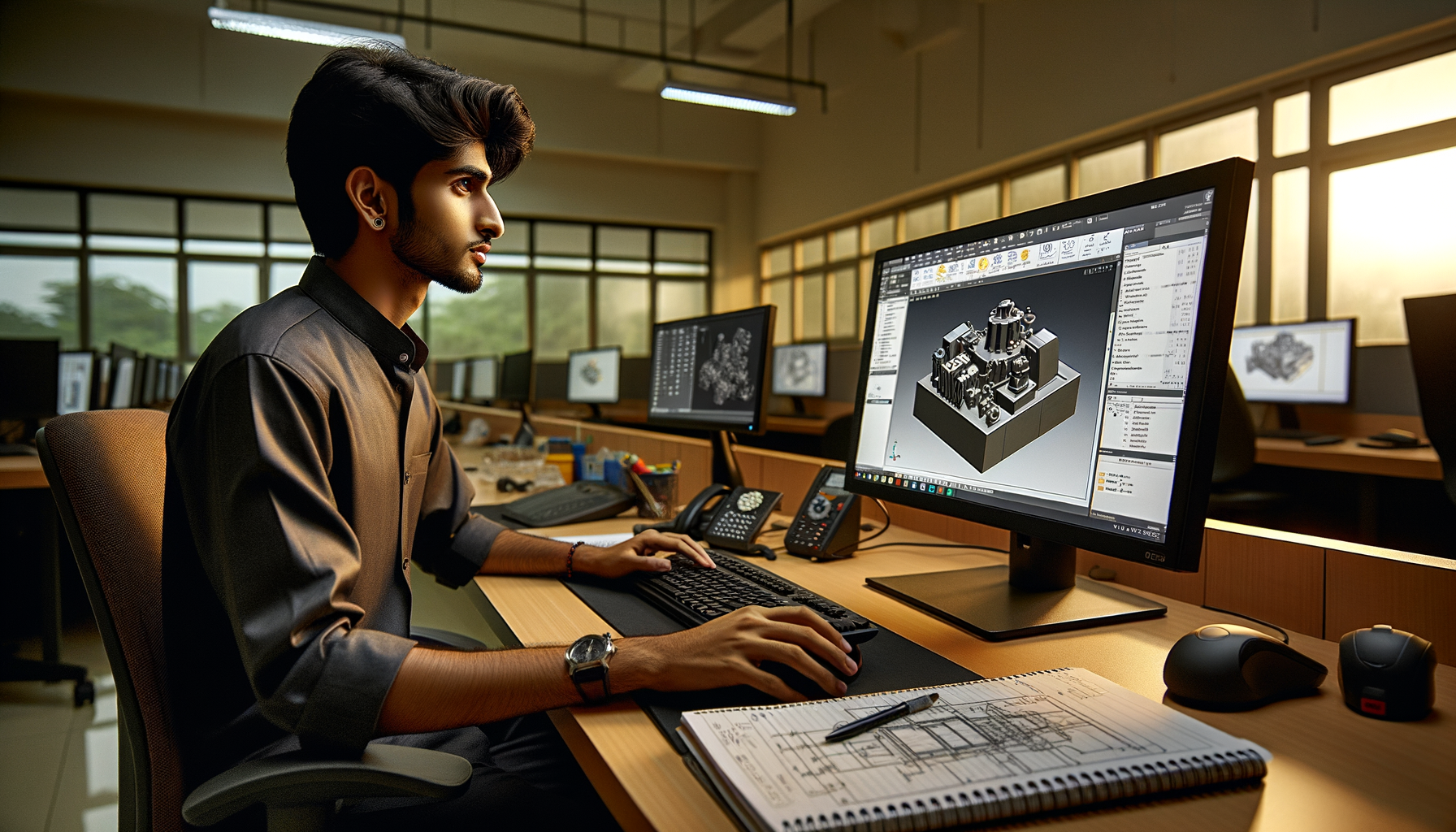
If you already know how to make parts in SolidWorks but still struggle in CAD tests, design interviews, or placement rounds, this is where the real improvement starts. Advanced SolidWorks design strategy in India 2026 isn't about flashy commands. It's about how you sketch, how you sequence features, how you protect design intent, and how fast you can fix mistakes under pressure. Here's the thing: many students can model a bracket or shaft, but very few can build it the way companies expect. That's exactly why candidates get rejected in interviews at suppliers and product companies across Pune, Chhatrapati Sambhajinagar, and Sangli.

When recruiters from Bajaj Auto, Tata Technologies, Mahindra Engineering, Bosch, or Kirloskar give a CAD test, they're not only checking whether the model looks correct. They're judging your workflow. Trust me, the difference between an average student and a job-ready designer is usually not software knowledge alone. It's modeling discipline. Let's go deeper into the advanced practices that make your SolidWorks work cleaner, faster, and more professional.
Why do SolidWorks users fail CAD tests even after learning basics?
What most people don't realize is that CAD test failure usually happens because of poor strategy, not lack of commands. A student knows Extrude, Cut, Fillet, Hole Wizard, and Assembly mates. But when the test starts, they waste time correcting unstable sketches, editing the wrong feature, or rebuilding broken references.
In Maharashtra placement drives, especially for mechanical and product design roles, interviewers look for three things: speed, model stability, and drawing clarity. If your part rebuilds with errors after one dimension change, that's a red flag. If your sketches are underdefined, that's another red flag. If your drawing dimensions don't reflect design intent, the interviewer notices immediately.
The good news is, these are trainable habits. Once you fix your modeling sequence, your speed improves naturally.
How should you create fully defined sketches in SolidWorks?
A fully defined sketch is not a beginner topic. It's an advanced habit. If you want stable models, editable parts, and fewer rebuild errors, every important sketch must be controlled properly.
Use origin-based sketching
Start critical geometry from the origin whenever possible. Symmetric parts, base profiles, and rotational features should anchor to the origin. This keeps relationships stable when you edit dimensions later. Randomly placing geometry and then forcing dimensions is one of the most common student mistakes.
Control with relations before dimensions
Don't just throw dimensions everywhere. First apply Horizontal, Vertical, Collinear, Concentric, Tangent, Symmetric, and Equal relations where needed. Then add only the dimensions that define size and position. This reduces clutter and makes the sketch easier to edit.
Avoid overdefining decorative geometry
If a chamfer edge or cosmetic slot detail can be handled later as a feature, don't overcomplicate the base sketch. Advanced users keep sketches simple and purposeful. One sketch should solve one design problem, not ten.
In SolidWorks 2024 and SolidWorks 2025, this matters even more because faster rebuild performance still depends heavily on clean parent sketches. If you're preparing for mechanical design jobs paying ₹2.8 lakh to ₹4.5 lakh for freshers in Pune, this one habit can separate you from the crowd.
What is the best feature order in SolidWorks for professional modeling?
Feature order is where design intent becomes visible. Here's the thing: two people can create the same final part, but one model is production-friendly and the other is a future editing nightmare.
Build the base shape first
Create the main mass or primary form first using Extrude, Revolve, or Sweep. This should represent the core geometry of the part. Don't start with small cuts, fillets, or holes unless the design specifically demands it.
Add major functional features second
Bosses, pockets, mounting faces, slots, and structural cuts should come next. These define the function of the part. If the part is meant for sheet support, motor mounting, or shaft alignment, these features should appear before cosmetic details.
Keep fillets and chamfers late
Trust me, early fillets are one of the biggest reasons models fail during edits. Add most fillets and chamfers near the end unless they are essential for subsequent geometry. This gives you cleaner edits and fewer regeneration issues.
Use patterns instead of repeated features
If holes, ribs, or cuts repeat, pattern them. Linear Pattern, Circular Pattern, Mirror, and Feature Pattern save time and maintain consistency. Interviewers love to see efficient pattern use because it shows you understand manufacturing logic.
This workflow is especially useful if you're targeting roles with L&T, Thermax, Siemens, or supplier companies doing machine components, fixtures, and enclosures.
How do you maintain design intent when dimensions change?
Design intent means your model behaves correctly when inputs change. That is the real test of advanced SolidWorks skill.
For example, if a plate width changes from 120 mm to 180 mm, do the holes remain symmetric? Does the slot stay centered? Do edge clearances remain valid? If not, your model was never properly controlled.
Use symmetry wherever possible
Center rectangles, centerlines, and mirror sketch entities help preserve balance. This is much better than dimensioning left and right sides separately.
Link dimensions smartly
Use equations, linked values, and global variables for repeated dimensions. If wall thickness, hole pitch, or flange offset appears multiple times, control it from one source. What most people don't realize is that this is exactly how professionals reduce editing mistakes in design revision work.
Name important features clearly
Rename Sketch1, Boss-Extrude2, and Cut-Extrude5 into meaningful names like Base Plate, Motor Mount Slot, and Bearing Hole Pattern. During interviews and team projects, this makes your tree easier to read and edit.
What assembly mistakes should advanced SolidWorks users avoid?
Many students model parts well but lose marks in assemblies. Assemblies reveal whether you understand mechanical logic or just software buttons.
Don't overmate components
If a part needs only three mates to become fully constrained, don't add seven. Extra mates create conflict and slow troubleshooting. Use coincident, concentric, distance, parallel, and angle mates only where needed.
Fix only one base component
Anchor the correct reference component first, then mate the rest relative to it. Randomly fixing multiple components creates confusion and hides bad assembly planning.
Check movement intentionally
If the mechanism should rotate or slide, test it. Use limit mates where needed. A static-looking assembly may still be mechanically wrong. Recruiters notice whether your assembly behaves logically.
Use subassemblies for structure
For larger projects, split assemblies into subassemblies. This improves performance and makes the design tree manageable. It's a practical skill for automotive, machinery, and equipment design teams working with Mahindra Engineering, KPIT Technologies, or Tata Technologies supply-chain projects.
How do you make SolidWorks drawings interview-ready?
The drawing module is where many candidates lose easy marks. The 3D model may be correct, but if the drawing is weak, the interviewer assumes your production understanding is weak too.
Choose views with purpose
Don't place unnecessary views. Use front, top, side, section, and detail views only where they improve clarity. A crowded sheet looks immature.
Dimension for manufacturing, not decoration
Place dimensions from functional references. Hole locations, thickness, PCD, center distances, and critical fits matter more than random edge chains. If every dimension comes from a different edge, the drawing becomes hard to use on the shop floor.
Keep annotation standards clean
Use center marks, centerlines, hole callouts, tolerances where required, and proper sheet scale. If you're applying for design support or detailing roles in Pune or Chhatrapati Sambhajinagar, this can directly affect selection.
Freshers with strong part modeling but weak drawing skills often remain stuck near ₹2.5 lakh to ₹3.2 lakh packages. Candidates who handle drawings confidently can move toward ₹3.5 lakh to ₹5 lakh roles faster, especially in manufacturing and product support.
How can you improve SolidWorks speed during placement practice?
Speed doesn't come from rushing. It comes from fewer corrections.
Practice timed part recreation
Take one part and model it in 20 minutes. Then do it again in 12. Then in 8. Your goal is not just completion but cleaner feature order each time.
Build a command habit
Keep your most-used tools on the CommandManager or shortcut bar: Smart Dimension, Convert Entities, Offset Entities, Trim, Extrude, Cut, Fillet, Mirror, Pattern, and Hole Wizard. Small interface improvements save serious time.
Learn to read geometry before clicking
The best users pause for 20 seconds and decide the whole feature sequence before starting. That's advanced thinking. Students who click immediately usually remodel twice.
If you're serious about placements, build a portfolio with parts, assemblies, and drawings that show clean design logic. At ABC Trainings, students are pushed beyond software basics because that's what actual employers expect. If you want guidance on advanced SolidWorks workflows, you can call 8698270088 or WhatsApp 7774002496.
Where can you learn advanced SolidWorks workflow in Maharashtra?
You need training that goes beyond button demos. Look for practice focused on CAD test modules, design intent, drawing discipline, assembly logic, and revision control. That's the gap most students face after college-level software exposure.
ABC Trainings works with job-focused learning for students and professionals in Pune, Chhatrapati Sambhajinagar, and Sangli. The focus should be simple: make your SolidWorks models easier to edit, easier to explain, and faster to complete under test conditions. The good news is, once your workflow improves, your confidence in interviews changes immediately.
Is SolidWorks enough for mechanical jobs in Pune in 2026?
SolidWorks is enough for many entry-level mechanical design, drafting, and product support roles if your modeling quality is strong. But companies also test drawing interpretation, assembly logic, and practical manufacturing understanding. In Pune, firms linked to automotive, machinery, and industrial equipment often prefer candidates who can explain design intent, not just create shapes. If you combine SolidWorks with GD&T and basic manufacturing knowledge, your chances improve a lot.
How much salary can a fresher get after SolidWorks training in Maharashtra?
For freshers, salaries commonly start around ₹2.5 lakh to ₹4.5 lakh per year depending on city, company type, and portfolio quality. Pune usually offers better opportunities than smaller industrial clusters, but competition is also higher. Candidates with strong assemblies, drawings, and CAD test performance can move toward better packages faster. Experienced users with 2 to 4 years can reach ₹5.5 lakh to ₹8 lakh in good product or design support roles.
What should I practice daily to get faster in SolidWorks?
Practice one sketch-focused part, one feature-order part, and one drawing sheet regularly. Time yourself and review where you wasted clicks or created unstable geometry. Focus on fully defined sketches, smart feature sequencing, and cleaner dimensions instead of only making complex shapes. Daily 45 to 60 minutes of disciplined practice is far better than random weekend learning.
Where can I learn advanced SolidWorks in Pune or Chhatrapati Sambhajinagar?
Choose an institute that teaches interview-level workflows, not only command lists. You should get CAD test practice, assembly troubleshooting, drawing standards, and feedback on modeling strategy. ABC Trainings is one option students consider for job-oriented CAD learning in Maharashtra. You can contact them on 8698270088 or WhatsApp 7774002496 to check current batches and guidance.
Visit Our Centers
Chhatrapati Sambhajinagar
Corporate Office (HQ)
2nd Floor, Kandi Towers, Jalna Road, Amarpreet Chowk, Chhatrapati Sambhajinagar, Maharashtra 431001
Osmanpura Branch
Plot No 14, Shanya Sect, Near Sant Eknath Rang Mandir, Osmanpura, Chhatrapati Sambhajinagar, Maharashtra 431005
CIDCO Branch
Plot No 4, N-3, Cidco, Opp. High Court, Chhatrapati Sambhajinagar, Maharashtra 431003
Pune
Wagholi Branch
1st Floor, ABC Trainings, Laxmi Datta Arcade, Pune - Ahilyanagar Hwy, Wagholi, Pune, Maharashtra 412207
Hadapsar Branch
Bloom Hotel, ABC Trainings 1st Floor, S.no 156/3 Shree Tower Pune - Solapur Rd, Hadapsar, Pune, Maharashtra 411028
Sangli
Sangli Branch
2nd Floor, Vasant Market, Opp. City High School, Sangli, Maharashtra 416416
Start Your Career Journey Today
Join 10,000+ students who transformed their careers with ABC Trainings.
💬 WhatsApp: 7774002496📞 Call: 8698270088