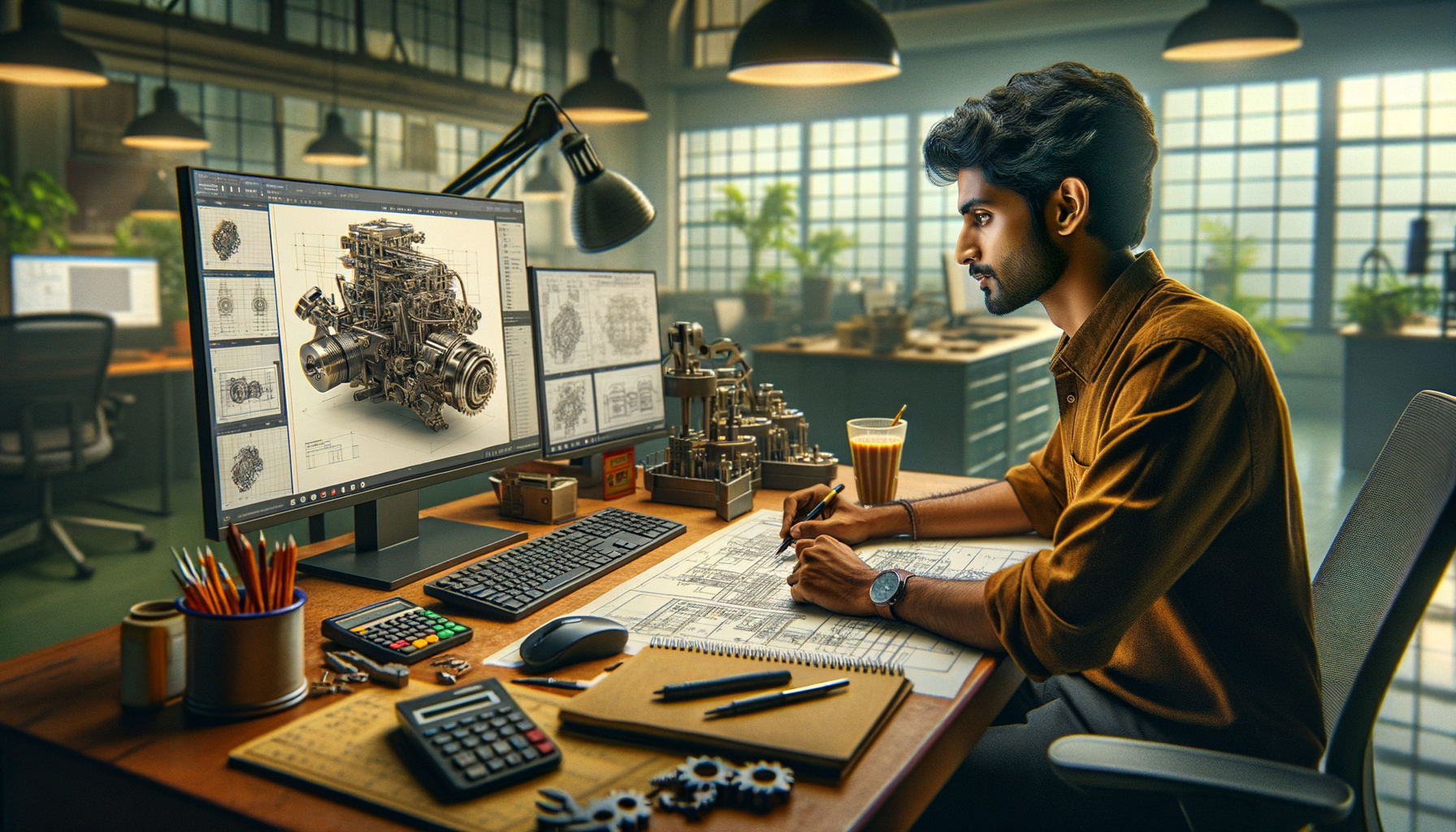
If you've already learned sketches, extrude, cut, fillet, chamfer, and basic assemblies, you're at the stage where most students get stuck. They know the commands, but they don't know how professionals actually build models that can be edited, reused, and released for production. This advanced SolidWorks guide for India 2026 is for that exact stage. Here's the thing: companies don't pay you for clicking features. They pay you for creating clean, stable, manufacturable CAD data.
If you're aiming for design roles in Pune, Chhatrapati Sambhajinagar, Sangli, or with employers connected to Bajaj Auto, Tata Technologies, Mahindra Engineering, Bosch, Siemens, or Kirloskar vendors, you'll need more than beginner-level SolidWorks.
How do you move from basic SolidWorks to professional-level modeling?
The jump happens when you stop thinking feature by feature and start thinking design intent. What most people don't realize is that advanced SolidWorks users aren't necessarily faster because they know more icons. They're faster because they build models that don't break when dimensions change.
In SolidWorks 2024 and SolidWorks 2025, your workflow should follow this order: reference planning, sketch strategy, feature order, naming, configurations, and drawing output. Trust me, if you ignore that sequence, even a simple bracket or housing becomes painful to revise.
Start every part by asking three questions: what dimensions are fixed, what dimensions may change, and what manufacturing process will be used? A laser-cut sheet metal part should not be modeled like a cast housing. A machined shaft should not be built like a plastic cover. That's where advanced modeling begins.
Which sketch techniques make SolidWorks models stable?
Most students focus on fully defining sketches, which is correct, but that's only the first step. Advanced sketching means controlling how a model behaves later. Use centerlines, construction geometry, symmetry, and reference relations deliberately. Don't dump all geometry into one sketch unless there's a clear reason.
Use these power-user habits:
- Keep primary shape control in one master sketch only when needed.
- Use separate sketches for separate feature logic.
- Prefer symmetric relations over manually repeating dimensions.
- Anchor critical geometry to origins or reference planes.
- Name important dimensions when equations may be used later.
The good news is, this one change alone improves editability massively. If a hole pattern shifts after a design update, you'll know exactly where to fix it. In interviews, this matters. At companies like Tata Technologies and KPIT Technologies, reviewers can immediately tell whether a candidate understands CAD structure or just copied tutorial steps.
What advanced part modeling features should you master after extrude and cut?
Once the basics are clear, go deeper into patterns, mirrors, ribs, shells, draft, sweep, loft, and reference geometry. These are not just extra commands. They are the features that make your work look like real production design data.
Patterns and mirrors: Use them wherever geometry repeats. It reduces file size, keeps the tree cleaner, and makes future edits easier.
Shell and draft: Essential for plastic components and cast parts. If you're targeting vendors supplying to Mahindra Engineering or Bosch, these features show that you understand manufacturability.
Sweep and loft: Important for routed paths, handles, ducts, and transition geometry. But don't overuse lofts. If a shape can be built more predictably with extrudes and cuts, do that first.
Reference planes and axes: Advanced users create these early and intentionally. They help control angled features, split bodies, and assembly mating later.
Also, learn when to use multibody modeling. For welded structures, enclosures, and conceptual mechanisms, multibody workflows can save serious time before final part separation.
How do professionals build efficient SolidWorks assemblies?
Assembly skill is where many basic users struggle. They can insert components, but they don't know how to manage a large project. Here's the thing: a professional assembly is not just a bunch of parts mated together. It's a controlled system.
Use these advanced assembly practices:
- Fix only one base component at the top level.
- Use subassemblies for repeated or logical groups.
- Avoid excessive in-context references unless the project truly needs them.
- Use mate references and standard mating strategy for repeated components.
- Run interference detection and basic clearance checks before drawing release.
For motion-related projects, start understanding limit mates and mechanical mates. Even if you're not doing full simulation, these tools help you validate mechanism behavior. This is useful for students targeting machine design, fixture design, or automation support roles in Pune and Chakan industrial areas.
If you're building assemblies for interview portfolios, don't submit random demo models. Build a gearbox housing assembly, clamping fixture, sheet metal enclosure, or conveyor support module. Those look relevant to employers like Thermax, L&T, Siemens, and Bajaj Auto supplier networks.
What drawing standards and settings do companies expect in India?
This is the most ignored area. Students spend weeks on 3D modeling and then create weak drawings. What most people don't realize is that many recruiters judge you more seriously on drawings than on flashy 3D shapes.
You should be comfortable with:
- Sheet formats and custom templates
- BOM tables and ballooning
- Section, detail, and auxiliary views
- GD&T basics for manufacturing communication
- Tolerance display and dual-dimension awareness when required
- Revision tables and title block discipline
In Indian industry, standards vary by company, but ISO-based documentation is common. Some firms also align internal templates with customer requirements. If you're applying in Pune, Nashik, Aurangabad, or Sangli, your drawing portfolio should look production-ready, not classroom-ready.
Set your units, precision, annotation style, and drafting standard before starting a project. Trust me, editing all of that later wastes time and creates inconsistency. A candidate who understands templates, layers, line weights, and export settings to PDF/DXF usually stands out over someone who only knows modeling.
Which SolidWorks settings and shortcuts save the most time?
If you want to work faster, don't just memorize shortcut keys. Build an environment that supports speed. Use customized shortcut bars, mouse gestures, favorite dimensions, and frequently used feature access.
Here are high-value efficiency tricks:
- Turn on confirmation corner and breadcrumb awareness for faster edits.
- Save custom templates for part, assembly, and drawing files.
- Use design library for standard features and reusable blocks.
- Create appearances and material presets for presentation-ready output.
- Use Pack and Go before sharing project data.
- Use configuration tables for size variants instead of separate files.
The good news is, these habits are easy to build within a few weeks. And they matter in real work. At many design support companies serving Infosys engineering clients, TCS manufacturing accounts, or automotive vendors, speed plus consistency is what gets you trusted with live work.
What projects should advanced SolidWorks learners build for jobs in Maharashtra?
Don't make the mistake of building only tutorial parts. Build industry-style projects. A strong advanced portfolio could include a sheet metal electrical cabinet, bearing housing with detailed drawings, pneumatic fixture assembly, welded frame, plastic cap with draft and shell, and a small gearbox subassembly.
For each project, include:
- Part files with clean feature tree names
- Assembly file with proper mates
- 2D manufacturing drawing
- Exploded view where relevant
- Rendered image or short presentation slide
If you're a diploma or BE mechanical student in Pune or Chhatrapati Sambhajinagar, this level of portfolio can support applications for trainee design engineer, CAD engineer, production support designer, and junior mechanical designer roles. Typical fresher salaries after strong CAD training and portfolio work range from ₹2.4 lakh to ₹4.2 lakh per year in Maharashtra, while candidates with project quality and software depth may target ₹4.5 lakh to ₹6 lakh in better industrial clusters.
Where should you practice advanced SolidWorks in Maharashtra?
You need structured practice, not random YouTube hopping. That's where guided training helps. ABC Trainings works with students who already know the basics but need deeper workflows, project discipline, and interview-level output. If you want to understand how to model like a working designer, not just a software learner, that kind of mentorship matters.
A good advanced learning plan should include part strategy, assembly management, drawing standards, manufacturability thinking, and portfolio review. If you want to ask about SolidWorks training in Maharashtra, call ABC Trainings on 8698270088 or WhatsApp 7774002496. One conversation can save you months of confused practice.
Is SolidWorks enough for getting a mechanical design job in Pune in 2026?
SolidWorks is enough to start, but only if your skills go beyond beginner commands. Companies in Pune usually expect part modeling, assemblies, drawings, and some understanding of manufacturing logic. If your portfolio includes real projects and clean documentation, you can compete for fresher design roles. If you only know tutorial-level parts, it usually won't be enough.
How much salary can I get after advanced SolidWorks training in Maharashtra?
For freshers, ₹2.4 lakh to ₹4.2 lakh per year is common depending on city, portfolio quality, and interview performance. In stronger industrial belts like Pune, Chakan, and some vendor networks, capable candidates may reach ₹4.5 lakh to ₹6 lakh. Your software depth, drawing quality, and project relevance make a real difference. Mechanical domain understanding also pushes salary upward.
Should I learn SolidWorks 2024 or SolidWorks 2025 for jobs in India?
Either is fine because most core workflows remain similar across versions. Focus more on modeling quality, assemblies, drawings, and project practice than chasing version hype. If your institute teaches on SolidWorks 2024 or 2025, you're still learning job-relevant skills. Recruiters care more about what you can build than the exact version number.
Can diploma students in Chhatrapati Sambhajinagar learn advanced SolidWorks quickly?
Yes, if the basics are already clear and you practice consistently with guided projects. The fastest progress usually comes from working on mechanical components, assemblies, and drawings together instead of learning commands separately. What most people don't realize is that 60 to 90 days of serious practice can create visible improvement. If you need a structured path, ABC Trainings can help you plan it properly.
Visit Our Centers
Chhatrapati Sambhajinagar
Corporate Office (HQ)
2nd Floor, Kandi Towers, Jalna Road, Amarpreet Chowk, Chhatrapati Sambhajinagar, Maharashtra 431001
Osmanpura Branch
Plot No 14, Shanya Sect, Near Sant Eknath Rang Mandir, Osmanpura, Chhatrapati Sambhajinagar, Maharashtra 431005
CIDCO Branch
Plot No 4, N-3, Cidco, Opp. High Court, Chhatrapati Sambhajinagar, Maharashtra 431003
Pune
Wagholi Branch
1st Floor, ABC Trainings, Laxmi Datta Arcade, Pune - Ahilyanagar Hwy, Wagholi, Pune, Maharashtra 412207
Hadapsar Branch
Bloom Hotel, ABC Trainings 1st Floor, S.no 156/3 Shree Tower Pune - Solapur Rd, Hadapsar, Pune, Maharashtra 411028
Sangli
Sangli Branch
2nd Floor, Vasant Market, Opp. City High School, Sangli, Maharashtra 416416
Start Your Career Journey Today
Join 10,000+ students who transformed their careers with ABC Trainings.
💬 WhatsApp: 7774002496📞 Call: 8698270088