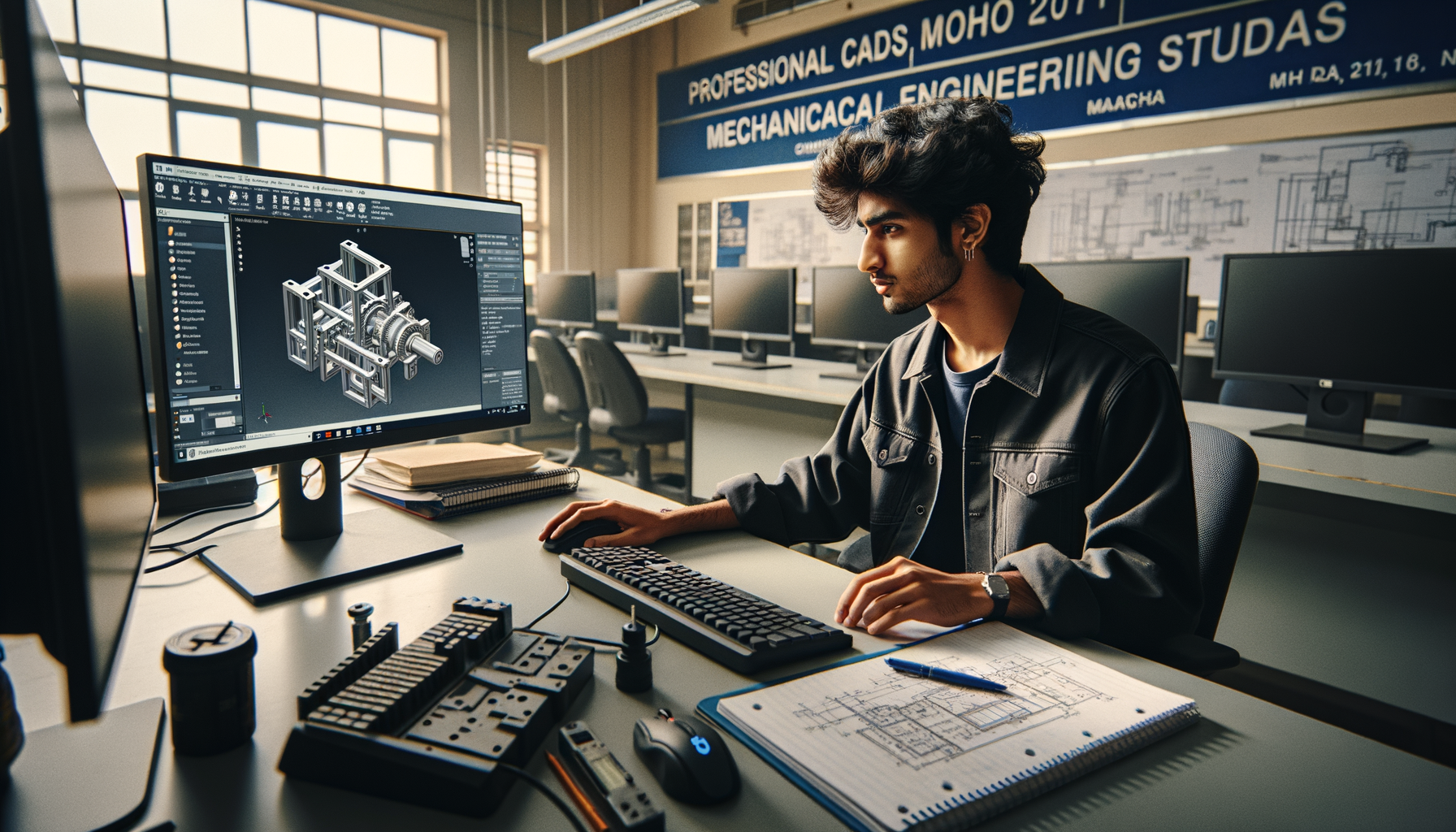
If you already know the basics of SolidWorks, this is where the real improvement starts. Advanced SolidWorks techniques in India 2026 are not about memorizing more commands. They're about modeling strategy, speed, and clean design intent that holds up during CAD tests, interviews, and actual company work. Here's the thing: many students can make a part look correct, but very few can build it the way a design team at Tata Technologies, Mahindra Engineering, Bosch, or Bajaj Auto expects. That's exactly where placements are won or lost.

If you've ever finished a model and then watched it break after one small dimension change, trust me, you're not alone. What most people don't realize is that recruiters often judge your process, not just your final geometry. Let's go deeper into the advanced SolidWorks habits that make you faster, cleaner, and more job-ready.
Why do mechanical engineers fail SolidWorks CAD tests in India?
The biggest reason is poor modeling logic. Students usually learn commands one by one, but in companies, parts are built with intent. That means your model should be easy to edit, easy to understand, and stable when dimensions change.
In CAD tests across Pune, Chhatrapati Sambhajinagar, and Sangli, common rejection points are predictable: under-defined sketches, random feature order, overuse of fillets too early, wrong assembly mates, and messy drawings. A recruiter from an automotive or industrial design team doesn't want to see command knowledge alone. They want to see control.
The good news is, these are fixable problems. Once you shift from "how do I make this shape" to "how should this model behave later," your SolidWorks quality improves fast.
How should you create fully defined sketches like a professional?
Fully defined sketches are not a classroom formality. They're the foundation of stable models. If your sketch still has blue entities and floating geometry, you're leaving future errors waiting to happen.
Use origin-based sketching first
Start critical geometry from the origin whenever possible. Base features tied to the origin are easier to control in assemblies, configurations, and drawings. If the model's main shape is floating somewhere random, edits become messy.
Control with relations, not just dimensions
Beginners often add too many dimensions. Advanced users rely on smart relations: horizontal, vertical, concentric, collinear, symmetric, equal, and midpoint. This reduces clutter and keeps intent clear. For symmetric parts, draw half and mirror only when it supports future edits.
Don't over-define just to turn the sketch black
That's a common mistake. A black sketch is good, but only if the logic is clean. If you've forced unnecessary dimensions, the model becomes harder to edit. Use Display/Delete Relations regularly and check what is actually controlling the sketch.
In SolidWorks 2024 and SolidWorks 2025, tools like SketchXpert and repair prompts help, but they won't replace good discipline. In placement tests, a fully defined sketch tells the evaluator you understand precision.
What is the correct feature order in SolidWorks for editable models?
Feature order is where advanced modeling really shows. Two parts may look identical, but one is production-friendly and the other is a disaster to edit.
Build base shape first, details later
Create the main form using simple, stable features like Extrude, Revolve, Sweep, or Loft only when needed. Add cuts after the core volume is established. Keep fillets, chamfers, and cosmetic features toward the end unless they are functionally necessary early in the tree.
Use reference geometry with purpose
Planes, axes, and reference points are not advanced for the sake of looking advanced. They're practical. If a hole pattern depends on a mid-plane or angled face, create a plane and make the logic obvious. This is especially useful in fixture parts, sheet metal support components, and machine brackets.
Name critical features
Here's a small habit that saves huge time. Rename important sketches and features: Base_Extrude, Mounting_Holes, Bearing_Pocket, Top_Cut. In interviews or team environments, this makes your model readable. Companies like Siemens, Kirloskar, and Thermax value engineers who create usable files, not just finished files.
What most people don't realize is that design intent is often judged by how well the part survives revision. If width changes from 120 mm to 150 mm, does the model rebuild cleanly? That's the test.
How can you model faster in SolidWorks without making errors?
Speed matters in CAD rounds, but reckless speed gets people rejected. The right approach is efficient control.
Use shortcut bars and mouse gestures
Customize the S-key shortcut bar for sketch and feature tools you use every day: Smart Dimension, Trim, Convert Entities, Extrude, Cut, Fillet, Linear Pattern, Mirror. Add mouse gestures for even faster access. Over a one-hour test, this saves real time.
Reuse geometry smartly
Convert Entities, Offset Entities, Mirror Entities, and Pattern tools should be part of your default workflow. Don't redraw geometry that already exists. Trust me, redraw habits are one of the easiest ways to look inexperienced.
Control rebuilds
On larger parts and assemblies, unnecessary rebuilds slow you down. Suppress heavy features when testing alternatives. Use rollback carefully to inspect feature sequence. Keep an eye on parent-child relationships before deleting anything important.
If you're targeting design roles in Pune with suppliers connected to Tata Motors, Bajaj Auto, or KPIT Technologies product teams, speed with clean history is a serious advantage. Freshers with strong CAD test performance commonly start around ₹2.8 LPA to ₹4.5 LPA, while better-prepared SolidWorks users in mechanical design support roles can push toward ₹5.5 LPA in Maharashtra depending on domain and communication.
What assembly mistakes should advanced users avoid?
Assembly errors expose weak fundamentals very quickly. A lot of students can mate components until they "look right," but that's not enough.
Don't overmate assemblies
If a part is fully constrained, adding extra mates creates conflict and instability. Use the minimum mate set needed to define motion or lock position. Coincident, concentric, distance, angle, and width mates should each have a reason.
Fix one component properly
Anchor the assembly around the correct base component, not a random imported part. If the wrong component is fixed first, the whole structure becomes harder to manage.
Check interference and clearances
Use Interference Detection and Clearance Verification before you assume the assembly is correct. In machine design and automotive support roles, this matters. A visually correct assembly can still fail functionally.
Use subassemblies logically
For large mechanisms, group parts by function. This keeps motion and structure cleaner. It also improves performance and makes drawings easier later.
In real interview tasks, assembly discipline often separates students who merely practiced tutorials from those who understand engineering workflow.
How do you make SolidWorks drawings interview-ready?
This is the module many students underestimate. But recruiters often open the drawing first because it shows whether you understand manufacturing communication.
Choose views intentionally
Don't place every possible view. Use the minimum set needed to explain the part: front, top, side, section, detail, and isometric where useful. If a hidden feature is better shown in section, use a section view instead of cluttering hidden lines.
Dimension for manufacturing, not decoration
Dimensions should communicate production intent. Avoid duplicate dimensions. Use baseline and ordinate dimensions where appropriate. Keep hole callouts clear. Add tolerances only where needed and understand why they matter.
Clean sheet format and standards
Use consistent units, projection method, title block details, material notes, and scale. Many Indian companies expect basic familiarity with ISO-style drawing discipline even in fresher roles. A messy drawing can damage an otherwise good CAD performance.
If you're preparing for CAD interviews, spend time moving from part to drawing without breaking references. That's a practical skill recruiters notice immediately.
How can you practice SolidWorks at an industry level in Maharashtra?
Stop practicing random shapes only. Build a structured routine. One day for sketch discipline. One day for feature strategy. One day for assemblies. One day for drawings. Then combine all four in timed practice.
Try modeling parts you might actually see in industry: brackets, housings, clamps, flanges, covers, shafts, supports, welded frames, and simple sheet metal parts. Then revise them. Change dimensions. Add a new cut. Modify thickness. If the model breaks, find out why.
That's how professionals improve. Not by watching endless tutorials, but by testing model stability.
If you want guided practice with trainer feedback, ABC Trainings helps students across Maharashtra work on job-focused CAD workflows instead of only command-based learning. For course details, call 8698270088 or WhatsApp 7774002496.
Is advanced SolidWorks enough for jobs in 2026?
It's a strong start, but it works best when combined with engineering thinking. Recruiters from L&T, Bosch, Siemens, Mahindra Engineering, and related vendors look for more than software familiarity. They want engineers who can sketch correctly, model with intent, assemble logically, and prepare usable drawings.
Here's the thing: if your SolidWorks workflow is strong, you'll perform better not just in interviews but also in your first six months on the job. And that's where long-term salary growth starts. Students who treat CAD as a thinking tool, not just software, move ahead faster.
If you're serious about becoming placement-ready in mechanical design, go deeper than commands. Build cleaner models. Work faster without panic. Learn to edit without breaking the tree. That's the difference between basic users and engineers companies actually hire.
Is SolidWorks enough to get a mechanical design job in Pune in 2026?
For fresher roles, SolidWorks can be enough if your part modeling, assemblies, and drawings are genuinely strong. But companies usually prefer candidates who also understand manufacturing basics, GD&T fundamentals, and design intent. In Pune, strong SolidWorks candidates commonly target ₹2.8 LPA to ₹4.5 LPA at entry level, with better packages possible in specialized domains.
How many hours should I practice SolidWorks daily for placements?
If you already know the basics, 60 to 90 focused minutes daily is usually better than long random sessions. Split that time into sketching, part modeling, assemblies, and drawings through the week. Timed practice matters because many CAD rounds in India test both accuracy and speed.
Do companies in Maharashtra ask for drawings in SolidWorks interviews?
Yes, many do, especially for mechanical design, production support, and drafting-related roles. Recruiters may ask you to create views, add dimensions, or correct an existing drawing. A clean drawing often proves that you understand engineering communication, not just 3D modeling.
Where can I learn advanced SolidWorks in Maharashtra with practical guidance?
Look for training that includes CAD tests, feature strategy, assemblies, and drawing practice instead of only command demos. ABC Trainings works with students from Pune, Chhatrapati Sambhajinagar, and Sangli who want job-oriented CAD preparation. You can call 8698270088 or WhatsApp 7774002496 to ask about current SolidWorks batches.
Visit Our Centers
Chhatrapati Sambhajinagar
Corporate Office (HQ)
2nd Floor, Kandi Towers, Jalna Road, Amarpreet Chowk, Chhatrapati Sambhajinagar, Maharashtra 431001
Osmanpura Branch
Plot No 14, Shanya Sect, Near Sant Eknath Rang Mandir, Osmanpura, Chhatrapati Sambhajinagar, Maharashtra 431005
CIDCO Branch
Plot No 4, N-3, Cidco, Opp. High Court, Chhatrapati Sambhajinagar, Maharashtra 431003
Pune
Wagholi Branch
1st Floor, ABC Trainings, Laxmi Datta Arcade, Pune - Ahilyanagar Hwy, Wagholi, Pune, Maharashtra 412207
Hadapsar Branch
Bloom Hotel, ABC Trainings 1st Floor, S.no 156/3 Shree Tower Pune - Solapur Rd, Hadapsar, Pune, Maharashtra 411028
Sangli
Sangli Branch
2nd Floor, Vasant Market, Opp. City High School, Sangli, Maharashtra 416416
Start Your Career Journey Today
Join 10,000+ students who transformed their careers with ABC Trainings.
💬 WhatsApp: 7774002496📞 Call: 8698270088