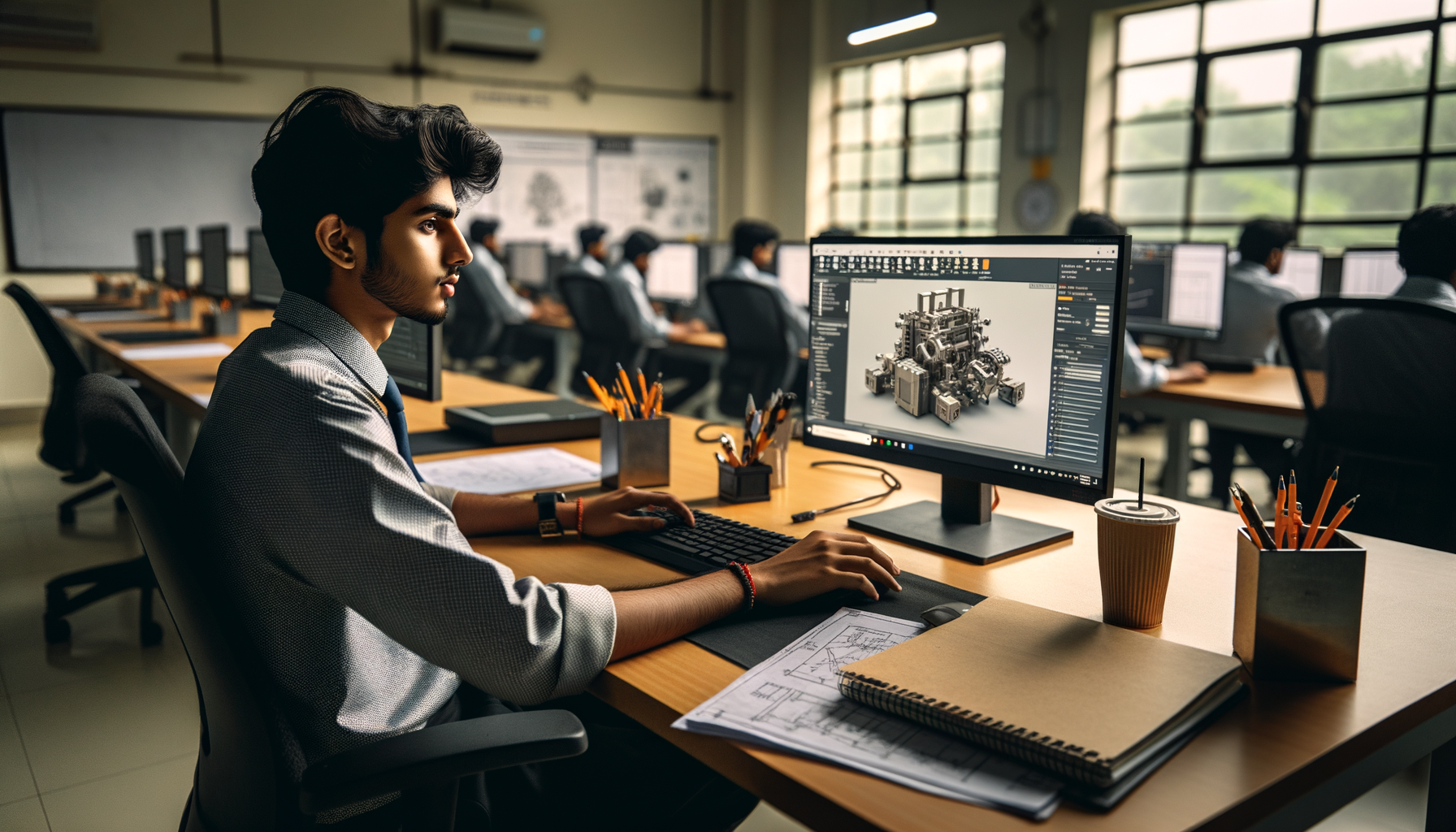
SolidWorks is still one of the most practical CAD tools for mechanical engineers in India, and if you already know sketches, extrude, revolve, and basic assemblies, the next step is where your real growth starts. This guide on advanced SolidWorks workflows in India 2026 is for students, working engineers, and job seekers who want cleaner models, faster edits, and industry-style output. Here's the thing: companies don't pay more just because you can model a bracket. They pay when you can build parts that update correctly, assemblies that don't break, and drawings that production teams can actually use.

The short video says SolidWorks is a must-know tool for mechanical engineers, and that's absolutely true. But what most people don't realize is that basic commands are only the entry ticket. In companies like Bajaj Auto, Tata Technologies, Mahindra Engineering, Bosch, Siemens, Thermax, and Kirloskar, the expectation is different. You'll be judged on design intent, speed, revision control, and how well your models behave when dimensions change. Trust me, that's where advanced technique matters.
What advanced SolidWorks skills do companies in India actually expect?
Most hiring managers aren't looking for flashy models. They want reliability. If you're applying for design, detailing, product development, or CAD support roles in Pune, Chhatrapati Sambhajinagar, Nashik, or Sangli, you'll usually be tested on five things: feature planning, assembly control, drawing quality, error reduction, and editing speed.
For freshers, SolidWorks roles in Maharashtra typically start around ₹2.8 lakh to ₹4.5 lakh per year. If you've got strong assembly and drawing skills with manufacturable models, you can move toward ₹5.5 lakh to ₹7.5 lakh in 2 to 4 years. In vendor companies working for automotive and industrial clients, advanced users often grow faster than people who only know command-by-command modeling.
How do you build SolidWorks parts that won’t fail during edits?
This is the first major jump from beginner to professional. A part isn't advanced because it has many features. It's advanced when it survives revision.
Start with design intent, not just geometry
Before you sketch, decide what dimensions are fixed and what can change. For example, if you're modeling a mounting plate, hole spacing may be critical, while outer edge size may vary by product variant. Build the model so the important dimensions drive everything else.
Use reference geometry properly
Planes, axes, and points save time in advanced models. Instead of sketching on random faces, create stable reference planes. Face-based sketches often fail when upstream geometry changes. A well-placed plane gives you cleaner rebuilds and fewer broken mates later.
Control sketches like a pro
Fully define sketches. Keep relations intentional. Avoid extra entities. Use construction lines to lock symmetry and hole centers. The good news is, when your sketch is clean, your model tree becomes easier to edit and much easier to explain in an interview test.
Choose the right feature order
Base feature first. Major shape changes second. Functional details after that. Cosmetic cuts and fillets near the end. That's a simple rule, but it prevents half the rebuild issues beginners face. If you add fillets too early, later edits can become unstable. That's one reason advanced users treat fillets as finishing features unless they are function-critical.
Which SolidWorks assembly techniques save the most time?
Assembly work is where many students struggle after learning part modeling. They can create components, but they can't manage a real mechanism or machine assembly efficiently.
Use mates with purpose
Don't just force parts into position. Use the minimum mates needed for control. Over-mating makes assemblies slow and unpredictable. A concentric mate plus one coincident mate is often enough for simple fastener placement. If you keep adding unnecessary constraints, debugging becomes painful.
Create subassemblies for repeated modules
If you're building a conveyor section, fixture setup, or machine frame, break repeated logic into subassemblies. This improves performance and makes BOM structure easier to manage in drawings.
Use configurations smartly
Configurations are one of the most underused advanced features. You can manage length variants, bolt sizes, open-close positions, or manufacturing states without making separate files for every small change. What most people don't realize is that recruiters love hearing configuration-based workflow in interviews because it shows you understand real production variation.
Large assembly basics matter
Turn on lightweight components when needed. Suppress non-essential parts during editing. Keep patterned hardware under control. If an assembly becomes slow, the issue is usually not your laptop alone. It's often poor structure, too many in-context references, and careless use of detail parts.
How do professionals use SolidWorks drawings for manufacturing output?
A good drawing tells manufacturing what to make without confusion. That's the standard in companies like L&T, Bosch, and Siemens. If your drawing looks like a college submission, it won't help much in a production role.
Follow a drawing standard consistently
Use proper units, projection method, title block discipline, and tolerancing style. Whether your company follows ISO-based standards or customer-specific formats, consistency matters more than decoration.
Dimension for manufacturing, not for looks
Don't add every possible dimension. Add the dimensions needed for machining, fabrication, inspection, and assembly. Baseline dimensions, hole callouts, section views, and detail views should support production decisions.
Use GD&T only when you understand function
GD&T can strengthen your profile, but random symbols don't impress anyone. Apply it where alignment, flatness, position, or perpendicularity actually affects assembly or performance.
In SolidWorks 2024 and SolidWorks 2025, annotation tools and drawing view controls are strong enough for most standard mechanical documentation work, provided your model is built correctly from the start.
What SolidWorks settings and shortcuts do power users rely on?
Speed is a skill. And no, speed doesn't mean rushing. It means reducing clicks without reducing quality.
Use templates and custom properties
Create standard part, assembly, and drawing templates with units, material fields, drafting style, and custom properties already loaded. This is a huge time saver in job environments.
Master the FeatureManager tree
Rename important features. Group related logic. Add comments where needed. A clean tree makes handover easier when multiple engineers work on the same project.
Use keyboard shortcuts and mouse gestures
Set shortcuts for Smart Dimension, Normal To, Hide/Show, Measure, and Edit Sketch. Mouse gestures can speed up everyday work more than most people expect. Trust me, once you tune these settings, you'll never want to go back to default clicking.
Evaluate before you release
Use interference detection, mass properties, section view, and clearances before finalizing assemblies. This is especially important if you're targeting automotive, fabrication, or machine design roles.
How should mechanical engineers in Maharashtra practice advanced SolidWorks?
Don't practice random parts from social media. Build a workflow. One week on parametric part modeling. One week on sheet metal or welded structures if your target role needs it. One week on assembly control. One week on production drawings.
If you're in Pune, Chhatrapati Sambhajinagar, or Sangli, try modeling real industry objects: motor brackets, gearbox housings, fabricated frames, jigs, bearing blocks, or enclosure assemblies. These are far more useful than decorative models for job interviews.
The good news is that advanced SolidWorks doesn't require magic. It requires repetition with the right method. At ABC Trainings, this is where many students improve quickly because they move beyond command demos and work on structured design logic. If you want to understand what companies expect, you can call 8698270088 or WhatsApp 7774002496.
Is advanced SolidWorks worth learning in India in 2026?
Yes, especially if you're targeting mechanical design, product development, tooling support, equipment design, fabrication detailing, or vendor-based automotive work. SolidWorks is relevant because many Indian companies still need engineers who can create editable, production-ready CAD data. That's why this skill keeps opening doors in Pune, Nashik, Aurangabad region, and industrial belts across Maharashtra.
Here's the thing: basic users are easy to find. Advanced users who understand design intent, assemblies, and manufacturing drawings are not. That's exactly why better opportunities go to the second group.
If you already know the basics, don't stay there too long. Go deeper. Build smarter models. Edit faster. Think like the next engineer in the chain has to use your work. That's the mindset that turns SolidWorks from a software skill into a career skill. ABC Trainings helps students train at that level with practical guidance tied to real job expectations in Maharashtra.
How long does it take to move from basic to advanced SolidWorks in India?
If you already know sketching, extrude, revolve, and simple assemblies, you can build strong advanced skills in about 8 to 12 weeks with focused daily practice. The time depends on whether you're only learning commands or actually building parts, assemblies, and drawings together. In Maharashtra, students targeting design jobs usually improve faster when they practice industry-style models instead of random tutorial geometry.
Is SolidWorks enough to get a mechanical design job in Pune?
SolidWorks can absolutely help you get shortlisted for fresher and junior design roles in Pune, especially in vendor companies and manufacturing support teams. But employers also expect drawing interpretation, basic manufacturing knowledge, tolerancing awareness, and clean assembly logic. If you combine SolidWorks with interview-ready projects, your chances improve a lot.
Which SolidWorks version should students learn in 2026?
For 2026 job preparation, learning on SolidWorks 2024 or SolidWorks 2025 is a safe choice because most core workflows remain consistent across versions. Companies may use slightly older licensed setups, but the modeling logic does not change much. Focus more on design intent, configurations, assemblies, and drawings than on chasing every new interface change.
What salary can I expect after advanced SolidWorks training in Maharashtra?
Freshers with practical SolidWorks project skills can usually expect around ₹2.8 lakh to ₹4.5 lakh per year in cities like Pune and Chhatrapati Sambhajinagar. If you can handle assemblies, production drawings, and design changes confidently, better roles may offer ₹4.5 lakh to ₹6 lakh. Your salary depends a lot on your portfolio, manufacturing understanding, and how well you perform in practical tests.
Visit Our Centers
Chhatrapati Sambhajinagar
Corporate Office (HQ)
2nd Floor, Kandi Towers, Jalna Road, Amarpreet Chowk, Chhatrapati Sambhajinagar, Maharashtra 431001
Osmanpura Branch
Plot No 14, Shanya Sect, Near Sant Eknath Rang Mandir, Osmanpura, Chhatrapati Sambhajinagar, Maharashtra 431005
CIDCO Branch
Plot No 4, N-3, Cidco, Opp. High Court, Chhatrapati Sambhajinagar, Maharashtra 431003
Pune
Wagholi Branch
1st Floor, ABC Trainings, Laxmi Datta Arcade, Pune - Ahilyanagar Hwy, Wagholi, Pune, Maharashtra 412207
Hadapsar Branch
Bloom Hotel, ABC Trainings 1st Floor, S.no 156/3 Shree Tower Pune - Solapur Rd, Hadapsar, Pune, Maharashtra 411028
Sangli
Sangli Branch
2nd Floor, Vasant Market, Opp. City High School, Sangli, Maharashtra 416416
Start Your Career Journey Today
Join 10,000+ students who transformed their careers with ABC Trainings.
💬 WhatsApp: 7774002496📞 Call: 8698270088