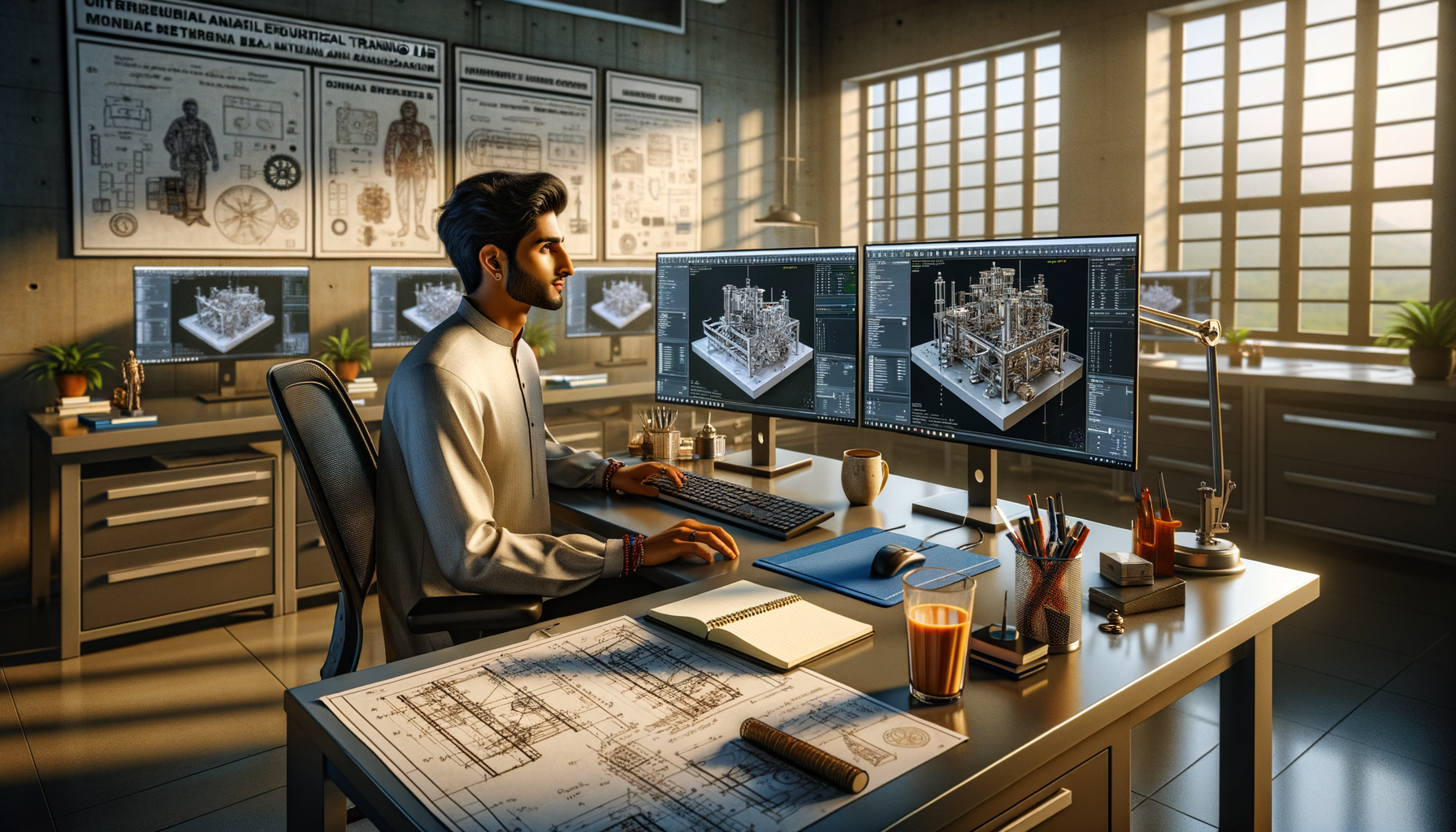
AI 3D modelling for mechanical design is no longer just a trend topic for webinars and LinkedIn posts. It's becoming part of how real design teams in India work in 2026. If you already know the basics of CAD and mechanical design, this is where things get interesting. We're talking about intelligent feature prediction, automated design variations, faster assemblies, rule-based modelling, and AI-assisted workflows that can save serious time in production environments. Here's the thing: companies don't pay more just because you can sketch and extrude. They pay more when you can model faster, reduce errors, and support engineering decisions with smart tools.

Whether you're aiming for roles in Pune, Chhatrapati Sambhajinagar, Sangli, or looking at employers like Tata Technologies, Mahindra Engineering, Bajaj Auto, Bosch, Siemens, Thermax, or KPIT Technologies, you'll need more than basic CAD commands. What most people don't realize is that AI in mechanical design isn't replacing engineers. It's helping experienced users remove repetitive work and focus on fit, function, manufacturability, and revision control. Trust me, that's where the value is.
What is AI 3D modelling in mechanical design actually doing?
At an advanced level, AI 3D modelling helps in three practical areas: prediction, automation, and optimization. Prediction means the software starts understanding what feature you're likely to create next based on sketch intent, model history, and design rules. Automation means repeated tasks like hole patterns, standard part selection, BOM tagging, and design variants can be generated faster. Optimization means AI can suggest lighter, stronger, or easier-to-manufacture geometry based on constraints.
In tools like SOLIDWORKS 2025, Autodesk Fusion 360, PTC Creo, and Siemens NX, this shows up as smart mates, design assistants, generative design options, auto-dimension support, feature recognition, and simulation-led suggestions. The good news is, you don't need to become a data scientist to use these features well. But you do need to understand when to trust them and when to override them.
Which AI tools should mechanical designers in India learn in 2026?
If you're already comfortable with traditional CAD, focus on software that industry teams are actually using. Start with SOLIDWORKS 2025 for parametric modelling and design automation. Fusion 360 is excellent for cloud collaboration, generative design, and quick iteration. Siemens NX is stronger in enterprise manufacturing environments. Creo remains important for rule-based design and large engineering teams.
For advanced workflows, pair CAD with supporting tools:
- ChatGPT or Microsoft Copilot for documentation drafts, design checklists, and formula logic
- Power BI for engineering dashboards and revision tracking
- Python basics for CAD macro logic and automation
- Autodesk generative design tools for concept exploration
- Simulation tools for AI-guided design validation
If you're targeting companies like L&T, Kirloskar, Tata Technologies, or Bosch, software depth matters. Recruiters don't just ask, “Do you know CAD?” They ask how you handled design changes, family parts, model intelligence, tolerances, and manufacturability.
How do advanced users build faster with AI-assisted CAD workflows?
This is where power-user discipline matters. AI features only help when your model structure is clean. Start with parameter-driven modelling. Define global variables for wall thickness, hole diameters, draft angles, and mounting distances. Then connect these to equations and configurations. Once the model has logic, AI suggestions become far more usable.
Next, build reusable design templates. For example, if you're creating motor brackets, enclosures, shafts, or fixture plates repeatedly, save standard sketches, feature libraries, and custom properties. AI works best when there is pattern history. Random modelling gives weak results. Structured modelling gives excellent acceleration.
Another advanced trick is feature tree discipline. Keep feature names meaningful. Group operations by function. Suppress non-essential details in early concept stages. Use simplified configurations for large assemblies. Here's the thing: AI can help generate geometry, but if your feature tree is messy, your revision cycle will still be slow.
What industry-standard settings improve AI-based modelling accuracy?
Most learners ignore settings, and that's a mistake. What most people don't realize is that advanced CAD productivity often comes from setup, not just command knowledge. Use proper document templates with standard units, drafting norms, custom material libraries, and predefined tolerances. If you're working for automotive or manufacturing suppliers in Maharashtra, consistency matters.
Recommended setup areas to standardize:
- MMGS or project-specific unit standards
- Material libraries aligned to actual manufacturing stock
- Custom properties for part number, revision, weight, process, and project code
- Drawing templates based on ISO or company drafting rules
- Design library folders for nuts, bolts, bearings, and standard hardware
- Revision naming rules for PDM or shared drive control
In companies like Mahindra Engineering or Bajaj Auto, engineers who follow standards are more trusted with production-facing work. AI doesn't remove standards. It makes standards more important.
How can AI help with design automation and repetitive tasks?
Design automation is one of the biggest reasons experienced engineers are adopting AI-assisted tools. If you've ever created ten similar parts with small dimensional changes, you already know how much time goes into repetitive edits. Advanced users solve this through configurations, design tables, macros, and rule-driven models.
For example, instead of building every flange, bracket, or cover from scratch, create a master model with editable parameters. Then use spreadsheet-driven inputs or built-in automation tools to generate variants. AI can assist by suggesting dimensions, matching prior versions, or detecting feature patterns from earlier models.
You can also automate non-modelling tasks:
- Auto-generate drawing views for standard parts
- Create BOM structures faster
- Flag missing properties before release
- Suggest interference checks in assemblies
- Speed up tolerance review using design rules
Trust me, in a real design office, saving 20 minutes per part matters. Across a month, that's serious productivity.
Can AI improve manufacturability, not just modelling speed?
Yes, and this is where advanced designers separate themselves from beginners. Good engineers don't stop at making a model that looks correct. They check whether it can be machined, welded, cast, bent, assembled, and serviced. AI-supported design tools can highlight weight reduction opportunities, over-complex geometry, inaccessible machining regions, or structurally weak zones when linked with simulation and manufacturing constraints.
Suppose you're designing a housing or support bracket. An AI-assisted workflow might suggest reducing material in low-stress areas, increasing rib support in critical zones, or simplifying geometry for easier CNC tool access. That means less trial-and-error later. In companies like Siemens, Bosch, and Thermax, this kind of thinking is valued because it reduces downstream rework.
What salary advantage do AI-ready mechanical designers get in Maharashtra?
Let's keep this practical. A basic CAD operator in Pune or Chhatrapati Sambhajinagar may start around ₹2.4 lakh to ₹3.2 lakh per year. A stronger mechanical design engineer with advanced CAD, assemblies, drafting standards, and some automation skill can move into the ₹4.5 lakh to ₹6.5 lakh range. If you add AI-assisted design workflows, simulation awareness, design automation, and enterprise software exposure, salaries can move toward ₹7 lakh to ₹10 lakh in better roles, especially in Pune automotive, industrial equipment, and product engineering firms.
At high-growth companies or engineering service firms like Tata Technologies, KPIT Technologies, Infosys engineering divisions, or TCS manufacturing projects, the advantage isn't just salary. It's role quality. You'll get better projects, faster promotions, and more ownership.
How should you learn AI 3D modelling properly without wasting time?
Don't start by chasing every new AI tool. Start with one core CAD platform and deepen your workflow. Learn parametric intelligence, configurations, equations, design libraries, macros, and simulation basics. Then layer AI features on top. The good news is, once your fundamentals are strong, AI tools actually become easier to use because you'll know when the output makes engineering sense.
A strong learning sequence looks like this:
- Master parametric part modelling
- Build clean assemblies with mates and motion logic
- Create production-ready drawings
- Learn configurations and design tables
- Use macros or rule-based automation
- Add AI-assisted generative and optimization tools
- Practice manufacturability checks and revision workflows
If you want structured training in Maharashtra, ABC Trainings helps learners move beyond beginner CAD into job-focused advanced workflows. For guidance, call 8698270088 or WhatsApp 7774002496. One practical conversation can save you months of random learning.
Why are companies hiring engineers who can work with AI instead of fearing it?
Because industry doesn't reward fear. It rewards output. Mechanical design teams still need engineers who understand GD&T, fitment, tolerances, materials, assemblies, and manufacturing constraints. AI just changes how quickly some of that work gets done. Here's the thing: the engineer who knows both CAD fundamentals and AI-assisted workflows becomes more useful than the engineer who knows only one side.
If you're serious about your growth, treat AI as a design assistant, not a magic button. Validate every suggestion. Build with standards. Think like manufacturing. That's how you become the person teams rely on.
ABC Trainings regularly works with students and working professionals who want advanced, industry-relevant skills instead of surface-level software knowledge. If your goal is a real job upgrade in Pune, Sangli, or Chhatrapati Sambhajinagar, this is the right time to go deeper.
Is AI 3D modelling useful for freshers in mechanical design in India?
Yes, but only if your CAD basics are already clear. Freshers should first learn sketching, part modelling, assemblies, and drawings properly before depending on AI features. In India, recruiters still test core engineering logic during interviews. AI knowledge gives you an edge only when it supports solid design fundamentals.
Which software is best for learning AI in mechanical design in Maharashtra?
SOLIDWORKS 2025 and Fusion 360 are good starting points because they balance industry relevance and accessibility. If you're targeting enterprise roles, Creo and Siemens NX are also valuable. The right choice depends on your target industry, whether automotive, manufacturing, industrial equipment, or product design. In Pune, automotive and engineering services employers often value strong parametric CAD with automation skills.
Do companies like Tata Technologies or Bosch expect AI knowledge from design engineers?
They may not always ask for “AI” directly in the job title, but they do expect faster modelling, automation awareness, simulation-backed decisions, and efficient workflows. That's exactly where AI-assisted CAD skills help. If you can show configurations, design tables, reusable templates, and optimization thinking, you'll stand out. The expectation is practical productivity, not buzzwords.
Where can I learn advanced AI-assisted CAD in Maharashtra?
Look for training that goes beyond commands and covers workflow, standards, automation, and project thinking. A good institute should teach real modelling logic, manufacturing context, and software settings used in industry. ABC Trainings offers practical guidance for students and working professionals across Maharashtra. You can call 8698270088 or WhatsApp 7774002496 to check the right course path.
Visit Our Centers
Chhatrapati Sambhajinagar
Corporate Office (HQ)
2nd Floor, Kandi Towers, Jalna Road, Amarpreet Chowk, Chhatrapati Sambhajinagar, Maharashtra 431001
Osmanpura Branch
Plot No 14, Shanya Sect, Near Sant Eknath Rang Mandir, Osmanpura, Chhatrapati Sambhajinagar, Maharashtra 431005
CIDCO Branch
Plot No 4, N-3, Cidco, Opp. High Court, Chhatrapati Sambhajinagar, Maharashtra 431003
Pune
Wagholi Branch
1st Floor, ABC Trainings, Laxmi Datta Arcade, Pune - Ahilyanagar Hwy, Wagholi, Pune, Maharashtra 412207
Hadapsar Branch
Bloom Hotel, ABC Trainings 1st Floor, S.no 156/3 Shree Tower Pune - Solapur Rd, Hadapsar, Pune, Maharashtra 411028
Sangli
Sangli Branch
2nd Floor, Vasant Market, Opp. City High School, Sangli, Maharashtra 416416
Start Your Career Journey Today
Join 10,000+ students who transformed their careers with ABC Trainings.
💬 WhatsApp: 7774002496📞 Call: 8698270088