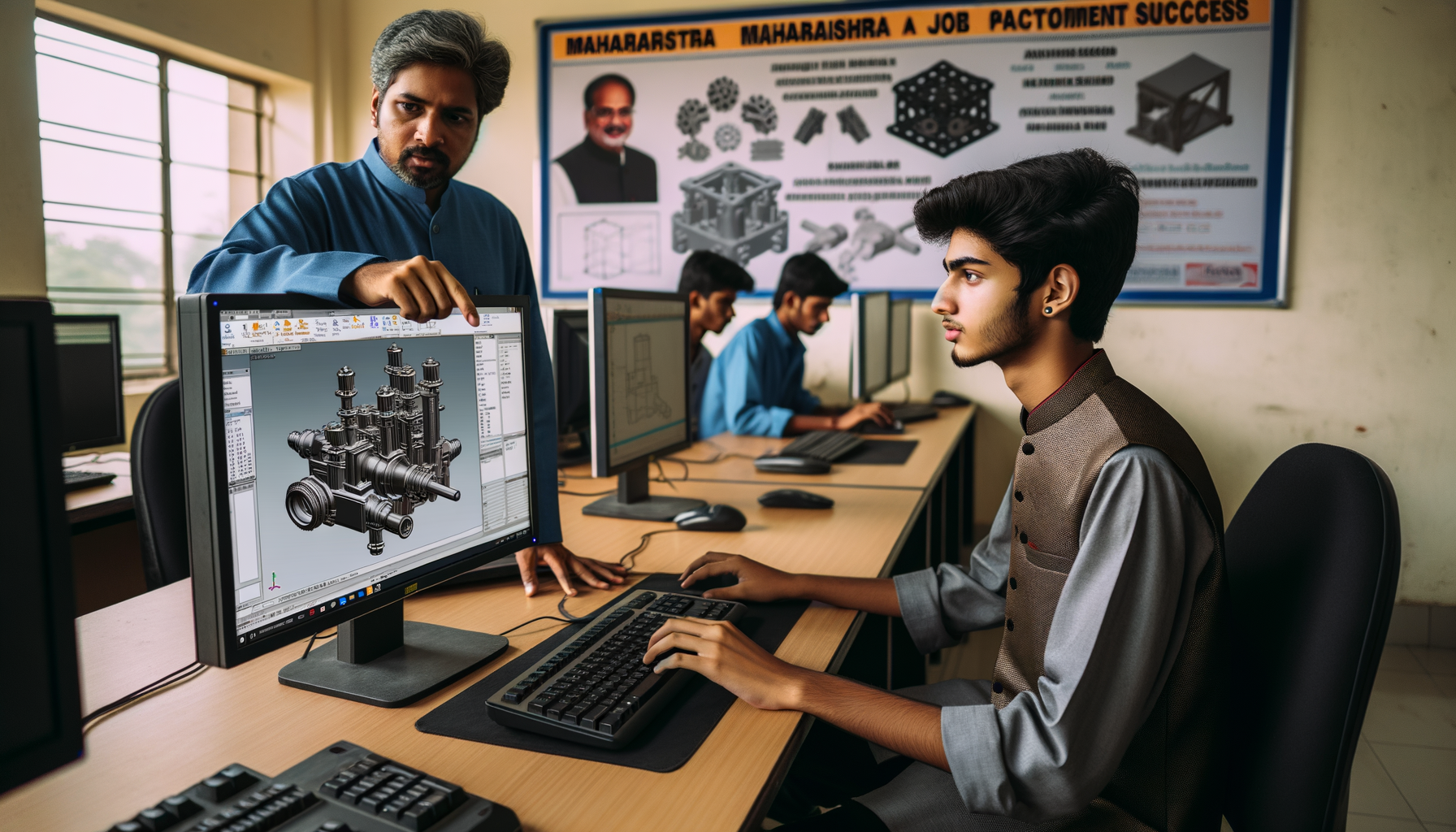
Engineering Software Training in Osmanpura Aurangabad 2026
If you're searching for engineering software training in Osmanpura Aurangabad, you're probably comparing CAD courses, checking fees, and wondering which software actually helps you get hired. I've trained students for more than a decade, and here's the thing: most beginners don't fail because the software is too hard. They struggle because they start with the wrong expectations, choose random tools, and never build job-ready practice.
In Osmanpura and across Chhatrapati Sambhajinagar, I keep meeting diploma holders, BE students, and fresh graduates who want to learn AutoCAD, SolidWorks, CATIA, NX CAD, ANSYS, or Revit. Some get placed in 3 to 6 months. Others finish the same course and still don't clear interviews at companies like Bajaj Auto, Tata Technologies, Mahindra Engineering, Bosch, Siemens, Thermax, or Kirloskar. The difference is not talent alone. It's approach.
Let's talk honestly about course fees, common mistakes, and what separates serious students from the ones who keep saying, “Sir, software aata hai but job nahi mil rahi.”
What engineering software courses do students in Osmanpura usually ask for?
In Aurangabad, the most common demand comes from mechanical, civil, and electrical students. For CAD-focused learners, the usual options include:
- AutoCAD 2025/2026 for 2D drafting and basic layouts
- SolidWorks 2024/2025 for part, assembly, and drawing work
- CATIA V5 for automotive and product design roles
- Siemens NX CAD for advanced design and manufacturing workflows
- ANSYS Workbench for simulation and analysis basics
- Creo for product design in certain manufacturing companies
What most people don't realize is that no single software guarantees placement. Pune and Aurangabad employers usually hire for a role, not for a logo. If you're targeting design jobs, they want drawing interpretation, GD&T basics, assemblies, tolerances, BOM understanding, and confidence with real components.
What are the typical CAD course fees in Osmanpura Aurangabad?
Students ask this first, and fair enough. In Osmanpura, fees depend on software depth, lab access, trainer experience, and whether the course includes projects and interview support.
- AutoCAD: ₹12,000 to ₹18,000
- SolidWorks: ₹18,000 to ₹30,000
- CATIA V5: ₹20,000 to ₹35,000
- NX CAD: ₹25,000 to ₹40,000
- ANSYS: ₹22,000 to ₹45,000
- Combo mechanical design packages: ₹35,000 to ₹65,000
The good news is, higher fees don't always mean better training. Trust me, I've seen students pay ₹40,000 elsewhere and still not know how to create a proper manufacturing drawing. At the same time, I've seen focused students from ABC Trainings use a well-structured course and portfolio to land entry-level roles between ₹2.4 LPA and ₹4.2 LPA in Aurangabad and Pune.
What mistakes do beginners always make in engineering software training?
1. Choosing software before choosing a job role
This is the biggest mistake. A student says, “Everyone is learning CATIA, so I'll do CATIA.” But do you want a mechanical design role, drafting role, simulation role, or production support role? If you don't define the target, you end up with scattered skills and no clear interview story.
2. Learning commands without understanding engineering basics
Many students can click features in SolidWorks or CATIA, but they can't explain projection views, fits, tolerances, materials, or why a fillet is added. Companies like Tata Technologies and Mahindra Engineering notice this immediately. Software skill without engineering logic looks weak in interviews.
3. Ignoring drawings and focusing only on 3D models
Beginners love 3D because it looks impressive. But industry still runs on drawings, dimensions, revisions, and documentation. If you can't create a clean 2D drawing sheet with proper annotations, you're not ready for most entry-level jobs.
4. Skipping daily practice
One class every two days is not enough. Students who get placed usually practice 60 to 90 minutes daily. Students who don't get placed often depend completely on classroom time and forget half the tools by the next week.
5. Building no portfolio
Here's what most people don't realize: a certificate gets you shortlisted, but a project gets you remembered. If you've made a vice assembly, sheet metal bracket, gearbox casing, fixture model, or machine component set with drawings, your interview becomes easier.
What separates placed students from non-placed students?
After watching 1000+ learners, I can tell you the pattern very clearly.
- Placed students ask better questions. They ask why a feature is used, not just where the icon is.
- They repeat projects. They don't stop after one guided model. They remake it from memory.
- They learn keyboard shortcuts and workflow habits. That saves huge time in tests.
- They speak in interview language. Not “Sir, model banaya,” but “I created part models, assemblies, manufacturing drawings, and revision-ready documentation.”
- They stay realistic. They don't expect ₹6 LPA immediately after one basic course.
Most freshers in Aurangabad start around ₹2.2 LPA to ₹3.6 LPA. Strong candidates who combine CAD with GD&T, drafting, and project work may reach ₹4 LPA to ₹5.5 LPA, especially if they move to Pune for roles with Bajaj Auto suppliers, KPIT Technologies support teams, L&T vendors, or design service firms.
Which shortcuts and pro tips actually help beginners learn faster?
Start with one core software, not three
Don't join AutoCAD + CATIA + NX + ANSYS all at once just because it sounds powerful. You'll remember very little. Start with one software linked to your career goal, then add the second.
Practice using real parts around you
A clamp, phone stand, bottle cap, bracket, flange, pulley, or fan housing can teach you more than random tutorial shapes. Real objects improve your observation and feature selection.
Create your own error list
Trust me, every student repeats the same mistakes: wrong sketch constraints, overdefined geometry, missing relations, bad naming, no save discipline, and messy feature tree structure. Write your mistakes down. Review them weekly.
Learn version awareness
If you're using SolidWorks 2024, CATIA V5, NX 2206, or AutoCAD 2025, know what changes in interface and file compatibility. Interviewers sometimes ask this just to check whether you've actually practiced on the software.
Speak while you work
This sounds simple, but it works. While creating a model, explain your steps aloud: base sketch, extrude, cut, fillet, pattern, drawing views, dimensions. That habit improves both memory and interview confidence.
How should you choose the right institute in Osmanpura?
Don't choose only by fee discount or by a poster saying “100% placement.” Ask these questions instead:
- Will I work on industry-style projects?
- Do you teach drawings, GD&T, and interview preparation too?
- Who is the trainer, and how many students has he handled?
- Can I attend practice sessions beyond class hours?
- Will I get help with resume, portfolio, and mock interviews?
If an institute only teaches commands and rushes to finish the syllabus, be careful. Good training should make you employable, not just “course completed.” In Aurangabad, students often come to ABC Trainings after wasting months elsewhere because nobody corrected their fundamentals.
What should your 90-day plan look like after joining a CAD course?
Here's a simple plan I recommend:
- Days 1-20: Interface, sketching, part basics, commands, file handling
- Days 21-40: Intermediate modelling, assemblies, constraints, standards
- Days 41-60: Drawings, dimensions, sections, BOM, revision habits
- Days 61-75: Two independent projects from scratch
- Days 76-90: Resume, portfolio PDF, mock interviews, software test practice
The good news is, this is achievable even for average students if they stay consistent. You don't need to be a topper. You need discipline and correction.
Is engineering software training in Osmanpura worth it in 2026?
Yes, if you choose the course based on job role and train seriously. Aurangabad still has demand for mechanical drafting, design support, production documentation, and vendor-side CAD work. Pune continues to offer stronger salary growth, especially in automotive and industrial design ecosystems connected to Bajaj Auto, Bosch, Siemens, and Tata Technologies.
If you want practical guidance on CAD course selection, fee structure, and placement-focused training, you can contact ABC Trainings at 8698270088 or WhatsApp 7774002496. But wherever you join, don't make the mistake of learning software like a hobby if your goal is a job. Train like an engineer. That's what companies pay for.
Which CAD course is best for mechanical students in Osmanpura Aurangabad?
For most mechanical students, the best starting path is AutoCAD plus one 3D software like SolidWorks, CATIA V5, or NX CAD. The right choice depends on whether you want drafting, product design, or automotive-focused roles. If you're confused, choose based on the job role you want in Aurangabad or Pune, not on what your friends are joining.
What is the fee for engineering software training in Aurangabad?
Basic CAD courses usually start around ₹12,000 to ₹18,000, while advanced software like CATIA, NX CAD, or ANSYS can go from ₹20,000 to ₹45,000. Combo packages may cost ₹35,000 to ₹65,000 depending on duration and project support. Always ask whether the fee includes practice hours, projects, and interview preparation.
Can I get a job after a CAD course in Aurangabad?
Yes, but only if you build practical skills beyond software commands. Companies want drawings, assemblies, engineering basics, and confidence in tests and interviews. Freshers commonly start between ₹2.2 LPA and ₹3.6 LPA, with better growth if they are willing to work in Pune industrial zones too.
How long does it take to learn engineering software properly?
For basic working knowledge, most students need 2 to 3 months of regular practice. To become interview-ready, you should plan for around 3 to 4 months including projects, drawing work, and mock interviews. Students who practice daily improve much faster than those who attend class without revision.
Visit Our Centers
Chhatrapati Sambhajinagar
Osmanpura Branch
Plot No 14, Shanya Sect, Near Sant Eknath Rang Mandir, Osmanpura, Chhatrapati Sambhajinagar, Maharashtra 431005
Start Your Career Journey Today
Join 10,000+ students who transformed their careers with ABC Trainings.
💬 WhatsApp: 7774002496📞 Call: 8698270088