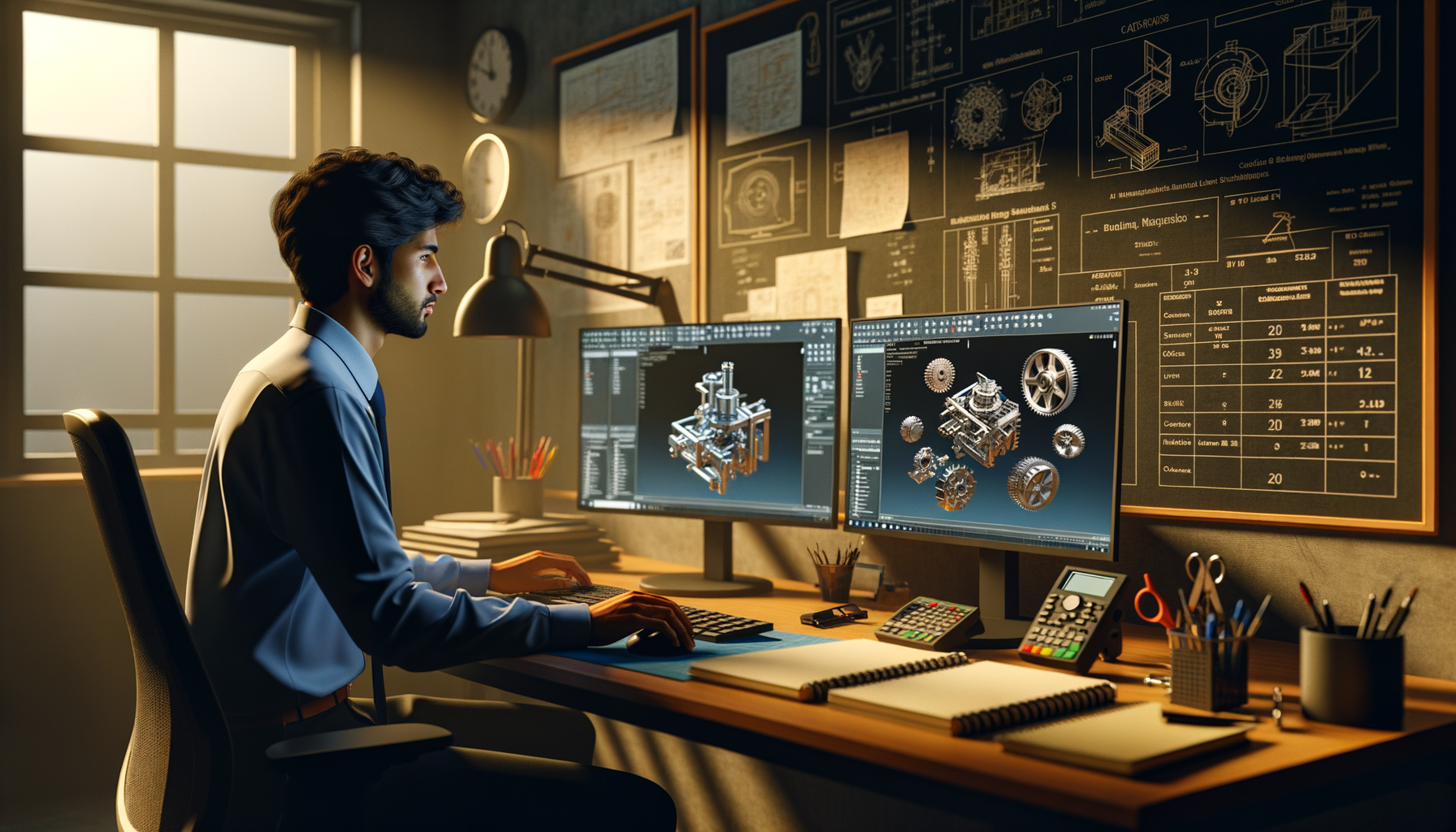
If you're searching for SOLIDWORKS 3D CAD features and uses in India 2026, you're probably past the "what is CAD" stage. You already know basic sketching, extrudes, and simple part modeling. Now you want to understand how SOLIDWORKS fits into real engineering work, why companies still depend on it, and which advanced capabilities actually matter in jobs across Pune, Chhatrapati Sambhajinagar, Sangli, and beyond. Here's the thing: SOLIDWORKS isn't just a modeling tool. It's a full product development environment when used properly.

In training rooms, I often meet students who can make a bracket or shaft but struggle when the design becomes revision-heavy, assembly-driven, or manufacturing-linked. That's where deeper SOLIDWORKS knowledge starts paying off. Trust me, companies like Tata Technologies, Mahindra Engineering, Bosch, Siemens, Bajaj Auto, and Kirloskar don't hire for basic button-clicking. They want engineers who can build clean models, manage assemblies, generate production drawings, and support downstream teams without creating chaos.
What is SOLIDWORKS actually used for in India?
SOLIDWORKS is widely used for 3D part modeling, assembly design, engineering drawings, sheet metal work, weldments, product visualization, and design validation. In India, it's common in automotive vendors, industrial equipment firms, machine design companies, fabrication setups, and product development consultancies.
In Pune, you'll see SOLIDWORKS in automotive and manufacturing ecosystems around Chakan, Bhosari, Pimpri, and Talegaon. In industrial clusters near Aurangabad and Sangli, it's used for machine components, tooling concepts, fabricated structures, and production documentation. The good news is, once your SOLIDWORKS fundamentals become structured, you can move into design, detailing, R&D support, or even simulation-oriented roles.
Which SOLIDWORKS features matter once you know the basics?
What most people don't realize is that advanced SOLIDWORKS work is less about flashy commands and more about model stability. Anyone can create geometry. Professionals create geometry that survives edits.
The features that matter most after basics include:
- Parametric sketch control using relations, equations, and design intent
- Feature tree planning so edits don't break downstream operations
- Reference geometry like planes, axes, and coordinate systems for repeatable modeling
- Configurations for product variants without rebuilding files
- Assembly mates that are efficient, not overdefined
- Drawing associativity so production sheets update correctly after revisions
- Sheet metal and weldments for fabrication-oriented jobs
- File management discipline to avoid missing references and version confusion
If you're using SOLIDWORKS 2024 or SOLIDWORKS 2025, these workflows are still central. Versions change, interface details shift, but clean parametric logic remains the real skill.
How do professionals build better SOLIDWORKS part models?
Start with design intent. That's the phrase many students hear, but very few apply properly. Before sketching, ask: what dimensions are likely to change later? Which faces will be used for mating? Which manufacturing process drives this shape?
Advanced part modeling usually follows a few practical rules:
- Use fewer, smarter sketches instead of many disconnected ones
- Fully define sketches, but don't add unnecessary relations
- Choose base features that reflect the real part logic
- Avoid fragile references to edges likely to disappear after edits
- Use fillets and cosmetic features later in the tree where possible
- Name critical features so handoff becomes easier
Here's the thing: if your model breaks when diameter changes from 40 to 55 mm, it wasn't built well. In industry, revisions are constant. A vendor change, tooling constraint, or customer request can force multiple updates in one day. That's why stable feature order matters more than speed during first creation.
How are SOLIDWORKS assemblies handled in real company workflows?
Assemblies are where many learners hit their first real wall. A part may look correct alone, but once inserted into a machine assembly, poor references, wrong origins, and excessive mates start causing trouble.
Professional assembly workflow usually includes:
- Fixing one main reference component properly at the start
- Using logical sub-assemblies for reusable modules
- Applying only necessary mates to control motion and position
- Checking interference before drawing release
- Using configurations for alternate positions or variants
- Keeping hardware libraries organized and lightweight
For example, if you're designing a machine frame, conveyor, or fixture assembly, don't dump every item into one flat assembly and start mating randomly. Break it into frame, drive, guarding, and fastener groups. Trust me, this is the difference between a student file and a company-ready file.
Why are SOLIDWORKS drawings still critical for jobs?
A lot of freshers think 3D is enough. It isn't. In most Indian manufacturing environments, 2D drawings still drive machining, fabrication, inspection, and vendor communication. Even if the 3D model is the master, the drawing is what reaches the shop floor.
Advanced drawing practice means more than placing three views. You should know how to:
- Select meaningful datums and dimensions
- Avoid duplicate or cluttered dimensions
- Show section views where manufacturing needs clarity
- Add tolerances where fit and function matter
- Use BOM tables correctly for assemblies
- Keep revision blocks and notes disciplined
At companies like L&T, Thermax, Siemens, and Bosch, documentation quality affects production speed. A weak drawing creates calls, confusion, rework, and delays. A clear drawing saves everyone time.
Can SOLIDWORKS support fabrication, sheet metal, and machine design?
Yes, and this is one reason it's so widely adopted. For fabrication-heavy work, the sheet metal and weldments environments are especially valuable. You can create bend-based models, flattened patterns, cut lists, and structural members with much better control than generic modeling methods.
Machine design engineers in Maharashtra often work on support frames, enclosures, brackets, guarding, skids, jigs, and custom mechanisms. In such jobs, knowing multibody strategy, weldment profiles, gussets, sheet metal bends, and cut list management gives you a serious edge.
What most people don't realize is that many recruiters don't say "advanced SOLIDWORKS" in the job title. They'll write mechanical design engineer, design executive, product design engineer, or CAD engineer. But during interviews, they test whether you can actually build production-ready models.
What industries use SOLIDWORKS apart from automotive?
Automotive gets the most attention, but SOLIDWORKS is also used in industrial machinery, process equipment, consumer products, packaging systems, medical devices, fabrication, and startup product development. Tata Technologies and KPIT Technologies may work around broader engineering ecosystems, while many MSMEs and design vendors use SOLIDWORKS directly for customer-specific projects.
If you're in Pune, Nashik, Kolhapur, Satara, Sangli, or Chhatrapati Sambhajinagar, don't limit your thinking to one industry. A strong SOLIDWORKS user can work in machine building, special purpose machines, plant equipment, tooling support, and product customization roles.
What salary can SOLIDWORKS skills get in Maharashtra in 2026?
For freshers with only basic CAD exposure, salaries often start around ₹1.8 lakh to ₹2.8 lakh per year. If you can handle assemblies, drawings, sheet metal, and revision-ready modeling, entry-level offers can move to ₹3 lakh to ₹4.2 lakh in cities like Pune. With 2 to 4 years of solid design experience, many professionals reach ₹4.5 lakh to ₹7.5 lakh, depending on domain and company size.
Productive users with industry projects, vendor coordination experience, and manufacturing understanding can go higher. The software alone doesn't decide salary. Your ability to solve design problems does.
How should you learn SOLIDWORKS beyond beginner level?
Don't just practice random parts from YouTube. Build a progression. Start with controlled parametric parts, then move to assemblies, then drawings, then fabrication-focused modules like sheet metal and weldments. After that, practice real design change scenarios: change size, change mounting method, change material thickness, and see whether your model survives.
The good news is, once you train correctly, your confidence improves fast. At ABC Trainings, we see this shift when students stop asking "which command should I use?" and start asking "what modeling strategy will remain stable after revision?" That's the right question. If you want guided SOLIDWORKS training aligned with industry expectations in Maharashtra, you can call 8698270088 or WhatsApp 7774002496.
And yes, portfolio matters. A serious portfolio should include one machine assembly, one sheet metal project, one weldment structure, and drawing sheets that look like they belong in a real company release set. That's what gets attention from employers more than a certificate alone.
Is SOLIDWORKS still worth learning in 2026?
Absolutely. If your target is mechanical design, product development, fabrication, machine design, or manufacturing documentation, SOLIDWORKS remains highly relevant in India. It's practical, widely recognized, and closely tied to real engineering output.
Here's the thing: software trends come and go, but companies still need engineers who can think in 3D, document clearly, and handle revisions without panic. That's why SOLIDWORKS continues to hold value. If you already know the basics, now is the time to build deeper control, cleaner workflows, and job-ready project quality. That's where real growth starts.
Is SOLIDWORKS enough to get a job in Pune as a fresher?
SOLIDWORKS can help a lot, but basics alone usually aren't enough. Pune employers want part modeling, assembly handling, production drawings, and some understanding of manufacturing. If you also build a project portfolio and can explain design intent clearly in interviews, your chances improve strongly.
Which SOLIDWORKS modules should Maharashtra mechanical students learn first?
Start with part modeling, assemblies, and drawings. After that, sheet metal and weldments are very useful for machine design and fabrication roles common in Maharashtra. If your target is product development, adding surfacing and simulation awareness can also help.
What is the difference between learning SOLIDWORKS for college and for industry?
College learning often focuses on making geometry, while industry expects revision-friendly models and complete documentation. In real jobs, your files must be editable, organized, and usable by production or vendor teams. That's why workflows, naming, drawing standards, and assembly discipline matter so much.
Where can I learn SOLIDWORKS in Maharashtra with practical projects?
You should look for a training institute that teaches real design workflows, not just command lists. ABC Trainings is a strong option for students who want practical CAD learning with job-focused projects in Maharashtra. You can call 8698270088 or WhatsApp 7774002496 to check current batches and course structure.
Visit Our Centers
Chhatrapati Sambhajinagar
Corporate Office (HQ)
2nd Floor, Kandi Towers, Jalna Road, Amarpreet Chowk, Chhatrapati Sambhajinagar, Maharashtra 431001
Osmanpura Branch
Plot No 14, Shanya Sect, Near Sant Eknath Rang Mandir, Osmanpura, Chhatrapati Sambhajinagar, Maharashtra 431005
CIDCO Branch
Plot No 4, N-3, Cidco, Opp. High Court, Chhatrapati Sambhajinagar, Maharashtra 431003
Pune
Wagholi Branch
1st Floor, ABC Trainings, Laxmi Datta Arcade, Pune - Ahilyanagar Hwy, Wagholi, Pune, Maharashtra 412207
Hadapsar Branch
Bloom Hotel, ABC Trainings 1st Floor, S.no 156/3 Shree Tower Pune - Solapur Rd, Hadapsar, Pune, Maharashtra 411028
Sangli
Sangli Branch
2nd Floor, Vasant Market, Opp. City High School, Sangli, Maharashtra 416416
Start Your Career Journey Today
Join 10,000+ students who transformed their careers with ABC Trainings.
💬 WhatsApp: 7774002496📞 Call: 8698270088