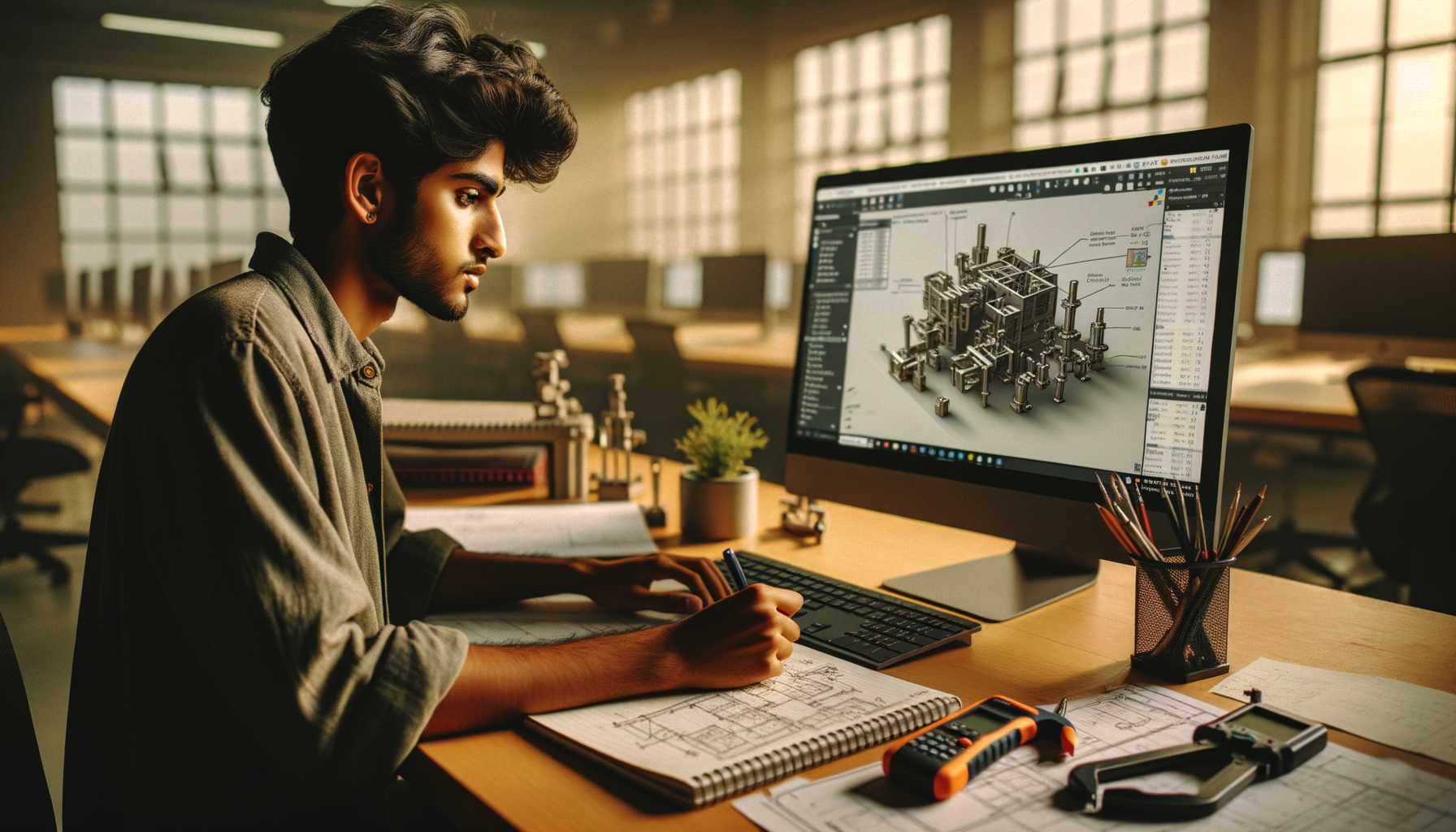
SOLIDWORKS is one of the most searched 3D CAD software tools in India, but most people only know the surface-level answer: it's used for 3D modelling. Here's the thing — if you're serious about mechanical design, product development, fabrication drawings, or manufacturing jobs in Maharashtra, you need a much clearer picture than that. SOLIDWORKS isn't just a sketch-and-extrude tool. It's a full design environment used to build parts, validate fit, generate production drawings, manage assemblies, and prepare designs for real shop-floor decisions.
If you've already seen the basics, this guide goes deeper into what SOLIDWORKS actually does, where professionals use it, and what most people don't realize about its workflow in Indian industry.

What is SOLIDWORKS software actually used for?
SOLIDWORKS is a parametric 3D CAD software widely used for mechanical design, product development, machine components, sheet metal parts, weldments, assemblies, and manufacturing drawings. In practical terms, it helps you create intelligent models where dimensions, relationships, and features stay connected. Change one critical size, and the rest of the design can update with it.
That associativity is where the real power starts. A beginner sees a 3D model. A professional sees a controlled design system. Trust me, that difference matters when you're handling repeated revisions, vendor changes, tolerance corrections, or customer-specific variants.
In Indian companies such as Tata Technologies, Mahindra Engineering, Bajaj Auto, Bosch, Siemens, Thermax, and Kirloskar, software like SOLIDWORKS is used in workflows that go beyond modelling. Engineers use it for concept design, design validation, BOM preparation, drawing release, and communication with production teams.
Which SOLIDWORKS features matter most for advanced users?
If you already know sketches, extrudes, cuts, fillets, and assemblies, the next level is learning which features improve design control and speed. The good news is, you don't need 50 random commands. You need the right few used properly.
Parametric feature strategy
Advanced users don't just model shapes; they build editable models. That means planning the feature tree properly, naming important features, controlling parent-child relationships, and avoiding messy rebuild errors. A clean feature tree saves hours during revision work.
Configurations
Configurations are one of the most practical tools in SOLIDWORKS. You can create multiple size variants, left-right versions, or product options inside a single file. What most people don't realize is that this is extremely useful for standard product families, fasteners, brackets, machine frames, and customer-specific models.
Design tables
For repetitive design work, design tables linked with Excel can automate dimensions and suppress features across variants. In real engineering offices, this is a major time-saver when you're building standard components or modular products.
Equations and global variables
These let you drive dimensions mathematically. If hole spacing, wall thickness, or flange length depends on a master dimension, equations make the model smarter and more stable.
Reference geometry
Planes, axes, coordinate systems, and reference points are often ignored by beginners. Professionals use them constantly for symmetrical modelling, assembly alignment, downstream machining setup, and drawing control.
How do professionals build better SOLIDWORKS parts?
Professional part modelling is less about flashy commands and more about intent. Start with the manufacturing process in mind. Is the part machined, laser cut, bent, cast, or welded? Your modelling approach should match that reality.
For machined parts, keep sketches simple and use clear feature sequencing. For sheet metal parts, use dedicated sheet metal tools instead of faking bends with extrudes. For fabricated structures, weldments are often faster and more accurate than building every member manually.
Here's a workflow many experienced users follow:
- Start from a stable primary reference plane
- Use fully defined sketches wherever possible
- Create base geometry first, details later
- Add fillets and chamfers near the end unless functionally critical
- Use mirror and pattern features to reduce rebuild complexity
- Name critical dimensions and features for revision control
This may sound basic, but trust me, clean modelling discipline is what separates a portfolio model from an industry-ready model.
How is SOLIDWORKS used in assemblies and product design?
Assemblies are where SOLIDWORKS starts feeling like real engineering work. A single part proves you can model. A proper assembly proves you understand how components fit, move, and get manufactured together.
Advanced assembly work includes mates, interference detection, exploded views, motion checks, subassemblies, and top-down design methods. If you're working on machine design, automation systems, fixtures, conveyors, enclosures, or product housings, assembly skills are non-negotiable.
One efficiency trick professionals use is subassembly structuring. Instead of dumping 300 components into one flat assembly, they break the design into manageable modules. That keeps the model lighter, easier to troubleshoot, and easier for teams to review.
Another important area is interference and clearance validation. Before a drawing reaches production, you should be checking whether fasteners clash, shafts collide, or covers fail to open. That's the kind of detail companies value because it prevents shop-floor mistakes.
Can SOLIDWORKS generate manufacturing drawings properly?
Yes, and this is one reason it's trusted in industry. SOLIDWORKS can create associative 2D drawings directly from 3D models. If the model changes, the drawing updates. That's a big deal when revision cycles are tight.
Advanced drawing work includes section views, detail views, broken views, GD&T, hole callouts, weld symbols, BOM tables, ballooning, custom title blocks, and revision tables. In many Indian SMEs and design service firms, drawing quality is what gets you judged first.
What most people don't realize is that drawing discipline is often more employable than fancy surface modelling. A company can teach a few commands. It's harder to teach design communication, tolerancing logic, and release-ready documentation.
If you're targeting jobs in Pune, Chhatrapati Sambhajinagar, Nashik, Kolhapur, or Sangli, strong drawing output can help in roles like design engineer, draughtsman, production support engineer, and mechanical CAD engineer.
Where is SOLIDWORKS used in Indian industries?
SOLIDWORKS is widely relevant in automotive, industrial equipment, process equipment, consumer products, fabrication, tooling, and machine design. In Maharashtra, you'll see demand around Pune's automotive and manufacturing belt, Chakan industrial areas, PCMC vendors, MIDC clusters, and engineering service companies.
Typical use cases include:
- Automotive fixtures and brackets for suppliers supporting Bajaj Auto and Tata-linked ecosystems
- Machine frames, guards, and assemblies for industrial automation firms
- Sheet metal enclosures for electrical and control equipment
- Process equipment and fabricated components for companies serving Thermax-type sectors
- Product housings, plastic components, and prototype-ready models
That means SOLIDWORKS isn't only for large OEMs. It's equally useful in vendor companies, fabrication units, product startups, and design consultancies.
What is the career scope after learning SOLIDWORKS in Maharashtra?
If you know only the basics, entry-level salaries in Maharashtra often start around ₹1.8 lakh to ₹3 lakh per year for trainee or junior CAD roles. With solid modelling, assemblies, drawings, and practical project work, many freshers move into the ₹2.8 lakh to ₹4.5 lakh range. Candidates with stronger domain understanding in sheet metal, machine design, GD&T, or manufacturing support can target even better packages over time.
In Pune, design support roles are common in vendor networks, industrial equipment companies, and consulting firms. In Chhatrapati Sambhajinagar and Sangli, opportunities often come through fabrication, machine building, plant engineering support, and SME manufacturing setups.
If you're learning seriously, build projects that show assemblies, manufacturing drawings, BOMs, and revision logic. That's what interviewers notice. ABC Trainings works with many students who don't just want software knowledge — they want job-ready workflow practice. If you want to check course details, you can call 8698270088 or WhatsApp 7774002496.
How should you learn SOLIDWORKS beyond beginner level?
Start thinking like a designer, not a command collector. Pick one product or machine concept and develop it fully: parts, assembly, drawings, exploded view, and revision updates. Use SOLIDWORKS 2024 or newer if possible, because modern interface habits and file handling matter in current jobs.
A strong advanced learning path looks like this:
- Parametric part modelling with clean feature trees
- Configurations, equations, and design tables
- Assemblies with proper mates and interference checks
- Sheet metal and weldments
- Manufacturing drawings with BOM and GD&T basics
- Mini projects based on actual machine or product components
Here's the thing — companies don't hire for button knowledge alone. They hire people who can open a design problem, structure a model properly, and release understandable drawings. That's the skill set you should be building.
If you want guided SOLIDWORKS training with practical projects in Maharashtra, ABC Trainings can help you train in a more industry-focused way instead of just finishing a syllabus. Call 8698270088 or WhatsApp 7774002496 for details.
Is SOLIDWORKS good for mechanical engineering students in Maharashtra?
Yes, especially if you want careers in design, manufacturing support, product development, or plant engineering. In Pune and nearby industrial areas, SOLIDWORKS is relevant for machine design, sheet metal, fixture design, and assembly documentation. The key is to learn beyond basic modelling and build projects that reflect real industry work.
Which is better for jobs in India: AutoCAD or SOLIDWORKS?
It depends on the role. AutoCAD is still widely used for 2D drafting, layouts, and documentation, while SOLIDWORKS is stronger for 3D mechanical design, assemblies, and product development. If you're targeting mechanical design jobs, SOLIDWORKS usually gives you better depth for modern engineering roles.
What salary can a fresher get after SOLIDWORKS training in Pune?
Freshers commonly start around ₹1.8 lakh to ₹3 lakh per year, depending on software skill, project quality, and communication. If you can handle assemblies, drawings, BOMs, and practical design tasks, offers in the ₹2.8 lakh to ₹4.5 lakh range are possible in some companies. Strong portfolios and interview performance make a big difference.
Do Indian companies use SOLIDWORKS for real production work?
Yes, many Indian manufacturers, vendors, and engineering service firms use SOLIDWORKS for part design, assemblies, sheet metal, weldments, and production drawings. It's especially common in machine building, fabrication, industrial equipment, and supplier ecosystems. The software is practical because it supports both design creation and manufacturing documentation.
Visit Our Centers
Chhatrapati Sambhajinagar
Corporate Office (HQ)
2nd Floor, Kandi Towers, Jalna Road, Amarpreet Chowk, Chhatrapati Sambhajinagar, Maharashtra 431001
Osmanpura Branch
Plot No 14, Shanya Sect, Near Sant Eknath Rang Mandir, Osmanpura, Chhatrapati Sambhajinagar, Maharashtra 431005
CIDCO Branch
Plot No 4, N-3, Cidco, Opp. High Court, Chhatrapati Sambhajinagar, Maharashtra 431003
Pune
Wagholi Branch
1st Floor, ABC Trainings, Laxmi Datta Arcade, Pune - Ahilyanagar Hwy, Wagholi, Pune, Maharashtra 412207
Hadapsar Branch
Bloom Hotel, ABC Trainings 1st Floor, S.no 156/3 Shree Tower Pune - Solapur Rd, Hadapsar, Pune, Maharashtra 411028
Sangli
Sangli Branch
2nd Floor, Vasant Market, Opp. City High School, Sangli, Maharashtra 416416
Start Your Career Journey Today
Join 10,000+ students who transformed their careers with ABC Trainings.
💬 WhatsApp: 7774002496📞 Call: 8698270088