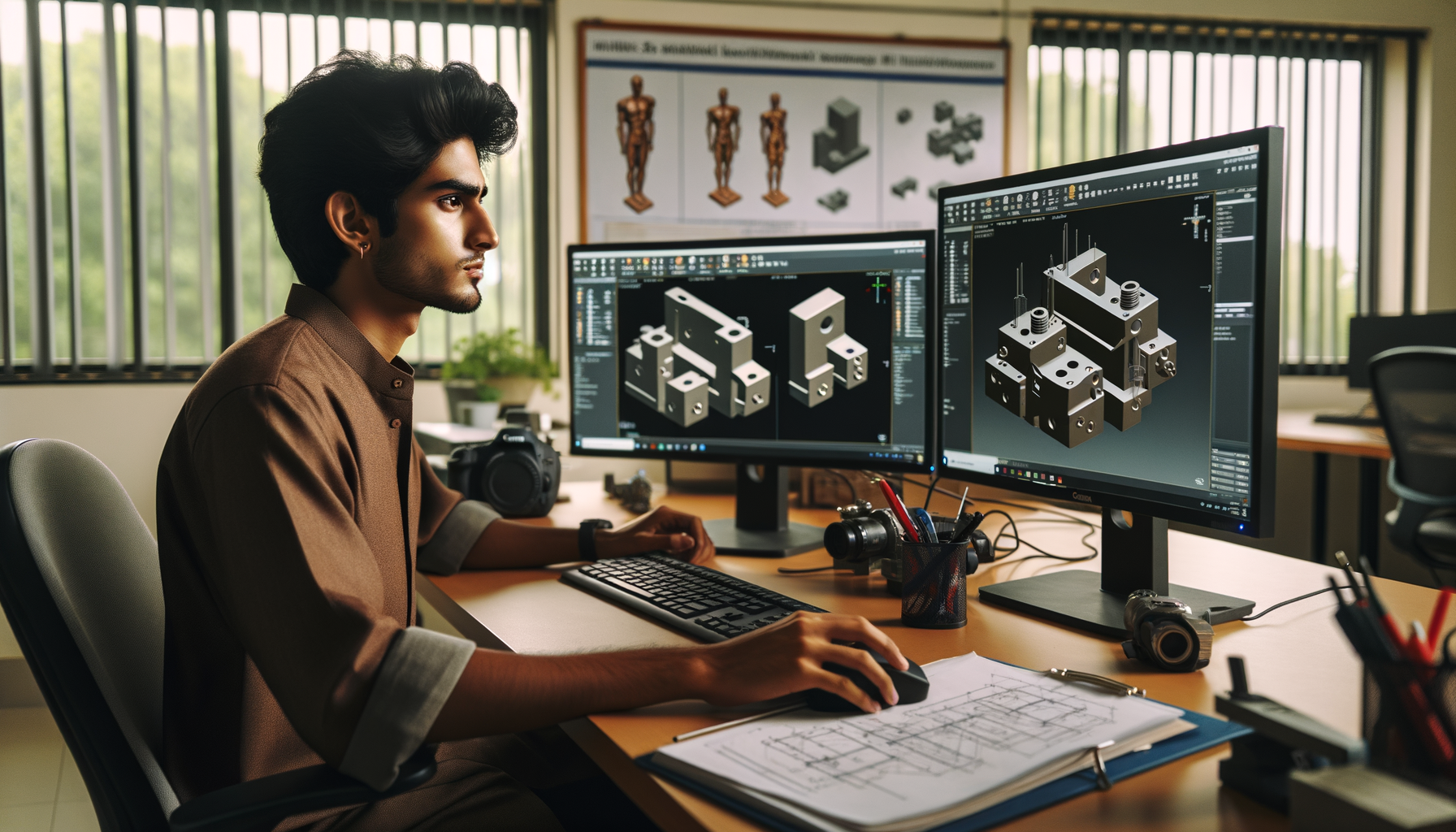
If you already know how to click Features > Chamfer in SolidWorks, this guide is for the next stage. This SolidWorks Chamfer Advanced Guide India 2026 is for students, diploma holders, and mechanical designers who want cleaner models, fewer rebuild errors, and more production-ready parts. A basic chamfer is easy. Here's the thing: using chamfer properly inside real machine design workflows is where most learners get stuck. In companies like Bajaj Auto, Tata Technologies, Mahindra Engineering, Bosch, and Kirloskar, nobody cares if you know the icon. They care whether your model updates correctly, your drawing callouts are clear, and your part can actually be manufactured.

The video explains the basics well: select edges, choose chamfer type, and apply angled edge cuts. The good news is, once you understand that foundation, you can use chamfer as a serious finishing, assembly, and manufacturability tool. Let's go deeper into the settings, decisions, and shortcuts that professionals use every day.
What is the best way to use Chamfer in SolidWorks professionally?
The best way is to stop treating chamfer as just an edge cosmetic feature. In professional mechanical design, chamfer serves at least four purposes: removing burr-prone sharp edges, helping part insertion during assembly, preparing edges for machining or welding, and matching drawing standards. What most people don't realize is that the same 1 mm chamfer can mean very different things depending on whether the part is sheet metal, a machined block, a turned shaft, or a casting.
In SolidWorks 2024 and SolidWorks 2025, you should first decide why the chamfer exists. If it's for assembly lead-in, keep dimensions functional. If it's for safety edge breaking, don't over-control it with unnecessary dimensions. If it's for machining, make sure the toolpath and edge access make sense. Trust me, this one decision improves both your model quality and interview answers.
Which Chamfer type should you choose in SolidWorks?
Most users know the two common options from the video: Angle-Distance and Distance-Distance. Advanced users know when each one prevents downstream trouble.
- Angle-Distance: Best when the chamfer angle matters, like 45° edge prep, countersink-style lead-ins, or standard machining intent.
- Distance-Distance: Better when you need unequal setbacks on two faces, especially in enclosure parts, fixture blocks, and clearance-focused geometry.
- Vertex or face-related cases: In complex geometry, selecting the right reference face matters more than the number itself.
If you're working on shaft collars, mounting plates, or machine brackets for firms like Thermax or L&T vendors in Pune, 45° chamfers are common. But in imported designs or tooling models from Siemens or KPIT Technologies clients, you'll often see non-45° chamfers driven by fit or tool clearance. So don't assume 45° is always correct.
How do advanced users avoid Chamfer rebuild errors?
This is where beginners and working designers separate. Chamfer failures usually happen because of feature order, bad edge references, or tiny leftover geometry. If your model keeps breaking after edits, check these first:
- Apply major shape features before edge finishing features.
- Keep chamfers near the end of the feature tree unless they affect design intent.
- Avoid chamfering edges that may disappear after later cuts or fillets.
- Watch for zero-thickness conditions at corners.
- Use grouped edge selection carefully in patterns and mirrored bodies.
Here's a workflow I teach experienced students: build base extrude, add functional cuts, holes, slots, bosses, then apply fillets and chamfers at the finishing stage. If a chamfer is required for assembly fit and controls another feature, place it earlier. Otherwise, keep it late. That's how many production teams reduce update problems in large assemblies.
How do you handle Chamfer vs Fillet decisions in real parts?
Many learners overuse fillets because they look smooth. But manufacturing and design intent decide this, not appearance. Chamfers are often preferred on machined parts because they are faster to cut, easier to dimension, and better for edge breaking. Fillets are preferred where stress flow, mold release, or ergonomics matter.
For example, in a machined mounting plate used in an industrial assembly, a 1 x 45° chamfer may be more practical than a 1 mm fillet. On the other hand, in cast or molded parts, a fillet may be necessary. Companies like Mahindra Engineering and Bosch expect designers to understand this difference, especially in design support or detailing roles.
What settings matter for production-ready chamfers?
If you're serious about job-ready SolidWorks work, don't stop at creating the feature. Check these production-focused points:
- Units: Keep part templates in MMGS for most Indian mechanical design work.
- Drawing standard: Use ISO unless the client asks for another standard.
- Dimension style: Show chamfer callouts clearly, like 1 x 45° or 2 x 2.
- Tolerance awareness: Don't over-dimension edge breaks unless function demands it.
- Configuration control: If one part family has multiple chamfer sizes, manage them through configurations or design tables.
What most people don't realize is that a badly dimensioned chamfer creates confusion on the shop floor. A fitter in Chhatrapati Sambhajinagar or a CNC programmer in Pune doesn't want to guess your design intent from a messy drawing. Your model and drawing should say the same thing.
How do power users save time while creating multiple chamfers?
When a part has many similar edges, speed matters. The good news is, you don't need to create ten separate chamfer features unless design intent demands it. Use these time-saving habits:
- Select multiple edges in one feature when they share the same requirement.
- Use feature scope smartly in multibody parts.
- Use symmetry and mirror features where possible instead of repeating selection.
- Name important chamfer features in the tree, such as Assembly Lead-In Chamfer or Machining Edge Break.
- Use rollback to debug failed selections quickly.
Trust me, naming features sounds small, but it makes a huge difference during interviews, handovers, and design revisions. Recruiters from Tata Technologies vendors and local OEM support companies in Maharashtra often test whether you can explain your feature tree logically.
Where is Chamfer used in real industry parts in India?
You'll see chamfer everywhere once you start noticing it. Common examples include shaft ends, keyway entry edges, hole entry faces, fixture blocks, mounting brackets, gearbox covers, sheet metal cut edges, and machine base plates. In automotive support work around Pune and Chakan, chamfers are often used to improve assembly insertion and reduce edge damage. In fabrication and equipment design around Sangli and Chhatrapati Sambhajinagar, chamfers are also used as weld prep or edge-safe finishing features.
Even in freshers' roles, employers don't just want software clicks. They want practical thinking. A student who can say, “I used a chamfer here for easier bolt alignment and safer handling,” sounds far more employable than someone who says, “I added it because the part looked better.”
How should you show chamfers correctly in SolidWorks drawings?
This is one of the most ignored skills. A correct 3D model with a poor drawing is still poor work. Make sure your drawing annotation follows the actual manufacturing need. For standard edge chamfers, use compact callouts like 1 x 45°. For unequal chamfers, show both distances clearly. Don't crowd the view. If many identical edges need only deburring, use a general note instead of dimensioning every edge individually.
Here's the thing: drawing clarity is one reason some freshers get ₹2.4 LPA while others start at ₹3.2 to ₹4.5 LPA in Pune, Nashik, and Chhatrapati Sambhajinagar. Better detailing means less supervision. That's valuable to employers like Kirloskar suppliers, Thermax support teams, and machine builders.
How can you master advanced SolidWorks Chamfer skills faster?
Practice with intent. Don't just open random blocks and chamfer edges. Create five part types: a shaft, a bracket, a plate with holes, a housing, and a fixture block. On each one, apply chamfers for a different reason: safety, assembly lead-in, machining, drawing standard, and unequal clearance. Then edit upstream dimensions and see which chamfers fail. That exercise teaches more than twenty shortcut videos.
If you want guided practice, ABC Trainings works with students across Pune, Sangli, and Chhatrapati Sambhajinagar on exactly these job-ready CAD workflows. You can call 8698270088 or WhatsApp 7774002496 to ask about advanced SolidWorks training. Keep it simple: ask whether the batch covers feature order, drawing practices, and industry-style part modeling. Those three topics matter.
And one more thing. If you're preparing for design jobs, don't isolate chamfer as a single command. Learn it as part of part modeling logic, manufacturing awareness, and drawing communication. That's how you move from software operator to mechanical designer.
Is SolidWorks Chamfer enough for fresher mechanical design interviews in Maharashtra?
No. You must know chamfer along with extrude, cut, fillet, hole wizard, patterns, drawing views, and basic assembly logic. But chamfer becomes a strong interview topic when you explain why you used a specific type and where it helps manufacturing or assembly. In Pune and Chhatrapati Sambhajinagar, interviewers often value practical reasoning more than just command names.
Which chamfer type is asked more in company design tests?
Angle-Distance is more common in basic tests because it is easy to understand and often used as 45°. Still, Distance-Distance appears in real design tasks where unequal edge removal is needed. If you're targeting companies connected to automotive or machine design support, you should be comfortable with both and know how each affects drawing callouts.
What salary can a SolidWorks fresher get in Maharashtra after good CAD training?
For entry-level roles, many freshers start around ₹2.2 LPA to ₹3.6 LPA depending on city, communication, and portfolio quality. In Pune, candidates with stronger drawings and practical modeling logic may reach ₹4 LPA or slightly more in the right company. Your command knowledge matters, but your ability to build clean, editable parts matters more.
Where can I learn advanced SolidWorks in Maharashtra with practical guidance?
Look for training that includes real part modeling, drawing standards, feature troubleshooting, and placement-focused practice. ABC Trainings is one option students consider in Maharashtra for practical CAD learning across multiple cities. Before joining any institute, ask for actual advanced exercises, trainer experience, and whether they teach industry-style workflows instead of only basic commands.
Visit Our Centers
Chhatrapati Sambhajinagar
Corporate Office (HQ)
2nd Floor, Kandi Towers, Jalna Road, Amarpreet Chowk, Chhatrapati Sambhajinagar, Maharashtra 431001
Osmanpura Branch
Plot No 14, Shanya Sect, Near Sant Eknath Rang Mandir, Osmanpura, Chhatrapati Sambhajinagar, Maharashtra 431005
CIDCO Branch
Plot No 4, N-3, Cidco, Opp. High Court, Chhatrapati Sambhajinagar, Maharashtra 431003
Pune
Wagholi Branch
1st Floor, ABC Trainings, Laxmi Datta Arcade, Pune - Ahilyanagar Hwy, Wagholi, Pune, Maharashtra 412207
Hadapsar Branch
Bloom Hotel, ABC Trainings 1st Floor, S.no 156/3 Shree Tower Pune - Solapur Rd, Hadapsar, Pune, Maharashtra 411028
Sangli
Sangli Branch
2nd Floor, Vasant Market, Opp. City High School, Sangli, Maharashtra 416416
Start Your Career Journey Today
Join 10,000+ students who transformed their careers with ABC Trainings.
💬 WhatsApp: 7774002496📞 Call: 8698270088