If you've already learned the basics and you're still asking which CAD software you should master next, you're asking the right question. This advanced CAD software guide for India 2026 is for students and working engineers who don't want random advice. You want to know where AutoCAD, SolidWorks, CATIA, and Revit actually fit in industry, what companies expect, and how to build a workflow that gets you hired in Maharashtra and across India. Here's the thing: picking software is not just about popularity. It's about project type, domain depth, and how fast you can become useful on real work.

At ABC Trainings, we've seen one pattern again and again. Students learn one tool, then stop too early. Trust me, that's why many freshers struggle in interviews at companies like Tata Technologies, Mahindra Engineering, L&T, Bosch, Siemens, and Kirloskar. The good news is, once your basics are clear, the next jump is not learning ten tools. It's learning the right advanced workflow inside the right tool.
Which CAD software should you learn after basics in India 2026?
What most people don't realize is that software choice should come after role choice. If you say, “I want to learn the best CAD software,” that's too broad. If you say, “I want to work in automotive design in Pune,” now we can choose properly.
Here's a practical breakdown:
- AutoCAD: Best as a foundation for drafting, layout control, 2D production drawings, and multidisciplinary coordination.
- SolidWorks: Strong for machine design, assemblies, sheet metal, weldments, and SME manufacturing environments.
- CATIA V5: Preferred in automotive and complex product design, especially where surfacing, large assemblies, and OEM workflows matter.
- Revit 2026: Best for BIM-based building projects, civil-structural coordination, and MEP documentation.
If you're from mechanical engineering in Pune, Chhatrapati Sambhajinagar, Nashik, or Kolhapur, SolidWorks and CATIA usually create better specialization. If you're from civil, Revit plus AutoCAD is often the stronger combination. If you're from electrical and building services, AutoCAD plus Revit MEP is usually the smarter route.
How do professionals choose between AutoCAD, SolidWorks, CATIA and Revit?
Professionals don't choose based on YouTube hype. They choose based on deliverables.
- Need 2D construction drawings fast? AutoCAD still matters.
- Need parametric part modeling and BOM-ready assemblies? SolidWorks is efficient.
- Need Class-A surfacing or automotive packaging logic? CATIA is the serious option.
- Need clash-aware building models and coordinated sheets? Revit wins.
At companies like Bajaj Auto and Tata Technologies, the expectation is rarely “Do you know software?” The expectation is “Can you create production-ready models, revisions, and drawings without breaking standards?” That's an advanced question, and your answer depends on workflow maturity, not just commands.
What advanced AutoCAD skills matter for jobs in Maharashtra?
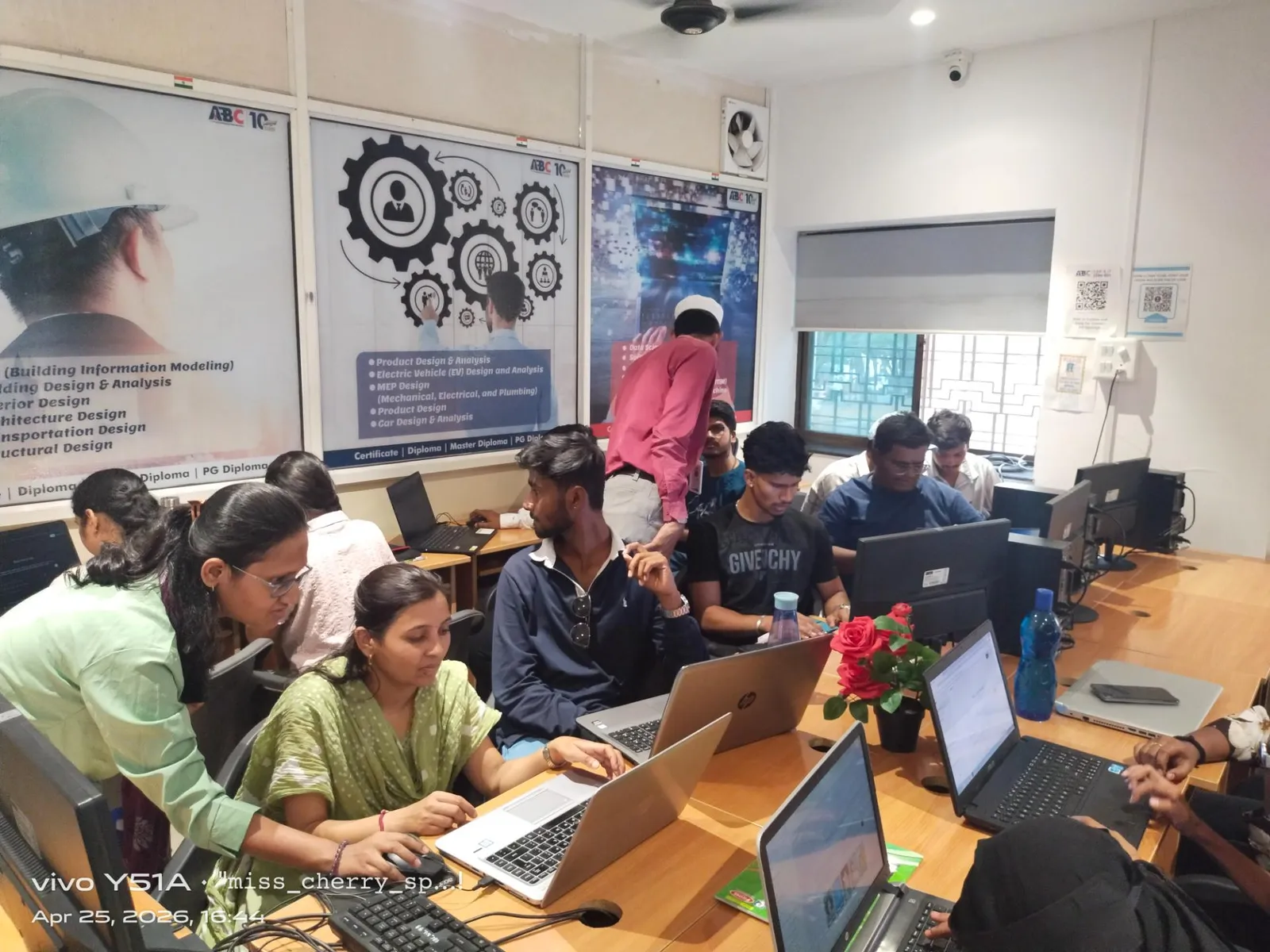
If you already know lines, layers, dimensions, and plotting, move deeper into production control.
Set up annotation and plotting properly
Learn annotative text, dimension styles, page setups, CTB files, and viewport scale discipline. In many firms, poor plotting habits waste hours every week. A candidate who can standardize title blocks and publish drawing sets quickly stands out.
Use dynamic blocks and sheet sets
Dynamic blocks are one of the most underrated productivity tools in AutoCAD 2025 and 2026. Doors, symbols, fixtures, and repetitive details become faster to manage. Sheet Set Manager is another feature freshers ignore, but large drawing packages depend on it.
Master Xrefs and file hygiene
Trust me, advanced AutoCAD users are not the ones drawing fastest. They're the ones who manage external references, naming conventions, revision clouds, and issue sets without confusion. L&T and Thermax-style project environments reward this discipline.
What advanced SolidWorks skills help mechanical engineers get hired?
Once you know part modeling, don't stay there. The real value starts when you connect design intent with manufacturing.
Build parametric models that survive changes
Anyone can extrude a part. The better skill is creating feature trees that don't collapse when dimensions change. Use equations, design tables, configurations, and reference geometry with planning. That's what makes your model reusable.
Go deep into assemblies and motion logic
Large assemblies, mates, exploded views, interference detection, and assembly performance settings matter in actual jobs. Mahindra Engineering and Kirloskar-type environments expect engineers to understand how parts behave together, not just individually.
Learn sheet metal, weldments and drawings
What most people don't realize is that many entry-level mechanical jobs in Maharashtra are not glamorous surfacing jobs. They involve brackets, frames, cabinets, manufacturing drawings, cut lists, and revisions. If you know sheet metal tools, weldment profiles, and drawing detailing standards, you'll be more employable.
Why is CATIA still important for automotive careers in India?
CATIA V5 remains highly relevant because automotive OEM and Tier-1 workflows still depend on it. Pune remains one of the strongest cities for this path because of the ecosystem around automotive and product engineering.
Surface quality and packaging matter
CATIA becomes powerful when you move into Generative Shape Design, Assembly Design, and drafting with process discipline. This is where advanced users pull ahead. If your goal is work linked to Tata Technologies, KPIT Technologies, Bosch, or Bajaj Auto supply chains, CATIA can be a smart specialization.
Large assembly management is a real skill
The good news is, companies don't expect every fresher to know everything. But they do value candidates who understand assembly structure, publications, constraints, naming logic, and drawing extraction. These are not beginner topics. These are job topics.
Is Revit better for civil and building projects in 2026?
For BIM-driven building projects, yes, Revit 2026 is hard to ignore. If your work involves architecture, structure, or MEP coordination, Revit gives you an edge beyond drafting.
Families, templates and view control
Advanced Revit users know that speed comes from setup. Families, view templates, worksets, filters, schedules, and sheet standards save more time than random modeling tricks. If you can create clean project templates, you're already thinking like a professional.
Coordination is the real advantage
Here's the thing: Revit is not just a modeling tool. It's a coordination tool. Linking disciplines, checking clashes before site issues happen, and managing revisions are exactly why firms value BIM-trained candidates in Pune and Mumbai.
How should you build an advanced CAD learning path based on your branch?
Use this simple route:
- Mechanical: AutoCAD basics -> SolidWorks advanced parts and assemblies -> sheet metal/weldments -> CATIA if targeting automotive.
- Civil: AutoCAD drafting standards -> Revit modeling -> sheets, schedules, coordination -> project documentation workflows.
- Electrical/MEP: AutoCAD electrical drafting -> Revit MEP systems -> coordinated layouts and documentation.
Don't chase five tools at once. Go one layer deeper in the right tool. That's how portfolios become stronger and interviews become easier.
What salary can you expect after advanced CAD training in India?
Salary depends on software, city, portfolio, and whether you can handle project work independently.
- CAD Drafter / Junior Designer: ₹2.2 lakh to ₹3.6 lakh per year
- Mechanical Design Engineer with SolidWorks/CATIA: ₹3 lakh to ₹5.5 lakh per year
- BIM/Revit Modeler: ₹3.2 lakh to ₹6 lakh per year
- Experienced CAD/BIM professional after 3-5 years: ₹6 lakh to ₹10 lakh per year
In Pune, Mumbai, and Bengaluru, packages can rise faster if your portfolio includes assemblies, standards-based drawings, or BIM coordination samples. Infosys and TCS are not pure CAD employers in the classic sense, but engineering services, digital twins, and project tech roles increasingly value software-backed design skills.
How do you know which CAD course is actually worth joining?
Ask better questions. Not just fees.
- Will you work on industry-style projects?
- Will you learn templates, standards, revisions, and file management?
- Will your portfolio include production drawings or coordinated models?
- Will trainers explain where each software is used in Indian industry?
At ABC Trainings, we usually tell students one thing clearly: software learning is easy, employability is not. If your training doesn't improve your workflow thinking, you're only collecting certificates. For course guidance, call 8698270088 or WhatsApp 7774002496.
Which CAD software is best for mechanical jobs in Pune in 2026?
For mechanical jobs, SolidWorks is a strong choice for machine design, assemblies, sheet metal, and manufacturing drawings. If you're targeting automotive or OEM-linked roles, CATIA V5 often becomes more valuable. In Pune, many students start with SolidWorks and add CATIA based on career target. The right answer depends on whether you want SME manufacturing roles or automotive product design roles.
Is AutoCAD enough to get a job in Maharashtra?
AutoCAD alone can help you enter drafting roles, especially in civil, fabrication, and support documentation work. But for better salary growth, you'll usually need one specialization on top of it, like Revit for civil/building projects or SolidWorks for mechanical design. AutoCAD is still important because it teaches documentation discipline. Just don't stop at the basics.
Should civil engineers learn Revit or AutoCAD first?
Start with AutoCAD if your drafting basics are weak, because drawing logic, layers, scales, and sheet understanding matter. Then move to Revit for model-based workflows, schedules, and coordination. In real projects across Pune and Mumbai, both tools are used together. Revit adds career growth, but AutoCAD still supports core documentation habits.
What is the best CAD institute in Maharashtra for advanced learning?
Look for an institute that teaches industry workflows, not just commands. You should get project practice, drawing standards, portfolio support, and trainer guidance based on your engineering branch. ABC Trainings is a trusted option for students across Maharashtra who want practical CAD learning and career direction. To check the right course path, call 8698270088 or WhatsApp 7774002496.
Visit Our Centers
Chhatrapati Sambhajinagar
Corporate Office (HQ)
2nd Floor, Kandi Towers, Jalna Road, Amarpreet Chowk, Chhatrapati Sambhajinagar, Maharashtra 431001
Osmanpura Branch
Plot No 14, Shanya Sect, Near Sant Eknath Rang Mandir, Osmanpura, Chhatrapati Sambhajinagar, Maharashtra 431005
CIDCO Branch
Plot No 4, N-3, Cidco, Opp. High Court, Chhatrapati Sambhajinagar, Maharashtra 431003
Pune
Wagholi Branch
1st Floor, ABC Trainings, Laxmi Datta Arcade, Pune - Ahilyanagar Hwy, Wagholi, Pune, Maharashtra 412207
Hadapsar Branch
Bloom Hotel, ABC Trainings 1st Floor, S.no 156/3 Shree Tower Pune - Solapur Rd, Hadapsar, Pune, Maharashtra 411028
Sangli
Sangli Branch
2nd Floor, Vasant Market, Opp. City High School, Sangli, Maharashtra 416416
Start Your Career Journey Today
Join 10,000+ students who transformed their careers with ABC Trainings.
💬 WhatsApp: 7774002496📞 Call: 8698270088