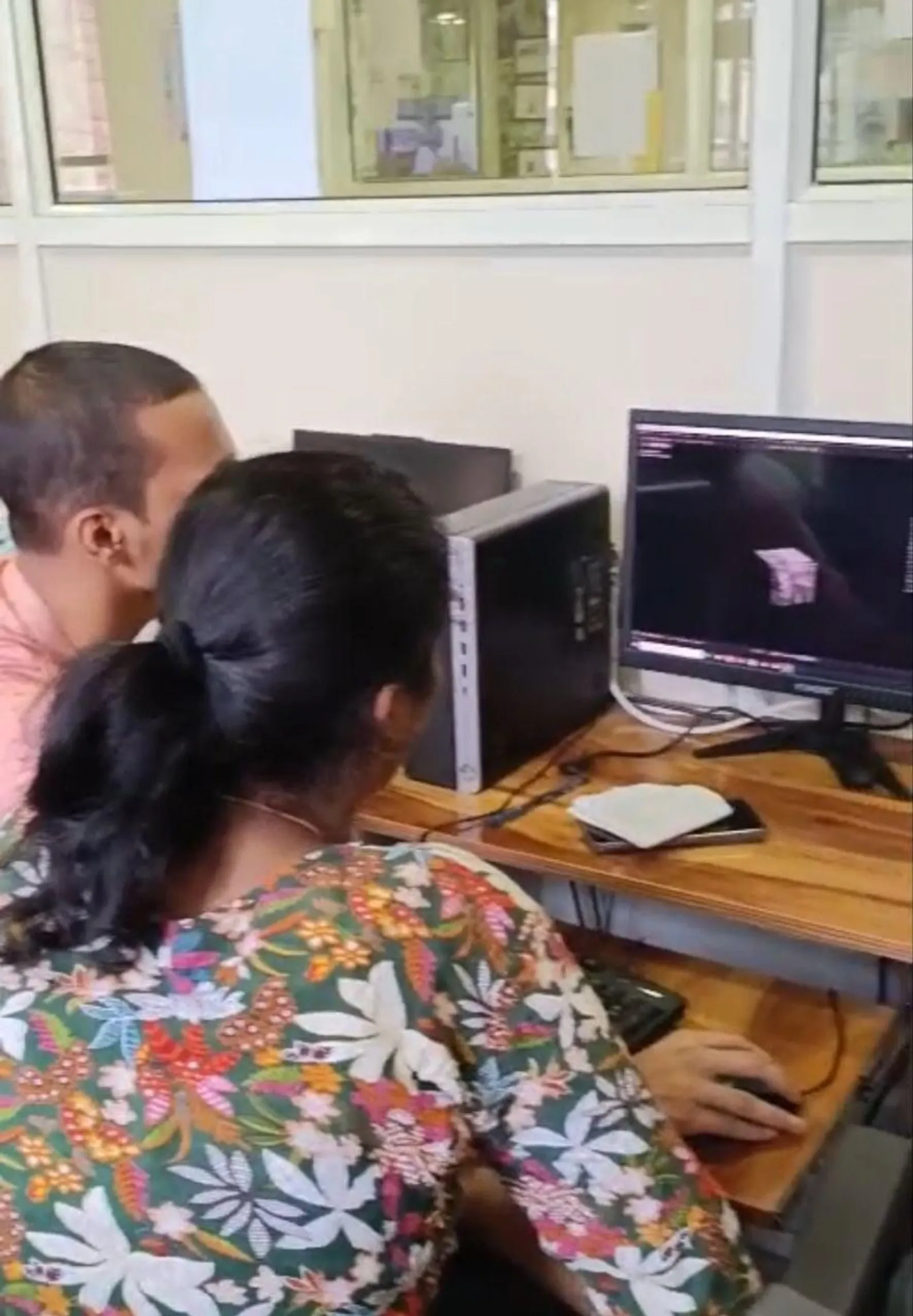
AI AutoCAD Course at ABC Trainings 2026: Ashwin Ganesh Jadhav on Upgrading From Standard AutoCAD to AI Tools (Updated August 2026)
Ashwin Ganesh Jadhav had already finished his standard AutoCAD course at ABC Trainings. Then the AI AutoCAD module opened — and his first question was the same one most engineers ask: "Is this just a gimmick, or does it actually change the work?" His answer after completing the module with Sanjana mam: the AI features in AutoCAD 2025/2026 save real time on real tasks, but only if you already know AutoCAD well enough to direct them. This post covers what Ashwin experienced in the AI AutoCAD upgrade module, what Autodesk's AI tools actually do in 2026, and whether the course is worth taking after your standard AutoCAD certification.
- AI AutoCAD adds Autodesk AI features — Markup Import, Smart Selection, Block Recommendation, Count — on top of standard AutoCAD
- The AI module at ABC Trainings runs 4 weeks after the core AutoCAD course
- Practical time saving: 40–60% faster on revision cycles; 30–50% faster on block placement in complex drawings
- Prerequisite: you must know standard AutoCAD — the AI tools assist skilled users, they do not replace the learning curve
What Is AI AutoCAD in 2026? Autodesk's AI Features Explained Simply
AI AutoCAD refers to the AI-assisted features Autodesk has built into AutoCAD 2024, 2025, and 2026 — they are not a separate product, but capabilities inside your existing AutoCAD license that use machine learning to speed up common tasks. The four main AI features in AutoCAD 2026 are: Markup Import (reads handwritten corrections on a scanned drawing and imports them as a AutoCAD annotation layer — the system identifies bubbled changes, leader arrows, and redline marks), Smart Selection (identifies similar objects across a complex drawing automatically — useful for selecting all columns, all doors, or all a specific block type instantly), Block Recommendation (suggests the correct block from your loaded library as you draw near a space where one is typically inserted), and Count (counts every instance of any block or object in a drawing set with one click — eliminates manual counting errors on large projects). These four features address the four most time-consuming routine tasks in professional AutoCAD work: revision management, object selection in large drawings, block placement, and quantity take-offs.
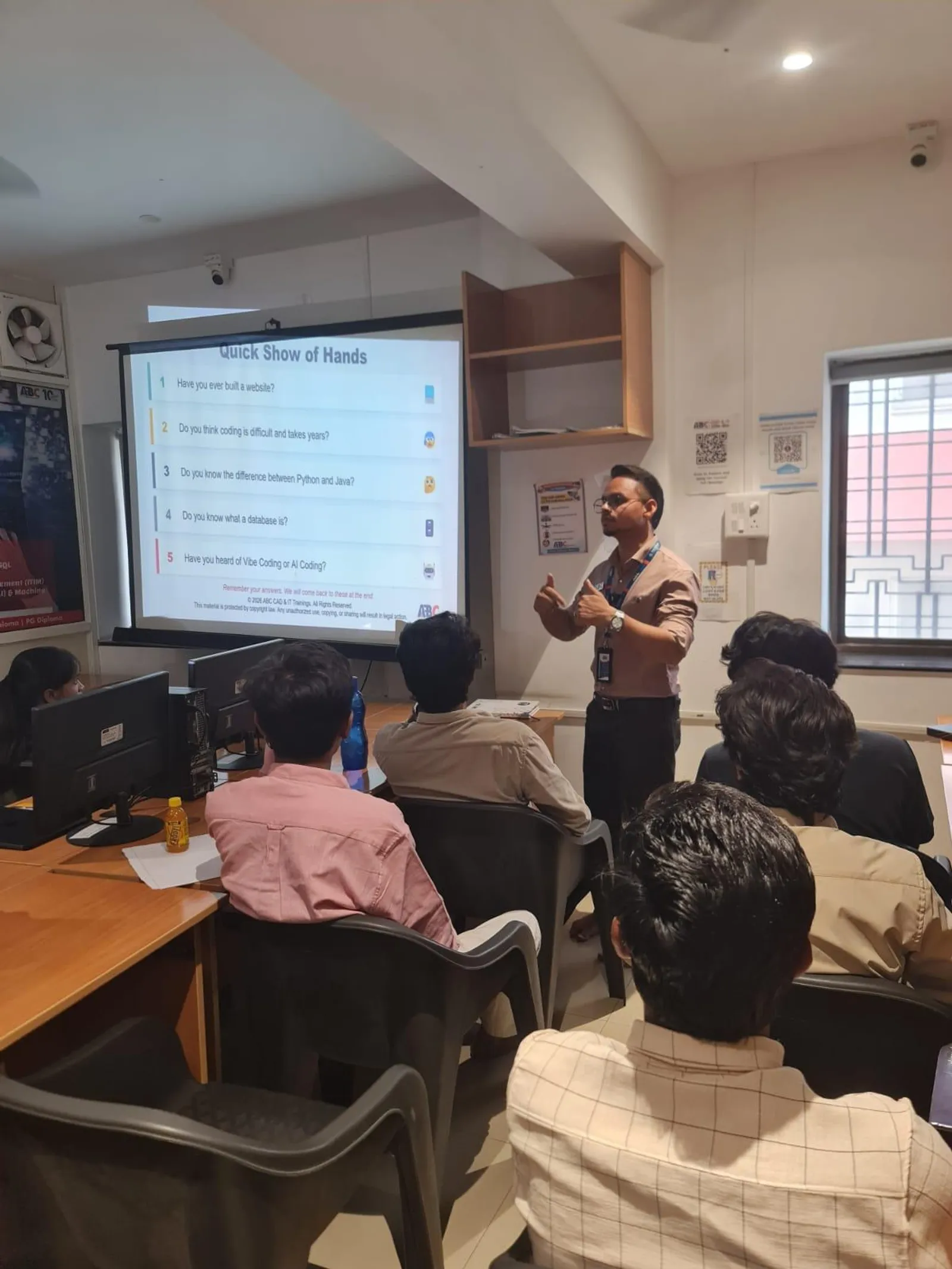
AI AutoCAD Module Syllabus at ABC Trainings: What Ashwin Learned in 4 Weeks
Ashwin's AI AutoCAD module at ABC Trainings covered four weeks of hands-on sessions after his standard AutoCAD certification. Week 1: Markup Import setup and workflow — scanning a redlined drawing, importing into AutoCAD, reviewing AI-detected annotations, and converting them to actionable revision layers. Week 2: Smart Selection and advanced selection methods — using AI-assisted selection alongside filter and quick-select commands to manage large drawing sets. Week 3: Block Recommendation and library management — configuring block libraries so the AI recommendation system works accurately, understanding where recommendations fail and why. Week 4: Count and quantity take-off workflows — using the Count feature for BOM generation and cross-referencing with external spreadsheets. The trainer Sanjana mam's approach for the AI module, Ashwin noted, was to always show where the AI fails as well as where it succeeds — understanding the tool's failure modes makes you a more reliable engineer, not just a faster one.
| AI AutoCAD Feature | What It Does | Time Saving (Experienced User) | Best For |
|---|---|---|---|
| Markup Import | Reads handwritten redlines on scanned drawings, imports as annotation layer | ~65% faster revision processing | Architecture, construction, site revision cycles |
| Smart Selection | AI identifies and selects similar objects across complex drawings | ~80% faster object selection | Large mechanical or electrical drawings |
| Block Recommendation | Suggests the right block from your library as you draw | ~40% faster block placement | Architecture (doors, windows), MEP, civil symbols |
| Count | Counts every instance of a block or object in one click | Eliminates manual counting entirely | BOM generation, quantity take-offs, MEP schedules |
Do AI AutoCAD Tools Actually Save Time? Real Numbers From Practice Projects
In Ashwin's practice projects during the module, Markup Import reduced the time to process a redlined A1 drawing from approximately 45 minutes (manual re-entry) to 12 minutes (AI import + review). Smart Selection reduced object-selection time on a complex mechanical drawing from 8 minutes to under 90 seconds. Count eliminated a 20-minute manual block-count process entirely. These numbers apply to experienced AutoCAD users working on real-scale projects. They do not apply to beginners — the AI tools require you to know what to look for and how to verify the AI's output. Markup Import, for example, misreads handwriting that is ambiguous or that uses non-standard revision symbols — a trained user catches those errors; a beginner might not.

Should You Do the AI AutoCAD Upgrade After Standard AutoCAD? Honest Assessment
The AI AutoCAD upgrade is worth doing if: you already have solid AutoCAD skills (2D and 3D, drawing management, XREFs), you work on projects where revision cycles are frequent (architecture, construction, MEP), or you are aiming at roles at companies that have adopted AutoCAD 2025/2026 — these companies increasingly list AI AutoCAD familiarity in job descriptions. The upgrade is not worth doing if you are still learning standard AutoCAD. The AI features are accelerators for skilled users — they do not reduce the core learning requirement. Autodesk's AI cannot create a drawing; it assists someone who already can. Complete the standard 3-month AutoCAD course first, reach the point where you can independently produce a full drawing set, then add the AI module. In Ashwin's case, doing the modules back-to-back at ABC Trainings was the most efficient approach — the context from the core course made the AI module's examples immediately applicable.
AI AutoCAD Course Fees and CMYKPY Stipend at ABC Trainings
The AI AutoCAD upgrade module at ABC Trainings is offered as an add-on after the standard AutoCAD course. Contact 7039169629 for the current pricing. If your CMYKPY (CM Yuva Karya Prashikshan Yojana) scheme period is still active when you start the AI module, the monthly stipend of ₹6,000–₹10,000 continues to apply — the scheme covers the combined training duration, not just the initial course. CMYKPY is active as of August 2026 with ₹5,500 crore budget. Many students from Sambhajinagar, Jalna, and Beed who start with AutoCAD find their stipend period covers the AI add-on too. Bring your Aadhaar and education certificates to the CIDCO or Osmanpura centre to confirm your eligibility and remaining scheme period.
CMYKPY (CM Yuva Karya Prashikshan Yojana, active August 2026, ₹5,500 crore budget) covers AutoCAD and AI AutoCAD training at ABC Trainings. Eligible Maharashtra residents receive ₹6,000–₹10,000/month during the full combined training period — often covering both the standard course and the AI add-on module under a single scheme registration.Get the CAD & Design Brochure + Fees + Batch Dates on WhatsApp
Free 1:1 counselling. Placement track record. CMYKPY/PMKVY eligibility check.
💬 Get Brochure on WhatsApp📞 Call 7039169629About the author: Komal Chilwar, Civil & BIM Trainer, ABC Trainings.
Visit Our Centers
- Wagholi (Pune): 1st Floor, Laxmi Datta Arcade, Pune-Ahilyanagar Highway. Call 7039169629
- Hadapsar (Pune HQ): 1st Floor, Shree Tower, opp. Vaibhav Theater, Magarpatta. Call 7039169629
- Cidco (Chh. Sambhajinagar): Kalpana Plaza, opp. Eiffel Tower, N-1 Cidco. Call 7039169629
- Osmanpura (Chh. Sambhajinagar): S.S.C Board to Peer Bazar Road, near Jama Masjid. Call 7039169629
- Sangli: Shubham Emphoria, 1st Floor, Above US Polo Assn., Sangli-Miraj Rd, Vishrambag. Weekend batches available. Call 7039169629
FAQs
What does the AI AutoCAD course at ABC Trainings actually teach?
The AI AutoCAD module at ABC Trainings covers Autodesk AutoCAD 2025/2026 AI features: Markup Import (reads handwritten redlines on scanned drawings and imports them as annotation layers), Smart Selection (AI-assisted object selection across complex drawings), Block Recommendation (suggests the correct block from your library as you draw), and Count (one-click counting of any object across an entire drawing set). The module runs for 4 weeks after the standard AutoCAD course and uses licensed AutoCAD 2025/2026 software.
Do I need to know standard AutoCAD before doing the AI AutoCAD module?
Yes — the AI AutoCAD module is an add-on for engineers who already know standard AutoCAD. The AI features are accelerators for skilled users; they do not replace the core drawing skills. You need to be able to independently produce a multi-sheet drawing set in AutoCAD before the AI module adds value. ABC Trainings sequences them as core course first (3 months) then AI add-on (4 weeks) — that order is deliberate.
How much time does AI AutoCAD actually save on real projects?
For an experienced AutoCAD user on real projects: Markup Import reduces revision processing time by approximately 65% on a typical A1 redlined drawing. Smart Selection reduces complex object-selection tasks by approximately 80%. Count eliminates manual block-counting entirely. These numbers apply to users who know their way around AutoCAD and can verify the AI's output — beginners see smaller gains because they spend time checking whether the AI result is correct.
Is AI AutoCAD listed as a requirement in job descriptions in India in 2026?
As of August 2026, job descriptions at Tier-1 architecture, MEP, and construction firms increasingly list AutoCAD 2025/2026 proficiency — which implicitly includes the AI features — rather than specifying "AI AutoCAD" as a separate keyword. Companies that handle large drawing sets with frequent revisions (infrastructure contractors, BIM-adjacent firms, MEP consultants) value candidates who know the AI workflow. It is more a differentiator than a gatekeeper in 2026 — but it is becoming a standard expectation for senior draughtsman and site engineer roles at major firms.