BIM 360 Insight and Analytics India 2026 is where many engineers, BIM coordinators, and project managers get serious about data. If you already know the basics of Autodesk Construction Cloud and BIM 360, here's the thing: dashboards alone won't help unless you know what to track, how to structure the data, and how to turn reports into site decisions. On real projects in Pune, Chhatrapati Sambhajinagar, and Mumbai, advanced users don't just open Insight. They build a reporting system that catches delays, RFIs, quality issues, safety trends, and subcontractor bottlenecks before they become expensive problems.

The YouTube topic around Autodesk Construction Cloud Insight and Analytics points in exactly that direction. Trust me, the gap between a beginner and a professional user is not software access. It's dashboard logic, naming discipline, field data quality, and team-level review habits. Let's go deeper into the workflows that experienced BIM and construction teams actually use.
What is BIM 360 Insight and Analytics actually used for on real projects?
At an advanced level, BIM 360 Insight is not just for pretty charts. It's used to monitor project health across RFIs, submittals, issues, checklists, forms, safety observations, and cost-related trends depending on the Autodesk Construction Cloud setup. On industrial, commercial, and infra jobs, teams use it to answer practical questions: Which contractor is creating the most unresolved issues? Which floor has repeated quality failures? Are RFIs increasing before a milestone? Is one package stuck in approval loops?
What most people don't realize is that Insight becomes powerful only when project modules are configured consistently. If your forms are named randomly, issue types are unclear, and location tagging is missing, your analytics will be weak. That's why experienced teams set standards before the data starts flowing.
How do you set up dashboards in BIM 360 Insight the right way?
Start with role-based dashboards, not one giant dashboard for everyone. A project director needs milestone risk, open issue aging, and package-level trends. A BIM manager needs model coordination issues, clash categories, and discipline-wise closure rates. A site engineer needs daily forms, punch items, and location-based quality tracking.
A good workflow is to create dashboard groups around four buckets:
- Executive controls: overall status, aging, trend lines, forecast risk
- Construction operations: site issues, forms, safety, quality
- Design and coordination: clashes, review status, approval delays
- Trade performance: subcontractor response time, closure rate, repeat defects
The good news is, once you build this structure, weekly reviews become much faster. Instead of asking ten people for updates, you can pull one dashboard and spot where attention is needed.
Which KPIs should advanced users track in Autodesk Construction Cloud?

For Indian AEC projects, the most useful KPIs are the ones that connect directly to delay, cost, and rework. I usually recommend these:
- Average issue closure time by trade partner
- Open RFIs older than 7, 14, and 30 days
- Submittal approval turnaround time
- Repeat quality defects by location or contractor
- Safety observations per week and closure percentage
- Coordination issue count by discipline
- Pending checklists before slab, MEP, or handover milestones
If you're working with firms like L&T, Tata Technologies, Siemens, Thermax, or Kirloskar on large facilities or engineering-linked construction projects, these KPIs matter because they show process discipline, not just activity volume. More data is not better. Better filters are better.
How do professionals clean project data for better analytics?
This is where power users separate themselves from casual users. Analytics quality depends on data hygiene. Before pushing dashboards to management, review these settings:
- Standard issue types and subtypes
- Consistent location hierarchy such as Building > Floor > Zone > Room
- Trade partner naming rules
- Form templates with fixed response fields
- Priority definitions: low, medium, high, critical
- Date fields and closure ownership
Don't allow free-text chaos where a user writes “elect”, “electrical”, “elec work”, and “E&I” for the same package. That breaks reporting. In training sessions, I tell engineers to spend extra time on template control because it saves hours later.
How can you use Insight to predict delays and recurring site problems?
Prediction in practice doesn't always mean AI magic. Often, it's pattern recognition using trend lines. If quality issues are rising on two floors while closure time is getting slower, you'll likely see finishing delays. If RFIs spike around MEP coordination and submittal approvals slow down, procurement and installation will feel the impact.
Here's a practical review method used by advanced teams every week:
- Check 4-week trend for new vs closed issues
- Filter by contractor and location
- Compare quality and safety observations together
- Review long-pending RFIs linked to execution zones
- Flag packages with repeated defect patterns
This kind of review helps project controls teams act early. That's the real value of analytics.
What are the best filters and views for fast decision-making?
Most users underuse filters. Trust me, filters are where the real speed comes from. Instead of looking at an all-project chart, break it down by:
- Date range: last 7 days, 30 days, current month
- Location: tower, floor, block, plant area
- Responsible company: EPC contractor, MEP vendor, facade team
- Status: open, overdue, in review, closed
- Priority: critical items only
- Issue type: quality, safety, coordination, design clarification
When you're reviewing a live project, these filtered views help site heads and BIM coordinators reach action points in minutes. On fast-moving jobs in Pune and Navi Mumbai, that's a major advantage.
How do advanced teams present BIM 360 reports to management?
Don't dump screenshots into a PowerPoint. Present the story behind the data. A strong review report should include three parts: what changed, why it changed, and what action is needed. For example, if unresolved MEP issues increased by 22% in two weeks, connect that to delayed ceiling closure or testing readiness.
A simple management reporting format works well:
- Top 5 rising risks
- Top 5 improved metrics
- Contractor-wise pending items
- Location-wise repeat defects
- Required decisions before next review cycle
Companies like Bosch, Bajaj Auto, Mahindra Engineering, and KPIT Technologies expect engineers to explain data clearly, not just export it. That reporting skill can directly affect your salary. In Maharashtra, a BIM engineer with basic software knowledge may start around ₹18,000 to ₹28,000 per month, while a project-focused BIM coordinator or ACC reporting professional can move toward ₹35,000 to ₹55,000. With strong dashboard and review capability, experienced candidates in Pune can reach ₹6.5 lakh to ₹9 lakh annually.
Which settings and workflows save the most time for power users?
Here are the efficiency tricks professionals rely on:
- Use standardized templates before project kickoff
- Set naming rules for forms, issues, and packages
- Review dashboards on a fixed weekly cycle
- Create discipline-specific saved views
- Focus on exception reporting, not all reporting
- Track aging, not just counts
- Map issue data to location every time
What most people don't realize is that one clean setup can serve the full project lifecycle. If you build Insight properly from the beginning, handover reviews, quality summaries, and client reporting become far easier.
Who should learn advanced BIM 360 Insight in Maharashtra?
This skill is ideal for civil engineers, BIM engineers, architects, project coordinators, QA/QC engineers, planning engineers, and construction managers who already understand ACC basics. If you're targeting jobs in Pune, Chhatrapati Sambhajinagar, Nashik, Mumbai, or Sangli, advanced reporting and analytics can set you apart from candidates who only know model viewing or document upload.
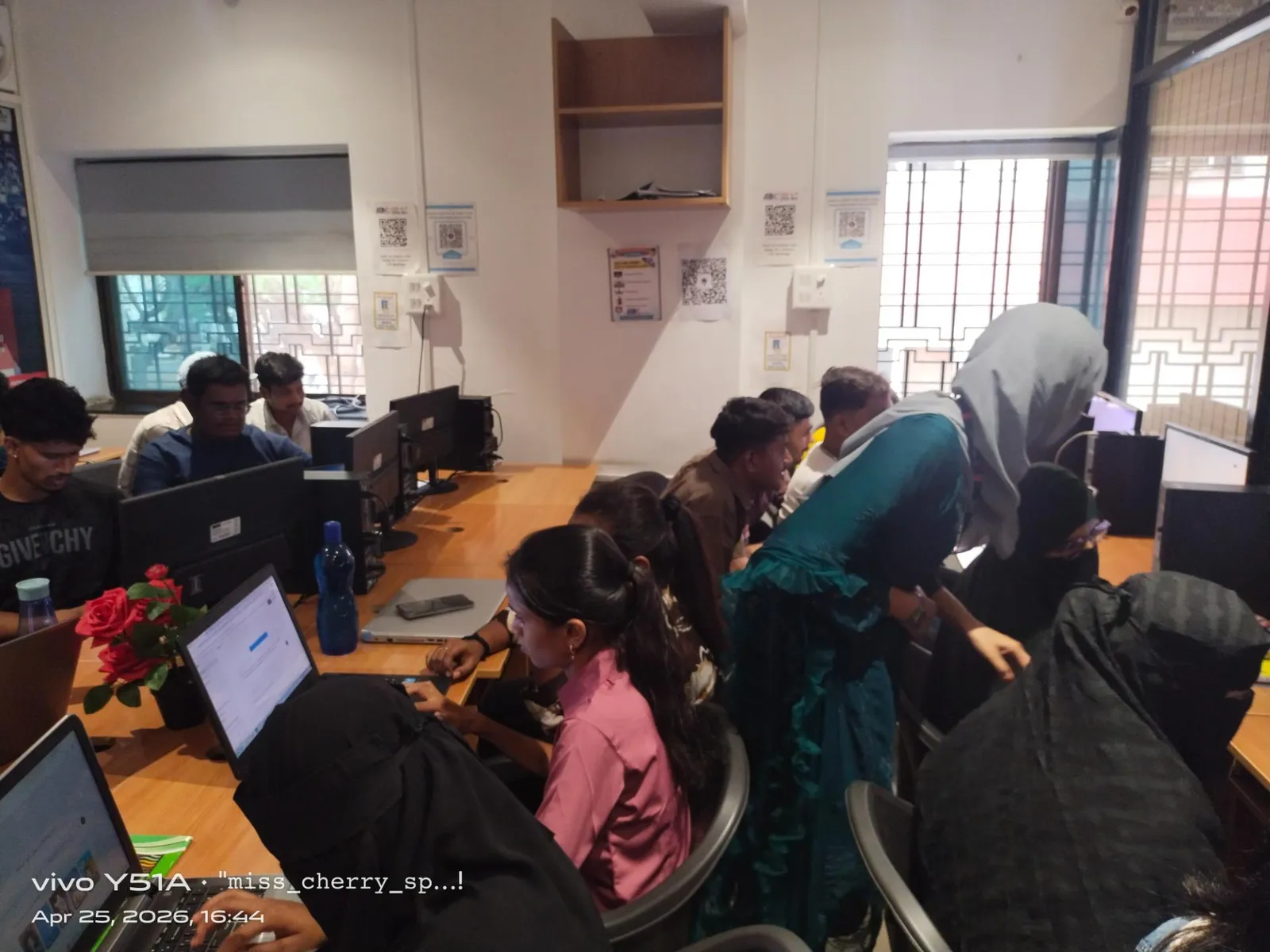
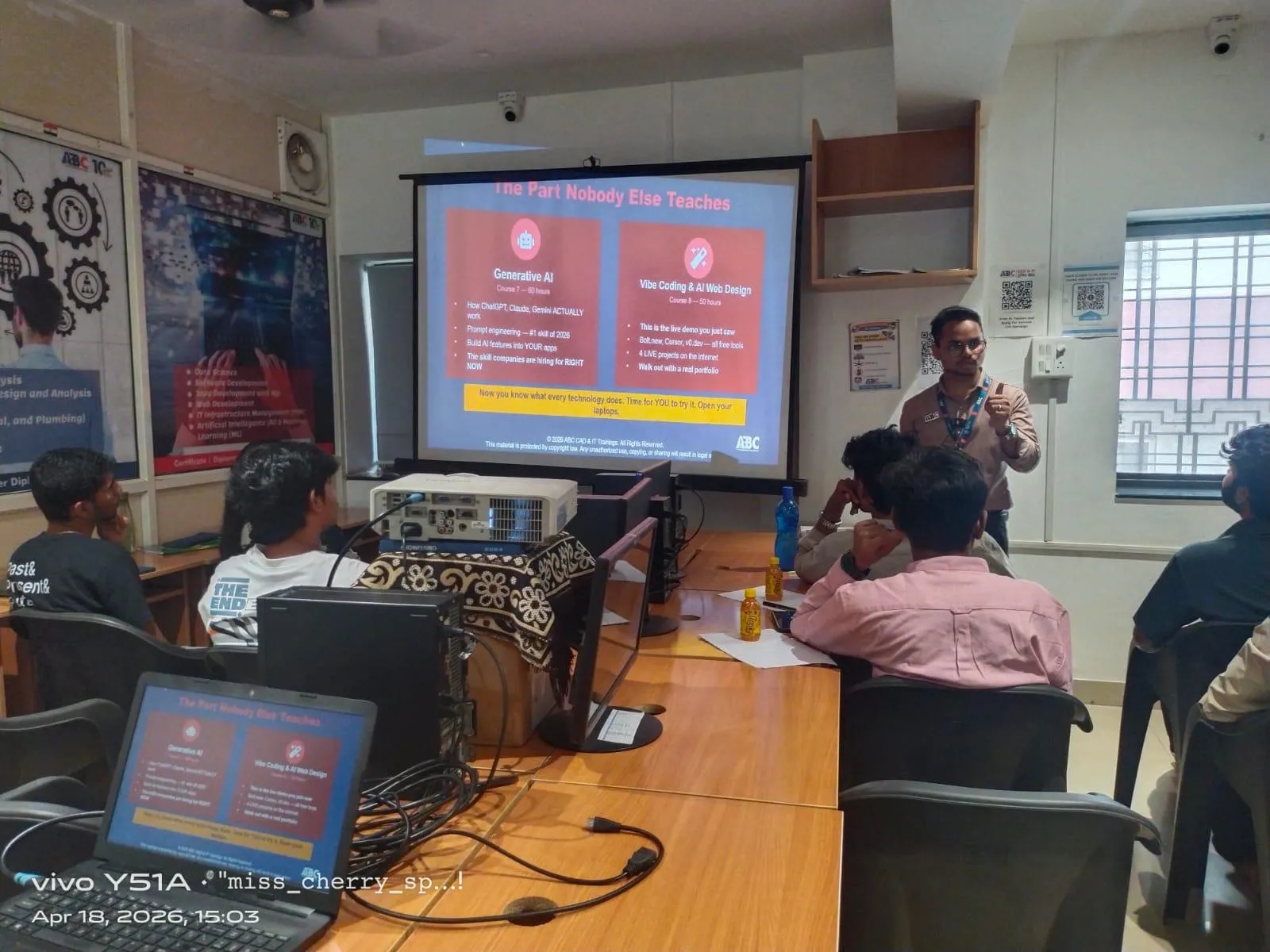
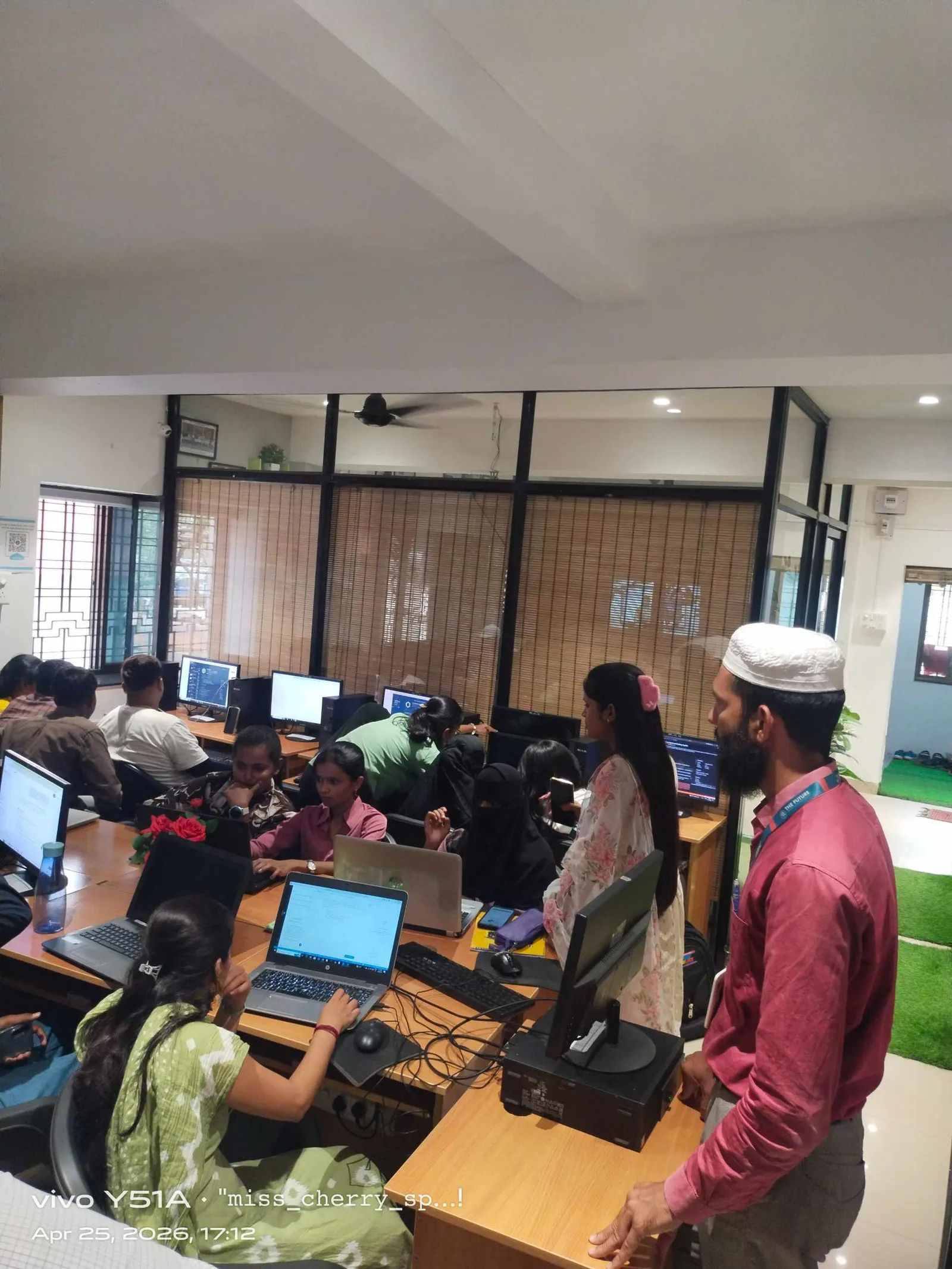
If you want guided practice on Autodesk Construction Cloud workflows, ABC Trainings helps students go beyond tool buttons and into actual project logic. That's what employers value. For course details, call 7039169629 or WhatsApp 7774002496.
How do you become job-ready with BIM 360 analytics skills?
Start by practicing on one complete mock project. Build issue categories, create form templates, define locations, track closure time, and prepare a weekly dashboard review. Then present your findings like a project controls professional. That's the level companies want.
The good news is, this is learnable if you already know BIM basics. You don't need to become a data scientist. You need to become consistent, analytical, and structured. ABC Trainings also works with learners who want practical Autodesk Construction Cloud exposure aligned with Indian industry expectations. For guidance, call 7039169629 or WhatsApp 7774002496.
Is BIM 360 Insight useful for fresh civil engineers in Maharashtra?
Yes, especially if you already know Revit, Navisworks, or basic BIM 360 modules. Freshers who understand dashboards, issue tracking, and reporting logic are more useful to employers than those who only know software navigation. In Pune and Mumbai, this can improve your shortlist chances for BIM coordinator, document controller, and project support roles. It also gives you stronger interview examples.
What salary can I expect after learning Autodesk Construction Cloud analytics?
For freshers, salaries often start around ₹18,000 to ₹28,000 per month depending on city, software depth, and communication skills. If you can build dashboards, track KPIs, and explain project trends, you can target ₹30,000 to ₹45,000 in stronger roles after some experience. In Pune, experienced BIM coordinators and ACC-focused professionals may earn ₹5 lakh to ₹9 lakh annually. Your reporting ability often matters as much as software knowledge.
Do companies in India really use BIM 360 Insight dashboards?
Yes, especially on structured commercial, industrial, and large infrastructure projects. Teams working with firms like L&T, Siemens, Bosch, Tata Technologies, and Thermax value data visibility because it improves review speed and accountability. The exact dashboard setup varies by company, but issue tracking, form analysis, and trend reporting are very relevant in India. Good implementation depends on project discipline.
Can I learn advanced BIM 360 analytics without site experience?
Yes, but you'll need project-based practice, not just button learning. If you understand how RFIs, checklists, defects, approvals, and contractor responsibilities work, you can learn Insight effectively even before full site exposure. The best approach is to train on realistic project scenarios and weekly reporting exercises. That makes your learning much more job-ready.
Visit Our Centers
Chhatrapati Sambhajinagar
Corporate Office (HQ)
2nd Floor, Kandi Towers, Jalna Road, Amarpreet Chowk, Chhatrapati Sambhajinagar, Maharashtra 431001
Osmanpura Branch
Plot No 14, Shanya Sect, Near Sant Eknath Rang Mandir, Osmanpura, Chhatrapati Sambhajinagar, Maharashtra 431005
CIDCO Branch
Plot No 4, N-3, Cidco, Opp. High Court, Chhatrapati Sambhajinagar, Maharashtra 431003
Pune
Wagholi Branch
1st Floor, ABC Trainings, Laxmi Datta Arcade, Pune - Ahilyanagar Hwy, Wagholi, Pune, Maharashtra 412207
Hadapsar Branch
Bloom Hotel, ABC Trainings 1st Floor, S.no 156/3 Shree Tower Pune - Solapur Rd, Hadapsar, Pune, Maharashtra 411028
Sangli
Sangli Branch
2nd Floor, Vasant Market, Opp. City High School, Sangli, Maharashtra 416416
Start Your Career Journey Today
Join 10,000+ students who transformed their careers with ABC Trainings.
💬 WhatsApp: 7774002496📞 Call: 7039169629