BIM Glossary: 40 Essential Terms Every Pune Civil Engineering Student Must Know in 2026
BIM has more jargon than most fields because it borrows from architecture, engineering, construction and software at once. For a Pune civil engineering student or fresher, understanding these terms well enough to use them naturally in an interview is the fastest way to sound competent. This glossary explains every essential BIM term in plain English, grouped by theme so related ideas reinforce each other — no rote memorisation needed.
- BIM is the process; Revit is one tool used to do it — understand both
- Master the core terms: BIM vs CAD, LOD, clash detection, families, worksets and IFC
- Know the BIM dimensions: 3D geometry, 4D time, 5D cost, 6D sustainability, 7D operations
- Understand terms well enough to explain them in your own words, not recite them
- ABC Trainings teaches every concept here hands-on across its Pune, Sambhajinagar and Sangli centres
How to Use This BIM Glossary
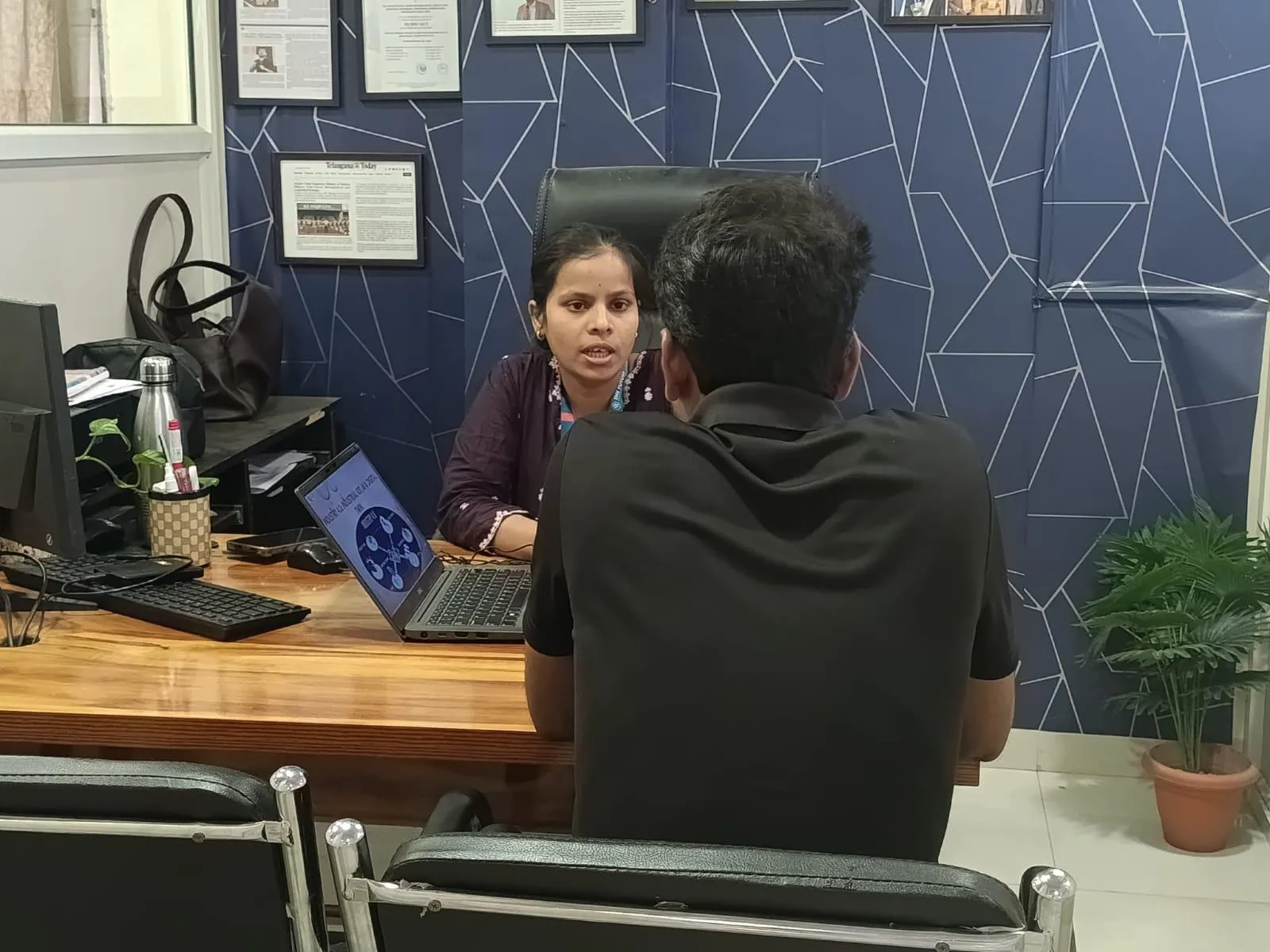
Every field has its jargon, and BIM has more than most because it borrows from architecture, engineering, construction and software. If you are a Pune civil engineering student or a fresher preparing for interviews, the fastest way to sound competent is to understand these terms well enough to use them naturally in conversation. Do not memorise definitions word for word; instead, read each one until you can explain it to a friend. The terms are grouped by theme so related ideas reinforce each other.
Core Concepts

BIM (Building Information Modelling) — The process of creating and managing an intelligent, data-rich 3D model from which drawings, schedules and analyses are generated.
CAD vs BIM — CAD draws lines representing a drawing; BIM builds an intelligent model where elements carry data and views update automatically.
Federated model — A combined model created by linking separate discipline models (architecture, structure, MEP) for coordination.
Single source of truth — The principle that one coordinated model holds the authoritative project information, so everyone works from the same data.
Parametric modelling — Modelling where geometry is driven by parameters, so changing a value updates the element everywhere automatically.
Revit-Specific Terms
Family — A reusable parametric component such as a door, window or column, with adjustable parameters.
Workset — A logical group of elements that enables multiple users to work on one central model simultaneously via worksharing.
Central file and local file — The central file is the master model on the server or cloud; each user works in a local copy and syncs changes back.
Type vs Instance parameter — A Type parameter changes all elements of that type; an Instance parameter affects only the selected element.
Schedule — A live tabular view of model data (doors, areas, quantities) that updates automatically when the model changes.
View template — A saved set of view graphics and visibility settings applied to keep drawings consistent.
Shared coordinates — A common coordinate system that aligns linked models to the same project location.
Coordination and Delivery Terms
LOD (Level of Development) — How much detail and reliability a model element carries, from LOD 100 (conceptual) to LOD 500 (as-built).
Clash detection — Finding physical conflicts between disciplines (a duct through a beam) using tools like Navisworks before construction.
Navisworks — Autodesk software used to combine models, run clash detection, and produce 4D construction simulations.
BEP (BIM Execution Plan) — A document defining how BIM will be delivered on a project: roles, standards, software, and deliverables.
CDE (Common Data Environment) — The shared digital space, such as Autodesk Construction Cloud, where project information is stored and exchanged.
IFC (Industry Foundation Classes) — An open, vendor-neutral file format for exchanging BIM data between different software (Open BIM).
COBie — A structured data format for handing over asset information from construction to facility management.
ISO 19650 — The international standard for managing information across the BIM project lifecycle.
BIM Dimensions
3D BIM — The coordinated geometric model.
4D BIM — 3D plus time, linking model elements to a construction schedule for sequencing.
5D BIM — Adds cost and quantities for estimating and cost control.
6D and 7D BIM — Often used for sustainability/energy (6D) and facility management/operations (7D).
Workflow and Tools
Dynamo — A visual programming tool for Revit that automates repetitive modelling and data tasks.
Worksharing — The Revit mechanism that lets a team collaborate on one model through worksets and syncing.
Point cloud and Scan-to-BIM — Using laser-scan data to create accurate models of existing buildings.
Rendering and walkthrough — Producing photorealistic images or animated tours of the model for client communication.
From Glossary to Job: Use These Terms in Real Projects
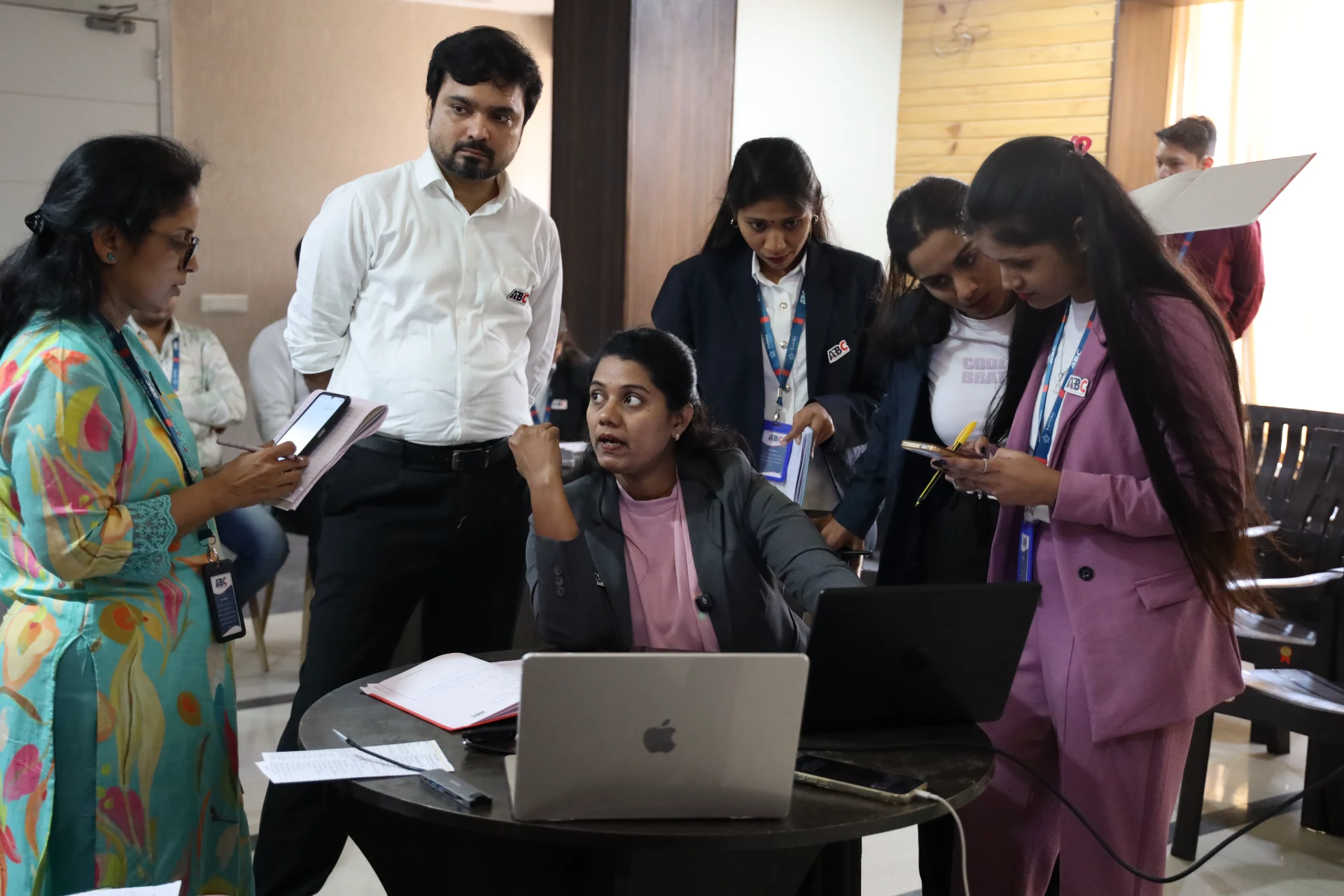
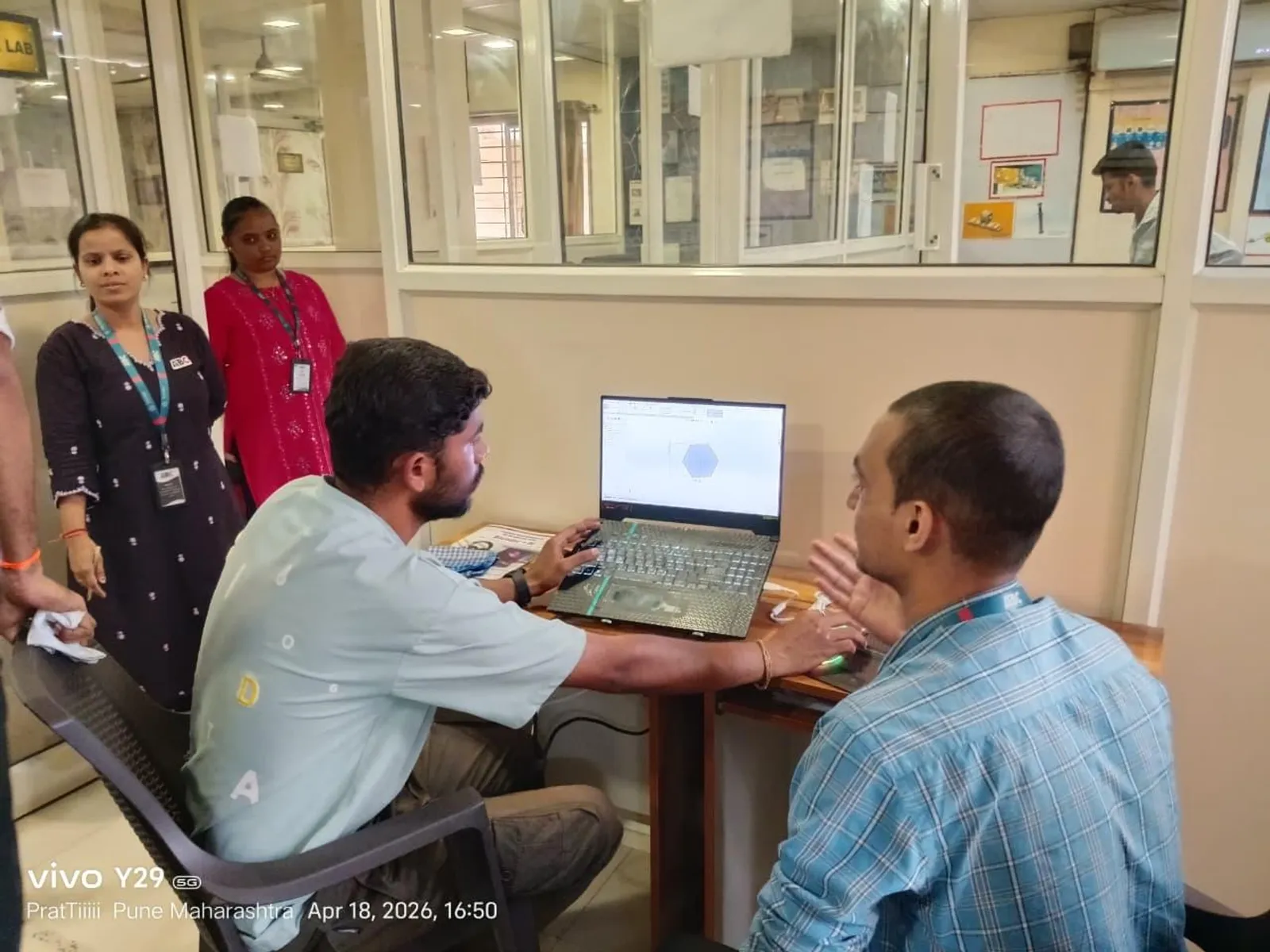
Knowing the vocabulary is the start; using it on real models is what gets you hired in Pune. As you progress through a structured BIM and Revit course, each of these terms stops being a definition and becomes something you do daily. ABC Trainings teaches every concept in this glossary hands-on across its Pune (Wagholi and Hadapsar), Sambhajinagar and Sangli centres, so by the time you sit a BIM interview you are not reciting terms, you are explaining the work you have actually done.
Get the BIM & Revit Training Brochure + Fees + Batch Dates on WhatsApp
Free 1:1 counselling. Placement track record. CMYKPY/PMKVY eligibility check.
💬 Get Brochure on WhatsApp📞 Call 7039169629About the author: Komal Chilwar, Civil & BIM Trainer, ABC Trainings.
Visit Our Centers
- Wagholi (Pune): 1st Floor, Laxmi Datta Arcade, Pune-Ahilyanagar Highway. Call 7039169629
- Hadapsar (Pune HQ): 1st Floor, Shree Tower, opp. Vaibhav Theater, Magarpatta. Call 7039169629
- Cidco (Chh. Sambhajinagar): Kalpana Plaza, opp. Eiffel Tower, N-1 Cidco. Call 7039169629
- Osmanpura (Chh. Sambhajinagar): S.S.C Board to Peer Bazar Road, near Jama Masjid. Call 7039169629
- Sangli: Shubham Emphoria, 1st Floor, Above US Polo Assn., Sangli-Miraj Rd, Vishrambag. Weekend batches available. Call 7039169629
FAQs
What does BIM stand for?
BIM stands for Building Information Modelling. It is a process of creating and managing an intelligent 3D model of a building or infrastructure where every element carries data, and drawings, schedules and analyses are generated from that single coordinated model rather than drawn separately.
What is the difference between BIM and Revit?
BIM is the process and methodology; Revit is one of the software tools used to do BIM. Saying 'I know Revit' means you can operate the tool; 'I understand BIM' means you understand the collaborative, data-rich process across disciplines. Employers in Pune want both, but the process understanding is what separates a modeller from a coordinator.
What are the dimensions of BIM (3D, 4D, 5D, 6D)?
3D BIM is the geometric model. 4D adds time and construction sequencing. 5D adds cost and quantities. 6D is often used for sustainability and energy analysis, and 7D for facility management and operations data. Each dimension layers more information onto the same coordinated model.
Do I need to memorise all BIM terms before a Pune interview?
You should understand the core terms in this glossary well enough to explain them in your own words, especially BIM vs CAD, LOD, clash detection, worksets, families and IFC. Interviewers care about understanding, not rote definitions. Use the terms naturally while talking through your portfolio and you will sound like someone who has actually done the work.