CATIA Assembly Design Workbench and Constraints: Essentials for Beginners Episode 11 (Updated June 2026)
Here's the thing about assembly work in CATIA — a single unconstrained component in a thousand-part assembly can cause a dimensional chain failure that no one catches until the prototype is assembled on the shop floor. Companies like Tata Technologies, Mahindra and Bajaj Auto (Akurdi, 164+ openings) run CATIA Assembly Review sessions as mandatory checkpoints in their product development process. What most people don't realize is that the Assembly Design workbench is not just about stacking parts together — it is about defining the exact mechanical relationships between components so that every dimension tolerance is traceable and every clearance is verified digitally before the first part is manufactured. Episode 11 covers this in full.
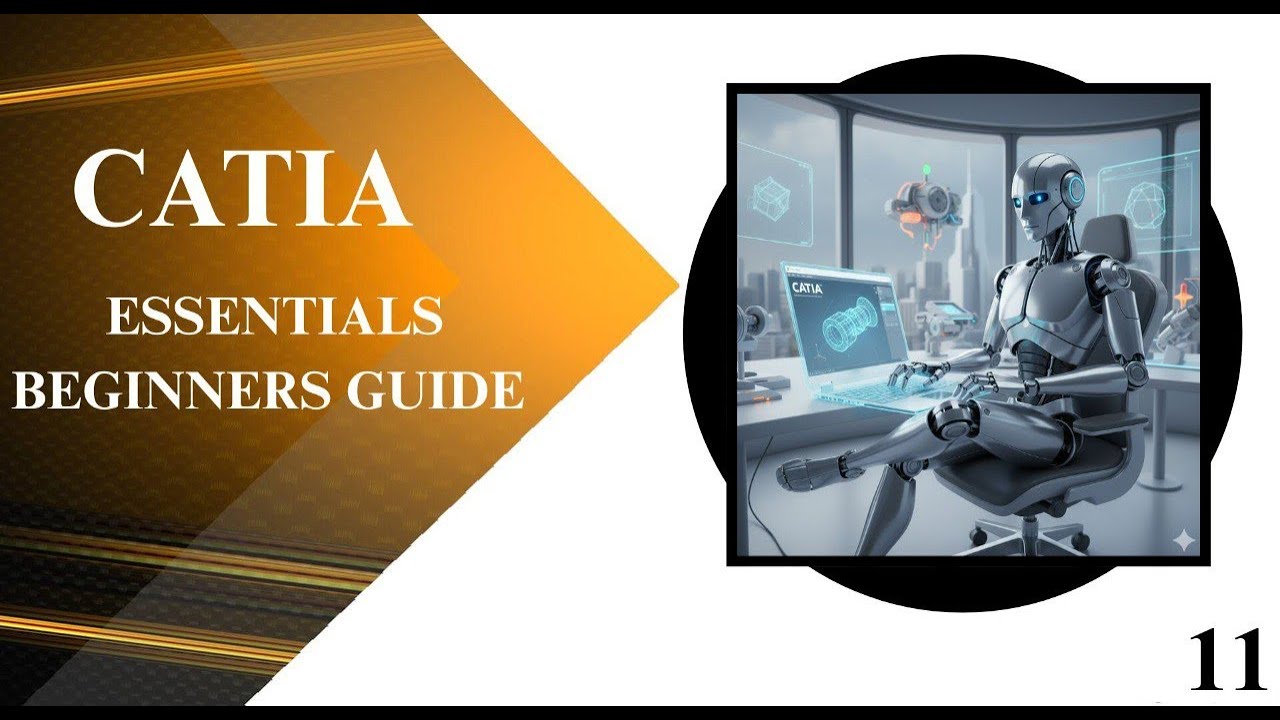
- CATIA Assembly Design organizes parts into a Product hierarchy — sub-assemblies nest inside the top-level product.
- Coincidence, Contact, Offset and Angle constraints define how components physically relate to each other.
- Under-constrained components (shown in green) have remaining degrees of freedom — verify all are fully constrained.
- DMU Navigator detects clashes and interference between parts — essential before sending assemblies to manufacturing.
- CATIA assembly engineers earn Rs 4-16 LPA; Tata Tech, Mahindra and Skoda VW Shendra hire actively in Maharashtra.
CATIA Assembly Design Workbench — Product Structure and Component Hierarchy
CATIA Assembly Design is accessed via Start, then Mechanical Design, then Assembly Design. The fundamental object in CATIA assembly is the Product (.CATProduct file), which acts as a container for multiple parts (.CATPart) and sub-assemblies (nested CATProducts). This hierarchy mirrors the actual product structure: a motorcycle engine assembly product contains sub-assemblies like the crankshaft assembly, cylinder head assembly and gearbox assembly, each of which contains individual machined parts. Double-clicking a component in the assembly tree activates it for editing in-context — you can modify its geometry relative to the assembly. This in-context editing is crucial for designing parts that must mate precisely with adjacent components. Always save the product and all referenced parts to the same folder — broken references are the most common file management problem beginners face.
Inserting and Anchoring Components in a CATIA Assembly
When you first insert a component into an assembly, it floats freely with all six degrees of freedom. The first step is to Anchor one component — typically the fixed base or frame — using the Fixed Component constraint. This tells CATIA that this part doesn't move relative to the assembly origin. All other components are then constrained relative to this anchor or to previously constrained parts. To insert a component, use Insert, then Existing Component and browse to the .CATPart file. CATIA places it at the origin by default; use the Compass tool or drag to rough-position it before applying constraints. The Update (Ctrl+U) command resolves all constraints and moves parts to their constrained positions — run this after each constraint to see the effect immediately.
| CATIA Constraint | What It Does | Common Use Case |
|---|---|---|
| Coincidence | Makes two axes, planes or faces identical | Shaft in bore, bolt in hole |
| Contact | Brings two surfaces to touch | Bolt head on flange face |
| Offset | Maintains a specific gap between faces | Clearance fits, shim gaps |
| Angle | Holds planes or edges at specified angle | Angled brackets, bevel gears |
| Fix Together | Groups multiple parts to move as one | Glued sub-assemblies |
Constraints: Coincidence, Contact, Offset and Angle — When to Use Each
Four constraints define the mechanical relationships between components. Coincidence Constraint: two surfaces, edges or axes are made identical — a shaft axis is made coincident with a hole axis, making the shaft slide along the hole. Contact Constraint: two faces are brought into contact (touching, with one face not penetrating the other) — the base face of a component rests on the top face of the platform. Offset Constraint: one surface is placed at a precise distance from another — useful for gaps, clearances and spacing. Angle Constraint: two faces, edges or planes are held at a specified angle — important for bevel gears, angled brackets and hinges at non-90-degree positions. Most practical components need a combination of constraints to be fully defined. A bolt through a hole typically requires: Coincidence (bolt axis to hole axis) plus Contact (bolt head face to component face).
DMU Navigator — Interference Detection and Clash Analysis
DMU (Digital Mock-Up) Navigator is CATIA digital inspection tool — it lets you analyse the assembly for clearances, clashes and interference without building a physical prototype. Access it via Start, then Digital Mockup, then DMU Navigator. The Clash detection tool compares all part bodies in the assembly and highlights any that penetrate each other (hard clash) or come within a specified minimum clearance (contact or clearance clash). In Sambhajinagar, Skoda VW Shendra (Plot A-1/1) mandates DMU clearance analysis for all incoming supplier assemblies — a hard clash in the digital model means rejection before any prototype is built. The Section Analysis tool lets you cut the assembly with a plane and examine internal clearances — essential for packaging studies on engine bay components where every millimetre counts.
Exploded Views and Assembly Sequences for Documentation
Exploded views show an assembly with all parts separated along logical paths — used in assembly manuals, service documents and part catalogues. In CATIA Assembly Design, use the Explode tool (Analyse, then Explode) to automatically generate an exploded arrangement. You can then capture the exploded view as a 3D annotation scene and reference it in a Generative Drafting document. Assembly Sequences are step-by-step animation paths that show how parts are assembled or disassembled — used for manufacturing work instructions. Create them in DMU Assembly Simulation (Start, then Digital Mockup, then DMU Assembly Simulation). Each step can include a part movement vector, a note and a viewpoint. These sequences become the basis for assembly line instructions at Bajaj Auto and Tata Motors — the engineer who can produce clear DMU sequences is directly contributing to production efficiency.
CATIA Assembly Career Scope and Hiring Companies in Maharashtra
CATIA Assembly Design skills are central to most mechanical engineering roles at large Pune and Sambhajinagar manufacturers. Tata Technologies recruits CATIA V5 assembly engineers for automotive programme support across multiple OEM clients. Mahindra employs CATIA engineers in their design and product engineering centres in Pune. Skoda VW at Shendra MIDC (Plot A-1/1) and their Tier-1 supplier network — including Endurance Technologies (E-92) and Bharat Forge (Kagal, Kolhapur) — actively recruit CATIA-proficient engineers. At Sambhajinagar, Toyota Kirloskar Motor AURIC facility and Ather Energy (Bidkin Industrial Park) have brought engineering design requirements to the region. CATIA assembly engineers earn Rs 4-8 LPA fresh, Rs 8-14 LPA with 3-5 years of experience, and Rs 14-20 LPA in senior roles. The Maharashtra CMYKPY scheme provides Rs 6,000-10,000 stipends to eligible students.
Get the CATIA 3D Design Brochure + Fees + Batch Dates on WhatsApp
Free 1:1 counselling. Placement track record. CMYKPY/PMKVY eligibility check.
💬 Get Brochure on WhatsApp📞 Call 7039169629About the author: Rahul Patil. 12 yrs experience training mechanical and CAD/CAM engineers across Maharashtra.
Visit Our Centers
- Wagholi (Pune): 1st Floor, Laxmi Datta Arcade, Pune-Ahilyanagar Highway. Call 7039169629
- Hadapsar (Pune HQ): 1st Floor, Shree Tower, opp. Vaibhav Theater, Magarpatta. Call 7039169629
- Cidco (Chh. Sambhajinagar): Kalpana Plaza, opp. Eiffel Tower, N-1 Cidco. Call 7039169629
- Osmanpura (Chh. Sambhajinagar): S.S.C Board to Peer Bazar Road, near Jama Masjid. Call 7039169629
- Sangli: Shubham Emphoria, 1st Floor, Above US Polo Assn., Sangli-Miraj Rd, Vishrambag. Weekend batches available. Call 7039169629
FAQs
What is the difference between Coincidence and Contact constraints in CATIA?
Coincidence constraint makes two geometric elements — axes, planes or surfaces — become the same entity. For example, a shaft axis made coincident with a hole axis means they share the same centreline. Contact constraint brings two surfaces to touch each other without penetrating — like a bolt head resting flat against a flange face. Coincidence defines alignment; Contact defines the physical touching surface. Most bolted joints need both: Coincidence for bolt-to-hole alignment and Contact for bolt head-to-face seating.
How does DMU Navigator help in CATIA assembly design?
DMU Navigator is CATIA digital inspection environment. Its Clash detection tool checks whether any parts in your assembly interpenetrate (hard clash) or come within a specified minimum clearance. It generates a report listing every clash with severity and the two components involved. This allows engineers to identify and fix fit problems in the digital model before any physical prototype is built, saving significant time and material costs. Skoda VW Shendra mandates DMU clearance analysis for all incoming supplier assemblies.
What is an exploded view in CATIA and how is it used?
An exploded view separates all assembly components along outward paths so each part is visible individually while spatial relationships are still clear. In CATIA, the Explode tool generates this automatically. Exploded views are used in assembly and service manuals, spare parts catalogues and work instructions for assembly lines. They are created in the 3D model and referenced in Generative Drafting documents for formal drawing output.
Which companies in Pune and Sambhajinagar hire CATIA assembly engineers?
In Pune, Tata Technologies, Mahindra, Bajaj Auto (Akurdi), Force Motors and Mercedes-Benz India hire CATIA assembly engineers. In Sambhajinagar, Skoda VW at Shendra (Plot A-1/1), Endurance Technologies (E-92 MIDC), Toyota Kirloskar AURIC and Ather Energy (Bidkin) have active requirements. At Kolhapur, Bharat Forge Kagal hires CAD engineers for forging tool design. Contact ABC Trainings at 7039169629 for current placement track record and batch details.