CATIA basics in India is one of the most searched topics by mechanical engineering students, diploma holders, and working professionals who want to enter product design. If you've heard CATIA mentioned in automotive, aerospace, or manufacturing companies and want a clear understanding of what it actually does, you're in the right place. This isn't just about opening the software and drawing a sketch. It's about understanding why CATIA matters, where it's used, and how professionals build careers around it in Maharashtra and across India.

CATIA is short for Computer Aided Three-Dimensional Interactive Application. Developed by Dassault Systèmes, it's one of the most respected CAD platforms used for 3D modeling, product design, assembly design, surfacing, drafting, and engineering workflows. Here's the thing: many students think CATIA is just another design tool like any other CAD package. It's not. What most people don't realize is that CATIA is deeply connected to real production environments where design intent, manufacturability, assemblies, and documentation all matter together.
What is CATIA and why do industries in India use it?

CATIA is used to design products that are complex, precise, and production-ready. In India, companies like Tata Technologies, Mahindra Engineering, Bajaj Auto, Bosch, Siemens, L&T, Thermax, and Kirloskar work with design environments where 3D CAD is not optional. It's part of the daily workflow. CATIA is especially common in automotive, heavy engineering, aerospace, industrial equipment, and product development teams.
The good news is that CATIA is not limited to one niche. If you're from mechanical engineering, production, tool design, plastics, sheet metal, or even product development, you'll find relevant applications. Trust me, that flexibility is one reason employers value CATIA-trained candidates.
Where is CATIA actually used in mechanical and product design?
CATIA is widely used for part modeling, assembly creation, 2D drafting, mechanism understanding, and advanced surface-based product development. In the real world, this means engineers use it to build brackets, housings, plastic components, fixtures, machine parts, automotive assemblies, and consumer products.
For example, in automotive supplier ecosystems around Pune, Chakan, and Aurangabad, CATIA V5 is commonly used for component development and design modification. At companies working with OEM supply chains, a designer may model a part in Part Design, validate fit in Assembly Design, and then generate production drawings in Drafting. That's why learning CATIA properly matters. You're not learning isolated commands. You're learning a workflow.
Which CATIA modules should beginners understand first?
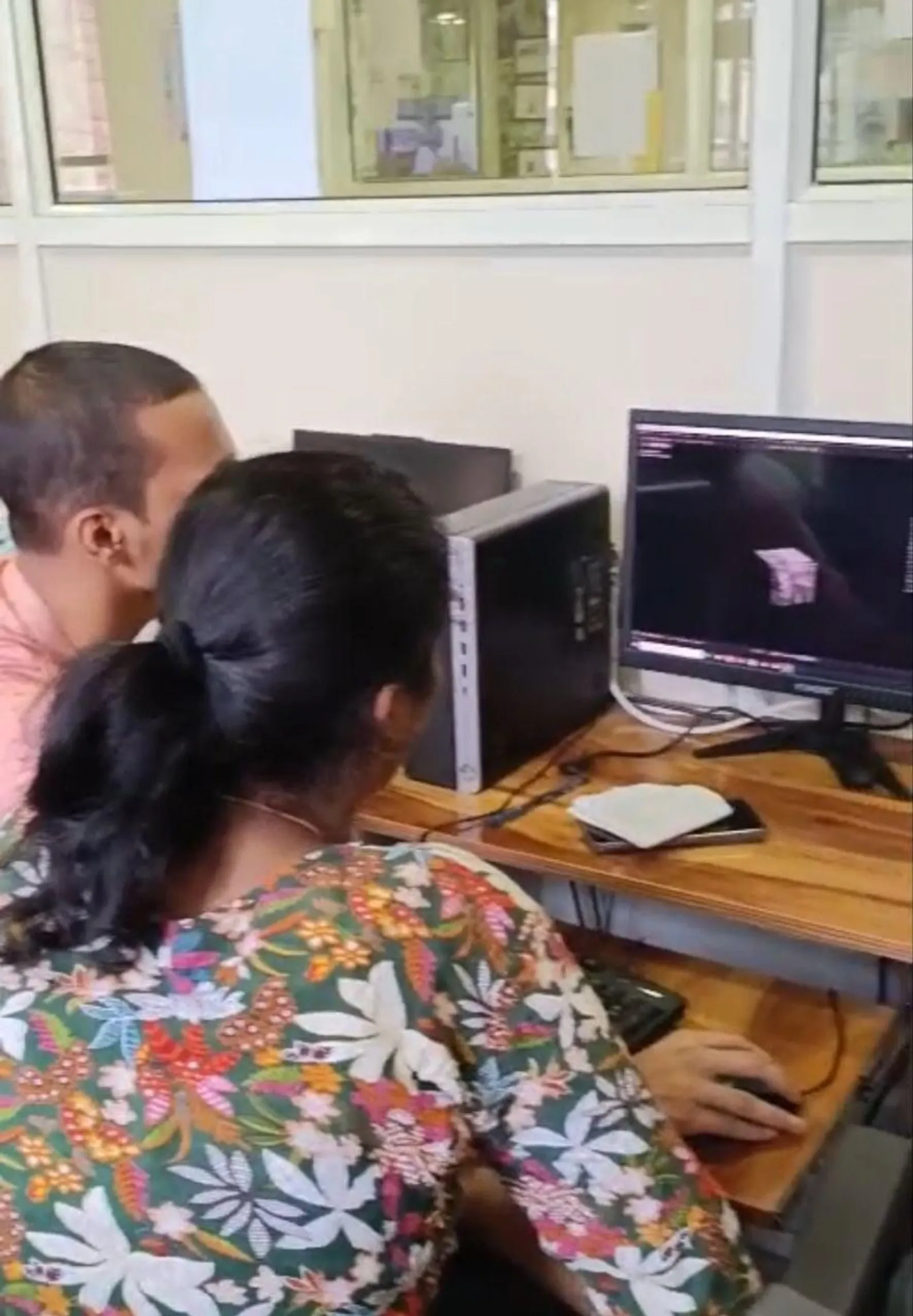
If you're starting out, the first focus should be on understanding the core workbenches rather than trying to touch every module. The most important starting modules are Part Design, Sketcher, Assembly Design, and Drafting. These form the basic path for most mechanical design roles.
Sketcher is where design intent begins. If your constraints are weak, your model will be weak. Part Design converts those sketches into 3D features like pads, pockets, shafts, ribs, fillets, and holes. Assembly Design helps you understand how multiple parts fit and move in relation to each other. Drafting turns your 3D model into manufacturing-ready drawing sheets with dimensions and views.
What most people don't realize is that even advanced users keep coming back to these basics. A strong CATIA designer isn't the one who knows the most icons. It's the one who can create clean, editable, production-safe models.
How should you learn CATIA beyond simple command practice?
This is where many learners go wrong. They memorize commands but don't understand sequence, standards, or intent. A better method is to learn CATIA through structured workflows. Start with sketch quality. Then build feature logic. Then understand parent-child relationships. Then move to assemblies and drafting. Once that becomes comfortable, you can go deeper into surfacing, sheet metal, weldments, or industry-specific applications.
Here's a trainer-level tip: always think about model editability. If a senior engineer asks you to change thickness, hole position, or flange length, your model should update cleanly without breaking references. That's a professional skill. In companies like Tata Technologies or KPIT Technologies, design teams don't just create geometry. They create revisable geometry.
What advanced habits make a CATIA user faster and more industry-ready?
Even if you're still at the basics stage, it's smart to build good habits early. Use proper naming for bodies, sketches, and features. Avoid random dimensions. Keep sketches fully constrained. Use reference geometry carefully. Build symmetry wherever possible. Don't dump everything into one sketch when multiple clean sketches will be easier to manage.
Another important habit is understanding design tree discipline. When your specification tree becomes messy, editing gets slow and errors increase. Professionals keep the tree readable because projects are rarely one-person jobs. Someone else may open your file later. If they can't understand it, you've created a problem.
Trust me, this is one of the biggest differences between classroom-level CATIA and company-level CATIA.
Is CATIA better than AutoCAD, SolidWorks, or Creo for jobs in India?
This depends on the industry. AutoCAD is still widely used for 2D drafting, but it doesn't replace CATIA in automotive product development. SolidWorks is excellent for many machine design and SME environments. Creo is strong in product engineering too. But CATIA has a powerful presence in automotive and high-end product design environments, especially where complex assemblies and Class-A surfacing matter.
If you're targeting companies in Pune, Nashik, Chhatrapati Sambhajinagar, or manufacturing clusters linked to OEMs, CATIA can be a serious advantage. The best strategy is not to ask which software is universally best. Ask which software your target employers prefer. That's the answer that matters.
What jobs can you get after learning CATIA in Maharashtra?
After learning CATIA, common entry roles include CAD Design Engineer, Graduate Engineer Trainee, Mechanical Design Engineer, Product Design Trainee, Tool Design Support Engineer, and Design Drafting Engineer. Freshers in Maharashtra typically see starting salaries around ₹2.2 lakh to ₹3.8 lakh per year depending on city, college background, and project quality. In Pune, candidates with stronger modeling and drafting skills can move toward ₹18,000 to ₹30,000 per month in entry-level roles.
With 2 to 4 years of solid experience in CATIA, assembly work, drawing standards, and supplier documentation, professionals can move into the ₹4.5 lakh to ₹7.5 lakh range. In automotive-linked roles, especially with fixture design, BIW, plastics, or surfacing support, salaries can go higher.
Who should learn CATIA in 2026?
CATIA is a smart choice for mechanical engineering students, diploma holders, BE freshers, production engineers shifting to design, and working professionals who want to move into product development. It's also useful for candidates targeting automotive, aerospace, machine design, and industrial equipment sectors.
If you're in Pune, Chhatrapati Sambhajinagar, Sangli, or nearby industrial areas, learning CATIA with guided projects can shorten your learning curve. ABC Trainings has helped many students understand not just software commands but also how design work happens in actual companies. If you want course details, you can call 8698270088 or WhatsApp 7774002496.
How do you start CATIA the right way without wasting months?
Start with software familiarity, but don't stop there. Learn interface navigation, Sketcher constraints, Part Design features, assembly fundamentals, and drafting standards in sequence. Practice with real mechanical parts instead of only demo shapes. Build 5 to 10 complete mini-projects. Save versions properly. Review your own design tree. Ask whether your model can handle revision changes.
The good news is that CATIA is learnable if your training is structured. You don't need to become an expert in one week. You need consistent practice with the right approach. That's how students become employable designers instead of command collectors.
And here's the thing: the earlier you learn professional habits, the easier your transition into industry will be. If your goal is a design career in Maharashtra, CATIA is still one of the most practical CAD skills you can build in 2026.
Is CATIA good for mechanical engineering students in India?
Yes, CATIA is very good for mechanical engineering students, especially if you're targeting automotive, product design, or manufacturing-related companies. It's widely recognized in design environments connected to OEMs and suppliers. In cities like Pune and Chhatrapati Sambhajinagar, CATIA can improve your chances for CAD and product development roles when combined with projects and drafting knowledge.
Which CATIA version is commonly used in Indian companies?
CATIA V5 is still very commonly used in Indian industry, especially in automotive and mechanical design workflows. Some large organizations also use 3DEXPERIENCE-based environments, but V5 remains highly relevant for training and job preparation. If you're a beginner, starting with CATIA V5 is a practical choice because many employers still expect those skills.
Can diploma students learn CATIA and get jobs in Maharashtra?
Yes, diploma students can absolutely learn CATIA and move into drafting or junior design support roles. Your success depends on your modeling practice, drawing understanding, and project quality more than just your qualification title. Many diploma holders in Pune, Nashik, and Sambhajinagar build careers in CAD by becoming strong in part modeling, assemblies, and production drawings.
How long does it take to learn CATIA for job readiness?
For most students, 2 to 4 months of serious, guided practice is enough to become comfortable with CATIA basics and core workflows. Job readiness takes more than software familiarity, so you should also practice industry drawings, model editing, and mini-projects. If you train consistently and get proper mentoring, you can build a solid foundation much faster than trying to learn randomly from scattered videos.
Visit Our Centers
Chhatrapati Sambhajinagar
Corporate Office (HQ)
2nd Floor, Kandi Towers, Jalna Road, Amarpreet Chowk, Chhatrapati Sambhajinagar, Maharashtra 431001
Osmanpura Branch
Plot No 14, Shanya Sect, Near Sant Eknath Rang Mandir, Osmanpura, Chhatrapati Sambhajinagar, Maharashtra 431005
CIDCO Branch
Plot No 4, N-3, Cidco, Opp. High Court, Chhatrapati Sambhajinagar, Maharashtra 431003
Pune
Wagholi Branch
1st Floor, ABC Trainings, Laxmi Datta Arcade, Pune - Ahilyanagar Hwy, Wagholi, Pune, Maharashtra 412207
Hadapsar Branch
Bloom Hotel, ABC Trainings 1st Floor, S.no 156/3 Shree Tower Pune - Solapur Rd, Hadapsar, Pune, Maharashtra 411028
Sangli
Sangli Branch
2nd Floor, Vasant Market, Opp. City High School, Sangli, Maharashtra 416416
Start Your Career Journey Today
Join 10,000+ students who transformed their careers with ABC Trainings.
💬 WhatsApp: 7774002496📞 Call: 8698270088