CATIA Essentials for Beginners – Episode 7: Part Design, Sketcher & Solid Modeling (Updated June 2026)
Here's the thing about CATIA — once you get the Sketcher right, everything else follows naturally. The Sketcher is where every part starts, and Part Design is where it becomes a solid 3D model. India's manufacturing sector generated ₹71,343 crore in investment through the AURIC hub in Sambhajinagar alone, creating 62,405 jobs — and automotive design roles at companies like Bajaj Auto, Skoda VW, Tata Technologies, and Mahindra start with engineers who can model parts in CATIA without being watched. Episode 7 of our CATIA Essentials series covers the foundational workflow: Sketcher profiles, Pad and Pocket features, Fillets and Chamfers, and managing the parametric feature tree. Get these right and you're ready for assemblies, simulations, and manufacturing drawings.
- AURIC Sambhajinagar: ₹71,343 crore investment, 62,405 jobs — automotive OEMs need CATIA Part Design engineers right now
- Episode 7 covers the Sketcher workbench, 2D profile creation, and solid modeling with Pad, Pocket, Fillet, and Chamfer
- CATIA's parametric feature tree lets you change a dimension and the entire part updates — no re-drawing
- CATIA Part Design Engineers earn ₹3.5–5.5 LPA fresher in Pune; senior roles at Tata Tech and KPIT reach ₹12–15 LPA
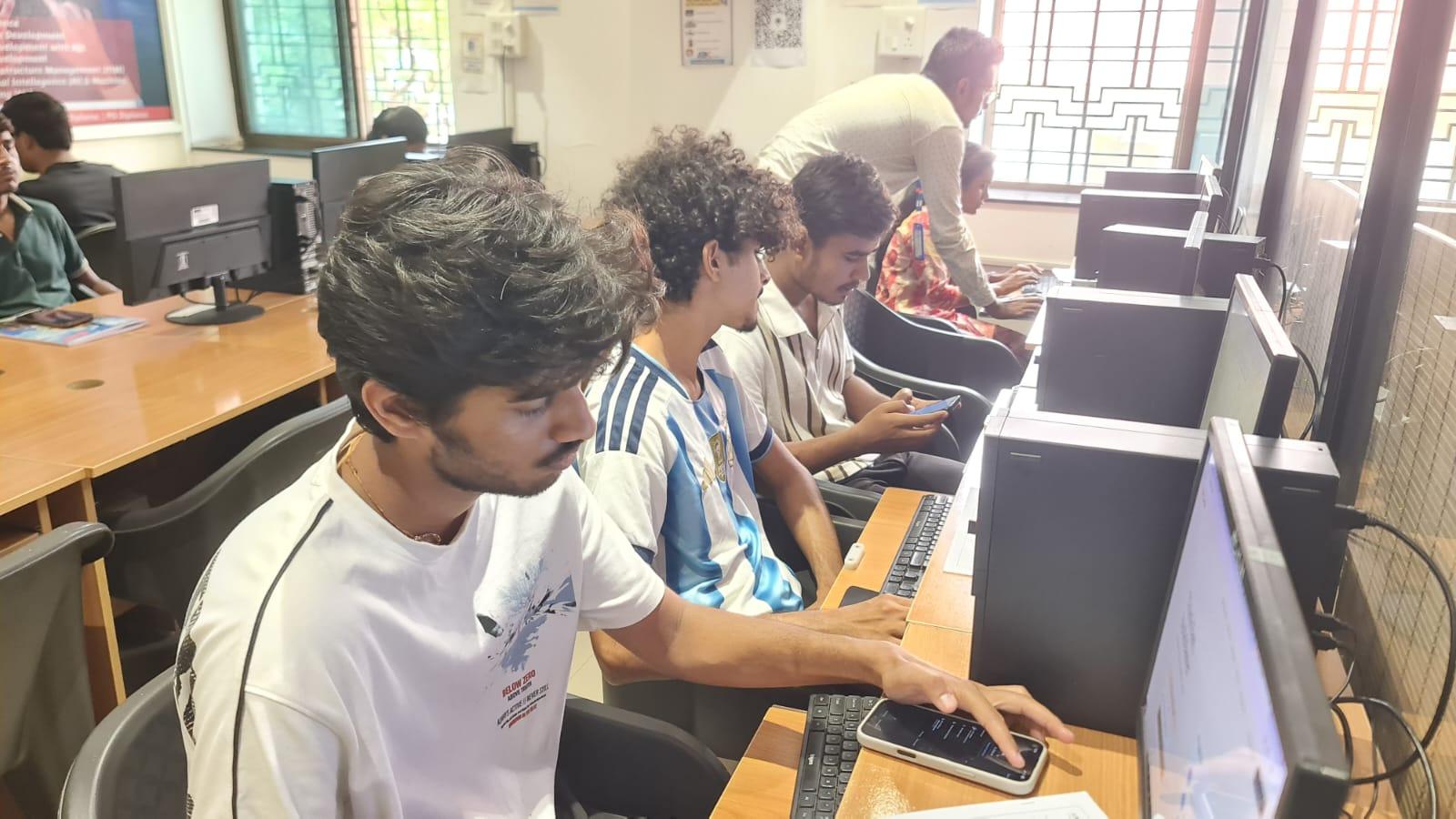
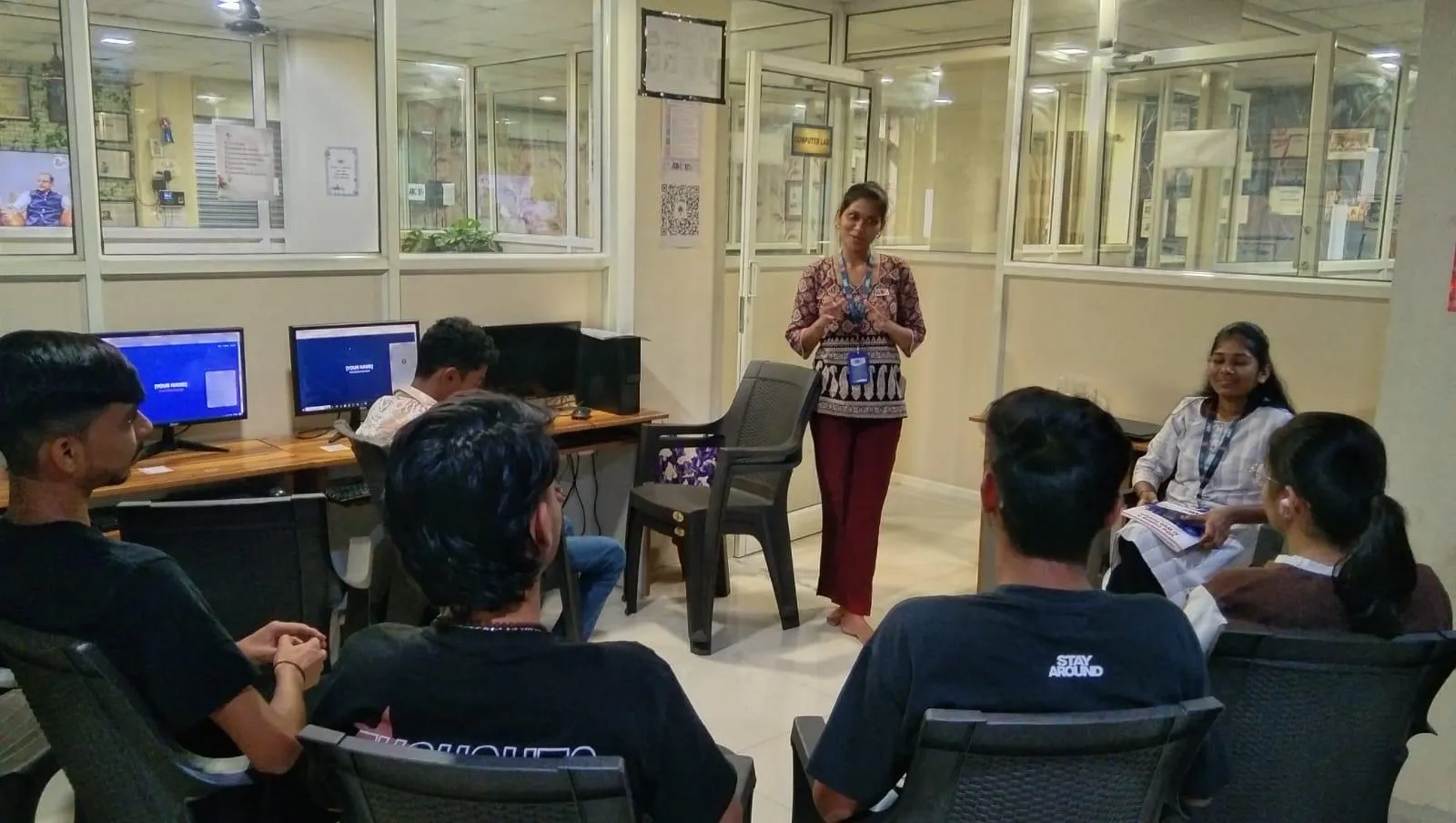
- ABC Trainings AI Powered Product Design workshop covers Sketcher through full Part Design with practical projects
- CMYKPY/PMKVY covers product design vocational training — free eligibility check at 7039169629
Why CATIA Part Design Is the Automotive Industry Standard
CATIA (Computer Aided Three-dimensional Interactive Application) is Dassault Systemes' flagship CAD platform and the industry standard in aerospace and automotive product development. The reason Bajaj Auto, Tata Technologies, Mahindra, Skoda VW, Audi, and Bharat Forge use CATIA — rather than SolidWorks or Inventor — is its ability to manage very large assemblies (thousands of components), its integration with PDM/PLM systems like ENOVIA, and its simulation modules (FEA, kinematic analysis). For an engineer starting a product design career in Pune's automotive corridor, CATIA Part Design is the single most employable CAD skill.
Working in the Sketcher: Profiles, Constraints, and Dimensions
In CATIA V5, go to Start → Mechanical Design → Part Design. The Part Design workbench opens. Double-click any reference plane (XY, YZ, or ZX Plane in the Specification Tree) to enter the Sketcher workbench. In the Sketcher, use Profile (P shortcut) to draw your outline — a rectangle for a bracket, a circle for a disc, a complex profile for a bracket. Add constraints using Constraint (Ctrl+K): fix the horizontal position, set the height to 40mm, the width to 80mm. Constraints shown in green are fully-defined. Grey means under-constrained — add more dimensions. Exit the Sketcher by pressing the orange arrow Exit button. You are now back in Part Design with a 2D sketch ready to become a solid.
| CATIA Feature | Workbench | What It Creates |
|---|---|---|
| Profile / Sketch | Sketcher | 2D constrained outline for features |
| Pad | Part Design | Extrudes sketch into 3D solid |
| Part Design | Cuts material from solid (hole/slot) | |
| Edge Fillet | Part Design → Dress-Up | Rounds sharp edges to set radius |
| Draft Angle | Part Design → Dress-Up | Adds taper for casting or moulding |
Creating Solids with Pad and Pocket Features
With your sketch active, click Pad (Insert → Sketch-Based Features → Pad). In the Pad dialog, set Type to Dimension and enter Length as 25mm. Click OK. Your 2D sketch is now a 3D rectangular solid block — 80×40×25mm. To create a hole or slot, draw a new sketch on the top face of the pad (double-click the face to enter the Sketcher on that face). Draw a circle at the centre. Exit Sketcher → click Pocket (Insert → Sketch-Based Features → Pocket). Set depth to 15mm and click OK. The hole is cut through the solid. Double-click Pad.1 or Pocket.1 in the Specification Tree to re-open and edit any feature at any time — change 25mm to 30mm and the part updates instantly. That's parametric modelling.
Finishing Parts with Fillet, Chamfer, and Draft
Once your base solid is modelled, apply finishing features. Click Edge Fillet (Insert → Dress-Up Features → Edge Fillet). Set radius to 3mm. Select the top edges of the part. Click OK — all selected edges are rounded to R3mm simultaneously. For Chamfer, use Insert → Dress-Up Features → Chamfer → set 1×45° on the sharp corners. For Draft (taper for casting or moulding), use Insert → Dress-Up Features → Draft Angle → set 2° on the vertical faces with the top face as the pulling direction. These dress-up features are model-based — edit the fillet radius from 3mm to 5mm in the tree and every filleted edge updates. No need to re-draw or re-select.
CATIA vs SolidWorks: Which One to Learn for Pune's Job Market
The good news is you don't have to choose between CATIA and SolidWorks for the Pune job market — but if you can only pick one, CATIA wins for automotive design roles. Here's why: Bajaj Auto, Tata Technologies (the largest Tier-1 engineering services company in India), Mahindra Research Valley, and every OEM with a global design mandate use CATIA. SolidWorks is widely used in smaller manufacturers, tool and die shops, and industrial equipment companies. The salary premium for CATIA-certified engineers at automotive OEMs in Pune (₹3.5–5.5 LPA fresher) versus SolidWorks roles at general manufacturers (₹2.8–4 LPA fresher) reflects this demand. If you want to work for the biggest automotive names, CATIA is the clear choice.
Top Automotive Employers Hiring CATIA Part Design Engineers Near Pune
Near Pune: Bajaj Auto (Akurdi, 164+ active openings), Tata Technologies (Hinjewadi), KPIT Technologies (Hinjewadi), Mahindra Research Valley (Pune), Bharat Forge (Mundhwa), Endurance Technologies (Chakan), Skoda VW India (Chakan). In Sambhajinagar: Skoda VW (Shendra A-1/1), Bajaj Waluj (G-137), Endurance Technologies (E-92), Toyota Kirloskar AURIC, Audi India (AURIC). Sangli and Kolhapur: Bharat Forge Kagal (major CATIA user for forgings simulation), auto component firms in Kolhapur's Kagal MIDC. Walchand College graduates in Sangli average ₹10.55 LPA — CATIA is the differentiator for mechanical engineering graduates aiming above that average.
Get the AI Powered Product Design, Analysis & Simulation Brochure + Fees + Batch Dates on WhatsApp
Free 1:1 counselling. Placement track record. CMYKPY/PMKVY eligibility check.
💬 Get Brochure on WhatsApp📞 Call 7039169629About the author: Rahul Patil. 12 yrs experience training engineers across Maharashtra.
Visit Our Centers
- Wagholi (Pune): 1st Floor, Laxmi Datta Arcade, Pune-Ahilyanagar Highway. Call 7039169629
- Hadapsar (Pune HQ): 1st Floor, Shree Tower, opp. Vaibhav Theater, Magarpatta. Call 7039169629
- Cidco (Chh. Sambhajinagar): Kalpana Plaza, opp. Eiffel Tower, N-1 Cidco. Call 7039169629
- Osmanpura (Chh. Sambhajinagar): S.S.C Board to Peer Bazar Road, near Jama Masjid. Call 7039169629
- Sangli: Shubham Emphoria, 1st Floor, Above US Polo Assn., Sangli-Miraj Rd, Vishrambag. Weekend batches available. Call 7039169629
FAQs
What does CATIA Essentials Episode 7 cover?
Episode 7 covers the CATIA V5 Sketcher workbench — drawing 2D profiles with constraints and parametric dimensions — and the Part Design workbench for creating 3D solids using Pad (extrusion), Pocket (cut), Edge Fillet, Chamfer, and Draft features. It also covers managing the Specification Tree to edit and update features parametrically. This is the foundational workflow used by CATIA Part Design engineers at Bajaj Auto, Tata Technologies, Mahindra, and automotive Tier-1 suppliers.
What is the difference between CATIA Pad and Pocket features?
Pad is an additive feature — it extrudes a 2D sketch profile to create a 3D solid by adding material. Pocket is a subtractive feature — it extrudes a 2D sketch profile to cut or remove material from an existing solid, creating holes, slots, and recesses. Both features are parametric in CATIA — edit the dimension in the Specification Tree at any time and the solid updates automatically. Together, Pad and Pocket are the two most-used features in CATIA Part Design for mechanical component modeling.
What salary can I earn as a CATIA Part Design engineer in Pune?
Based on AmbitionBox, Glassdoor India, and 6figr data (2025–2026): CATIA Part Design Engineers earn ₹3.5–5.5 LPA fresher at Pune automotive companies. Product Design Engineers with 2–4 years of CATIA experience earn ₹6–9 LPA. Senior engineers at Tata Technologies or KPIT earn ₹10–15 LPA. Automotive Design Leads at Mahindra or Bajaj earn ₹12–18 LPA. In Sambhajinagar, Skoda VW Shendra and Toyota Kirloskar AURIC hire CATIA engineers at ₹4–6.5 LPA fresher.
Does ABC Trainings offer CATIA training in Sambhajinagar or Sangli?
Yes. ABC Trainings' AI Powered Product Design, Analysis and Simulation workshop covers CATIA Part Design — from Sketcher basics through advanced features and assembly design. Training is available at Sambhajinagar (Cidco: Kalpana Plaza, opp. Eiffel Tower, N-1; Osmanpura: S.S.C Board to Peer Bazar Road, near Jama Masjid) and Sangli (Shubham Emphoria, 1st Floor, Sangli-Miraj Rd, Vishrambag, weekend batches available). Call 7039169629 or WhatsApp 7774002496.