Creo Training in Sangli 2026 Beginner Career Guide
If you're searching for Creo training in Sangli because you want to move from diploma holder to design engineer, you're already asking the right question. I've trained beginners for years, and here's the thing: most students think design jobs are only for toppers or BE graduates. That's not true. A diploma student with strong Creo skills, drawing knowledge, and project practice can absolutely build a solid career in Maharashtra.
This guide is for complete beginners. If you know nothing about Creo, CAD workflows, or design engineer roles, don't worry. I'll break it down step by step in simple language so you know what to learn first, what software you need, how long it takes, and what kind of jobs you can target in Sangli, Kolhapur, Pune, Satara, and nearby industrial areas.
What is Creo and why do beginners learn it?
Creo is a 3D CAD software developed by PTC. Companies use it to create parts, assemblies, sheet metal components, production drawings, and product models before manufacturing starts. In simple words, it helps engineers design real products on a computer.
You'll see Creo used in mechanical design work across automotive, machinery, fabrication, and product development companies. Employers connected to supply chains of Bajaj Auto, Mahindra Engineering, Tata Technologies, Bosch, Siemens, Kirloskar, and Thermax often prefer candidates who understand professional CAD tools.
The good news is, you don't need to be an expert on day one. You just need to start correctly. What most people don't realize is that companies don't hire only based on marks. They hire people who can open a model, understand dimensions, edit sketches, create assemblies, and read production drawings without confusion.
Can a diploma student really become a design engineer?
Yes, absolutely. Trust me, I've seen many diploma students from Sangli, Miraj, Kupwad, Islampur, and Jaysingpur move into design support, CAD engineer, trainee design engineer, and production design roles after proper training.
Usually, students from these backgrounds do well in Creo:
- Diploma in Mechanical Engineering
- Diploma in Automobile Engineering
- Diploma in Production Engineering
- ITI with strong drafting interest plus CAD training
- BE students who want practical software skills
Your degree matters, but your skill level matters more in entry-level hiring. If you can model parts correctly, create 2D drawings, and explain your project in an interview, you'll stand out.
Why should you learn Creo instead of only AutoCAD?

AutoCAD is useful for 2D drafting, but Creo takes you further into product design. If your goal is to become a design engineer, 3D parametric modeling is important. That's where Creo helps.
With Creo Parametric 10 or newer versions, you'll learn how design changes update intelligently. For example, if you change a dimension in a sketch, the full model can update automatically. That's how real industrial design work happens.
So if you're serious about design engineering, Creo gives you stronger job value than learning only basic drafting software.
How do you start Creo training in Sangli as a complete beginner?
Let's make this simple. Start in this order:
1. Learn engineering drawing basics first
Before software, you should understand lines, views, dimensions, sections, tolerances, and scale. If you skip this, 3D modeling becomes confusing.
2. Understand computer basics
You should know file saving, folders, PDF export, and basic Windows operations. A lot of beginners struggle here more than they admit.
3. Start with sketching in Creo
Sketching is the foundation. You'll learn lines, circles, constraints, dimensions, and how to fully define a sketch.
4. Move to part modeling
Then you'll create 3D parts using extrude, revolve, hole, round, chamfer, shell, rib, pattern, and mirror commands.
5. Learn assembly
After parts, you'll combine components and understand how products fit together.
6. Create 2D manufacturing drawings
This is where many job interviews focus. Can you convert a 3D model into a clean engineering drawing? You must learn this properly.
7. Practice mini projects
Make simple clamps, brackets, housings, shafts, couplings, fixtures, and sheet metal parts. Projects prove that you can work independently.
What software and tools do you need to learn Creo?
You don't need a very expensive setup to begin. For training level practice, here's what helps:
- Software: Creo Parametric 10 or Creo Parametric 11
- Operating System: Windows 10 or Windows 11
- RAM: Minimum 8 GB, better if 16 GB
- Processor: Intel i5 or Ryzen 5 and above
- Storage: SSD preferred for faster loading
- Mouse: External mouse is much better than laptop touchpad
You'll also need a notebook for command shortcuts, drawing rules, and interview questions. Sounds basic, but serious students always maintain one.
What should you learn first in a beginner Creo course?
A proper beginner course should not throw advanced commands at you on day one. It should follow a practical order:
- Introduction to CAD and design workflow
- User interface of Creo
- Sketch tools and constraints
- Reference planes and datum features
- Part modeling basics
- Feature editing and model tree understanding
- Pattern, mirror, round, chamfer, shell
- Assembly basics and constraints
- Exploded views
- 2D drawing creation and dimensioning
- Basic GD&T awareness
- Simple design projects
What most people don't realize is that model tree understanding is just as important as command knowledge. If your feature sequence is wrong, editing the model later becomes messy. That's why trainer guidance matters.
How long does it take to become job-ready?
For a complete beginner, basic confidence in Creo usually takes 2 to 3 months with regular practice. If you're learning part-time while doing college, expect around 3 to 5 months to become interview-ready.
But here's the thing: software learning alone isn't enough. To become job-ready, you should also practice:
- Engineering drawing interpretation
- Basic manufacturing concepts
- Material awareness
- Assembly logic
- Interview explanation of your projects
If you train consistently, you can apply for trainee roles much faster than you think.
What jobs can you get after Creo training in Maharashtra?
After beginner-to-intermediate Creo training, diploma students usually apply for roles like:
- Trainee Design Engineer
- CAD Engineer
- Mechanical Design Engineer
- Drafting Engineer
- Production Design Support Engineer
- Junior Product Design Engineer
Job opportunities are stronger in Pune, Chakan, Talegaon, Kolhapur, Sangli industrial zones, Satara, and nearby manufacturing belts. Vendor companies supporting larger brands such as Bajaj Auto, Bosch, Mahindra Engineering, Siemens, L&T, and Kirloskar often need CAD talent for design documentation and modeling support.
What salary can a beginner expect after Creo training?
Let's talk real numbers. Freshers from diploma backgrounds with practical CAD skills can expect around ₹1.8 lakh to ₹3.2 lakh per year in entry-level roles, depending on city, confidence, and interview performance.
In Sangli or Kolhapur, starting salaries may be around ₹12,000 to ₹20,000 per month. In Pune and Chakan, candidates with better projects and communication skills may get ₹18,000 to ₹28,000 per month at the start. After 2 to 3 years of solid experience, many design engineers move toward ₹3.5 lakh to ₹6 lakh per year.
Trust me, your portfolio and practical test performance often matter more than your percentage once you enter this field.
How should you choose the right Creo training institute in Sangli?
Don't select an institute only because fees are low. Check these points:
- Is the course beginner-friendly?
- Do they teach drawing basics before advanced modeling?
- Will you get project practice?
- Do they cover 2D drawings and assemblies properly?
- Can you sit and practice on systems?
- Do trainers explain industry workflows clearly?
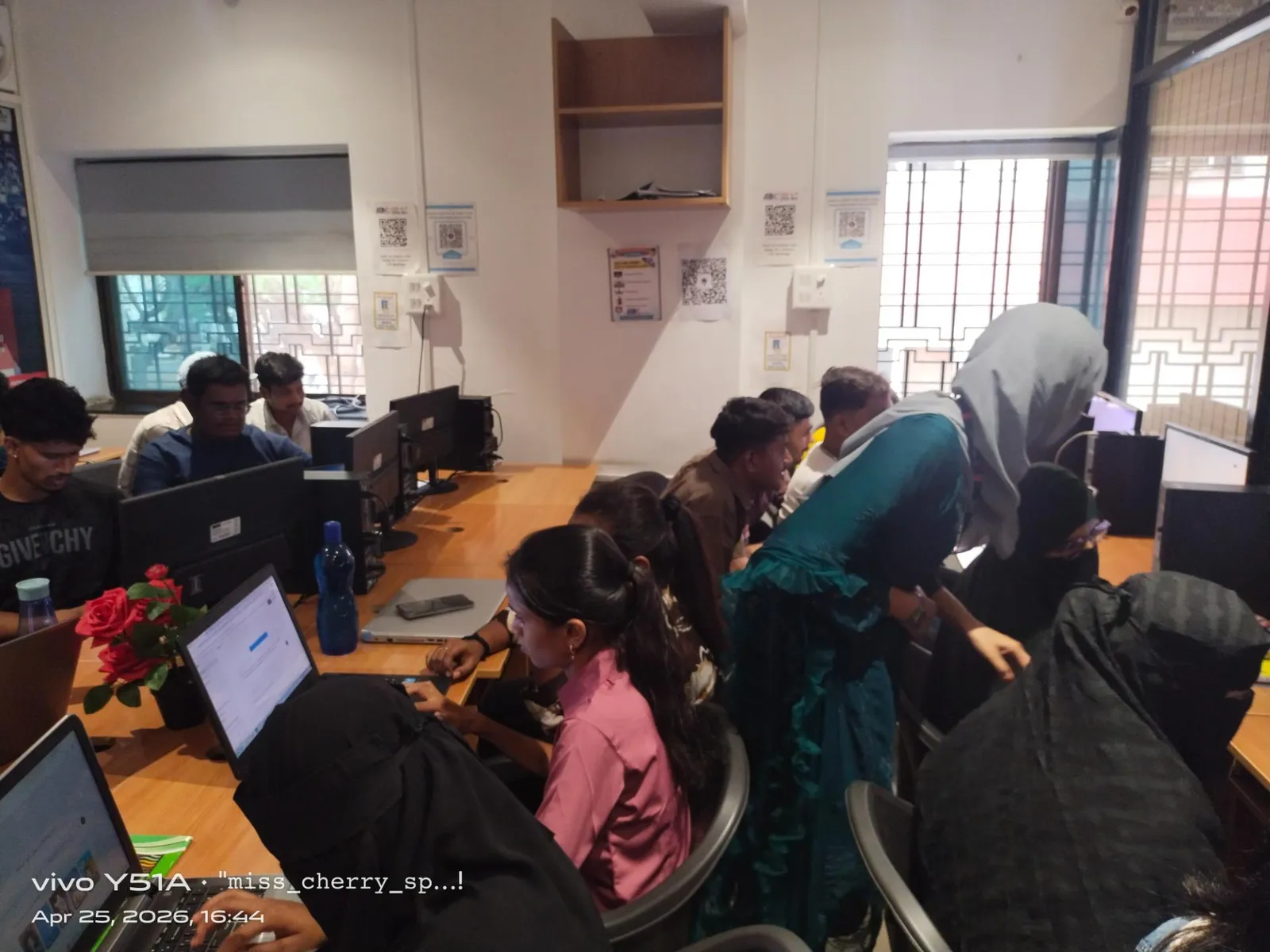
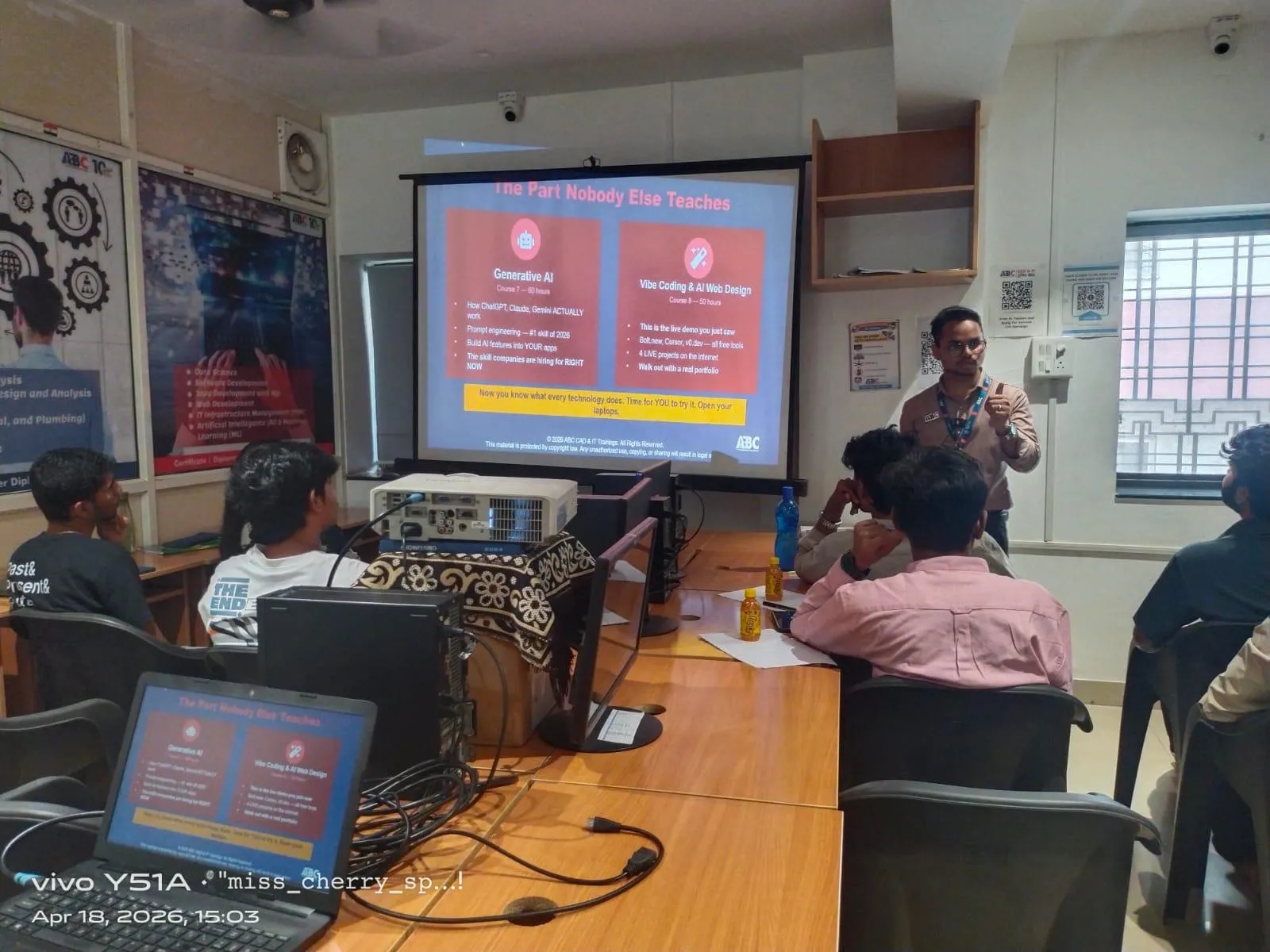
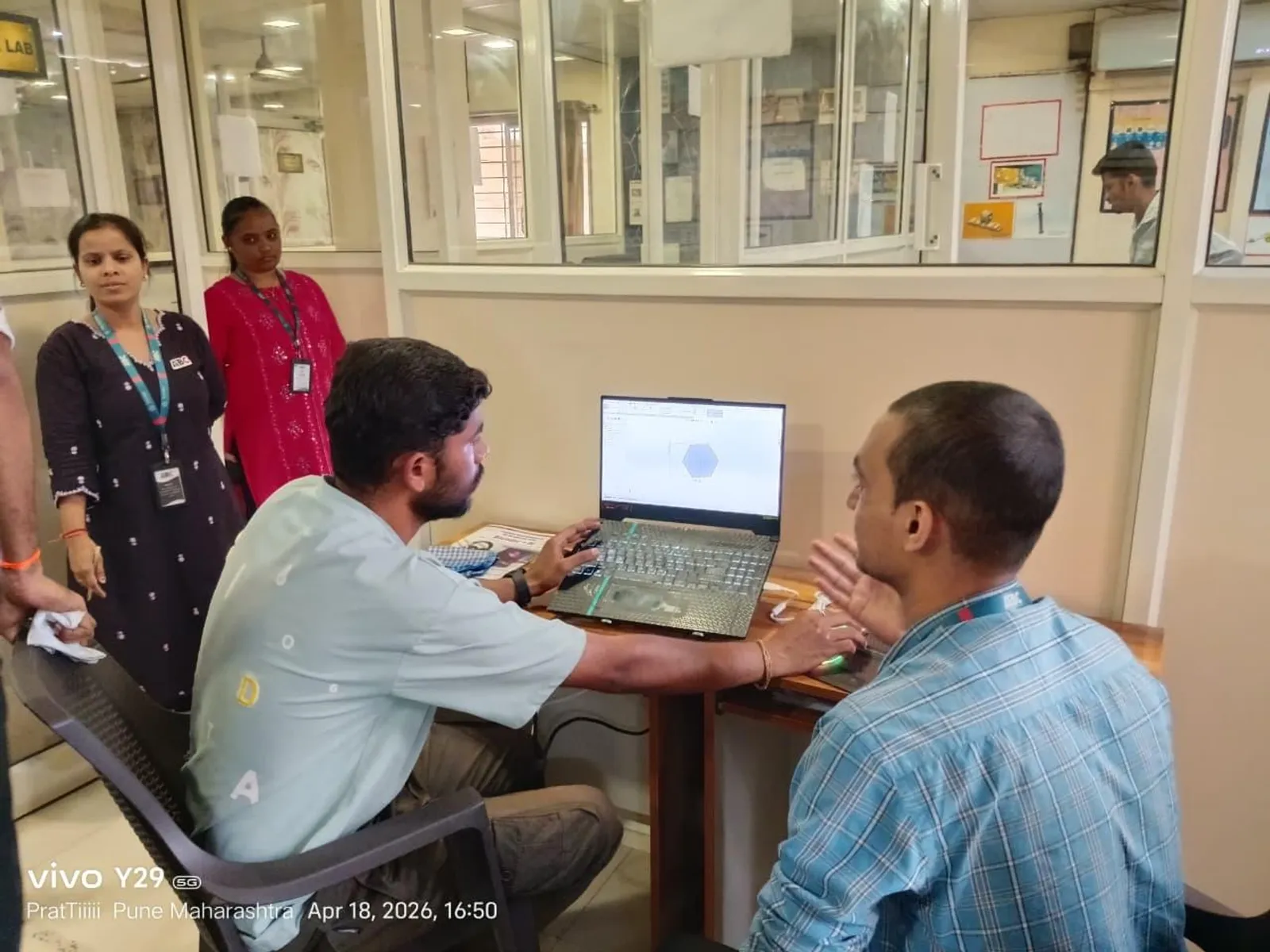
If you want guided Creo learning in Sangli, ABC Trainings is one option students consider for practical CAD coaching. You can call 7039169629 or WhatsApp 7774002496 to ask about batch timing, software practice, and beginner support.
What is the best step-by-step plan for your next 90 days?
Here's a simple plan you can follow:
Days 1 to 15
Revise engineering drawing basics. Learn orthographic views, dimensions, sections, and standard drawing reading.
Days 16 to 35
Start sketching and part modeling in Creo every day. Focus on accuracy, not speed.
Days 36 to 55
Practice editing models, patterns, mirror features, and part variations.
Days 56 to 70
Learn assembly constraints and create small product assemblies.
Days 71 to 85
Make 2D drawings from your parts and assemblies. Add dimensions neatly.
Days 86 to 90
Prepare 3 to 5 mini projects and practice explaining them like you're in an interview.
The good news is, once this foundation is strong, learning other tools later becomes much easier.
Final advice for beginners in Sangli
Don't wait for the perfect time. Start with basics, stay regular, and practice on real components. If you're a diploma student feeling behind others, don't panic. Many successful CAD professionals started exactly where you are now. With the right Creo training, project work, and interview preparation, you can move from student to design engineer step by step.
If you want a structured path, speak to a trainer, ask for the syllabus, and begin. ABC Trainings can help you understand the beginner roadmap and batch options at 7039169629 or WhatsApp 7774002496.
Can a civil engineering student learn Creo in Sangli?
Yes, but Creo is mainly used for mechanical and product design work. A civil engineering student can still learn it if they want to shift toward industrial design, plant-related drafting support, or general CAD skills. If your main goal is building design, other software may suit you better, but Creo can still add value if you're exploring broader engineering roles.
Is Creo difficult for absolute beginners?
No, it only feels difficult when students jump into advanced commands too early. If you start with drawing basics, sketching, and simple part modeling, Creo becomes manageable. Regular daily practice of 60 to 90 minutes makes a big difference in confidence.
Can I get a job in Pune after learning Creo in Sangli?
Yes, many students train in Sangli and apply for jobs in Pune, Chakan, and Talegaon. Companies and vendor firms in these areas often hire freshers for trainee CAD and design support roles. Your chances improve if you have mini projects, drawing knowledge, and clear interview communication.
What is better after diploma: Creo only or Creo plus AutoCAD?
Creo plus AutoCAD is usually the better combination for beginners. Creo helps with 3D modeling and assemblies, while AutoCAD supports 2D drafting work. If your budget allows only one course first, choose based on your target job, but for design engineer roles, Creo gives stronger long-term growth.
Visit Our Centers
Sangli
Sangli Branch
2nd Floor, Vasant Market, Opp. City High School, Sangli, Maharashtra 416416
Start Your Career Journey Today
Join 10,000+ students who transformed their careers with ABC Trainings.
💬 WhatsApp: 7774002496📞 Call: 7039169629