Electrical AutoCAD Basics for Beginners – Episode 3: Symbol Libraries & Component Mapping (Updated June 2026)
Here's the thing — every electrical drawing is built on symbols. The symbol for a contactor, a relay, a sensor, a motor — these are the vocabulary of electrical engineering, and AutoCAD Electrical's symbol libraries are the dictionary. But what most beginners don't realize is that ACE symbols are not just pictures: they're intelligent blocks linked to manufacturer catalogue data, terminal assignments, and cross-reference logic. With NASSCOM-Deloitte projecting 1.25 million automation professionals needed by 2027, the electrical engineers who understand this intelligence — who know how to navigate the libraries, create custom symbols for non-standard equipment, and map components to real Siemens, Schneider, or ABB catalogue data — are the ones who get hired and promoted faster. Episode 3 is where that understanding begins.

- NASSCOM-Deloitte: India needs 1.25 million automation professionals by 2027 — understanding ACE symbol intelligence gives you a career edge
- Episode 3 covers navigating JIC and IEC symbol libraries, creating custom component symbols, and mapping to manufacturer catalogues
- ACE symbols are intelligent blocks — they carry tag data, catalogue numbers, terminal assignments, and cross-reference logic
- Electrical Engineers with ACE custom symbol and catalogue-mapping skills earn 15–20% more than standard AutoCAD users
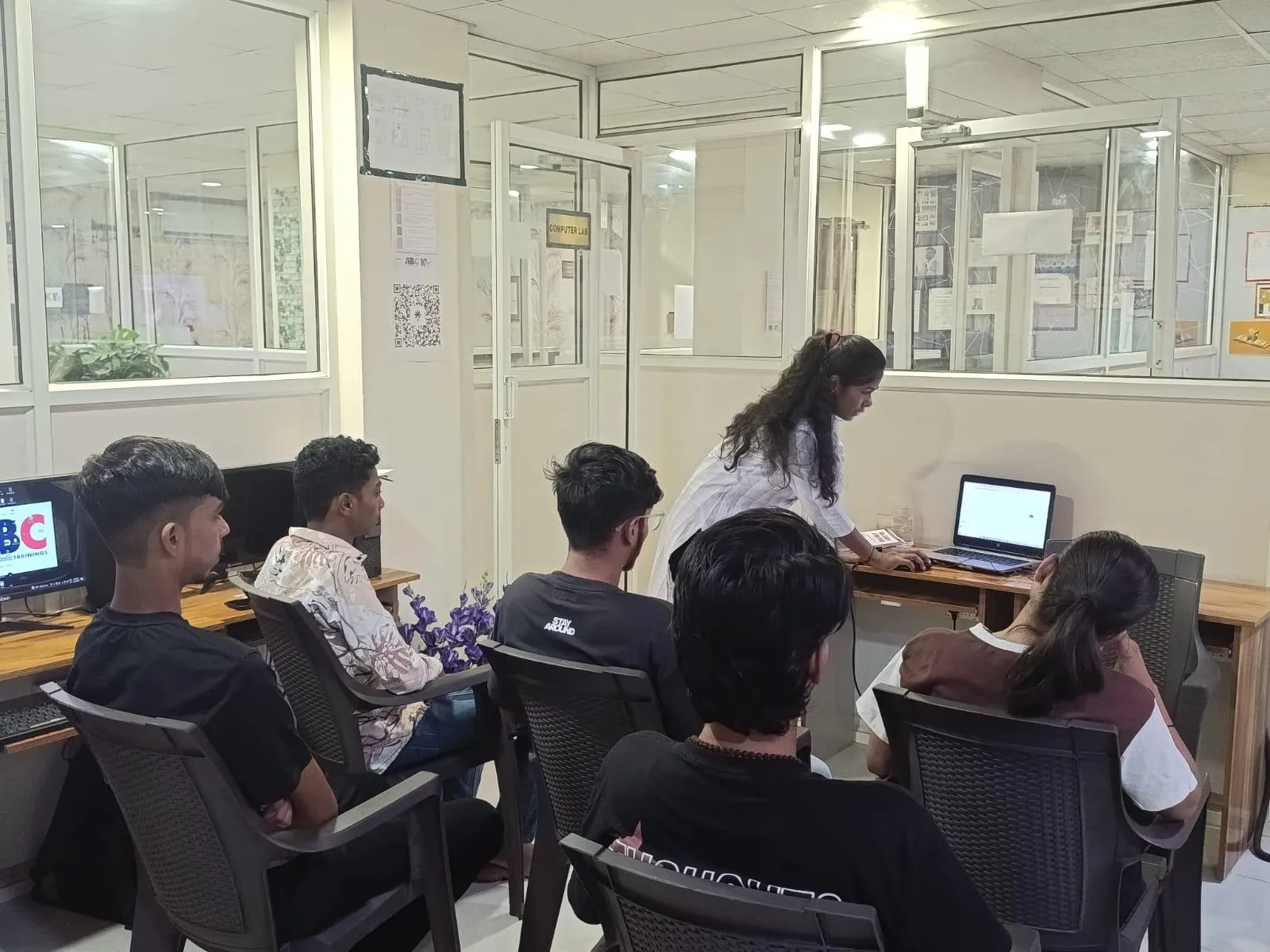
- ABC Trainings covers symbol libraries and component mapping hands-on in Industry 4.0 workshops at Pune, Sambhajinagar, Sangli
- CMYKPY stipend ₹6,000–₹10,000/month for eligible Maharashtra trainees — free eligibility check at 7039169629
How AutoCAD Electrical Symbol Libraries Work: More Than Just Pictures
In plain AutoCAD, a block is a shape. In AutoCAD Electrical, a symbol is a block plus: tag information (component type and number), catalogue data (manufacturer, part number, description), terminal assignment (which pins connect to which wires), and cross-reference logic (how this component links to related symbols on other sheets). When you place an IEC contactor symbol and fill in the tag as KM1 and the catalogue entry as Siemens 3RT2 series, ACE knows to place the KM1 NO contact (normally-open) and NC contact (normally-closed) symbols and auto-cross-reference them on every sheet. Delete the contactor from the schematic and all its contacts are flagged as orphans instantly.
Navigating the JIC and IEC Libraries: Finding the Right Symbol Fast
To access the symbol library in ACE, click Schematic → Insert Component → Icon Menu. The top row shows standard sets: JIC 1 (American), JIC 2 (American variant), and IEC. For industrial use in Maharashtra, start with IEC — it's the standard at Siemens, Bosch, ABB, and most European-origin companies in Pune and Sambhajinagar. Within each standard, categories include: Motor Controls (contactors, overloads), Pushbuttons (NO, NC, illuminated), Timers, Protection Devices (MCBs, fuses), Signal Devices (lamps, sounders), and Terminals. Hover over any symbol to preview it before placing. Right-click → Symbol Properties to see the catalogue family it belongs to before you place it.
| Symbol Feature | Plain AutoCAD Block | ACE Intelligent Symbol |
|---|---|---|
| Component Tag | Manual text label | Auto-tagged, project-wide unique |
| Catalogue Data | None | Siemens/Schneider/ABB part number linked |
| Cross-Reference | Manual annotation | Auto-generated across all sheets |
| Bill of Materials | Manual spreadsheet | One-click report with quantities |
| Custom Symbol | Block editor only | Symbol Builder with tag attributes |
Creating a Custom Symbol for Non-Standard Equipment
When you encounter non-standard equipment — a custom PLC I/O module, a specialized sensor, or a proprietary drive — ACE won't have a built-in symbol. Creating one is simpler than most beginners expect. Go to Symbol Builder (from the Schematic tab → Other Tools → Symbol Builder). Load a similar existing symbol as a starting point. Modify the shape using standard AutoCAD drawing tools — add lines, circles, attribute tags. The key attributes to include are: TAG1 (component tag), MFR (manufacturer), CAT (catalogue number), and INST (installation location). Save the symbol to your project library folder. It's now available in your Icon Menu under a custom category you name.

Mapping Components to Manufacturer Catalogue Data
Component mapping is where ACE connects your symbol to real-world catalogue data. Select any placed symbol → right-click → Edit Component. In the dialog, click the Catalogue Lookup button (the magnifying glass icon). Search by manufacturer — e.g., Siemens, Schneider Electric, ABB — or by catalogue number. ACE's built-in catalogue database contains thousands of entries from Siemens, Allen-Bradley, Schneider, and others. Select the matching part and click OK. Now when you run Reports → Bill of Materials, the BOM lists the exact catalogue number, description, and unit price (if configured) for every component in your project. Panel procurement teams work directly from this BOM — saving 4–6 hours of manual data entry per project.
Electrical Engineer Salaries for ACE-Skilled Professionals — 2026
Real salary data (PayScale, Glassdoor, AmbitionBox India 2025–2026): Electrical CAD Engineer with standard ACE skills ₹3.5–5 LPA fresher; Engineers with custom symbol and catalogue-mapping skills earn 15–20% premium — ₹4.5–7 LPA with 1–2 years' experience. At Siemens India (Wakad) and Bosch Rexroth (Ranjangaon), catalogue-mapping proficiency is specifically asked in technical interviews. Senior Electrical Design Engineers at these companies earn ₹9–14 LPA. Panel procurement and design coordination roles at Bajaj Auto (Akurdi) and Endurance Technologies (Sambhajinagar E-92) pay ₹4.5–6 LPA for engineers with full ACE documentation stack.
Where Electrical AutoCAD Symbol Skills Are in Demand Near Pune
Near Pune (Wagholi/Hadapsar belt): Siemens India (Wakad), Bosch Rexroth (Ranjangaon MIDC, B-66), Bajaj Auto (Akurdi, 164+ openings), Mahindra Electric (Chakan P-2), Force Motors (Akurdi), Whirlpool India (Ranjangaon). In Sambhajinagar: Skoda VW (Shendra A-1/1), Bajaj Waluj (G-137), Endurance Technologies (E-92), Hyosung (AURIC Phase 1), Lubrizol India (Shendra). Sangli: Bharat Forge Kagal, Kupwad MIDC firms (SMMMA, 250+ member industries). Custom symbol and catalogue-mapping skills are valued at all these employers because they reduce BOM errors and panel procurement delays.
Get the Industry 4.0 with AI & Industrial Automation Brochure + Fees + Batch Dates on WhatsApp
Free 1:1 counselling. Placement track record. CMYKPY/PMKVY eligibility check.
💬 Get Brochure on WhatsApp📞 Call 7039169629About the author: Komal Chilwar, Civil & BIM Trainer, ABC Trainings.
Visit Our Centers
- Wagholi (Pune): 1st Floor, Laxmi Datta Arcade, Pune-Ahilyanagar Highway. Call 7039169629
- Hadapsar (Pune HQ): 1st Floor, Shree Tower, opp. Vaibhav Theater, Magarpatta. Call 7039169629
- Cidco (Chh. Sambhajinagar): Kalpana Plaza, opp. Eiffel Tower, N-1 Cidco. Call 7039169629
- Osmanpura (Chh. Sambhajinagar): S.S.C Board to Peer Bazar Road, near Jama Masjid. Call 7039169629
- Sangli: Shubham Emphoria, 1st Floor, Above US Polo Assn., Sangli-Miraj Rd, Vishrambag. Weekend batches available. Call 7039169629
FAQs
What does Electrical AutoCAD Episode 3 cover?
Episode 3 covers navigating JIC and IEC symbol libraries in AutoCAD Electrical, understanding how ACE symbols carry intelligent tag, catalogue, and cross-reference data, creating custom symbols using the Symbol Builder tool for non-standard equipment, and mapping placed symbols to manufacturer catalogue data from Siemens, Schneider Electric, and ABB. These skills are essential for producing industry-standard electrical drawings at Tier-1 manufacturers.
How do I create a custom symbol in AutoCAD Electrical?
Use the Symbol Builder tool in AutoCAD Electrical (Schematic tab → Other Tools → Symbol Builder). Load a similar existing symbol as a base, modify the shape with standard drawing tools, and include the required attribute tags: TAG1 for component tag, MFR for manufacturer, CAT for catalogue number, and INST for installation location. Save to your project's custom symbol library folder. The symbol then appears in your project Icon Menu and can be placed with full intelligence just like a built-in symbol.
What is component catalogue mapping and why does it matter?
Component catalogue mapping links your schematic symbol to a real manufacturer part number — Siemens 3RT2 contactor, Schneider TeSys K overload, ABB A9-30 auxiliary. Once mapped, AutoCAD Electrical generates a complete Bill of Materials with exact catalogue numbers and quantities when you run Reports → Bill of Material. Panel procurement teams use this BOM directly. It eliminates manual BOM entry errors and speeds up component ordering. Engineers who can deliver a catalogue-mapped BOM in the same day as the drawing are valued by every electrical design team.
Does ABC Trainings teach custom symbol creation in the AutoCAD Electrical course?
Yes. ABC Trainings' Industry 4.0 with AI and Industrial Automation workshop covers AutoCAD Electrical from symbol libraries through to custom symbol creation, catalogue mapping, and full documentation package generation. Training is available at Pune (Wagholi and Hadapsar), Sambhajinagar (Cidco and Osmanpura), and Sangli. Call 7039169629 or WhatsApp 7774002496 for batch dates and CMYKPY eligibility.