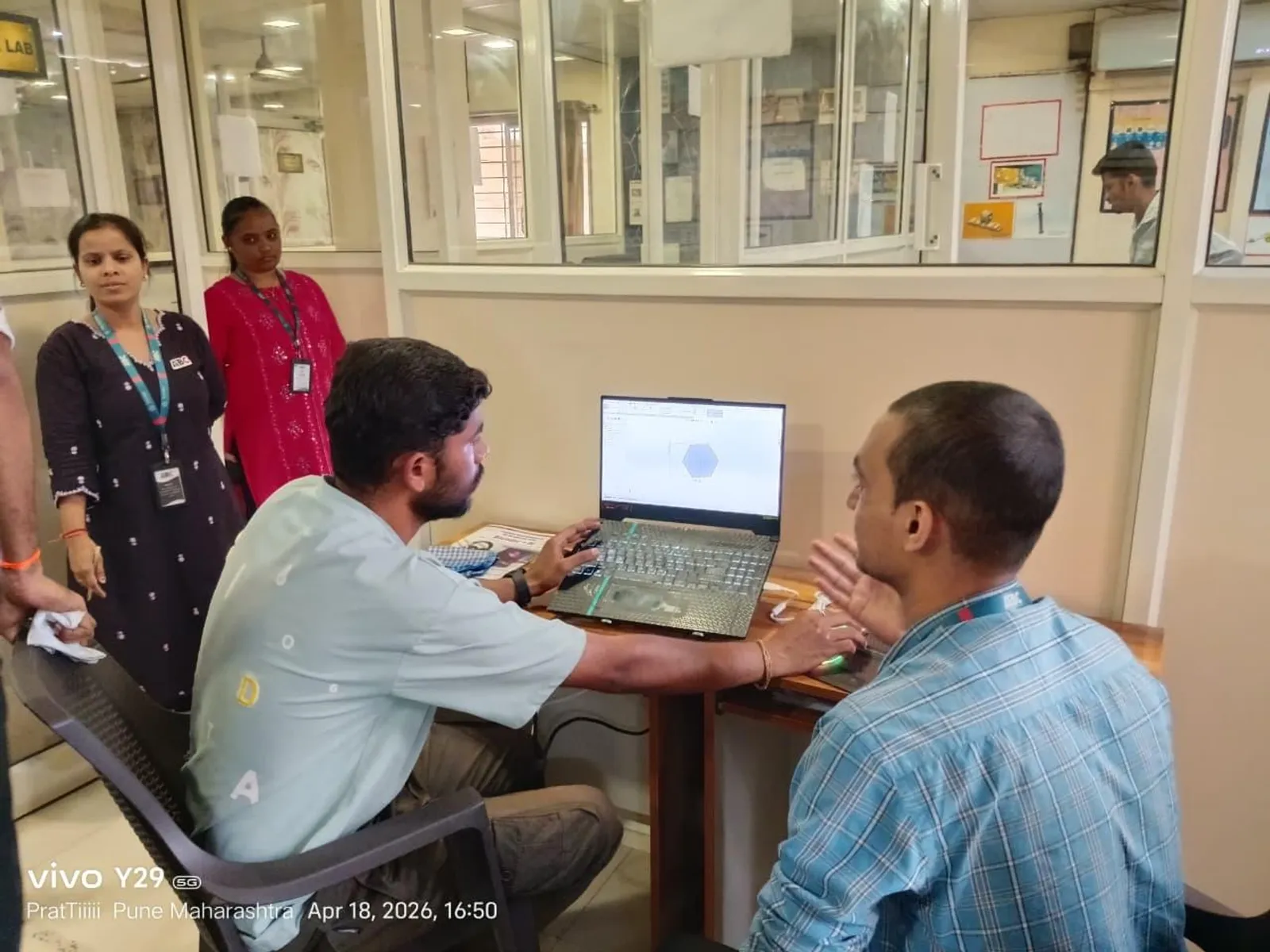
Almost everything you place in a Revit model — a door, a window, a column, a light fitting — is a family. Knowing how to build and edit families is what turns you from someone who only uses Revit into someone who can make Revit do exactly what a project needs. It is also a skill Pune employers specifically look for, because good family builders are rare. Here is the foundation.
The three kinds of families
Revit has three family categories. System families — walls, floors, roofs, pipes — are built into the project and you edit them through types, not a separate file. Loadable families — doors, windows, furniture, equipment — are created in separate .rfa files and loaded in; these are the ones you actually build. In-place families are one-off custom shapes modelled directly in the project for unique geometry.
For 95% of family work, you are creating loadable families. Understanding this split early stops a lot of beginner confusion about why some things behave differently from others.
Templates, categories and the family editor
Every loadable family starts from a family template (.rft) that sets its category and behaviour — a door template knows it must cut a hole in a wall, a furniture template does not. Choosing the right template is the single most important early decision, because it determines how your family hosts, schedules and tags.
Inside the family editor you work with reference planes, dimensions and solid forms (extrusions, sweeps, blends and revolves) to build the geometry. The discipline of drawing reference planes first and locking geometry to them is what makes a family robust rather than fragile.
Parameters: making a family flexible
A family becomes powerful when it is parametric — driven by parameters you can change. Type parameters apply to all instances of a type (a standard 900mm door width), while instance parameters can differ per placement (an individual sill height). You link dimensions to these parameters so changing a number reshapes the model.
Add formulas and you can make one parameter drive another — for example, automatically sizing a frame from an opening. This is the difference between downloading static blocks and engineering genuinely intelligent content, and it is exactly the capability AEC firms value.
Testing and good family hygiene
Before you trust a family, you flex it: change every parameter to its extremes and confirm nothing breaks, twists or throws an error. A family that looks fine at default values but collapses when resized is a liability on a live project.
Keep families lightweight — avoid unnecessary detail and nested geometry that bloats the model — name parameters clearly, and map fields correctly so the family schedules and tags properly. These habits matter because a slow, messy model frustrates an entire Pune project team.
Why family skills stand out in the Pune job market
Most BIM candidates can place existing families; far fewer can build clean, parametric, schedulable families from scratch. Firms running large projects in Hinjewadi, Kharadi and Magarpatta constantly need custom content — equipment, facades, regional door and window types — and a reliable family builder saves them real time.
If you are a fresher, a portfolio that includes a few well-built parametric families instantly signals you understand Revit at a deeper level than the average applicant.
Learn it with structure and support at ABC Trainings, Pune
At ABC Trainings, our BIM and Revit programme is built around real, job-focused skills — strong Revit foundations, portfolio projects, coordination workflows and placement assistance. As a government-affiliated, MSME and ISO-certified institute with centres in Wagholi and Hadapsar (Pune), Chhatrapati Sambhajinagar and Sangli, we run weekend and evening batches for students and working professionals.
FAQs
What is the difference between a system family and a loadable family?
System families like walls and floors are built into the Revit project and edited through types. Loadable families like doors and furniture are created in separate .rfa files and loaded into the project, and these are the ones you build in the family editor.
Why is choosing the right family template so important?
The template sets the family's category and built-in behaviour — how it hosts, cuts, schedules and tags. Starting from the wrong template often means the family will not behave correctly no matter how good the geometry is.
What does it mean to make a family parametric?
It means the family's geometry is driven by parameters and formulas you can change, so one type can produce many sizes and configurations instead of being a fixed, static object.
Do I need family-building skills to get a BIM job in Pune?
They are not always mandatory for entry, but they make you noticeably more employable. Few freshers can build clean parametric families, so demonstrating it helps you stand out.
Get Brochure + Fees + Batch Dates on WhatsApp
Free 1:1 counselling. Placement track record. PMKVY eligibility check.
💬 WhatsApp 7774002496📞 Call 7039169629Visit Our Centers
- Wagholi (Pune): 1st Floor, Laxmi Datta Arcade, Pune-Ahilyanagar Highway, Wagholi. Call 7039169629
- Hadapsar (Pune HQ): 1st Floor, Shree Tower, opp. Vaibhav Theater, near Bloom Hotel, Magarpatta, Hadapsar. Call 7039169629
- Cidco (Chh. Sambhajinagar): Plot no 258, opp. Eiffel Tower, N-1 Cidco. Call 7039169629
- Osmanpura (Chh. Sambhajinagar): S.S.C Board to Peer Bazar Road, near Jama Masjid. Call 7039169629
- Sangli: 1st Floor, above US Polo Store, Sangli-Miraj Rd, Gandhi Nagar, Vishrambag. Weekend batches available. Call 7039169629