Laptop and PC Specifications for Revit and BIM Software: A Buying Guide for Pune Students (2026)
Every batch, we see the same thing happen in the first week of a BIM course: a student with genuine interest and decent fundamentals starts falling behind, not because the concepts are hard, but because their laptop takes ninety seconds to open a model that should open in five. If you are planning to join a BIM or Revit course in Pune, sorting out your hardware before day one will save you more frustration than almost anything else you can prepare in advance.
Minimum vs Recommended Specs for Revit in 2026
Autodesk's published minimums are a starting point, not a comfortable working setup. For coursework involving moderately complex models, we recommend at least a quad-core processor (Intel i5 10th generation or newer, or an equivalent Ryzen 5), 16GB of RAM as a true minimum with 32GB strongly preferred once you start working with linked models, a dedicated GPU with at least 4GB VRAM, and an SSD rather than a traditional hard drive — the difference in model load time alone is often five to ten times faster.
Why Revit Is Heavier Than AutoCAD
Many Pune students already own a laptop that handled AutoCAD coursework comfortably and assume it will be fine for Revit. It usually isn't. Revit works with a parametric 3D database rather than flat 2D lines, it holds entire linked models, families and worksharing data in memory simultaneously, and rendering or clash-detection operations in Navisworks push CPU and GPU usage far harder than anything a 2D drafting workflow requires. A laptop bought for an AutoCAD-only workflow four or five years ago is a common cause of slowdowns we see in Revit batches.
Budget Laptop Options vs Desktop Options for Pune Students
If budget is tight, a desktop generally gives you more performance per rupee than a laptop at the same price point, since you are not paying for portability. Refurbished business workstation laptops (previous-generation Dell Precision, HP ZBook or Lenovo ThinkPad P-series) from reputable Pune resellers can be a genuinely good value route if bought carefully. Whatever route you choose, factor hardware into your overall course budget the same way you would factor in fees — our breakdown of real BIM course costs in Pune is a useful starting point for planning both together.
What ABC Trainings' Lab Setup Looks Like
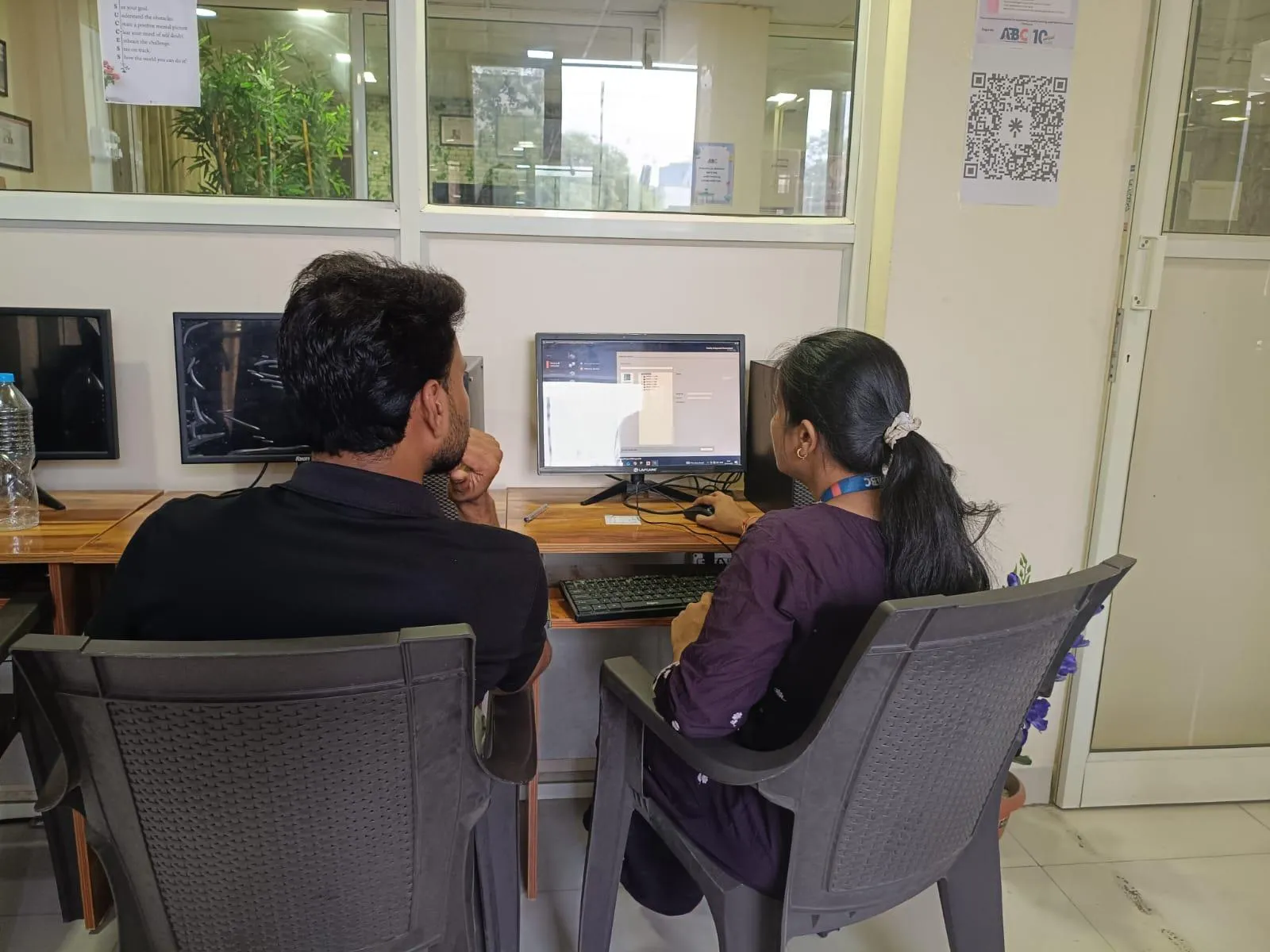
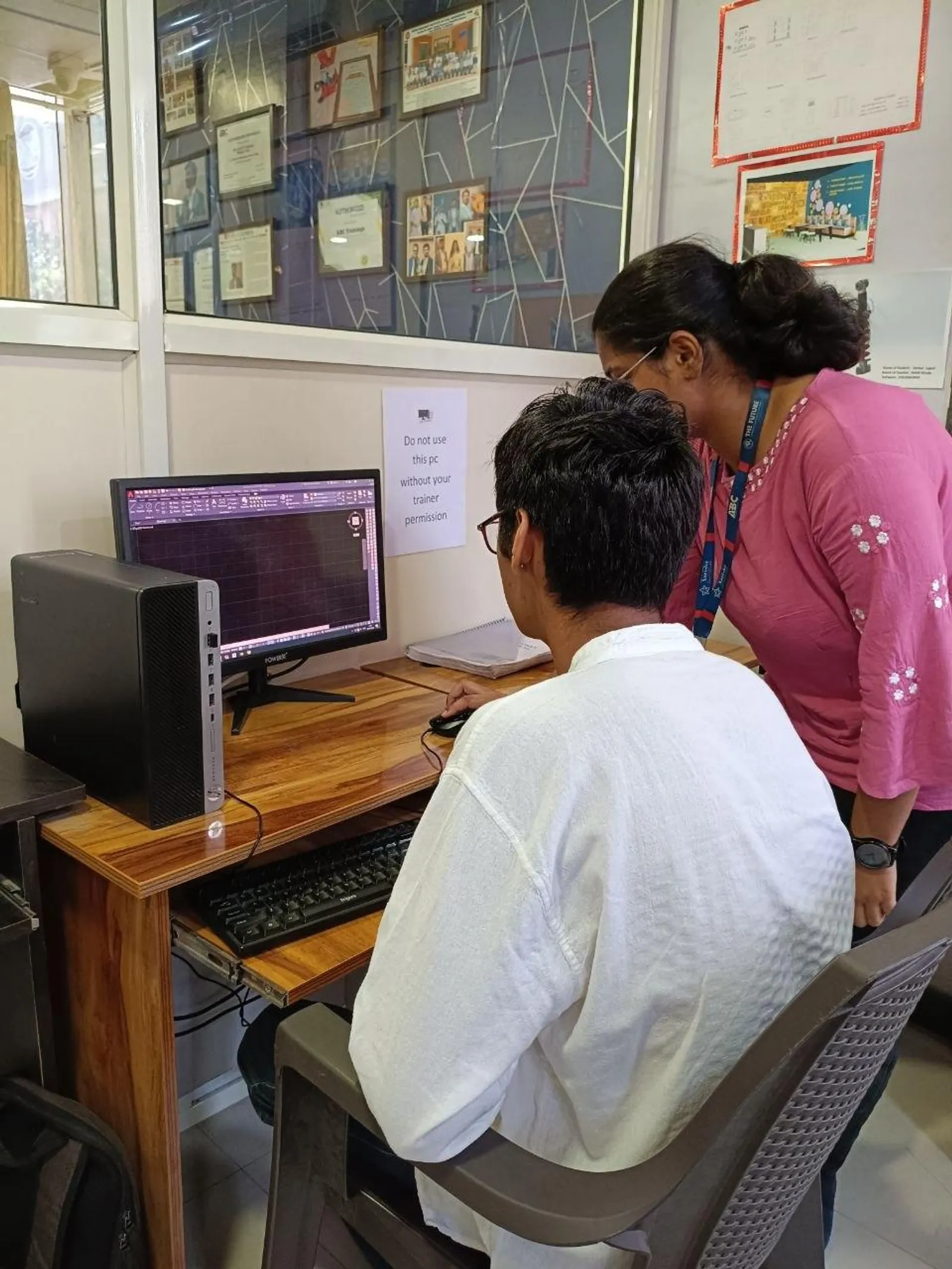
If you cannot invest in a capable machine immediately, our Wagholi and Hadapsar centres run lab systems specced for Revit, Navisworks and rendering workloads, so you are not blocked from starting training while you plan a personal hardware purchase for practice outside class hours.
Common Mistakes Students Make When Buying a "BIM Laptop"
The most common mistake is prioritising RAM while ignoring the GPU, which hurts badly once rendering or Navisworks clash runs are involved. The second is buying a laptop with soldered, non-upgradeable RAM that cannot be expanded later. The third is assuming a gaming laptop is automatically suitable — most are, but check that the GPU driver is certified for Autodesk products rather than assuming raw gaming performance translates directly.
If you want a second opinion on a specific laptop before you buy it, message us on WhatsApp with the spec sheet and we will tell you honestly whether it will handle the course.
Get Brochure + Fees + Batch Dates on WhatsApp
Free 1:1 counselling. Placement track record. CMYKPY/PMKVY eligibility check.
💬 WhatsApp 7774002496📞 Call 7039169629Visit Our Centers
- Wagholi (Pune): 1st Floor, Laxmi Datta Arcade, Pune-Ahilyanagar Highway. Call 7039169629
- Hadapsar (Pune HQ): 1st Floor, Shree Tower, opp. Vaibhav Theater, near Bloom Hotel, Magarpatta. Call 7039169629
- Cidco (Chh. Sambhajinagar): Kalpana Plaza, opp. Eiffel Tower, N-1 Cidco. Call 7039169629
- Osmanpura (Chh. Sambhajinagar): S.S.C Board to Peer Bazar Road, near Jama Masjid. Call 7039169629
- Sangli: Shubham Emphoria, 1st Floor, Above US Polo Assn., Sangli-Miraj Rd, Vishrambag. Weekend batches available. Call 7039169629