One of the most common questions new BIM learners in Pune ask is: "Should I learn Revit, Navisworks or BIM 360?" It is the wrong question, because these tools are not rivals — they are teammates that handle different stages of the same workflow. Once you see how they fit together, the confusion clears up fast.
Revit — where the model is created
Revit is the authoring tool. This is where architects, structural and MEP engineers actually build the intelligent 3D model — walls, beams, ducts, pipes, all carrying data. Each discipline usually works in its own Revit model. If your job is to model, Revit is your home, and it is the foundational skill every BIM career rests on.
Navisworks — where models come together and get checked
Navisworks is the review and coordination tool. It does not create models; it combines the separate Revit models from each discipline into one federated view, then runs clash detection to find where, say, a duct passes through a beam. It also handles 4D sequencing by linking the model to a schedule. Navisworks is the daily tool of the BIM Coordinator.
BIM 360 / Autodesk Construction Cloud — where everyone collaborates
BIM 360 (now part of Autodesk Construction Cloud, ACC) is the cloud platform — the common data environment. It is where models, drawings and documents live so the whole team, including site and client, works from one shared, version-controlled source of truth. It handles issue tracking, approvals and access, connecting people across offices and the Pune site.
How they work together on a real project
Picture a Pune commercial tower: the architecture, structure and MEP teams each model in Revit. Those models are published to BIM 360/ACC so everyone has the latest version. The Coordinator pulls them into Navisworks, federates them, runs clash detection, and pushes the issues back through the cloud platform for the right discipline to fix. Round and round, until the model is clean before construction. Three tools, one connected loop.
What should you learn first?
Always Revit first — without modelling skill, the other tools have nothing to work with. Add Navisworks next, because clash detection and coordination are where salaries step up. Familiarity with BIM 360/ACC is valuable and increasingly expected, but it is a platform you learn to operate within rather than a modelling skill to master in isolation.
Learn the connected workflow at ABC Trainings, Pune
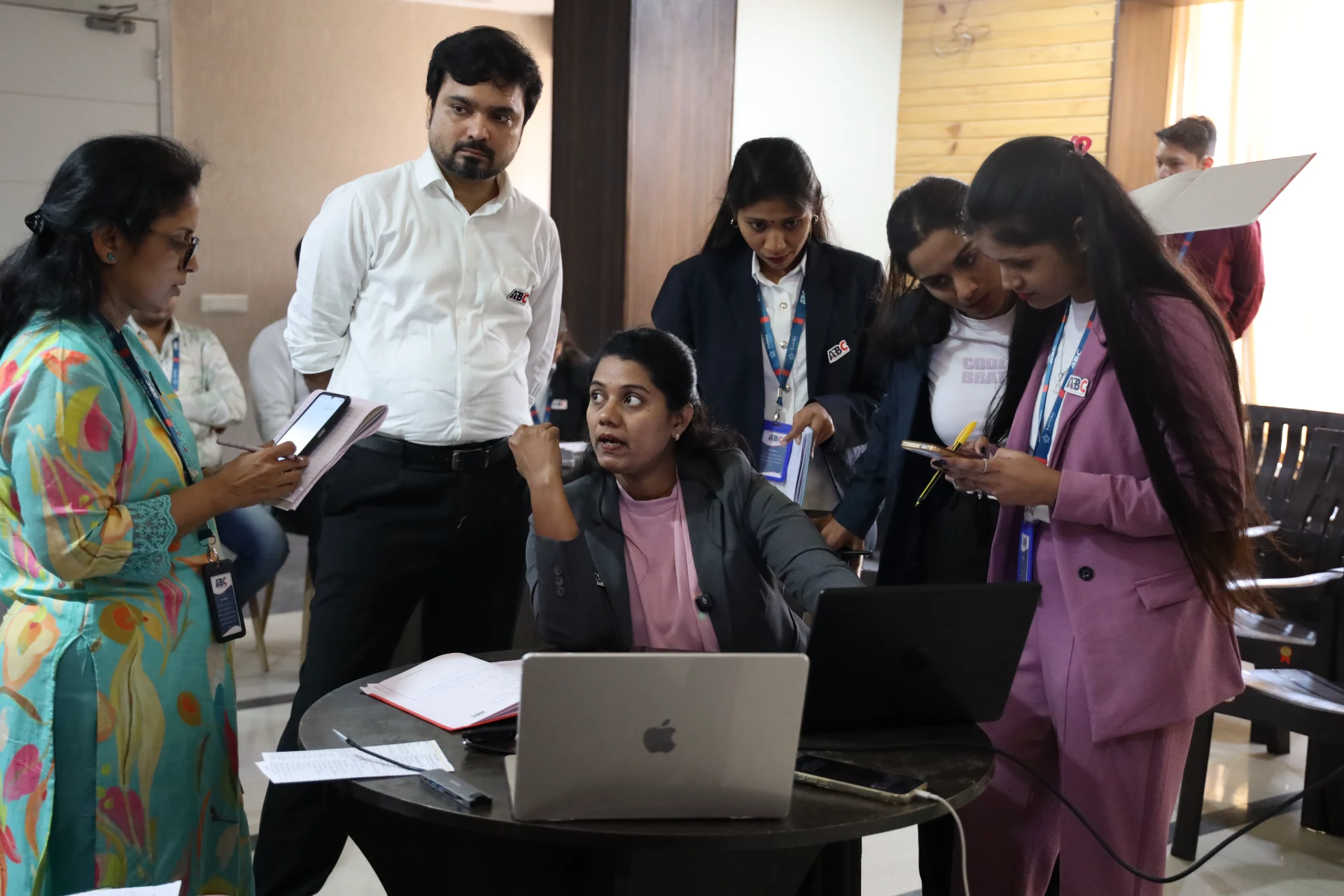
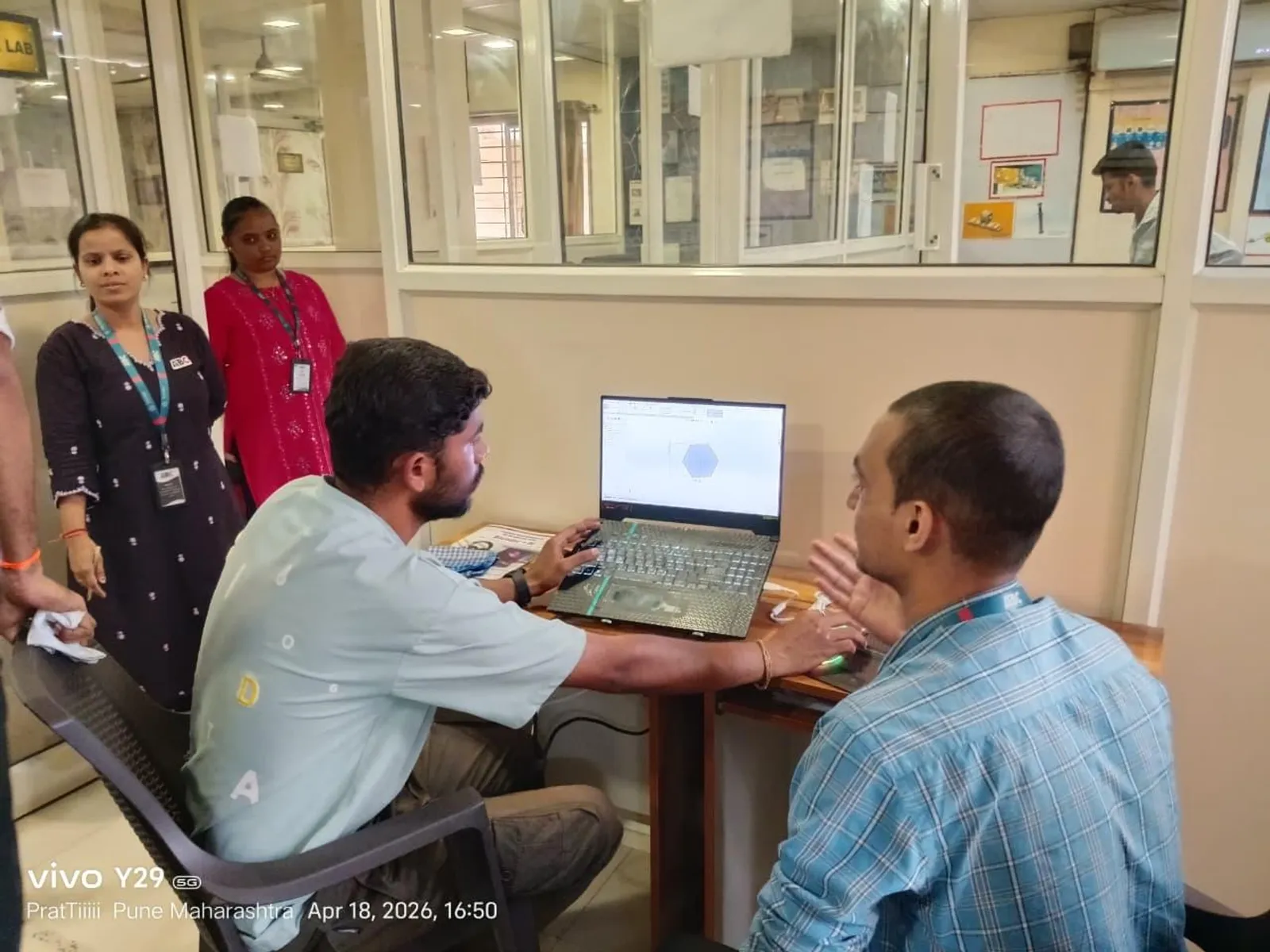
At ABC Trainings, our BIM and Revit programme teaches Revit modelling and then Navisworks coordination as part of one connected workflow — so you understand not just buttons, but how real Pune project teams actually deliver. As a government-affiliated, MSME and ISO-certified institute with centres in Wagholi and Hadapsar (Pune), Chhatrapati Sambhajinagar and Sangli, we offer weekend batches and placement assistance.
FAQs
Is Navisworks a replacement for Revit?
No. Revit creates the model; Navisworks combines models from different disciplines and runs clash detection and 4D sequencing. They do different jobs in the same workflow.
What is the difference between BIM 360 and Navisworks?
BIM 360 (now Autodesk Construction Cloud) is a cloud collaboration platform and common data environment, while Navisworks is a desktop tool for federating models and detecting clashes.
Which should I learn first — Revit, Navisworks or BIM 360?
Learn Revit first because modelling is the foundation, then Navisworks for coordination. Familiarity with BIM 360/ACC is valuable but is a platform you operate within rather than a modelling skill.
Do Pune companies expect knowledge of all three tools?
Many do for coordination roles. Strong Revit plus Navisworks is the core expectation, and comfort with Autodesk Construction Cloud is increasingly seen as a plus.
Get Brochure + Fees + Batch Dates on WhatsApp
Free 1:1 counselling. Placement track record. PMKVY eligibility check.
💬 WhatsApp 7774002496📞 Call 7039169629Visit Our Centers
- Wagholi (Pune): 1st Floor, Laxmi Datta Arcade, Pune-Ahilyanagar Highway. Call 7039169629
- Hadapsar (Pune HQ): 1st Floor, Shree Tower, opp. Vaibhav Theater, near Bloom Hotel, Magarpatta. Call 7039169629
- Cidco (Chh. Sambhajinagar): Kalpana Plaza, opp. Eiffel Tower, N-1 Cidco. Call 7039169629
- Osmanpura (Chh. Sambhajinagar): S.S.C Board to Peer Bazar Road, near Jama Masjid. Call 7039169629
- Sangli: Shubham Emphoria, 1st Floor, Above US Polo Assn., Sangli-Miraj Rd, Vishrambag. Weekend batches available. Call 7039169629