The demand for Building Information Modeling (BIM) professionals in India has grown rapidly due to the expansion of infrastructure, smart cities, and digital construction practices. Cities like Pune, known for their engineering ecosystem and construction firms, have become major hubs for BIM training and placement opportunities.
However, students often face a critical question before enrolling in a course:
Should you choose Online BIM Training or Offline BIM Training in Pune for better placement outcomes?
Both formats have advantages, but the right choice depends on learning style, industry exposure, and placement support. In this detailed guide, we will compare both formats and help you understand which training mode actually improves job placement chances in the BIM industry.
Understanding BIM Training and Why It Matters
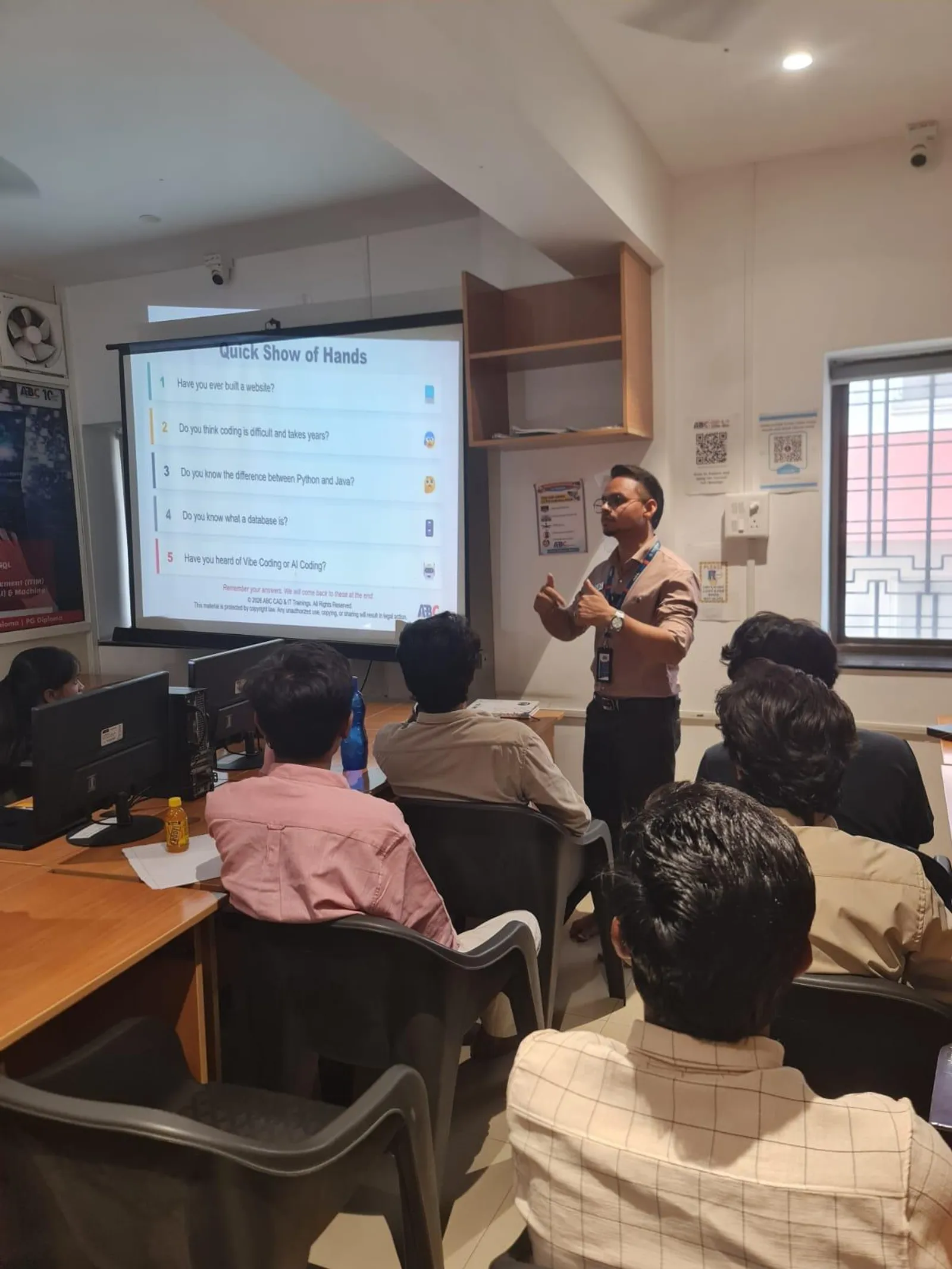
Building Information Modeling (BIM) is not just a software skill. It is a digital workflow used in architecture, engineering, and construction (AEC) for designing, coordinating, and managing building projects.
BIM professionals work with:
Architectural modeling
Structural design coordination
MEP (Mechanical, Electrical, Plumbing) modeling
Construction simulation
Project data management
Because of these responsibilities, companies prefer candidates who have practical project exposure, software proficiency, and industry understanding.
That is why the quality and format of BIM training plays a major role in placement success.
Online BIM Training in Pune — Updated November 2026
What should entry-level BIM quality control check first?
Entry-level BIM quality control should first confirm the model revision, coordinate setup, required information and the review scope. Then record reproducible issues and verify corrections against the next issued revision.
A beginner does not need to find every possible problem in a large building model. Start with one small zone and a defined checklist. Your first deliverable is a review that another person can repeat.
A five-pass model review checklist
- Input pass: record file name, revision, authoring version, linked models and the intended review date.
- Location pass: check agreed levels, grids and a known reference location against the project setup instructions.
- Information pass: select the intended objects and review required identifiers, classifications and property values.
- Coordination pass: inspect the assigned interfaces, including access space and modelled service routes, against the project's review brief.
- Evidence pass: record findings, owner, priority, due date and the model revision needed for verification.
For each pass, write how many objects or locations were reviewed. “No issues” means little if the selected category was empty or a required linked model failed to load.
Write issues that a modeller can act on
Use a short title that names the object and the observed problem. Add the element identifier, model revision, location, expected requirement and a view that makes the finding easy to reproduce.
For example: “AHU-02 AssetID missing in MEP revision 03, level 01.” Add the rule reference, the current blank value and the field the author should review. Avoid an issue title such as “model wrong”; it gives the author no clear next action.
buildingSMART's BCF guidance describes model-linked issue exchange using views, comments and status information. Confirm that your software preserves the identifiers and viewpoints when an issue moves between tools.
Practise closure on a small equipment model
Review six equipment objects, raise three separate issues and ask a second learner to correct the model using only your issue records. If they need to ask which object you meant, improve the record before adding more checks.
In the next revision, verify each issue individually. Record “verified corrected” only after checking the changed object and the original requirement. Keep “accepted exception” separate from a correction and name the person who approved it. A disappeared element also needs review: it may have been removed intentionally, replaced or omitted from the export.
What evidence belongs in a beginner's portfolio?
Keep the original model, review checklist, issue register, corrected model and a one-page explanation of your decisions. Include one example where your first check missed a problem and explain the improvement you made to the scope or rule.
Use the ABC course catalogue to choose a relevant Revit or BIM track and ask for a demo focused on reviewing your own model. Check the centre directory and current fee enquiry for availability. The practical question is whether you will receive feedback on the issue record and the corrected model.
Which is better for BIM quality-control practice: a course or self-study?
A course suits learners who need regular review and a structured assignment sequence; self-study suits learners who can test their work and obtain reliable feedback independently. ABC offers a free one-to-one demo, programme choices and placement support. Compare a reviewed checklist and model exercise before deciding which learning format fits you.
What does unattended BIM model checking teach in an online or offline course?
Unattended BIM model checking runs an agreed set of checks on a specified model without someone starting each run manually. A useful training exercise teaches you to select the correct model revision, recognise a failed run, review the findings and explain the remaining decisions to a person.
Offline BIM validation means checking models in a local workflow; offline classroom training describes where you learn. They are different choices. Either a classroom or an online course can teach local checks, while cloud services need their own access and permissions. Ask a trainer to demonstrate the workflow that matches your intended project environment.
Autodesk's Model Checker documentation describes reusable checksets and reports. Autodesk's Validation Tool documentation describes scheduled cloud checks for models held in Docs or BIM 360 Docs. Confirm software versions and access before choosing an exercise: Autodesk states that the Model Checker API is no longer supported in Interoperability Tools version 10.0, released with Revit 2026. A tutorial using an older API needs a version check.
How do you prepare a model-checking run that someone else can repeat?
Record the model revision, rule-set version, scope and output location before starting the run. Those four records let a reviewer distinguish a new design problem from a changed input or a changed rule.
Start with a small check that you can verify by hand, such as whether every door in a defined set has an agreed identifier and required information field. Write down which elements belong in the set and which are excluded. A correct rule applied to the wrong category can produce a clean-looking report with no useful checks.
Save a run manifest containing the model name, revision or file hash, software version, checkset name, checkset revision, start time and reviewer. Keep the original export beside the report. When another student repeats the exercise, compare element counts and findings before comparing screenshots.
Use a copy or a published model revision for practice. Autodesk describes AVT as an analysis service that does not edit the source file; model corrections still belong in the authoring workflow. The learning goal is a traceable review cycle, not a folder full of unexplained reports.
What should happen when a scheduled BIM check fails?
A failed execution should produce an operational failure record, while a completed check with model errors should produce a reviewable findings report. Treating these as separate outcomes prevents a missing result from being mistaken for a pass.
| Observed result | Likely next check | Evidence to retain |
|---|---|---|
| Model could not be opened | File path, access, model version and linked inputs | Error message, attempted input and time |
| Run completed; zero elements checked | Category, phase, classification and rule applicability | Selection count and scope definition |
| Required values missing | Element data and export mapping | Element IDs, property names and report |
| Old findings disappeared | Input revision and persistent element identity | Previous/new reports and reviewer decision |
Give every run an explicit status: completed, completed with findings, failed, or awaiting review. Record a retry as a new attempt linked to the original. If the same problem repeats, the reviewer should be able to see the repeated failure rather than an overwritten green dashboard.
What is a practical twelve-door model-checking exercise?
Create twelve door instances with a known information requirement, introduce three deliberate data mistakes and check that your report finds exactly those cases. Then correct the model, rerun the same checkset and compare the results.
For example, remove one identifier, leave one required value blank and enter an unapproved value on a third door. Keep a separate answer sheet with the affected element IDs. Your checker should report the missing and invalid values; it should also show that the intended twelve doors were evaluated.
Next, change the category filter so that no doors are selected. A reliable review process catches that empty-scope result. Finally, make a file-access failure and verify that the report clearly distinguishes an execution error from a model that passed its information checks.
Your portfolio can contain the initial file, corrected file, rule description, run manifests, reports and a one-page explanation. Here's the thing: being able to explain why a check missed something is often more useful than demonstrating a perfect first run.
How should Pune learners compare training formats using this exercise?
Compare the feedback and work you complete in each format: can you run the check yourself, diagnose a failure and receive a review of your report? The same practical test works for a classroom demo or a live online demo.
Ask how the trainer handles version differences, access to practice software and questions between sessions. Request one reviewed assignment and the assessment criteria. A recorded lesson may explain a workflow well, but you still need a way to validate your own results.
Use ABC's official course catalogue to select the BIM or Revit programme, then check the Wagholi or Hadapsar centre and ask whether this review exercise can be included in your learning plan. Confirm the current timetable and full fee through the fee enquiry. Call 7039169629 or WhatsApp 7774002496.
Technical references checked 12 November 2026: Autodesk Model Checker for Revit; Autodesk Validation Tool, General Usage Instructions and About the Validation Tool.
Does an unattended BIM check approve the design?
It reports the result of the rules and inputs you supplied. A responsible reviewer still checks scope, exceptions, design decisions and the evidence needed for the project.
Is ABC classroom training better than online self-study for model checking?
Choose according to the feedback you need. ABC offers local centre access, a free demo and placement support; self-study offers scheduling flexibility. Compare a reviewed model-checking assignment, trainer access and current programme scope before enrolling.
What is Online BIM Training?
Online BIM training allows students to learn BIM tools and workflows through virtual classes, recorded sessions, and remote project practice.
This format has become popular after the rise of remote learning and digital classrooms.
Advantages of Online BIM Training
1. Flexible Learning Schedule
Online classes are ideal for:
Working professionals
Civil engineers with jobs
Students completing their degree
Learners can attend classes from anywhere and manage their schedule easily.
2. Access to Recorded Sessions
Most online courses provide recorded lectures, allowing students to revise difficult topics like:
Clash detection
BIM coordination
Advanced modeling workflows
This improves understanding over time.
3. Lower Cost
Online courses usually cost less because there are no infrastructure or classroom expenses.
This makes BIM training more accessible for many students.
4. Learning from Industry Experts
Online programs often invite guest trainers and industry experts from different cities or countries.
Students get exposure to global BIM workflows.
Limitations of Online BIM Training
Despite its benefits, online learning has some challenges.
Limited Hands-On Guidance
When students face problems in modeling or coordination tasks, instant trainer support may not always be available.
Reduced Peer Learning
Interaction with classmates is limited compared to classroom environments.
Discipline Required
Online learning requires self-motivation and consistency. Students who struggle with time management may fall behind.
Offline BIM Training in Pune
What is Classroom BIM Training?
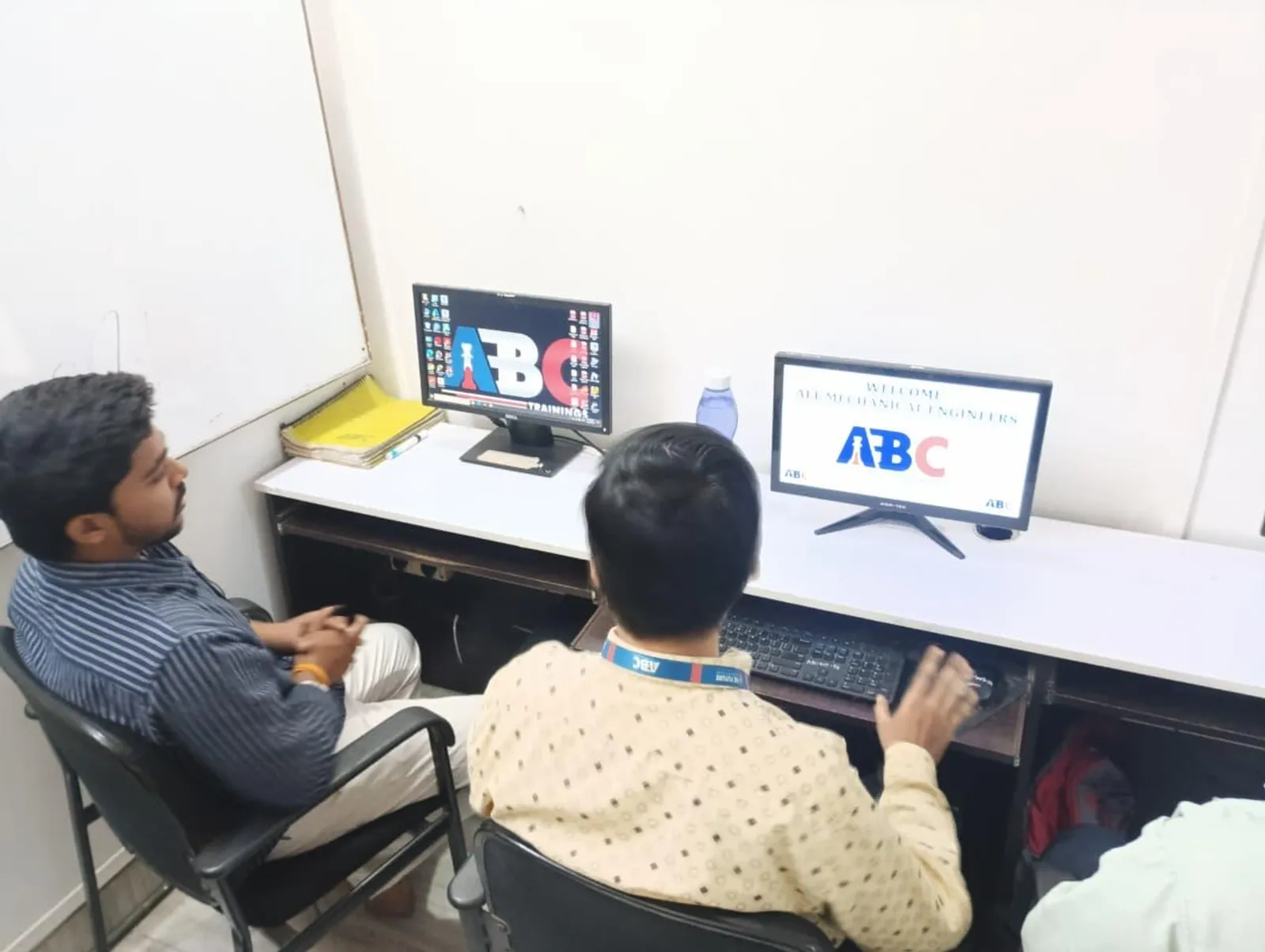
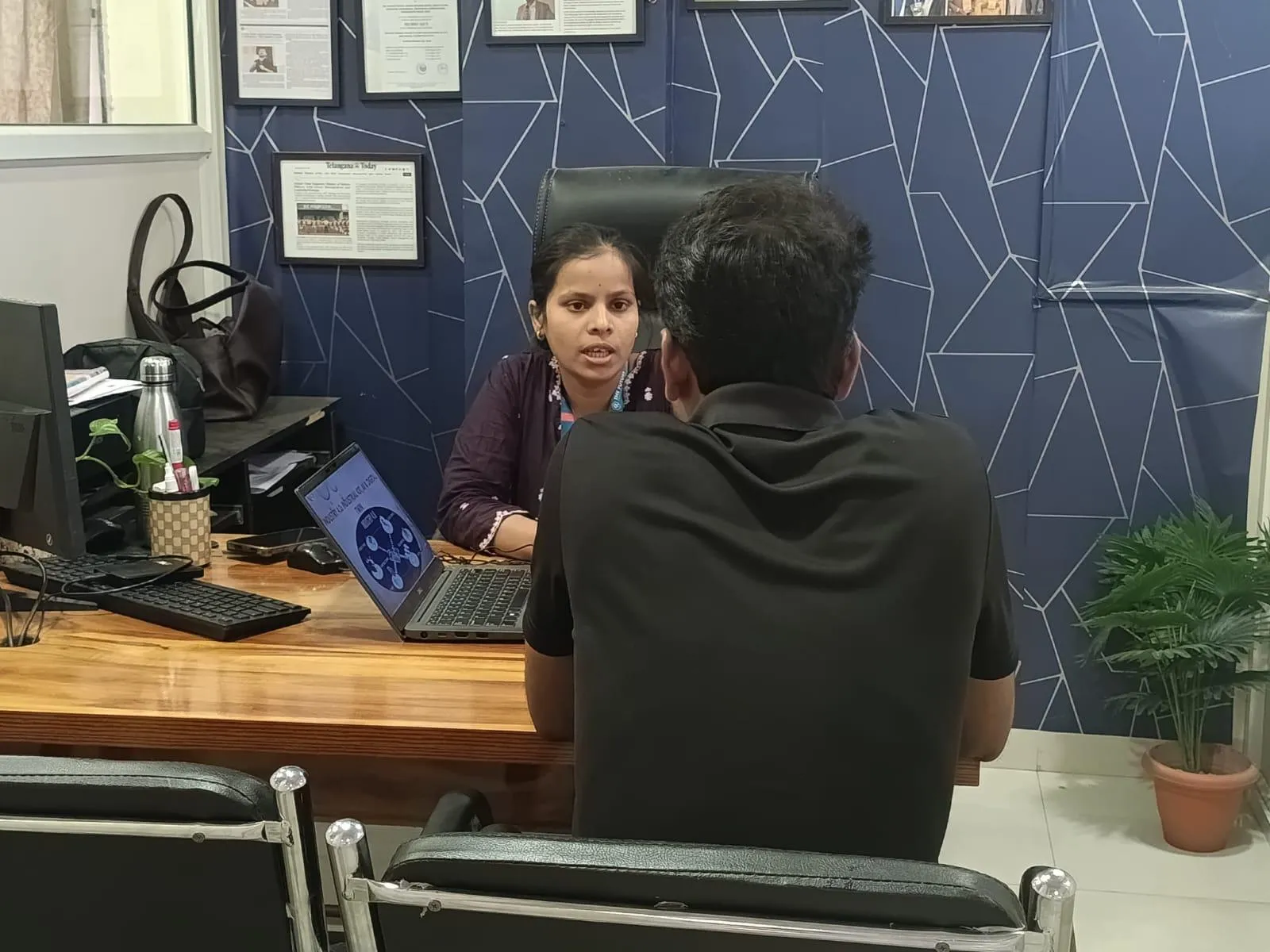
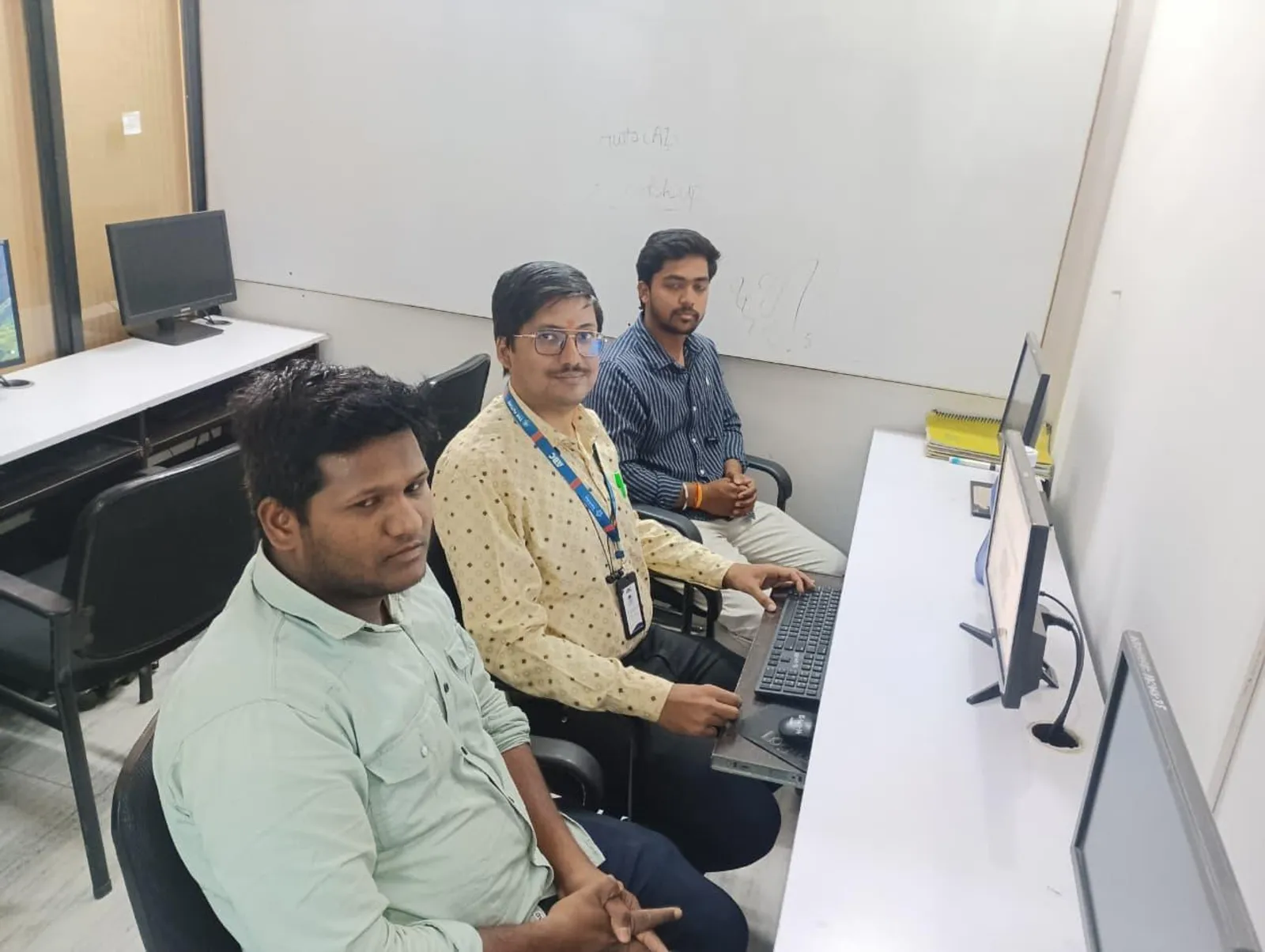
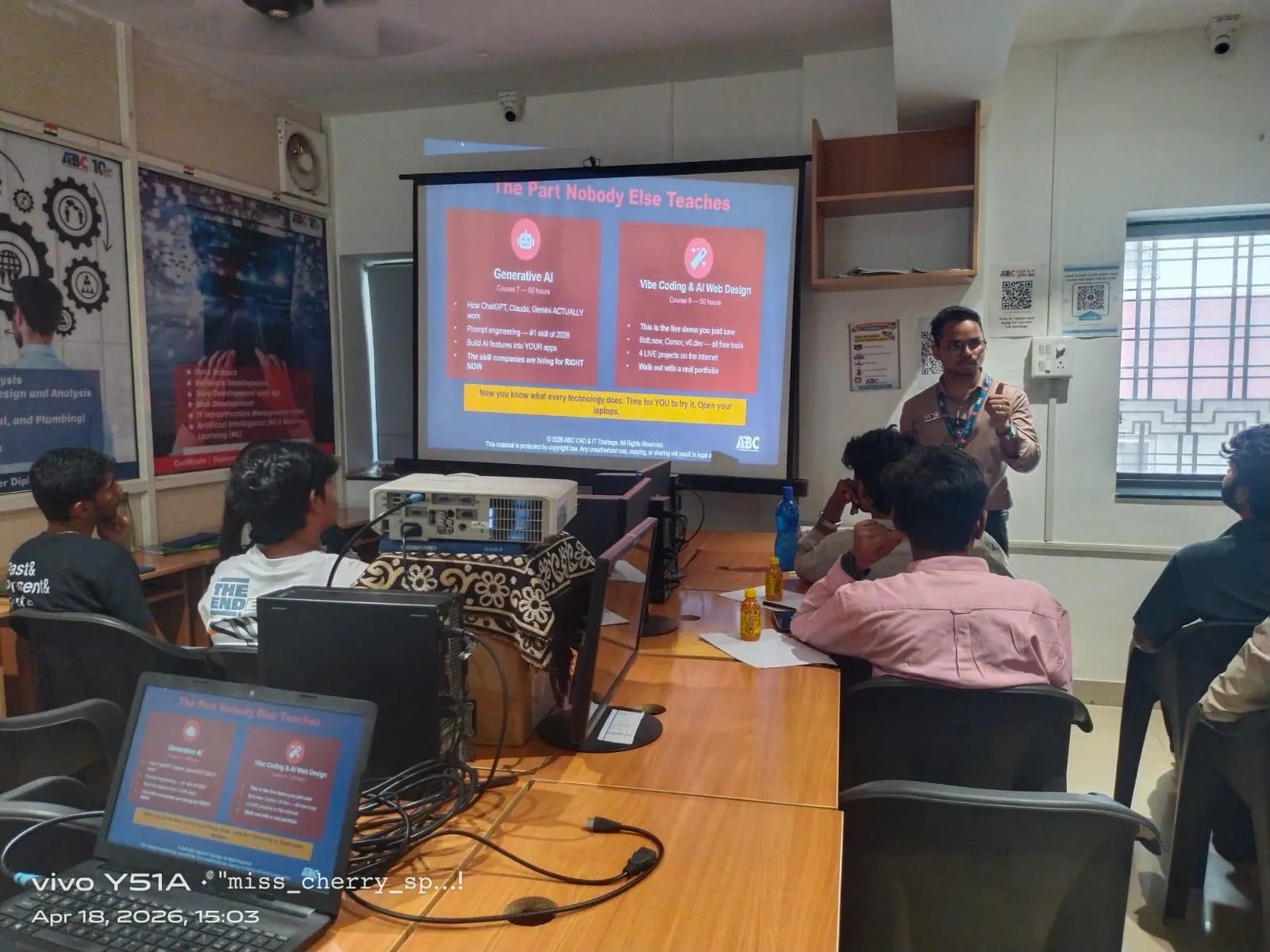
Offline BIM training involves in-person classroom sessions at a training institute, where students learn directly with trainers and classmates.
This format has traditionally been the most common method for technical training.
Advantages of Offline BIM Training
1. Strong Practical Learning Environment
Classroom training provides:
Live software demonstrations
Immediate doubt resolution
Hands-on project guidance
Students gain better understanding of modeling workflows.
2. Real Project-Based Training
Good training centers provide real construction project simulations, including:
Architectural modeling
Structural coordination
MEP clash detection
This practical exposure is highly valued by employers.
3. Better Networking Opportunities
Offline learning allows students to:
Connect with classmates from engineering backgrounds
Interact with trainers from the construction industry
Build professional networks
Networking often helps in job referrals and placement opportunities.
4. Stronger Placement Support
Many classroom institutes conduct:
Interview preparation sessions
Portfolio development
Resume building workshops
Company interview drives
This increases placement success rates.
Online vs Offline BIM Training — Placement Comparison
| Factor | Online BIM Training | Offline BIM Training |
|---|---|---|
| Learning Flexibility | Very High | Moderate |
| Practical Exposure | Moderate | Very High |
| Trainer Interaction | Limited | Direct & Continuous |
| Peer Networking | Low | High |
| Real Project Practice | Limited | Extensive |
| Placement Support | Moderate | Strong |
Key Insight
Students who complete project-based offline BIM training generally perform better in job interviews because they can demonstrate practical workflow knowledge.
However, online BIM training works well for professionals upgrading skills.
What Recruiters Actually Look For in BIM Candidates
Construction and engineering companies hiring BIM professionals usually prioritize:
Hands-on project experience
Strong understanding of BIM coordination
Knowledge of AEC industry workflows
Ability to work in team-based project environments
Practical software proficiency
Offline training environments tend to simulate these conditions more effectively.
Who Should Choose Online BIM Training?
Online BIM training is ideal for:
Working professionals in civil engineering
Students from cities outside Pune
Individuals looking for flexible learning
Professionals upgrading from AutoCAD to BIM
Who Should Choose Offline BIM Training?
Classroom training is best for:
Fresh civil engineering graduates
Architecture students
Diploma engineers
Job seekers looking for strong placement support
These learners benefit the most from hands-on guidance and project training.
Why Pune is a Major Hub for BIM Careers
Pune has emerged as a strong market for BIM professionals because of:
Growing infrastructure projects
International design companies
Engineering consulting firms
Real estate development companies
This creates strong demand for:
BIM Modelers
BIM Coordinators
BIM Engineers
BIM Managers
With the right training and practical exposure, students can secure opportunities in India and international markets.
Choosing the Right BIM Training Institute in Pune
Before enrolling, students should evaluate:
Industry-Oriented Curriculum
The course should include:
Architectural BIM
Structural BIM
MEP BIM
Clash detection
Construction documentation
Real Project Training
Institutes should provide live or simulated projects similar to industry workflows.
Placement Assistance
Look for institutes that offer:
Resume building support
Interview preparation
Job referrals
Experienced Trainers
Training should be delivered by industry professionals with project experience.
Why Many Students Prefer ABC Trainings for BIM Training
Many engineering and architecture students choose ABC Trainings because it focuses on practical industry-oriented BIM education.
ABC Trainings is a Government Affiliated Training Company, MSME, ISO certified, known for providing professional technical training programs designed to prepare students for real construction industry workflows.
Key highlights include:
Industry-oriented BIM training programs
Practical project-based learning
Expert trainers from the AEC industry
Placement guidance for students
Final Verdict: Which Format Delivers Better Placement Outcomes?
If the goal is maximum placement support and practical BIM skills, Offline BIM Training in Pune generally delivers better results.
However:
Online BIM training works well for skill upgrades and flexibility.
Offline BIM training provides stronger practical exposure and networking.
For fresh graduates and job seekers, classroom training usually leads to better job readiness and placement opportunities.
Enroll for BIM Training in Pune
If you want to build a career in the BIM and construction technology industry, choosing the right training program is the first step.
ABC Trainings
📞 Calling Number: 7039169629
💬 WhatsApp: 7039169629
Get expert guidance, industry-focused training, and support to start your career in Building Information Modeling (BIM).