PLC & SCADA Beginner's Guide Ep.18 – SCADA HMI Screen Design and Real-Time Monitoring (Updated June 2026)
Walk into any modern manufacturing plant — a Bajaj Auto assembly line, a Bosch fuel injection unit, or a water treatment facility — and what you see on the wall is an HMI screen. That glowing display showing temperatures, flow rates, valve positions, and alarm lists in real time? That is SCADA at work. With AURIC Industrial City near Sambhajinagar drawing ₹71,343 crore in investment and 62,405 manufacturing jobs, every new plant going up requires skilled SCADA engineers who can design those HMI screens from scratch. Episode 18 of our PLC & SCADA series shows you exactly how — from tag configuration to trend displays, from alarm management to multi-screen navigation.

- SCADA HMI is the operator interface that visualises real-time plant data collected from PLCs and sensors
- Episode 18 covers tag configuration, graphic objects, animation, alarms, trends, and multi-screen design
- Popular HMI software: Siemens WinCC, Inductive Automation Ignition, Wonderware InTouch, Rockwell FactoryTalk
- SCADA engineers earn ₹3.5–12 LPA in Maharashtra, per AmbitionBox data
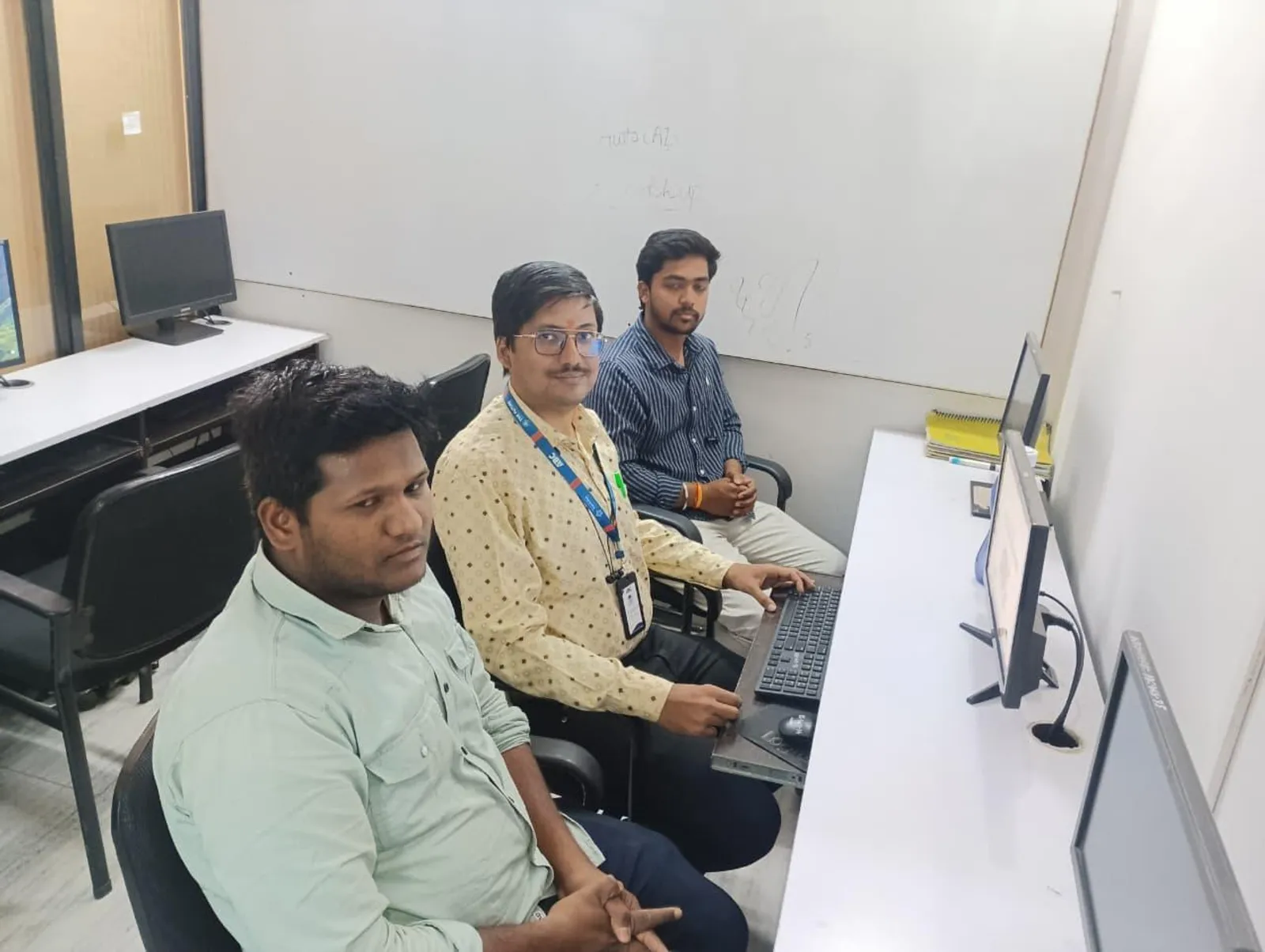
- ABC Trainings Pune and Sambhajinagar offer live SCADA lab sessions with WinCC and factory-floor projects
What Is an HMI and How Does SCADA Use It
HMI stands for Human-Machine Interface — the graphical screen that lets a plant operator monitor equipment status, control process variables, and respond to alarms without ever touching a PLC directly. In a SCADA (Supervisory Control and Data Acquisition) system, the HMI is the front-end that communicates with one or more PLCs in the background. What most people don't realise is that a well-designed HMI can mean the difference between an operator catching a process fault in 30 seconds versus missing it for 30 minutes. Poorly designed screens with too many blinking elements, wrong colour choices, or unclear alarm displays have contributed to real industrial incidents. Episode 18 teaches you SCADA HMI design the right way — following ISA-101 human-machine interface standards used at companies like Siemens, ABB, and Honeywell.

Key Elements of a Good SCADA HMI Screen
A good SCADA HMI screen has six non-negotiable elements. First, a clearly named overview screen showing the full process at a glance. Second, individual equipment screens with real-time tag values for temperatures, pressures, speeds, and states. Third, an alarm banner at the top showing active, unacknowledged alarms in priority order. Fourth, a navigation menu that lets operators switch screens without confusion. Fifth, trend graphs showing process variables over time for diagnostics. Sixth, a status bar showing PLC communication health. Colours matter enormously — green for running, red for fault, yellow for warning, grey for off. Never use dark text on dark backgrounds, and never make alarm states identical to normal states. These are not aesthetic preferences — they are safety requirements at every plant.
| SCADA Software | Developer | Common Industry | Indian Users |
|---|---|---|---|
| WinCC | Siemens | Automotive, manufacturing | Bajaj Auto, Bosch, Mercedes |
| Ignition | Inductive Automation | Food, beverage, pharma | Growing adoption in India |
| InTouch (AVEVA) | Schneider/AVEVA | Oil, gas, chemical | HPCL, BPCL, Reliance |
| FactoryTalk | Rockwell Automation | Discrete manufacturing | Tata Motors, Mahindra |
| iFIX | GE Digital | Utilities, water treatment | Jal Jeevan Mission plants |
Configuring Tags and Linking PLCs to SCADA
In SCADA software like Siemens WinCC, a tag is a named variable linked to a specific PLC memory address. For example, the tag MotorSpeed_Line1 might be linked to MW10 in a Siemens S7-1200 PLC — the SCADA system reads that register every 250 milliseconds and updates the HMI display accordingly. Tag configuration involves defining the tag name, data type (integer, real, boolean), the PLC driver (S7, Modbus, OPC UA), the PLC address, and the update cycle. In Episode 18 we configure 20+ tags from a live Siemens S7-1200 PLC in our Pune lab, map them to animated graphic objects on the HMI screen, and test the full system — exactly the workflow you will follow on your first day at Endurance Technologies (Plot E-92, Waluj MIDC, Sambhajinagar) or Bajaj Auto Waluj (Plot G-137).
Alarm Management and Trend Logging in SCADA
Alarm management is one of the most underrated SCADA skills, and trust me, it is the one that plant managers care about most. Every process has limits — if a motor temperature exceeds 85 degrees, if a tank level drops below 20%, if a drive faults. SCADA alarm systems detect these conditions, timestamp them, log them to a database, sound an audio alert, and display them on the alarm banner until an operator acknowledges them. Episode 18 covers alarm configuration in WinCC: setting limit values, alarm classes (warning vs critical), alarm logging to SQL databases, and generating daily alarm reports. Trend logging records process variables like temperature, speed, or pressure over time — letting maintenance engineers diagnose what happened before a machine tripped. This evidence-based maintenance approach is standard at Toyota Kirloskar AURIC, Skoda VW Shendra, and Hyosung Bidkin.
Top SCADA HMI Software Used in Indian Plants
Indian plants use several SCADA HMI platforms. Siemens WinCC is the most widely used in automotive and manufacturing — Bajaj Auto, Bosch, and Mercedes-Benz Chakan all run WinCC-based systems. Inductive Automation Ignition is gaining ground in food and beverage and pharma. Wonderware InTouch (now AVEVA InTouch) is popular in process industries like oil and gas and chemical plants. Rockwell FactoryTalk View is standard in Allen-Bradley PLC environments. GE iFIX and Citect SCADA are found in utilities and water treatment. ABC Trainings focuses on WinCC because it is the dominant platform in Pune and Sambhajinagar's automotive manufacturing corridor — the ecosystem your placement connects you to.
SCADA Career Opportunities Near Pune and Sambhajinagar
SCADA engineers are in demand across Maharashtra's expanding industrial belt. In Pune: Bajaj Auto Akurdi (164+ automation openings), Force Motors Akurdi, Tata Motors Ranjangaon, and LG Electronics (Pune MIDC) are regularly hiring. In Sambhajinagar: Skoda VW (Plot A-1/1, Shendra MIDC), Endurance Technologies (Plot E-92, Waluj MIDC), Bajaj Auto Waluj (Plot G-137), Lubrizol (₹1,680 crore plant, Shendra), and the incoming Toyota Kirloskar and Ather Energy plants at AURIC Bidkin are building automation teams now. In Sangli: Kupwad MIDC's 250+ SMMMA-member firms include several process industries requiring SCADA operators and engineers. Kolhapur's Bharat Forge Kagal automation division is also actively hiring. ABC Trainings placement cell connects all students to these companies directly.
CMYKPY Scholarship: Maharashtra's CMYKPY scheme offers ₹6,000–₹10,000 towards skill training for eligible youth from reserved and economically weaker sections. Under PMKVY 4.0, over 2.1 crore candidates have been trained nationally — SCADA and industrial automation are among the priority skill areas. Check your CMYKPY eligibility before you enroll. Call 7039169629 or WhatsApp 7774002496.
Get the AI Powered Product Design, Analysis & Simulation Brochure + Fees + Batch Dates on WhatsApp
Free 1:1 counselling. Placement track record. CMYKPY/PMKVY eligibility check.
💬 Get Brochure on WhatsApp📞 Call 7039169629About the author: Rutuja Maske, Electrical & Automation Trainer, ABC Trainings.
Visit Our Centers
- Wagholi (Pune): 1st Floor, Laxmi Datta Arcade, Pune-Ahilyanagar Highway. Call 7039169629
- Hadapsar (Pune HQ): 1st Floor, Shree Tower, opp. Vaibhav Theater, Magarpatta. Call 7039169629
- Cidco (Chh. Sambhajinagar): Kalpana Plaza, opp. Eiffel Tower, N-1 Cidco. Call 7039169629
- Osmanpura (Chh. Sambhajinagar): S.S.C Board to Peer Bazar Road, near Jama Masjid. Call 7039169629
- Sangli: Shubham Emphoria, 1st Floor, Above US Polo Assn., Sangli-Miraj Rd, Vishrambag. Weekend batches available. Call 7039169629
FAQs
What is SCADA HMI and how is it used in manufacturing plants?
SCADA HMI (Human-Machine Interface) is the graphical operator screen that displays real-time plant data collected from PLCs and sensors. Operators use it to monitor process variables (temperatures, pressures, motor speeds), control equipment, and respond to alarms. In a SCADA system, the HMI communicates with one or more PLCs over protocols like Modbus TCP, Profibus, or OPC UA, reading tag values every 100–500 milliseconds and updating the graphical display in real time.
What SCADA software does ABC Trainings teach?
ABC Trainings primarily teaches Siemens WinCC for SCADA HMI design, as it is the dominant platform in Pune and Sambhajinagar's automotive manufacturing corridor — used at companies like Bajaj Auto, Bosch, Mercedes-Benz Chakan, and Endurance Technologies. Students also get exposure to Ignition SCADA concepts and OPC UA communication. The training includes live lab sessions on Siemens S7-1200 PLCs connected to WinCC HMI running on Windows.
What are the key elements of a good SCADA HMI screen design?
A well-designed SCADA HMI screen should include: (1) a plant overview screen showing the full process at a glance, (2) individual equipment screens with live tag values, (3) an alarm banner showing active, unacknowledged alarms by priority, (4) a clear navigation menu for screen switching, (5) trend graphs for process variable history, and (6) a PLC communication status indicator. Follow ISA-101 colour conventions: green for running, red for fault, yellow for warning. Never use dark text on dark backgrounds.
What is the salary of a SCADA engineer in Pune and Sambhajinagar?
According to AmbitionBox, a fresher SCADA engineer in Maharashtra earns ₹3.5–5 LPA. With 2-3 years of hands-on experience in HMI design, tag configuration, and alarm management, salaries reach ₹7–12 LPA at companies like Siemens India, Honeywell, and Rockwell Automation. Senior SCADA engineers managing large plant systems earn ₹14–20 LPA. Demand is particularly high in the AURIC industrial belt near Sambhajinagar where new plants are commissioning now.