Keeping a Revit Model Fast: File Health, Purging and Performance Habits Every Pune BIM Student Should Learn Early (2026)
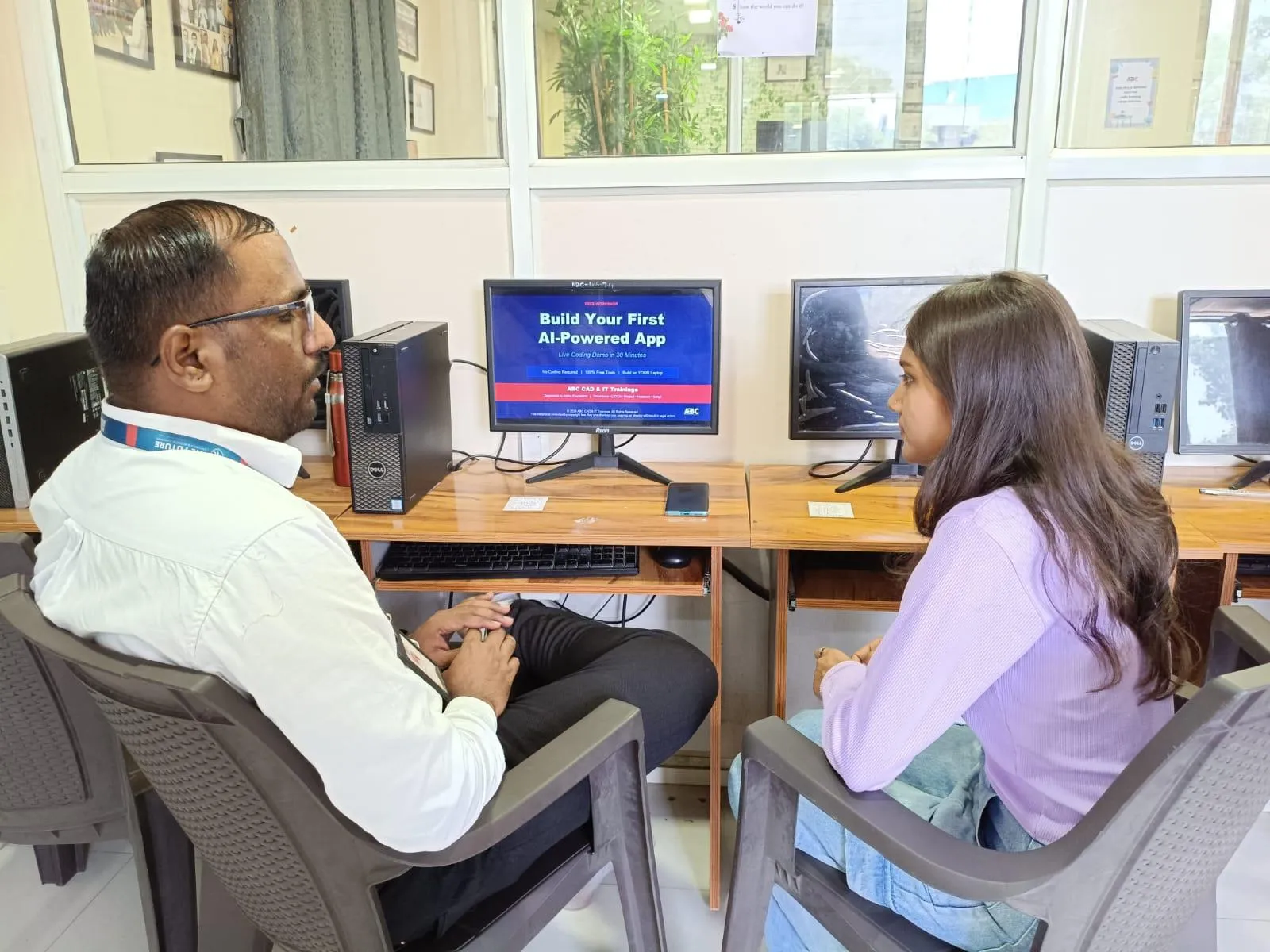
Ask any working BIM professional what slows their day down most, and file performance comes up almost as often as design complexity itself. A model that opens fast in week one can be crawling by week eight, and it's rarely because the project got that much bigger — it's usually because nobody was keeping the file clean. This is a skill that gets very little classroom time but shows up constantly on the job. It pairs well with what we've written about the lab setup used for the BIM Diploma, since good habits matter as much as good hardware.
Why a Slow Model Isn't Always a Hardware Problem
Students often assume a sluggish Revit file means they need a better laptop, and sometimes that's true — but plenty of underpowered machines run large, well-managed models smoothly, while some fairly capable ones choke on files that have quietly accumulated years of unused content. Before blaming the hardware, it's worth checking what's actually inside the file: unused families, orphaned views, old linked CAD imports nobody ever deleted, and design options that were explored once and forgotten.
What Purging Actually Removes
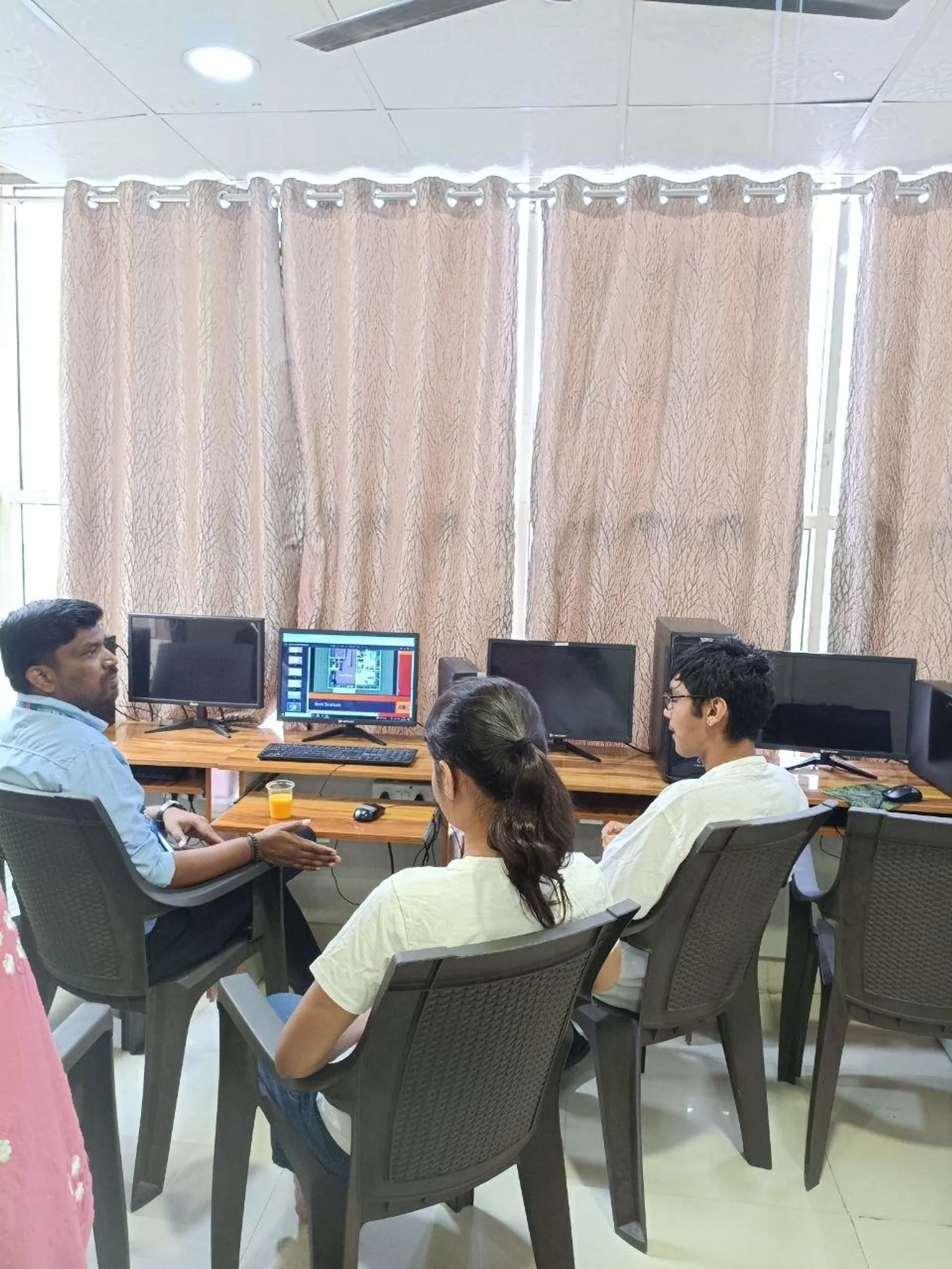
Revit's Purge Unused command clears out families, types, materials, line styles and other elements that aren't placed anywhere in the model and aren't referenced by anything else. It sounds simple, but a lot of students either never run it, or run it once at the very end of a project when the damage is already done. Purging regularly through a project — not just before final delivery — keeps the file lighter throughout, rather than saving one big cleanup for a deadline week when there's no time for it.
Habits That Prevent Bloat Before It Starts
The best file-health habit isn't a single command, it's a set of small choices made throughout modeling: loading only the specific families you need instead of entire manufacturer catalogues, deleting design options once a decision is made instead of leaving every explored alternative in the file, managing linked CAD files deliberately instead of importing and forgetting them, and being disciplined about view count — every extra view, filter, and template adds a small ongoing cost that compounds across a long project.
When and How to Audit a File
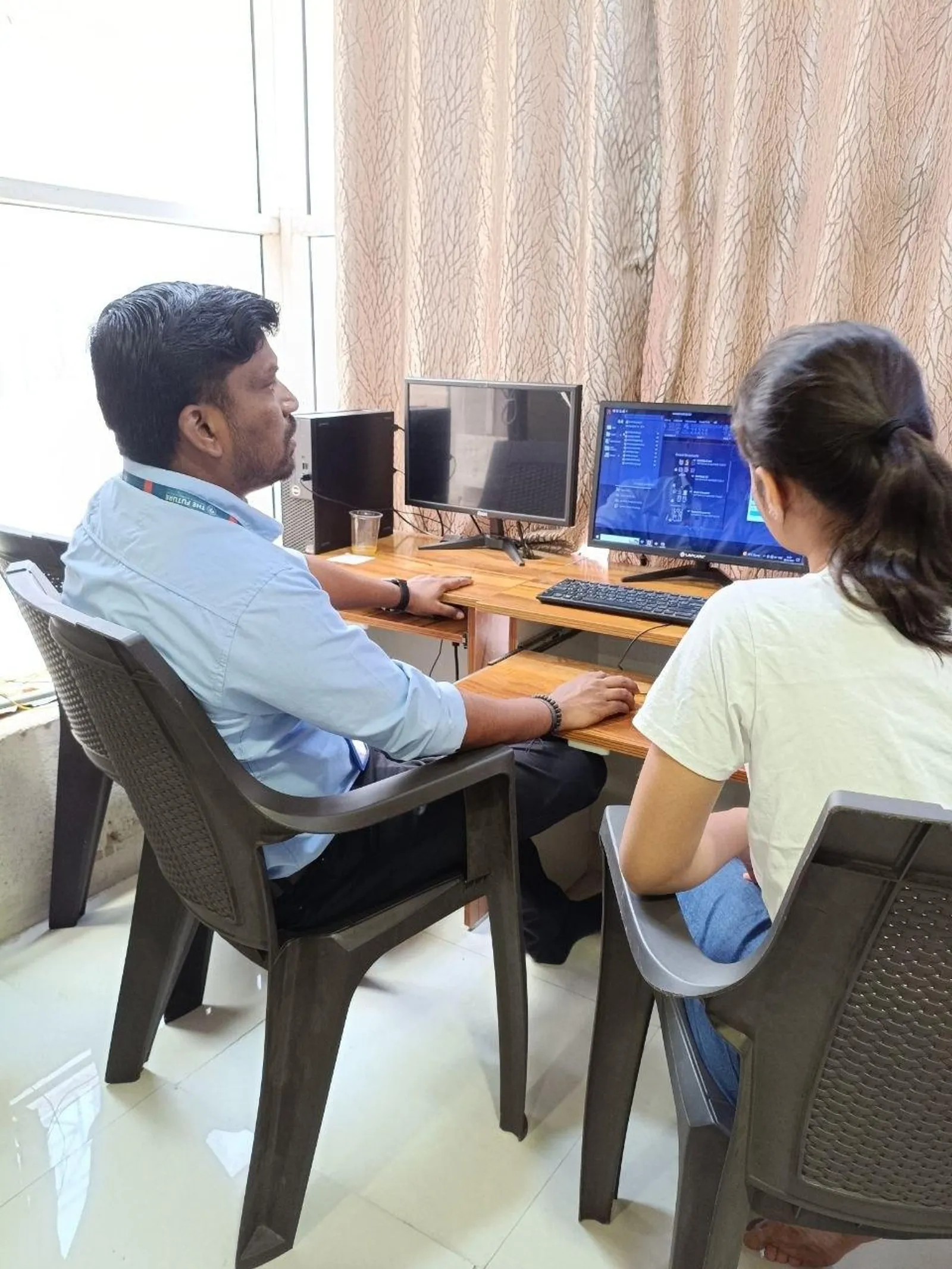
Revit's built-in Audit tool checks a file for corruption and structural issues, which is different from purging but equally important on long-running or heavily shared projects. Running an audit periodically — and definitely before archiving a completed project — catches problems that purging alone won't. It's not something to reach for only when something breaks; treating it as routine maintenance, the same way you'd back up a file, avoids a lot of last-minute panic.
Why Employers Notice This Skill Quickly
A fresher who understands file hygiene stands out fast on a real team, because a bloated or corrupted shared file doesn't just slow down one person — it slows down everyone working in it. This is exactly the kind of practical, unglamorous skill that separates someone who learned Revit commands from someone who understands how a BIM team actually works day to day, which connects to what we've covered in Revit worksharing and central files.
Get Brochure + Fees + Batch Dates on WhatsApp
Free 1:1 counselling. Placement track record. CMYKPY/PMKVY eligibility check.
💬 WhatsApp 7774002496📞 Call 7039169629Visit Our Centers
- Wagholi (Pune): 1st Floor, Laxmi Datta Arcade, Pune-Ahilyanagar Highway. Call 7039169629
- Hadapsar (Pune HQ): 1st Floor, Shree Tower, opp. Vaibhav Theater, near Bloom Hotel, Magarpatta. Call 7039169629
- Cidco (Chh. Sambhajinagar): Kalpana Plaza, opp. Eiffel Tower, N-1 Cidco. Call 7039169629
- Osmanpura (Chh. Sambhajinagar): S.S.C Board to Peer Bazar Road, near Jama Masjid. Call 7039169629
- Sangli: Shubham Emphoria, 1st Floor, Above US Polo Assn., Sangli-Miraj Rd, Vishrambag. Weekend batches available. Call 7039169629