The Revit Modelling Mistakes That Get Pune BIM Freshers' Models Rejected in QA/QC Review (2026)
A Revit model that looks complete on screen can still bounce straight back from an AEC firm's QA/QC review — and for a fresher in their first few months at a Pune BIM job, that rejection is often confusing, because the model "looks right" to them. Most firms' QA/QC checklists are checking for things that have nothing to do with whether the geometry is visually correct and everything to do with whether the model will behave correctly when someone else opens it, schedules off it, or coordinates against it.
Using Model Lines and Detail Lines Instead of Proper Modelled Elements
The single most common rejection reason is drawing something — a wall, a railing, a piece of furniture — as 2D lines instead of modelling it as an actual Revit family or system family element. It might look identical in the current view, but it won't show up in a schedule, won't participate in clash detection, and won't update if the design changes. QA/QC reviewers specifically hunt for this because it's the fastest way a model quietly becomes unreliable without looking wrong.
Unjoined or Overlapping Geometry at Wall and Floor Intersections
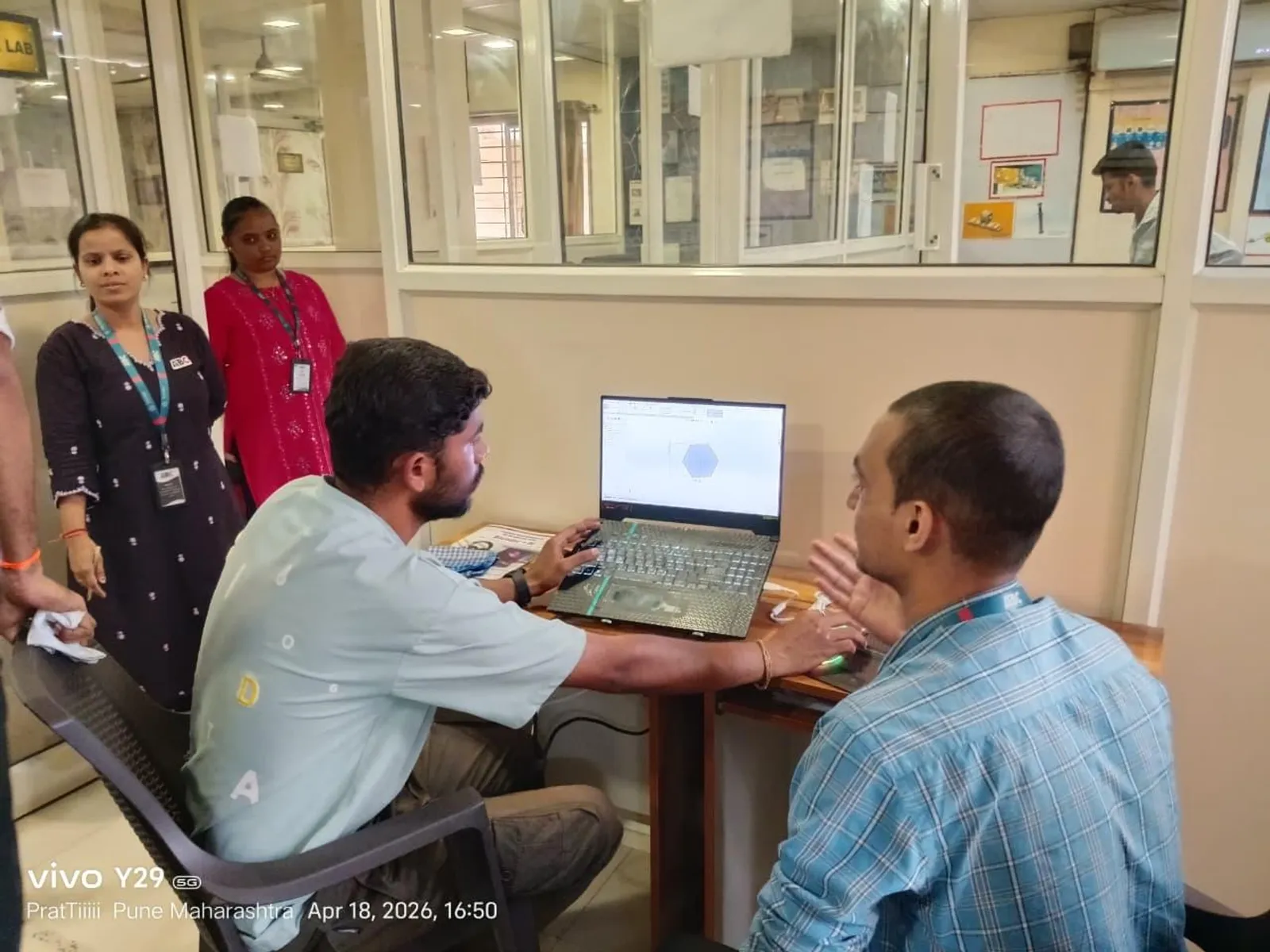
Walls that visually meet but aren't properly joined, or floor and wall elements that overlap instead of cleanly abutting, create phantom volumes and incorrect area or quantity calculations even though the 3D view looks fine from a normal viewing angle. This is exactly the kind of error that doesn't show up until someone runs a room-area schedule or a materials quantity takeoff off the model and gets a number that doesn't match reality.
Inconsistent or Missing Parameter Data
A door family placed without its fire-rating parameter filled in, a room left untagged, a level or phase assigned incorrectly — these are invisible in a normal 3D view but break every schedule, filter and tag that depends on that data being there. Firms that run serious BIM workflows treat parameter completeness as seriously as geometric accuracy, because a schedule built off incomplete data is worse than no schedule at all — it looks authoritative while being wrong.
Poor File and Worksharing Hygiene
Freshers new to a multi-user Revit worksharing environment frequently fail to sync central correctly, leave worksets borrowed indefinitely, or create duplicate elements by working off a stale local copy. None of this is a modelling-skill problem exactly, but it's one of the fastest ways to get flagged in a Pune firm's QA/QC process, because it affects everyone else on the project team, not just the individual's own output.
Why This Matters More Than It Seems
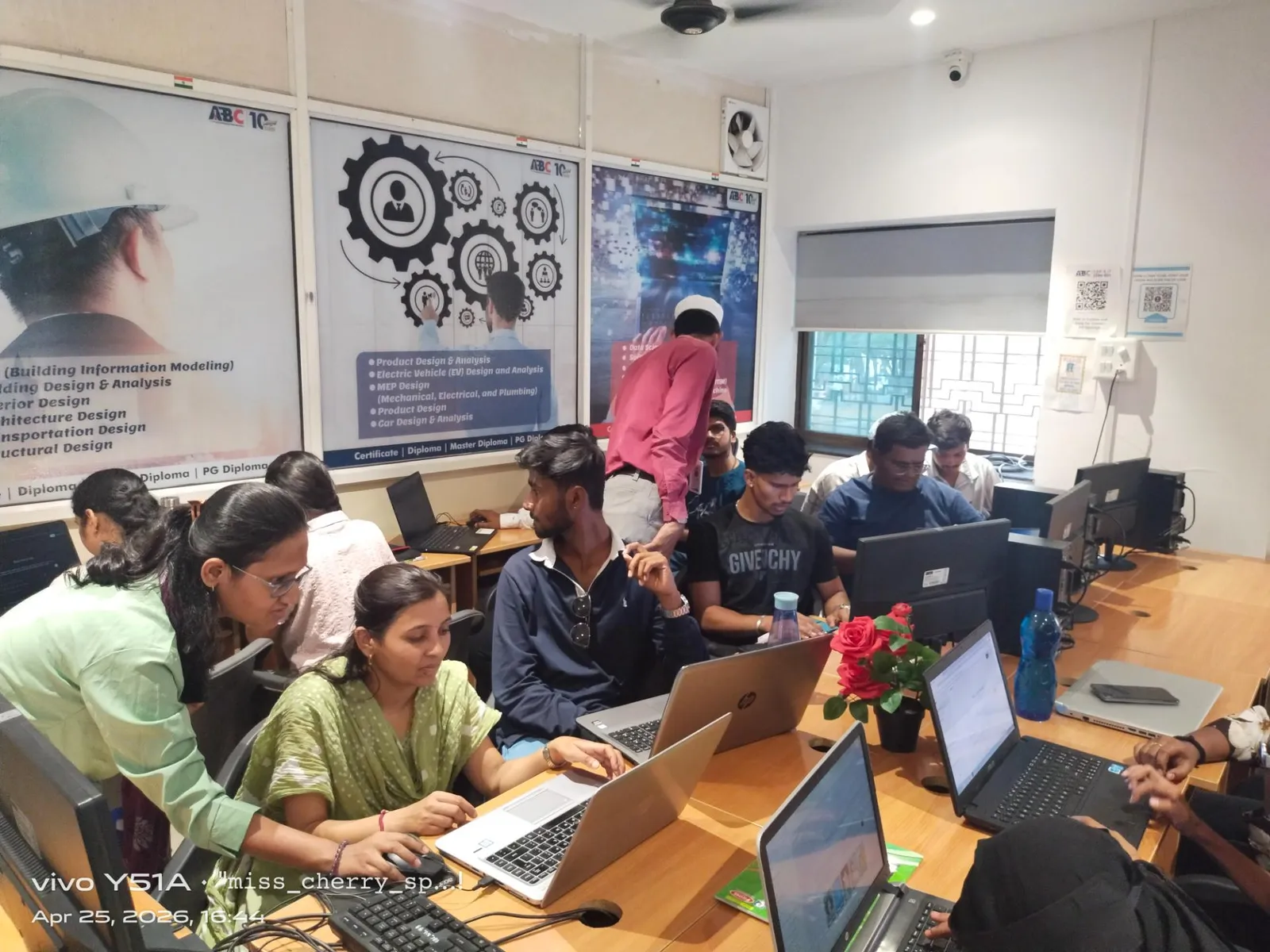
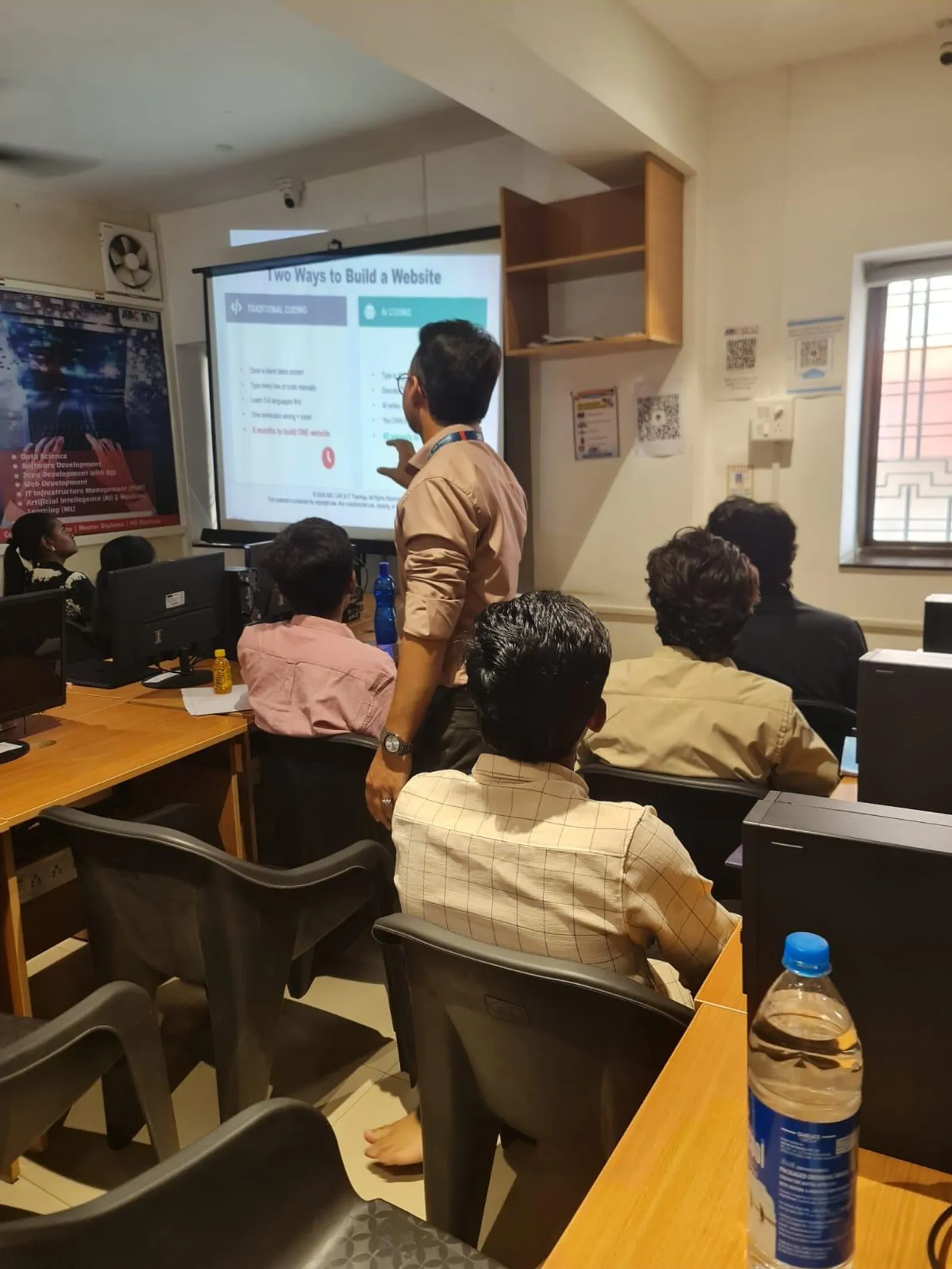
None of these mistakes are hard to avoid once you know to check for them — but almost none of them get taught properly in a software-fundamentals-only Revit course that focuses on "how to draw a wall" rather than "how a firm's QA/QC process actually audits a model." Pune AEC firms consistently report that the freshers who clear QA/QC review fastest are the ones who were trained against a real firm's checklist during their course, not just against software commands.
How to Build This Discipline Before Your First Job
Practice modelling a small project end to end and then auditing your own model against a QA/QC-style checklist — proper elements instead of lines, joined geometry, complete parameters, clean worksharing discipline — before you ever submit it anywhere. Being able to describe this checklist confidently in an interview is itself a signal to a Pune hiring manager that you'll need far less hand-holding in your first few months than a typical fresher.
To build Revit modelling discipline the way Pune AEC firms' QA/QC teams actually check for it, message ABC Trainings on WhatsApp at +91 77740 02496.
Get Brochure + Fees + Batch Dates on WhatsApp
Free 1:1 counselling. Placement track record. CMYKPY/PMKVY eligibility check.
💬 WhatsApp 7774002496📞 Call 7039169629Visit Our Centers
- Wagholi (Pune): 1st Floor, Laxmi Datta Arcade, Pune-Ahilyanagar Highway. Call 7039169629
- Hadapsar (Pune HQ): 1st Floor, Shree Tower, opp. Vaibhav Theater, near Bloom Hotel, Magarpatta. Call 7039169629
- Cidco (Chh. Sambhajinagar): Kalpana Plaza, opp. Eiffel Tower, N-1 Cidco. Call 7039169629
- Osmanpura (Chh. Sambhajinagar): S.S.C Board to Peer Bazar Road, near Jama Masjid. Call 7039169629
- Sangli: Shubham Emphoria, 1st Floor, Above US Polo Assn., Sangli-Miraj Rd, Vishrambag. Weekend batches available. Call 7039169629