SolidWorks Episode 1: Interface Navigation, Sketch Tools and Your First 3D Part — Beginners Guide (Updated May 2026)
Every single mechanical engineer I've placed at Bajaj Auto, Tata Tech or Mahindra started exactly here — confused about which software to learn, overwhelmed by scattered YouTube tutorials with no structure, and unsure whether they'd get hired without a brand-name college degree. The AURIC manufacturing corridor near Sambhajinagar alone has attracted ₹71,343 crore in investment creating 62,405 jobs, and the common thread in every mechanical hiring round I've attended is the same practical test: model a part from a 2D drawing in SolidWorks. Episode 1 is where that capability is built — properly, systematically, with a trainer who's done this for 12 years.
- Episode 1 teaches SolidWorks from zero: interface layout, sketch tools, geometric relations and first 3D part
- No prior CAD experience needed — designed for complete beginners with no AutoCAD background
- 80% of Pune MIDC mechanical job descriptions list SolidWorks as required software
- Fresher SolidWorks part modellers earn ₹3.5–5.5 LPA at Pune manufacturers (AmbitionBox 2025)
- Free demo class at ABC Trainings Wagholi — call 7039169629 to book your seat
Why SolidWorks Is the First Mechanical CAD Tool You Should Actually Learn
There's a reason 80% of mechanical engineering job descriptions in Pune list SolidWorks first. It runs on standard Windows hardware, uses an intuitive parametric workflow that makes design changes instant, and has the largest community of trained engineers in India. Companies like Bajaj Auto, Mahindra, Bosch, Tata Motors and Endurance Technologies standardised on SolidWorks because it reduces the learning curve for new hires and connects naturally to downstream simulation (SolidWorks Simulation, ANSYS) and manufacturing (CAMWorks CNC toolpaths). If you're a mechanical or diploma engineering student deciding which CAD software to invest in first, SolidWorks is almost always the correct answer. AutoCAD comes second; SolidWorks is what gets you the interview call.
Episode 1 Module 1: SolidWorks Interface, Feature Manager and Command Manager
The SolidWorks interface is the first thing we tackle in Episode 1, and we spend real time on it — not a five-minute overview. You'll learn the Feature Manager Design Tree (the left-side panel that tracks every operation in your model), the Command Manager ribbon (where tools are organised by workflow: Sketch, Features, Surfaces, Sheet Metal), the graphics area and mouse navigation, and view orientation shortcuts that experienced users rely on constantly. This isn't busy work — engineers who struggle to find tools quickly in an interview test immediately signal to recruiters that their training was shallow. Episode 1 builds navigation speed from day one through structured exercises that repeat common actions until they become muscle memory.
| Episode 1 Module | Key Topics | Outcome | Used By |
|---|---|---|---|
| Interface & Navigation | Feature Manager, Command Manager, shortcuts | Fast, confident navigation | All mechanical engineers |
| Sketch Tools | Line, arc, spline, offset, trim, relations | Fully-defined 2D profiles | Bajaj, Bosch, Mahindra |
| 3D Features | Extrude, revolve, fillet, chamfer, Hole Wizard | Manufacturing-ready solid parts | Tata Motors, Endurance |
| Project Practice | 6–8 parts from 2D drawings | Portfolio + walkin readiness | Interview at any MIDC company |
Episode 1 Module 2: Sketch Tools, Smart Dimension and Geometric Relations
Sketch tools are the foundation everything else is built on. In Episode 1 you'll learn lines, arcs, circles, splines, slots, polygons, offset entities, and the trim and extend tools. Then we go deeper into Smart Dimension — the tool that places numerical constraints — and geometric relations: coincident, tangent, perpendicular, collinear, symmetric, equal and concentric. What most people don't realise is that geometric relations are more powerful than dimensions because they capture design intent — "these two holes are always the same size" is a relation, not a dimension. Getting comfortable with relations is what makes your models update correctly when requirements change, and it's what experienced interviewers look for when they ask you to modify a model on the spot.
Episode 1 Module 3: 3D Features — Extrude, Revolve, Fillets and the Hole Wizard
Once a sketch is fully constrained, 3D features bring it to life. Extrude Boss adds material, Extrude Cut removes it. Revolve creates axisymmetric parts — shafts, pulleys, flanges — by spinning a profile around an axis. Fillet rounds sharp edges for stress reduction, aesthetics and safety. Chamfer adds angular breaks on edges. Hole Wizard creates standard holes — through holes, counterbores, countersinks, tapped holes — with geometry that matches machining standards. In Episode 1 we design 6–8 components using each tool, progressing from simple flanged brackets to more complex multi-feature parts. By the final session of Episode 1 you'll have a portfolio of real parts modelled to manufacturing standards.
Why Fully-Defined Sketches Matter More Than Any Other SolidWorks Habit
Here's the single most important habit Episode 1 teaches: always fully constrain your sketches. In SolidWorks, sketch entities are black when fully defined and blue when under-defined. Under-defined sketches move when you drag them — which means dimensions can change unintentionally, and when you add a feature on top of an under-defined sketch, the resulting solid is geometrically unpredictable. Professional SolidWorks users never leave a sketch under-defined, and experienced interviewers check this immediately by dragging sketch entities during a walkin test. We dedicate a full session in Episode 1 specifically to constraint discipline — deliberately breaking and fixing sketches so students develop the instinct to check definition status before extruding.
What Mechanical Companies Actually Test in Walkins and How Episode 1 Prepares You
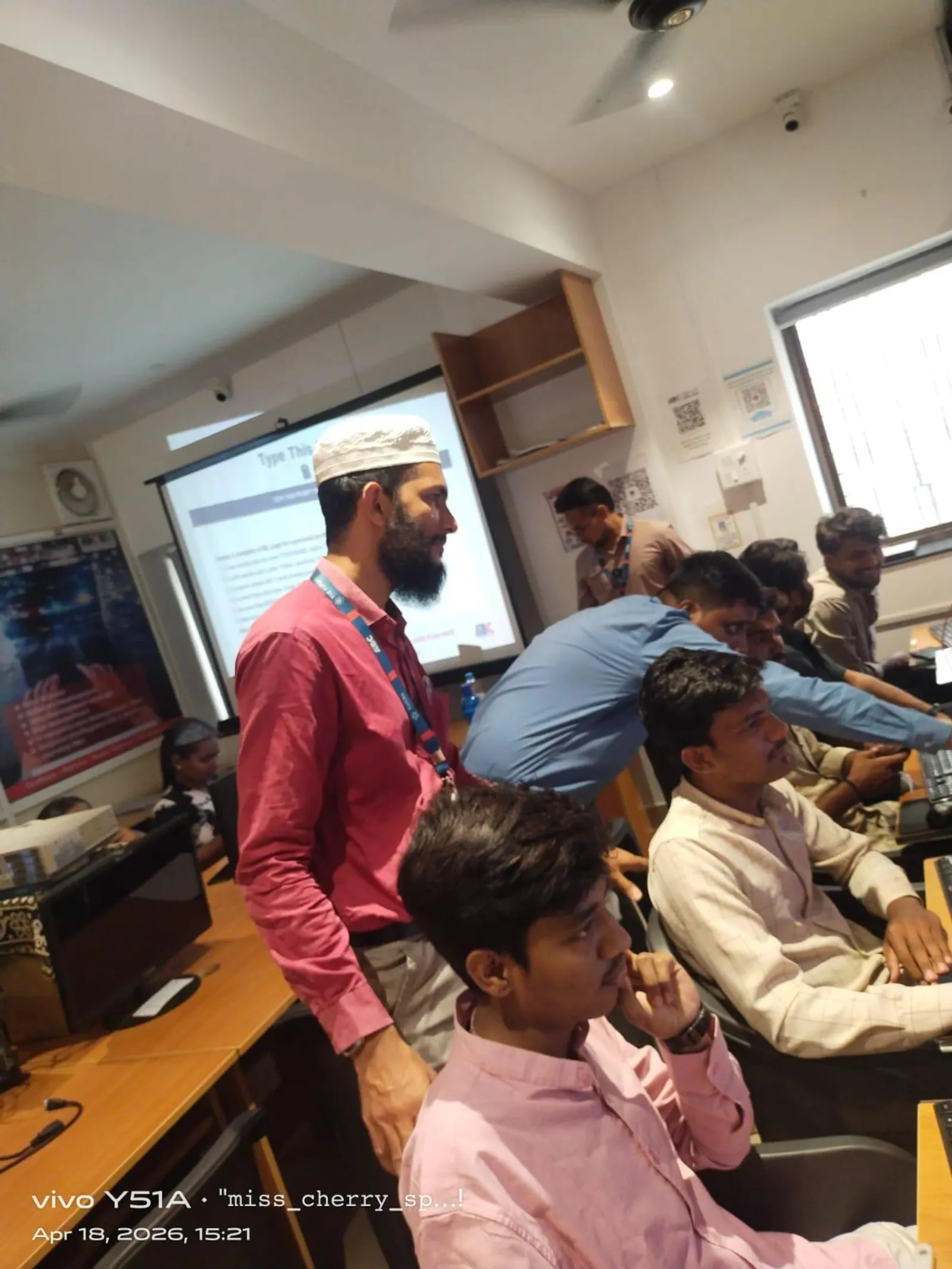
Every walkin I've attended with Bajaj Auto, Tata Motors and Mahindra follows the same format: candidate receives a 2D drawing, models the part in SolidWorks within 30–45 minutes, then walks the interviewer through their feature tree. Interviewers check three things: was the sketch fully constrained? Is the feature order logical? Does the model update correctly when one dimension changes? Episode 1 trains all three — constraint discipline, feature order logic and parametric intent. Students who've been through our Episode 1 consistently perform better at these tests than self-taught candidates, because we explicitly practise the evaluation criteria. We also provide mock walkin scenarios in the final two sessions of Episode 1.
Get the SolidWorks Training Brochure + Fees + Batch Dates on WhatsApp
Free 1:1 counselling. Placement track record. CMYKPY/PMKVY eligibility check.
💬 Get Brochure on WhatsApp📞 Call 7039169629About the author: Rahul Patil. 12 yrs experience training mechanical and CAD/CAM engineers across Maharashtra.
Visit Our Centers
- Wagholi (Pune): 1st Floor, Laxmi Datta Arcade, Pune-Ahilyanagar Highway. Call 7039169629
- Hadapsar (Pune HQ): 1st Floor, Shree Tower, opp. Vaibhav Theater, Magarpatta. Call 7039169629
- Cidco (Chh. Sambhajinagar): Kalpana Plaza, opp. Eiffel Tower, N-1 Cidco. Call 7039169629
- Osmanpura (Chh. Sambhajinagar): S.S.C Board to Peer Bazar Road, near Jama Masjid. Call 7039169629
- Sangli: Shubham Emphoria, 1st Floor, Above US Polo Assn., Sangli-Miraj Rd, Vishrambag. Weekend batches available. Call 7039169629
FAQs
I have no CAD experience at all — is SolidWorks Episode 1 the right starting point for me?
Yes, absolutely. Episode 1 is designed for complete beginners with zero prior CAD experience. We start from the SolidWorks interface itself and build up skill by skill. Many of our most successfully placed students had never opened a CAD software before their first class at ABC Trainings.
What hardware do I need to run SolidWorks for the Episode 1 course?
SolidWorks runs comfortably on a mid-range laptop: Intel Core i5 8th gen or above, 8GB RAM minimum (16GB recommended), and a dedicated GPU helps but is not required for Episode 1 work. ABC Trainings provides computer lab access during all training sessions, so you can start without your own hardware.
How is in-person training at ABC Trainings different from free online SolidWorks tutorials?
Online tutorials give you isolated techniques with no feedback and no structured progression toward a specific job outcome. At ABC Trainings you get a trainer who corrects your sketch constraints in real time, progressive projects that build toward interview-level capability, mock walkin practice and active placement referrals. The goal is a job at a Pune MIDC company — and that outcome requires instructor feedback, not just video watching.
After Episode 1, am I ready to apply for mechanical design roles at Pune companies?
Episode 1 builds the exact skills companies test in walkin drives: modelling a part from a 2D drawing, correct feature tree ordering, sketch constraint discipline, and fillet/hole work. After Episode 1 most students are ready for entry-level modelling tests. Completing both Episode 1 and subsequent episodes makes you competitive for design engineer roles at Bajaj, Tata Motors and Mahindra at ₹4–6 LPA as a fresher.