SQL for Beginners — Episode 2: SELECT, WHERE and Filtering Basics (Updated June 2026)
Here's the thing — the NASSCOM-Deloitte report projects 1.25 million AI and data professionals needed in India by 2027, and SQL appears in 78% of those job descriptions. If you finished Episode 1 and can write a basic SELECT, Episode 2 is where the real power starts: filtering, sorting and summarising data exactly the way interviewers test you. This episode builds on the Episode 1 foundation and covers the commands you'll use every single day as a data analyst, backend developer or database administrator.

- WHERE clause filters rows using conditions, comparison operators, BETWEEN, IN and LIKE
- ORDER BY and LIMIT sort and paginate query results — critical for web applications
- Aggregate functions COUNT, SUM, AVG, MIN, MAX power every dashboard and report
- GROUP BY and HAVING let you summarise data by category and filter groups
- Practice in MySQL Workbench, PostgreSQL or DB Fiddle — all free, all covered in class
What Episode 2 Covers and Why Filtering Matters More Than Just SELECTing
Most beginners who finish Episode 1 can write SELECT * FROM table — and that is a solid start. What most people do not realise is that unfiltered queries are nearly useless in production: a customer table with 10 million rows does not help you find the 200 who placed orders last week. Episode 2 closes that gap entirely. You will learn to write queries that retrieve precisely the rows you need, in the order that makes sense, grouped the way your report demands. These are the exact skills tested in every junior data analyst interview at Infosys, TCS, Cognizant, Wipro and Persistent Systems Pune.
The WHERE Clause: Filter Rows Before They Ever Leave the Database
The WHERE clause is the most-used SQL construct after SELECT itself. It lets you filter on equality (city = Pune), comparison (salary > 50000), range (age BETWEEN 22 AND 30), set membership (department IN IT Finance), and pattern matching with LIKE. Once you understand that WHERE is evaluated before column selection is returned, query optimisation instantly makes sense. In Episode 2 you will filter an orders table, a products table and a users table — the three archetypes that appear in 90% of real-world SQL interview problems. Trust me, nail WHERE and half the interview is already done.
| Command | Purpose | Syntax Example | Common Use |
|---|---|---|---|
| WHERE | Filter rows by condition | WHERE salary > 30000 | Data extraction |
| ORDER BY | Sort results ascending or descending | ORDER BY name ASC | Reports, pagination |
| GROUP BY | Aggregate rows by a column value | GROUP BY department | Dashboards, summaries |
| HAVING | Filter aggregated groups | HAVING COUNT(*) > 3 | KPI filtering |
| COUNT / SUM / AVG | Compute aggregate metrics | SELECT AVG(salary) | Every analytics job |
| LIMIT | Cap number of rows returned | LIMIT 10 | Web apps, APIs |
ORDER BY, LIMIT and Returning Exactly What You Need
ORDER BY sorts results ascending (ASC, the default) or descending (DESC). You can sort on multiple columns — ORDER BY state ASC, salary DESC gives alphabetical states with highest salaries first within each state. LIMIT caps the output, critical for pagination in web applications. The good news is that databases process ORDER BY after WHERE, so your filter runs first and the sort applies only to the filtered subset. That is a real performance win on production tables with millions of rows, and knowing it impresses interviewers immediately.
Aggregate Functions — The Engine Behind Every Data Report
COUNT(*) counts matching rows. SUM(column) totals a numeric field. AVG gives the mean, MIN and MAX find extremes. These five functions are the building blocks of every dashboard, monthly report and KPI query your future employer will ask you to write. In Episode 2 you will build a complete sales summary using all five functions in a single SELECT — the kind of query that earns a nod in a live coding round at companies like KPIT Technologies, Capgemini Pune and Accenture. Practise these until they are automatic and interviews become noticeably less stressful.
GROUP BY and HAVING: Answering Real Business Questions with SQL
GROUP BY is where SQL starts feeling like genuine analytics. It partitions rows into groups — GROUP BY department groups every row by its department value, and aggregate functions run per group. HAVING is the WHERE clause for groups: WHERE filters individual rows, HAVING filters the groups that GROUP BY produces. For example, HAVING COUNT(*) greater than 5 returns only departments with more than five employees. The query SELECT dept, COUNT(*), AVG(salary) FROM employees GROUP BY dept HAVING AVG(salary) greater than 40000 is a genuine campus-drive question at TCS, Wipro and Cognizant across Pune and Sambhajinagar.
How to Practice After Watching and Where ABC Trainings Can Fast-Track Your SQL Career
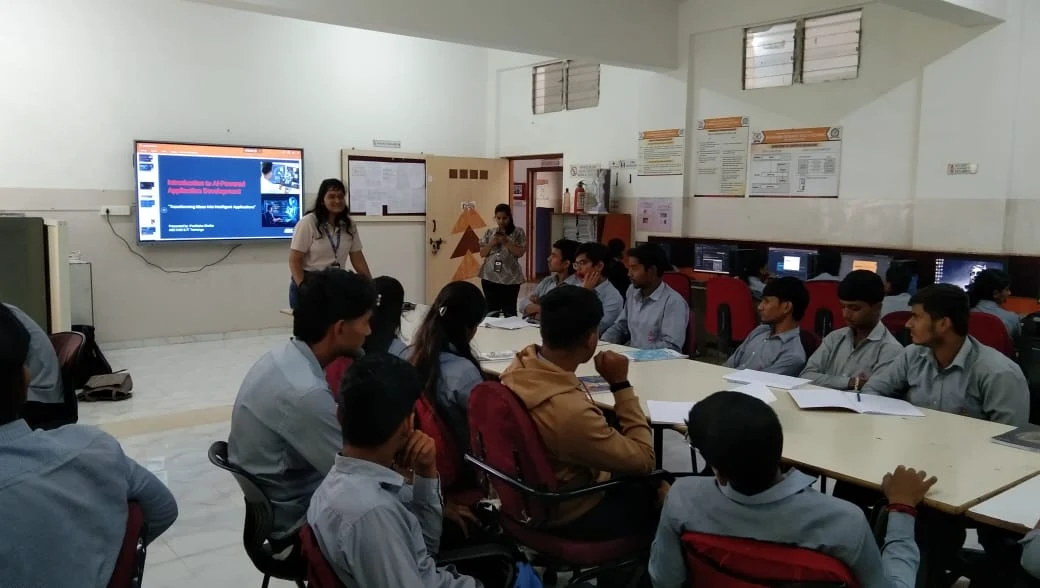
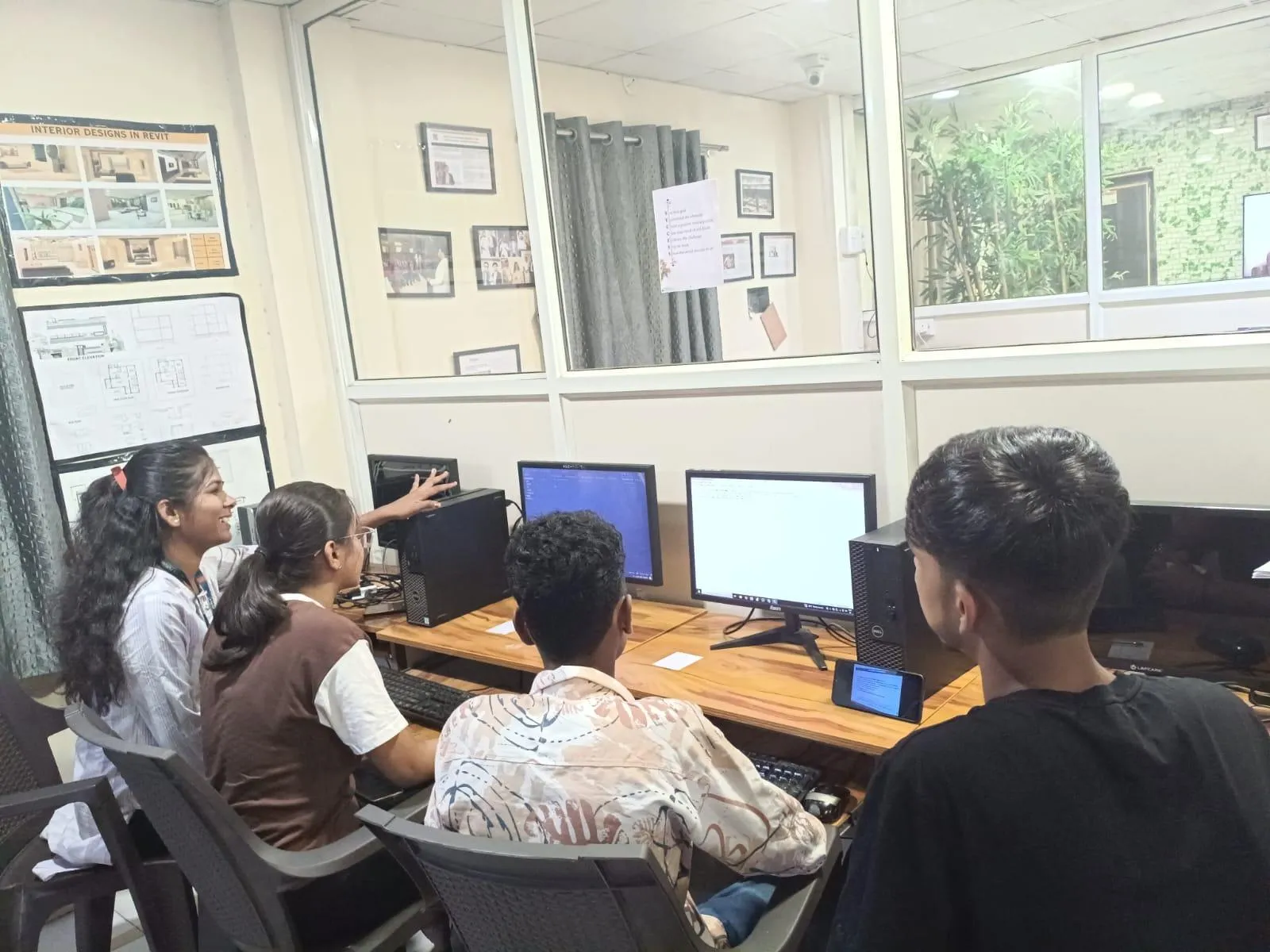
The fastest way to lock in Episode 2 skills is to write every query yourself rather than just watch. Use MySQL Workbench (free), DBeaver (free) or DB Fiddle (browser-based, zero install). Create a sample orders database with 200 rows and write 10 queries covering WHERE, ORDER BY and GROUP BY before moving to Episode 3. If you want structured practice with a trainer reviewing your queries live, our AI Powered Application Development workshop in Pune (Wagholi, Laxmi Datta Arcade and Hadapsar, Shree Tower near Magarpatta) and Sambhajinagar (Cidco N-1 and Osmanpura) covers SQL from Episode 1 through joins, subqueries and stored procedures in six weeks. Batches fill quickly — message us on WhatsApp 7774002496 to check availability.
Get the AI Powered Application Development Brochure + Fees + Batch Dates on WhatsApp
Free 1:1 counselling. Placement track record. CMYKPY/PMKVY eligibility check.
💬 Get Brochure on WhatsApp📞 Call 7039169629About the author: Amit Kulkarni. 8 yrs leading IT training at ABC Trainings, ex-Infosys.
Visit Our Centers
- Wagholi (Pune): 1st Floor, Laxmi Datta Arcade, Pune-Ahilyanagar Highway. Call 7039169629
- Hadapsar (Pune HQ): 1st Floor, Shree Tower, opp. Vaibhav Theater, Magarpatta. Call 7039169629
- Cidco (Chh. Sambhajinagar): Kalpana Plaza, opp. Eiffel Tower, N-1 Cidco. Call 7039169629
- Osmanpura (Chh. Sambhajinagar): S.S.C Board to Peer Bazar Road, near Jama Masjid. Call 7039169629
- Sangli: Shubham Emphoria, 1st Floor, Above US Polo Assn., Sangli-Miraj Rd, Vishrambag. Weekend batches available. Call 7039169629
FAQs
What should I already know before Episode 2 of the SQL series?
You should be comfortable with Episode 1 basics — what a relational database is, how tables and rows work, and how to write a simple SELECT statement. Episode 1 is free on the ABC Trainings YouTube channel. No prior programming or coding experience is required for either episode.
Which SQL software is best for a beginner in India?
MySQL Community Server with MySQL Workbench is the best free starting point and is used in 70% of Indian startup backends. PostgreSQL is the enterprise standard. SQL Server is common in finance and government IT. All three behave identically for Episode 2 concepts. ABC Trainings classroom sessions use MySQL for live hands-on practice.
Does ABC Trainings give a certificate after the SQL course?
Yes. ABC Trainings issues a course completion certificate recognised by 200-plus hiring partners including TCS, Infosys, Cognizant and Wipro. The certificate is based on practical project work, not just attendance. Students also receive a LinkedIn-shareable digital badge.
Which companies in Pune and Sambhajinagar hire SQL and data analysts?
Infosys Hinjewadi, TCS Kharadi, Cognizant Magarpatta, Wipro Hadapsar, Persistent Systems, KPIT Technologies, Accenture and Capgemini all have active data analyst and SQL developer openings in Pune. Starting salary for a fresher SQL data analyst in Pune ranges from Rs 3.2 LPA to Rs 5.5 LPA based on AmbitionBox 2025 data.
ABC Trainings Editorial Team
Course and career information from ABC Trainings. Exact trainer, batch, timetable, delivery mode and complete written fee should be confirmed before enrolment.