What's New in Revit 2027.2 for Pune BIM Engineers: AI Assistant, Accelerated Graphics and Embodied Carbon Tracking Explained (2026) (Updated July 2026)
Autodesk shipped Revit 2027 in April 2026 and followed it with the Revit 2027.2 update in July 2026, adding an AI Assistant, faster Accelerated Graphics and embodied carbon tracking. For Pune's BIM training centres and working coordinators, here is what actually changes on the job -- and what is just marketing.
- Revit 2027 (April 2026) and the Revit 2027.2 update (July 2026) are the current releases most Pune BIM labs are moving onto through this year.
- The headline addition is an on-board AI Assistant that can find, tag and query model elements from a chat panel -- useful for speeding up repetitive tasks, not a replacement for coordination judgement.
- Accelerated Graphics has moved out of tech preview and now works with graphic overrides, transparency and linked models -- meaning smoother navigation on the large, linked Pune residential and commercial models students train on.
- New auto-dimension rules, improved IFC export and embodied carbon tracking matter more for working BIM coordinators than for absolute beginners.
What Actually Shipped in Revit 2027 and 2027.2
Revit 2027 released on 7 April 2026 as Autodesk's yearly version bump, and the 2027.2 update in late July 2026 continued refining it rather than adding an unrelated new feature set. Three changes are worth knowing about if you are training or working in Pune's BIM ecosystem right now.
1. An AI Assistant Built Into the Ribbon
Revit 2027 introduces a chat-style AI Assistant that understands model context and can carry out common requests in plain language -- finding all doors on a level, tagging a set of elements, or generating a specific view without navigating six menus manually. For a Pune BIM student, the practical impact is speed on grunt work: tagging and view generation on a large residential tower model that used to take twenty minutes can now take two. It does not model for you, and it does not make coordination decisions -- those still come from understanding the drawings, the structural grid and what the client or contractor on a Wagholi or Hinjewadi project actually needs.
2. Accelerated Graphics Is No Longer Experimental
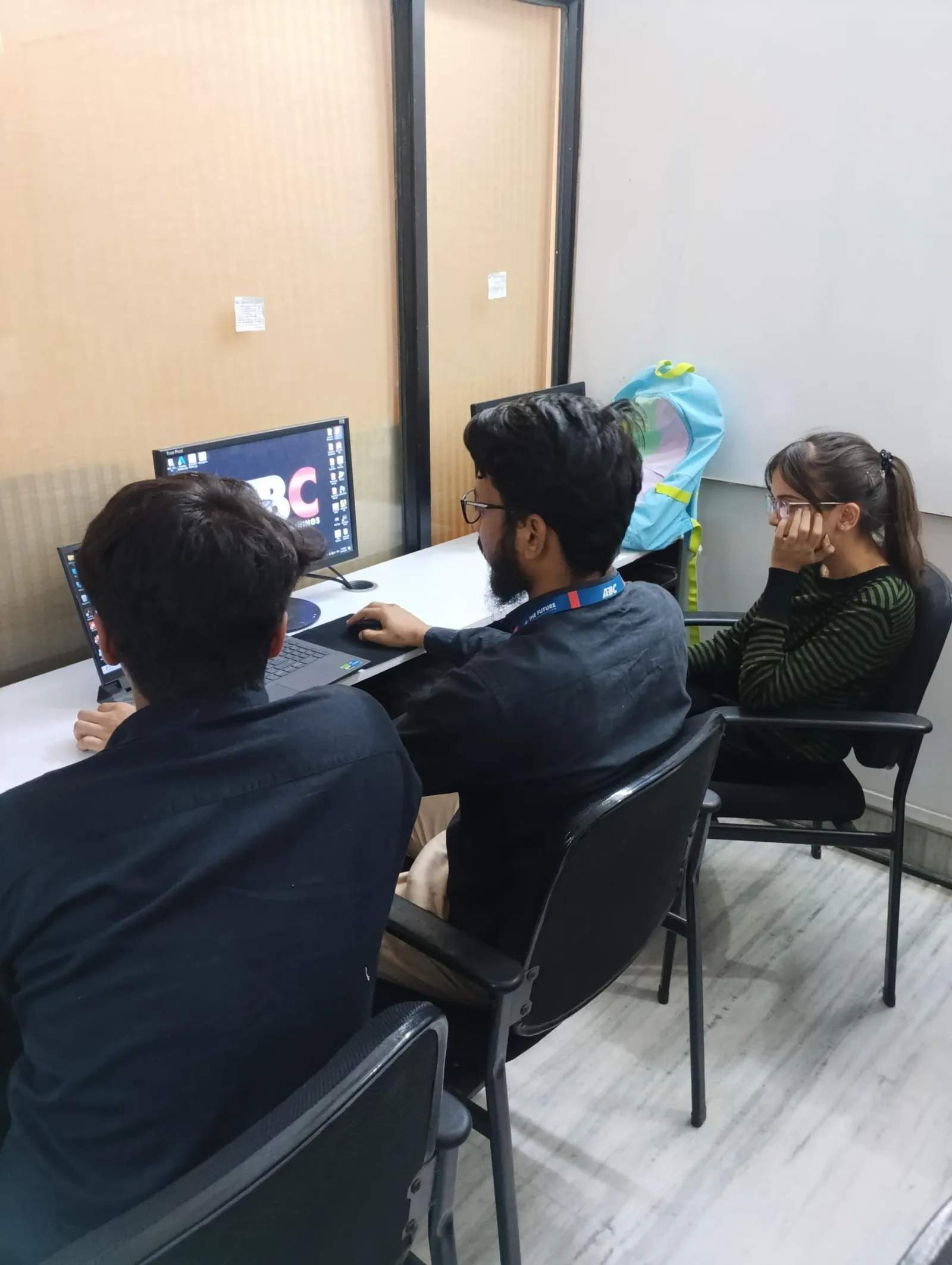
Pune training centres often run BIM labs on mid-range workstations, and large linked models -- architecture plus structure plus MEP -- have historically been where machines start to lag. Accelerated Graphics, now fully supported (not a tech preview) and compatible with graphic overrides, transparency, halftone and linked-model views, means smoother panning and orbiting on exactly these multi-discipline coordination models. That is a genuine quality-of-life improvement for students working on group coordination exercises.
3. Practical Workflow Additions: Auto-Dimension, IFC and Embodied Carbon
| Feature | Why it matters for Pune BIM engineers |
|---|---|
| Rule-based auto-dimension | Speeds up repetitive dimensioning on repeated layouts such as parking grids or housing-society unit rows -- common in Pune residential documentation |
| Improved IFC export | Cleaner handoff to Navisworks, Solibri or client-side open-BIM tools -- relevant for coordinators working with MEP contractors on shared models |
| Embodied carbon tracking | Early-stage sustainability reporting inside the model itself -- increasingly asked for by IGBC/GRIHA-conscious Pune developers |
| Ribbon-based settings for walls and stairs | Minor UI change; a five-minute adjustment for anyone already comfortable in Revit |
What This Means If You Are Choosing a BIM Course in Pune Right Now
Version numbers matter far less than most first-time enquirers assume. What should influence your decision is whether the training centre's lab is reasonably current (2026/2027-era, not something five versions old), whether the syllabus still spends most of its hours on fundamentals -- families, worksharing, schedules, documentation, coordination -- and only afterwards layers on newer conveniences like the AI Assistant. A student who is rock-solid on Revit fundamentals adapts to any point release inside a single onboarding week on the job; a student who only knows shortcuts for one specific version struggles the moment a client's project uses a different one.
Train on a Current Revit Lab in Pune
Free 1:1 counselling. Placement track record. CMYKPY/PMKVY eligibility check.
💬 Get Details on WhatsApp📞 Call 7039169629About the author: Komal Chilwar, Civil & BIM Trainer, ABC Trainings.
FAQs
Should Pune BIM students learn on Revit 2027 or an older version like 2024?
If you are starting fresh, learn on the version your training centre currently runs in its lab, which for most Pune institutes now means Revit 2026 or 2027. The core Revit workflow -- families, worksets, schedules, sheets -- has not changed; what changes release to release is speed and a handful of new tools. Employers care far more about whether you can model, coordinate and document correctly than which point release you trained on.
Do I need to buy Revit 2027 myself to practise at home?
Autodesk provides a free 3-year educational license for verified students, which is updated to the current version each cycle. Working professionals evaluating an upgrade should budget for the AEC Collection or standalone Revit subscription and check current INR pricing with an authorized Indian reseller, since list prices change and vary with GST and term length.
Is the new Revit AI Assistant going to replace BIM modelers' jobs?
No. The AI Assistant speeds up repetitive tasks -- finding elements, tagging, generating views on request -- the same way autocomplete speeds up typing without replacing writers. Coordination judgment, clash resolution decisions and understanding what a client or structural engineer actually needs still require a trained human modeler.
What should I actually focus on if I am learning Revit in Pune in 2026?
Prioritise the fundamentals that do not change with version numbers: parametric families, worksharing on multi-user projects, view templates, schedules and sheet sets, and exporting clean IFC for coordination. Once those are solid, the newer 2027-era tools like Accelerated Graphics and AI-assisted tagging are a few hours of orientation, not a separate skillset.
Get Brochure + Fees + Batch Dates on WhatsApp
Free 1:1 counselling. Placement track record. CMYKPY/PMKVY eligibility check.
💬 WhatsApp 7774002496📞 Call 7039169629Visit Our Centers
- Wagholi (Pune): 1st Floor, Laxmi Datta Arcade, Pune-Ahilyanagar Highway. Call 7039169629
- Hadapsar (Pune HQ): 1st Floor, Shree Tower, opp. Vaibhav Theater, near Bloom Hotel, Magarpatta. Call 7039169629
- Cidco (Chh. Sambhajinagar): Kalpana Plaza, opp. Eiffel Tower, N-1 Cidco. Call 7039169629
- Osmanpura (Chh. Sambhajinagar): S.S.C Board to Peer Bazar Road, near Jama Masjid. Call 7039169629
- Sangli: Shubham Emphoria, 1st Floor, Above US Polo Assn., Sangli-Miraj Rd, Vishrambag. Weekend batches available. Call 7039169629