What to Bring on Day One of Your BIM Course in Pune: A Practical Checklist
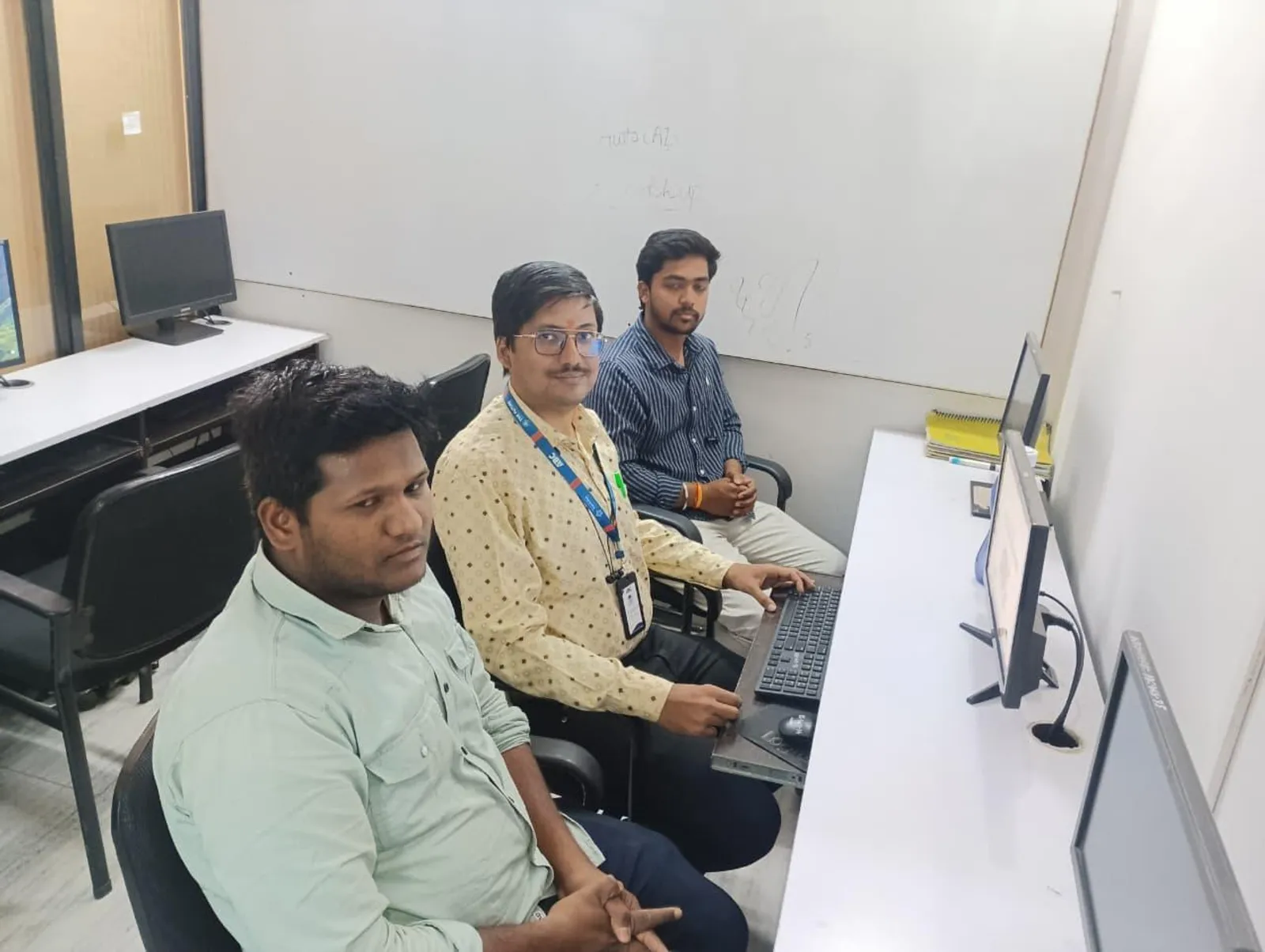
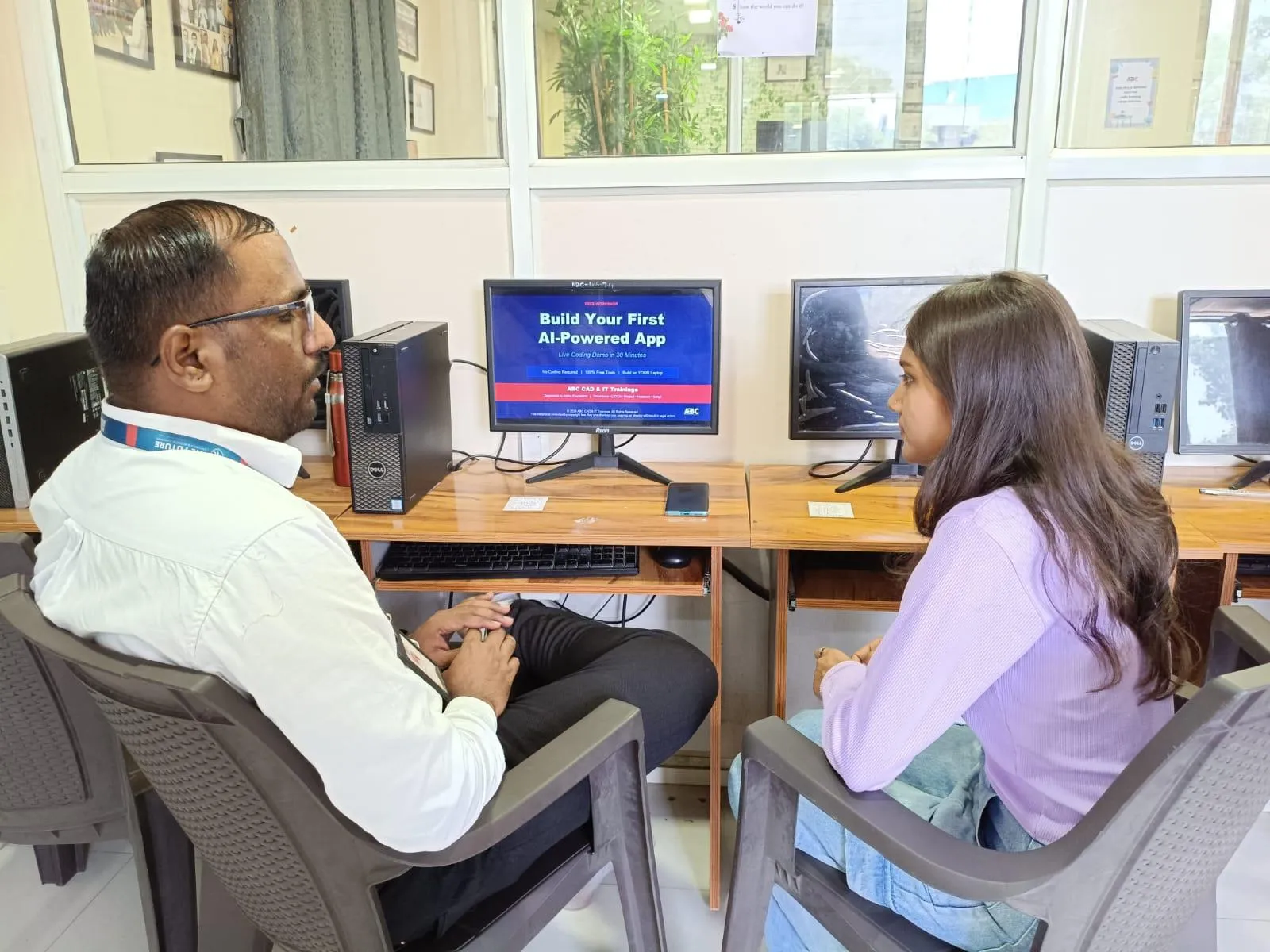
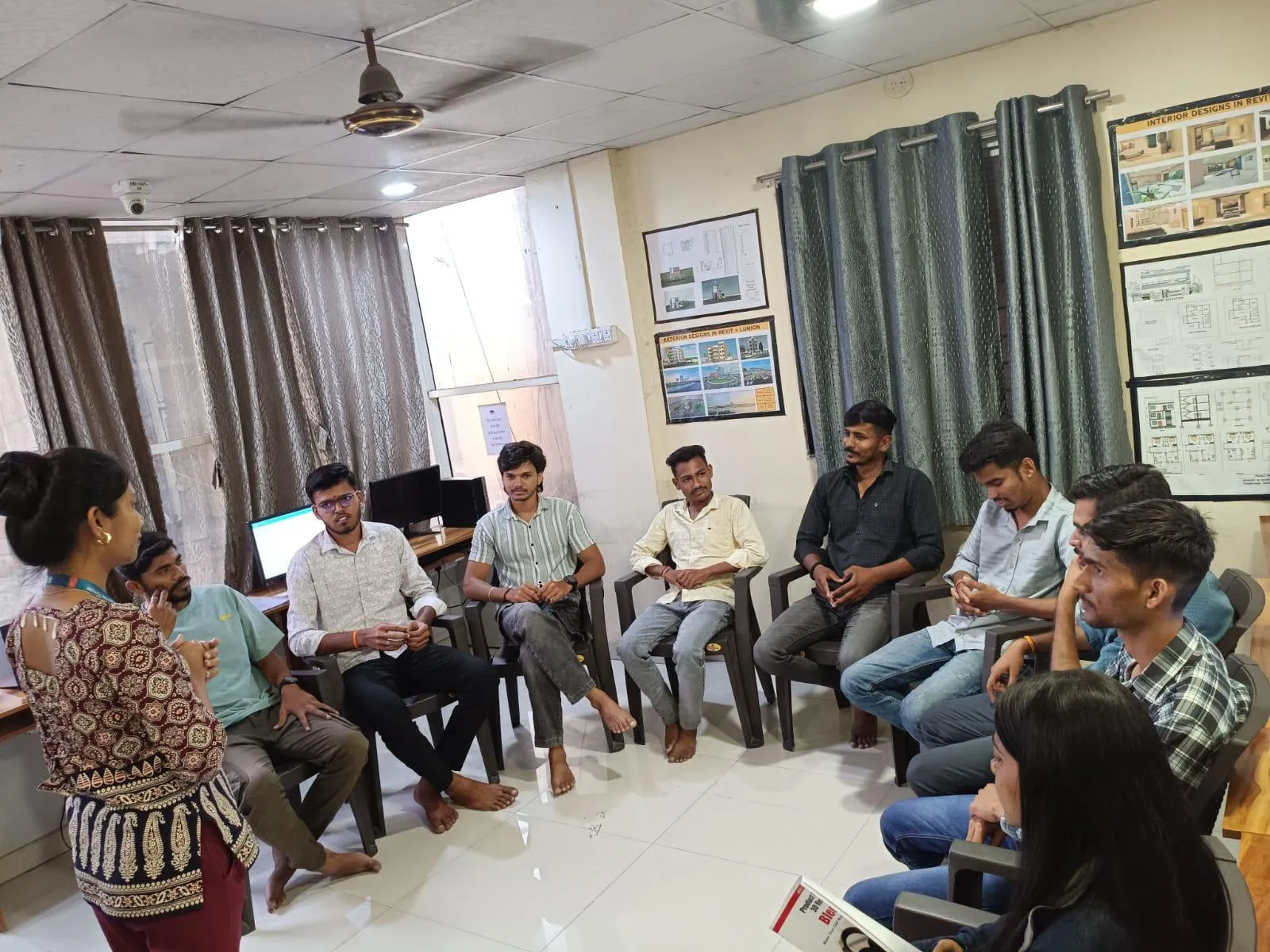
New BIM students in Pune usually spend their first session doing one of two things: learning Revit, or fixing laptop problems that could have been sorted out the night before. Here is the checklist we actually hand new students at Wagholi and Hadapsar, so the first class is spent modelling, not troubleshooting.
Documents and Admissions Paperwork
Carry your admission receipt or confirmation message, a government photo ID, and passport-size photographs if your batch coordinator has asked for them. If you are checking eligibility for any state skilling scheme, bring the original certificates, not photocopies, on day one so the paperwork can be verified once rather than chased later.
Your Laptop, Not Just Any Laptop
Bring the laptop you actually plan to practice on at home, not a borrowed one, so the trainer can check it will run Revit comfortably before you are three weeks in. If you have not bought a laptop yet, hold off until after a short conversation with your trainer about your specific course and budget. We have written a fuller BIM workstation and hardware guide for exactly this decision, and a myth-busting piece on whether you actually need a gaming laptop, which most students do not.
Software: Install Before You Arrive, Not During Class
Wherever possible, get the required software installed and licensed before your first session using the instructions your batch coordinator sends after admission. Autodesk installers are large, office WiFi is shared across many students at once, and a fresh install mid-class can eat thirty to forty minutes of a session that everyone else is using productively. If your internet at home is slow, ask if you can come in an hour early on day one to install using the centre's connection instead of during the batch.
What Actually Wastes Time on Day One
In order of how often we see it: laptops that fail Windows updates mid-class, students who forgot their charger and run out of battery by hour two, mice left at home and trying to model with a trackpad, and logging into a personal Autodesk account that is not yet linked to the education licence your course provides. None of these are complicated to avoid. All of them are avoidable the night before, not the morning of.
If you are still deciding on a batch, our guide to the Master Diploma in BIM at Hadapsar covers syllabus, timing and fees in detail before you commit to a start date.
Get Brochure + Fees + Batch Dates on WhatsApp
Free 1:1 counselling. Real placement record. CMYKPY/PMKVY eligibility check.
WhatsApp 7774002496Call 7039169629Visit Our Centers
- Wagholi (Pune): 1st Floor, Laxmi Datta Arcade, Pune-Ahilyanagar Highway. Call 7039169629
- Hadapsar (Pune HQ): 1st Floor, Shree Tower, opp. Vaibhav Theater, near Bloom Hotel, Magarpatta. Call 7039169629
- Cidco (Chh. Sambhajinagar): Kalpana Plaza, opp. Eiffel Tower, N-1 Cidco. Call 7039169629
- Osmanpura (Chh. Sambhajinagar): S.S.C Board to Peer Bazar Road, near Jama Masjid. Call 7039169629
- Sangli: Shubham Emphoria, 1st Floor, Above US Polo Assn., Sangli-Miraj Rd, Vishrambag. Weekend batches available. Call 7039169629