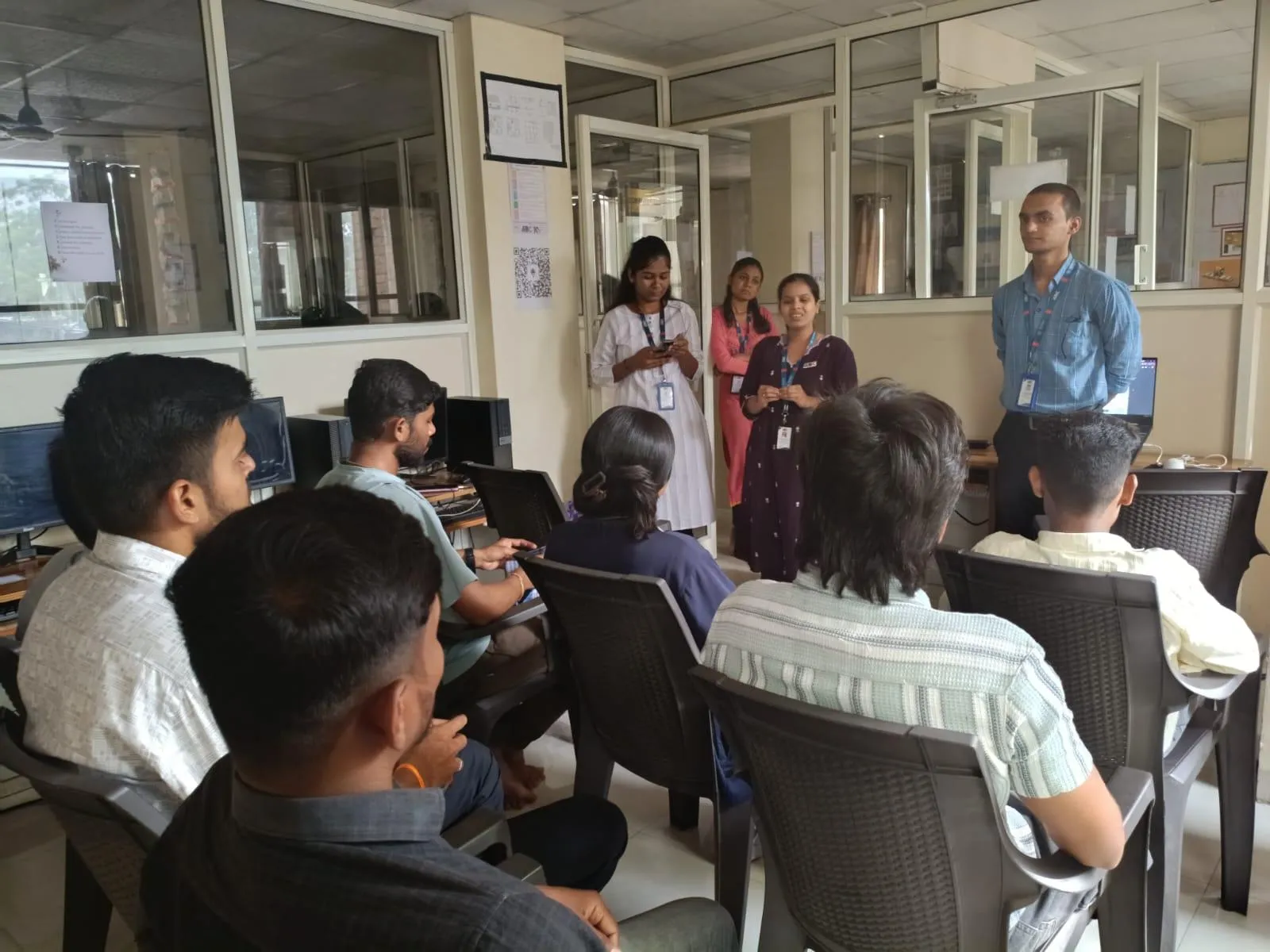
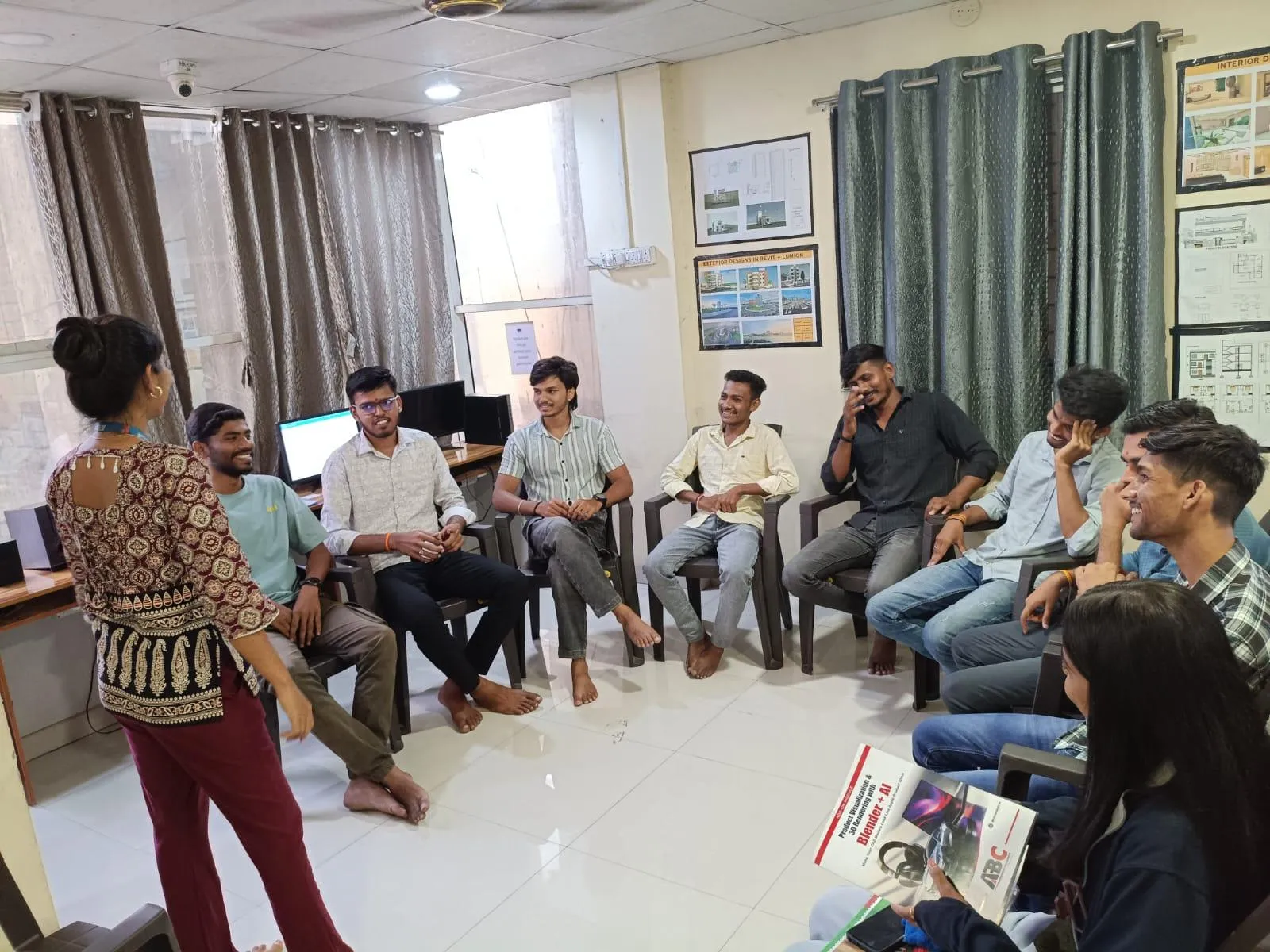
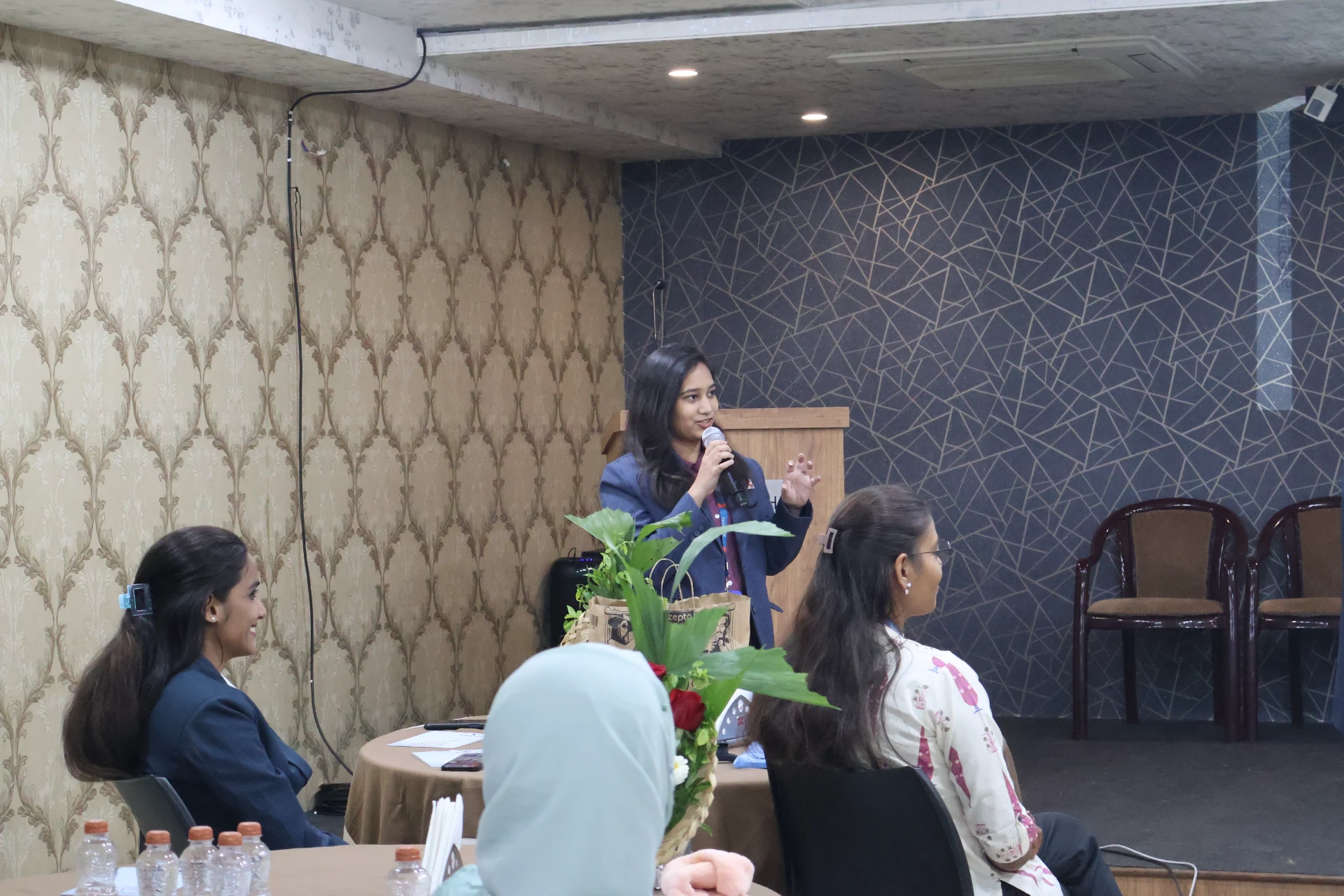
5 Students Completed SolidWorks at ABC Trainings Chhatrapati Sambhajinagar — March 2025 (Updated September 2026)
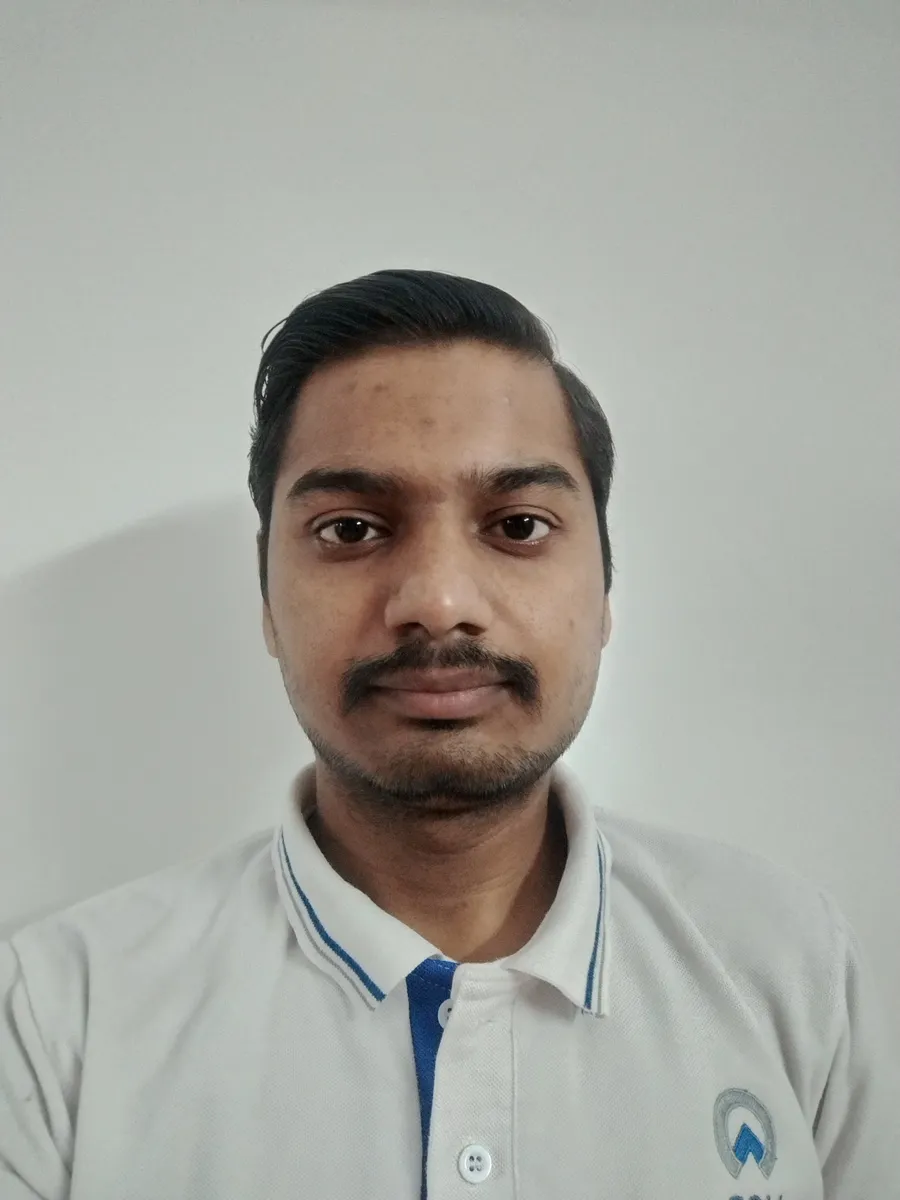

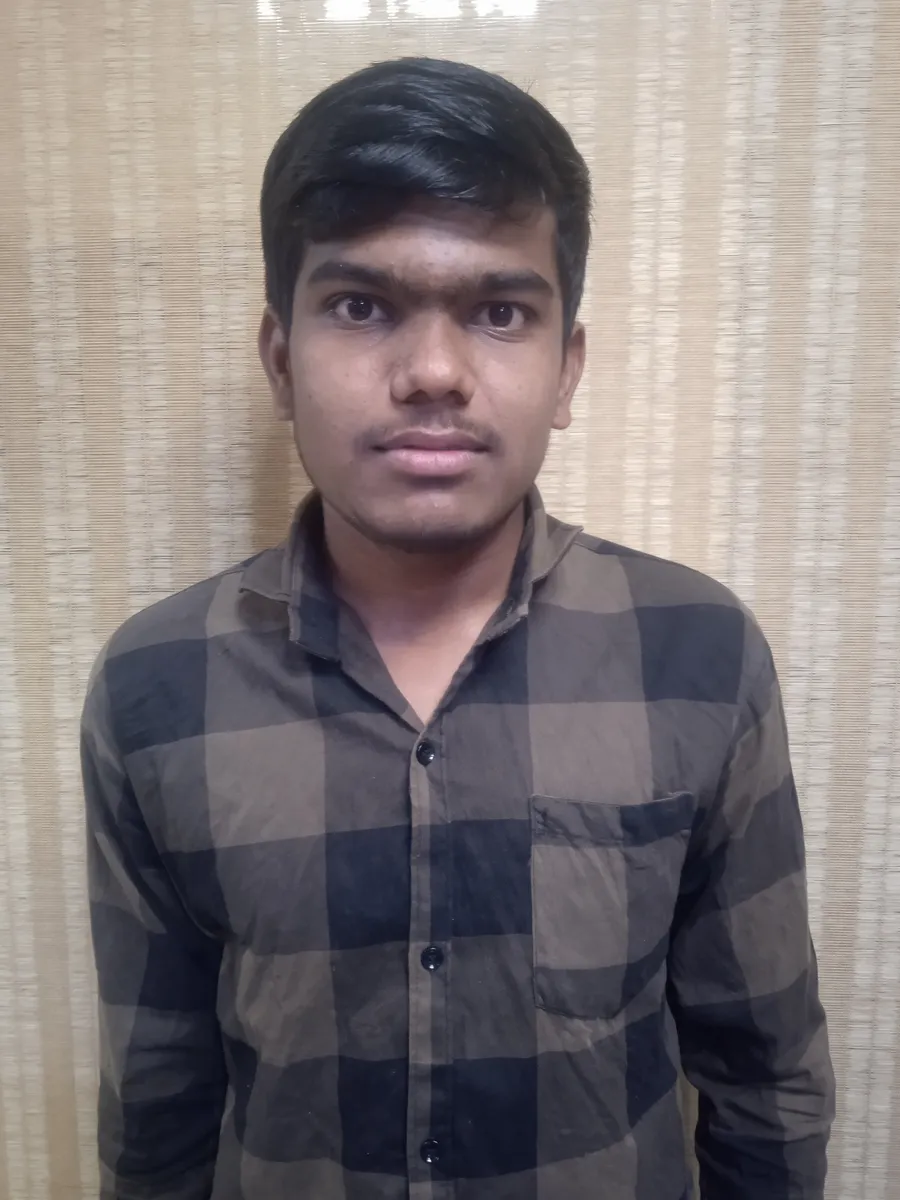

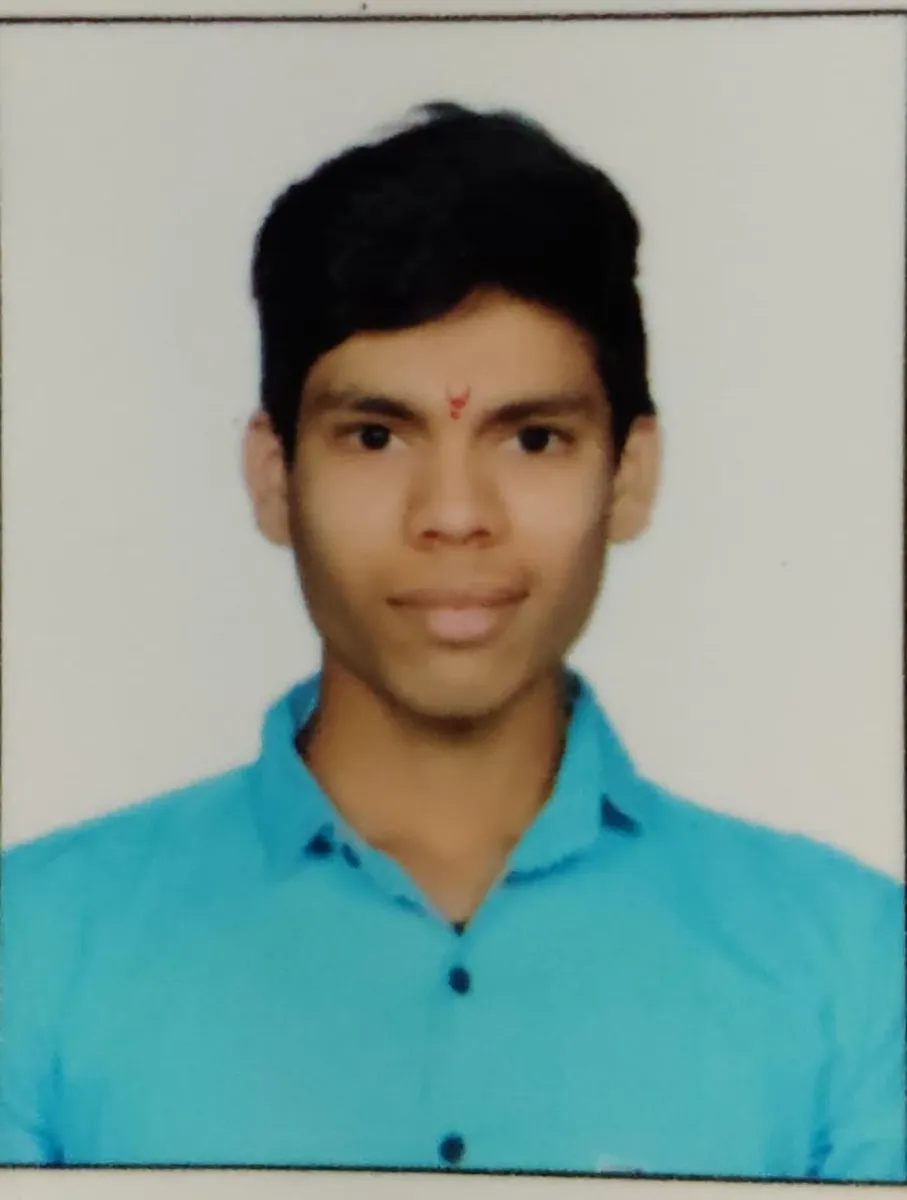
Five students completed the SolidWorks course at ABC Trainings in Chhatrapati Sambhajinagar (Aurangabad) between February and March 2025, finishing in 33 to 44 days each. All five trained under Mr. Choundiye, a Mechanical Design Engineer whose expertise covers SolidWorks, AutoCAD Mechanical, CATIA, CREO Parametric, NX CAD, NX CAM, ANSYS Workbench, and GD&T.
- Five students completed the 80-hour SolidWorks course in Chhatrapati Sambhajinagar in February–March 2025.
- The course spans 20 sessions: interface and sketching, part modelling, surface design, sheet metal, weldment, assembly, rendering, and engineering drawing output.
- All five trained under Mr. Choundiye, a Mechanical Design Engineer experienced across SolidWorks, CATIA, CREO, NX CAD, NX CAM, ANSYS, and GD&T.
- SolidWorks training at ABC Trainings is available in Chhatrapati Sambhajinagar; call +91 7039169629 or WhatsApp 7774002496 for batch timings.
What the SolidWorks Course Covers (20 Sessions, 80 Hours)
The 80-hour SolidWorks curriculum at ABC Trainings runs across twenty sessions. Session 1 introduces the SolidWorks interface — the Feature Manager Design Tree, callouts, handles, confirmation corner, mouse shortcuts, and keyboard navigation. Session 2 moves into 2D sketch entities: inference lines, lines, circles, arcs, ellipses, rectangles, slots, polygons, splines, equation-driven curves, and snap and grid settings. Session 3 covers sketch editing — Fillet, Chamfer, Offset, Convert Entities, Trim, Extend, Mirror, sketch patterns, adding relations, automatic relations, and smart dimensioning. Session 4 begins solid part modelling: Extrude, Revolve, Swept, and Loft features, each with direction, thin-feature, draft, and guide-curve options. Session 5 adds Loft, Reference Geometry (points, axes, coordinates), and multiple-body concepts. Sessions 6–7 cover modifying tools (curves, Fillet, Chamfer, hole types) and pattern tools (Linear, Circular, Sketch-driven, Curve-driven, Fill Pattern, Shell, and Rib). Sessions 8–9 introduce surface modelling: Extrude, Revolve, Swept, Loft, Boundary Surface, Offset Surface, Radiate Surface, Trim, Knit, Thicken, and Move Face. Sessions 10–11 focus on sheet metal design — Base Flange, Edge Flange, Miter Flange, Hem, Jog, Fold/Unfold, Cross Break, Welded Corner, and Lofted Trim. Session 12 introduces Weldment Design. Sessions 13–15 cover assembly modelling with top-down and bottom-up approaches, Standard Mates (Coincident, Parallel, Perpendicular, Tangent, Concentric), Advanced and Mechanical Mates, Smart Mates, and component manipulation. Session 16 adds Assembly Pattern, Mirror, and Exploded Views. Session 17 introduces PhotoWorks rendering — how to apply appearances and render a model. Sessions 18–19 teach engineering drawing output: angle of projection, generating model and projected views, section views, crop views, broken views, auxiliary views, and dimensioning with DimXpert and auto-dimension. Session 20 completes the drawing module with Datum Features, Geometric Tolerance (GD&T), Surface Finish, Balloons, Bill of Materials, Hole Tables, and Sheet Templates.
What These Five Students Said
"I have completed my training SolidWorks in Mechanical course from ABC TRAINING in Osmanpura, under the guidance of ER. Shubham L. Choundiye Sir. He gave me excellent teachings and a learning concept that cleared my doubts."— Tejas Gachake, SolidWorks, completed March 2025
"I completed my SolidWorks course from ABC Trainings, Usmanpura, with Shubham L. Choundiye Sir. The teaching skills of Shubham Choundiye Sir are excellent and I took in all the information about SolidWorks. The environment of ABC Training is calm and peaceful."— Vedansh Hande, SolidWorks, completed March 2025
"I have completed my SolidWorks course under the guidance of Shubham Choundiye Sir from ABC Trainings Osmanpura, Chhatrapati Sambhajinagar. Class environment best. Excellent teaching of Shubham Choundiye Sir."— Nayan Kapse, SolidWorks, completed March 2025
"I completed my SolidWorks course from ABC Centre Osmanpura under the guidance of Shubham Choundiye Sir. I got to learn a lot of new things. I started very hesitantly, but now I have full confidence. The class was very well organised and regular, with a very nice classroom and excellent computers. Many facilities have been provided so that the student does not face any problem."— Lalit Jasutkar, SolidWorks, completed March 2025
"I completed my SolidWorks course from ABC Trainings, Usmanpura, under the guidance of Mr. Shubham Choundiye Sir. I completed this course with great learning that I never imagined. Shubham Sir's teaching is very unique — they teach complicated topics in a very simple and easy-to-understand way."— Sanket Dalal, SolidWorks, completed March 2025
About the Trainer
Mr. Choundiye is a Mechanical Design Engineer at ABC Trainings in Chhatrapati Sambhajinagar. His expertise covers AutoCAD Mechanical, CREO Parametric, CATIA, SolidWorks, NX CAD, NX CAM, ANSYS Workbench, AI-driven 3D CAD modelling using ZOO, AI-powered tools for AutoCAD (Mechanical), Additive Manufacturing and 3D Printing, and GD&T. All five students in this cohort credited his ability to explain SolidWorks concepts clearly and systematically.
Where to Learn SolidWorks in Chhatrapati Sambhajinagar
ABC Trainings operates centres in Chhatrapati Sambhajinagar — in Osmanpura and Cidco — as well as in Wagholi (Pune), Hadapsar (Pune), and Sangli. The SolidWorks course is offered at its Chhatrapati Sambhajinagar locations. Enquire at +91 7039169629 or WhatsApp 7774002496 for current batch dates, fees, and PMKVY or CMYKPY eligibility.
Get the SolidWorks Brochure + Fees + Batch Dates on WhatsApp
Free 1:1 counselling. Placement track record. CMYKPY/PMKVY eligibility check.
💬 Get Brochure on WhatsApp📞 Call 7039169629About the author: ABC Trainings Editorial Team. The ABC Trainings editorial team documents real student outcomes across the institute's centres in Chhatrapati Sambhajinagar, Pune, and Sangli.
Visit Our Centers
- Wagholi (Pune): 1st Floor, Laxmi Datta Arcade, Pune-Ahilyanagar Highway. Call 7039169629
- Hadapsar (Pune HQ): 1st Floor, Shree Tower, opp. Vaibhav Theater, Magarpatta. Call 7039169629
- Cidco (Chh. Sambhajinagar): Kalpana Plaza, opp. Eiffel Tower, N-1 Cidco. Call 7039169629
- Osmanpura (Chh. Sambhajinagar): S.S.C Board to Peer Bazar Road, near Jama Masjid. Call 7039169629
- Sangli: Shubham Emphoria, 1st Floor, Above US Polo Assn., Sangli-Miraj Rd, Vishrambag. Weekend batches available. Call 7039169629
FAQs
What does the SolidWorks course at ABC Trainings Chhatrapati Sambhajinagar cover?
The 80-hour course runs twenty sessions covering the SolidWorks interface, 2D sketching, sketch editing tools, solid part modelling (Extrude, Revolve, Swept, Loft), surface modelling, sheet metal design, weldment design, assembly modelling with Standard and Advanced Mates, PhotoWorks rendering, engineering drawing views, dimensioning (DimXpert, GD&T, Surface Finish), Bill of Materials, and Sheet Templates.
How long does SolidWorks training take at ABC Trainings?
Students who completed in early 2025 finished in 33 to 44 days on weekday schedules. The course carries a nominal duration of 80 hours. Exact batch timing varies — WhatsApp 7774002496 for current options.
Is SolidWorks training available in Chhatrapati Sambhajinagar (Aurangabad)?
Yes. ABC Trainings has centres in Osmanpura and Cidco in Chhatrapati Sambhajinagar (Aurangabad), both offering the SolidWorks course. Call +91 7039169629 or WhatsApp 7774002496 for batch timings and seat availability.
What is the fee for SolidWorks training at ABC Trainings?
The listed price for the SolidWorks course is ₹18,057. For current offers, batch timings, and PMKVY or CMYKPY eligibility, WhatsApp 7774002496.