Chh. Sambhajinagar
Osmanpura CAD
S.S.C Board to Peer Bazar Road, In front of Jama Masjid, near Post Office, New Usmanpura, Aurangabad 431005
Follow the official 80-hour SolidWorks curriculum across sketching, parts, assemblies, surfaces, sheet metal, weldments, drawings and BOMs. Confirm the live centre, mode, timetable and written fee.
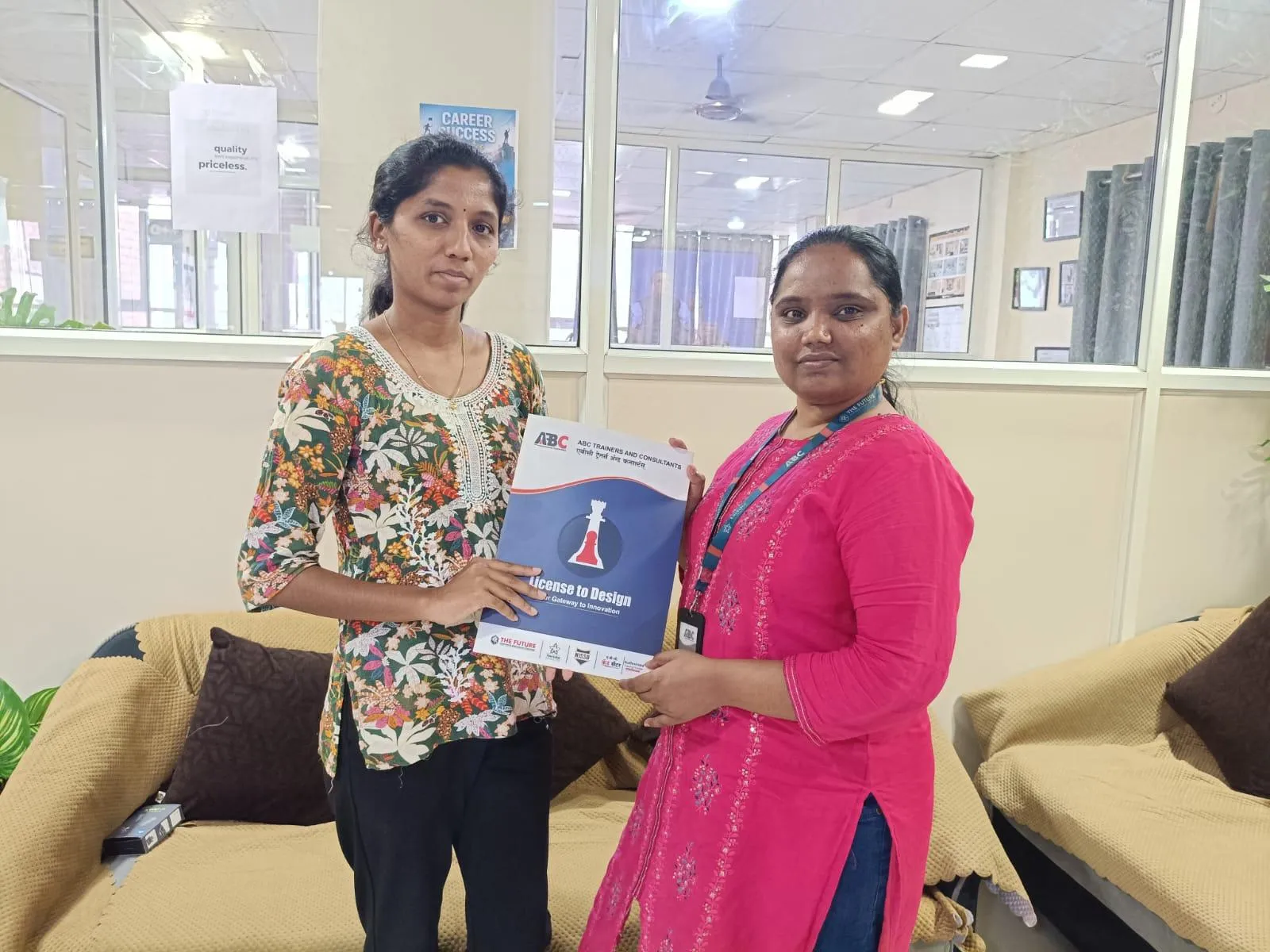
SolidWorks Mastery — 3D CAD & Simulation
4 reviewed course-capability centres
Placement Support
Confirm current written activities
Choose ABC Trainings when its official 80-hour Solidworks curriculum, current teaching-capability centre and written batch terms fit you. The centres below have reviewed active-trainer capability as of 2026-10-01; this does not claim that every centre has a live batch today.
Watch on ABC Trainings
Ajay Salve shares his experience completing the SolidWorks course at the ABC Trainings Cidco centre.

ABC Trainings offers SolidWorks Mastery — 3D CAD & Simulation with the 80 instructional hours duration listed on this page at ABC CAD Centre, Osmanpura, Chh. Sambhajinagar; ABC CAD & IT Trainings, CIDCO, Chh. Sambhajinagar; ABC CAD & IT Trainings, Wagholi, Pune; ABC CAD & IT Trainings, Hadapsar, Pune. This page also shows 699+ verified reviews. Confirm the live centre, trainer, delivery mode, timetable and complete written fee before paying.
Published
Course Outcomes
Linked evidence page
Reviewed
Portfolio Projects
Practical course work
Included
Placement Support
Confirm current referral activity
20,000+
Trained Alumni
Since 2012
What You'll Master
The SolidWorks Mastery — 3D CAD & Simulation program is engineered to put you in the seat of a working professional from day one. Every concept is paired with a live exercise, every module ends with a project, and every batch is mentored by an industry expert.
You will walk out with a portfolio of real deliverables — not just a certificate.
Module-by-Module
20 structured modules — from foundations to a placement-ready capstone.
Industry Software Lab
Licensed software, walked through command-by-command on industry workflows.
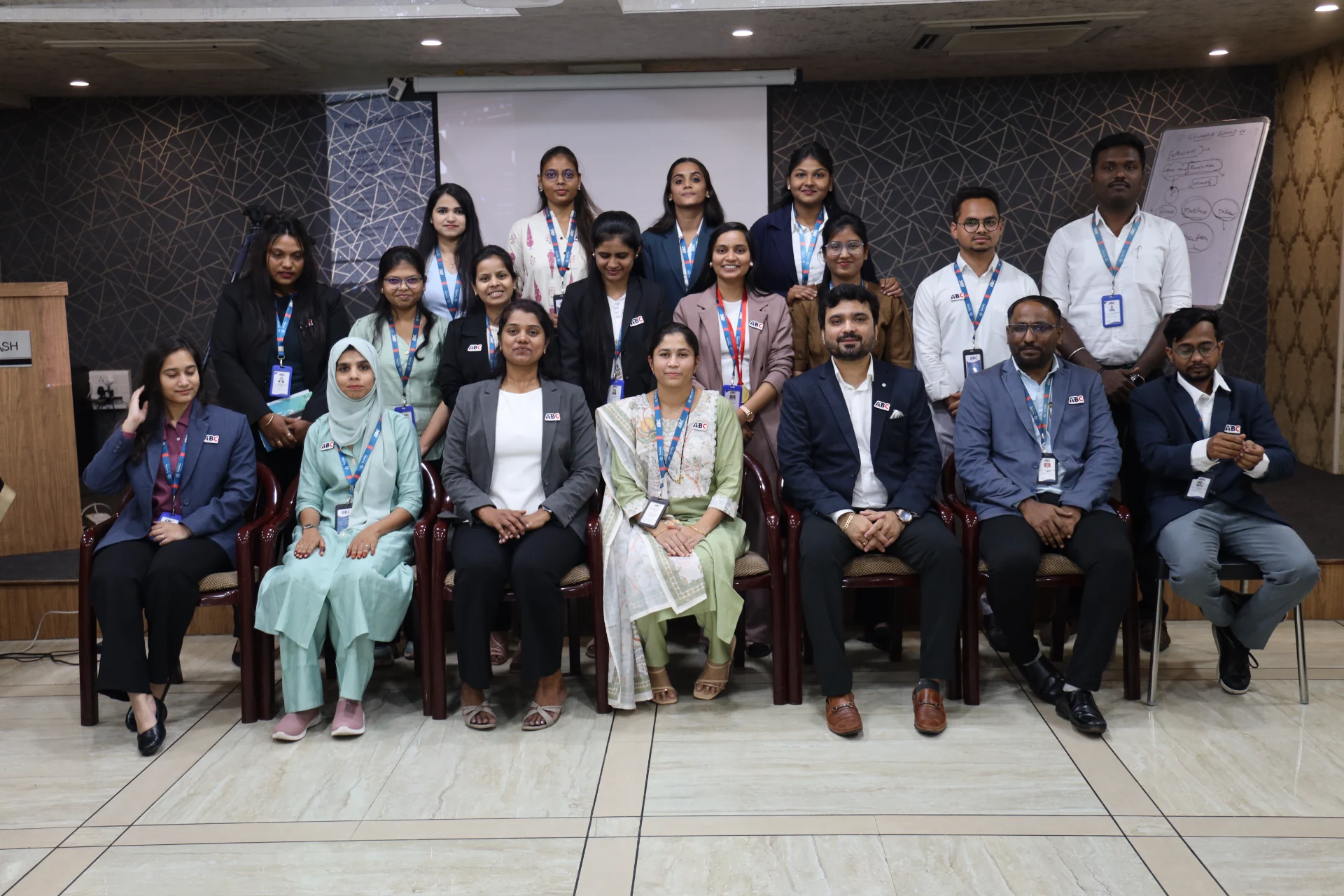
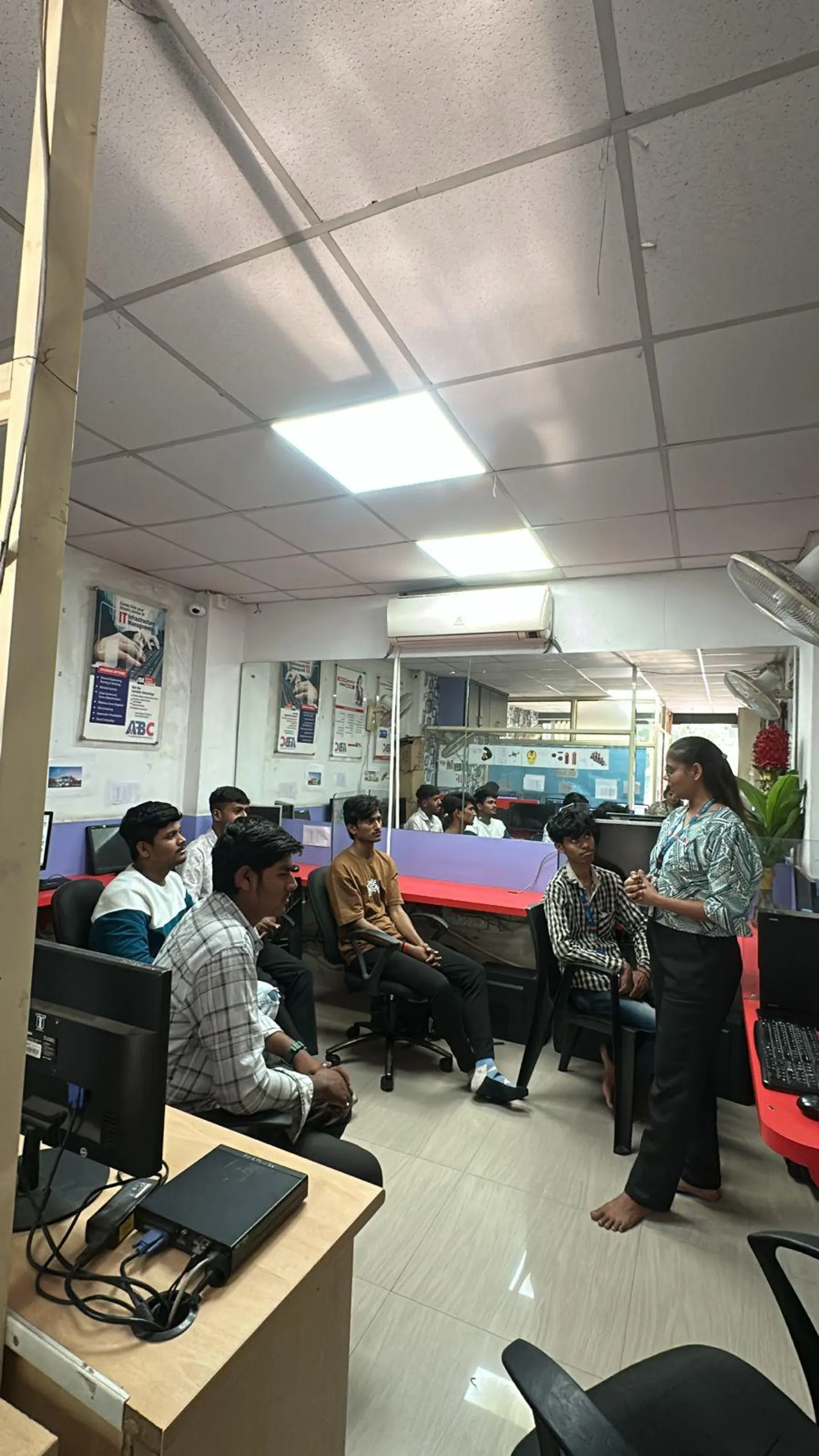
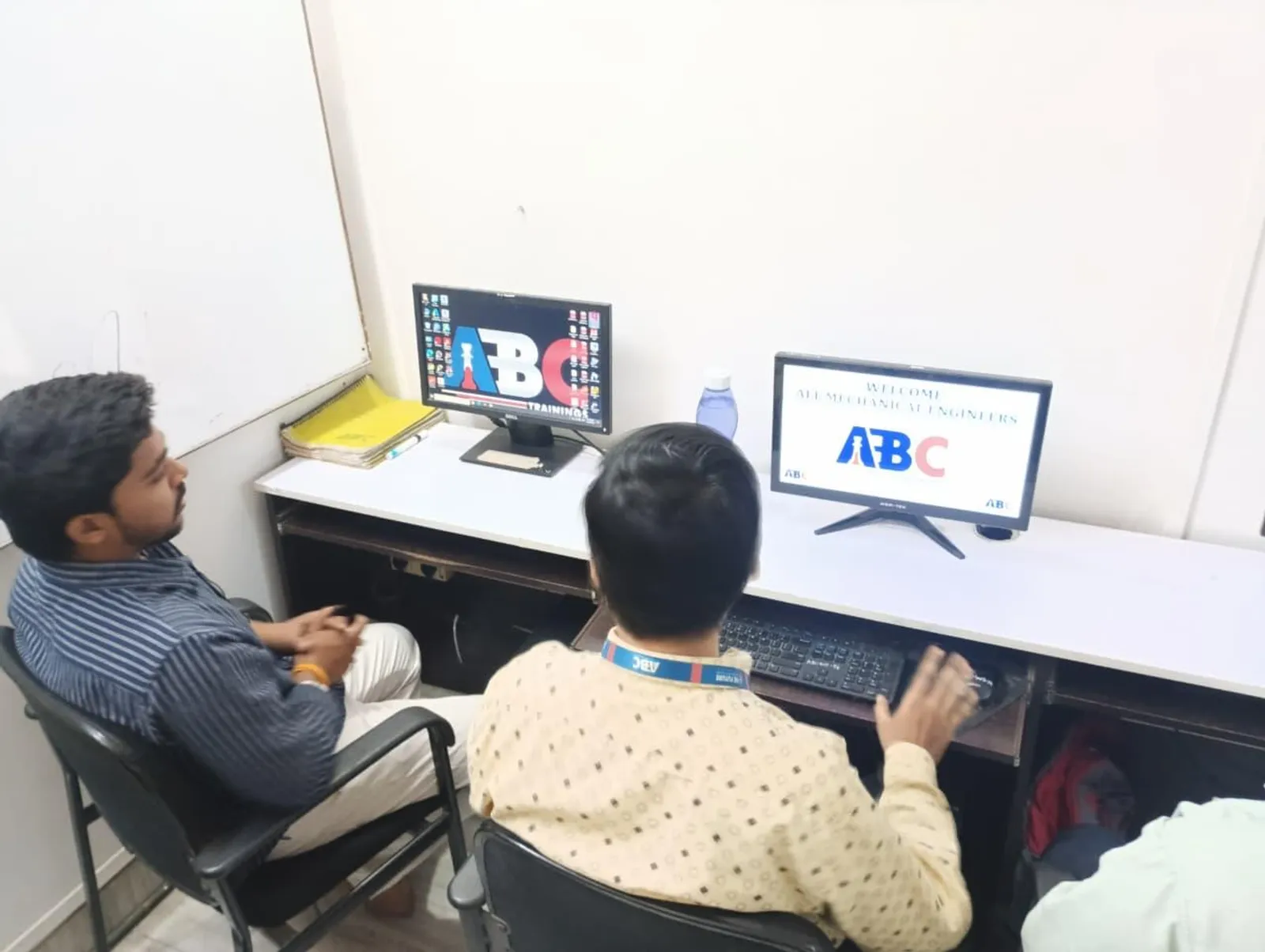
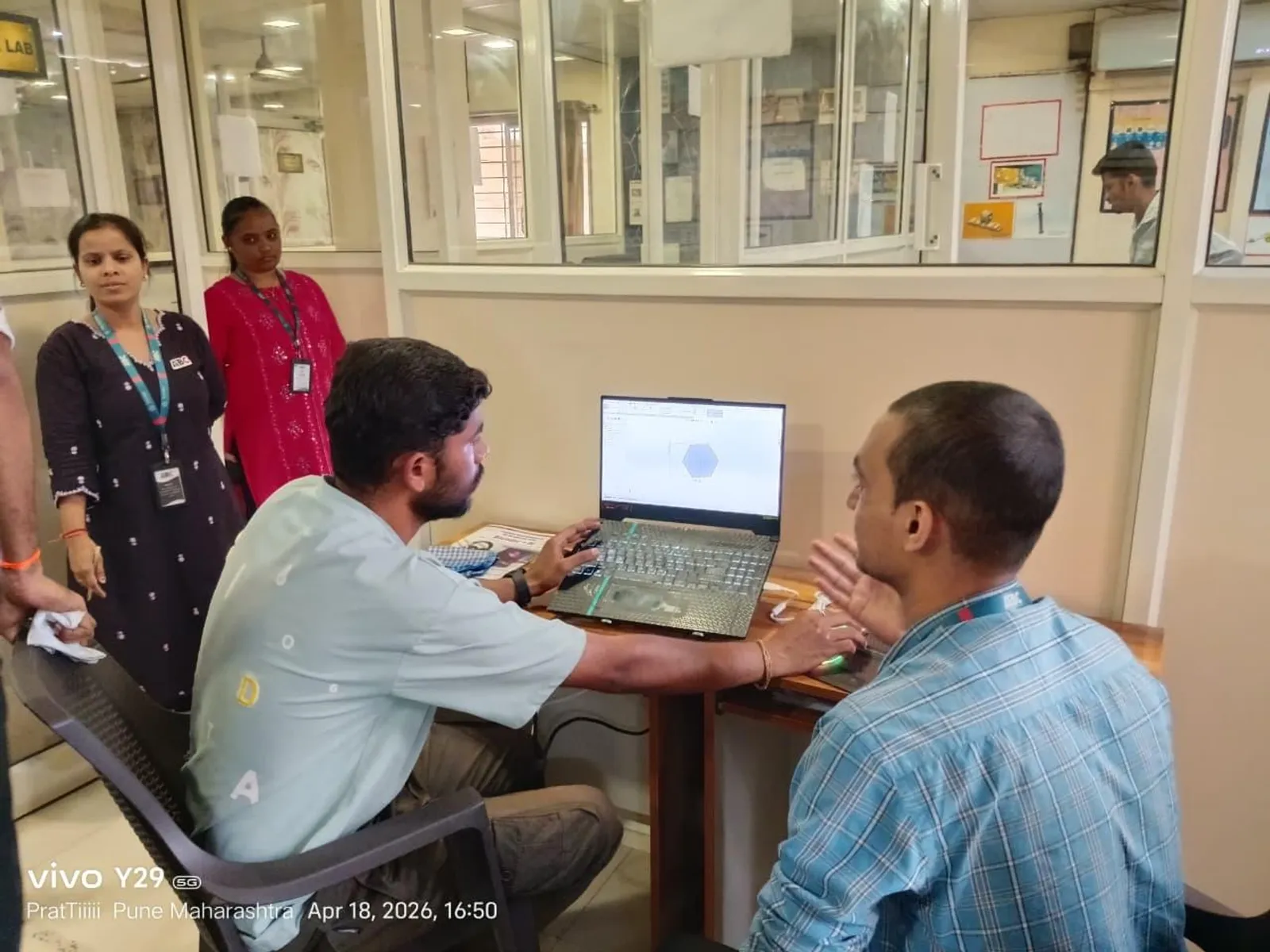
Inside the Classroom
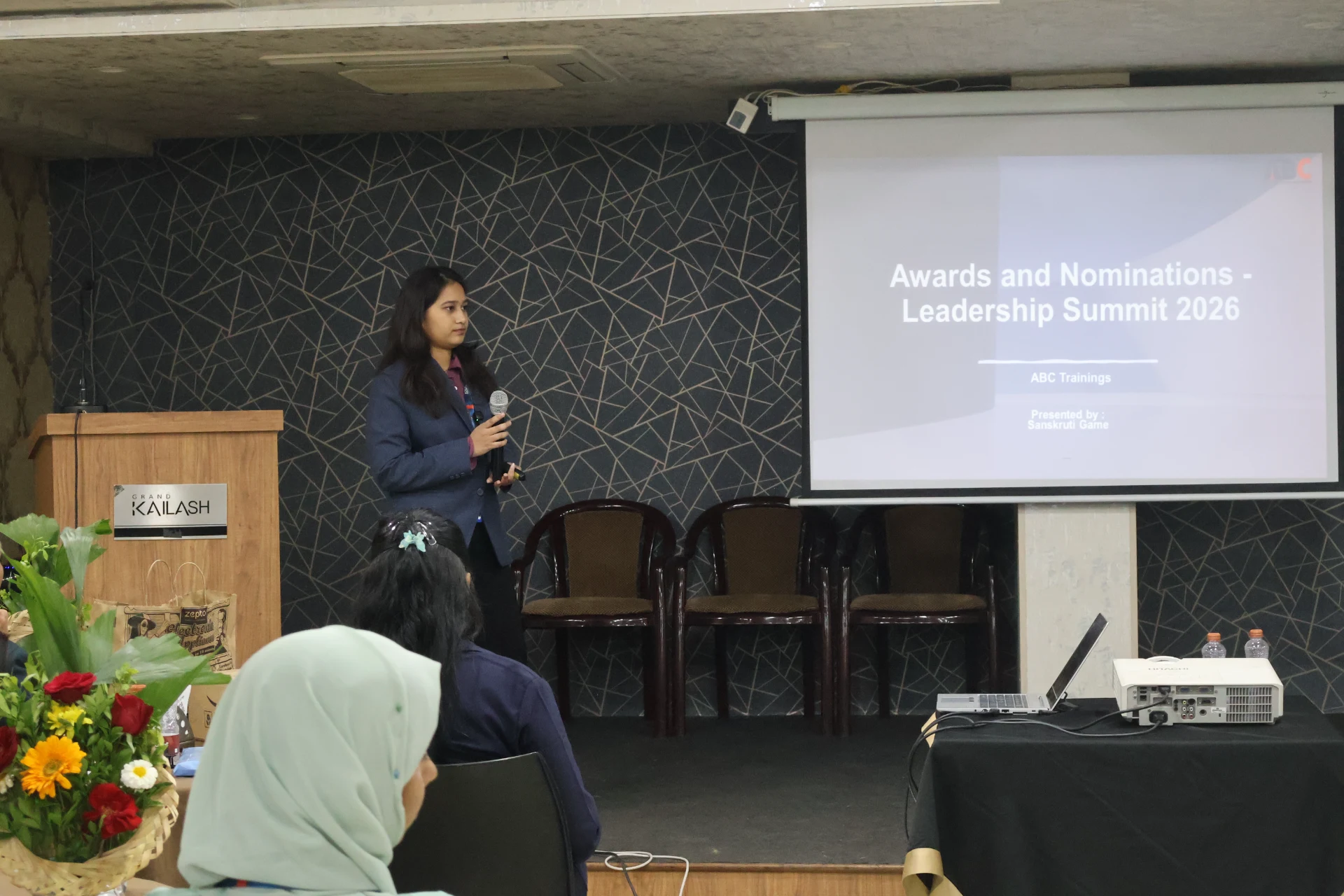
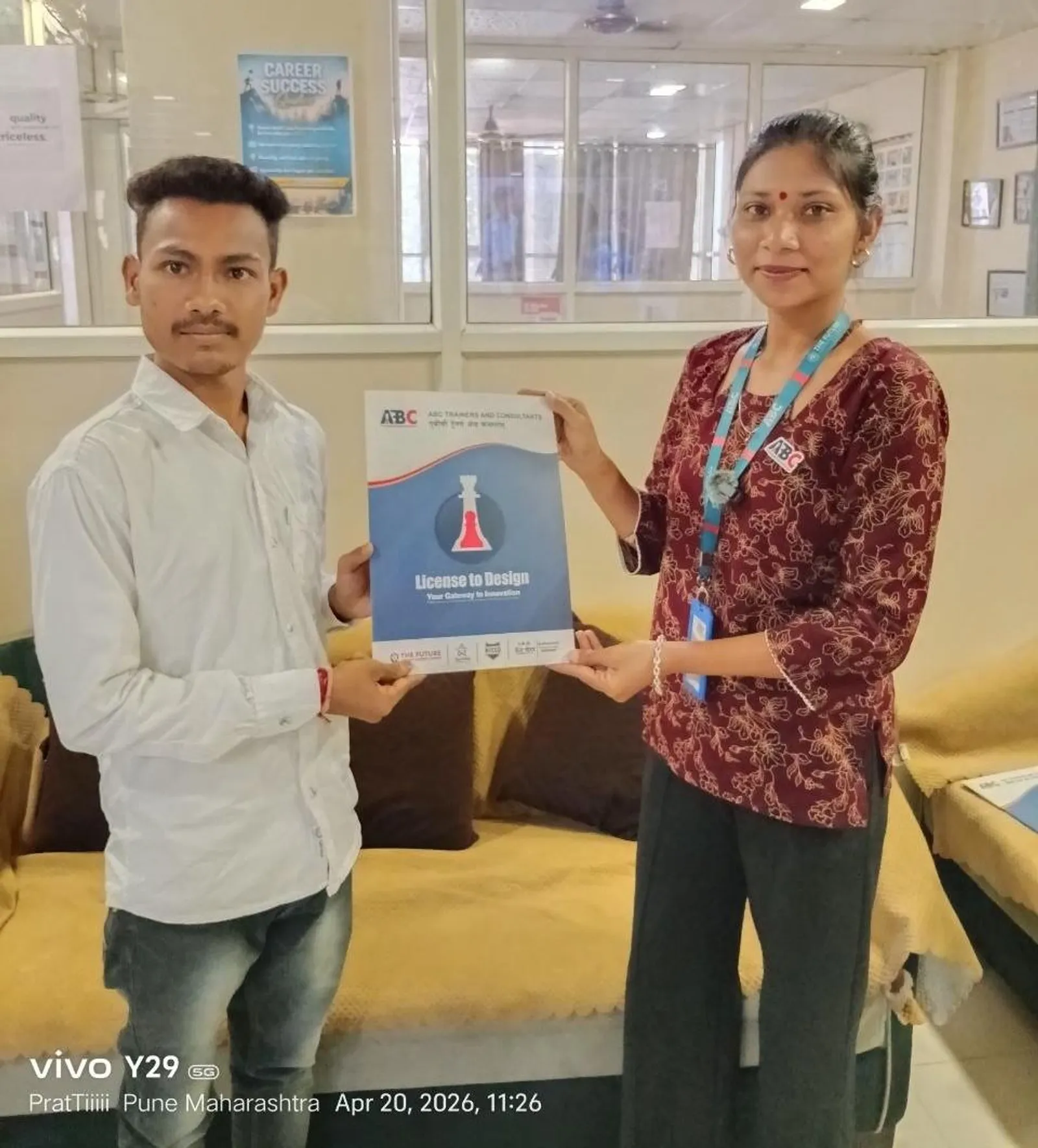
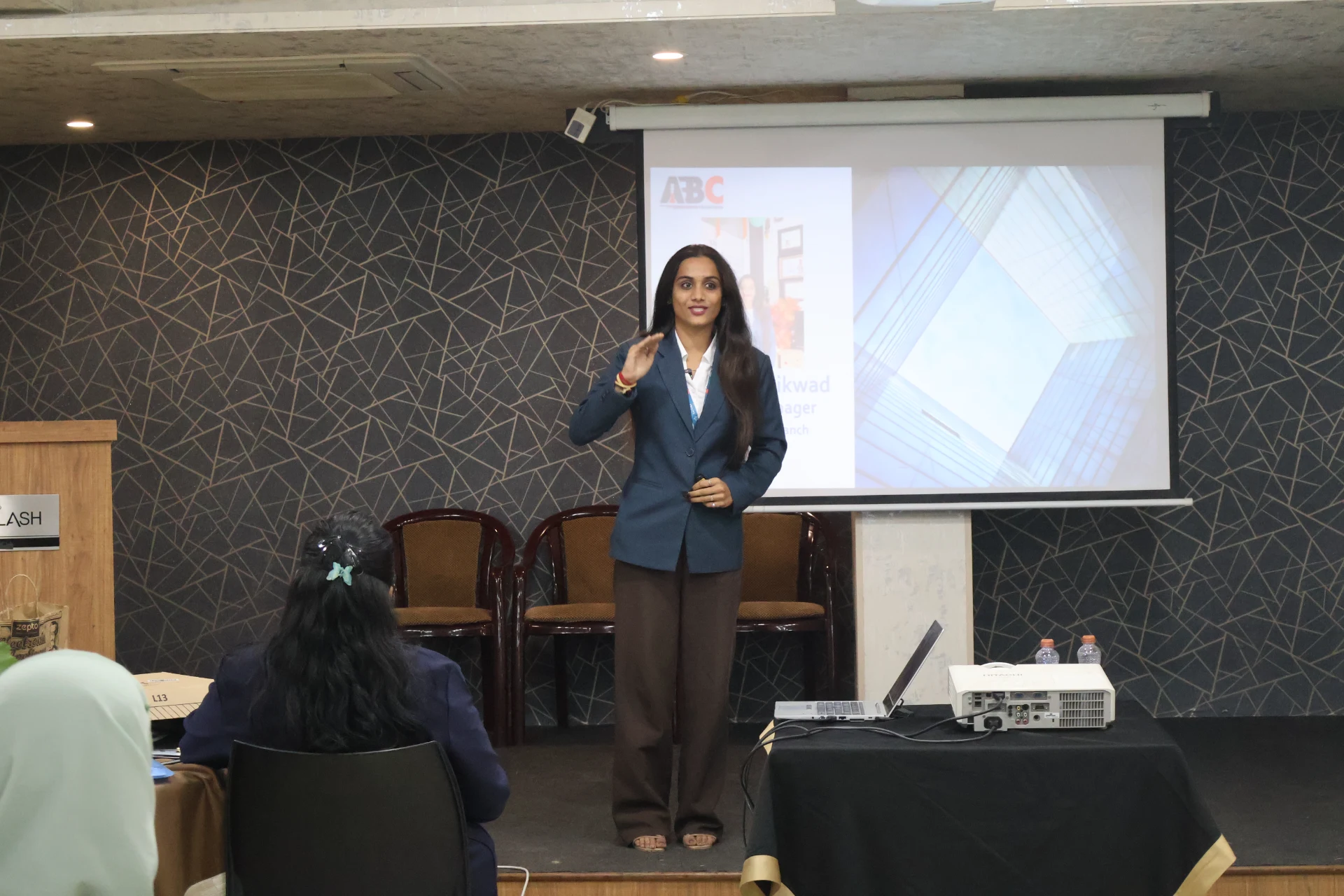
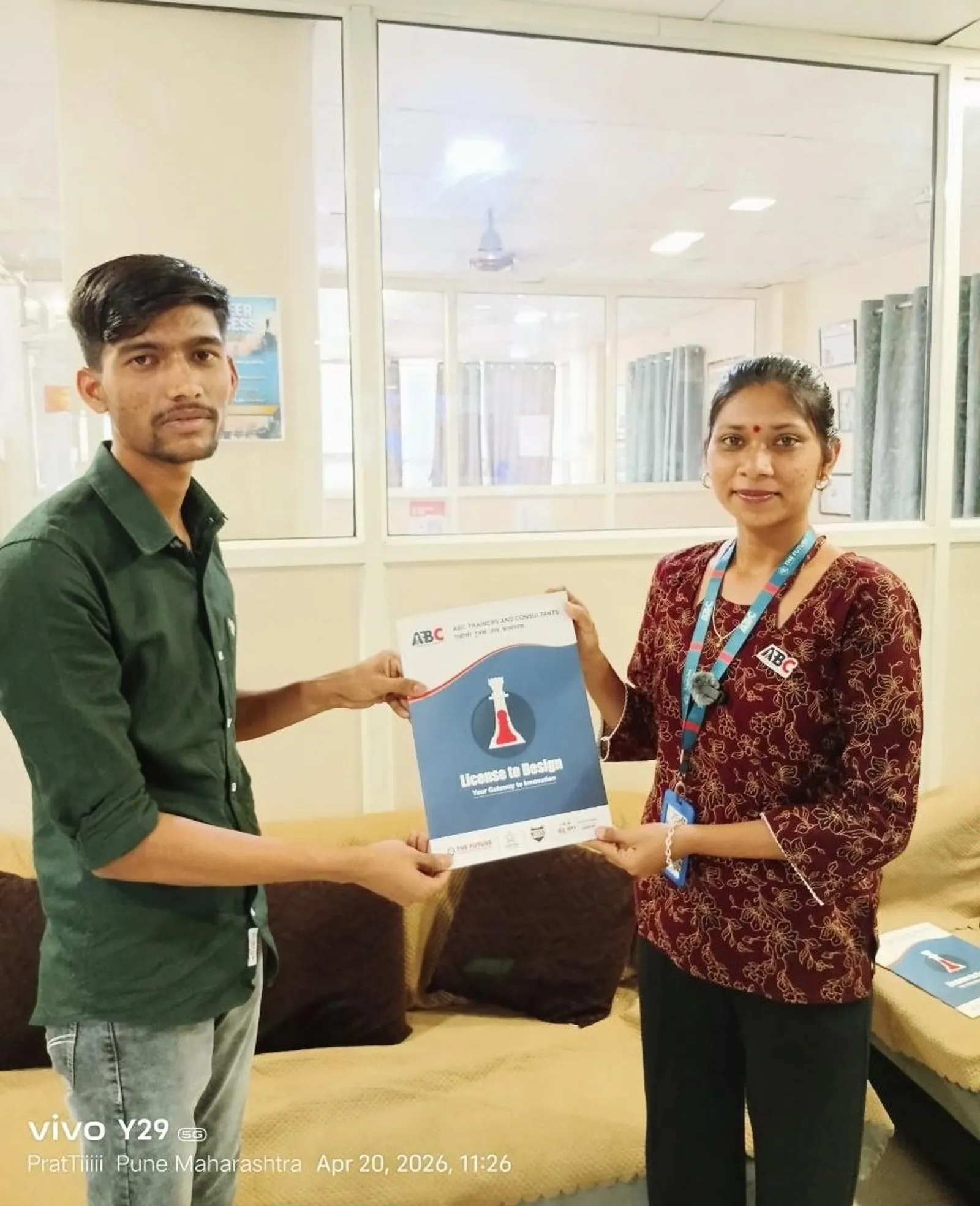
First-party classroom sessions, workshops and learner documentation across our centers in Maharashtra.
Career Outcomes
Placement support includes portfolio review, resume guidance and interview preparation. Course-specific enrolment, review, trainer and hiring evidence is published separately for verification.
Included
Portfolio Review
Included
Interview Practice
Published
Outcome Evidence
Confirm
Current Referrals
“Completed CATIA under expert guidance of Shubham Choundiye Sir. The training was very helpful for understanding 3D modeling, sketching and assembly. Practical approach made it easy to apply commands effectively.”

Chaitanya S.
CATIA · Chh. Sambhajinagar
Diploma · from Chh. Sambhajinagar, Maharashtra
“ABC is the best class for the CAD section. Shubham Sir teaches SolidWorks very deeply — every command with real-world context. The class environment is supportive and well-organised.”

Omkar B.
SolidWorks · Chh. Sambhajinagar
B.E. (Mechanical) · from Chh. Sambhajinagar, Maharashtra
“Successfully completed my PLC & SCADA online course. Content was informative and easy to understand. Gained practical knowledge about PLC programming and SCADA systems. Feel more confident working on industrial automation systems.”
Anisha K.
PLC & SCADA (Online) · Online
from Karad, Maharashtra
“Recently completed the AI Powered Tools for AutoCAD course — a very helpful learning experience. Instructor explained concepts clearly and made the tools easy to understand. Now feel more confident using AI tools with AutoCAD in architectural work.”

Santoshi B.
AI-Powered Tools for AutoCAD · Chh. Sambhajinagar
B.E. (Civil) · from Chh. Sambhajinagar, Maharashtra
“Santosh Sir is an amazing instructor. Very supportive and improved my designing skills. It was such a nice experience for learning AutoCAD software.”

Rutuja J.
AutoCAD · Pune
from Pune, Maharashtra
“This course is brilliant for complete beginners. The structure takes you from knowing nothing to a professional level. Explanations of essential tools are clear and concise. Highly recommended.”

Sangram P.
Solidworks · Pune
Diploma (Mechanical) · from Pune, Maharashtra
Locations
These centres have active-trainer capability for this official course. Confirm the live batch, mode and timetable before enrolment.
Chh. Sambhajinagar
S.S.C Board to Peer Bazar Road, In front of Jama Masjid, near Post Office, New Usmanpura, Aurangabad 431005
Chh. Sambhajinagar
Plot No 258, Ground Floor, Opposite Eiffel Tower, N-1, CIDCO, Aurangabad 431003
Pune
1st Floor, Laxmi Datta Arcade, Pune - Ahmednagar Hwy, Wagholi, Pune 412207
Pune
1st Floor, S.no 156/3, Shree Tower, Pune - Solapur Rd, opp. Vaibhav Theater, Laxmi Vihar, Besides Bloom Hotel, Magarpatta, Hadapsar, Pune 411028
Also available in your city:
Admissions
Ask admissions for the current centre, trainer, mode, timetable, written fee, cancellation terms and placement-support activity before enrolment.
Written fee quotation
Request the complete current fee and payment schedule in writing before paying.
ABC Trainings course certificate
ABC Trainings issues the course completion certificate; it is not a government, university or software-vendor credential unless separately documented.
Placement-support terms
Confirm the current resume, portfolio, interview and referral activity; no employer or job outcome is guaranteed, and no salary or timeline is promised.
Current batch confirmed by admissions
Ask for the current centre, mode and schedule before enrolment.
Admissions open
Free career counselling
Get the exact fee, payment options & next batch date for your profile — talk to a counsellor, no obligation.
Duration
80 instructional hours
Mode
Current mode: confirm before enrolment
Next batch
Confirm with admissions
Mon–Sat, 9:00 AM – 8:00 PM
Frequently Asked
Everything you need to know before joining.
From Our Guides
Deep-dive reads from the ABC Trainings blog — fees, career paths, tools and real student outcomes.
Review the official curriculum and published course outcomes, then confirm the current batch with admissions.
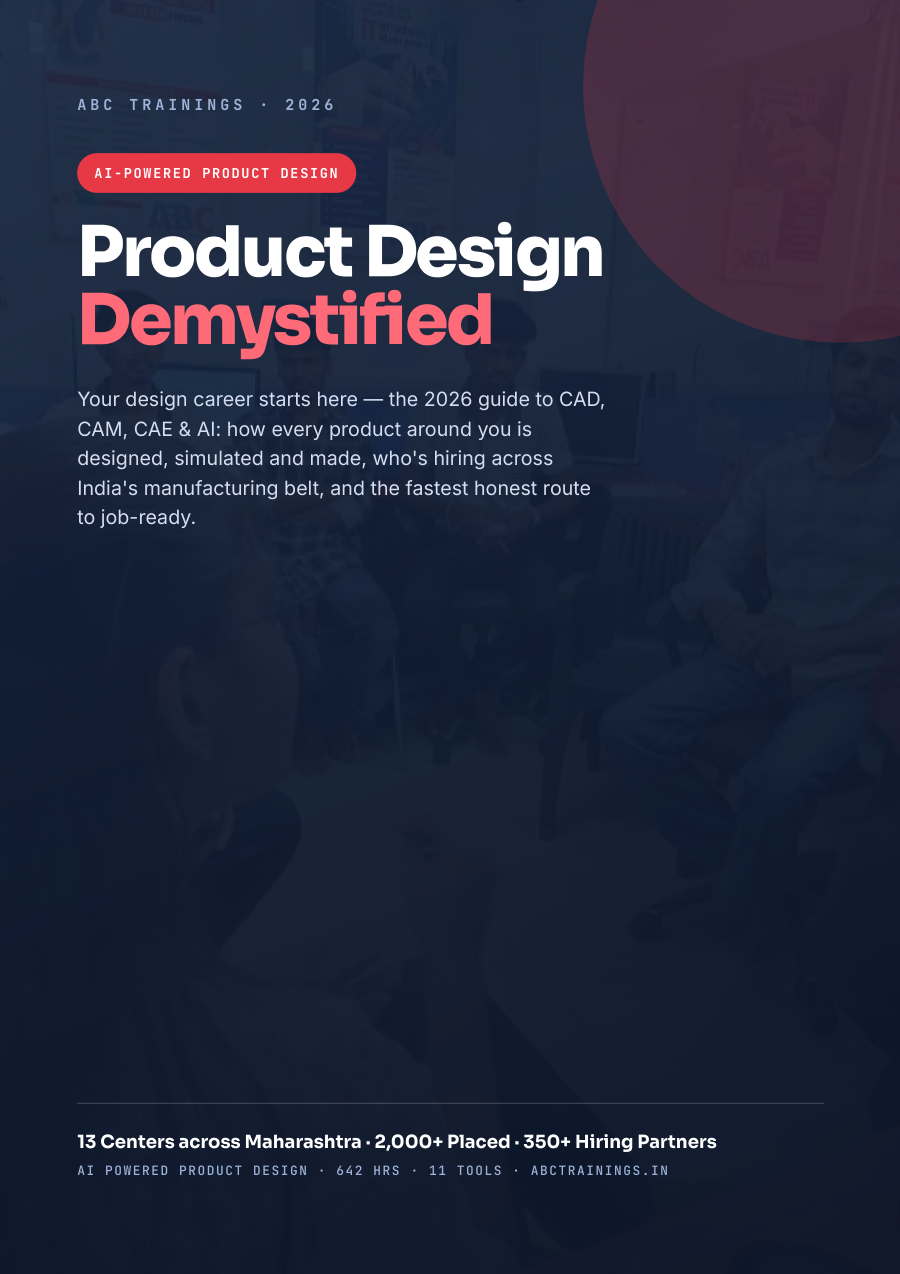
Your 2026 guide to a design career: what CAD, CAM & CAE are, the roles & salaries, the companies hiring across Maharashtra, and the exact roadmap to job-ready. Drop your number and read all 24 pages instantly — right here on the site.
By submitting you agree to be contacted by ABC Trainings about CAD & design courses. No spam.
Talk to a counsellor
Fastest — reply in 2 min
Call us
+91 70391 69629
Mon–Sat, 9:00 AM – 8:00 PM