ABC Trainings’ Transportation Design syllabus brings together roadway drafting, highway geometry, terrain and corridor modelling, bridge analysis and project coordination. Choose the work you want to practise first: produce a drawing, develop a road model or explain how structural and scheduling decisions fit the infrastructure project.
For civil-engineering learners connecting design theory to drawings and models, drafting users moving into roadway workflows, and learners building coordination skills across road, bridge and project documents. A clear model-to-drawing handover is a useful thread through the published modules.
Which focus fits your next task?
I need a strong drawing and geometry foundation
Start here when reading plans and profiles or explaining an alignment is the main learning need.
Pair AutoCAD setup, layers and annotation with the highway-geometry topics: horizontal and vertical alignment, cross-sections and intersections.
Published syllabus topics
AutoCAD for Transportation Drafting
Highway Geometric Design (IRC Codes)
I want to develop a terrain-to-road model
Choose this focus when you understand drawings and want to work through surfaces, alignments and corridor outputs.
Follow the Civil 3D workflow from survey data to a corridor and quantities. Compare the conceptual InfraWorks step with the OpenRoads and MX Road modelling topics.
Published syllabus topics
Advanced Roadway Design with Civil 3D
Infrastructure Modeling with InfraWorks
OpenRoads & MX Road for Dynamic Modeling
I want to coordinate structures and delivery
Choose this focus when your learning goal is to understand how structural results, documentation and schedule dependencies fit together.
Use the ETABS and STAAD.Pro modules to interpret model inputs and results, then connect quantities and drawing handovers with the project-planning topics.
Published syllabus topics
Bridge & Structural Analysis with ETABS
Foundations & Geotechnical Design with STAAD.Pro
Transportation Planning & Project Coordination
Project Management with MSP + Placement Prep
A suggested learning sequence
Read and draft the geometry
Set up a drawing, annotate an alignment and connect plan, profile and cross-section views.
Check your understanding: Explain which features appear in each view and how the views agree.
Build the terrain and corridor workflow
Start from sample survey data, create a surface, then develop alignments, profiles and corridor sections.
Check your understanding: Trace a section and cut/fill summary back to the model inputs.
Interpret a structural example
Review a simplified bridge or foundation model and compare the effects of its chosen load cases.
Check your understanding: Identify the assumptions and explain the resulting changes in the output.
Coordinate a documented handover
Connect drawing/model deliverables, quantities and an MSP task sequence with dependencies.
Check your understanding: Show which outputs another task needs before it can start.
Practice exercises with a checkable output
These suggested learning examples use the published syllabus topics. Use fictional or sample data to practise and explain your work.
Build, check and explain
Annotated road plan and profile
Use a fictional alignment to produce a small plan/profile drawing and a cross-section with consistent labels.
Practice output: A drawing sheet and a note explaining the geometric choices.
Syllabus connection
AutoCAD for Transportation Drafting
Highway Geometric Design (IRC Codes)
Build, check and explain
Terrain-to-corridor example
Use sample survey points to model a surface and a short road corridor, then inspect sections and a cut/fill summary.
Practice output: Model views, representative cross-sections and a quantity summary linked to the inputs.
Syllabus connection
Advanced Roadway Design with Civil 3D
Build, check and explain
Structural results and project dependencies
Compare load cases in a simplified learning model, then sketch a project schedule that connects drawing, model review and quantity outputs.
Practice output: A load-case comparison note and a dependency-based MSP schedule for the fictional example.
Syllabus connection
Bridge & Structural Analysis with ETABS
Transportation Planning & Project Coordination
Project Management with MSP + Placement Prep
Watch on ABC Trainings
AutoCAD Civil 3D Basics for Beginners – Episode 19
AutoCAD Civil 3D basics for beginners, episode 19: what Civil 3D is and how it is used for roads, highways, railways and land development.
Which institute is best for PG Diploma in Transportation Design?
ABC Trainings offers PG Diploma in Transportation Design with the 5 Months duration listed on this page at ABC CAD Centre, Osmanpura, Chh. Sambhajinagar; ABC IT Trainings, Osmanpura, Chh. Sambhajinagar; ABC CAD & IT Trainings, CIDCO, Chh. Sambhajinagar; ABC IT Trainings, CIDCO, Chh. Sambhajinagar; ABC CAD & IT Trainings, Latur; ABC IT Trainings, Latur; ABC CAD & IT Trainings, Dhanori-Lohegaon, Pune; ABC CAD & IT Trainings, Jalgaon; ABC CAD & IT Trainings, Wagholi, Pune; ABC IT Trainings, Wagholi, Pune; ABC CAD & IT Trainings, Narhe, Pune; ABC CAD & IT Trainings, Sangli; ABC CAD & IT Trainings, Hadapsar, Pune. This page also shows 699+ verified reviews. Confirm the live centre, trainer, delivery mode, timetable and complete written fee before paying.
Published
Course Outcomes
Linked evidence page
Reviewed
Portfolio Projects
Practical course work
Included
Placement Support
Confirm current referral activity
20,000+
Trained Alumni
Since 2014
What You'll Master
Industry-grade skills, taught hands-on.
The PG Diploma in Transportation Design program is engineered to put you in the seat of a working professional from day one. Every concept is paired with a live exercise, every module ends with a project, and every batch is mentored by an industry expert.
You will walk out with a portfolio of real deliverables — not just a certificate.
9 structured modules — from foundations to a placement-ready capstone.
Industry Software Lab
Tools & Software You'll Use
Licensed software, walked through command-by-command on industry workflows.
AutoCAD
Civil 3D
InfraWorks
OpenRoads
MX Road
ETABS
STAAD.Pro
Highway Design (IRC Codes)
Bridge Design
GIS Integration
Transportation Planning
Microsoft Project (MSP)
Inside the Classroom
Real ABC students, real sessions
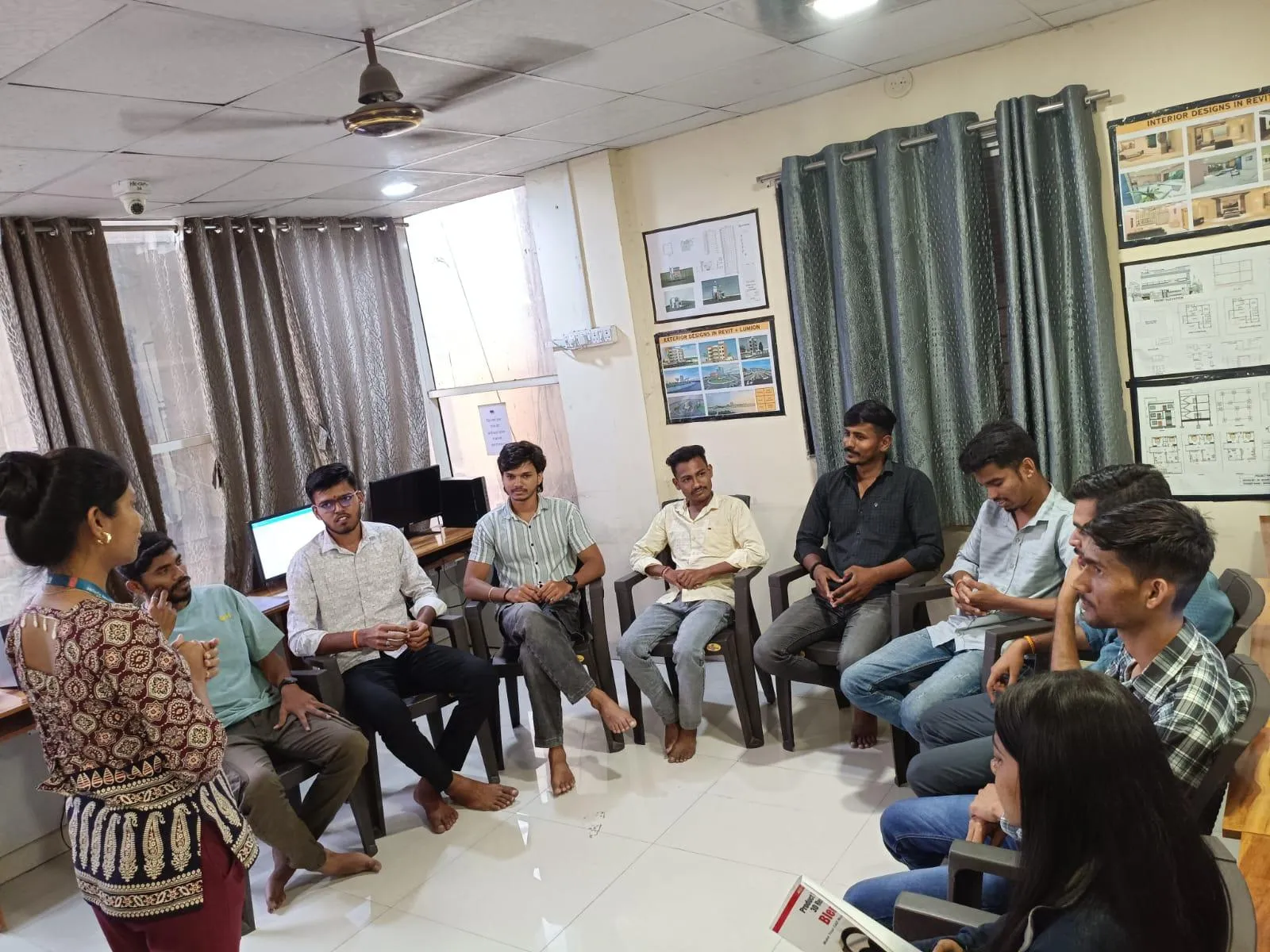
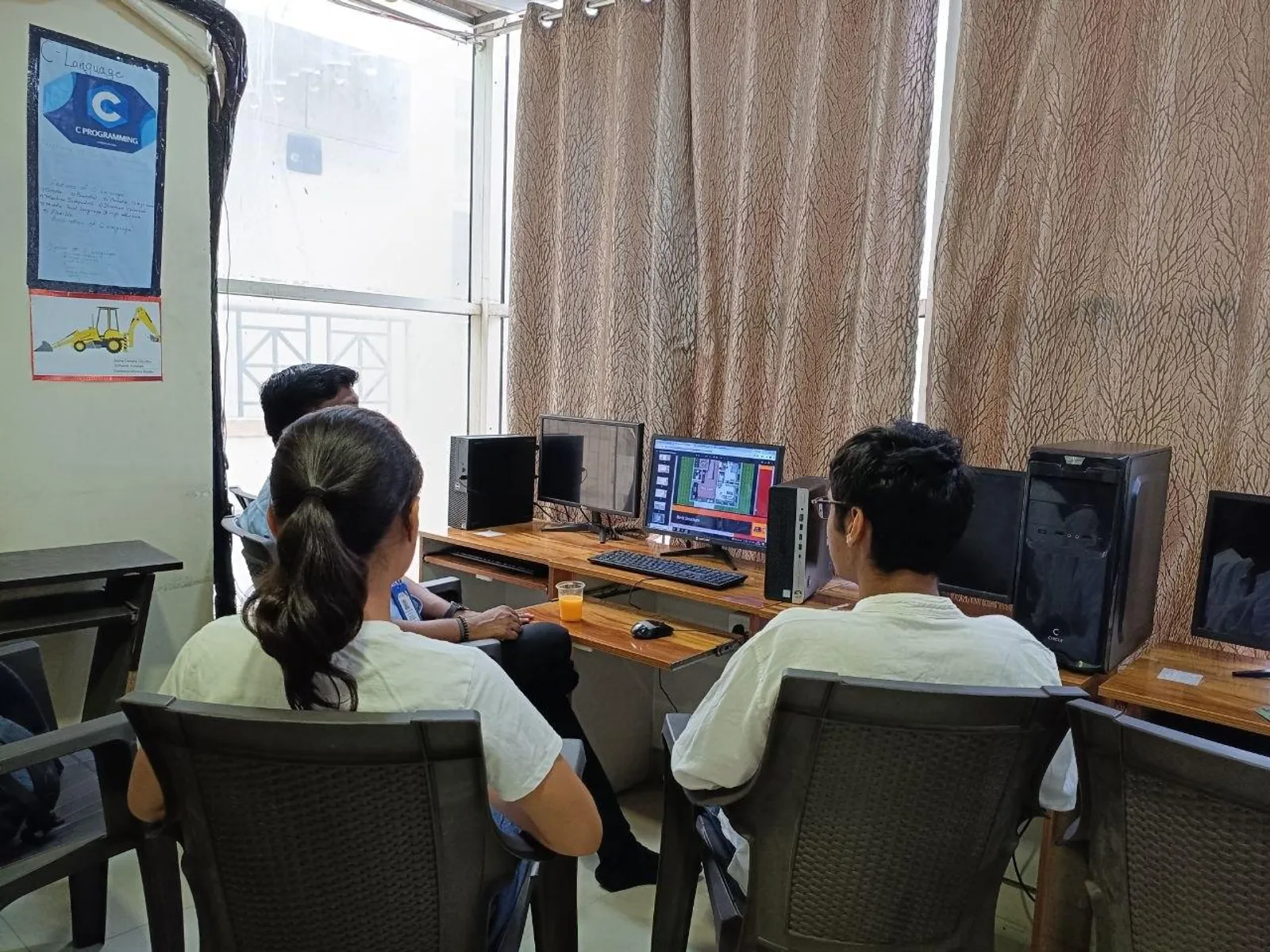
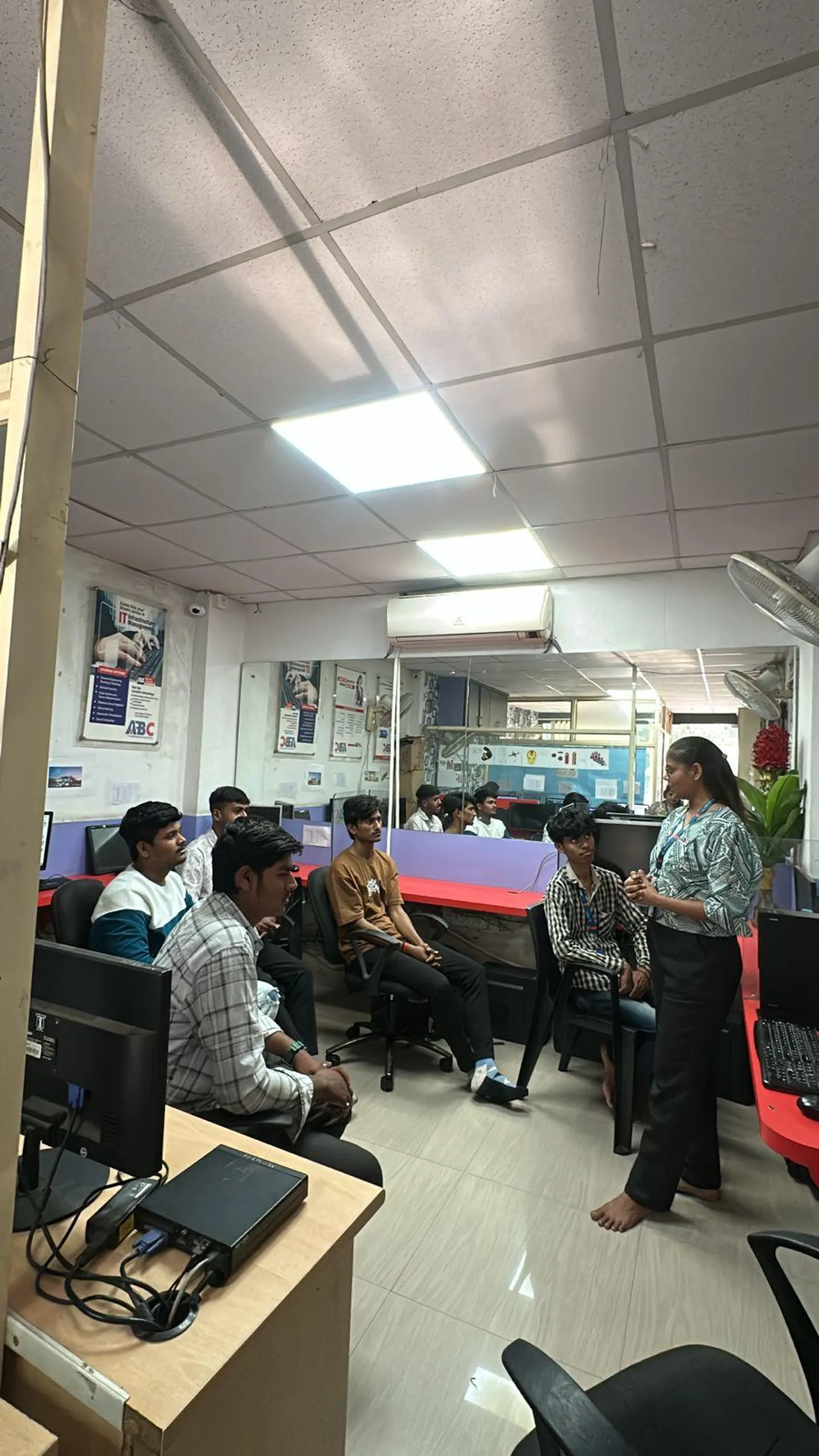
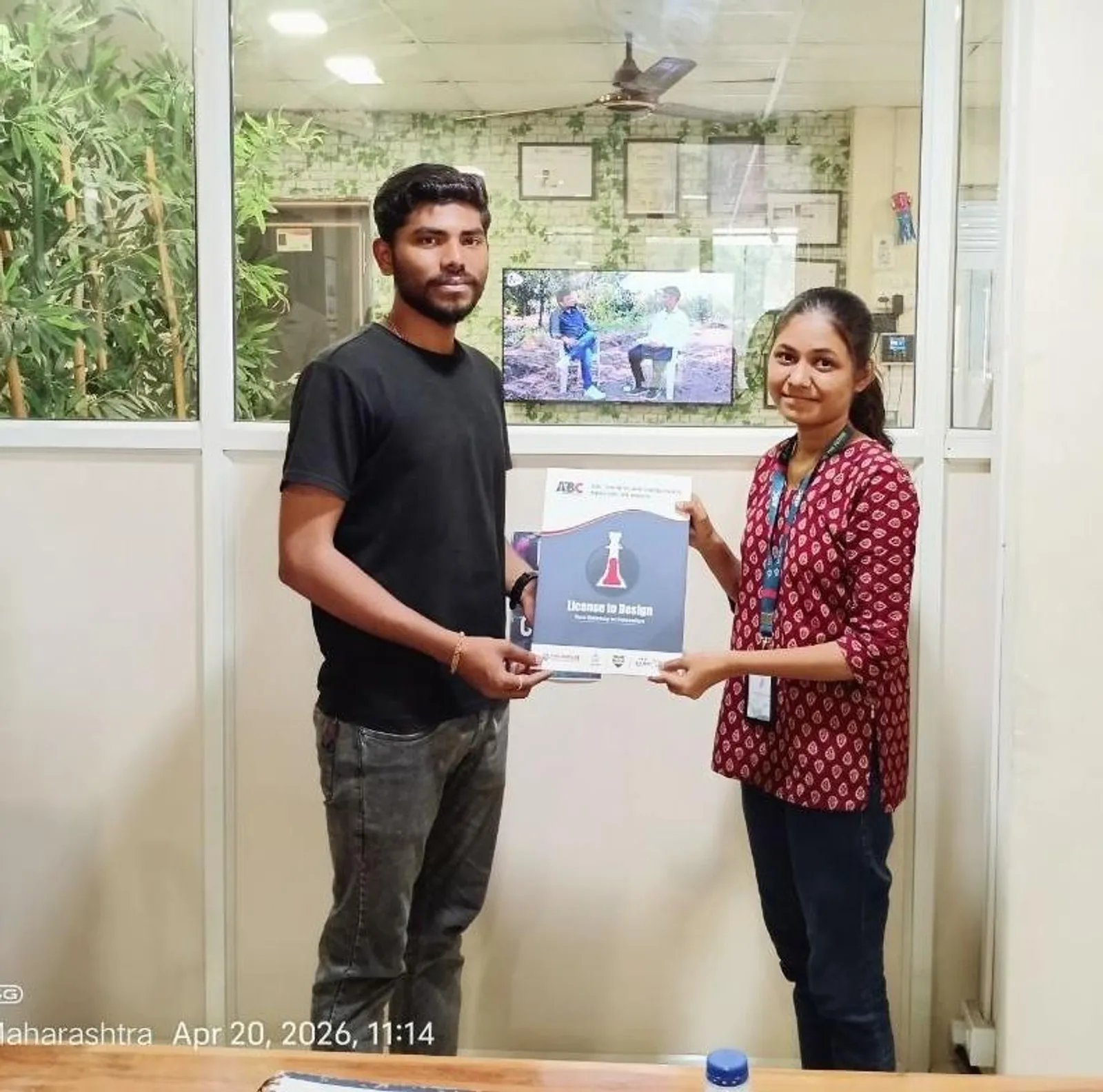
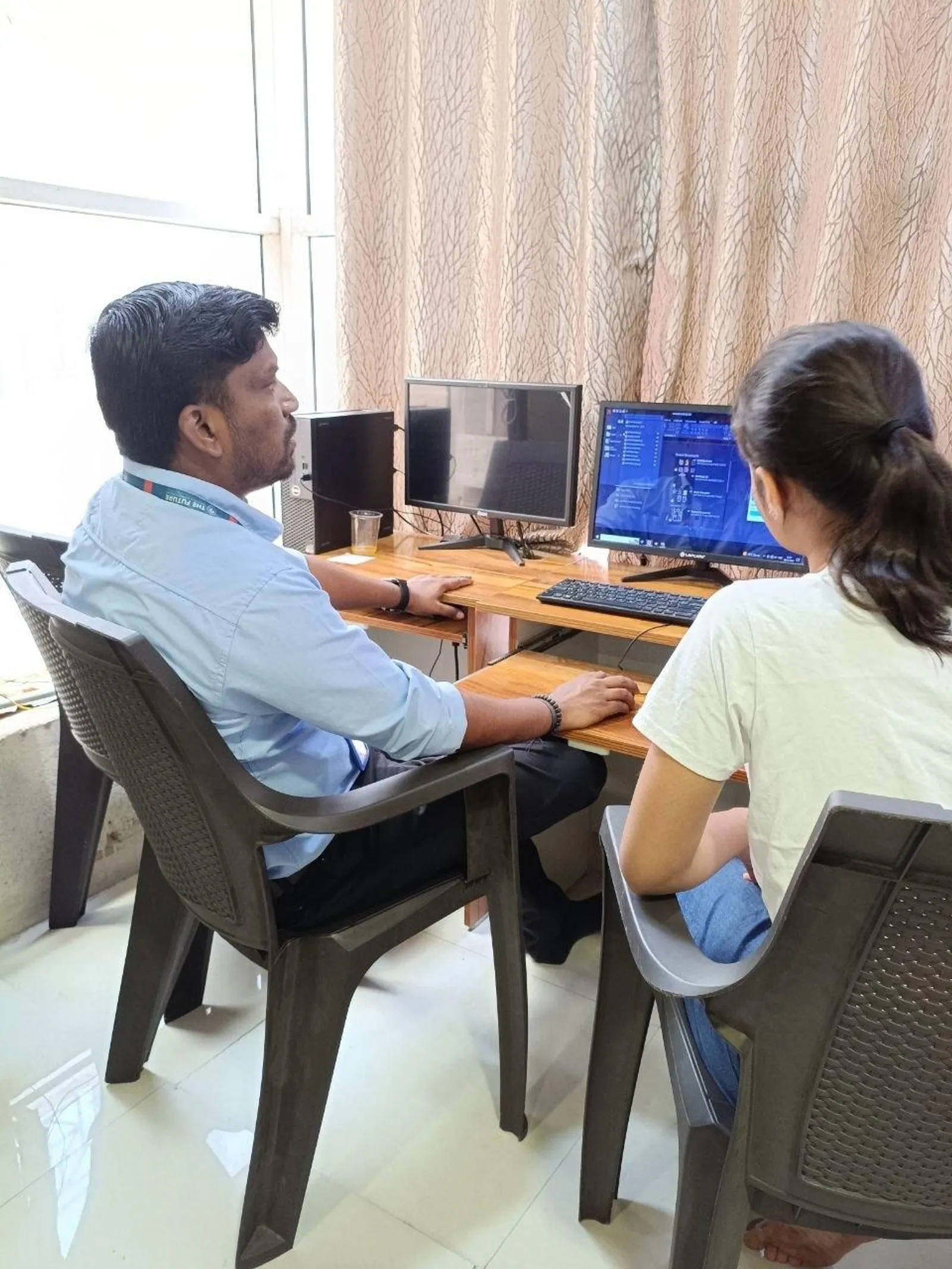
First-party classroom sessions, workshops and learner documentation across our centers in Maharashtra.
Wagholi, PuneOsmanpura, Chh. SambhajinagarWagholi, PuneWagholi, PuneWagholi, PuneWagholi, PuneWagholi, PuneWagholi, Pune
Career Outcomes
Where our alumni go next.
Placement support includes portfolio review, resume guidance and interview preparation. Course-specific enrolment, review, trainer and hiring evidence is published separately for verification.
Included
Portfolio Review
Included
Interview Practice
Published
Outcome Evidence
Confirm
Current Referrals
Verify current employer evidence
Employer demand, open roles, referrals and salary ranges change by course, location, experience and hiring cycle. Review the published course evidence and confirm current placement-support activity with the centre. ABC does not promise a specific employer, salary or placement timeline without an exact written record. Any employer names supplied for this course are context to verify, not a current partnership or vacancy claim.
“A good course for learning AutoCAD from scratch. Step-by-step guidance from the trainer made learning simple and enjoyable, and the sessions significantly improved my drafting understanding.”
Ishwari Patil
AutoCAD For Civil Engineer & Architect · Sangli
M.Sc · from Sangli, Maharashtra
“Completed AI-Powered Tools for AutoCAD at ABC Training Centre, CIDCO Chh. Sambhajinagar. Trainer Pradnya Salve Ma'am provided good guidance and support — grateful for the teaching, thank you ma'am.”
Pooja Kshirsagar
AI-Powered Tools for AutoCAD (Civil, Architecture, Interiors) · Chh. Sambhajinagar
Diploma (Civil) · from Latur, Maharashtra
“Recently completed the Staad Pro RCDC civil course at ABC CAD Centre, Osmanpura — a fantastic learning experience. Conducted under the expert guidance of Santosh Sir, who explained every topic with clarity and real-world examples.”
Sagar D.
STAAD Pro + RCDC Civil · Chh. Sambhajinagar
Diploma (Civil) · from Pathardi, Maharashtra
“Completed the AI-Powered Tools for AutoCAD course at ABC Trainings, CIDCO, Chh. Sambhajinagar. Thanks to my trainer for explaining well and guiding me through.”
Janhavi Sonawane
AI-Powered Tools for AutoCAD (Civil, Architecture, Interiors) · Chh. Sambhajinagar
from Chh. Sambhajinagar, Maharashtra
“Worth every minute 🙌 — completed my AI AutoCAD course and seriously learned about my field. Teachers are supportive and understanding ❤️ with a soft, comfortable teaching style. Happy to be part of ABC Training — I have more software courses ahead and I'll continue here because it's that good.”
Abdulraheman Binsameda
AI-Powered Tools for AutoCAD (Civil, Architecture, Interiors) · Chh. Sambhajinagar
Diploma · from Jalna, Maharashtra
“Completed AutoCAD for Civil Engineer & Architect at ABC Trainings, Wagholi, Pune. Santosh Sir explained complex concepts clearly with practical examples and hands-on projects — an outstanding learning experience for civil and architectural drafting.”
Rutuja S.
AutoCAD for Civil & Architect · Pune
B.Tech (Civil) · from Chh. Sambhajinagar, Maharashtra
Locations
Available at these centers
World-class infrastructure, licensed labs, and walk-in counselling — learn close to home.
Chh. Sambhajinagar
Osmanpura CAD
CAD
S.S.C Board to Peer Bazar Road, In front of Jama Masjid, near Post Office, New Usmanpura, Aurangabad 431005
Current start dates and seats — confirm with admissions. Get instant clarity on batches, start dates, placement support, and the exact fee for your profile — on a free counselling call.
Flexible payment options
Pay in full or in easy instalments with leading lenders — your counsellor shares the full plan.
ABC Trainings course certificate
ABC Trainings issues the course completion certificate; it is not a government, university or software-vendor credential unless separately documented.
Placement-support terms
Confirm the current resume, portfolio, interview and referral activity; no employer or job outcome is guaranteed, and no salary or timeline is promised.
New batch every Monday
Weekday, weekend, and fast-track schedules — pick what fits your week.
Admissions open
Free career counselling
Get the exact fee, payment options & next batch date for your profile — talk to a counsellor, no obligation.
These related official courses cover skills discussed on this page. Their individual prices are not the fee for this programme, and the list does not define a bundled syllabus.