AI-Powered PG Diploma in Product Design & Analysis
CATIA V5, SolidWorks, NX CAD, Creo and ANSYS Workbench — design OEM-grade products, validate with FEA and build a portfolio that speaks to auto OEM hiring managers.
Up to 660 Hours · 3 tracksOffline / Online / HybridNext batch: Confirm with admissions
Which institute is best for AI-Powered PG Diploma in Product Design & Analysis?
ABC Trainings offers AI-Powered PG Diploma in Product Design & Analysis with the Up to 660 Hours · 3 tracks duration listed on this page at ABC CAD Centre, Osmanpura, Chh. Sambhajinagar; ABC CAD & IT Trainings, CIDCO, Chh. Sambhajinagar; ABC CAD & IT Trainings, Latur; ABC CAD & IT Trainings, Dhanori-Lohegaon, Pune; ABC CAD & IT Trainings, Jalgaon; ABC CAD & IT Trainings, Wagholi, Pune; ABC CAD & IT Trainings, Narhe, Pune; ABC CAD & IT Trainings, Sangli. This page also shows 699+ verified reviews. Confirm the live centre, trainer, delivery mode, timetable and complete written fee before paying.
Published
Course Outcomes
Linked evidence page
Reviewed
Portfolio Projects
Practical course work
Included
Placement Support
Confirm current referral activity
20,000+
Trained Alumni
Since 2014
What You'll Master
Industry-grade skills, taught hands-on.
The AI-Powered PG Diploma in Product Design & Analysis program is engineered to put you in the seat of a working professional from day one. Every concept is paired with a live exercise, every module ends with a project, and every batch is mentored by an industry expert.
You will walk out with a portfolio of real deliverables — not just a certificate.
8 structured modules — from foundations to a placement-ready capstone.
One Program · Three Certificates
Choose your Product Design path
Master CATIA, SolidWorks, NX CAD, Creo Parametric and ANSYS Workbench — design OEM-grade products, validate with FEA simulation and build a portfolio that opens doors at Tata, Mahindra, Mercedes and global engineering services firms. Start where you are — step up from a focused Diploma to the Master Diploma multi-CAD core, or go all the way with the flagship AI-Powered PG Diploma in Product Design & Analysis.
Diploma
Diploma in Product Design
The fast on-ramp — AutoCAD 2D, SolidWorks solid modelling and CATIA V5 surface design.
3 courses 240 hrs 4–6 months
AutoCAD for Mechanical Design · 80 hrs
SolidWorks — Industry-Grade Modelling · 80 hrs
CATIA V5 — Aerospace & Automotive CAD · 80 hrs
Best for: Mechanical diploma holders and BE freshers targeting their first CAD Design Engineer or Drafter role.
Best for: Anyone who wants the full product-design-engineer toolkit: multi-CAD authoring, FEA simulation, GD&T, CNC toolpaths and AI-driven design — one program, one portfolio.
Every tier includes placement support, an ISO 9001:2015 institute certificate, and flexible weekday / weekend / fast-track batches. Fees on request — talk to a counsellor, free and no obligation.
Real words from real students — sourced from the ABC Trainings admission portal
“
I completed my CATIA course at ABC CAD Centre, Osmanpura under the guidance of Shubham L. Choundiye Sir — an excellent learning experience. The course was well-structured, covering all essential concepts with practical applications. Shubham Sir's teaching approach was clear, patient and highly knowledgeable, making complex topics easy to understand.
Kaushal Shukla
CATIA V5 · Osmanpura, Chh. Sambhajinagar
“
I completed the SolidWorks course at ABC CAD Centre and my experience was excellent. Well-structured training with knowledgeable instructors. The practical sessions were particularly helpful — hands-on experience with real-world design applications. The course covered everything from basic sketching to advanced 3D modelling, assemblies and simulations.
Mahesh Kamatkar
SolidWorks · Hadapsar, Pune
“
I successfully completed the ANSYS Workbench training at ABC CAD Center, Osmanpura under the expert guidance of Mr. Shubham Choundiye. I gained a comprehensive understanding of the ANSYS Workbench interface and its various analysis tools. The learning environment was conducive with well-structured course material.
Atharva Kulkarni
ANSYS Workbench · Osmanpura, Chh. Sambhajinagar
All reviews verified on the ABC Trainings student admission portal
Industry Software Lab
Tools & Software You'll Use
Licensed software, walked through command-by-command on industry workflows.
CATIA V5
SolidWorks
NX CAD
Creo
AutoCAD
ANSYS Workbench
GD&T
Sheet Metal
Surface Modelling
DFM / DFA
BOM
NX CAM
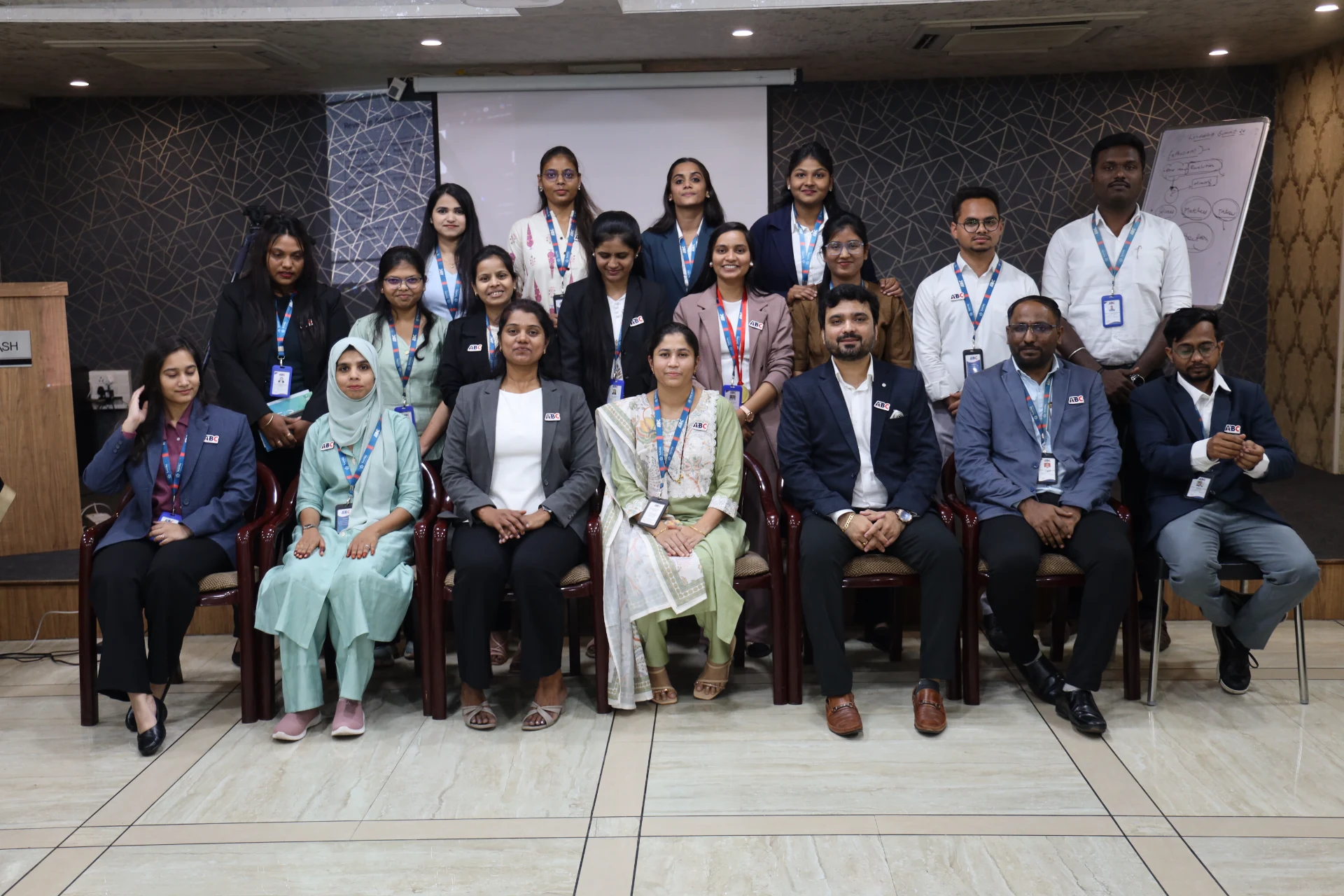
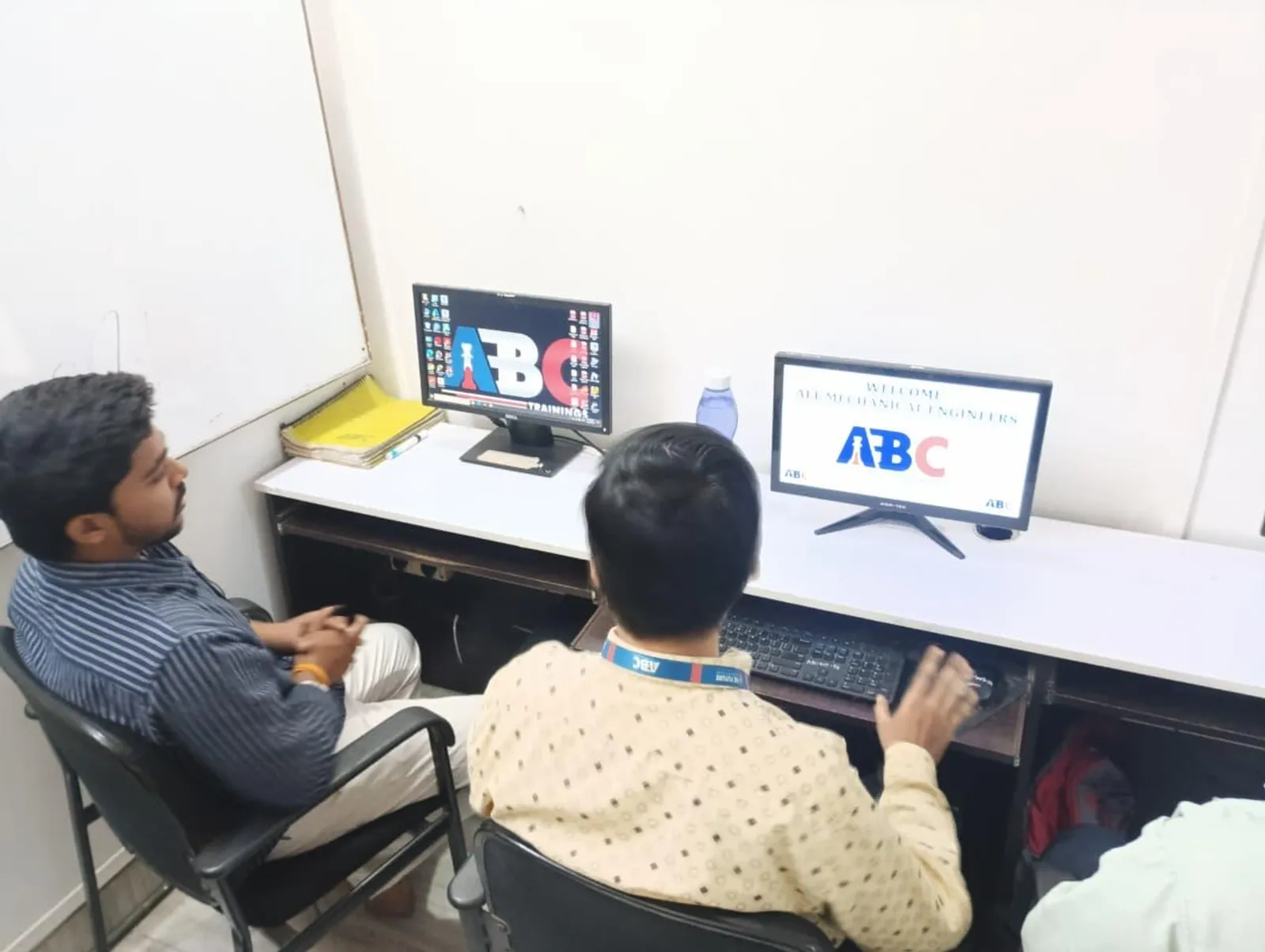
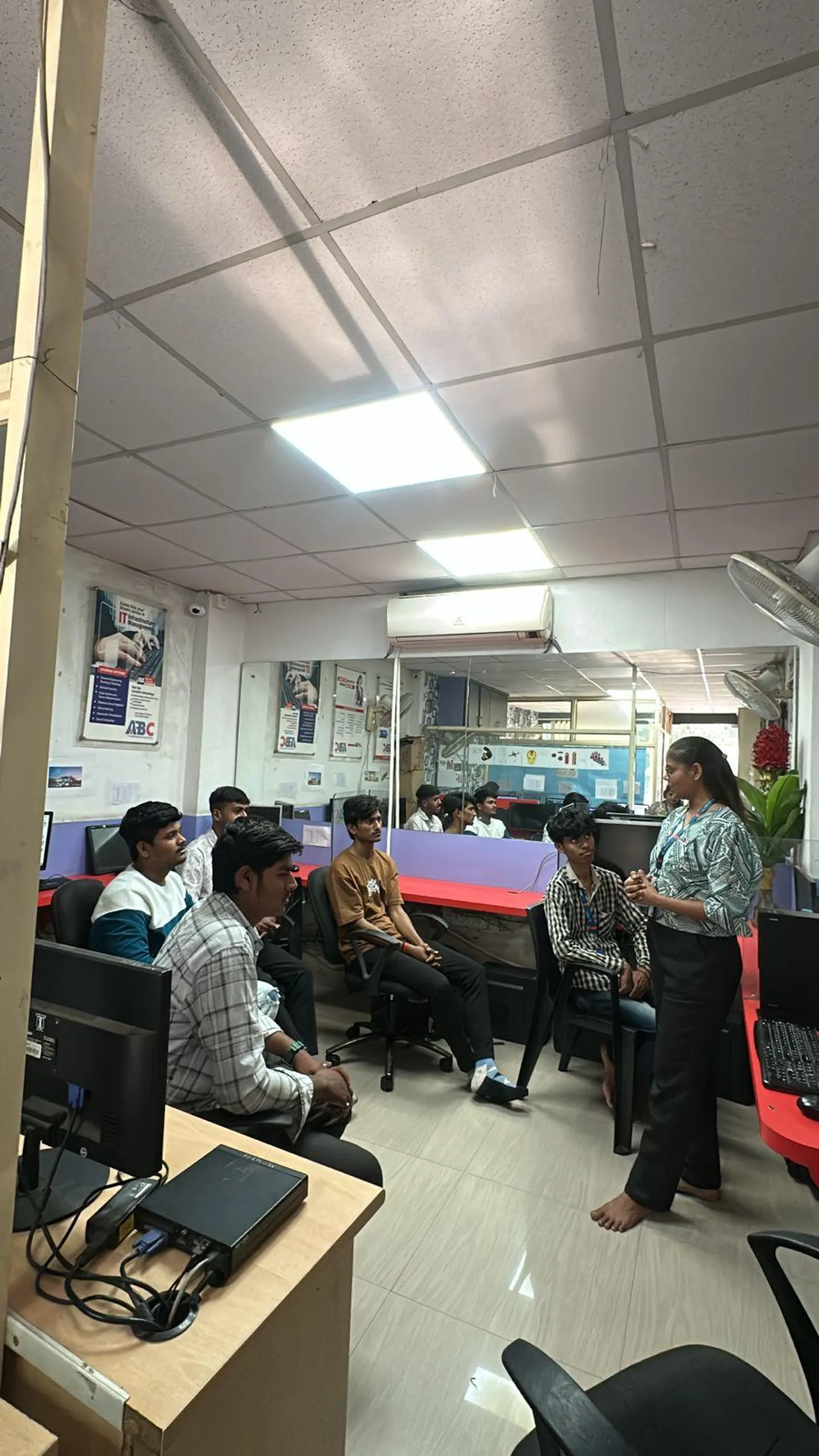
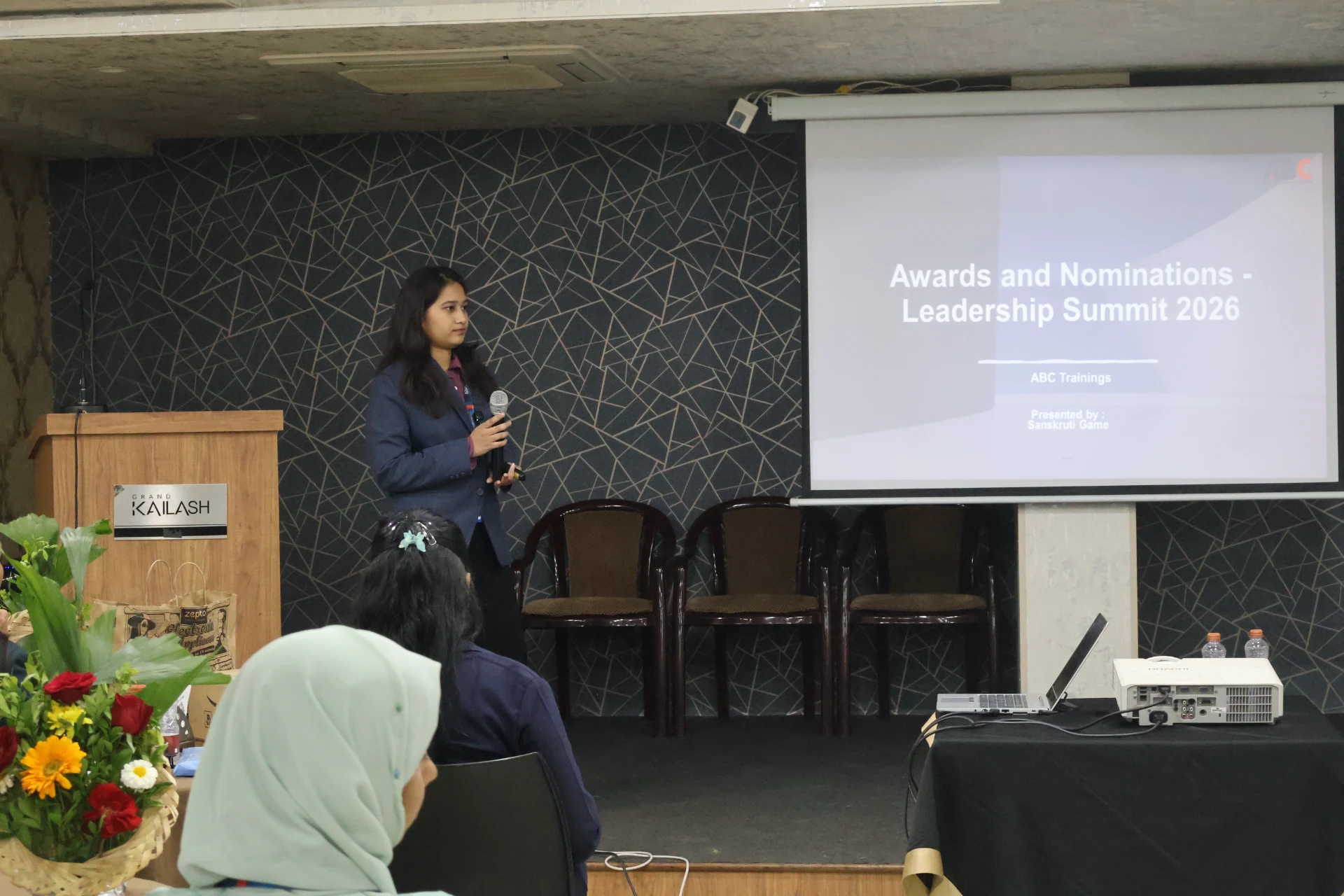
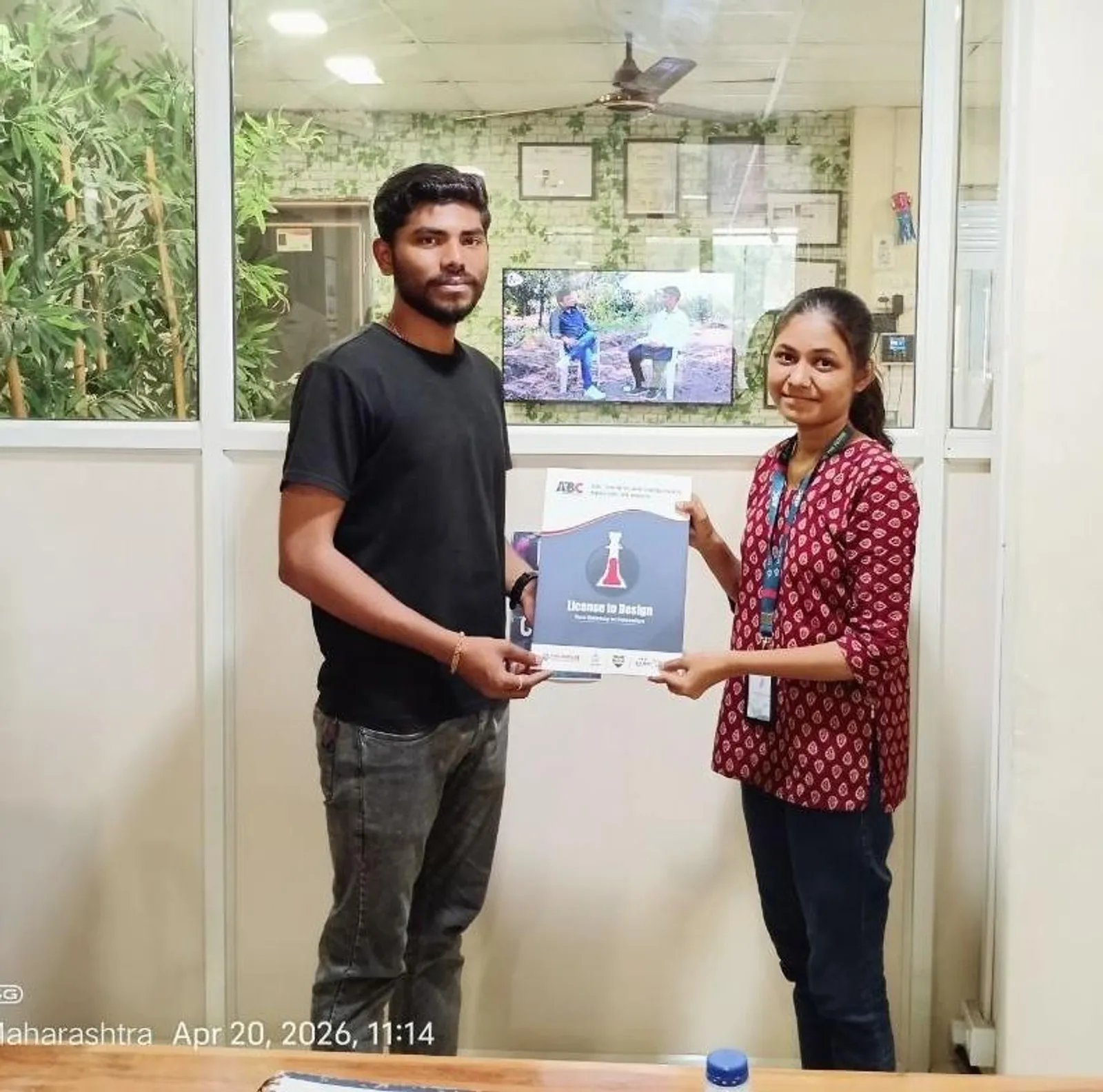
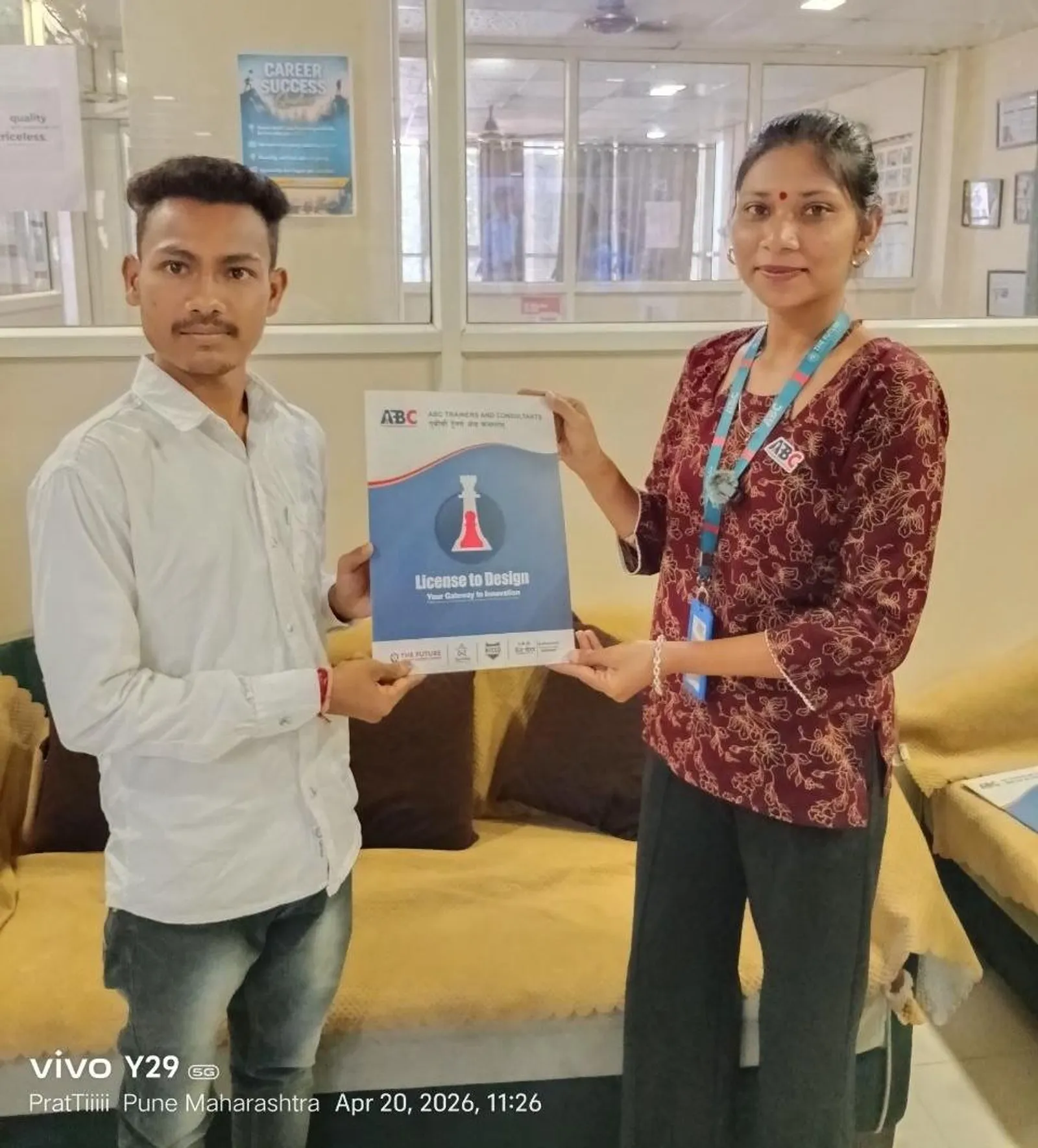
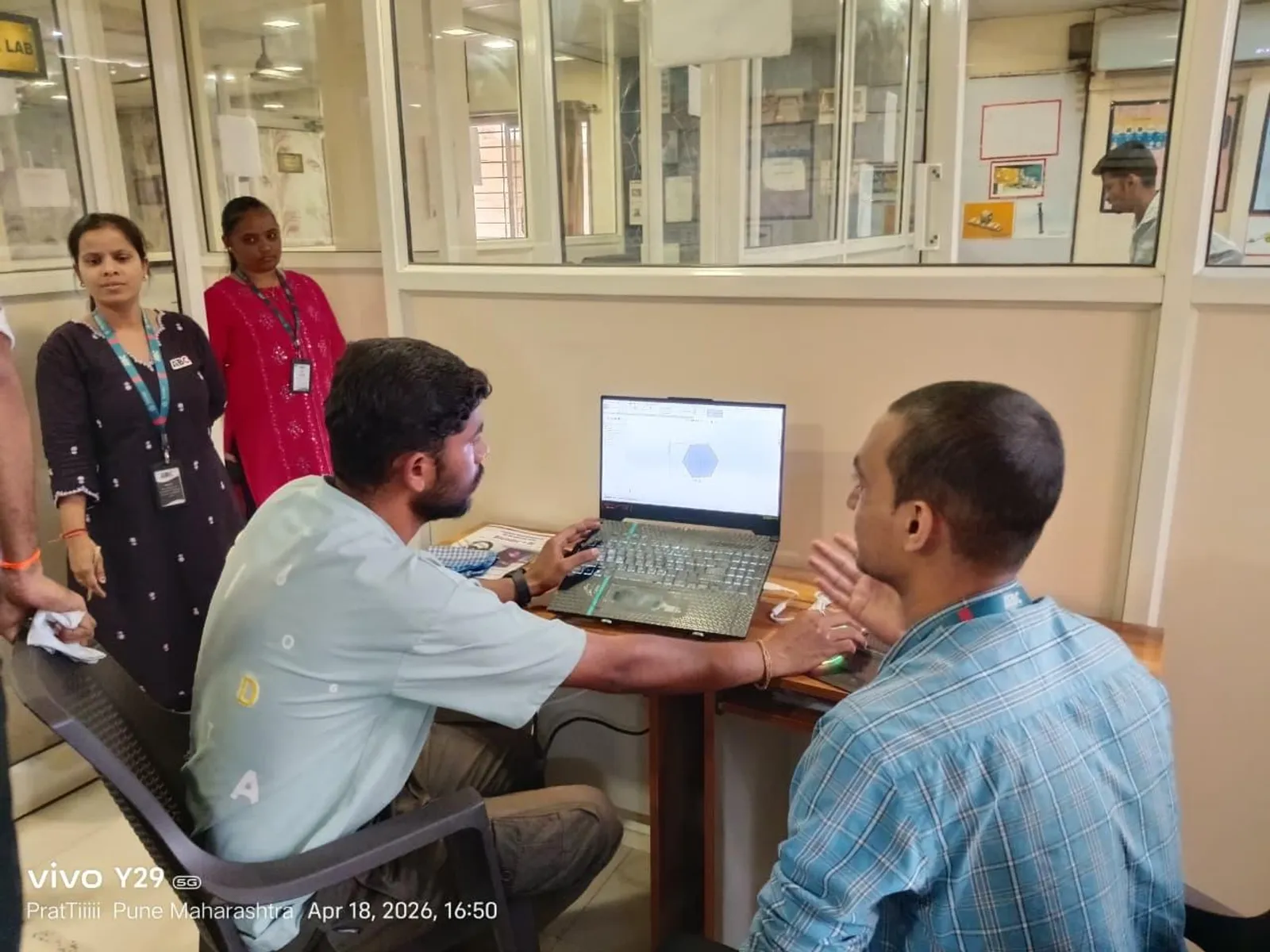
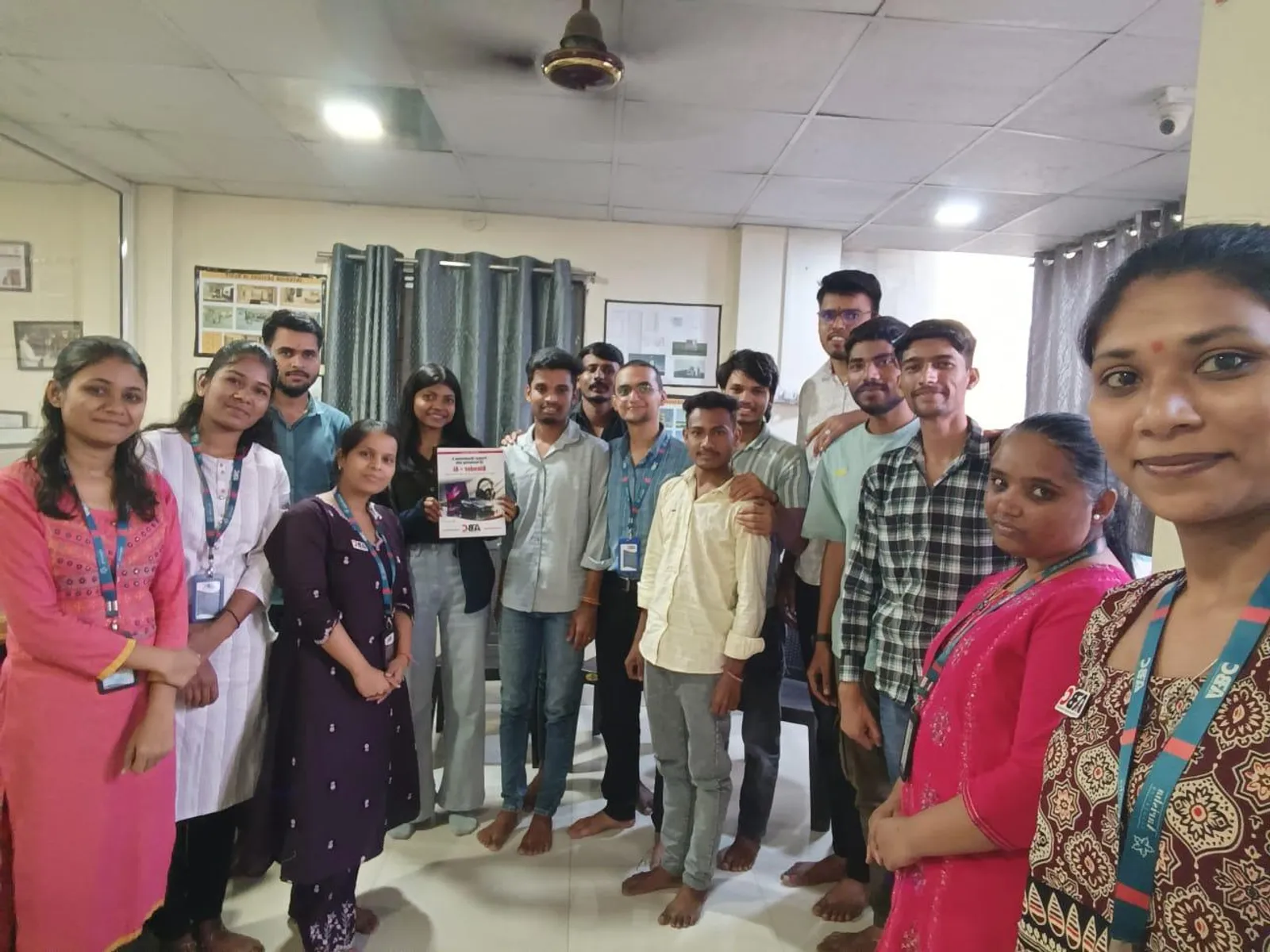
Inside the Classroom
Real ABC students, real sessions
First-party classroom sessions, workshops and learner documentation across our centers in Maharashtra.
Placement support includes portfolio review, resume guidance and interview preparation. Course-specific enrolment, review, trainer and hiring evidence is published separately for verification.
Included
Portfolio Review
Included
Interview Practice
Published
Outcome Evidence
Confirm
Current Referrals
Verify current employer evidence
Employer demand, open roles, referrals and salary ranges change by course, location, experience and hiring cycle. Review the published course evidence and confirm current placement-support activity with the centre. ABC does not promise a specific employer, salary or placement timeline without an exact written record. Any employer names supplied for this course are context to verify, not a current partnership or vacancy claim.
“Completed CATIA under expert guidance of Shubham Choundiye Sir. The training was very helpful for understanding 3D modeling, sketching and assembly. Practical approach made it easy to apply commands effectively.”
Chaitanya S.
CATIA · Chh. Sambhajinagar
Diploma · from Chh. Sambhajinagar, Maharashtra
“ABC is the best class for the CAD section. Shubham Sir teaches SolidWorks very deeply — every command with real-world context. The class environment is supportive and well-organised.”
Omkar B.
SolidWorks · Chh. Sambhajinagar
B.E. (Mechanical) · from Chh. Sambhajinagar, Maharashtra
“Successfully completed my PLC & SCADA online course. Content was informative and easy to understand. Gained practical knowledge about PLC programming and SCADA systems. Feel more confident working on industrial automation systems.”
Anisha K.
PLC & SCADA (Online) · Online
from Karad, Maharashtra
“Recently completed the AI Powered Tools for AutoCAD course — a very helpful learning experience. Instructor explained concepts clearly and made the tools easy to understand. Now feel more confident using AI tools with AutoCAD in architectural work.”
Santoshi B.
AI-Powered Tools for AutoCAD · Chh. Sambhajinagar
B.E. (Civil) · from Chh. Sambhajinagar, Maharashtra
“Santosh Sir is an amazing instructor. Very supportive and improved my designing skills. It was such a nice experience for learning AutoCAD software.”
Rutuja J.
AutoCAD · Pune
from Pune, Maharashtra
“This course is brilliant for complete beginners. The structure takes you from knowing nothing to a professional level. Explanations of essential tools are clear and concise. Highly recommended.”
Sangram P.
Solidworks · Pune
Diploma (Mechanical) · from Pune, Maharashtra
Locations
Available at these centers
World-class infrastructure, licensed labs, and walk-in counselling — learn close to home.
Chh. Sambhajinagar
Osmanpura CAD
CAD
S.S.C Board to Peer Bazar Road, In front of Jama Masjid, near Post Office, New Usmanpura, Aurangabad 431005
Current start dates and seats — confirm with admissions. Get instant clarity on batches, start dates, placement support, and the exact fee for your profile — on a free counselling call.
Flexible payment options
Pay in full or in easy instalments with leading lenders — your counsellor shares the full plan.
ABC Trainings course certificate
ABC Trainings issues the course completion certificate; it is not a government, university or software-vendor credential unless separately documented.
Placement-support terms
Confirm the current resume, portfolio, interview and referral activity; no employer or job outcome is guaranteed, and no salary or timeline is promised.
New batch every Monday
Weekday, weekend, and fast-track schedules — pick what fits your week.
Admissions open
Free career counselling
Get the exact fee, payment options & next batch date for your profile — talk to a counsellor, no obligation.
These are separate official courses documented in this learning pathway. Compare each course’s hours and fee; each one is priced and timed on its own, separate from the complete programme.
Your 2026 guide to a design career: what CAD, CAM & CAE are, the roles & salaries, the companies hiring across Maharashtra, and the exact roadmap to job-ready. Drop your number and read all 24 pages instantly — right here on the site.
By submitting you agree to be contacted by ABC Trainings about CAD & design courses. No spam.
Choose by the work you want to build
Choose the product design output you want to explain
At ABC Trainings, the Product Design & Analysis syllabus connects engineering drawings, CAD assemblies and analysis-led design changes. Start with the output you want to practise: a drawing with traceable dimensions, an assembly that follows a revised part, or an FEA comparison with matching study conditions. Each path below connects the work to its published syllabus topics and individual course records.
A part drawing with a dimension and datum review
Explain how a part drawing communicates shape, dimensions and the references used for inspection.
Build
Draw a fictional mounting bracket with orthographic and isometric views. Add its dimensions, chosen datums and a small bill of materials that identifies the bracket and its fasteners.
Revise
Change the mounting-hole spacing in the practice brief. Update the affected views and dimensions, then trace which datum references and tolerance-stack notes need review.
Review
Present the before-and-after drawing, the changed dimension and its datum references. Reconcile the part identifiers in the drawing and bill of materials, and explain the tolerance-stack question created by the change.
Show how a controlled part change reaches the assembly and its drawing package.
Build
Model a fictional bracket and cover in CATIA or SolidWorks. Build their assembly with named parts and constraints or mates, then create a drawing and bill of materials for the sample revision.
Revise
Change the bracket width and the matching cover feature. Rebuild the assembly, inspect the affected relationships and regenerate the drawing from the revised model.
Review
Show the changed dimensions beside the assembly view. Identify the relationships affected by the edit, explain how the parts fit together, and match the model revision, drawing revision and bill of materials.
Explain a design comparison using the study inputs, mesh and reported results together.
Build
Prepare two fictional bracket variants and an ANSYS Workbench study record for each. List the geometry revision, material, applied load, supports, mesh and reported deformation beside the mass of each variant.
Revise
Find any differences in the comparison conditions and repeat the affected study with the same load, material and support definitions. Keep the earlier record so the reason for the corrected comparison is visible.
Review
Compare the results against the exercise brief using the matched studies. Show the mesh review and result locations, explain which variant meets the sample deformation limit, and identify the next geometry change to investigate.