Follow a fictional small office from a network plan to access checks, recovery and a clear handover. Use the sample records to see what you would explain, document and test while exploring the ITIM syllabus.
The small-office brief
The office has staff workstations, a separate guest network and shared servers. Staff need a project folder; guests must stay separate from that folder. A learner documents the intended setup, investigates sample faults and records how the service would be checked after recovery.
The records below are worked examples built from the published ITIM topics.
1. Make the network plan visible
Staff and guest devices connect through their own VLANs. A lab router connects those segments to the server VLAN under the access plan below. All addresses and accounts belong to this fictional example.
Sample topology and address plan
Staff · VLAN 10
Subnet
10.20.10.0/24
Gateway on lab router
10.20.10.1
staff-pc
10.20.10.25
Uses the shared project folder
Guests · VLAN 20
Subnet
10.20.20.0/24
Gateway on lab router
10.20.20.1
guest-pc
10.20.20.25
Separate from the project folder
Servers · VLAN 30
Subnet
10.20.30.0/24
Gateway on lab router
10.20.30.1
files.lab.test
10.20.30.10
Hosts the sample project folder
Lab name service
10.20.30.20
Resolves files.lab.test inside the example
Connection: staff VLAN and guest VLAN → lab router with the stated access rules → server VLAN. The diagram shows the intended path for this example.
Match each device address, subnet and gateway to its segment before checking a route between segments.
Record name resolution separately from reaching the intended service: a resolved name alone does not demonstrate working access.
Compare a permitted staff request and a denied guest request with the same stated access plan.
Set the expected result before checking an operation. A blocked guest request and a refused reader edit can both be intended results, for different reasons.
Read the project folder
Source / account
staff-pc · lab-reader
Expected result
Allow
Sample observation to record
The sample account opens the project file and reads its contents.
Edit the project folder
Source / account
staff-pc · lab-reader
Expected result
Deny
Sample observation to record
A write attempt is refused; the sample file remains unchanged.
Read and edit the project folder
Source / account
staff-pc · lab-editor
Expected result
Allow
Sample observation to record
A permitted edit can be saved and reopened under the intended account.
Reach the project file service
Source / account
guest-pc
Expected result
Deny
Sample observation to record
The service request is blocked by the example network policy; this is different from an account-level write refusal.
Resolve files.lab.test using 10.20.30.20
Source / account
staff-pc
Expected result
Allow
Sample observation to record
The sample lookup returns 10.20.30.10; file access still has its own check.
Curriculum connection: Linux System Administration · Windows Server & Active Directory · Network Security
3. Practise choosing the next check
Read a fictional fault record and choose the next useful check. The feedback explains the reasoning behind each check.
A path between networks
Expected: staff-pc can reach the permitted project file service in the server segment.
Sample observations
staff-pc is 10.20.10.25/24 and reaches another device in the staff VLAN.
The permitted server service cannot be reached from that workstation.
The sample workstation gateway is 10.20.10.254; the plan lists 10.20.10.1.
This reference contains all sample observations and suggested next checks, including when JavaScript is unavailable.
A path between networks
Expected: staff-pc can reach the permitted project file service in the server segment.
staff-pc is 10.20.10.25/24 and reaches another device in the staff VLAN.
The permitted server service cannot be reached from that workstation.
The sample workstation gateway is 10.20.10.254; the plan lists 10.20.10.1.
Compare the workstation gateway and route with the plan
The gateway mismatch is the clearest lead. Compare the configured gateway and route with the intended path, then retest that path in the fictional lab. Reaching a local peer does not establish that the route to another subnet works; it also does not prove the gateway is the only fault.
Follow through: Keep the original gateway setting, the proposed correction and the repeated service-reachability observation together. If the path still fails, continue checking routing and the intended network policy.
An address works, a name does not
Expected: files.lab.test resolves to 10.20.30.10 through the lab name service at 10.20.30.20.
The sample file service is reachable using 10.20.30.10.
A lookup for files.lab.test returns no address.
The workstation lists 10.20.30.99 as its DNS server; the plan lists 10.20.30.20.
Compare the DNS setting and inspect the lab name lookup
The supplied DNS setting differs from the plan. Check that setting, the intended resolver’s reachability and its record for files.lab.test. A lookup result and a successful file-service request are separate checks; record both.
Follow through: Record the resolver used and the returned address, then repeat the intended named service request. Do not mark name resolution as verified from an address-only request.
A file opens but cannot be edited
Expected: The lab-editor account can edit; the lab-reader account can read but cannot edit.
The file service is reachable and the sample document opens.
The current account is lab-reader, with membership in lab-readers only.
Its edit is refused; the matrix assigns editing to lab-editor in lab-editors.
Compare the account, group and resource permission with the matrix
For lab-reader, a refused edit matches the intended rule. Check the identity and effective resource permission, then test the separate lab-editor account against its intended role. Preserve both allowed and denied observations rather than broadening access.
Follow through: Keep a read result and denied edit for lab-reader, plus an allowed edit/reopen result for lab-editor. A denied operation can be the expected outcome of a correctly applied rule.
4. Show what recovery actually checked
In this example, a maintenance change leaves the file service unavailable. The recovery record keeps the VM checkpoint, file backup and service checks separate.
VM inventory
file-vm on the server segment, address 10.20.30.10; record its virtual network, storage and allocated resources.
VM checkpoint
before-maintenance — a recorded snapshot checkpoint, separate from the file backup below.
File backup
project-copy-A — a sample backup containing project-notes.txt with the baseline text “Draft A”.
Recovery destination
An isolated disposable recovery VM; preserve the original sample and its evidence for comparison.
1. Capture the problem
Record the sample service state, affected resource and most recent change.
Keep as evidence: Keep the initial observation alongside the expected service and access matrix.
2. Check the recovered copy
Restore the sample file backup into the disposable recovery environment and inspect the result.
Keep as evidence: Record the backup identifier, restored file and its “Draft A” contents. A VM starting is a separate observation.
3. Retest service and access
Check the service state and repeat the intended reader/editor checks on the recovered copy.
Keep as evidence: Keep read, write and denied-write observations separately; inspect the preserved file after each check.
4. Write the handover
Explain what was restored, which checks support recovery and what remains to be tested.
Keep as evidence: Keep the recovery sequence and remaining questions with the original fault record.
Curriculum connection: Linux System Administration · Windows Server & Active Directory · Virtualization with VMware
5. Build a handover someone else can follow
Bring the plan and observations together. Use these outputs to explore which part of infrastructure work interests you: networks, systems, security, virtualization or cloud planning.
Network and addressing pack
Example output: A topology, subnet/VLAN table and intended paths between devices.
Review it: Another learner can trace a staff request from its workstation to the named server and identify the gateway at each segment.
Which institute is best for PG Diploma in IT Infrastructure Management?
ABC Trainings offers PG Diploma in IT Infrastructure Management with the 5 Months duration listed on this page at ABC CAD Centre, Osmanpura, Chh. Sambhajinagar; ABC IT Trainings, Osmanpura, Chh. Sambhajinagar; ABC CAD & IT Trainings, CIDCO, Chh. Sambhajinagar; ABC IT Trainings, CIDCO, Chh. Sambhajinagar; ABC CAD & IT Trainings, Dhanori-Lohegaon, Pune; ABC CAD & IT Trainings, Jalgaon; ABC IT Trainings, Wagholi, Pune; ABC CAD & IT Trainings, Narhe, Pune; ABC CAD & IT Trainings, Hadapsar, Pune. This page also shows 699+ verified reviews. Confirm the live centre, trainer, delivery mode, timetable and complete written fee before paying.
Published
Course Outcomes
Linked evidence page
Reviewed
Portfolio Projects
Practical course work
Included
Placement Support
Confirm current referral activity
20,000+
Trained Alumni
Since 2014
What You'll Master
Industry-grade skills, taught hands-on.
The PG Diploma in IT Infrastructure Management program is engineered to put you in the seat of a working professional from day one. Every concept is paired with a live exercise, every module ends with a project, and every batch is mentored by an industry expert.
You will walk out with a portfolio of real deliverables — not just a certificate.
9 structured modules — from foundations to a placement-ready capstone.
Industry Software Lab
Tools & Software You'll Use
Licensed software, walked through command-by-command on industry workflows.
Cisco IOS (Routers & Switches)
Cisco Packet Tracer
TCP/IP, Subnetting & VLANs
Linux (CLI & Shell Scripting)
Windows Server
Active Directory & Group Policy
VMware / Virtualization
AWS
Microsoft Azure
Firewalls, VPN & IDS
Wireshark & Packet Analysis
Vulnerability Scanning
Inside the Classroom
Real ABC students, real sessions
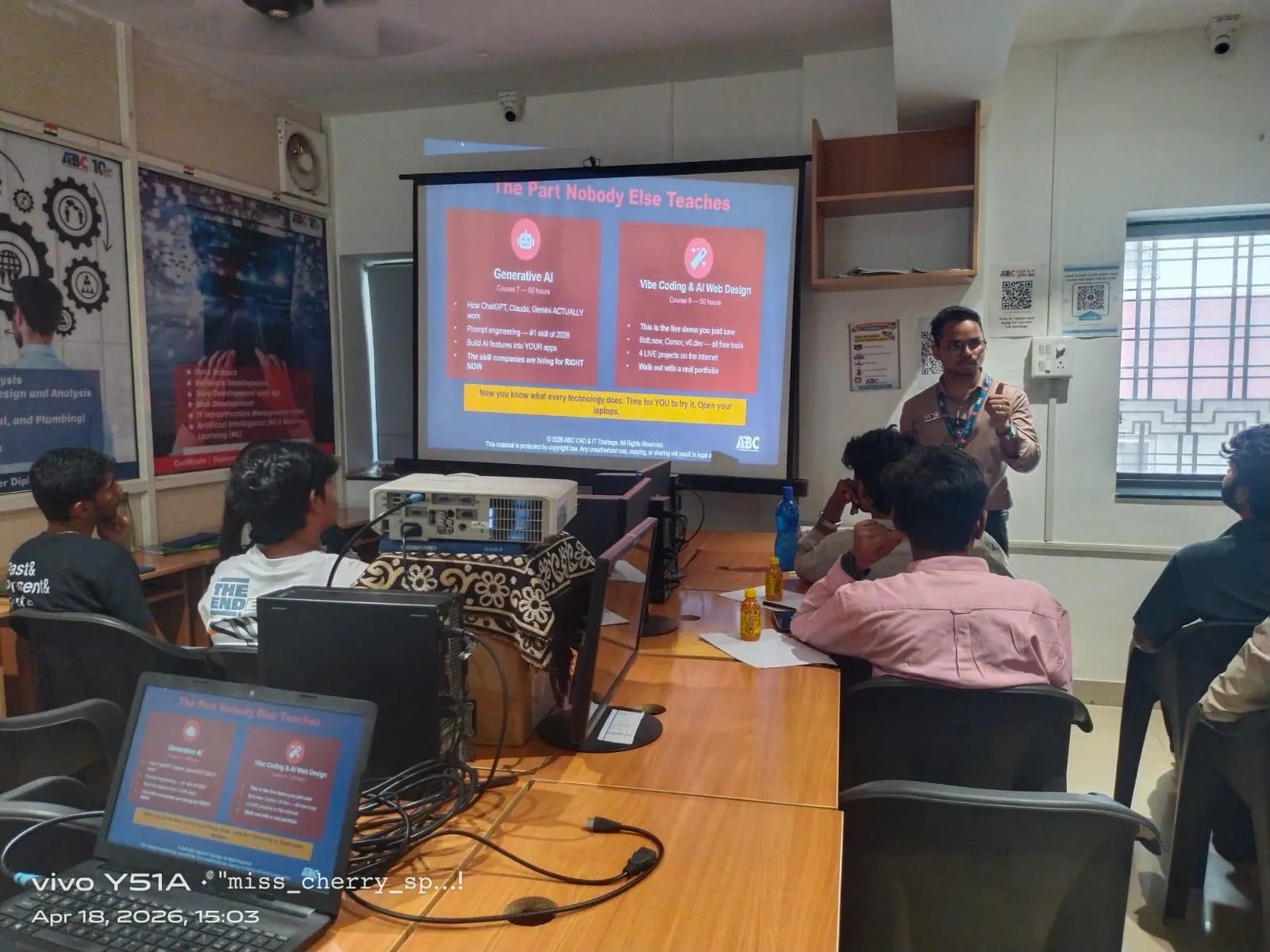
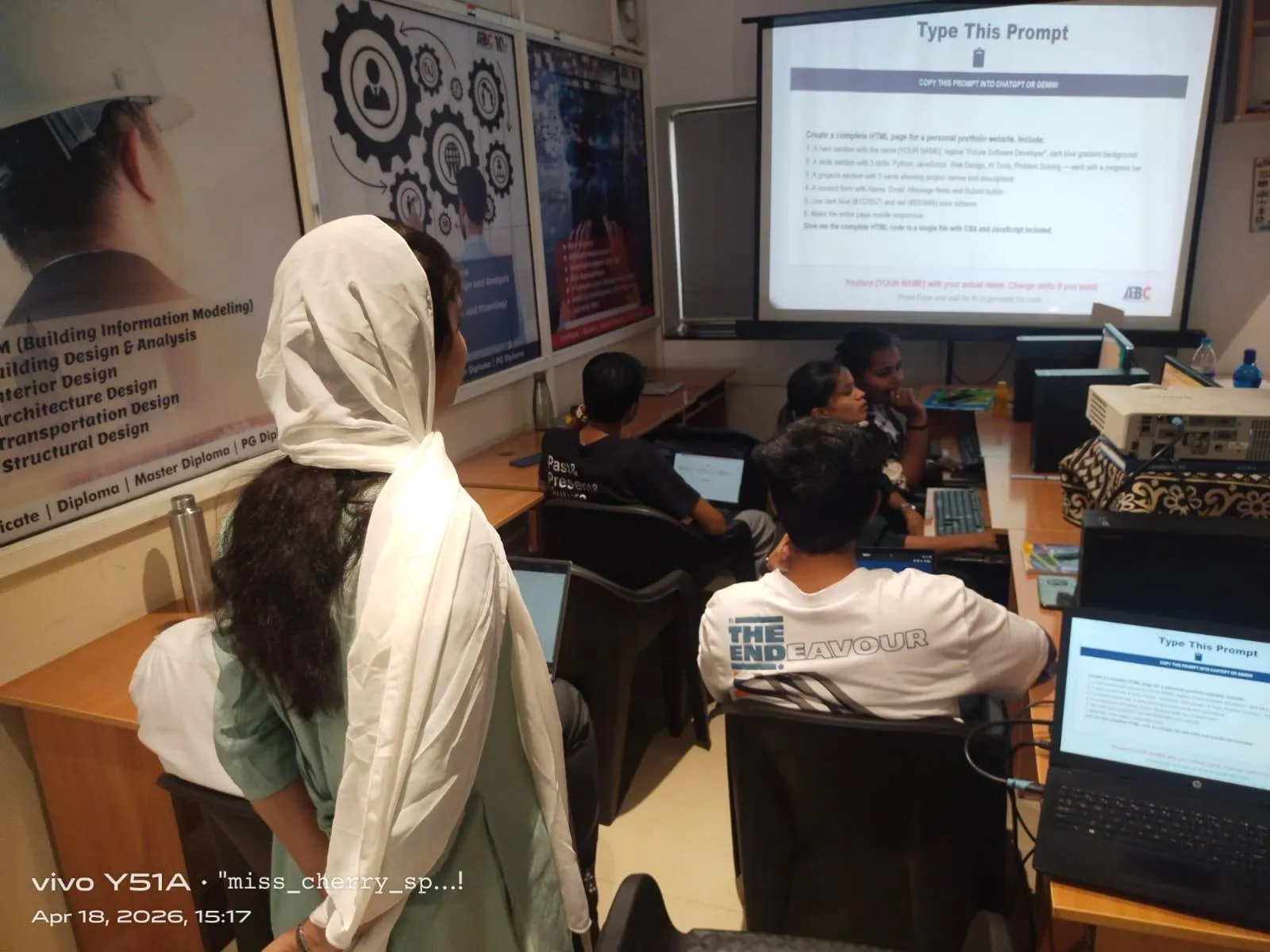
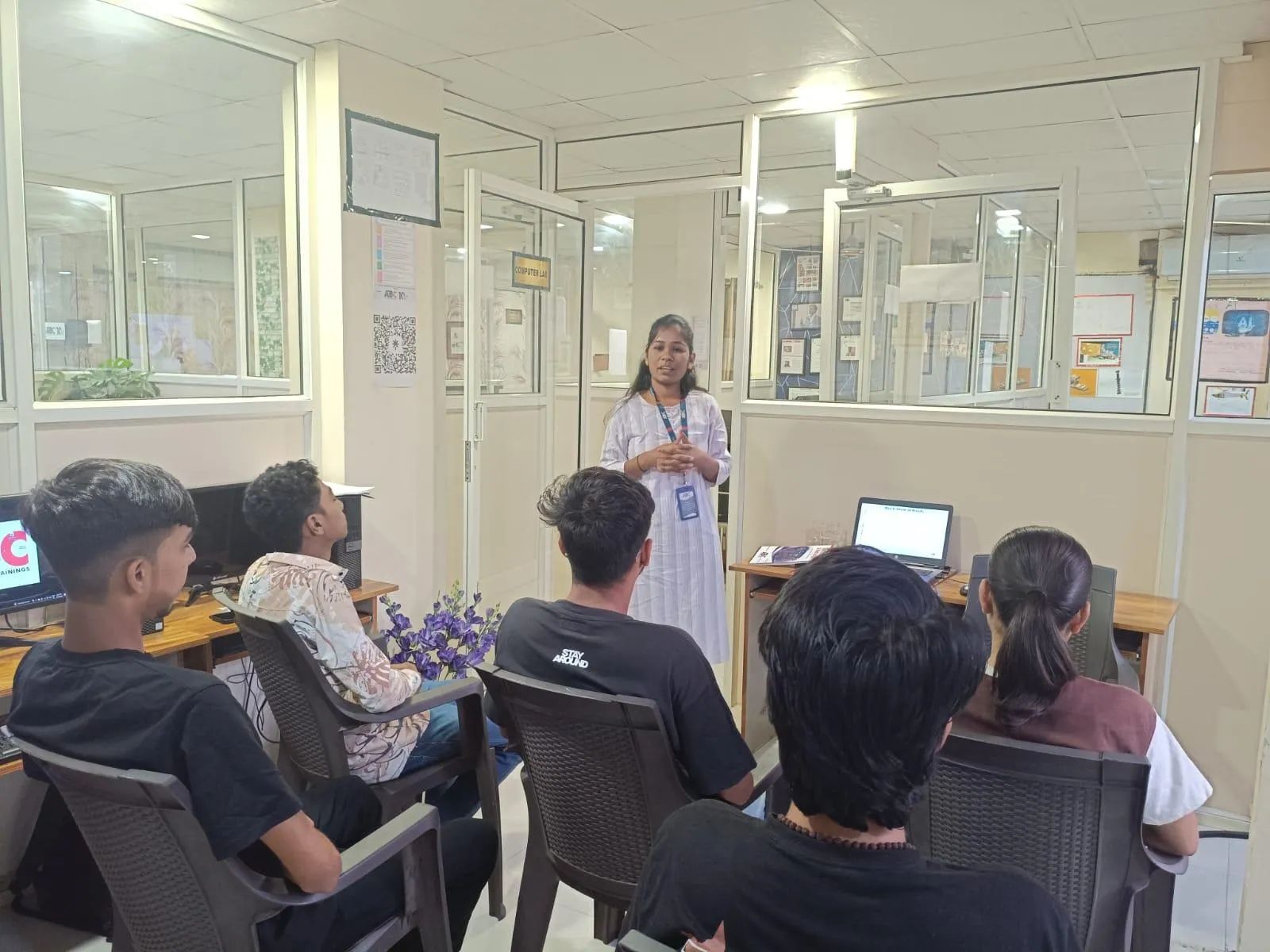
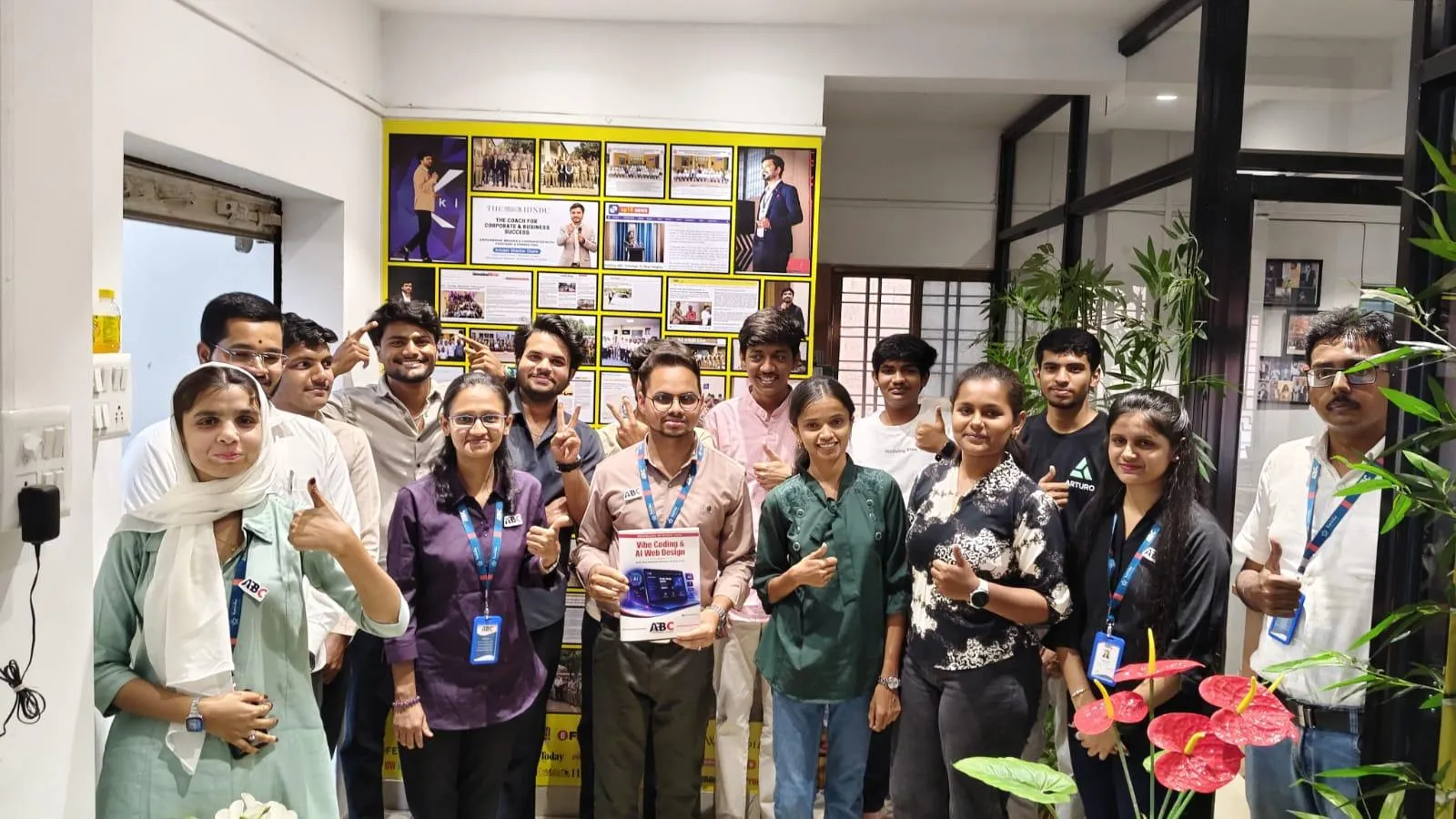
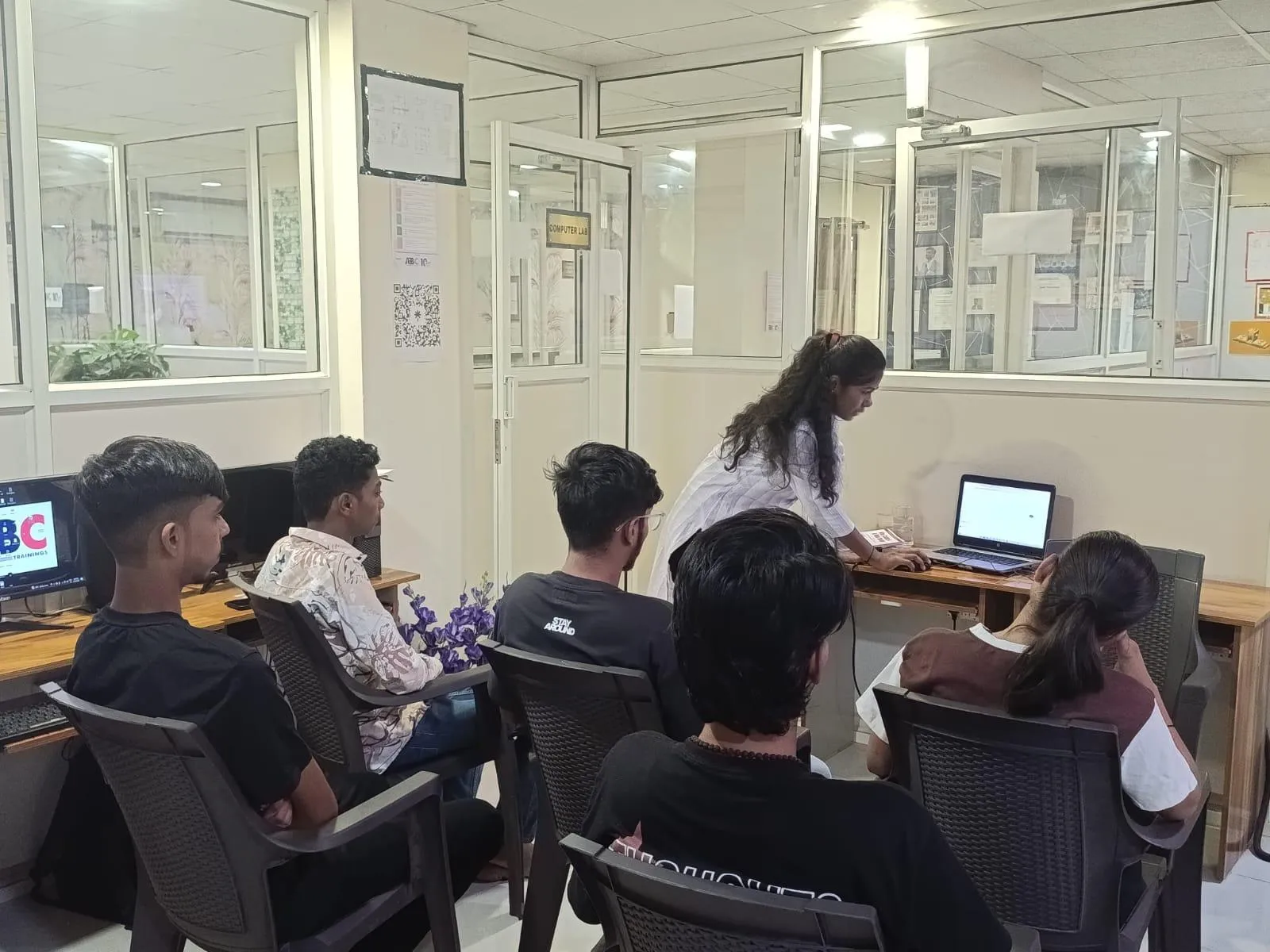
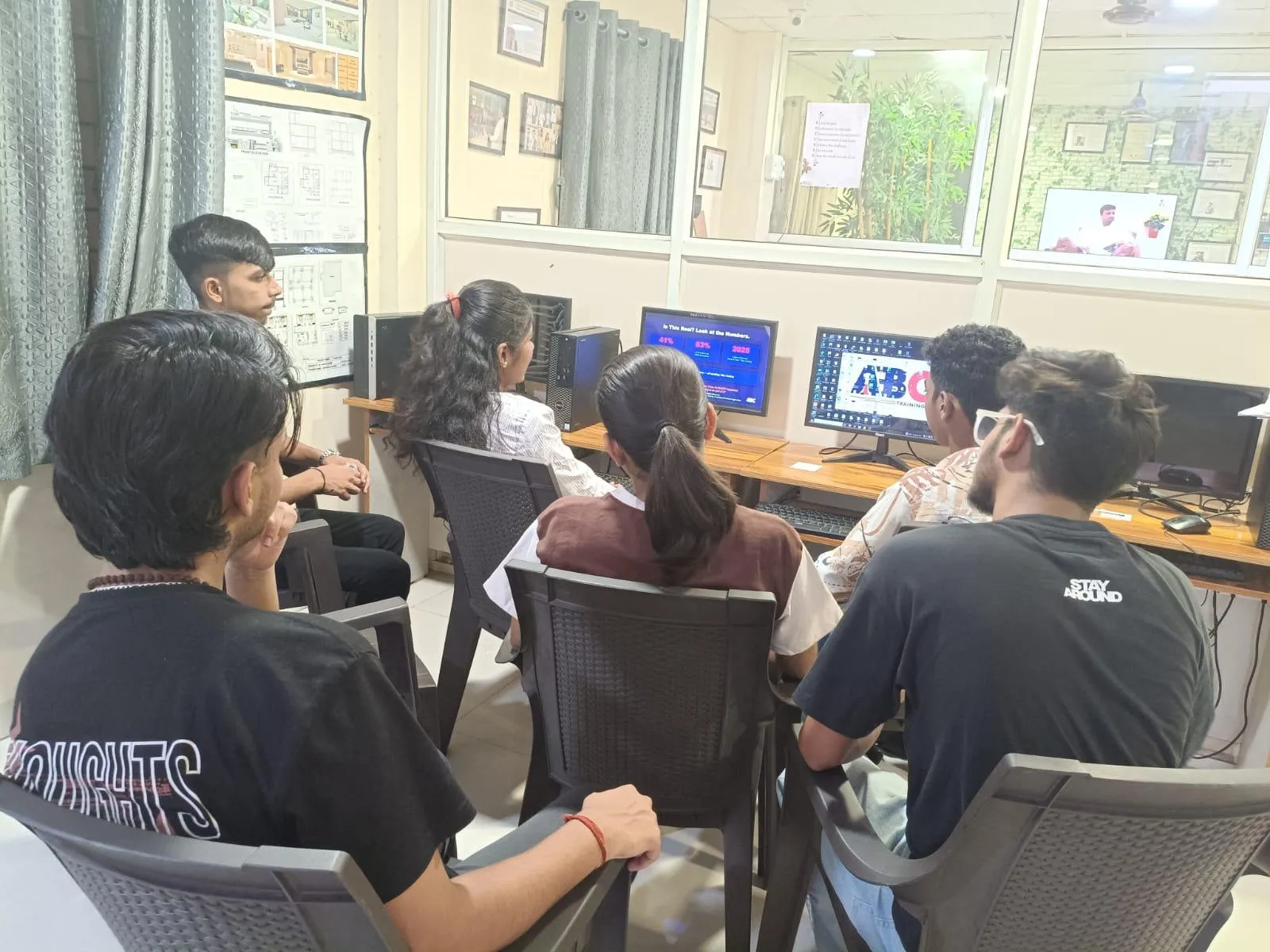
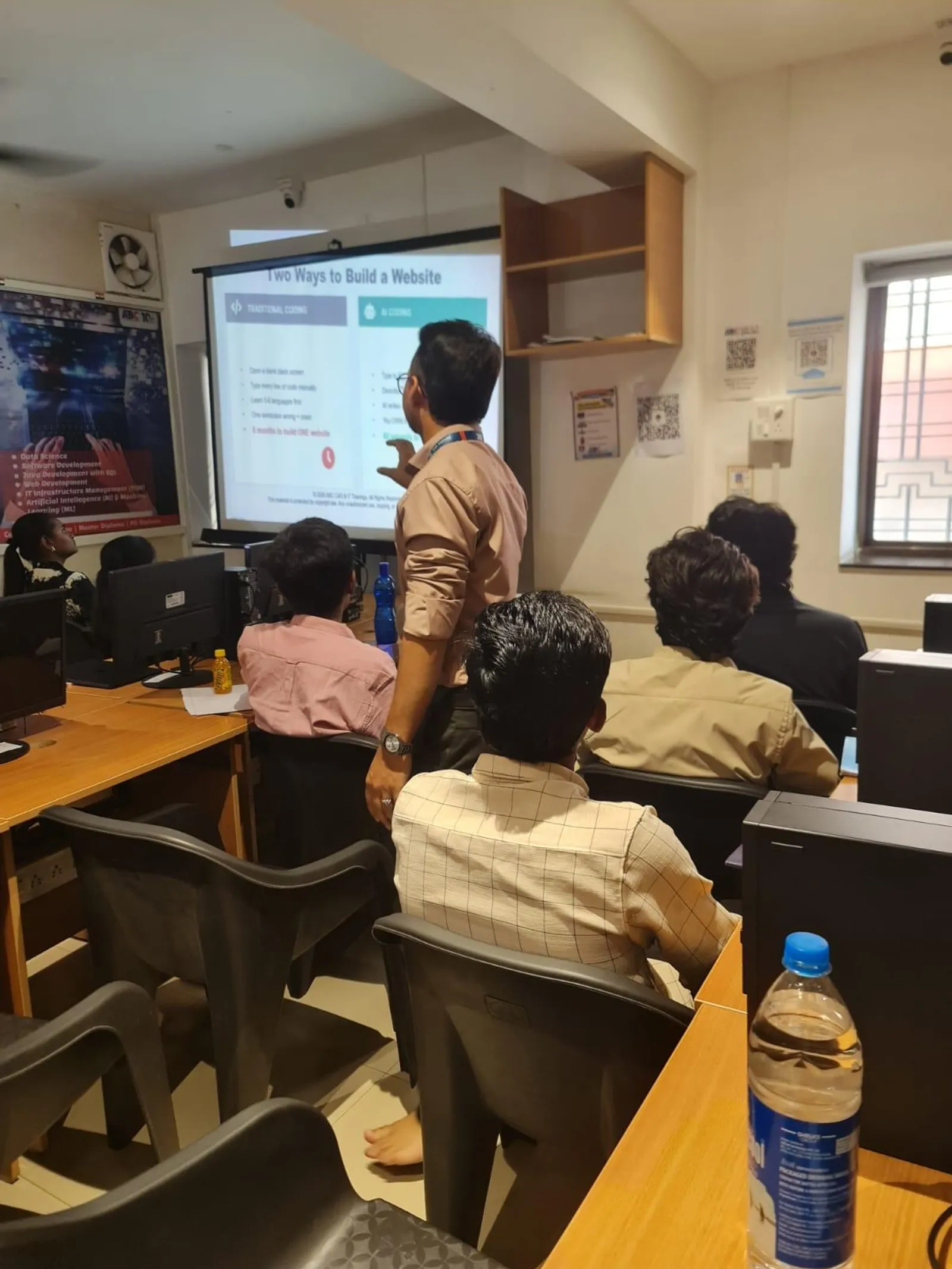
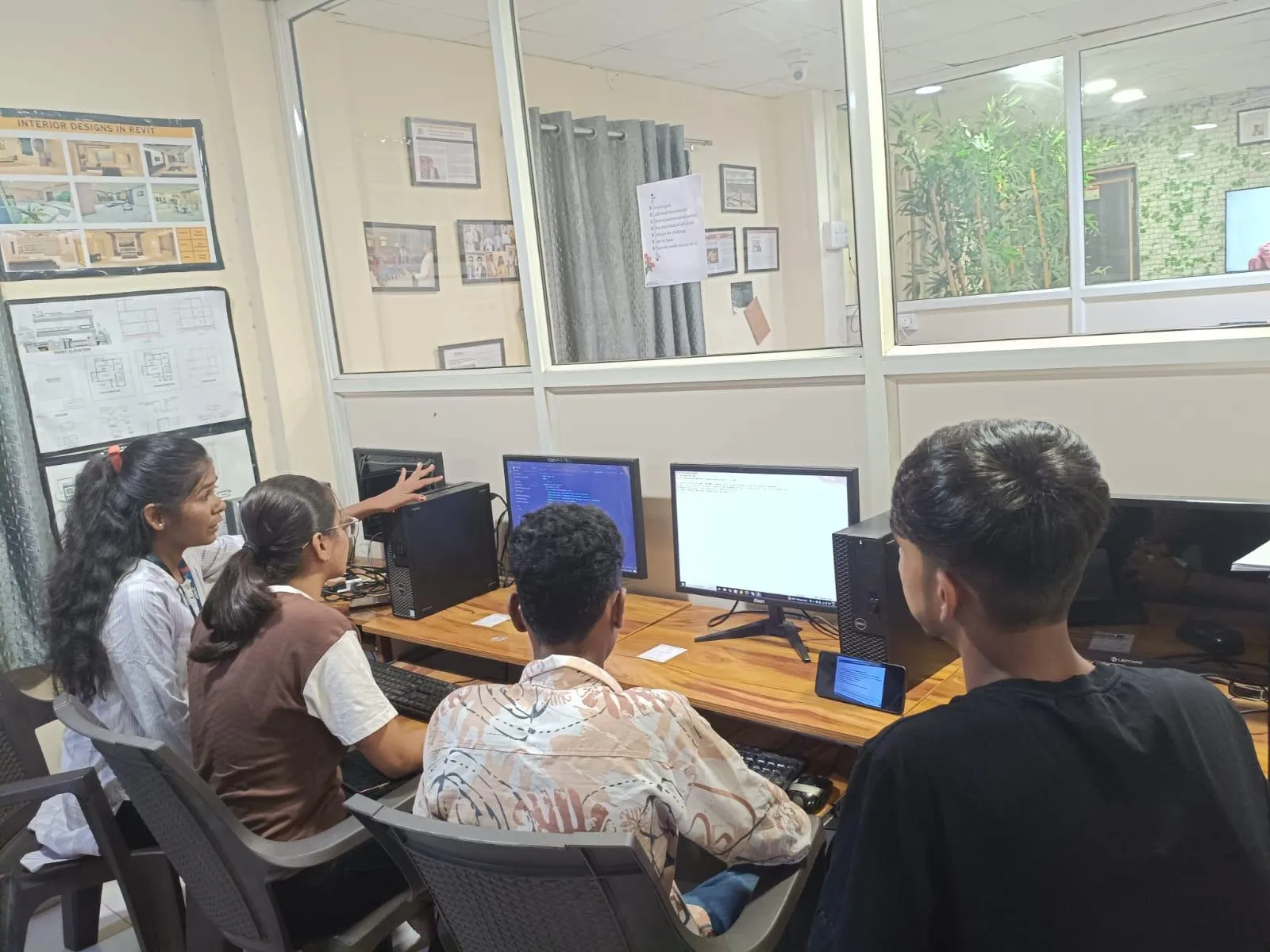
First-party classroom sessions, workshops and learner documentation across our centers in Maharashtra.
SangliWagholi, PuneSangliWagholi, PuneSangliWagholi, PuneSangliWagholi, Pune
Career Outcomes
Where our alumni go next.
Placement support includes portfolio review, resume guidance and interview preparation. Course-specific enrolment, review, trainer and hiring evidence is published separately for verification.
Included
Portfolio Review
Included
Interview Practice
Published
Outcome Evidence
Confirm
Current Referrals
Verify current employer evidence
Employer demand, open roles, referrals and salary ranges change by course, location, experience and hiring cycle. Review the published course evidence and confirm current placement-support activity with the centre. ABC does not promise a specific employer, salary or placement timeline without an exact written record. Any employer names supplied for this course are context to verify, not a current partnership or vacancy claim.
“Completed Revit Structure and Navisworks training, including 5D BIM, at ABC CAD Centre. Course was industry-focused with strong practical knowledge in structural modeling, clash detection, and cost estimation. Special thanks to Santosh Sir for his excellent guidance.”
Rutuja D.
Revit Structure + Navisworks + 5D BIM · Pune
from Pune, Maharashtra
“A good course for learning AutoCAD from scratch. Step-by-step guidance from the trainer made learning simple and enjoyable, and the sessions significantly improved my drafting understanding.”
Ishwari Patil
AutoCAD For Civil Engineer & Architect · Sangli
M.Sc · from Sangli, Maharashtra
“Overall a great experience. Learned Revit Architecture under Akash Sir and registered for the Master Diploma in BIM. The environment is professional and the teaching is structured and practical.”
Akshay S.
Revit / Master Diploma BIM · Sangli
Diploma (Civil) · from Sangli, Maharashtra
“Completed AI-Powered Tools for AutoCAD at ABC Training Centre, CIDCO Chh. Sambhajinagar. Trainer Pradnya Salve Ma'am provided good guidance and support — grateful for the teaching, thank you ma'am.”
Pooja Kshirsagar
AI-Powered Tools for AutoCAD (Civil, Architecture, Interiors) · Chh. Sambhajinagar
Diploma (Civil) · from Latur, Maharashtra
“I completed Revit Architecture at ABC CAD Center Wagholi. Teaching is nice and the environment turns subjects from boring to interesting — helping students realise their potential.”
Vishesh K.
Revit Architecture · Pune
Diploma · from Pune, Maharashtra
“Great experience at ABC Trainings — completed the Revit MEP course here.”
Ajit Adhe
Revit MEP · Chh. Sambhajinagar
from Jalna, Maharashtra
Locations
Available at these centers
World-class infrastructure, licensed labs, and walk-in counselling — learn close to home.
Chh. Sambhajinagar
Osmanpura CAD
CAD
S.S.C Board to Peer Bazar Road, In front of Jama Masjid, near Post Office, New Usmanpura, Aurangabad 431005
Current start dates and seats — confirm with admissions. Get instant clarity on batches, start dates, placement support, and the exact fee for your profile — on a free counselling call.
Flexible payment options
Pay in full or in easy instalments with leading lenders — your counsellor shares the full plan.
ABC Trainings course certificate
ABC Trainings issues the course completion certificate; it is not a government, university or software-vendor credential unless separately documented.
Placement-support terms
Confirm the current resume, portfolio, interview and referral activity; no employer or job outcome is guaranteed, and no salary or timeline is promised.
New batch every Monday
Weekday, weekend, and fast-track schedules — pick what fits your week.
Admissions open
Free career counselling
Get the exact fee, payment options & next batch date for your profile — talk to a counsellor, no obligation.
These related official courses cover skills discussed on this page. Their individual prices are not the fee for this programme, and the list does not define a bundled syllabus.