Verified course outcomes

SolidWorks402 students trained · 2022–2026 · Maharashtra

Every number on this page is pulled from our admissions backend — paid enrollments, real trainer assignments, branch distribution, currently open job openings, and published 5-star reviews from actual alumni. No marketing fluff.

402

Paid enrollments

Since Jun 2022

5 / 5

Average rating

43 published reviews

41+

Hiring partner roles

Mechanical design + product engineering

6

Centres offering it

Across Maharashtra

What you'll learn

Master SolidWorks end to end

For Mechanical and Automobile engineers

SOLIDWORKS teaches you how to use the SOLIDWORKS mechanical design automation software to build parametric models of parts and assemblies, and how to make drawings of those parts and assemblies. Part Modeling and Assembly Modeling will complete your knowledge of solids modeling tools and techniques. If your designs require complex or organic shapes, Advanced Surface Modeling will introduce you to surface modeling techniques.

The course aims to give students and professionals the essentials needed to become a certified SOLIDWORKS associate. It helps individuals use the software with confidence and design/draft the next innovative thing. SOLIDWORKS is used internationally by millions of companies — the software grants the designer the ability to import data and store it securely while maintaining flexibility and accessibility, which is why designers and engineers categorise it as an innovative way to take on project challenges.

Roles this prepares you for

Building parametric part & assembly modelsAdvanced surface & organic-shape modelingSheet metal & weldment designProduction drawings, BOM & detailing

Course at a glance

Duration

80 hours

Structure

20 sessions

Taught in

English & Hindi

On completion

Course certificate

Course fee

₹18,057

Why this program

What you'll be able to do

The capabilities you build through the SolidWorks program at ABC Trainings.

CAD Modeling and Animation — develop a 3D, animated movie of your product design

Assembly Design — design parts and assemble them

Sheet Metal Design — design parts to be fabricated from sheet metal

Costing — check the value of a design against its manufacturing cost

Product Data Management — repurpose design data in a safe manner

Weldment Design — model welded structures with standard structural members

Tolerance Analysis — analyse the tolerance level of each part individually and of parts working collectively

CAD Library — boost productivity by using the CAD library

Interference Check — verify that all parts fit together and operate as required

The full syllabus

20-session curriculum, sketching to BOM

The complete module-by-module syllabus as taught at ABC Trainings. Sessions 1–9 build your sketching, part and surface modeling foundation; sessions 10–16 cover sheet metal, weldment and assembly design; sessions 17–20 finish with rendering, production drawings and bill-of-materials.

01Introduction to SolidWorks, User Interface
  • Introduction to SolidWorks
  • SolidWorks Graphical User Interface
  • Feature manager design tree
  • Callouts, handles and the confirmation corner
  • Mouse buttons and keyboard shortcuts
02Sketching in SolidWorks
  • Sketch entities — inference line, centerline, line, circle, arc, ellipse
  • Rectangle, slots, polygon, parabola, partial ellipse
  • Spline, spline tools, spline on surface
  • Equation-driven curve, points, text
  • Construction geometry, snap and grid
03Sketch Editing Tools
  • Sketch tools — fillet, chamfer, offset, convert entities, trim, extend, split
  • Mirror, move, copy, rotate, scale, stretch and sketch pattern
  • Relations — adding sketch relations and automatic relations
  • Dimensioning — smart, horizontal, vertical, ordinate and fully define sketch
04Part Modeling
  • Part modeling tools and creating reference planes
  • Creating Extrude features — direction 1 & 2, from option, thin feature, draft, contours
  • Creating Revolve features — axis, thin features, contours
  • Creating Swept features — profile and path, orientation/twist, path alignment, guide curves, start/end tangency
05Creating Loft features, Creating Reference
  • Creating Loft features — profiles, guide curves, start/end constraints, centerline parameters, sketch tools, close loft
  • Selecting geometries — selection manager and multiple body concepts
  • Creating reference — points, axis, coordinates
06Modifying Tools
  • Creating curves — split curve, project curve, composite curve, curve through points, helix and spiral
  • Creating Fillet features
  • Creating Chamfer
  • Inserting Hole types
07Creating Pattern, Shell, Rib
  • Creating Shell
  • Creating Rib
  • Creating Pattern — linear, circular, sketch-driven, curve-driven, table-driven and fill pattern, mirror
08Introduction to Surface Design
  • Surface modeling tools
  • Creating Extrude, Revolve, Swept, Loft and Boundary surface
  • Inserting Planar Surface, Offset Surface, Radiate Surface
  • Extending a surface, Surface fill, Ruled Surface
09Surface Editing Tools
  • Trimming surface and Mid surface
  • Replace Face, Delete Face, Untrim surface
  • Knit surface and Thickening a surface
  • Move Face
10Introduction to Sheet Metal Design
  • Concepts in sheet metal design
  • Bend allowance, bend deduction and K-factor
  • Inserting Base Flange, Sheet Metal Tab, Edge Flange
  • Miter Flange, Hem and Jog
11Sheet Metal Editing Tools
  • Creating Break Corner / Corner Trim, Closed Corners and Rip
  • Inserting Sketched Bend, Fold/Unfold and Forming Tools
  • Inserting Cross Break and Welded Corner
  • Adding Corner Trim and Lofted Trim
12Introduction to Weldment Design
  • Weldment design
  • Introduction to weldments
13Introduction to Assembly Modeling
  • Assembly modeling tools
  • Approaches — top-down and bottom-up
  • Applying Standard Mates — coincident, parallel, perpendicular, tangent, concentric, lock, distance, angle
14Applying Mates
  • Applying Advanced Mates
  • Applying Mechanical Mates
  • Applying Smart Mates
  • Applying Mate Reference
15Manipulating Components
  • Replacing Components
  • Rotating Components
  • Move Component
16Transformation Features in Assembly
  • Creating Pattern — assembly pattern and mirror
  • Creating Explode Views
  • Top-down design — layout sketch, work part in the context of an assembly
17Introduction to PhotoWorks (rendering)
  • Introduction to PhotoWorks
  • How to render a model in PhotoWorks
18Introduction To Angle Of Projection
  • Generating drawing views and introduction to angle of projection
  • Generating views — model view, projected views, standard 3-view
  • View creation relative to model, predefined views, empty views, auxiliary and detailed views
  • Crop, broken-out section, broken, section, aligned-section and alternate-position views
  • Drawing properties and manipulating views
19Creating Dimensions
  • Creating Dimensions — smart, horizontal, vertical, baseline, ordinate
  • Chamfer, attach dimensions, align collinear/radial, align parallel/concentric
  • Model dimensions, auto dimension, DimXpert, annotations and spell check
20BOM and Templates
  • Inserting Annotations — datum features, geometric tolerance, surface finish, jog leaders, hole callout, datum target
  • Dowel pins, area hatch, cosmetic thread, balloon, centre mark and centre lines
  • Working with tables — bill of materials and hole table
  • Sheets and templates, sheet format

Every session is hands-on. You build real parametric parts, surface models, sheet-metal and weldment structures, mated assemblies, exploded views, rendered visuals and detailed production drawings with BOMs — the exact deliverables a mechanical design engineer ships on the job.

Inside the classroom

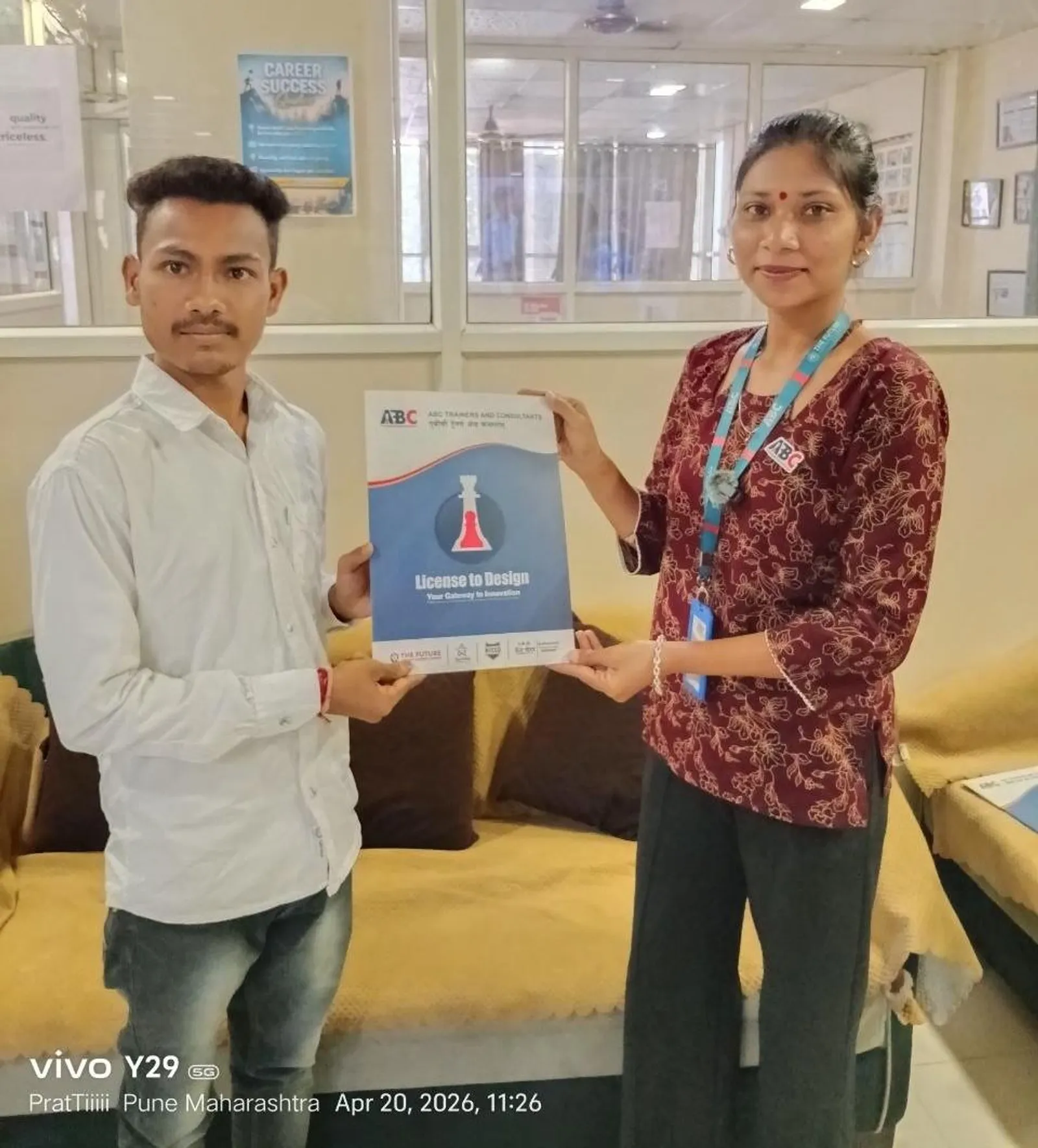
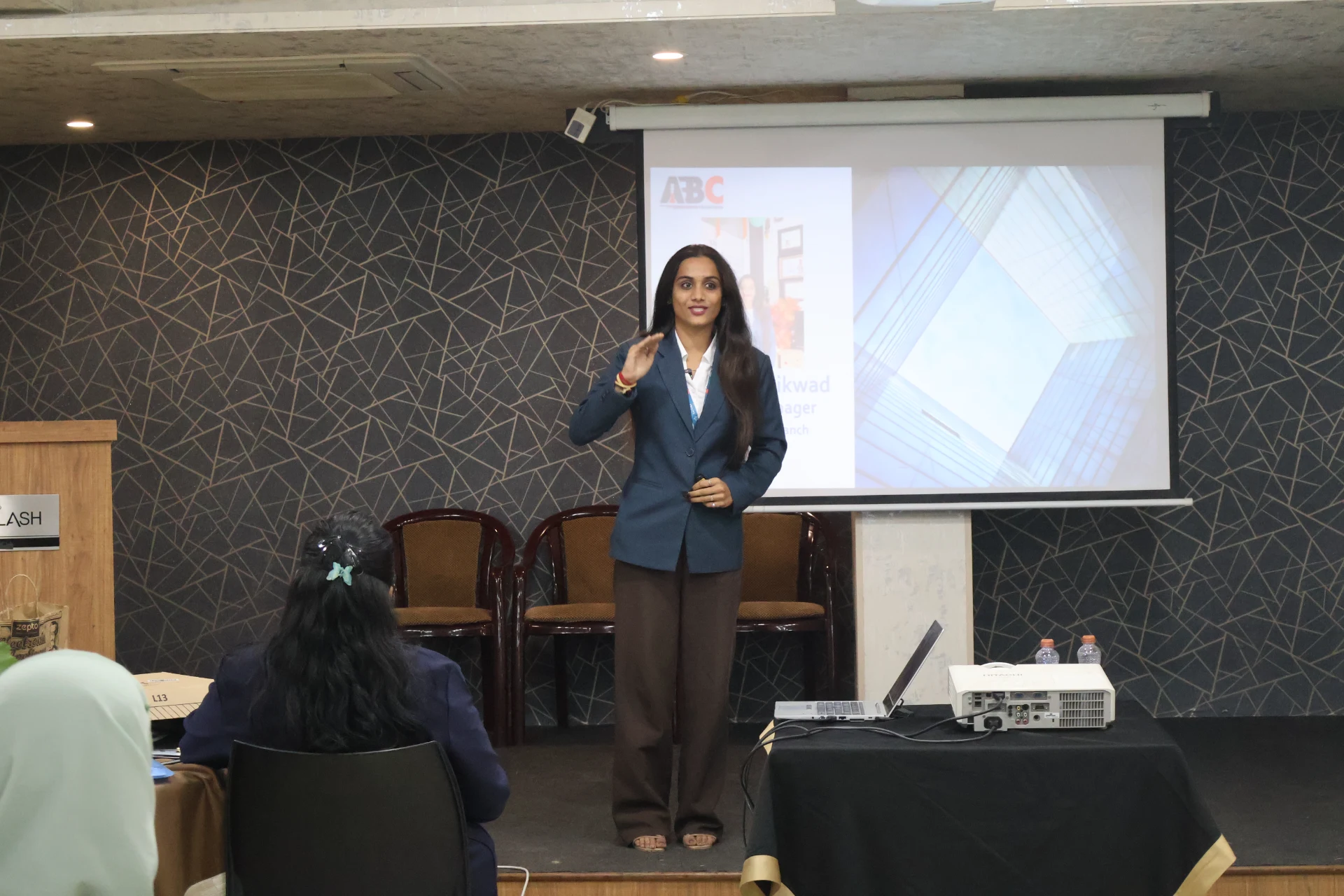
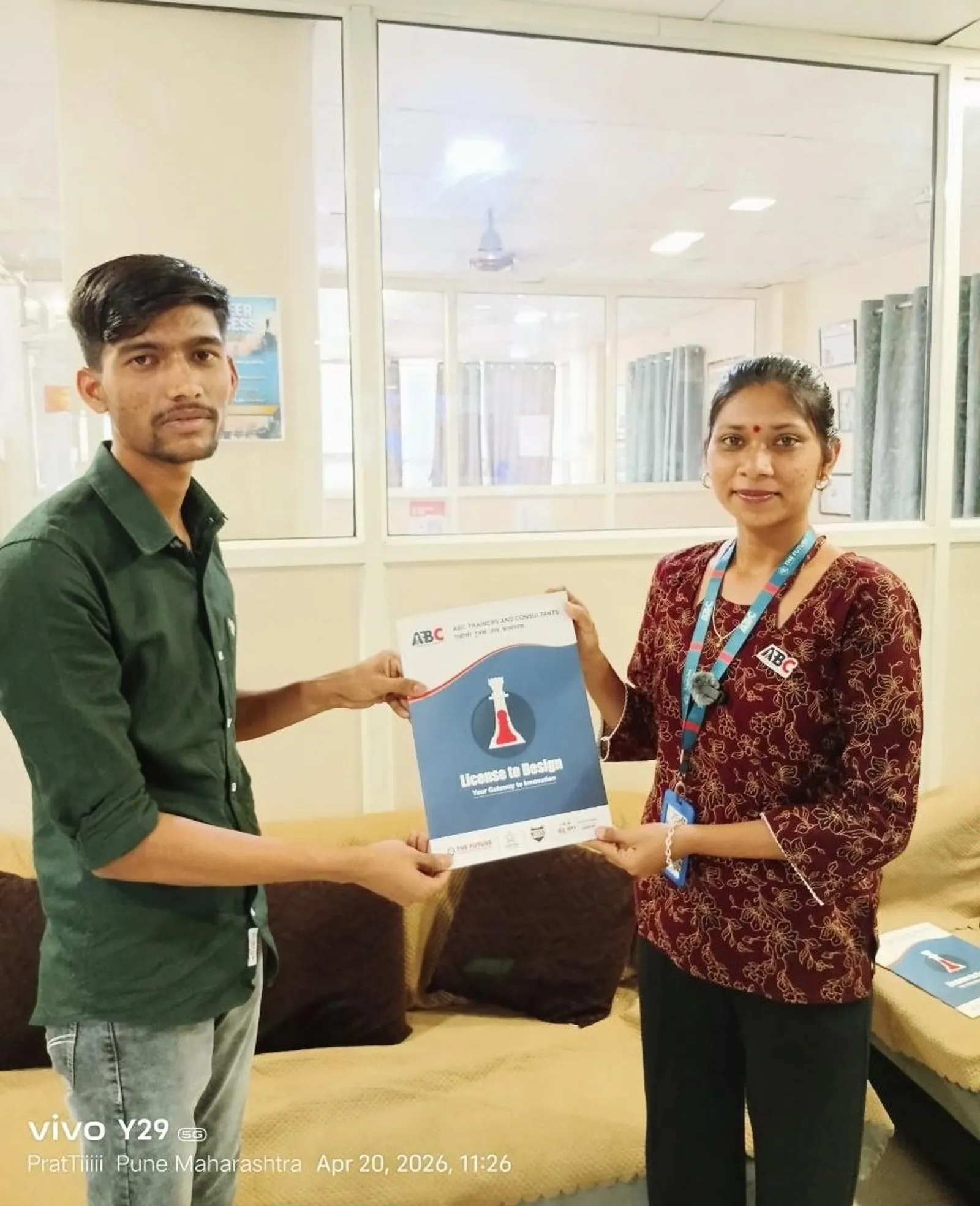
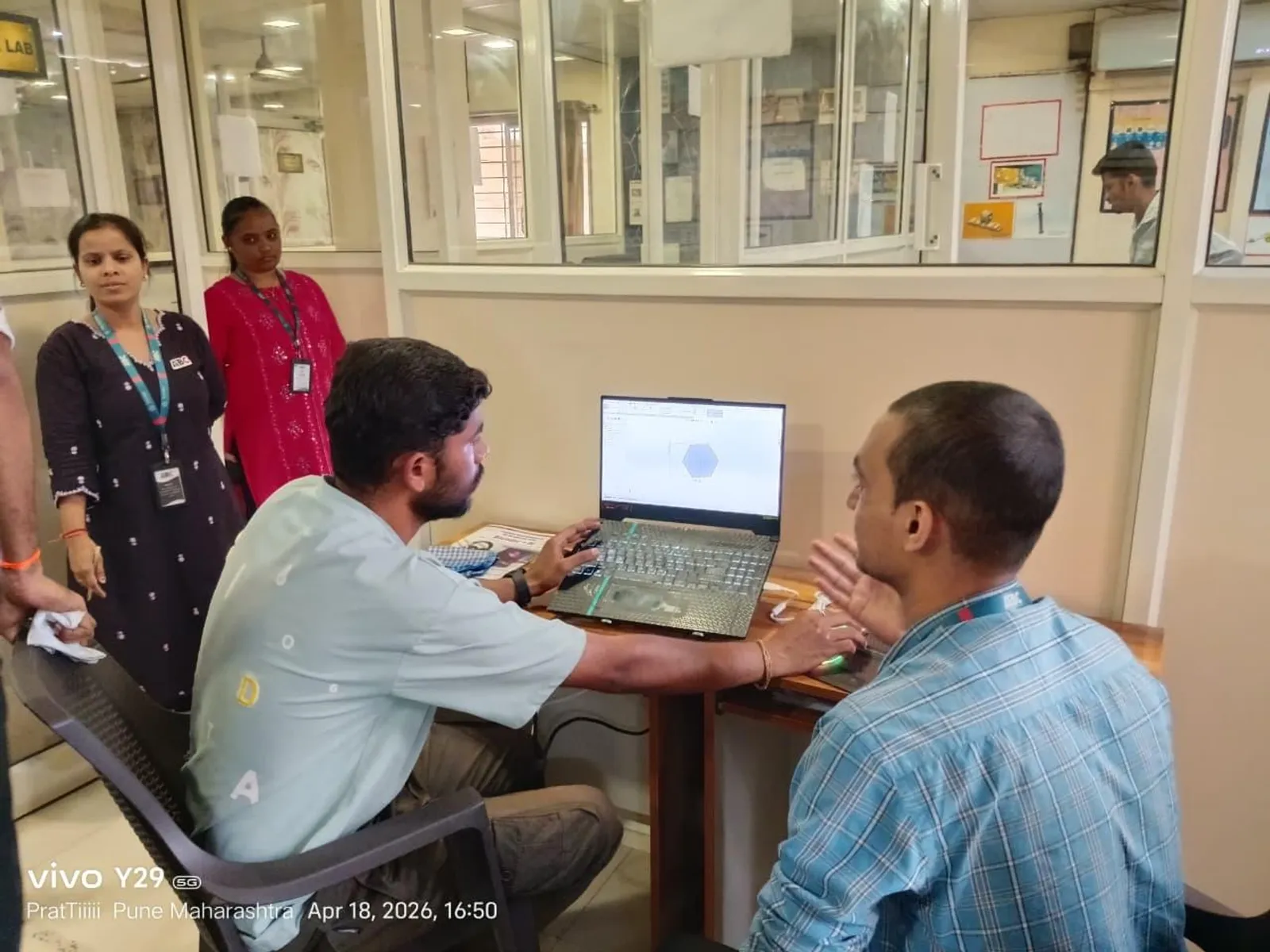
Real ABC students, real sessions

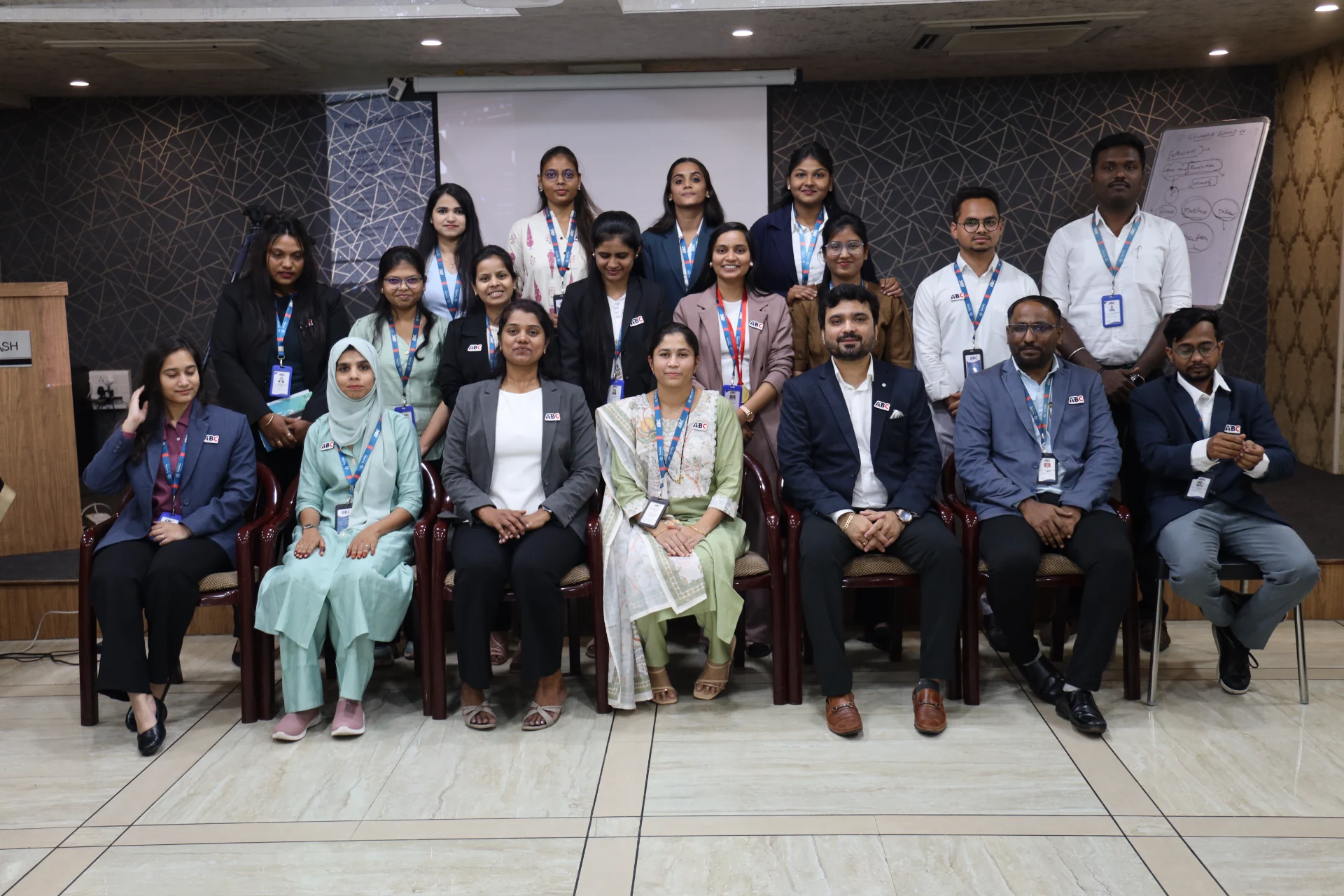
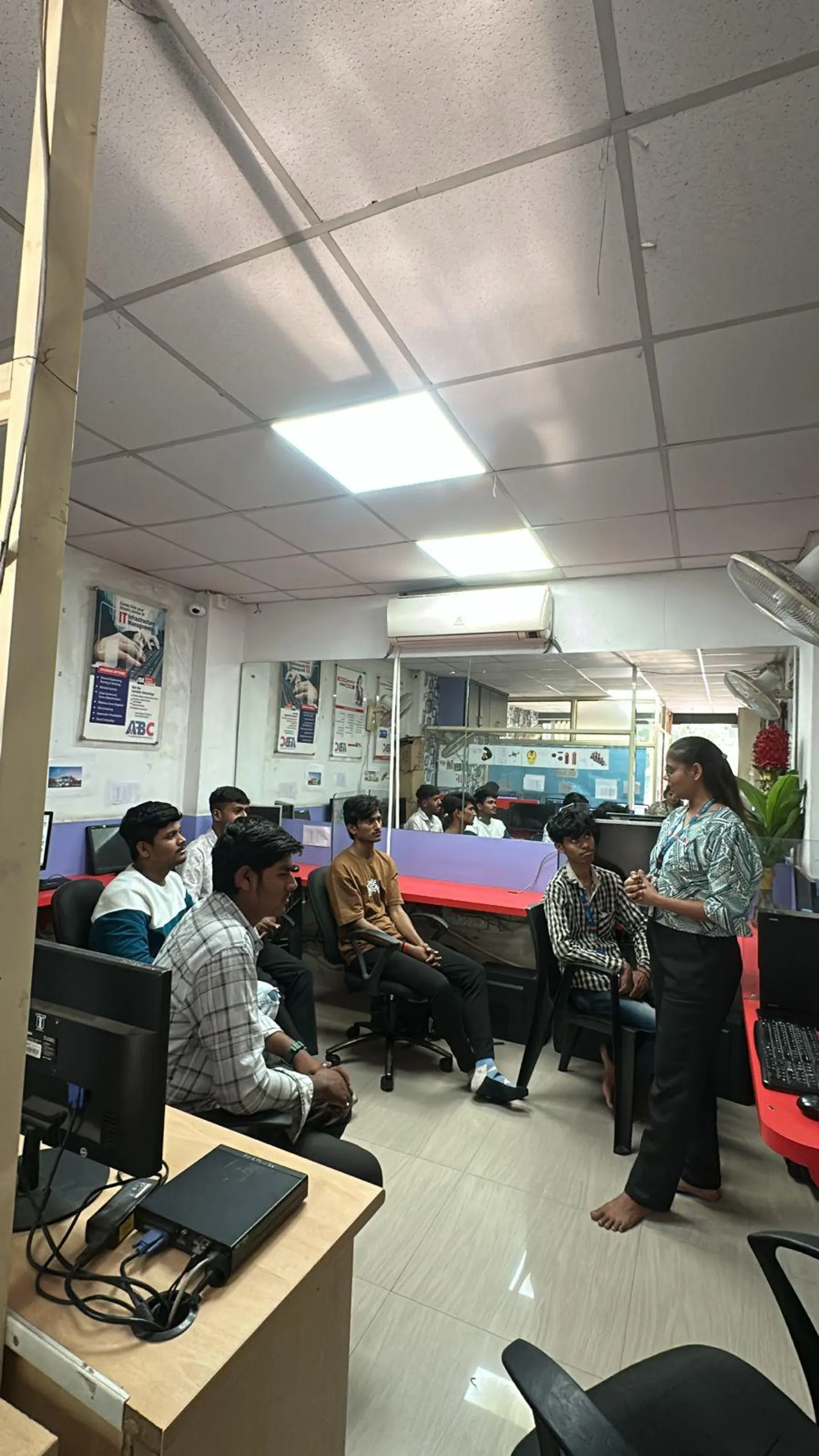
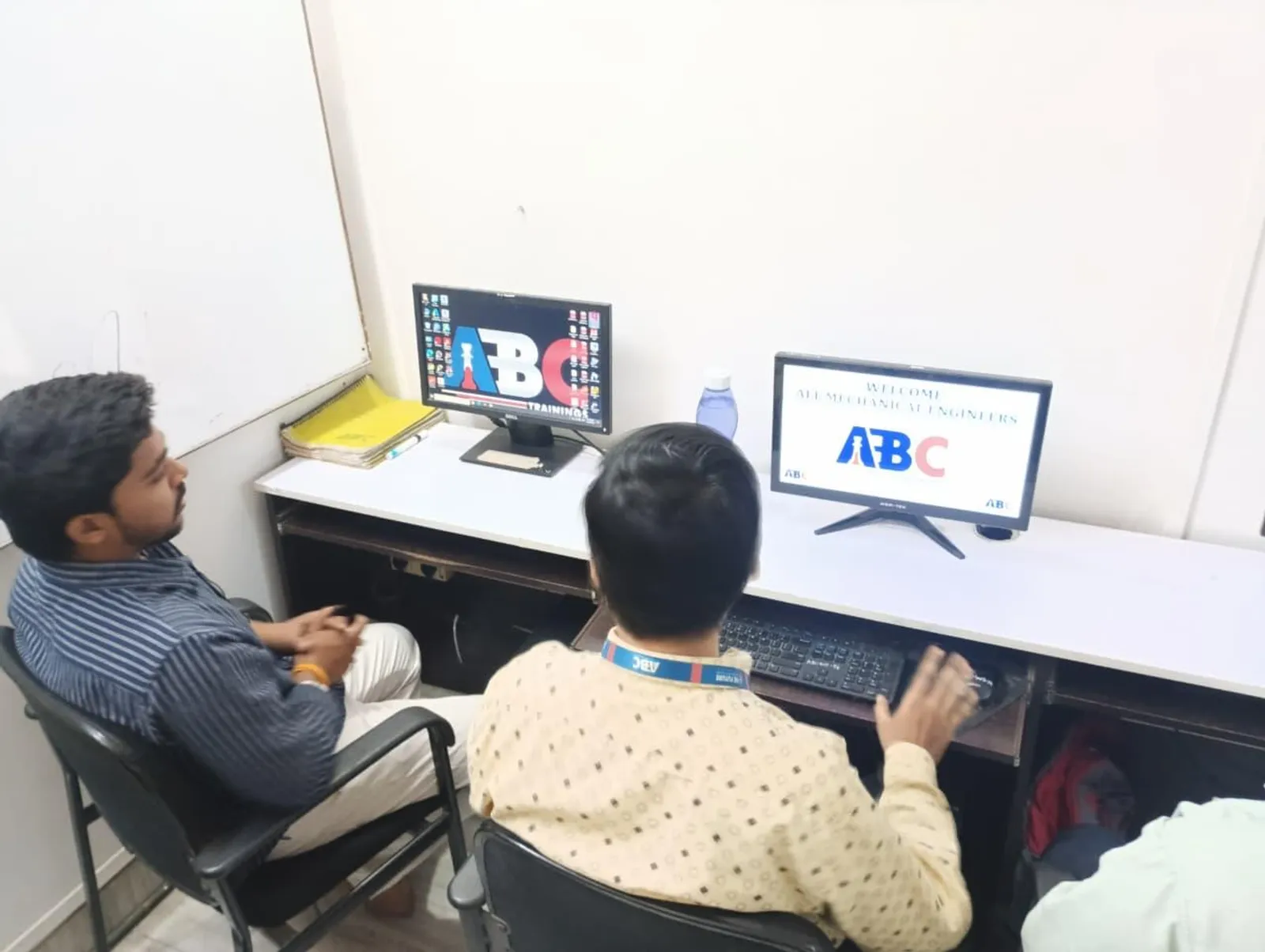
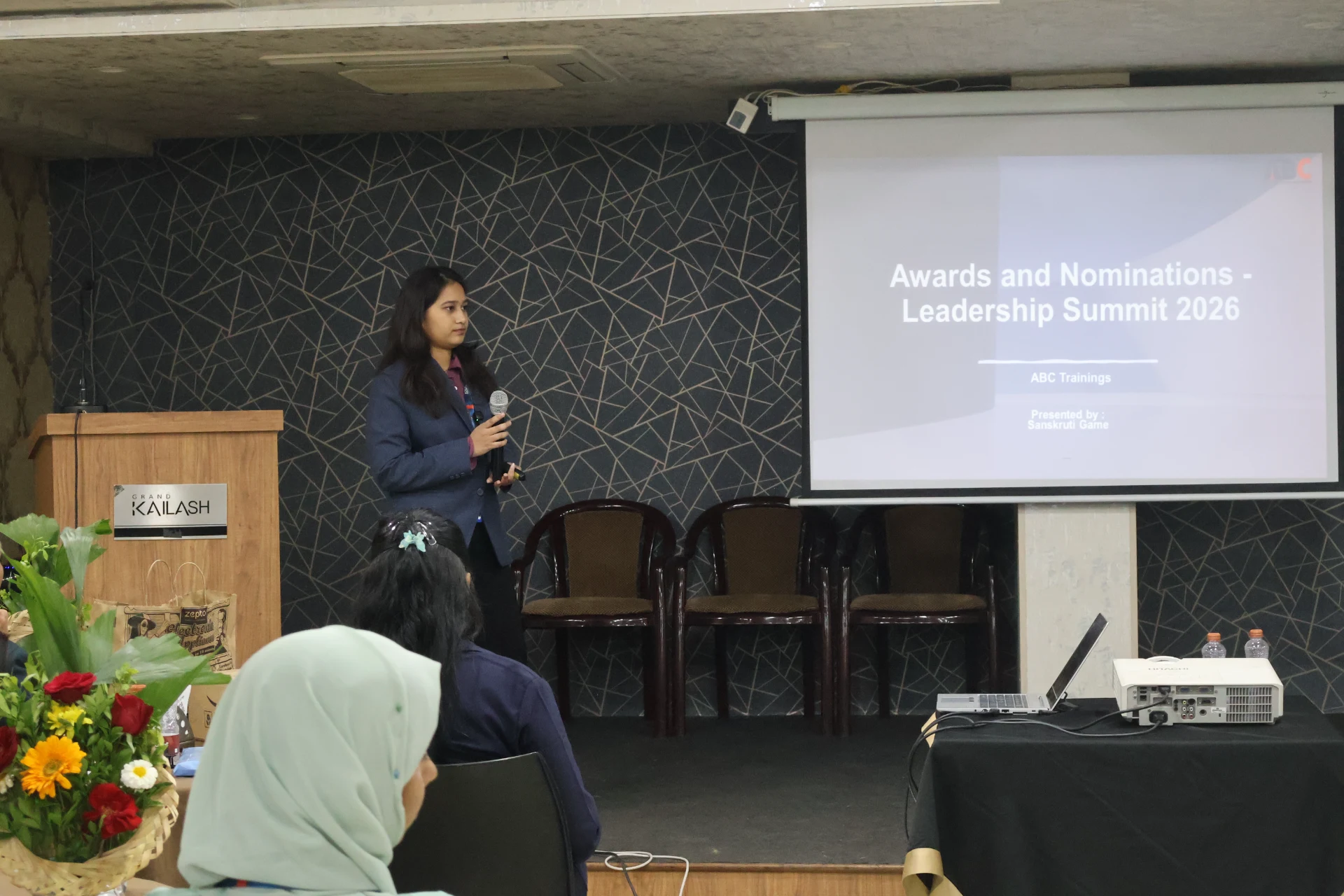
Photos from hands-on SolidWorks sessions, workshops and labs across our centres.

SolidWorks session at ABC Trainings
Wagholi, Pune
SolidWorks session at ABC Trainings
Osmanpura, Chh. Sambhajinagar
SolidWorks session at ABC Trainings
Cidco, Chh. Sambhajinagar
SolidWorks session at ABC Trainings
Wagholi, Pune
SolidWorks session at ABC Trainings
Wagholi, Pune
SolidWorks session at ABC Trainings
Wagholi, Pune
SolidWorks session at ABC Trainings
Wagholi, Pune
SolidWorks session at ABC Trainings
Wagholi, Pune

Who teaches it

Industry-grade trainer roster

These are the working professionals who deliver the SolidWorks program across Maharashtra. Many of them appear by name in student reviews below.

Shubham L. Choundiye Sir

Osmanpura CAD

AutoCAD Mechanical, Creo, CATIA, SolidWorks, NX CAD, NX CAM, ANSYS Workbench, GD&T

Khan Faeqa Firdous Ma'am

CIDCO

AutoCAD, CATIA V5, Creo, SolidWorks, NX CAD, NX CAM, ANSYS Workbench

Manoj Mangate Sir

Osmanpura CAD

AutoCAD, SolidWorks, CATIA, Creo, NX CAD, NX CAM

Madhuri Waghamode Ma'am

Sangli

CAD, CAM, CAE software including SolidWorks and CATIA

Rohit Tribhuwan Sir

Osmanpura CAD

AutoCAD, SolidWorks, mechanical CAD

Ambika Mareddi Ma'am

Narhe

AutoCAD, SolidWorks

Pranav Sunil Jaiswal Sir

Wagholi

NX, CATIA, SolidWorks, AutoCAD

Gautam Eknath Navturu Sir

Osmanpura CAD

AutoCAD, CATIA V5, SolidWorks, Creo

Who's hiring

41+ active openings hiring SolidWorks graduates

Snapshot of recent and currently active roles in our hiring-partner network where SolidWorks is a primary requirement. Salary is shown as posted by the employer — many roles list ranges, others are confidential.

CompanyRoleSalaryCity
TechnoVision Solution Pvt. LtdSolidWorks Design Engineer₹15K-25K/moPune
Specific Mechatronics Pvt LtdDesign Engineer₹18K-20K/moPune
Lunawat Automation & Control SystemDesign EngineerNot disclosedChh. Sambhajinagar
MaelStrom DynamicsJr. Design Engineer₹15K-22K/moPune
Reliable Lifts Pvt. Ltd.Jr. Design EngineerNot disclosedPune
Sudarshan Saur Shakti Pvt. LtdDesign EngineerNot disclosedChh. Sambhajinagar
PRYM Aerospace Pvt LtdCAD EngineerNot disclosedJalna
Nebula Robotics Pvt. Ltd.Design Engineer / Robotics EngineerNot disclosedMumbai
Unicraft Appliances Pvt LtdDesign Engineer₹15K-20K/moChh. Sambhajinagar
Silveroak Home Appliances Pvt LtdDesign Engineer₹3 LPAChh. Sambhajinagar
X FactorySolidWorks DesignerNot disclosedLatur
Transdelta Transformers Pvt. LtdDesign EngineerNot disclosedChh. Sambhajinagar

What graduates earn

Salary range for SolidWorks roles

Range derived from 41+ recent hiring-partner postings tagged with SolidWorks skill requirements.

Entry level

₹15K/mo

Fresher / trainee

Typical mid

₹18K-25K

₹2.5-3.5 LPA

Senior / experienced

₹30K+/mo

2+ years of experience

Range from SolidWorks-tagged design engineering postings; senior CAD/CAE engineers earn ₹4-6 LPA

In our students' words

What ABC Trainings students say

Verified reviews from students across our centres · 43 reviews · average rating 5 / 5.

I completed the SolidWorks course at ABC Trainings, Cidco under the expert guidance of Shubham Choundiye sir. ABC teaches very well — it is the best class for the CAD section. The class environment is great, and Shubham sir teaches SolidWorks very deeply and with real understanding.

Omkar Bhavar

Omkar Bhavar

Cidco, Chh. Sambhajinagar
The training was well-structured and professionally delivered, with clear explanations and a strong focus on practical, industry-oriented applications. Shubham sir’s teaching approach helped me build a solid understanding of SolidWorks and improved my confidence in engineering design.

Arpita Tehare

Arpita Tehare

Cidco, Chh. Sambhajinagar

I really enjoyed this design course and learned many useful skills. The teaching style was very clear and easy to understand, and the sir was always supportive and encouraged us to be creative. Overall it was a great learning experience.

Pooja Dhormare

Pooja Dhormare

Cidco, Chh. Sambhajinagar

The training was well structured, practical and industry-oriented. Special thanks to Shubham Choundiye sir for his expert guidance, clear explanations and continuous support throughout the course. The environment at ABC Trainings is very positive, and I genuinely improved my design skills and confidence in SolidWorks.

Kuldeep Kharat

Kuldeep Kharat

Cidco, Chh. Sambhajinagar

I completed my SolidWorks course here and I am fully satisfied with the training. The method is very practical and easy to understand — every command was explained with real-time examples and doubts were cleared patiently. The environment is friendly and skill-focused. Highly recommended for anyone who wants to build a career in mechanical design.

Abhijeet Phadtare

Abhijeet Phadtare

I completed my SolidWorks Mechanical course at ABC Trainings, Osmanpura under the guidance of Shubham Choundiye sir. The classes were very informative and well organised. Sir taught with great dedication, explained every concept clearly, and patiently cleared all my doubts. The classroom environment was positive and comfortable for learning.

Mohammad Nabil

Mohammad Nabil

Osmanpura, Chh. Sambhajinagar

I completed my Mechanical SolidWorks training under the guidance of Madhuri mam. She solves any query about the software quickly, and the teaching was excellent throughout. The trainer is friendly and supportive — I had an incredible experience at ABC Trainings.

Tanisha Shikalgar

Tanisha Shikalgar

This course is brilliant for complete beginners. The structure takes you from knowing nothing to a professional level, and the explanations of the essential tools are clear and concise. Highly recommended for anyone wanting to build a strong foundation.

Sangram Pawar

Sangram Pawar

Wrapped up my SolidWorks course at ABC Centre Osmanpura under Shubham Choundiye Sir's guidance. I picked up a lot of new things - I started very hesitantly, but now I have full confidence, and I hope Sir teaches me like this going ahead. The class was very well-organized and regular, with a nice classroom and excellent computers. Many facilities are provided so students don't face any problems. Thanks a lot Sir.

Lalit Jasutkar

Osmanpura CAD Centre · Chh. Sambhajinagar

Next SolidWorks batch

Join the 402+ SolidWorks alumni at ABC Trainings.

Hands-on training in part modeling, assembly, sheet metal, weldment design, costing and PDM. 8+ trainers · 6 centres · placement support across 12+ partners.