If you're trying to master CAD through random YouTube videos, here's the thing: basic tutorials can show you where a command is, but they rarely teach you how professionals actually work. Advanced CAD learning in India in 2026 isn't about watching more videos. It's about building a proper roadmap, using industry-standard settings, practicing with real project logic, and learning the shortcuts that save hours every week. That's exactly where most learners get stuck after the basics.

The problem isn't effort. Many students in Sangli, Pune, Chhatrapati Sambhajinagar, and across Maharashtra spend months on YouTube and still can't complete a clean drawing package, 3D assembly, or production-ready model on their own. Trust me, I've seen this for years. They know commands, but they don't know sequence, standards, file structure, revision control, or how to think like a designer. The good news is, once you fix the learning path, your progress becomes much faster.
Why do CAD learners get stuck after the basics?

Most people start with command-based learning. They learn line, trim, extrude, fillet, revolve, and maybe assembly mates. That feels like progress, but what most people don't realize is that companies like Tata Technologies, Mahindra Engineering, Bajaj Auto, Bosch, and L&T don't hire you because you know commands. They hire you because you can complete work with accuracy, speed, and standardization.
That means you should know how to:
- set units, templates, layers, and annotation styles correctly
- build models that are editable later, not just visually correct
- name files and parts in a usable way
- control dimensions, constraints, and references
- avoid broken assemblies and messy revisions
- prepare drawings that another engineer can actually manufacture or review
YouTube usually teaches isolated tricks. Industry work needs connected workflow.
What is the best advanced CAD learning roadmap in India?
A serious CAD roadmap has five stages. If you skip one, you feel confused later.
1. Command fluency
This is the beginner stage. You should already know the interface, basic sketching, editing tools, 2D drafting, part modeling, and simple assemblies in software like AutoCAD 2026, SolidWorks 2025, CATIA V5, or Fusion 360.
2. Standards and setup
Now you go deeper. Learn templates, title blocks, layer discipline, dimension styles, GD&T basics, sheet setups, BOM structure, and drafting standards. This stage is where average learners start dropping off.
3. Parametric thinking
Don't just make geometry. Build intent. A good model changes cleanly when dimensions change. That's how professionals work in mechanical CAD. If your model breaks after one edit, your method is weak.
4. Project workflow
Move from single parts to full jobs: machine components, jigs, sheet metal parts, welded structures, plant layouts, or architectural plans depending on your domain.
5. Review and revision
This is the real advanced stage. You should be able to check drawings, manage revisions, reduce errors, and explain design decisions in an interview.
Which advanced CAD techniques actually matter for jobs?
Let's keep this practical. These are the techniques that make a learner look professional.
Parametric modeling with design intent
In SolidWorks 2025 or CATIA V5, don't fully define sketches randomly. Build them so major dimensions drive the model logically. Use reference geometry carefully. Keep feature trees clean. Rename important features. Group related operations. This sounds simple, but trust me, recruiters notice the difference when you share your screen.
Top-down assembly workflow
Many students only know bottom-up assembly. Advanced users know when to use top-down methods for context-based design. This is useful in fixture design, machine assemblies, and packaging layouts. But you also need discipline, or external references become a mess.
Configuration management
If you're designing product variants, don't create separate files for every small change. Learn configurations, design tables, and family-based parts where appropriate. This saves time in automotive and manufacturing environments.
Drawing automation and annotation control
Anyone can place views. Professionals control section views, detail views, tolerances, center marks, hole callouts, weld symbols, and BOM balloons properly. If you're targeting companies like Kirloskar, Thermax, Siemens, or Bosch, this matters a lot.
Template-driven speed
Create reusable templates for drawings, parts, assemblies, layers, text styles, and sheet formats. What most people don't realize is that speed in CAD often comes from preparation, not from clicking faster.
How should you practice CAD beyond random tutorials?
Use a project ladder. That's the better way.
Start with one part. Then create a multi-part assembly. Then generate manufacturing drawings. Then revise the model after changing dimensions or customer requirements. Finally, export and present the project like you would in a company review.
Here is a practical weekly format:
- Day 1: model one part from a 2D drawing
- Day 2: remake it with cleaner feature strategy
- Day 3: create drawing sheets with dimensions and notes
- Day 4: assemble with standard parts and check fit
- Day 5: revise after design change
- Day 6: time yourself and reduce clicks
- Day 7: document mistakes and save a portfolio screenshot set
This is how learners move from confusion to confidence.
Why is mentorship better than only learning CAD on YouTube?
Because advanced CAD isn't just software knowledge. It's decision-making. When should you use a pattern feature instead of manual copies? When should you split a body? When is an assembly overconstrained? Why is your drawing unreadable even though all dimensions are present? YouTube usually doesn't answer your specific mistake.
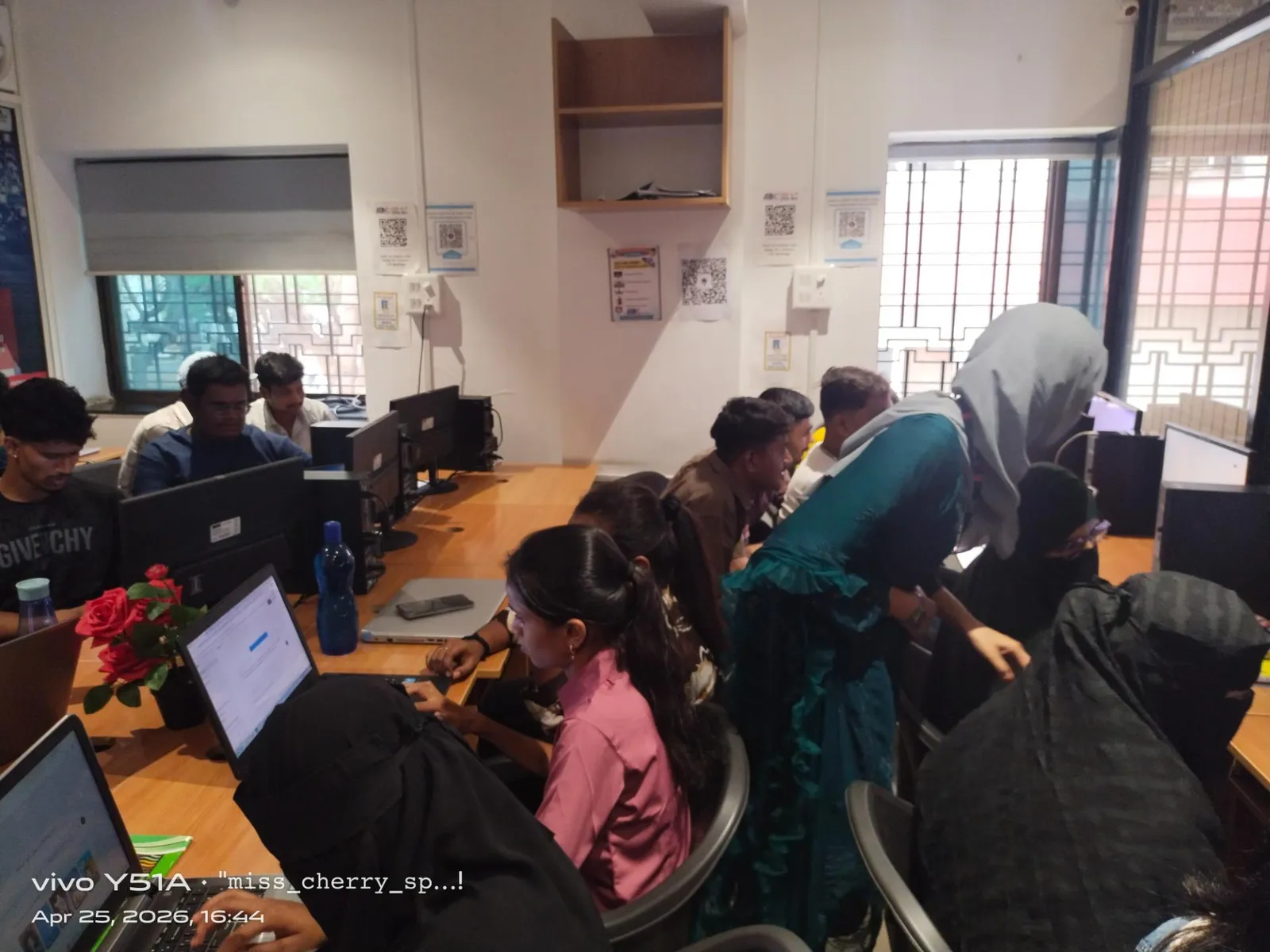
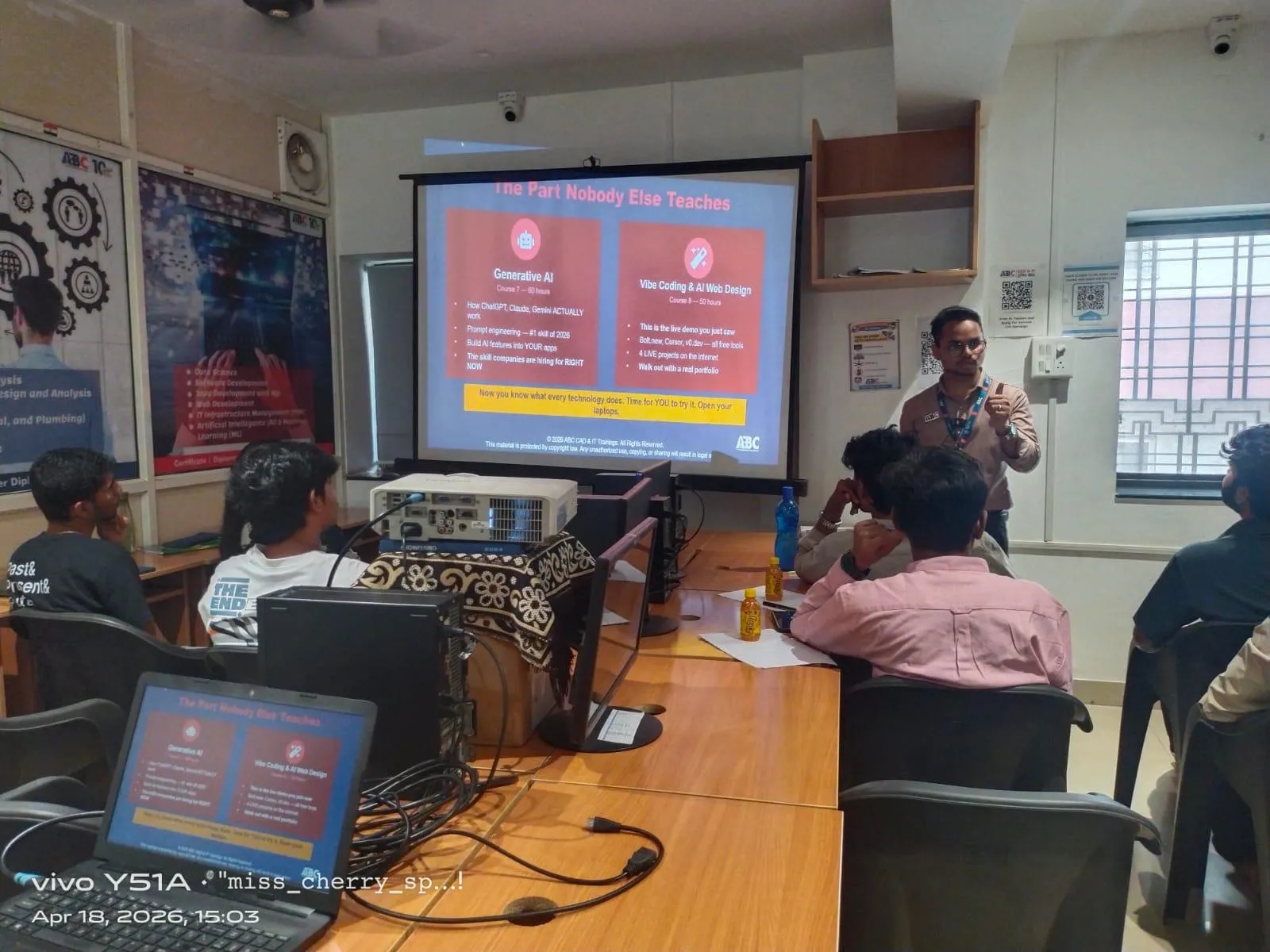
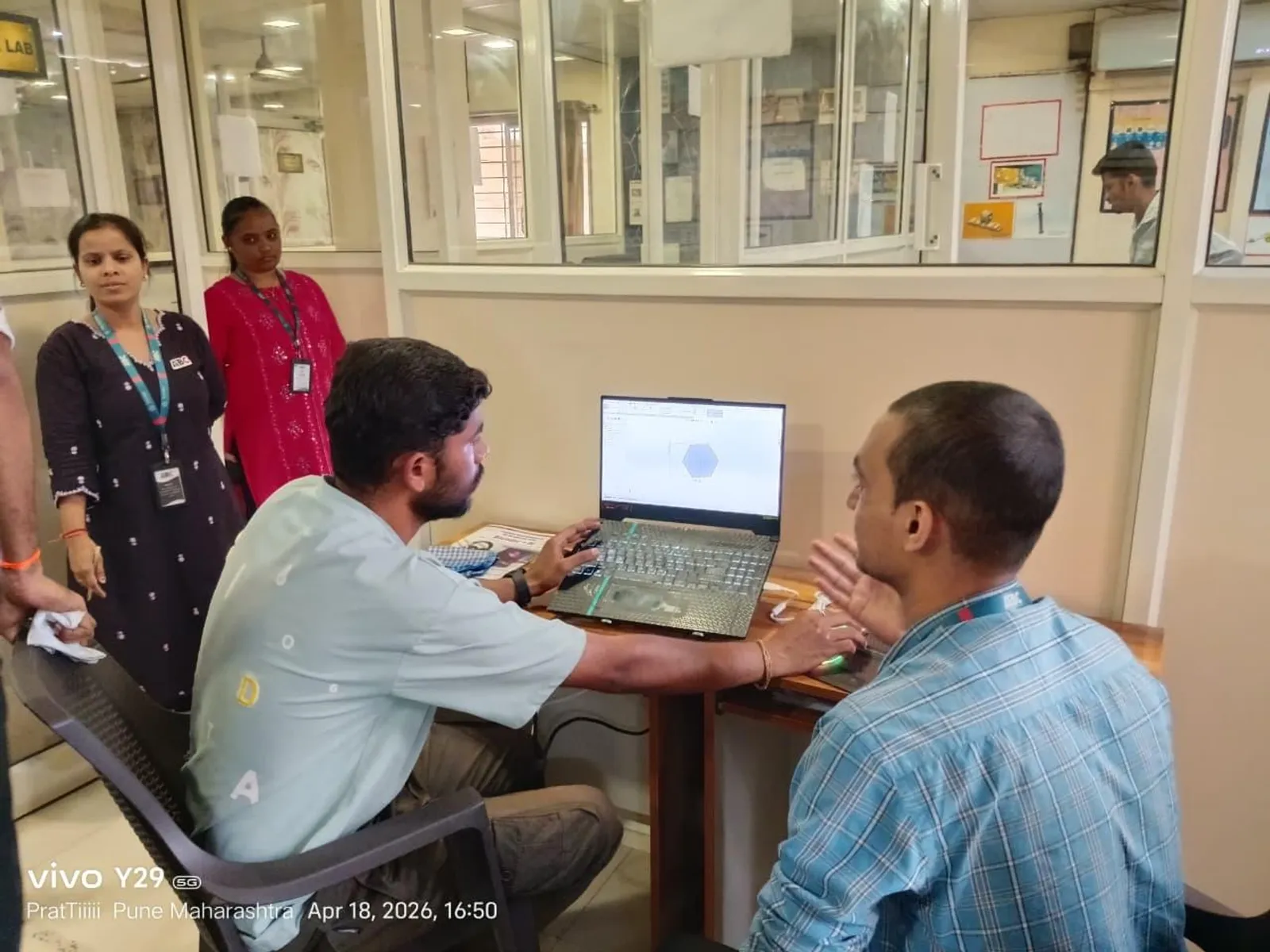
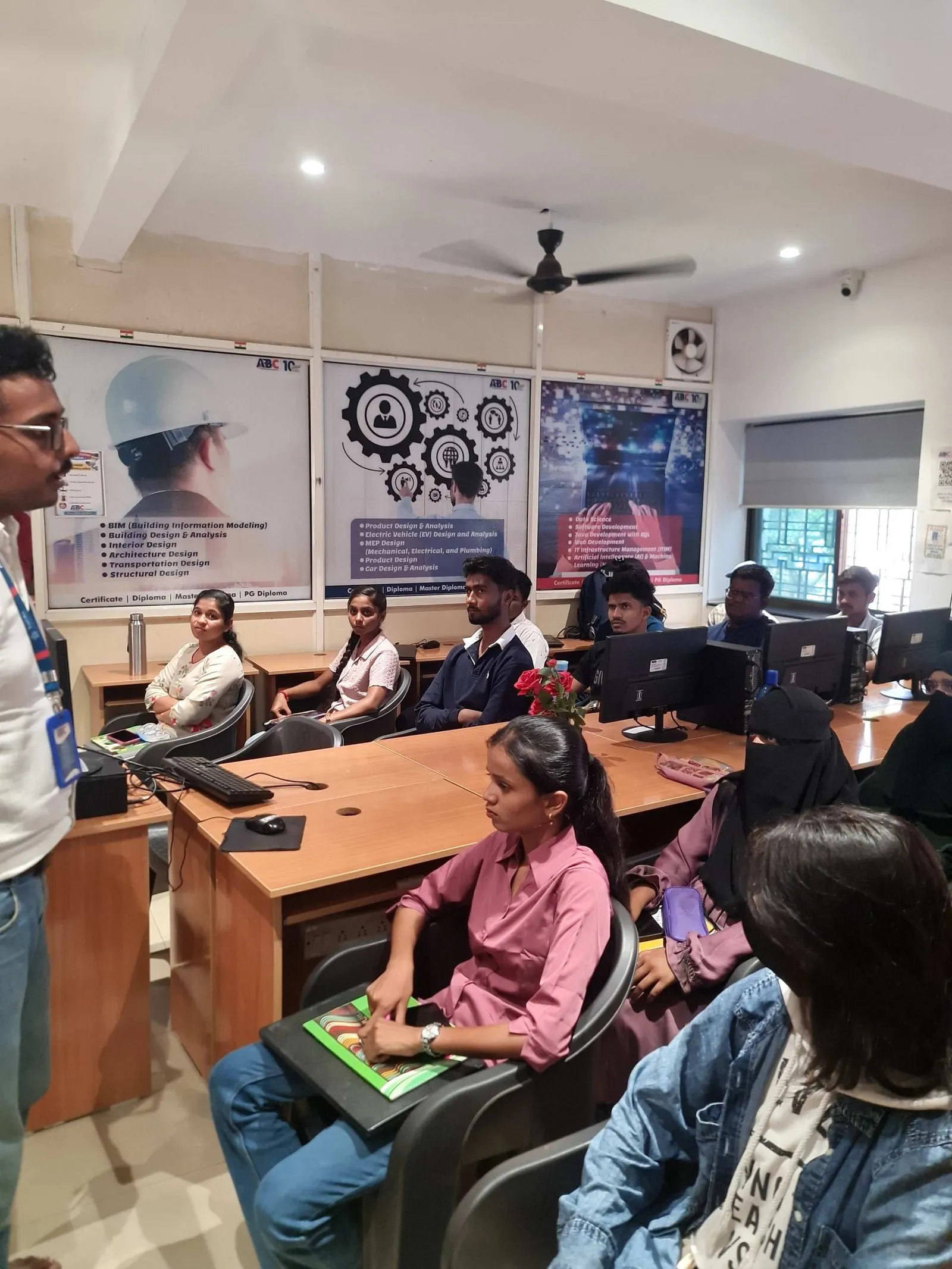
A mentor does. That's why structured learning matters. At ABC Trainings, students don't just watch content. They follow a sequence, practice inside a guided system, and get feedback on where their workflow is weak. That's the part that saves months.
If you're serious about CAD placements in Maharashtra, call ABC Trainings on 8698270088 or WhatsApp 7774002496. One proper roadmap is worth more than 200 random videos.
What salary difference does advanced CAD skill make in Maharashtra?
Let's talk real numbers. A learner with only basic command knowledge may struggle to cross ₹12,000 to ₹18,000 per month in entry-level drafting roles in smaller firms. Someone with project-ready CAD skills, clean drawings, and assembly confidence can target ₹18,000 to ₹28,000 per month in Sangli or Chhatrapati Sambhajinagar, and often ₹22,000 to ₹35,000 in Pune depending on software and domain.
If you add strong domain alignment, like automotive CAD for Bajaj Auto vendors, plant design support for Thermax, or product design workflows relevant to Tata Technologies and KPIT Technologies, your growth gets faster. After 2 to 4 years, many skilled CAD professionals move into ₹4.2 lakh to ₹7.5 lakh annual packages. The gap comes from workflow depth, not just software names on a resume.
How do you know your CAD learning method is actually working?
Use this test. You are progressing if you can:
- finish a model without pausing every two minutes
- edit dimensions without breaking the model
- create a drawing sheet that looks company-ready
- complete an assembly with logical mates or constraints
- explain why you used a specific workflow
- redo the same project faster the second time
If you can't do these yet, don't panic. It doesn't mean you're weak. It usually means your learning path is fragmented. The good news is that this can be fixed quickly with structured practice.
What is the better way to become job-ready in CAD in 2026?
Stop collecting tutorials. Start building systems. Pick one software track based on your target industry, follow a structured roadmap, practice complete projects, learn standards, and get review from someone experienced. That's the difference between a learner who stays stuck and one who gets shortlisted.
Here's the thing: advanced CAD skill is not hidden. It's built through correct sequence, repetition, and feedback. If you're from Pune, Sangli, or Chhatrapati Sambhajinagar and want a proper path instead of trial and error, ABC Trainings can help you move beyond the basics with guided CAD training and project-based practice.
Can I get a CAD job in Maharashtra if I learned only from YouTube?
Yes, but it's harder than most students expect. You might learn enough to answer a few basic questions, but interviews often test workflow, standards, and project logic. Companies want proof that you can complete real work, not just repeat commands. If your learning is only from scattered videos, you'll usually have gaps in drawings, assemblies, and revisions.
Which CAD software should I master first for better jobs in 2026?
It depends on your target field. AutoCAD 2026 is still useful for drafting roles, SolidWorks 2025 is strong for mechanical design, and CATIA V5 matters in automotive and advanced product design. Civil learners may need AutoCAD plus BIM tools later, while mechanical learners should focus on parametric modeling and drawings first. Pick software based on the companies and job roles you want.
How long does it take to move from basic CAD to advanced level?
For a serious learner practicing consistently, basic to advanced job-ready improvement can take 3 to 6 months. That assumes you're doing complete projects, not just watching tutorials. If you already know the basics, mentorship and structured assignments can speed this up a lot. Random learning usually takes much longer because mistakes keep repeating.
What should I include in a CAD portfolio for Pune or Sangli interviews?
Add 2D drawings, 3D parts, assemblies, sheet metal or weldment work if relevant, and at least one project showing revision changes. Include screenshots of feature trees, drawing sheets, and final outputs. Keep file naming clean and add a short note about the workflow you used. Interviewers in Maharashtra appreciate portfolios that look practical and industry-focused.
Visit Our Centers
Sangli
Sangli Branch
2nd Floor, Vasant Market, Opp. City High School, Sangli, Maharashtra 416416
Start Your Career Journey Today
Join 10,000+ students who transformed their careers with ABC Trainings.
💬 WhatsApp: 7774002496📞 Call: 8698270088