Advanced CAD training in Pune is no longer just about learning commands. If you already know the basics of AutoCAD, CATIA, or STAAD.Pro, the real question is this: can you work fast, clean, and to industry standards when a live project lands on your desk? That’s where most students get stuck. They know tools, but not workflow. Here’s the thing — companies don’t pay for button-clicking. They pay for accuracy, speed, revision control, and drawings or models that another engineer can actually use.

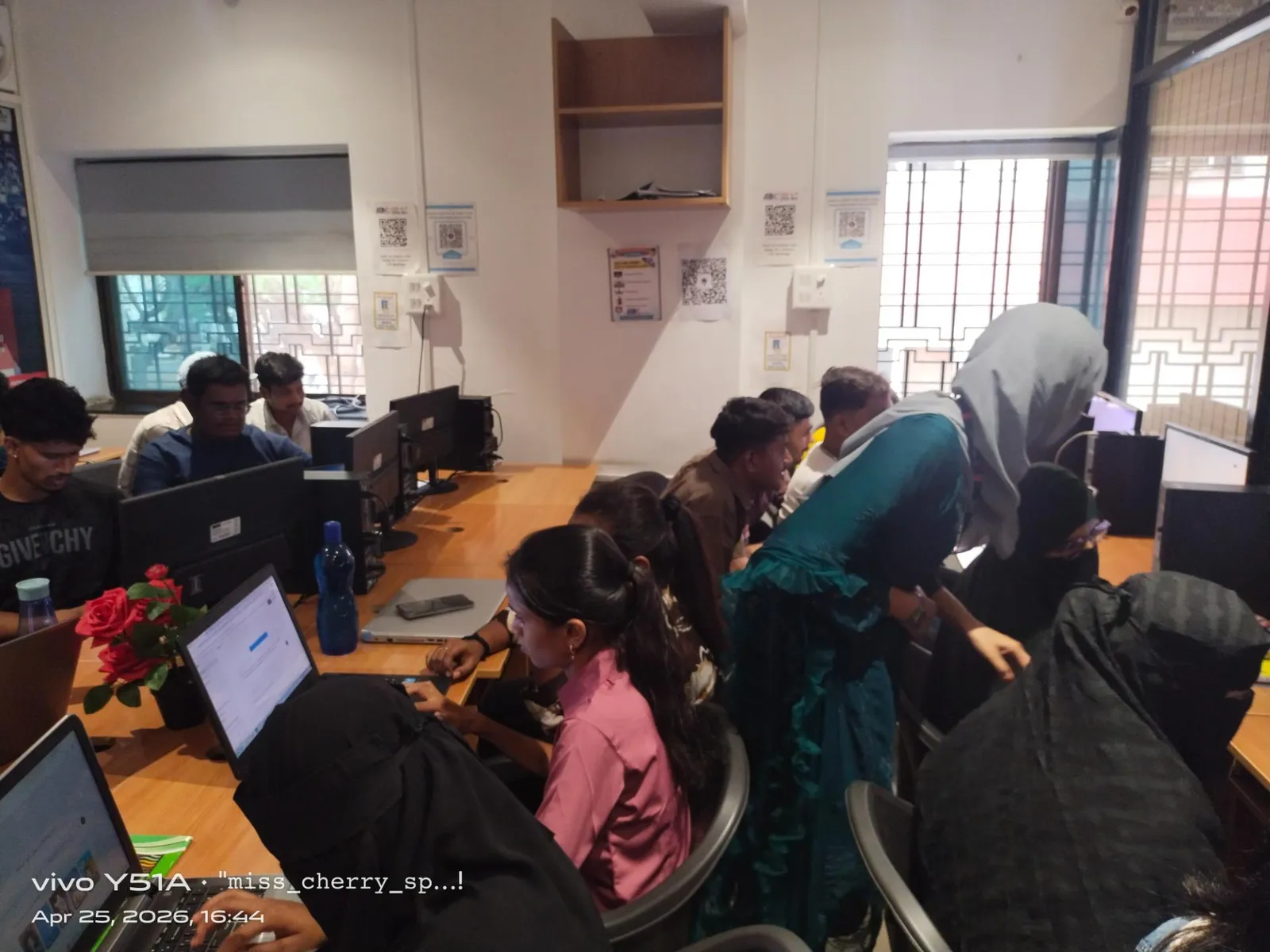
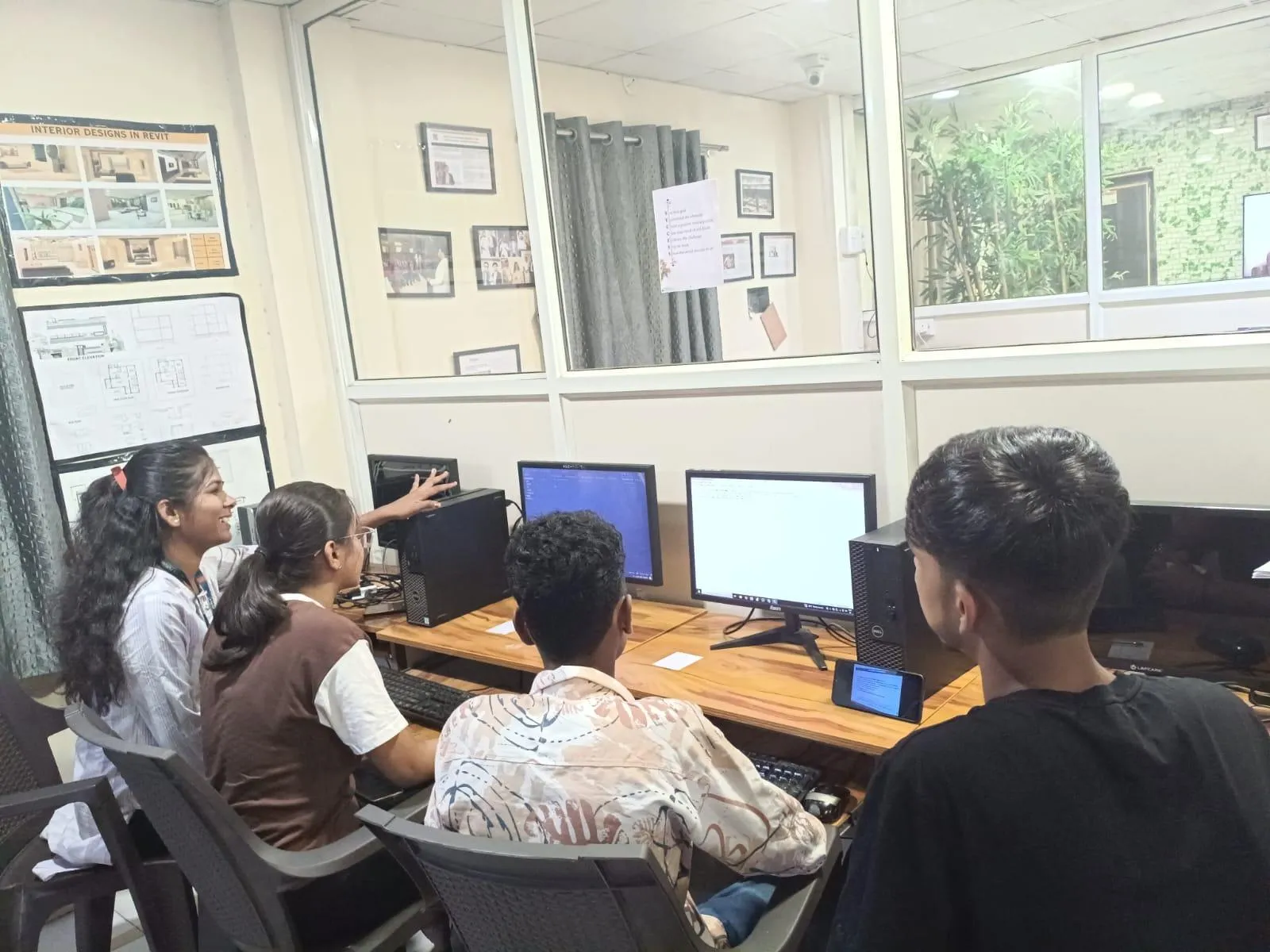
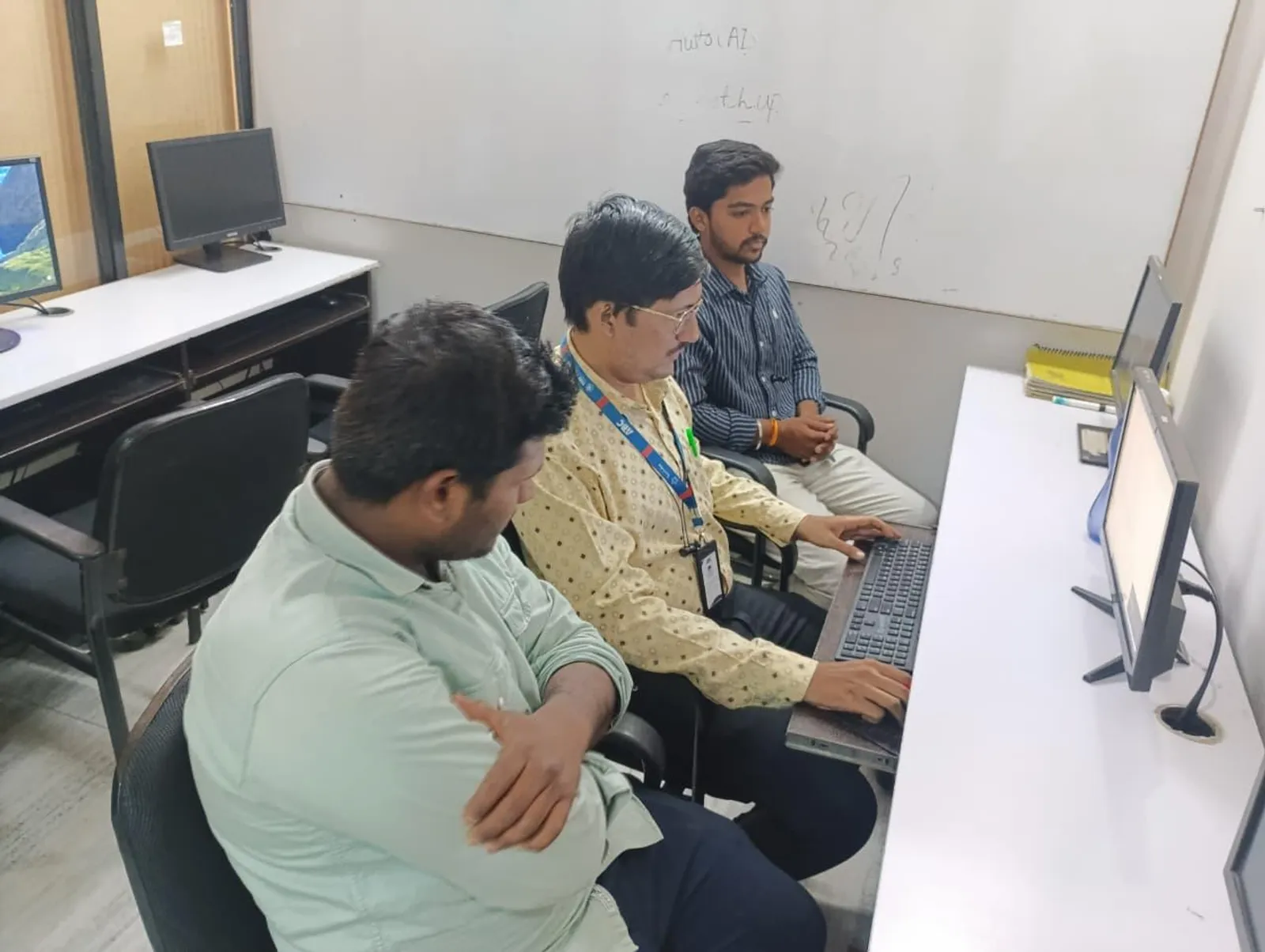
The YouTube video from ABC CAD Training in Wagholi Pune shows something important: students from Mechanical, Civil, and Electrical branches practicing on real software, not just watching demos. That matters because advanced CAD skill is built through repetition, project mistakes, and trainer feedback. Trust me, after training students for years, I can tell you this clearly: unlimited practice time and real lab exposure create stronger engineers than theory-heavy classes ever will.
What do advanced CAD learners in Pune need after basics?
Once you know basic drawing, sketching, constraints, layers, and modeling, the next jump is professional workflow. What most people don't realize is that advanced CAD is less about new icons and more about decisions. You need to know naming conventions, template setup, annotation standards, file exchange, plotting, assembly logic, and revision discipline.
In Pune, employers such as Tata Technologies, Bajaj Auto, Mahindra Engineering, Thermax, Kirloskar, Bosch and Siemens expect freshers to understand software behavior in a project environment. A student who can create a part is common. A student who can build a clean parametric model, update it without feature failure, generate production-ready drawings, and share the right file version is much more valuable.
How should you use AutoCAD at an advanced level in 2026?
If you’re still drawing everything manually, you’re wasting time. The good news is AutoCAD 2025 and AutoCAD 2026 workflows reward people who use standards properly. Start with templates. Set your text styles, dimension styles, units, lineweights, plot settings, and title blocks before project work begins. This one habit alone can save hours every week.
Use layer filters, layer states, dynamic blocks, annotation scaling, sheet sets, and external references with discipline. For civil and electrical students, Xrefs are especially important because live projects often involve architecture, structure, and services working together. Don’t bind files too early. Keep references clean and paths organized.
Power users also rely on tool palettes, custom aliases, fields, and attribute blocks. If you’re preparing panel layouts, machine drawings, or construction documentation, these features improve consistency. At L&T or Thermax-style project environments, consistency is not optional. A single wrong layer, scale mismatch, or missing attribute can create rework across the team.
How do mechanical students go deeper with CATIA?
For mechanical engineering students, CATIA V5 and CATIA 3DEXPERIENCE workflows open a different level of thinking. Basic part modeling is not enough. You need to understand design intent. That means your model should update logically when dimensions change. If your feature tree breaks every time you edit a sketch, your modeling method is weak.
Focus on advanced sketch constraints, publication strategy, master sketches, Boolean operations, surfacing basics, assembly constraints, and drafting associativity. Learn when to use pads and pockets, when to drive geometry from reference planes, and when to simplify for manufacturability. If you want roles linked to automotive suppliers around Pune and Chhatrapati Sambhajinagar, this matters a lot because companies like Bajaj Auto, Tata Technologies and KPIT Technologies work in environments where design changes happen constantly.
Another advanced habit is tolerance awareness. Even if you are not a full GD&T expert yet, you should know how design affects machining, fitment, and assembly. A fresher who understands both geometry and production logic often gets shortlisted faster than someone who only knows commands.
How can civil students use STAAD.Pro more professionally?
STAAD.Pro is often taught as software operation, but in practice it’s about engineering judgment. If you’re a civil student, go beyond simple beam and frame models. Learn load combinations, support conditions, member releases, meshing basics, code selection, and result interpretation. Don’t just run analysis and accept output because the software says so.
Advanced users check model stability, unit consistency, section assignment, and load path logic before analysis. They also review deflection, bending moments, reactions, and design warnings carefully. Here’s the thing — many students fail interviews because they can click through STAAD.Pro but cannot explain why they used a fixed support, why a member failed, or how they corrected an unrealistic model.
For firms working on industrial sheds, plants, and infrastructure in Maharashtra, this thinking is valuable. Companies connected to L&T, Siemens, and large EPC contractors want engineers who can read output critically, not just generate colorful reports.
What advanced CAD habits help electrical students stand out?
Electrical students often learn drafting late, but they can gain a big advantage by getting strong at schematic clarity, panel layout logic, cable routing discipline, and annotation standards. AutoCAD is still widely used for SLDs, control panels, wiring diagrams, and equipment layouts. Your goal should be readability and error prevention.
Use blocks with attributes for devices, maintain layer standards for power and control circuits, and set annotation rules that survive plotting. If a drawing becomes unreadable after print, it’s not a professional drawing. Learn to create reusable symbol libraries and title block data that update automatically. These are small things, but trust me, they make you look trained, not just taught.
What project workflow do companies actually expect from freshers?
Industry expects you to manage files like a professional. That means version naming, backup discipline, folder structure, PDF issue records, and proper export settings. If you send random files named Final2_Last_UseThis.dwg, you’ll look inexperienced immediately.
A better workflow is simple: keep project folders by client, discipline, model version, issued drawings, and references. Use revision tables. Lock standards early. Export PDFs after checking lineweights and scales. For 3D work, maintain assembly references and avoid broken links. These habits are common in teams at Infosys, TCS engineering services, Bosch, and Mahindra Engineering, where digital collaboration matters.
Students who practice this workflow during training adapt much faster in jobs. That’s one reason many learners prefer hands-on institutes like ABC Trainings, where software practice is repeated until the process becomes natural.
How much can advanced CAD skills improve salary in Maharashtra?
Let’s be practical. Basic CAD-only freshers in Pune, Sangli, Nashik, Kolhapur, and Chhatrapati Sambhajinagar may start around ₹1.8 lakh to ₹2.8 lakh per year depending on branch, communication, and project exposure. But students who can show advanced AutoCAD documentation, CATIA assemblies, or STAAD.Pro project files often move into the ₹3 lakh to ₹4.8 lakh range faster.
For specialized roles, especially mechanical design support and structural detailing support, salaries can climb beyond ₹5.5 lakh after one to three years if your software skill is backed by real output quality. The software itself doesn’t create salary growth. Your accuracy, speed, and ability to work without constant supervision do.
Where should you practice advanced CAD in Pune?
You need a place where you can practice beyond lecture hours, ask project-level doubts, and work across software based on your branch. The video highlights a useful model: engineering students from multiple branches practicing real tools like AutoCAD, CATIA, and STAAD.Pro in a hands-on setup. That’s exactly how advanced skill grows.
If you’re in Wagholi, Kharadi, Hadapsar, Vishrantwadi, or other Pune areas, choose training that includes unlimited practice, trainer correction, and project-based assignments. The good news is you don’t need to master every CAD tool at once. Start with the one your branch needs most, then build depth. If you want structured guidance, ABC Trainings can help you map software to your career path. Call 7039169629 or WhatsApp 7774002496 to understand which advanced CAD route fits your branch and job target.
What’s the smartest way to become industry-ready fast?
Don’t collect software names. Build one strong portfolio. A mechanical student should show clean parts, assemblies, and manufacturing drawings. A civil student should show one properly analyzed STAAD.Pro project with explanation. An electrical student should show readable, standards-based drafting work. That’s what gets attention in interviews.
Here’s the thing — advanced CAD learning is not about appearing smart. It’s about making fewer mistakes, finishing work faster, and producing files that teams can trust. If your training environment pushes daily practice and review, your confidence will rise quickly. And that’s exactly why serious students in Pune keep looking for practical CAD training instead of theory-heavy classes.
Which CAD software should a mechanical engineering student in Pune learn first for better jobs?
If you already know basic drafting, start with CATIA if you want automotive and product design roles, especially around Pune’s manufacturing ecosystem. AutoCAD is still useful for 2D documentation, but CATIA gives stronger value for design intent, assemblies, and production-linked work. If possible, learn both in sequence rather than choosing blindly.
Is STAAD.Pro enough for civil jobs in Maharashtra, or should I learn something else too?
STAAD.Pro is a strong start for structural analysis roles, but it works best when combined with drawing interpretation and practical design understanding. If you can explain load combinations, supports, and output checks clearly, you’ll stand out. Many students also benefit from pairing STAAD.Pro with AutoCAD for documentation readiness.
How many months does it take to reach advanced CAD level after basics?
For most students, two to four months of serious practice is enough to move from basic command knowledge to project-level confidence. The timeline depends on your branch, how often you practice, and whether you work on real assignments. Daily lab time usually beats weekend-only learning by a big margin.
Can ABC Trainings help if I am from Sangli or Chhatrapati Sambhajinagar and want Pune-level CAD skills?
Yes, that’s a common need. Many students from Sangli and Chhatrapati Sambhajinagar want training aligned with what Pune employers expect. ABC Trainings works with practical, software-focused learning so students can build industry-ready skills instead of only completing a certificate. For course guidance, call 7039169629 or WhatsApp 7774002496.
Visit Our Centers
Pune
Wagholi Branch
1st Floor, ABC Trainings, Laxmi Datta Arcade, Pune - Ahilyanagar Hwy, Wagholi, Pune, Maharashtra 412207
Hadapsar Branch
Bloom Hotel, ABC Trainings 1st Floor, S.no 156/3 Shree Tower Pune - Solapur Rd, Hadapsar, Pune, Maharashtra 411028
Start Your Career Journey Today
Join 10,000+ students who transformed their careers with ABC Trainings.
💬 WhatsApp: 7774002496📞 Call: 7039169629