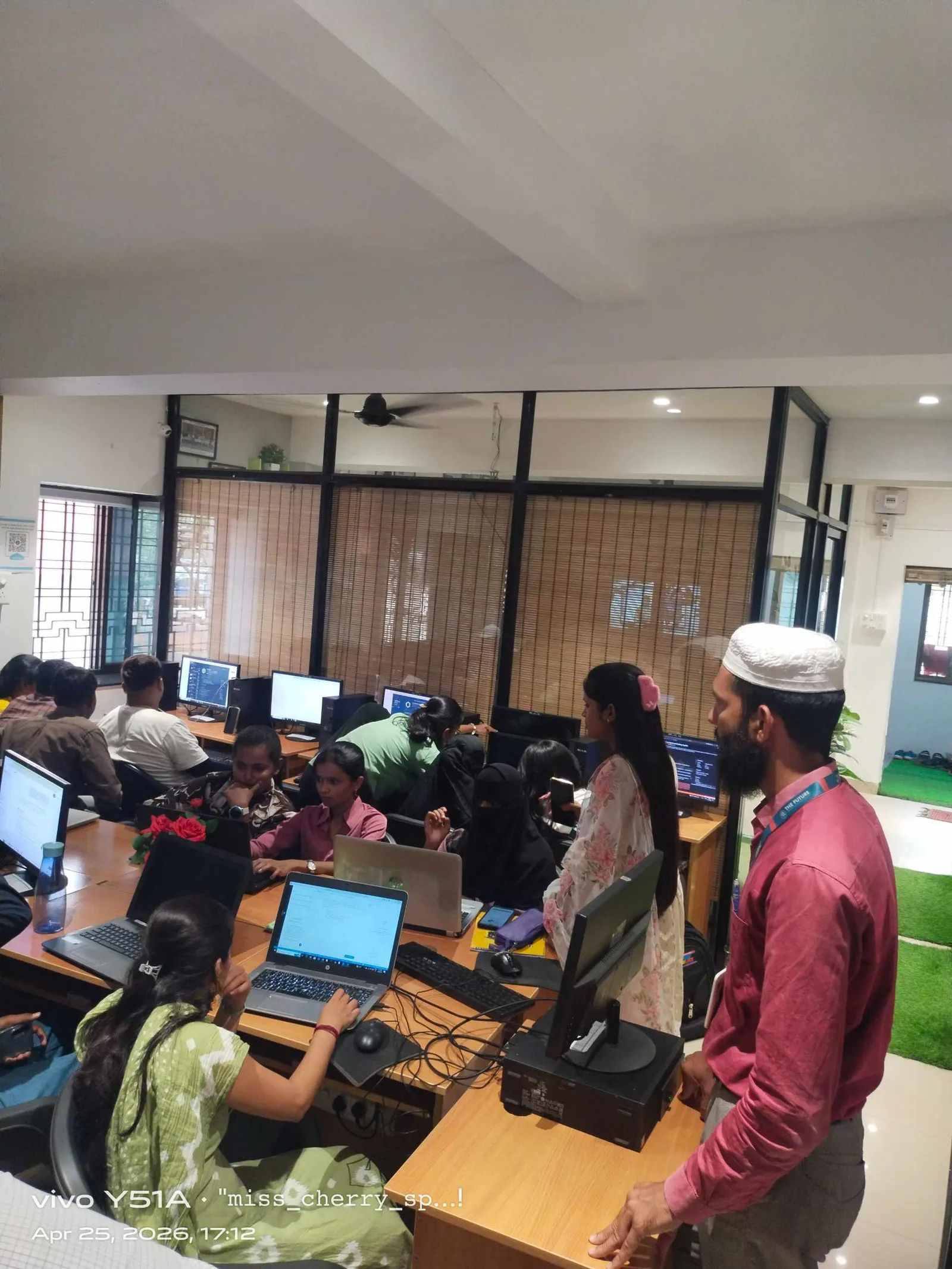
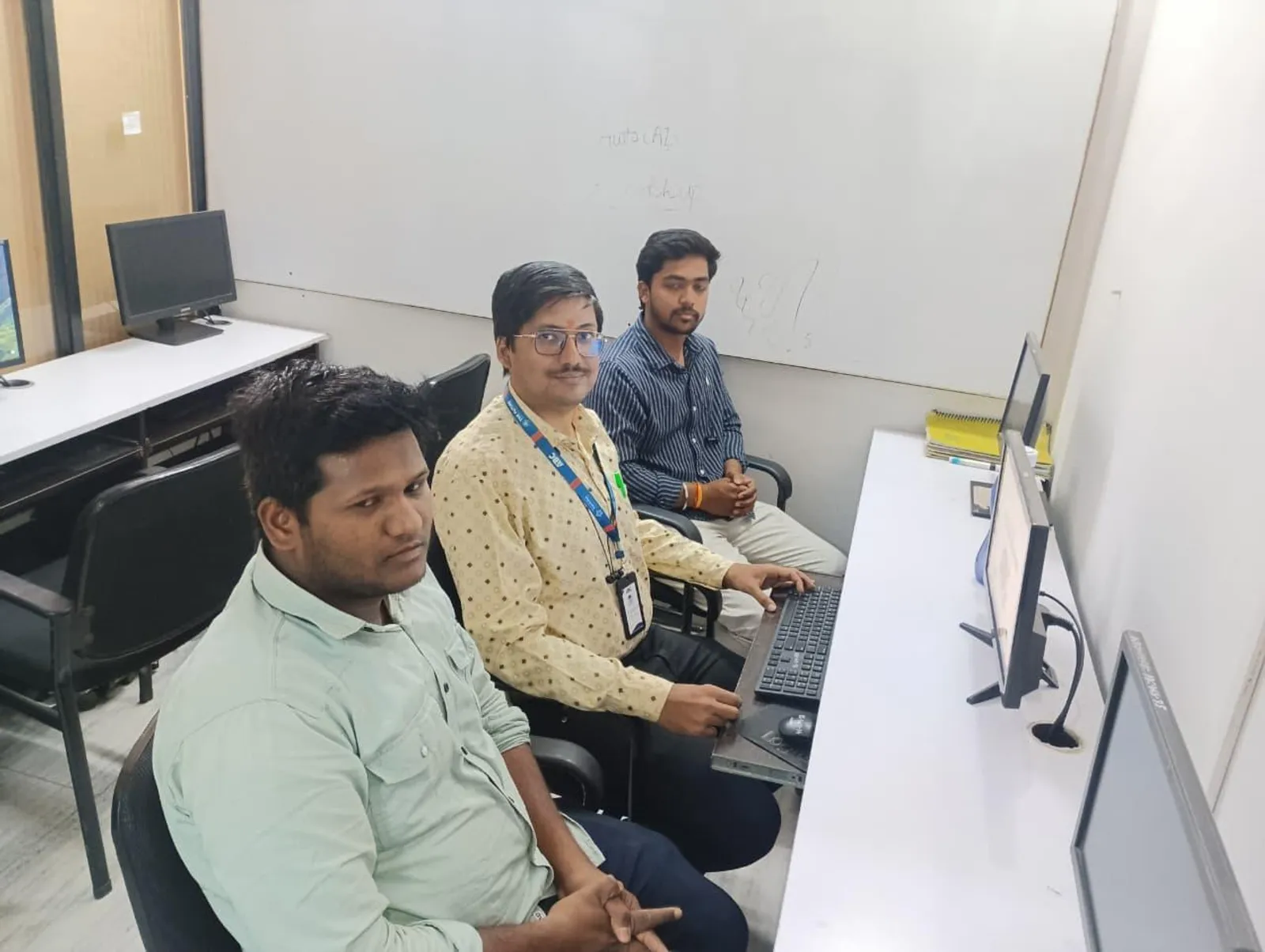
If you've already understood basic SQL syntax and you're comfortable with simple SELECT, INSERT, UPDATE, and DELETE statements, this is the stage where SQL starts becoming useful in real work. Advanced SQL querying in India 2026 is not about memorizing more commands. It's about writing cleaner queries, controlling data safely, structuring tables properly, and avoiding the mistakes that slow down projects in companies like Infosys, TCS, KPIT Technologies, Bosch, and Siemens. Here's the thing: most beginners learn SQL as isolated commands, but in actual jobs, you'll use it as a system.
The video introduction explains SQL as the language used to create, update, delete, retrieve, filter, and manage relational data. So let's go deeper into that exact lesson from an industry point of view. If you want to move from "I know SQL basics" to "I can work with production-style databases," this is the next step.
What does advanced SQL querying actually mean in India 2026?
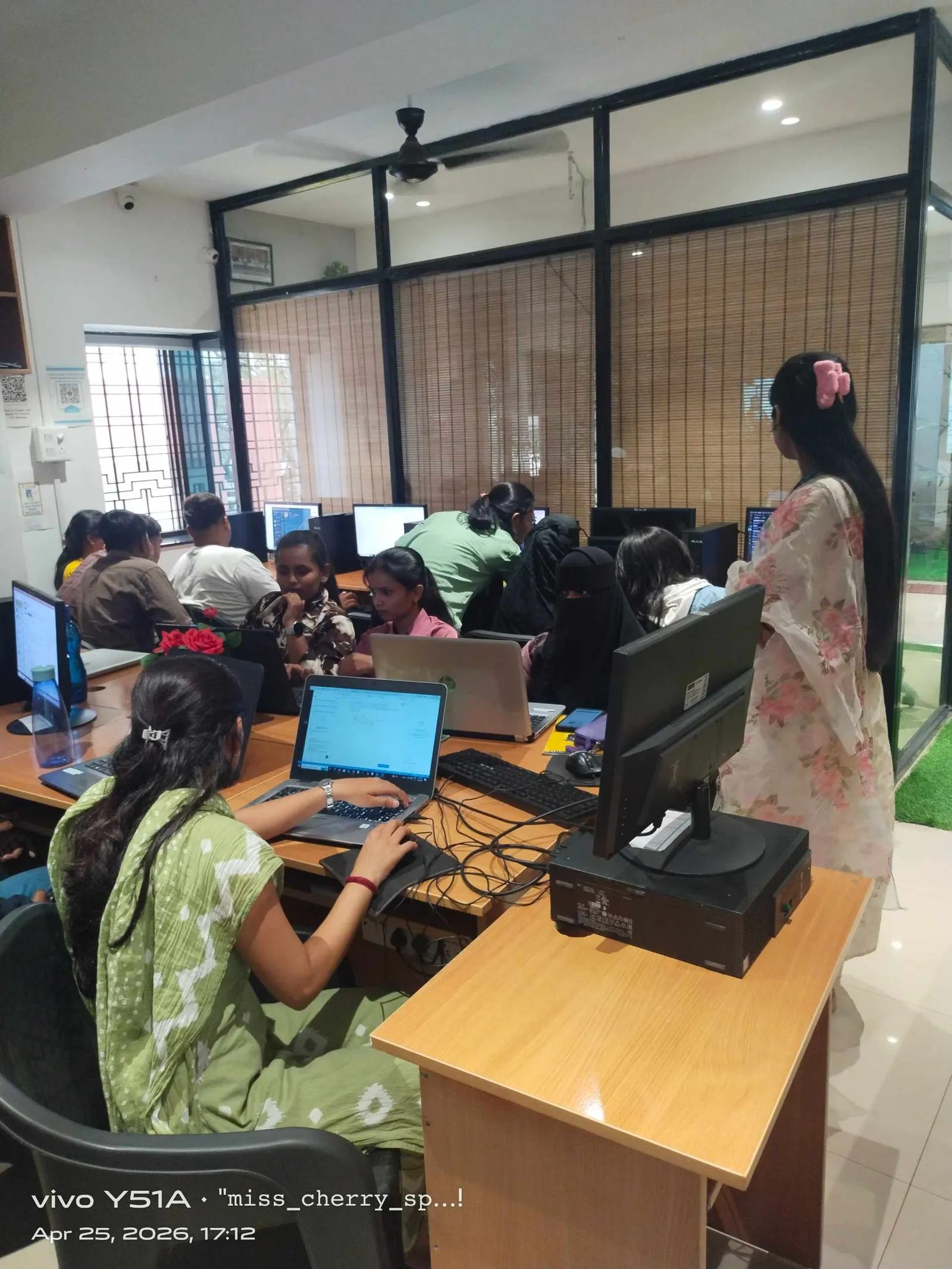
Advanced SQL querying means you can do more than fetch rows from a table. You can design table logic, apply safe filters, update records without damaging live data, and write queries that make sense in business environments. In MySQL 8.0, PostgreSQL, and SQL Server, employers expect you to understand not just syntax but intent.
What most people don't realize is that even entry-level roles in Pune, Chhatrapati Sambhajinagar, and Sangli often test whether you can handle data accurately. A company may not ask for huge theory. They'll ask practical things like: how do you update only selected rows, how do you remove duplicate-looking data carefully, how do you structure a table for future reporting, and how do you filter records without writing messy conditions?
How do professionals create and manage tables the right way?
At the basic level, creating a table is easy. The advanced part is choosing the right structure from the start. A professional table doesn't just store data. It supports reporting, filtering, joins, validations, and future changes.
When you're creating tables, pay attention to:
- Correct data types like INT, DECIMAL, DATE, VARCHAR
- Primary keys for uniqueness
- NOT NULL where empty values should never exist
- DEFAULT values for predictable inserts
- Meaningful naming conventions
Trust me, poor table design creates bigger problems than poor query writing. If a student table stores phone numbers as INT, you'll lose leading zeroes. If salary is stored as VARCHAR, calculations become unreliable. If dates are stored as plain text, filtering by month or year becomes painful.
In real projects, teams at Tata Technologies or Mahindra Engineering won't appreciate "working somehow" SQL. They want clean structures because reporting, dashboards, and applications depend on them.
How should you insert, update, and delete data safely?
This is where SQL goes from classroom to workplace. Anybody can write an UPDATE statement. A professional knows how to avoid updating the wrong rows.
Use this workflow:
- First run a SELECT with the same WHERE condition
- Check exactly which rows will be affected
- Then run UPDATE or DELETE
- If possible, work inside a transaction in supported systems
The good news is, this habit alone separates careful SQL users from risky ones. For example, if you're updating employee records, don't directly write:
UPDATE employees SET salary = salary + 5000;
That updates every row. In a live database, that's a disaster. Instead, verify the target set first. This is the kind of discipline expected in database support, software testing, backend development, and analytics roles.
For students preparing for jobs in Maharashtra, this matters a lot. SQL mistakes in production can affect payroll, attendance systems, invoice data, or customer records. That's why trainers at ABC Trainings always push students to think before they execute.
How do you write better SELECT queries beyond the basics?
Most learners stop at SELECT column_name FROM table_name. But advanced work starts when you combine filtering, sorting, aliasing, pattern matching, and calculated output.
Here are the habits power users build:
- Select only required columns instead of using SELECT *
- Use aliases to make output readable
- Apply WHERE conditions carefully
- Use ORDER BY for useful result presentation
- Use LIKE for pattern-based searches
- Use aggregate functions when summarizing data
Suppose you're checking customer orders, student marks, or product inventory. A clean query should answer a business question directly. That's the difference between learning SQL and using SQL.
For example, if a manager asks for students enrolled this month with fees above a threshold, your query should be specific, readable, and easy to modify. Here's the thing: readability matters because SQL is often read by teammates, not just written by you.
How do filtering and conditions become powerful in real databases?
Filtering is one of the core ideas mentioned in the video description, and it's far more important than beginners think. Good filtering helps you extract only the records that matter.
Advanced filtering usually includes combinations of:
- AND and OR logic
- BETWEEN for ranges
- IN for multiple fixed values
- LIKE for partial text matches
- IS NULL and IS NOT NULL for missing data checks
What most people don't realize is that bad filtering causes wrong reports. If your logic brackets are incorrect, your result may look valid but be completely wrong. That's dangerous in finance, HR, inventory, and operations reporting.
When learners practice SQL for interviews, I always tell them: don't just get output, get correct output. Companies like TCS and Infosys care about accuracy more than flashy syntax.
Why is data integrity a serious SQL skill?
The video description mentions maintaining data integrity and accuracy, and this is where intermediate users become strong professionals. Data integrity means your database stays consistent, valid, and trustworthy.
You support integrity using:
- Primary keys to prevent duplicate identity rows
- Constraints like NOT NULL and UNIQUE
- Proper data types
- Careful updates and deletes
- Structured table relationships
If you're building or maintaining databases for ERP, CRM, student management, sales systems, or testing environments, integrity is everything. A single duplicate customer ID or invalid date can break reports, application flows, and automation scripts.
That's why SQL is still a core skill across developer, tester, and analyst roles in 2026. It's not old. It's foundational.
Which SQL tools and versions should you practice in Maharashtra?
For training and placement preparation, MySQL 8.0 is one of the best starting points because it's widely used for teaching and project work. PostgreSQL is also valuable, especially if you're interested in product companies and advanced backend roles. SQL Server appears in enterprise environments too.
If you're in Pune or Chhatrapati Sambhajinagar, start with one system properly instead of jumping between five tools. Once your logic is strong, syntax differences become manageable.
A solid practice setup includes:
- MySQL 8.0 Community Server
- MySQL Workbench
- Sample databases for students, sales, HR, or inventory
- Daily query-writing practice
Trust me, consistency beats random learning. One hour of proper SQL practice daily is more useful than watching ten scattered tutorials.
What salary can SQL skills get you in Maharashtra in 2026?
SQL alone may not define your entire salary, but it absolutely boosts employability. In Maharashtra, a fresher with practical SQL plus one related skill such as Python, testing, Power BI, or backend development can expect around ₹2.8 lakh to ₹4.5 lakh per year in entry-level roles. In Pune, candidates with stronger project work may reach ₹5 lakh to ₹6.5 lakh.
For software testers using SQL for backend validation, support engineers handling production data, or junior analysts creating reports, SQL is often the skill that gets you shortlisted. Once you add advanced joins, subqueries, stored logic, reporting workflows, and performance awareness, your profile becomes much stronger.
If you want guided SQL practice with job-focused assignments, ABC Trainings helps students across Maharashtra build hands-on skills. You can call 8698270088 or WhatsApp 7774002496 to check current batches.
How should you learn SQL deeply instead of just finishing a course?
Here's a practical roadmap:
- Master table creation and data types
- Practice inserts, updates, and deletes safely
- Write complex SELECT queries with filtering and sorting
- Use aggregate functions on real datasets
- Work on mini-project databases like fees, payroll, inventory, or sales
- Practice interview questions with real output checking
The good news is, SQL rewards discipline. You don't need a huge setup. You need repetition, accuracy, and business-style thinking. That's what turns a learner into someone employable.
And if you're serious about jobs in Pune, Sambhajinagar, or Sangli, don't stop at theory. Build a portfolio of SQL exercises and practical database tasks. That's what recruiters trust.
Is SQL enough to get a job in Pune in 2026?
SQL alone can help you qualify for some support, testing, and junior database roles, but pairing it with another skill gives better results. Good combinations include SQL with Python, Power BI, manual testing, or full stack development. In Pune, recruiters usually prefer candidates who can apply SQL in projects, not just answer theory questions. So yes, SQL helps a lot, but combined skills help more.
Which SQL version should students in Maharashtra learn first?
MySQL 8.0 is a practical first choice because it's beginner-friendly and widely used in training and projects. If you're planning a backend or product-based career, PostgreSQL is also worth learning after the basics. The main thing is not the brand of database first, but your command over query logic, filtering, updates, and table design. Start with one platform and build confidence.
What are the most important SQL topics after basics?
After basics, focus on safe updates and deletes, table design, constraints, filtering logic, sorting, pattern matching, and aggregate functions. Then move into joins, subqueries, views, indexes, and stored procedures. What most people don't realize is that weak fundamentals make advanced topics harder. So deepen the basics before chasing complex syntax.
Where can I learn SQL in Chhatrapati Sambhajinagar with practical guidance?
You can look for a training institute that teaches SQL through hands-on database exercises, interview practice, and job-oriented assignments instead of only notes. ABC Trainings is one option students consider for practical IT training in Maharashtra. Before joining anywhere, ask whether they cover real query practice, table creation, filtering, update safety, and project work. That's what actually builds confidence for interviews.
Visit Our Centers
Chhatrapati Sambhajinagar
Corporate Office (HQ)
2nd Floor, Kandi Towers, Jalna Road, Amarpreet Chowk, Chhatrapati Sambhajinagar, Maharashtra 431001
Osmanpura Branch
Plot No 14, Shanya Sect, Near Sant Eknath Rang Mandir, Osmanpura, Chhatrapati Sambhajinagar, Maharashtra 431005
CIDCO Branch
Plot No 4, N-3, Cidco, Opp. High Court, Chhatrapati Sambhajinagar, Maharashtra 431003
Pune
Wagholi Branch
1st Floor, ABC Trainings, Laxmi Datta Arcade, Pune - Ahilyanagar Hwy, Wagholi, Pune, Maharashtra 412207
Hadapsar Branch
Bloom Hotel, ABC Trainings 1st Floor, S.no 156/3 Shree Tower Pune - Solapur Rd, Hadapsar, Pune, Maharashtra 411028
Sangli
Sangli Branch
2nd Floor, Vasant Market, Opp. City High School, Sangli, Maharashtra 416416
Start Your Career Journey Today
Join 10,000+ students who transformed their careers with ABC Trainings.
💬 WhatsApp: 7774002496📞 Call: 8698270088