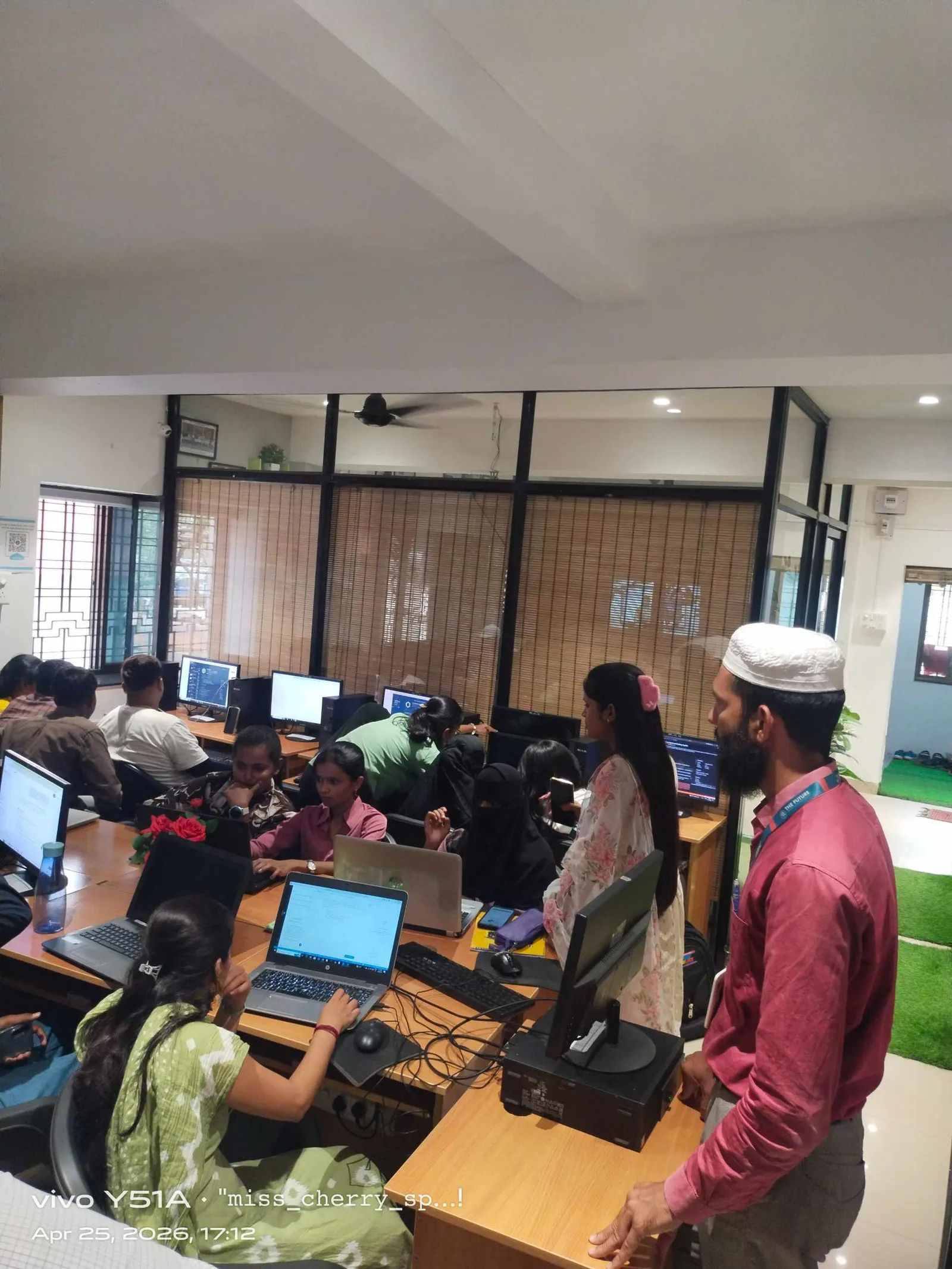
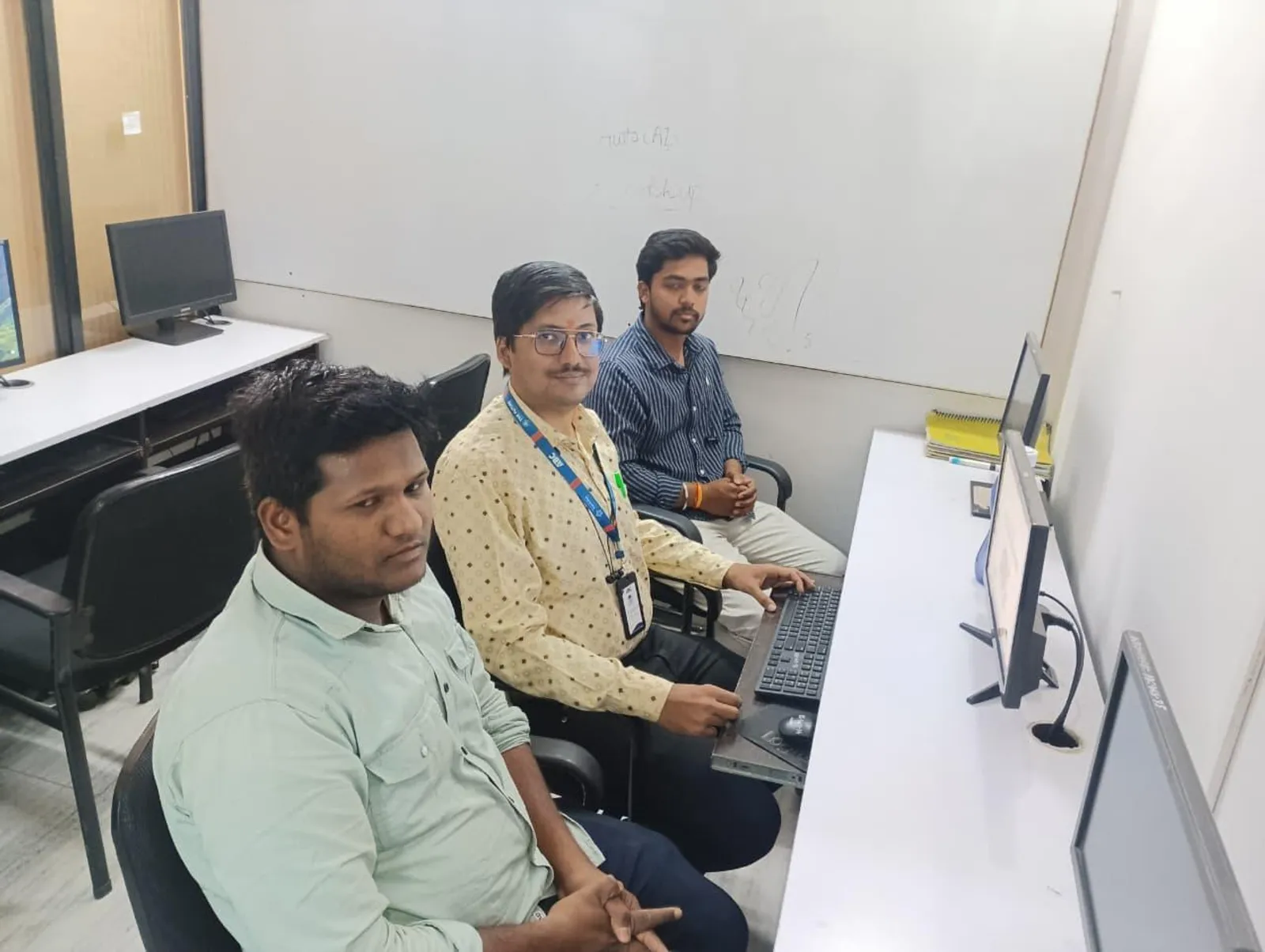
If you already understand what SQL is and you've written a few basic SELECT statements, this is where things start getting practical. SQL table design and data queries in India 2026 aren't just about syntax anymore. They're about writing queries that stay clean, creating tables that don't break later, and working the way real teams at Infosys, TCS, KPIT Technologies, and Bosch expect you to work. Here's the thing: most learners stop at textbook examples. But in actual projects, your value comes from how well you design tables, apply constraints, and pull the right data fast.
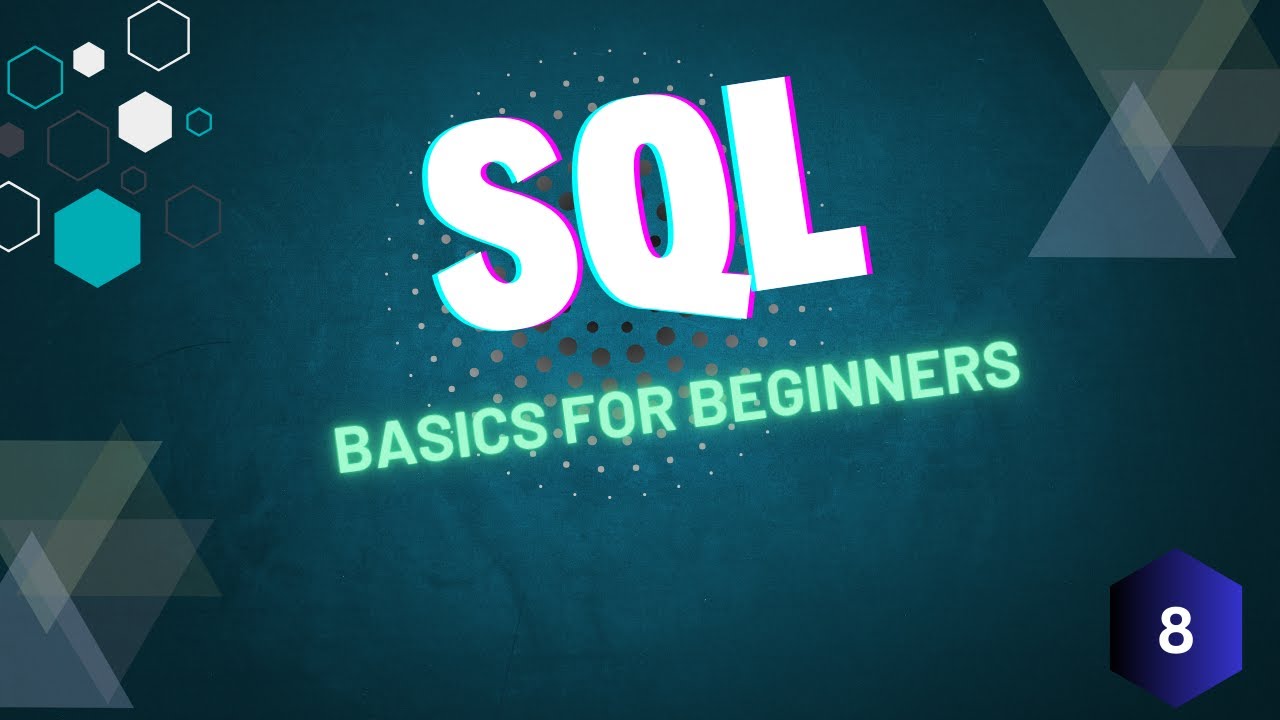
The video introduction is about SQL basics, but the exact lesson naturally points toward the foundation every serious learner must master next: creating tables properly, inserting data correctly, and querying with intent. If you want to move from beginner-level practice to job-ready SQL, let's go deeper.
What should you master after basic SQL in India 2026?
Once you've learned that SQL is used to create, update, delete, and retrieve data, the next step is mastering structure and control. That means:
- Designing tables with the right datatypes
- Using
PRIMARY KEY,NOT NULL,UNIQUE, andDEFAULTconstraints - Inserting records without datatype mistakes
- Filtering data with precise
WHEREconditions - Updating and deleting data safely
- Thinking like a backend developer or database analyst, not just a student
The good news is, these skills are enough to make your SQL practice look professional even before you reach joins, subqueries, and stored procedures.
How do professionals design SQL tables properly?
What most people don't realize is that poor table design creates bigger problems than poor queries. A badly designed table leads to duplicate data, broken reports, and messy maintenance. In companies like TCS or Mahindra Engineering, nobody wants a database table where phone numbers are stored as random text or salary values are mixed with symbols.
Here's a clean example:
CREATE TABLE Employees (
    EmpID INT PRIMARY KEY,
    FullName VARCHAR(100) NOT NULL,
    Department VARCHAR(50) NOT NULL,
    Salary DECIMAL(10,2) DEFAULT 25000.00,
    City VARCHAR(50),
    JoiningDate DATE
);
Why is this better than a loose beginner table?
INTis used for IDs because it's efficientVARCHAR(100)controls text lengthNOT NULLforces required valuesDEFAULTprevents empty salary entriesDATEstores dates correctly for filtering later
Trust me, if you learn datatype discipline early, you'll avoid half the mistakes students make in interviews.
Which SQL constraints matter most in real projects?
Constraints are where SQL starts feeling like actual database engineering. Beginners often skip them because queries run without them. That's exactly the problem. Without constraints, wrong data enters the system and your database becomes unreliable.
The most useful constraints to practice are:
PRIMARY KEY– ensures every row is uniqueNOT NULL– prevents blank critical fieldsUNIQUE– avoids duplicate values like email IDsDEFAULT– inserts fallback values automaticallyCHECK– validates logical rules where supported
Example:
CREATE TABLE Students (
    StudentID INT PRIMARY KEY,
    Name VARCHAR(80) NOT NULL,
    Email VARCHAR(120) UNIQUE,
    Fees DECIMAL(8,2) CHECK (Fees >= 0),
    City VARCHAR(40) DEFAULT 'Pune'
);
This kind of structure matters in institute software, ERP systems, HR portals, and reporting dashboards. If you're aiming for SQL roles in Pune, Chhatrapati Sambhajinagar, or even remote support projects for Bengaluru teams, this is basic professionalism.
How do you insert data without common beginner mistakes?
Data insertion looks simple until errors start showing up. Column order mismatch, datatype mismatch, missing required values, and duplicate primary keys are very common.
Use explicit column names every time:
INSERT INTO Employees (EmpID, FullName, Department, Salary, City, JoiningDate)
VALUES (101, 'Rahul Patil', 'Testing', 38000.00, 'Pune', '2026-01-10');
Why is this a power-user habit?
- It prevents breakage if table structure changes later
- It makes debugging easier
- It reads better during code review
- It reduces accidental inserts into wrong columns
In real software teams, readable SQL matters. A junior developer in Sangli writing clean insert statements is taken more seriously than someone who writes short but risky syntax.
How do you write better SELECT queries with filters?
Most SQL learners know SELECT *. That's fine for practice, but not for serious work. Professional SQL means selecting only what you need and filtering accurately.
Example:
SELECT FullName, Department, Salary
FROM Employees
WHERE Department = 'Testing' AND Salary > 30000;
This is already better than dumping the whole table. Now take it one step further:
- Use exact column names instead of
* - Apply multiple conditions with
ANDandOR - Use
ORDER BYfor readable output - Use
LIKEcarefully for pattern matching - Filter dates properly instead of storing them as text
Example with sorting:
SELECT FullName, City, Salary
FROM Employees
WHERE City IN ('Pune', 'Chhatrapati Sambhajinagar')
ORDER BY Salary DESC;
Here's the thing: interviewers often judge your SQL maturity by how you filter data, not by whether you remember every keyword.
How do you update and delete records safely?
This is where beginners get into trouble. An UPDATE or DELETE without a WHERE clause can affect every row in the table. In production, that's a serious mistake.
Safe update:
UPDATE Employees
SET Salary = 42000.00
WHERE EmpID = 101;
Safe delete:
DELETE FROM Employees
WHERE EmpID = 101;
Before running these in any serious environment, professionals first check the target rows:
SELECT * FROM Employees WHERE EmpID = 101;That one extra check can save hours of recovery work. Trust me, this habit matters in live databases used by finance teams, training institutes, manufacturing reports, and ERP systems.
Which SQL workflow helps in interviews and jobs?
If you're preparing for roles like SQL Developer, Database Support Executive, Backend Trainee, MIS Analyst, or Software Testing support roles, follow this workflow:
- Create a table with proper datatypes
- Apply at least 3 meaningful constraints
- Insert 8 to 10 realistic rows
- Run filtered
SELECTqueries - Test one
UPDATEand oneDELETEsafely - Explain why your datatype and constraint choices are correct
That's exactly the kind of SQL confidence employers value. Entry-level salaries in Maharashtra for SQL-related support or junior development roles usually start around ₹2.4 lakh to ₹4.2 lakh per year. With strong SQL plus one stack like Python, Java, or testing tools, many freshers in Pune reach ₹4.5 lakh to ₹6.5 lakh. In product or analytics-focused roles at companies such as Infosys, KPIT Technologies, Siemens, or Tata Technologies, SQL becomes a daily tool, not just a subject.
How should Maharashtra students practice SQL the right way?
Don't just memorize commands. Build mini datasets that feel real. Create tables for:
- Student fees management
- Employee payroll records
- Inventory for a small manufacturing unit
- Course admissions and enquiry tracking
- Service requests for an IT helpdesk
When your practice matches real business data, your learning becomes interview-ready. That's why at ABC Trainings, students are pushed beyond definitions and made to work with realistic SQL structures. If you want guided practice in Maharashtra, you can call 8698270088 or WhatsApp 7774002496 to check the current SQL and database training batches.
The good news is, you don't need to master everything in one week. But you do need to stop practicing SQL like it's only theory. Focus on structure, constraints, safe data handling, and query clarity. That's how basic SQL turns into employable SQL.
If you're serious about database skills in 2026, build depth now. ABC Trainings works with students from Chhatrapati Sambhajinagar, Pune, and Sangli who want exactly that next level.
Is SQL enough to get a job in Pune or Chhatrapati Sambhajinagar in 2026?
SQL alone can help you qualify for database support, MIS, reporting, and some junior backend roles, but pairing it with Excel, Python, Java, or testing tools improves your chances a lot. In Pune, employers usually expect practical query writing, not just theory. If you can create tables, use constraints, filter data, and explain your logic clearly, you'll stand out.
Which SQL version should I learn for jobs in India?
You should focus on standard SQL concepts first because they apply across MySQL, PostgreSQL, SQL Server, and Oracle. For freshers, MySQL and SQL Server are very practical starting points. Once your basics are solid, moving between platforms becomes much easier because the core logic stays similar.
How much salary can a fresher get after SQL training in Maharashtra?
For entry-level roles, freshers commonly start between ₹2.4 lakh and ₹4.2 lakh per year depending on city, communication, and added technical skills. In Pune, candidates with SQL plus backend or analytics exposure can reach ₹4.5 lakh to ₹6.5 lakh. Companies don't pay for syntax alone; they pay for your ability to solve data problems correctly.
Where can I learn practical SQL with projects in Maharashtra?
Look for training that includes table creation, constraints, inserts, updates, deletes, filtering, and project-based database exercises. That's the difference between watching videos and becoming job-ready. If you want classroom-style guidance and hands-on practice, you can contact ABC Trainings at 8698270088 or WhatsApp 7774002496 for current batch details.
Visit Our Centers
Chhatrapati Sambhajinagar
Corporate Office (HQ)
2nd Floor, Kandi Towers, Jalna Road, Amarpreet Chowk, Chhatrapati Sambhajinagar, Maharashtra 431001
Osmanpura Branch
Plot No 14, Shanya Sect, Near Sant Eknath Rang Mandir, Osmanpura, Chhatrapati Sambhajinagar, Maharashtra 431005
CIDCO Branch
Plot No 4, N-3, Cidco, Opp. High Court, Chhatrapati Sambhajinagar, Maharashtra 431003
Pune
Wagholi Branch
1st Floor, ABC Trainings, Laxmi Datta Arcade, Pune - Ahilyanagar Hwy, Wagholi, Pune, Maharashtra 412207
Hadapsar Branch
Bloom Hotel, ABC Trainings 1st Floor, S.no 156/3 Shree Tower Pune - Solapur Rd, Hadapsar, Pune, Maharashtra 411028
Sangli
Sangli Branch
2nd Floor, Vasant Market, Opp. City High School, Sangli, Maharashtra 416416
Start Your Career Journey Today
Join 10,000+ students who transformed their careers with ABC Trainings.
💬 WhatsApp: 7774002496📞 Call: 8698270088