AutoCAD and Blender AI Training for Mechanical Engineering Students: Career in Design at ABC Trainings Sambhajinagar 2026 (Mahesh's Review) (Updated August 2026)
Mahesh Mukashik, a diploma mechanical engineering student from CSMS College Polytechnic in Chh. Sambhajinagar, describes the ABC Trainings programme he completed as "Solid Plus Blender" — a shorthand that captures exactly why this combination matters. AutoCAD and SolidWorks give you the engineering drawing and 3D modelling foundation every mechanical job needs. Blender with AI tools adds the product visualisation and rendering layer that industrial design, consumer product and furniture manufacturing companies are actively hiring for. The two skill sets together position a mechanical diploma student for both traditional manufacturing roles and the growing design-studio segment that most technical training courses ignore. This guide covers what Mahesh learned, what the combined AutoCAD and Blender AI track covers at ABC Trainings Chh. Sambhajinagar, and how to enroll in 2026.
- Mahesh Mukashik (CSMS College Polytechnic, diploma mech) completed AutoCAD + Blender AI at ABC Trainings Chh. Sambhajinagar
- Combined track: AutoCAD 2D/3D (production drawings) + Blender AI (product rendering and visualisation)
- Blender AI adds photorealistic rendering, material simulation and product walkthroughs — not available in SolidWorks or CATIA
- Career options: mechanical drafter, product designer, 3D visualiser at industrial design studios and consumer product companies
- Course at ABC Trainings CIDCO and Osmanpura Sambhajinagar: 3–5 months combined
What Mahesh Mukashik Learned: AutoCAD Plus Blender AI at ABC Trainings Sambhajinagar
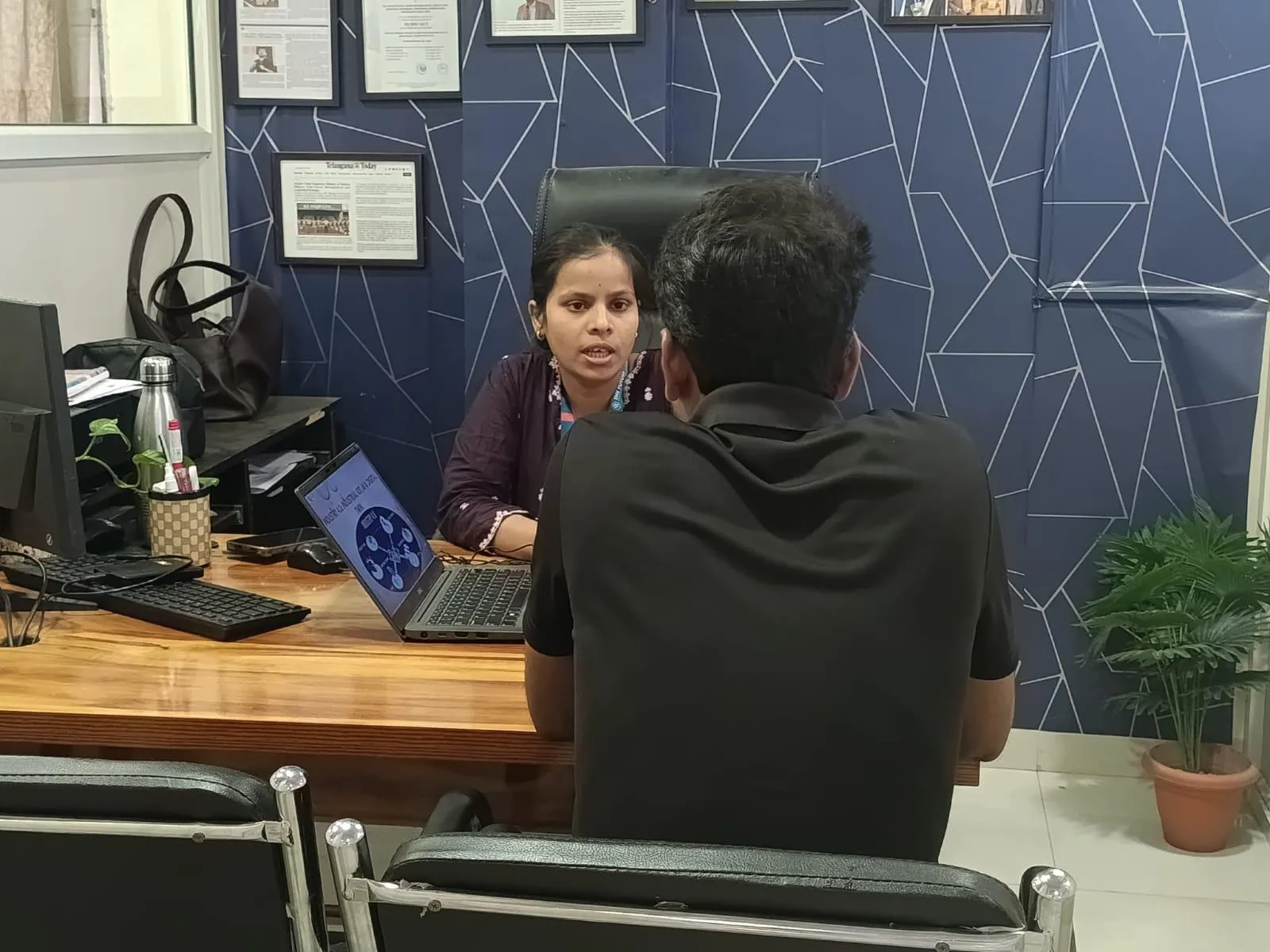
Mahesh Mukashik joined ABC Trainings Chh. Sambhajinagar after completing his diploma in mechanical engineering at CSMS College Polytechnic. He specifically chose the combination of AutoCAD and Blender AI — what he calls "Solid Plus Blender" — because he wanted a career in designing rather than production or quality. His review focuses on how the two tools complement each other: AutoCAD gives the precision drawing and engineering documentation skills that manufacturing jobs require, while Blender AI adds the ability to create photorealistic renders, material simulations and product presentation visuals that design-oriented roles demand. For a diploma mechanical student, this combination covers both the technical and the creative sides of a product's lifecycle — from engineering drawing to final presentation visual.
AutoCAD and Blender AI Course Content: What the Combined Track Covers
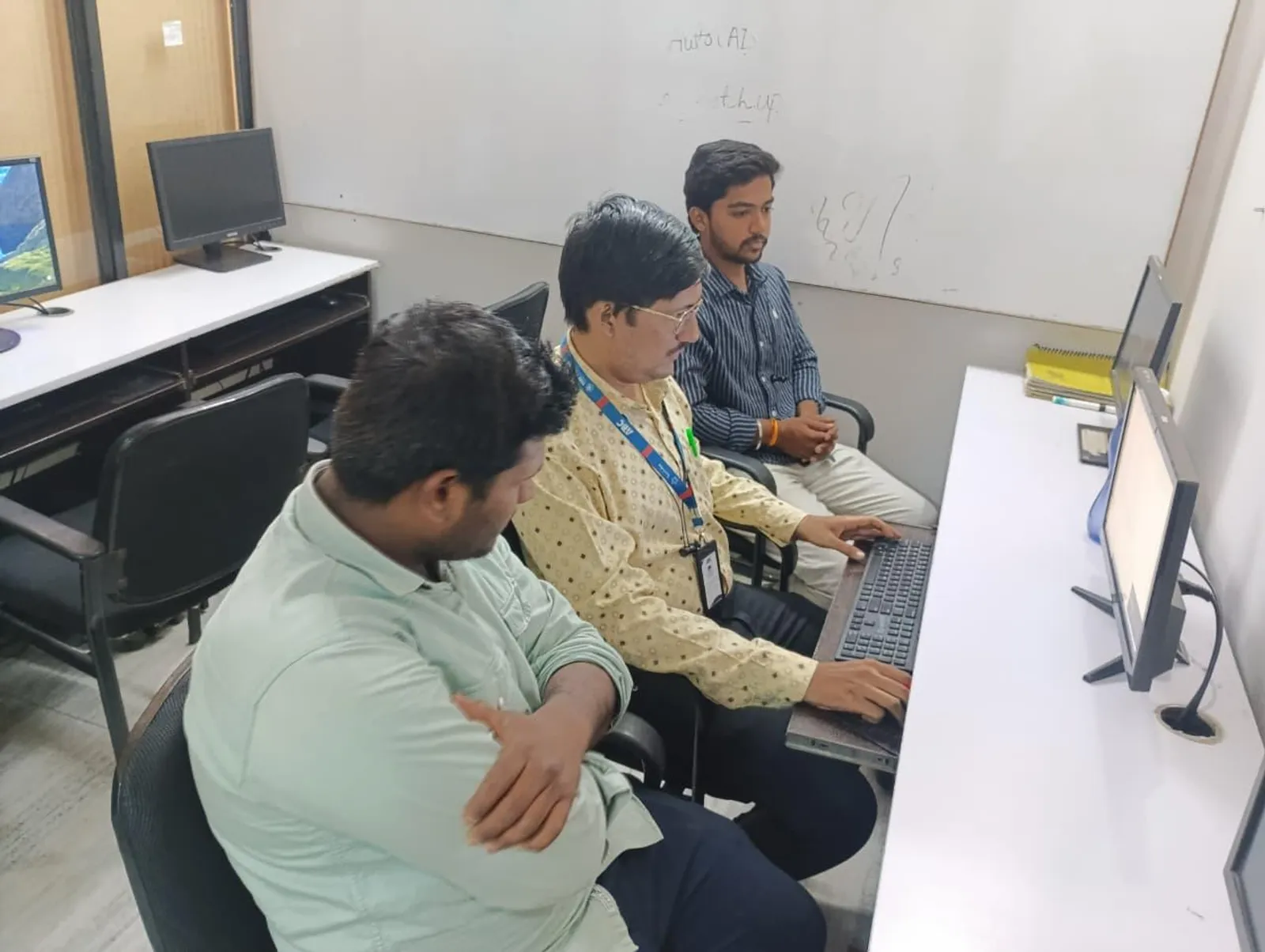
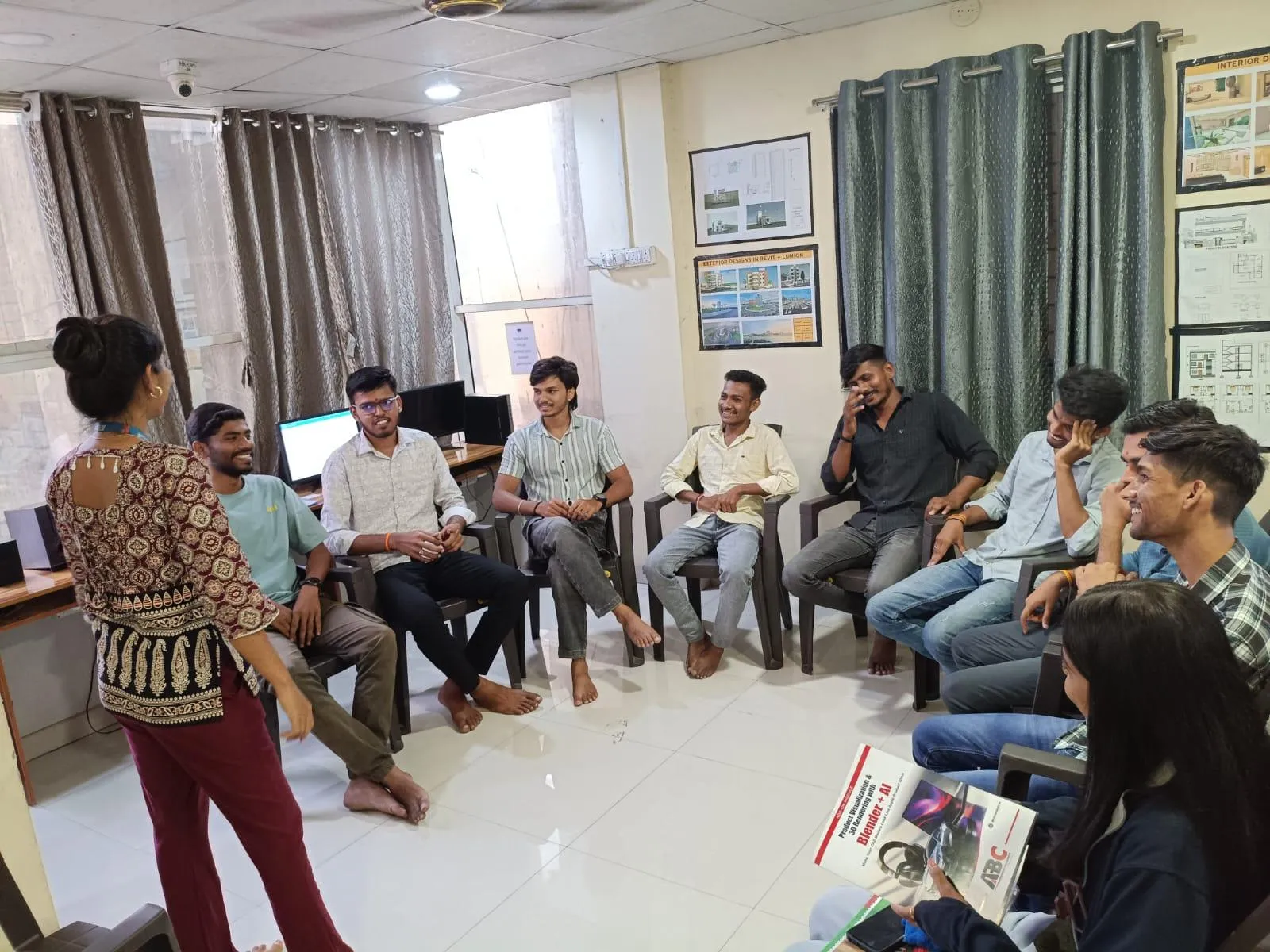
The AutoCAD module at ABC Trainings Sambhajinagar covers 2D production drawings (dimensioning, GD&T, surface finish callouts per IS/BIS norms), 3D solid modelling fundamentals, and the drawing standards that manufacturing employers expect. The Blender AI module builds on this with: 3D mesh modelling and sculpting, material nodes and physically-based rendering (PBR), product lighting setups for photorealistic output, AI-assisted texture generation and material assignment, animation fundamentals for product walkthroughs, and rendering for client presentations and portfolio work. Students use AI plugins within Blender (AI denoising, generative texture tools) to speed up production — the kind of workflow that design studios now expect as baseline. Mahesh's project at ABC Trainings was a complete product visualisation of a mechanical component, from AutoCAD drawing to Blender render.
| Tool | Primary Use | Output Type | Career Target |
|---|---|---|---|
| AutoCAD 2D | Precision drafting, production drawings, GD&T | DWG engineering drawings | Manufacturing, EPC, PSUs |
| SolidWorks / CATIA | Parametric 3D part design, assembly, simulation | 3D model + 2D drawing | Automotive, R&D, Tier-1 |
| Blender (standard) | 3D mesh modelling, materials, rendering | Photorealistic images, animation | Design studios, consumer products |
| Blender AI | AI texture generation, denoising, generative design assist | High-quality render + walkthroughs | Industrial design, furniture, marketing |
Blender AI for Mechanical Design: How It Differs from SolidWorks and CATIA
SolidWorks and CATIA are parametric 3D modellers built for engineering accuracy — they calculate mass properties, run interference checks, and feed into simulation tools like ANSYS. Blender is a polygon modeller and rendering platform built for visual output — photorealistic product images, animations and interactive walkthroughs. These are different tools for different outputs. A mechanical engineer in production or R&D needs SolidWorks or CATIA. A product designer, visualiser or 3D artist who works on the presentation layer of physical products needs Blender. With AI tools now integrated into Blender (generative textures, AI upscaling, motion tracking), the Blender AI combination is increasingly requested by furniture manufacturers, consumer electronics companies, architectural product firms and industrial design studios. Neither SolidWorks nor CATIA produces the kind of marketing-grade product visuals that Blender delivers.
Career in Industrial Design After AutoCAD and Blender Training
Mechanical engineers with AutoCAD plus Blender AI on their resume target two distinct job segments. Manufacturing track: mechanical drafter, production drawing engineer, toolroom CAD engineer at Chh. Sambhajinagar or Aurangabad MIDC companies (salary ₹2.5–3.5 LPA fresher). Design and visualisation track: 3D product visualiser, industrial design assistant, render artist at consumer product companies, furniture manufacturers, architectural product firms and design studios (salary ₹3–5 LPA fresher, with portfolio). The second track is less crowded — most mechanical diploma students do not add Blender — which gives Mahesh's combination a genuine differentiation in the job market. AURIC Chh. Sambhajinagar's investment pipeline (₹71,343 crore, 62,405 jobs) includes consumer goods and engineering manufacturing companies that hire both types of profiles.
How to Enroll in AutoCAD Plus Blender AI at ABC Trainings Chh. Sambhajinagar
To enroll in the AutoCAD + Blender AI combined track at ABC Trainings Chh. Sambhajinagar, visit either the CIDCO centre (Kalpana Plaza, opp. Eiffel Tower, N-1 Cidco) or the Osmanpura centre (near Jama Masjid, S.S.C. Board to Peer Bazar Road). Call 7039169629 to discuss the current batch dates, which modules to combine based on your background, and fee structure. Maharashtra CMYKPY (Mukhyamantri Yuva Karya Prashikshan Yojana) stipend: ₹6,000–10,000/month during training — our counsellors handle the registration in your first visit. The combined AutoCAD + Blender AI track typically takes 3–5 months; a student with prior AutoCAD college exposure can focus more time on Blender AI.
ABC Trainings AutoCAD + Blender AI courses at Chh. Sambhajinagar (CIDCO and Osmanpura) are MSME-recognised and CMYKPY eligible. Stipend ₹6,000–10,000/month. Call 7039169629.Get the CAD/CAM Brochure + Fees + Batch Dates on WhatsApp
Free 1:1 counselling. Placement track record. CMYKPY/PMKVY eligibility check.
💬 Get Brochure on WhatsApp📞 Call 7039169629About the author: Komal Chilwar, Civil & BIM Trainer, ABC Trainings.
Visit Our Centers
- Wagholi (Pune): 1st Floor, Laxmi Datta Arcade, Pune-Ahilyanagar Highway. Call 7039169629
- Hadapsar (Pune HQ): 1st Floor, Shree Tower, opp. Vaibhav Theater, Magarpatta. Call 7039169629
- Cidco (Chh. Sambhajinagar): Kalpana Plaza, opp. Eiffel Tower, N-1 Cidco. Call 7039169629
- Osmanpura (Chh. Sambhajinagar): S.S.C Board to Peer Bazar Road, near Jama Masjid. Call 7039169629
- Sangli: Shubham Emphoria, 1st Floor, Above US Polo Assn., Sangli-Miraj Rd, Vishrambag. Weekend batches available. Call 7039169629
FAQs
What is the difference between Blender and SolidWorks for mechanical engineering students?
SolidWorks is a parametric engineering modeller — it is used for 3D part design, assembly checking and engineering simulation in manufacturing and automotive companies. Blender is a polygon modeller and rendering platform — it is used for photorealistic product images, animations and design presentations. They do not replace each other: a product engineer uses SolidWorks for the engineering model, and Blender AI to visualise how the final product looks before manufacturing. Learning both gives you coverage across the technical and creative sides of a product's development. ABC Trainings Sambhajinagar covers AutoCAD as the drafting foundation, then Blender AI for product visualisation.
Is AutoCAD plus Blender AI useful for a diploma mechanical student from Chh. Sambhajinagar?
Yes. The AutoCAD + Blender AI combination is specifically relevant for diploma mechanical students in Chh. Sambhajinagar and the wider Marathwada region. AutoCAD gives you the production drawing skill that every local manufacturing SME and MIDC company requires as a baseline. Blender AI adds a second career track — product visualisation and design-studio work — that most AutoCAD-only diploma students cannot access. Mahesh Mukashik, also from Chh. Sambhajinagar, completed this exact combination at ABC Trainings and is targeting design roles in addition to manufacturing.
How long is the AutoCAD plus Blender AI combined course at ABC Trainings?
The combined AutoCAD + Blender AI track at ABC Trainings Chh. Sambhajinagar takes 3–5 months depending on your starting point. A student who already knows AutoCAD from college can move faster through the AutoCAD module and spend more time on Blender AI. The course runs on weekday batches (daily 2 hours) and weekend batches (Saturday-Sunday). Call 7039169629 for the current batch schedule at CIDCO and Osmanpura centres.
Can I get a design job after completing AutoCAD and Blender AI at ABC Trainings Sambhajinagar?
Yes, with a strong portfolio. Design and visualisation roles at furniture manufacturers, consumer product companies, architectural product firms and industrial design studios do hire AutoCAD + Blender-trained mechanical engineers. The key differentiator is the portfolio — 3–5 Blender renders of mechanical or consumer products demonstrating materials, lighting and photorealistic quality. ABC Trainings trainers guide students through building this portfolio as part of the Blender AI module. Fresher salary range: ₹3–5 LPA for design-track roles in Pune and Mumbai; ₹2.5–3.5 LPA for manufacturing-track roles in Chh. Sambhajinagar and Nashik.