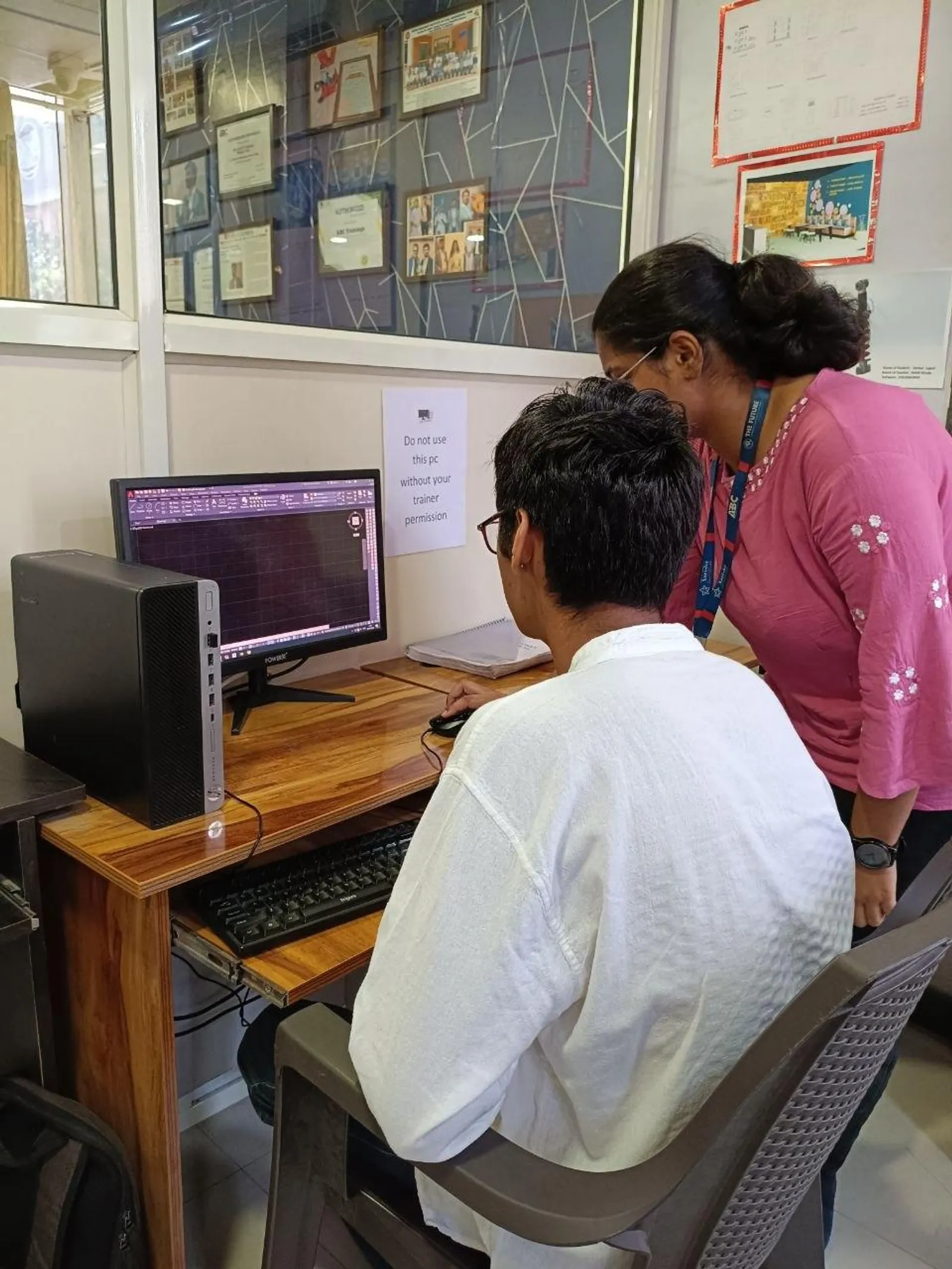
If you already know basic AutoCAD and you're now looking at AutoCAD Electrical in India 2026, you're asking the right question: what actually changes when you move from plain drafting to electrical design workflow? Here's the thing — AutoCAD Electrical isn't just AutoCAD with a few extra icons. It's built for electrical control designers who need faster schematics, cleaner wiring diagrams, reliable panel layouts, and documentation that doesn't turn into a mess during revisions. If you're aiming for jobs in Pune, Chhatrapati Sambhajinagar, Nashik, Sangli, or industrial belts around Chakan and MIDC zones, this is where your productivity starts mattering.

The video topic introduces what AutoCAD Electrical is and who should learn it. So let's take that basic idea and go deeper — the way a trainer would explain it to a student who already understands layers, blocks, dimensions, and plotting. Trust me, once you start using the electrical-specific tools the right way, you'll stop drawing everything manually and start working like industry teams at companies such as Siemens, Bosch, L&T, Thermax, Kirloskar, and Tata Technologies expect.
What is AutoCAD Electrical and how is it different from normal AutoCAD?

AutoCAD Electrical is a specialized version of AutoCAD made for electrical control design. In regular AutoCAD, if you want to create a schematic, you'll draw lines, insert blocks, type text, and manage every tag manually. That works for very small jobs. But on real projects, it's slow and error-prone.
AutoCAD Electrical adds electrical intelligence on top of drafting. That means symbol libraries, component tagging, wire numbering, cross-referencing, PLC modules, terminal management, report generation, and project-wide updates. The good news is you don't need to relearn drafting from zero. You build on your AutoCAD basics and move into a much smarter workflow.
What most people don't realize is that the biggest value of AutoCAD Electrical is not drawing speed alone. It's consistency. When one contact changes, related references can update. When wire numbers are generated properly, troubleshooting becomes easier. When symbols come from standard libraries, your drawings look like professional documentation instead of classroom practice sheets.
Who should learn AutoCAD Electrical in Maharashtra in 2026?
This software is ideal for electrical engineering students, diploma holders, panel design trainees, maintenance engineers moving into design, and working professionals in automation or control systems. If you're from Chhatrapati Sambhajinagar, Pune, Sangli, Kolhapur, Satara, or Aurangabad industrial areas, you'll see demand in control panel manufacturing, machine building, utility projects, and plant engineering.
Students from ITI and diploma backgrounds often ask whether AutoCAD Electrical is too advanced. Honestly, no — but only if your basics are clear. You should know coordinates, object snaps, layers, blocks, and standard AutoCAD commands. After that, learning schematic tools becomes much easier.
For freshers, salaries usually start around ₹1.8 lakh to ₹3.2 lakh per year depending on city, project type, and whether you also know PLC basics or panel design. With 2 to 4 years of relevant design work, many professionals move to ₹3.8 lakh to ₹6.5 lakh per year. In firms handling industrial automation, process systems, or OEM machine design, stronger profiles can go higher.
How do professionals create wiring diagrams faster in AutoCAD Electrical?

Let's get into the advanced side. A professional wiring diagram workflow starts with templates and standards. Don't begin each project from a blank file. Set up a project template with drawing properties, naming rules, title block format, wire layer behavior, and tagging conventions. This one step saves hours later.
Next comes symbol selection. Use the built-in electrical symbol libraries instead of random blocks. If your company follows IEC standards, keep your symbol library aligned with that. If a client wants a custom standard, create a controlled custom library — not one-off edits in every file.
Then focus on wire management. In plain AutoCAD, users draw lines and manually type labels. In AutoCAD Electrical, use wire tools, wire number settings, and parent-child component logic. That's how professionals avoid duplicate numbering and missing references.
A strong workflow usually looks like this:
- Create project and drawing structure first
- Insert ladder or schematic references where needed
- Place symbols using standard libraries
- Use automatic component tagging rules
- Generate wire numbers after circuit logic is stable
- Run audit and error checks before plotting
- Extract reports for BOM, wire lists, and terminal details
Trust me, if you skip project setup and jump straight into drawing, revisions will punish you later.
How should you handle panel layouts and schematics together?
This is where intermediate users become power users. Many learners can draw a schematic and can also draft a panel layout, but they don't connect both properly. In industry, the schematic and panel representation should support each other. Component tags, device locations, and terminal details must stay consistent.
In AutoCAD Electrical, you should define components in a way that allows cross-referencing between schematic symbols and panel footprints. That means your relay, contactor, terminal block, MCB, and push button should not exist as unrelated drawings. They should belong to a coordinated project structure.
For panel layouts, keep these settings disciplined:
- Use standard footprints for common components
- Maintain spacing rules for manufacturing practicality
- Keep DIN rail and duct arrangement logical
- Use attribute data properly so reports stay useful
- Match panel item tags with schematic tags exactly
What most people don't realize is that neat panel layouts are not just for appearance. They affect fabrication speed, wiring clarity, and service access. That's why employers value designers who understand both drawing and implementation.
Which AutoCAD Electrical settings matter most for advanced users?
If you want to work faster, don't obsess only over commands. Focus on settings. Industry-standard output comes from disciplined configuration.
The most important areas to control are project properties, component tag format, wire numbering method, cross-reference style, drawing templates, title block data, and report formatting. AutoCAD Electrical 2024 and 2025 both give enough flexibility for serious project work, but only if you set them up intentionally.
Here are the settings I tell advanced learners to review first:
- Project-wide naming rules: keeps drawings ordered and searchable
- Tag format: avoids duplicate or confusing component IDs
- Wire numbering style: essential for installation and maintenance
- Default symbol libraries: improves consistency across teams
- Report templates: saves time during BOM and terminal extraction
- Title block automation: reduces repetitive manual text edits
Here's the thing — the best designers are not always the fastest drafters. They're the ones whose files stay organized when the project grows from 3 sheets to 80 sheets.
What advanced efficiency tricks do experienced electrical CAD users follow?
First, stop treating every edit as isolated. Use project-level tools whenever possible. Renumbering, retagging, updating references, and generating reports should happen systematically, not sheet by sheet.
Second, create a reusable company standard pack. That means templates, layer rules, title blocks, symbol favorites, and report presets. If you join a company like Mahindra Engineering, Bajaj Auto supplier networks, Siemens solution partners, or machine builders around Pune and Nashik, standardization is a big part of delivery quality.
Third, learn to audit your own drawings. Before submission, check for untagged components, broken references, missing wire numbers, inconsistent footprints, and title block errors. A designer who catches these issues early becomes valuable very quickly.
Fourth, combine software skill with domain understanding. If you're designing motor control circuits, PLC I/O layouts, or industrial panel drawings, know the application. Software skill alone won't save you if the logic is wrong.
What jobs use AutoCAD Electrical skills in India in 2026?
AutoCAD Electrical is useful in panel design companies, automation firms, EPC companies, machine manufacturing, building services coordination, and industrial maintenance documentation. In Maharashtra, job roles may include electrical CAD designer, control panel design engineer, electrical draftsman, EPLAN/AutoCAD Electrical trainee, schematic designer, and automation design support engineer.
In cities like Pune and Chhatrapati Sambhajinagar, candidates who combine AutoCAD Electrical with PLC basics, industrial automation, or electrical estimation usually get better interview responses. That's one reason many learners at ABC Trainings ask for practical workflows instead of only command-based teaching.
If you want guided practice on real electrical drawings, project setup, and job-ready drafting habits, you can contact ABC Trainings at 8698270088 or WhatsApp 7774002496.
How should you learn AutoCAD Electrical after basic AutoCAD?
Start with schematic symbols, wire tools, and component tagging. Then move into ladder diagrams, PLC modules, panel footprints, terminal plans, and reports. After that, practice complete mini-projects instead of isolated commands.
The good news is you don't need 6 months to understand the software direction. But you do need repeated project practice to become employable. A serious learner can build confidence faster by recreating real motor starter circuits, control panels, terminal sheets, and wiring documentation.
Don't just ask, “How do I draw this?” Ask, “How will this be revised, checked, manufactured, and maintained?” That's the mindset shift from student drafting to professional electrical design.
Is AutoCAD Electrical better than normal AutoCAD for electrical jobs?
Yes, for electrical schematic and control design work, AutoCAD Electrical is far better than plain AutoCAD. It gives you symbol libraries, wire numbering, tagging, cross-references, and reports that regular AutoCAD doesn't handle efficiently. In Indian industry, especially panel design and automation work, this makes a real difference in speed and documentation quality.
Can diploma students learn AutoCAD Electrical in Maharashtra?
Yes, diploma and ITI students can learn it if their basic AutoCAD concepts are clear. Many entry-level electrical drafting and panel design roles in Pune, Sambhajinagar, and Sangli accept diploma candidates with practical software skills. The key is project practice, not just theory.
What salary can I get after learning AutoCAD Electrical in India?
Freshers usually start around ₹1.8 lakh to ₹3.2 lakh per year depending on location, interview performance, and additional knowledge like PLCs or panel design. With 2 to 4 years of experience, many professionals move into the ₹3.8 lakh to ₹6.5 lakh range. Higher salaries come when you handle full project documentation with fewer errors.
Which city is good for AutoCAD Electrical jobs in Maharashtra?
Pune is the strongest market because of automation firms, manufacturing companies, EPC work, and industrial suppliers. Chhatrapati Sambhajinagar also has good opportunities through manufacturing and plant-related roles, while Nashik, Kolhapur, and Sangli offer openings in industrial support and design services. Your growth depends on skill depth and real project exposure.
Visit Our Centers
Chhatrapati Sambhajinagar
Corporate Office (HQ)
2nd Floor, Kandi Towers, Jalna Road, Amarpreet Chowk, Chhatrapati Sambhajinagar, Maharashtra 431001
Osmanpura Branch
Plot No 14, Shanya Sect, Near Sant Eknath Rang Mandir, Osmanpura, Chhatrapati Sambhajinagar, Maharashtra 431005
CIDCO Branch
Plot No 4, N-3, Cidco, Opp. High Court, Chhatrapati Sambhajinagar, Maharashtra 431003
Pune
Wagholi Branch
1st Floor, ABC Trainings, Laxmi Datta Arcade, Pune - Ahilyanagar Hwy, Wagholi, Pune, Maharashtra 412207
Hadapsar Branch
Bloom Hotel, ABC Trainings 1st Floor, S.no 156/3 Shree Tower Pune - Solapur Rd, Hadapsar, Pune, Maharashtra 411028
Sangli
Sangli Branch
2nd Floor, Vasant Market, Opp. City High School, Sangli, Maharashtra 416416
Start Your Career Journey Today
Join 10,000+ students who transformed their careers with ABC Trainings.
💬 WhatsApp: 7774002496📞 Call: 8698270088