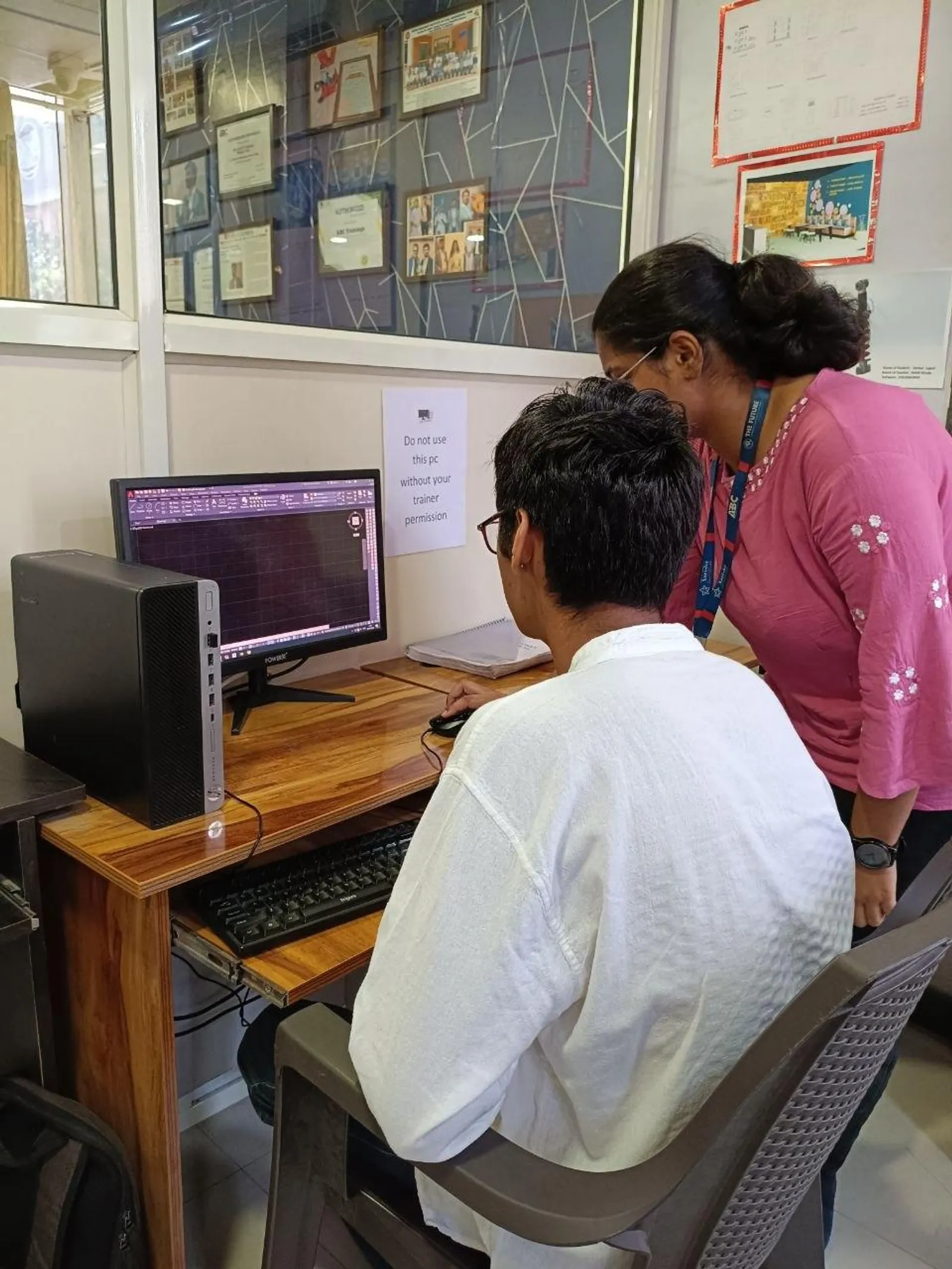
If you've already used regular AutoCAD and you're wondering why companies still ask for AutoCAD Electrical in job descriptions, here's the thing: it's not just AutoCAD with a different name. It's built specifically for electrical control design, and that changes your speed, accuracy, and the kind of work you can handle. In India, especially across Pune, Chhatrapati Sambhajinagar, Nashik, Kolhapur, and Sangli, panel builders and automation firms want designers who can create schematics, panel layouts, wiring diagrams, and PLC drawings without doing every repetitive task manually.
For anyone aiming at electrical design roles in companies connected to Siemens, Bosch, L&T, Thermax, Kirloskar, Mahindra Engineering, or Tata Technologies vendor networks, this is where you move from basic drafting to production-ready documentation. Let's go deeper into the workflows that actually matter.

What is AutoCAD Electrical actually used for in India?
AutoCAD Electrical is used for electrical schematics, control panel drawings, terminal plans, wire numbering, component tagging, cable schedules, and PLC I/O documentation. In many Indian industries, a designer is expected to prepare both logic drawings and panel fabrication drawings. That's where this software earns its place.
What most people don't realize is that the value isn't only in drawing symbols. The real power is in the intelligence behind those symbols. Contacts can link to parent components, wires can auto-number, reports can be generated, and cross-references can update automatically. Trust me, once you've worked on a 20-sheet control panel project, you won't want to go back to plain AutoCAD blocks and text.
Why do professionals prefer AutoCAD Electrical over standard AutoCAD?
If you're still drawing electrical diagrams in basic AutoCAD, you'll spend too much time on repetitive edits. AutoCAD Electrical, especially recent releases like AutoCAD Electrical 2024 and 2025, is designed to reduce those repetitive clicks.
Here are the biggest advantages power users rely on:
- Automatic wire numbering based on project rules
- Component tagging with smart updates
- Cross-referencing between coils and contacts
- PLC module tools for faster I/O drawings
- Report generation for BOM, wire list, and from-to details
- Symbol libraries aligned to electrical drafting work
- Panel layout integration from schematic data
The good news is, once your project setup is correct, the software starts doing the heavy lifting. That's the difference between a beginner and someone who's ready for a job in industrial automation or control panel design.
How should you set up an AutoCAD Electrical project like an industry designer?

Project setup is where advanced work begins. Don't treat it like a formality. A badly configured project creates messy tags, duplicate wire numbers, and reports that no production team wants to use.
Start with these settings:
- Project code structure: define drawing naming rules clearly
- Tag format: decide whether components will use location-based or function-based tags
- Wire numbering format: choose sequential, reference-based, or custom formats
- Drawing standards: set symbol conventions before starting
- Layer discipline: separate wires, components, terminals, and annotations properly
- Title block attributes: fill project metadata consistently
In real companies, this matters because panel shops, QC teams, and site electricians all read your drawings differently. If your documentation is inconsistent, installation errors go up. That's why firms in Pune MIDC and Chakan value designers who understand setup, not just commands.
How do advanced users create electrical schematics faster?
Speed in schematics comes from using smart tools, not from drawing faster lines. Here's a practical workflow professionals follow:
1. Insert ladders and define references first
Before placing components, create ladder structures and reference grids properly. This helps with wire numbering and component location tracking later.
2. Use icon menus and catalog-aware symbols
Don't explode blocks or improvise symbols. Use intelligent symbols that carry manufacturer and catalog data. This makes BOM generation useful instead of decorative.
3. Link parent-child components correctly
Push buttons, relays, and contactors often involve multiple references. If you insert them as unrelated items, cross-references become unreliable. That's a common fresher mistake.
4. Audit wire connections early
Use wire tools instead of plain polylines. This ensures connection intelligence is maintained and reports stay accurate.
Here's the thing: advanced drafting is less about drawing and more about data discipline.
How does wire numbering and component tagging save time in big projects?
On small jobs, manual numbering feels manageable. On a 15-panel project with revisions, it's a nightmare. AutoCAD Electrical lets you define numbering rules once and apply them across the project.
Professional designers usually set numbering based on:
- Line reference
- Sheet number
- Sequential project-wide numbering
- Location-based logic for maintenance teams
Component tagging follows a similar idea. Relays, MCBs, terminals, push buttons, selector switches, and contactors should follow a naming rule the whole team understands. What most people don't realize is that maintenance engineers on site depend heavily on these tags. A clean tag structure can reduce troubleshooting time during commissioning.
How do panel layout drawings connect with schematic drawings?
This is where many learners stop too early. They learn symbols and wires, but not the bridge between schematic design and physical panel assembly.
In actual control panel work, you'll often need to create:
- Back plate layout
- DIN rail arrangement
- Terminal strip layout
- Cable entry planning
- Door-mounted component layout
- Bill of materials for procurement
AutoCAD Electrical helps by carrying component information from the schematic side into panel documentation. Trust me, this matters in fabrication. If your schematic says one thing and your panel layout shows another, production delays begin immediately.
At ABC Trainings, we often tell students that employers don't just want someone who can draw. They want someone who understands the full documentation chain from design to assembly to testing.
How is AutoCAD Electrical used for PLC I/O and automation drawings?
For automation work, PLC drawings are a major advantage. If you're targeting roles in industrial automation vendors or machine builders in Maharashtra, this skill can directly improve your salary.
Typical PLC-related drafting tasks include:
- Input and output module drawings
- Address mapping documentation
- Sensor and actuator wiring sheets
- Terminal interconnection diagrams
- Field device connection schedules
The good news is AutoCAD Electrical includes tools that make repetitive PLC documentation much faster than manual drafting. Once modules are configured properly, insertion and updates become more consistent. This is especially useful for automation projects involving conveyors, packaging lines, utility systems, and process panels.
What salary can AutoCAD Electrical skills get you in Maharashtra?
Let's keep this realistic. Salary depends on whether you're only drafting or whether you can handle full control panel documentation.
- Fresher electrical CAD trainee: ₹12,000 to ₹18,000/month
- Junior electrical design engineer: ₹18,000 to ₹28,000/month
- Control panel design engineer with 2-4 years: ₹30,000 to ₹45,000/month
- Automation documentation engineer: ₹40,000 to ₹60,000/month
In Pune, Chakan, Ranjangaon, and Aurangabad industrial belts, companies supporting Bosch, Siemens, Bajaj Auto, L&T, Thermax, and Kirloskar projects often value candidates who can read electrical logic and produce clean drawings quickly. If you combine AutoCAD Electrical with PLC basics and panel design understanding, your profile becomes much stronger.
What advanced habits make you job-ready faster?
If you want to stand out, build these habits now:
- Create reusable project templates
- Standardize title blocks and attributes
- Use manufacturer catalog data properly
- Run project audits before final issue
- Generate and verify reports, don't just export them
- Keep revision control clean on every sheet
- Learn the logic behind the circuit, not only the symbols
Here's the thing: companies don't hire for software knowledge alone. They hire for fewer mistakes, faster revisions, and drawings that production teams can trust. That's why structured training matters. If you want guided practice on real electrical drafting workflows, ABC Trainings can help you build that production-level confidence. Call 8698270088 or WhatsApp 7774002496 to ask about AutoCAD Electrical training in Maharashtra.
Is AutoCAD Electrical worth learning in 2026?
Yes, if your goal is electrical design, control panels, industrial automation, or documentation roles. Regular AutoCAD is useful, but AutoCAD Electrical gives you the smart automation features employers actually pay for. For diploma holders, electrical engineering students, and working professionals, it's one of the most practical upgrades you can make.
And here's the good news: you don't need to become a PLC programmer first. Start by mastering documentation, schematic logic, panel layouts, and project standards. That's often enough to enter the industry and grow from there.
Is AutoCAD Electrical better than normal AutoCAD for electrical jobs in India?
Yes. For electrical schematics, panel drawings, wire numbering, and PLC documentation, AutoCAD Electrical is much faster and more accurate than standard AutoCAD. Indian employers in control panel manufacturing and automation prefer candidates who can use smart electrical symbols and generate reports. If you're applying in Pune, Nashik, or Chhatrapati Sambhajinagar, this can give you a clear advantage.
Can diploma students learn AutoCAD Electrical and get a job?
Absolutely. Diploma holders in Electrical or Electronics often enter junior drafting, panel design, or documentation roles after proper training. The key is not just learning commands, but understanding wiring logic, symbols, tagging, and panel layout standards. Many companies care more about practical drawing skill than degree title for entry-level roles.
Which industries in Maharashtra use AutoCAD Electrical the most?
It's widely used in industrial automation, machine building, electrical panel manufacturing, HVAC controls, process plants, and factory utility projects. Areas like Pune, Chakan, Ranjangaon, Nashik, Kolhapur, and Aurangabad have steady demand because of manufacturing growth. Vendors and support teams working around Siemens, Bosch, Bajaj Auto, Thermax, and Kirloskar ecosystems often need these skills.
How long does it take to learn AutoCAD Electrical after basic AutoCAD?
If you already know basic AutoCAD, you can learn core AutoCAD Electrical workflows in a few weeks with regular practice. Becoming job-ready takes longer because you need schematic logic, project setup, wire numbering, and panel documentation accuracy. With structured guidance and real project practice, most students can build confidence much faster than by learning only from scattered videos.
Visit Our Centers
Chhatrapati Sambhajinagar
Corporate Office (HQ)
2nd Floor, Kandi Towers, Jalna Road, Amarpreet Chowk, Chhatrapati Sambhajinagar, Maharashtra 431001
Osmanpura Branch
Plot No 14, Shanya Sect, Near Sant Eknath Rang Mandir, Osmanpura, Chhatrapati Sambhajinagar, Maharashtra 431005
CIDCO Branch
Plot No 4, N-3, Cidco, Opp. High Court, Chhatrapati Sambhajinagar, Maharashtra 431003
Pune
Wagholi Branch
1st Floor, ABC Trainings, Laxmi Datta Arcade, Pune - Ahilyanagar Hwy, Wagholi, Pune, Maharashtra 412207
Hadapsar Branch
Bloom Hotel, ABC Trainings 1st Floor, S.no 156/3 Shree Tower Pune - Solapur Rd, Hadapsar, Pune, Maharashtra 411028
Sangli
Sangli Branch
2nd Floor, Vasant Market, Opp. City High School, Sangli, Maharashtra 416416
Start Your Career Journey Today
Join 10,000+ students who transformed their careers with ABC Trainings.
💬 WhatsApp: 7774002496📞 Call: 8698270088