AutoCAD for Mechanical Engineers: Complete 2D Drafting Beginners Guide (Episode 1) (Updated May 2026)
AutoCAD remains the most-hired CAD skill for mechanical engineers in India — Tata Tech, KPIT and Mahindra posted over 2,800 AutoCAD job openings in Q1 2025 alone. What most people don't realise is that the practical basics of AutoCAD mechanical drafting can be picked up in four to six focused weekend sessions, if you learn the right commands in the right order. This Episode 1 guide starts at zero and gets you drawing real mechanical parts — flanges, brackets, shaft shoulders — by the end. Whether you're a BE Mechanical fresher or a diploma holder looking to formalise your skills, here's the exact path.

- AutoCAD is the #1 mandatory 2D drafting skill in Indian manufacturing job descriptions
- Core commands — LINE, CIRCLE, TRIM, OFFSET, DIMENSION — are learnable in one focused weekend
- Entry-level mechanical engineers with AutoCAD earn Rs 3.5–4.8 LPA in Pune (Glassdoor India 2025)
- ABC Trainings' 2-month job-ready program covers all commands with CMYKPY scholarship eligibility
Why AutoCAD Is Non-Negotiable for Mechanical Engineers in 2025
Mechanical engineering without AutoCAD is like cooking without a knife — technically possible, but nobody in industry wants to watch you try. AutoCAD is the bedrock of 2D drafting for machine parts, assembly layouts, and manufacturing blueprints across every sector of Indian industry. Tata Tech in Pimpri-Chinchwad, KPIT on Hinjewadi Phase 1, and Mahindra and Mahindra at Kandivali all list AutoCAD as a mandatory skill in junior design engineer job descriptions. According to Glassdoor India, a mechanical engineer with AutoCAD proficiency earns Rs 3.5–4.8 LPA at entry level versus Rs 2.5–3 LPA without it. India needs 2.1 million skilled manufacturing professionals by 2027 (NASSCOM-Deloitte data), and CAD draughtsmen are among the fastest to place. What most people don't realise is that the practical basics of AutoCAD mechanical drafting can be picked up in four to six weekend sessions — if you learn the right commands in the right order. That's the structure of this guide.

The AutoCAD Interface and Commands You Will Actually Use Every Day
The first time you open AutoCAD, the interface looks overwhelming — Ribbon at top, Command Line at the bottom, a giant dark canvas in the middle. Don't panic. After one session you'll have your bearings. The commands you'll use 80% of the time are: LINE (L), CIRCLE (C), ARC (A), RECTANGLE (REC), TRIM (TR), EXTEND (EX), OFFSET (O), MIRROR (MI), and DIMENSION (DIM). The Command Line is your power tool — type the shortcut and hit Enter instead of clicking menus. For mechanical work specifically, learn HATCH for section views, LAYER to separate geometry from dimensions, and BLOCK for reusable standard parts like bolts and bearing seats. Keyboard shortcuts are what separate a Rs 3 LPA draughtsman from a Rs 6 LPA design engineer. Speed comes from command fluency, not from staring at menus.
| Command | Shortcut | When to Use |
|---|---|---|
| LINE | L | Draw all straight edges and outlines |
| CIRCLE | C | Holes, shafts, pins, bores |
| TRIM | TR | Clean up intersecting lines |
| OFFSET | O | Parallel lines at set distance |
| MIRROR | MI | Symmetrical parts |
| HATCH | H | Section view cross-hatching |
| DIMENSION | DIM | Add sizes and tolerances |
Drawing 2D Mechanical Parts: Orthographic Views Step by Step
A 2D mechanical part drawing follows strict IS conventions: orthographic projection showing Front, Top, and Side views; correct line weights for visible, hidden, and centre lines; IS 696-compliant title block; and toleranced dimensions. To draw a shaft shoulder or a simple flange, start with the Front View — use LINE for straight edges, CIRCLE for bores and through-holes, FILLET for rounded corners, and HATCH for the cross-section. Then project the Top and Side Views using OFFSET and TRIM. The golden rule that beginners break constantly: always draw in real-world units. Set UNITS to millimetres, define LIMITS to match your drawing sheet, enable GRID and SNAP to lock onto precise coordinates. Indian manufacturers like Bharat Forge at Kagal, Endurance at Sambhajinagar's AURIC corridor, and Toyota Kirloskar at AURIC Bidkin all require IS-compliant drawings. Practice these parts from day one: flange, pin, bracket, shaft shoulder — these appear in every job interview practical test.
Dimensioning and Tolerances in AutoCAD the Right Way
Dimensions tell the machinist what size to make a part; tolerances tell them how precisely. AutoCAD's DIM command opens the complete dimension suite: Linear Dimensions for lengths and widths, Radial and Diametric for holes and shafts, Angular for mating faces, and Datum Baseline chains for stacked dimensions. Create a custom Dimension Style matched to IS standards — 3.5 mm text height, closed arrowheads, decimal units, ISO tolerance notation — and it applies uniformly to every dimension you add. For mechanical parts specifically, you will add surface finish symbols (Ra values), GD&T callouts like concentricity and perpendicularity, and thread callouts as text annotations. Companies like Bosch in Nashik and Siemens at Kalwa issue their own drawing templates but every one maps to ISO/IS conventions. Learning tolerance stacking analysis moves a draughtsman from Rs 4 LPA into the Rs 7–8 LPA band quickly.
Where Pune Mechanical Engineers Get Hired with AutoCAD Skills
Pune's Chakan-Talegaon corridor is one of India's densest automotive manufacturing belts and AutoCAD-skilled mechanical engineers are hired here year-round. Key employers: Bajaj Auto, Akurdi Plant (Plot A-12, MIDC Akurdi — 164 plus openings tracked on Naukri as of early 2025); Mercedes-Benz India, Chakan Plant (Rajiv Gandhi IT Park Road, Phase 1); Mahindra and Mahindra, Ranjangaon MIDC Plant; Tata Motors, Ranjangaon (Gate 3, MIDC Phase II); Whirlpool of India, Ranjangaon (Plot D-1, Phase 3). Also actively hiring: Force Motors at Akurdi (A-1, MIDC Phase 2) and LG Electronics Pune service division. For Sambhajinagar: Skoda Auto Volkswagen at Shendra AURIC (Plot A-1/1) and Bajaj Auto Waluj (Plot G-137, Waluj MIDC). Entry-level AutoCAD draughtsman salary: Rs 3–5 LPA fresher. With AutoCAD plus SolidWorks or AutoCAD plus CATIA: Rs 6–10 LPA.
AutoCAD Training at ABC Trainings: What You Learn Week by Week
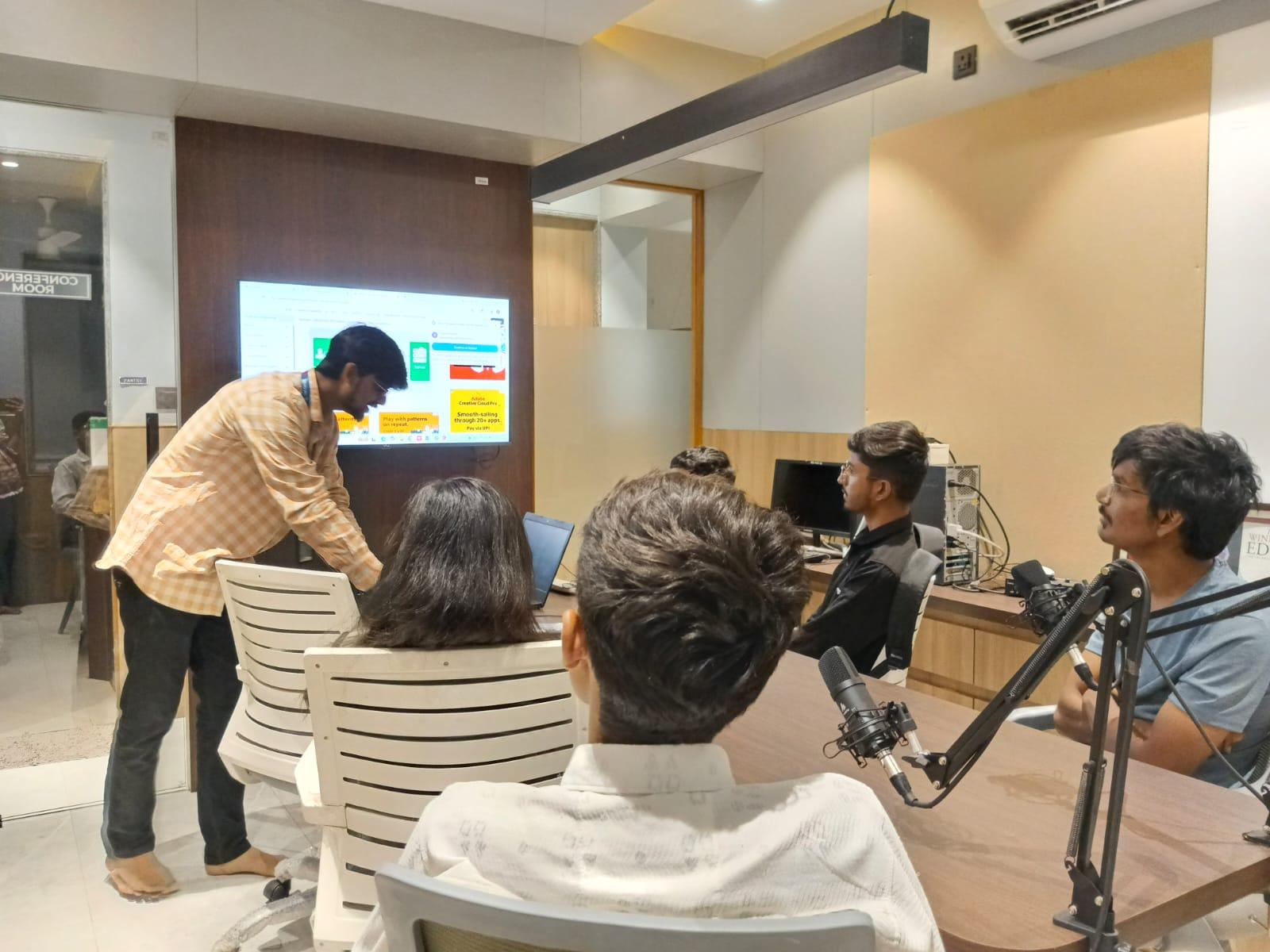
ABC Trainings' AutoCAD for Mechanical Engineers course runs at Wagholi, Hadapsar, Cidco, Osmanpura and Sangli. The 2-month program: Weeks 1–2 — Interface, basic 2D commands, drawing setup in millimetres; Weeks 3–4 — Orthographic projection, section views, standard library blocks; Weeks 5–6 — Dimension styles, tolerances, GD&T fundamentals; Weeks 7–8 — Assembly drawings, bill of materials, title block, sheet plotting. Weekend batches start Saturdays 8:30 AM. Students eligible for Maharashtra's CMYKPY scheme receive Rs 6,000–Rs 10,000 skill stipend. Placement support includes CV review, mock practical interview tests, and direct referrals to 200 plus hiring partners including Tata Tech, KPIT, Bajaj Auto, and Mahindra. Since 2014 we have trained over 2,000 mechanical engineers. Call 7039169629 or WhatsApp 7774002496 to check current batch dates.
Get the AutoCAD Training Brochure + Fees + Batch Dates on WhatsApp
Free 1:1 counselling. Placement track record. CMYKPY/PMKVY eligibility check.
💬 Get Brochure on WhatsApp📞 Call 7039169629About the author: Komal Chilwar, Civil & BIM Trainer, ABC Trainings.
Visit Our Centers
- Wagholi (Pune): 1st Floor, Laxmi Datta Arcade, Pune-Ahilyanagar Highway. Call 7039169629
- Hadapsar (Pune HQ): 1st Floor, Shree Tower, opp. Vaibhav Theater, Magarpatta. Call 7039169629
- Cidco (Chh. Sambhajinagar): Kalpana Plaza, opp. Eiffel Tower, N-1 Cidco. Call 7039169629
- Osmanpura (Chh. Sambhajinagar): S.S.C Board to Peer Bazar Road, near Jama Masjid. Call 7039169629
- Sangli: Shubham Emphoria, 1st Floor, Above US Polo Assn., Sangli-Miraj Rd, Vishrambag. Weekend batches available. Call 7039169629
FAQs
Is AutoCAD alone enough to get a mechanical engineering job in India?
AutoCAD alone qualifies you for draughtsman and junior design engineer roles at Rs 3–5 LPA in Pune. Combining AutoCAD with SolidWorks or CATIA raises the package to Rs 6–10 LPA. ABC Trainings offers combo courses — ask about bundle pricing.
How long does it take to learn AutoCAD for mechanical drafting from scratch?
With focused weekend training you can reach job-ready level in 6–8 weeks. ABC Trainings' 2-month program covers 2D drafting, orthographic projection, dimensioning, tolerances and assembly drawings. Weekend batches run Saturdays so you can complete while holding a current job or finishing college.
Does ABC Trainings provide placement support after the AutoCAD course?
Yes. Placement support includes CV review, mock practical interview tests, and direct referrals to 200 plus hiring companies in ABC's network including Bajaj Auto, Tata Tech, KPIT, Mahindra, and Mercedes-Benz India. We have been training and placing mechanical engineers since 2014.
What salary can an AutoCAD draughtsman earn in Pune in 2025?
According to Glassdoor India 2025, an AutoCAD mechanical draughtsman earns Rs 3.5–4.8 LPA at entry level in Pune. With 2 plus years experience and a second CAD tool the range is Rs 5–8 LPA. Top employers like Bajaj Auto Akurdi and Mercedes-Benz Chakan pay at the higher end of that range.