AutoCAD Mechanical Drawing Ep.11 – DIMLINEAR, Dimension Styles and Engineering Tolerances (Updated June 2026)
Here's the thing about AutoCAD drawings that most freshers don't realise: a drawing with wrong dimensions is worse than no drawing at all. Dimensions and tolerances are the language that turns a design sketch into a manufacturing instruction — and if you get them wrong, the machinist makes the wrong part. AURIC Industrial City near Sambhajinagar has attracted ₹71,343 crore in manufacturing investment and created 62,405 jobs, and every one of those manufacturers requires mechanical drawings with correct dimensioning and tolerancing. Episode 11 of our AutoCAD for Mechanical Engineers series covers AutoCAD's DIMLINEAR, DIMALIGNED, DIMDIAMETER, and DIMANGULAR commands, ISO and ANSI dimension standards, and the fundamentals of Geometric Dimensioning and Tolerancing (GD&T) that companies like Bajaj Auto, Tata Tech, and Mahindra use on all their engineering drawings.

- Dimensions communicate the exact size and location of features to the machinist or manufacturer
- AutoCAD dimension commands: DIMLINEAR, DIMALIGNED, DIMDIAMETER, DIMRADIUS, DIMANGULAR, QLEADER
- Tolerances define the acceptable variation in size — bilateral (±0.05) or unilateral (+0.05/-0.00)
- GD&T uses standard symbols (Ø, ⊥, ∥, ○, □) to control form, orientation, and position precisely
- CAD engineers in Maharashtra earn ₹2.5–9 LPA depending on experience (AmbitionBox data)
Why Dimensioning and Tolerancing Are Non-Negotiable for CAD Engineers
A mechanical part drawing is not just a picture — it is a contract between the designer and the manufacturer. Without correct dimensions and tolerances, that contract is broken. What most people don't realise is that over-tolerancing (making tolerances too tight) costs money in manufacturing because it requires expensive precision machining. Under-tolerancing (too loose) causes assembly problems — parts don't fit, machines vibrate, products fail in the field. At companies like Bajaj Auto Akurdi, Endurance Technologies, and Tata Tech (Pune), every drawing goes through a Design Review where dimensional compliance and tolerance analysis are checked before any part goes to the shop floor. An engineer who cannot correctly dimension and tolerance a drawing is not ready for industry. Episode 11 fixes that completely.

AutoCAD Dimension Commands Every Mechanical Engineer Must Know
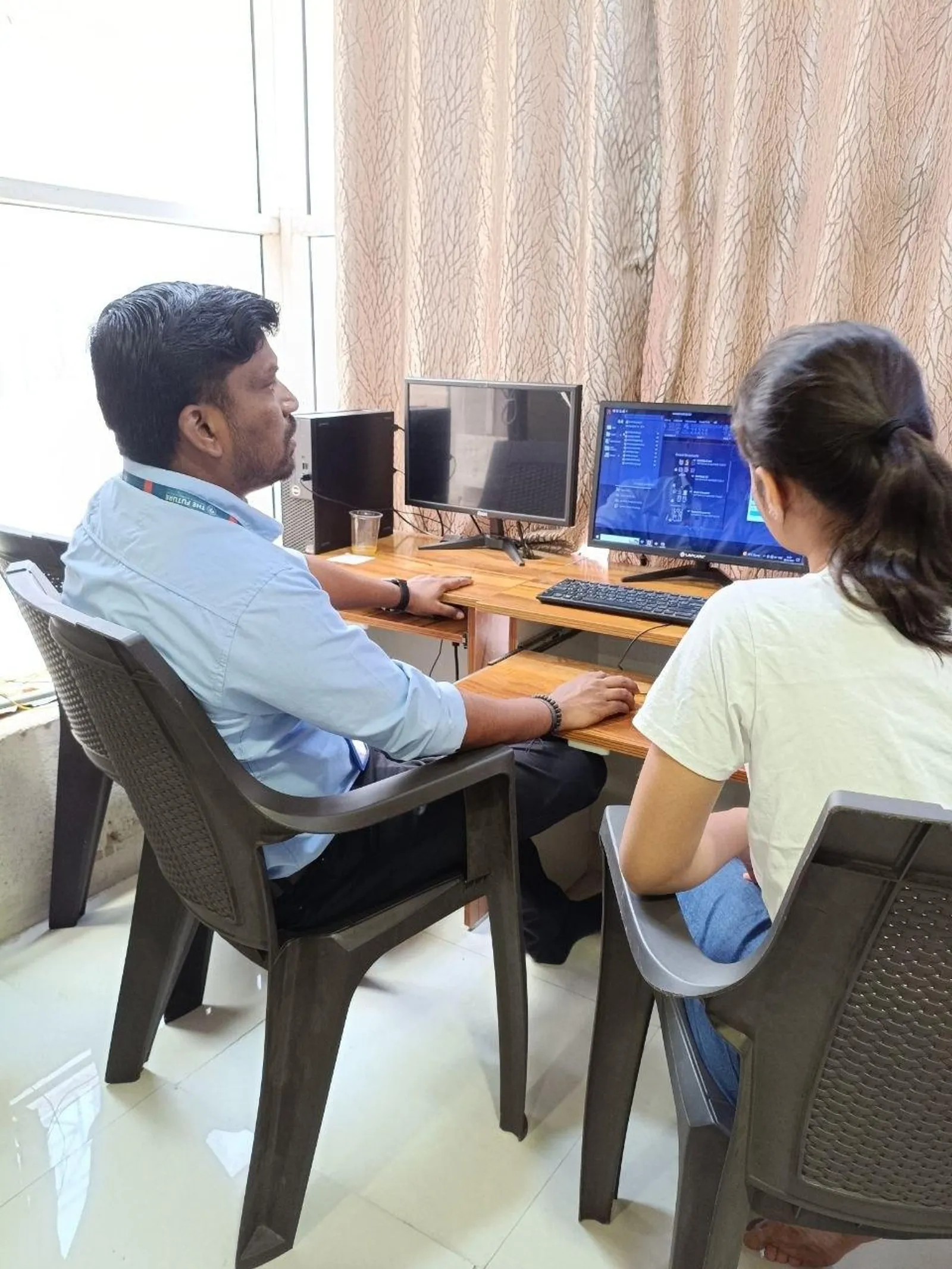
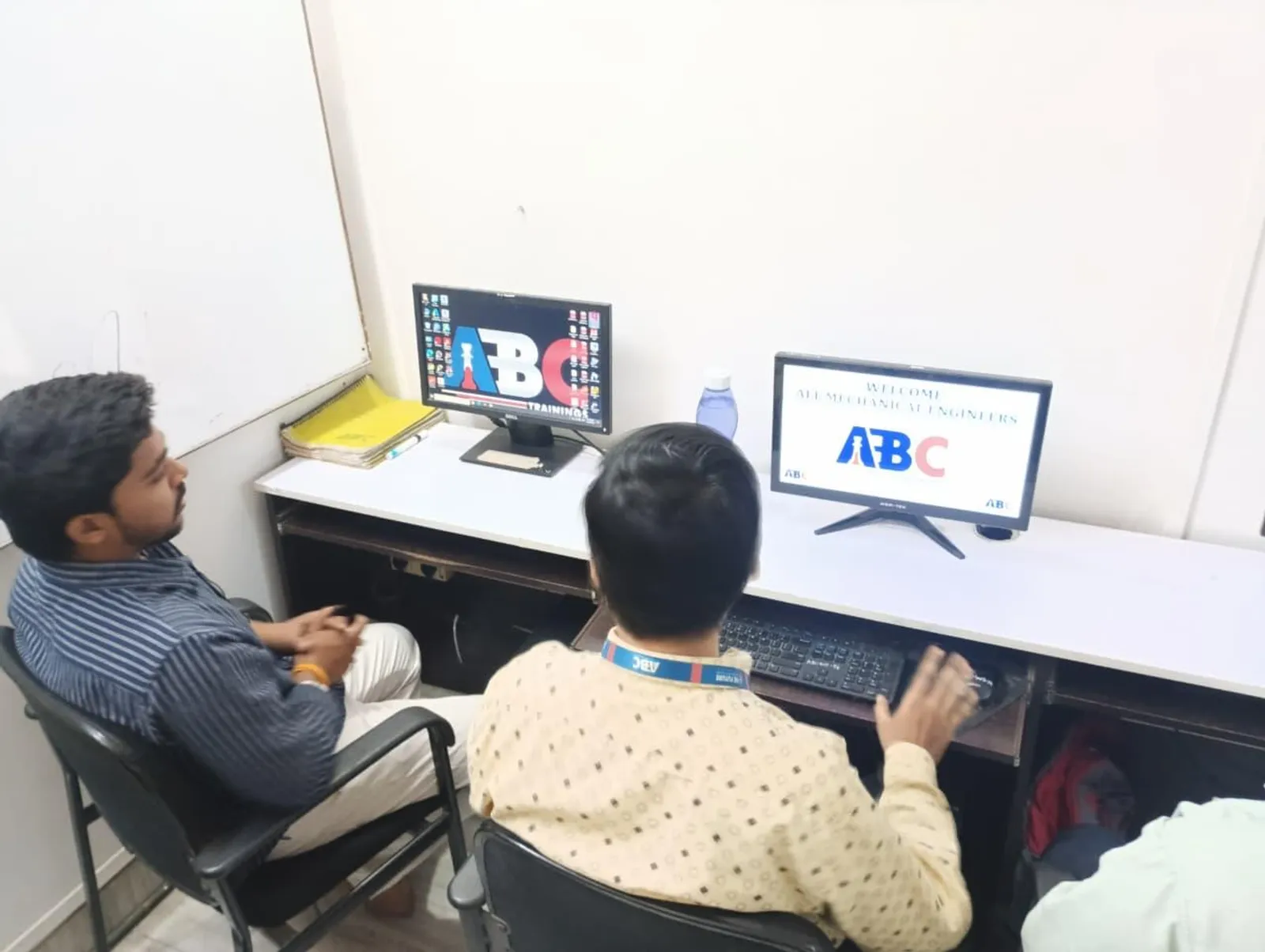
AutoCAD has a complete set of dimensioning commands accessible from the Annotate ribbon or by typing at the command line. DIMLINEAR adds a horizontal or vertical linear dimension between two points. DIMALIGNED adds a dimension aligned to an angled edge. DIMDIAMETER adds a diameter symbol and value to a circle (the ⌀ prefix). DIMRADIUS adds a radius dimension with the R prefix. DIMANGULAR measures the angle between two lines. DIMBASELINE creates a series of dimensions from the same baseline datum point. DIMCONTINUE chains dimensions end-to-end. QLEADER creates a quick leader note with an arrowhead. TOLERANCE opens the GD&T Feature Control Frame dialog where you enter geometric tolerance symbols and values. All of these are used in our hands-on lab sessions at ABC Trainings Pune, where students complete a fully dimensioned mechanical component drawing from scratch.
| Tolerance Type | Format Example | Meaning | When Used |
|---|---|---|---|
| Bilateral | 50 ± 0.05 | 49.95 to 50.05 mm | General machined features |
| Unilateral (+) | ∅25 +0.05/-0.00 | 25.00 to 25.05 mm | Clearance holes |
| Limit Dimensions | 24.98 / 25.02 | Max 25.02, Min 24.98 mm | Mating shaft/hole fits |
| ISO Clearance Fit | H7/h6 | Shaft always smaller than hole | Bearing housings, slides |
| ISO Interference Fit | H7/p6 | Shaft larger than hole (press fit) | Press-fit pins, dowels |
| GD&T Flatness | — 0.05 | All points on surface within 0.05 mm | Precision mating surfaces |
Creating and Customising Dimension Styles in AutoCAD
A Dimension Style in AutoCAD controls how all your dimensions look — arrowhead size, text height, tolerances format, decimal places, and units. Before you start dimensioning any drawing, create a Dimension Style that matches the company standard (ISO or ANSI). In TIA Portal for Siemens, everything defaults to a certain standard — in AutoCAD, nothing defaults to the right standard unless you set it up. Use DIMSTYLE command (or Annotate → Dimension Style Manager) to create a new style. Set text height to 2.5mm for A3 drawings, arrowhead size to 3mm, tolerance format to Limits or Symmetric, decimal places to 2. Symmetrical ± tolerance is the most common format in Indian manufacturing: 50 ± 0.05 means the feature must measure between 49.95mm and 50.05mm. Save your Dimension Style to your template file so every new drawing starts with the correct settings.
Tolerancing Fundamentals – Bilateral, Unilateral, and Fit Systems
A tolerance defines the permissible variation from the nominal dimension. Bilateral tolerance: variation in both directions — ∅25 ± 0.02 means the hole diameter can be 24.98mm to 25.02mm. Unilateral tolerance: variation in only one direction — ∅25 +0.05/-0.00 means the hole can only be larger than nominal, not smaller. Limit dimensions: specify only the maximum and minimum values — ∅24.98/25.02. ISO fit systems (used by most Indian manufacturers) define standard combinations of shaft and hole tolerances for mating parts: H7/h6 is a close clearance fit, H7/k6 is a transition fit, H7/p6 is an interference fit. Bajaj Auto and Mahindra use ISO fit tolerances on all their component drawings — if you don't know H7/h6, the machinist at their Chakan supplier shop cannot read your drawing correctly.
GD&T Basics – Symbols, Feature Control Frames, and Datums
GD&T (Geometric Dimensioning and Tolerancing) is the international system for defining the geometry of parts beyond simple linear dimensions. Where a plus/minus tolerance says "this dimension can vary by this much," a GD&T symbol says "this surface must be flat within 0.05mm" or "this hole's axis must be perpendicular to this datum face within a ∅0.1mm tolerance zone." GD&T uses Feature Control Frames — rectangular boxes divided into sections for the tolerance symbol, the tolerance value, and the datum references. Key symbols: ○ for circularity, □ for squareness, — for flatness, ⊥ for perpendicularity, ∥ for parallelism, ⊙ for concentricity, and the combined symbol for True Position. In AutoCAD, the TOLERANCE command opens a dialog where you select symbols from a graphical matrix and enter values — no need to memorise symbol Unicode codes. The IS 8000 standard (Indian version of ASME Y14.5) is used by Tata Tech, Mahindra Engineering, and Bharat Forge for all GD&T drawings.
CAD Engineer Career Scope in Pune, Sambhajinagar, and Sangli
Mechanical CAD engineers in Maharashtra work across a wide range of industries. In Pune: Bajaj Auto Akurdi (164+ openings), Tata Tech (Hinjewadi), Mahindra Research Valley (Chakan), KPIT Technologies (Pune), and Mercedes-Benz R&D India (Pune) hire AutoCAD and CATIA designers. In Sambhajinagar: Skoda VW (Plot A-1/1, Shendra MIDC) has a component drawing team, Bajaj Auto Waluj (Plot G-137) and Endurance Technologies (Plot E-92, Waluj) hire CAD designers for their tooling and product development divisions. In Sangli: Walchand College alumni average ₹10.55 LPA as first salary — Kupwad MIDC's 250+ SMMMA-member firms include many precision engineering shops that hire CAD designers. In Kolhapur: Bharat Forge Kagal has a dedicated product design division. According to AmbitionBox, a fresher AutoCAD/mechanical CAD engineer earns ₹2.5–4.5 LPA; with 3-5 years and GD&T expertise, ₹6–9 LPA is standard. ABC Trainings has placed 150+ CAD students across these companies.
CMYKPY Scholarship: Maharashtra's CMYKPY scheme offers ₹6,000–₹10,000 for skill training for eligible youth. With AURIC attracting ₹71,343 crore in manufacturing investment near Sambhajinagar, CAD and mechanical design skills are among the most in-demand across the region. Check your eligibility before you enroll. Call 7039169629 or WhatsApp 7774002496.
Get the AI Powered Product Design, Analysis & Simulation Brochure + Fees + Batch Dates on WhatsApp
Free 1:1 counselling. Placement track record. CMYKPY/PMKVY eligibility check.
💬 Get Brochure on WhatsApp📞 Call 7039169629About the author: Komal Chilwar, Civil & BIM Trainer, ABC Trainings.
Visit Our Centers
- Wagholi (Pune): 1st Floor, Laxmi Datta Arcade, Pune-Ahilyanagar Highway. Call 7039169629
- Hadapsar (Pune HQ): 1st Floor, Shree Tower, opp. Vaibhav Theater, Magarpatta. Call 7039169629
- Cidco (Chh. Sambhajinagar): Kalpana Plaza, opp. Eiffel Tower, N-1 Cidco. Call 7039169629
- Osmanpura (Chh. Sambhajinagar): S.S.C Board to Peer Bazar Road, near Jama Masjid. Call 7039169629
- Sangli: Shubham Emphoria, 1st Floor, Above US Polo Assn., Sangli-Miraj Rd, Vishrambag. Weekend batches available. Call 7039169629
FAQs
What are the main AutoCAD dimension commands for mechanical drawings?
The main AutoCAD dimension commands for mechanical drawings are: DIMLINEAR (horizontal or vertical linear dimension), DIMALIGNED (dimension aligned to an angled surface), DIMDIAMETER (diameter with ⌀ symbol), DIMRADIUS (radius with R prefix), DIMANGULAR (angle between two lines), DIMBASELINE (dimensions from a common datum), DIMCONTINUE (chained dimensions), and TOLERANCE (GD&T feature control frame dialog). Access them from the Annotate ribbon or type the command name directly. Always set up a Dimension Style matching your company standard (ISO or ANSI) before starting any drawing.
What is GD&T and why is it important for mechanical engineers?
GD&T (Geometric Dimensioning and Tolerancing) is an international engineering drawing standard (ASME Y14.5 / ISO 1101) that uses symbolic language to define the geometry of parts beyond simple plus/minus linear tolerances. GD&T symbols specify form controls (flatness, straightness, circularity), orientation controls (perpendicularity, parallelism, angularity), and position controls (true position, concentricity). It is important because it communicates manufacturing intent more precisely than plus/minus tolerances — reducing ambiguity, enabling functional gauging, and ensuring interchangeable assembly at companies like Bajaj Auto, Tata Tech, and Mahindra.
What is the difference between ISO H7/h6 clearance fit and H7/p6 interference fit?
ISO fit H7/h6 is a clearance fit — the shaft (h6 tolerance) is always smaller than the hole (H7 tolerance), so there is always a clearance gap between them. This is used for slide fits and bearing housing outer rings where the shaft needs to slide or rotate freely in the hole. H7/p6 is an interference fit — the shaft (p6 tolerance) is larger than the hole (H7 tolerance), so the shaft must be pressed or heated/cooled to force it into the hole. This creates a friction joint used for press-fit pins, dowel pins, and gear hubs. The choice of fit depends on the function: clearance for moving parts, interference for fixed joints, transition (H7/k6) for intermediate requirements.
What is the salary of a CAD engineer in Pune or Sambhajinagar?
According to AmbitionBox, a fresher AutoCAD mechanical CAD engineer in Pune earns ₹2.5–4.5 LPA CTC. With 2-3 years of experience in GD&T, advanced 3D modelling (SolidWorks, CATIA), and production drawing standards, salary rises to ₹5–9 LPA at companies like Bajaj Auto, Tata Tech, KPIT, and Mahindra. Senior design engineers with 5+ years earn ₹10–18 LPA. In Sambhajinagar, the AURIC industrial belt (Skoda VW, Bajaj, Endurance) offers CAD design roles for local graduates. In Sangli, Walchand College alumni average ₹10.55 LPA as first salary — strong local manufacturing demand.